Affiliate links on Android Authority may earn us a commission. Learn more.
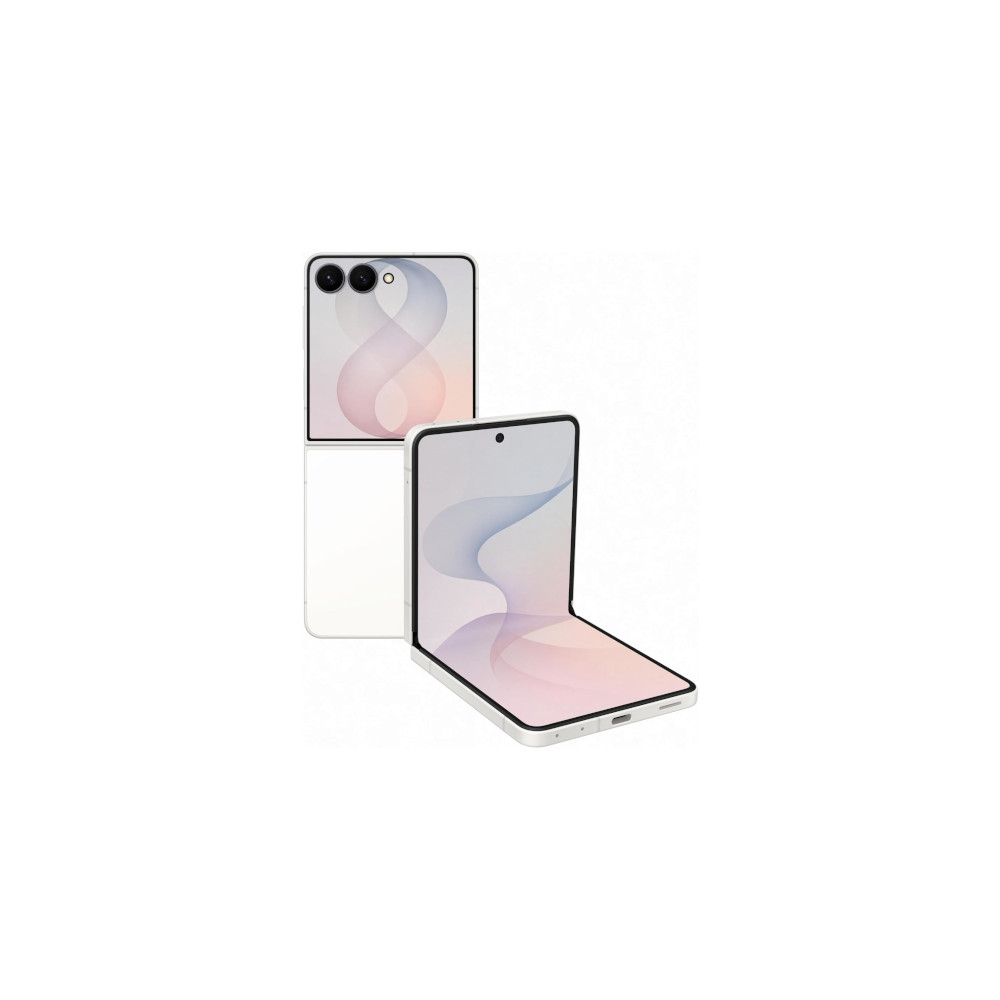
The Galaxy Z Flip 8 no longer needs Good Lock for this cover screen feature
Jul 29, 2026 — 5:52 AM ET


- The Samsung Galaxy Z Flip 8 now offers a button to change the aspect ratio of apps running on the cover screen.
- This feature previously required the MultiStar app, but it’s now built into One UI 9 on the new Flip phone.
- The button also supports Labs apps this time, allowing you to adjust the aspect ratio of Google Maps, YouTube, and more.
Samsung lets you run almost any app on the Galaxy Z Flip line’s cover screen via the MultiStar app, but many of them aren’t optimized for this display in the first place. One workaround on the Galaxy Z Flip 7 is to enable MultiStar’s aspect ratio button, but there’s good news if you were hoping for a built-in solution.
We can confirm that the Galaxy Z Flip 8‘s cover screen now offers an aspect ratio button in One UI 9 itself (thanks, Dylan H!). This button is found at the bottom of the screen and lets you switch between a full-screen mode, portrait orientation (left/right/center), and a square aspect ratio. Check out the screens below and the video at the top of the page.
This is a welcome change from the Galaxy Z Flip 7. Samsung’s previous Flip phone required you to enable the button via the MultiStar app. So this should be a more convenient and seamless option on the Galaxy Z Flip 8.
Furthermore, the Flip 7’s aspect ratio button only supported apps opened via the MultiStar launcher widget and therefore didn’t support Labs apps at all. By contrast, the Flip 8’s button supports official cover screen apps (including Labs apps) and unsupported apps that need to be enabled via MultiStar first. Either way, this should make life a little easier if your favorite apps don’t play nicely with the default aspect ratio.
This isn’t the only notable One UI 9 feature recently spotted on Samsung’s new foldables. Other notable additions include per-screen auto-rotate lock and per-app zoom controls. Now, about letting Flip phone owners run any app on the cover screen without using MultiStar.
Thank you for being part of our community. Read our Comment Policy before posting.