Affiliate links on Android Authority may earn us a commission. Learn more.
One UI 9 on Samsung's new foldables brings anti-distraction feature, and much more
Jul 29, 2026 — 7:41 AM ET



- The stable version of One UI 9 has an anti-distraction tool that lets you block network access for games and browsers.
- The software also includes granular audio hardening controls and a new Gesture wake-up feature for Bixby activation.
- Samsung’s Galaxy Z Fold 8, Z Fold 8 Ultra, and Z Flip 8 are the first to receive One UI 9, while older flagships will get the update at an unspecified date.
While One UI 9 is just around the corner for existing flagships, Samsung’s Z8 foldables offer the stable version of the software out of the box. Beta releases have given us early glimpses at some potential additions, like the ability to restrict network access to certain apps. We can now confirm that this particular feature has made the cut to the stable release, along with a few others we’ve previously reported on.
We last discussed this network-access feature in a follow-up report in late May. Now, thanks to the company’s latest range of foldables, we’re seeing how the options are implemented in stable One UI 9. There are two new toggles — Restrict browsers and Restrict games — in the previously discovered Advanced settings page within Network restrictions (Thanks, Dylan H).
Separately, we’re also seeing the toggle to disable Background Audio Hardening, which was introduced with Android 17. Users should find this option by navigating to Settings > Developer options > More settings. While we previously noticed a simple on/off toggle, stable One UI 9 offers granular controls over the audio hardening level with the following options:
- High (Hardening all apps)
- Mid (Default)
- Low (Skip hardening)
Lastly, we’re seeing a toggle for gesture-based activation of the Bixby voice assistant, as revealed in a leak early last month. Known as Gesture wake-up, this option will live in the Bixby settings page. Enabling it will let you activate the voice assistant without needing to say the magic words “Hi Bixby” or use a shortcut.

While there’s no doubt a feature like this could be useful for people who frequently tap into Bixby, we’re also curious to see how this holds up in real-world situations. Samsung says you need to hold the phone within two inches of your mouth, so the chances of accidentally activating Bixby may be slim. As you would imagine, Gesture wake-up won’t be available if Bixby is already processing a request or when there’s media playing on the device.
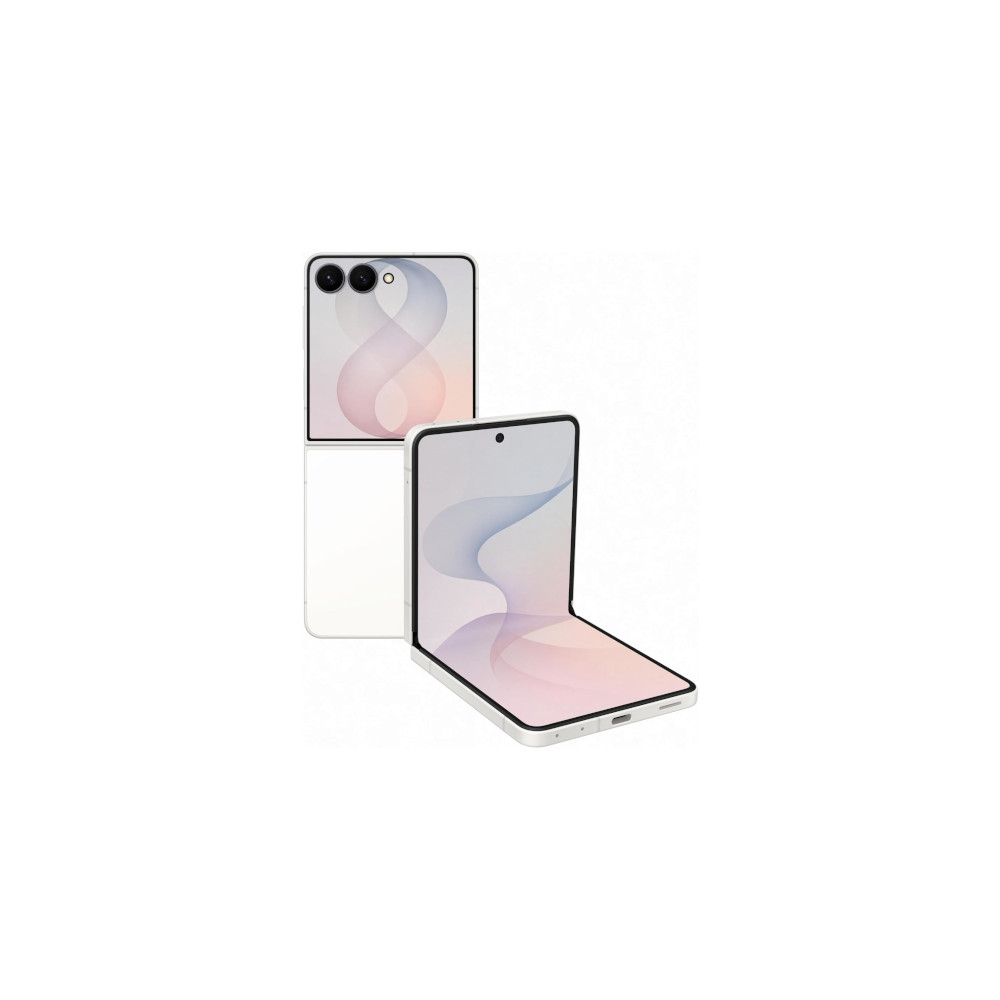
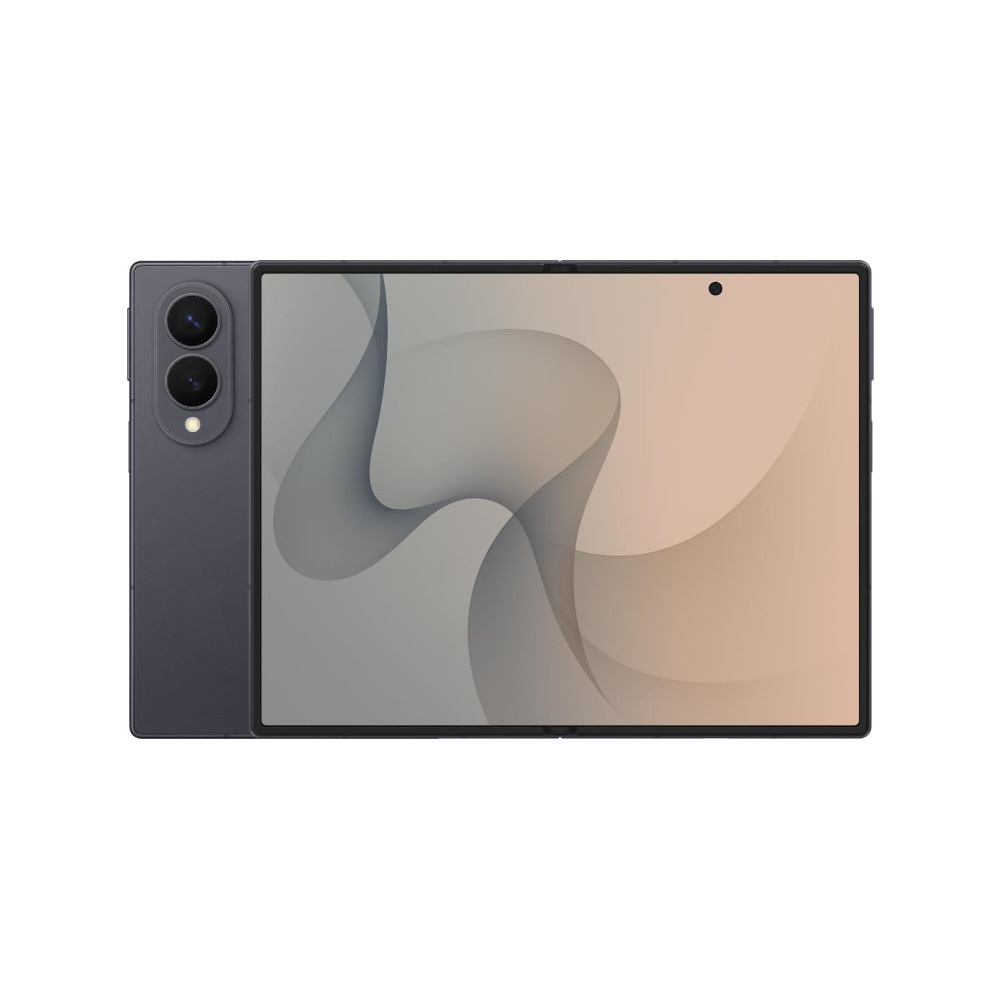
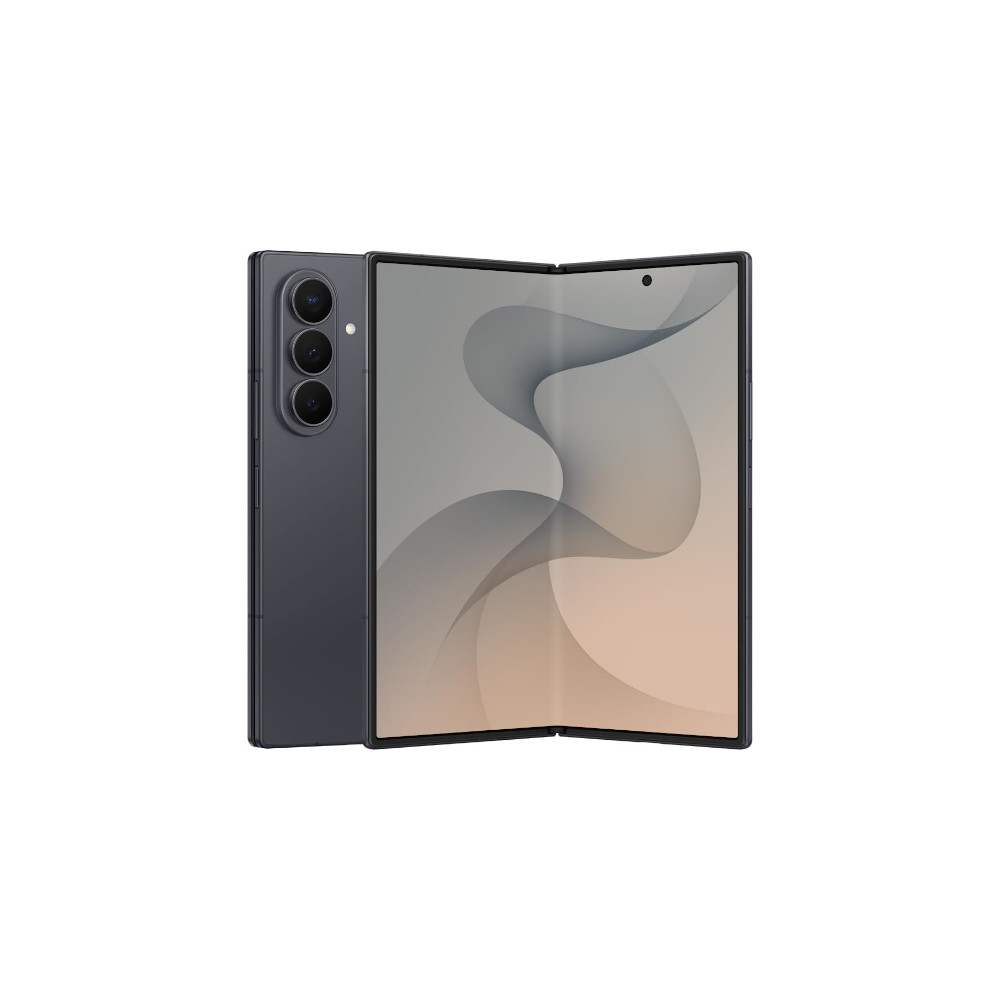
The Galaxy Z Fold 8, Z Fold 8 Ultra, and the Z Flip 8 are currently up for pre-order with shipments commencing next week. While these phones will be the first to offer stable One UI 9, other Samsung flagships like the Galaxy S26 series and last year’s foldables may not be too far behind.
Flagship processor
More Apps for Cover Screen
More Affordable
Fast Charging
Flagship specs
Multitasking
Big battery
Thin design
Thank you for being part of our community. Read our Comment Policy before posting.