
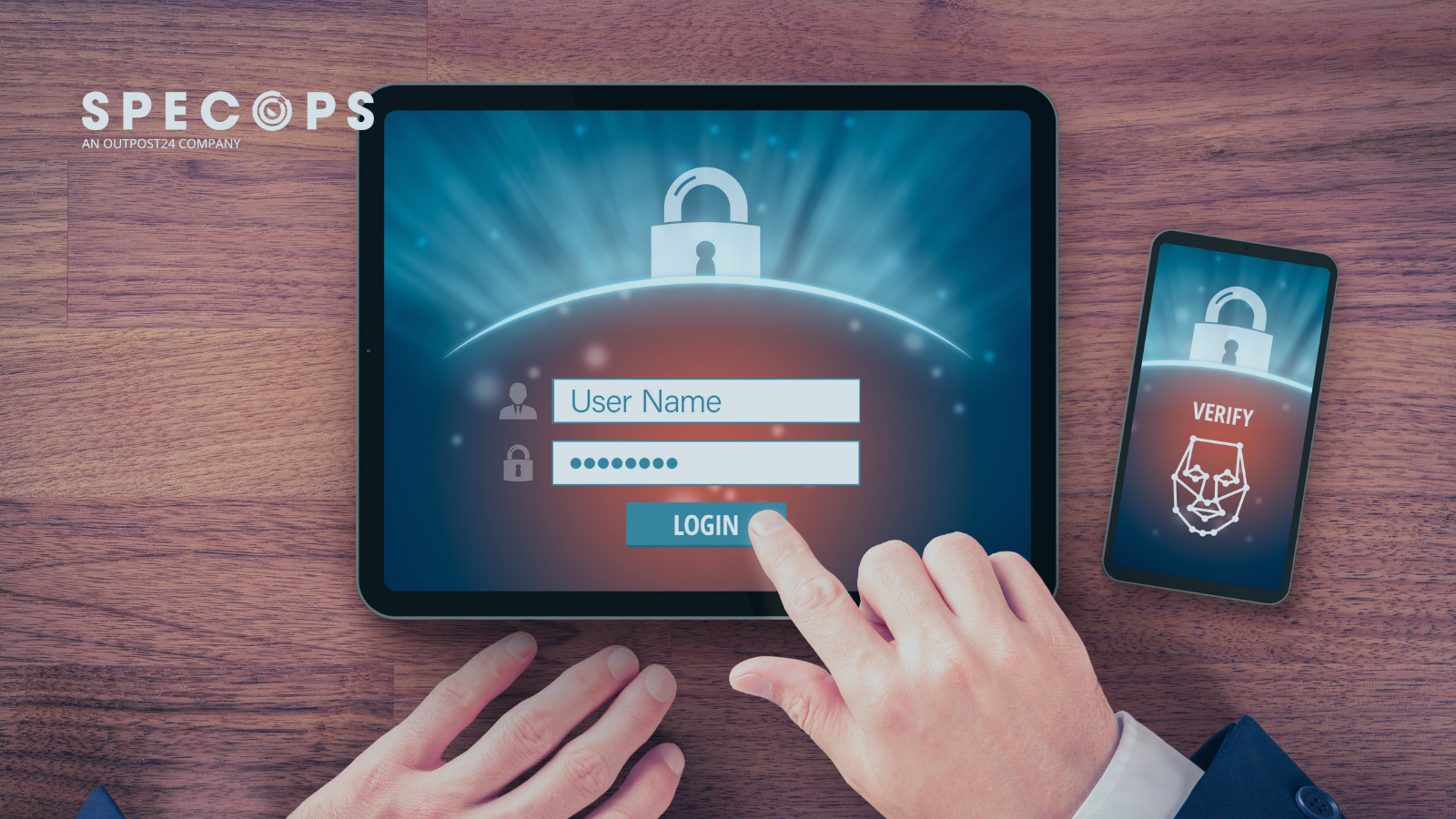
On August 4, 2026, an Akira ransomware affiliate began spraying passwords against a SonicWall SSL VPN. Around seven minutes later, one attempt succeeded. The credentials were valid, and the VPN account had no multi-factor authentication (MFA) protecting it. Roughly two hours later, the attacker used RDP to access the domain controller and began enumerating Active Directory.
The ransomware deployment ultimately failed, but by then the attacker had already stolen credentials and file-share data.
It highlights an issue that is still common in 2026, where an organization might require MFA for Microsoft 365 and other SaaS applications while leaving certain access paths protected only by passwords. It’s this gap that attackers are regularly exploiting.
Stolen Credentials Remain a Valuable Tool for Attackers
Once an attacker has a valid account, they can begin interacting with the environment through the same authentication mechanisms used by legitimate employees and administrators. AI is adding another dimension to this problem by helping attackers operate at greater speed and scale.
The underlying identity tactics are largely unchanged: attackers still compromise identities, reuse credentials, escalate privileges and misuse legitimate access. The threat is that AI makes familiar techniques cheaper and easier to run at scale.
Mandiant’s ransomware investigations illustrate why that matters once credentials are obtained. Compromised legitimate credentials accounted for initial access in 21% of the 2025 incidents where the entry point could be established, typically through RDP or VPN.
RDP also appeared frequently later in the attack chain, with attackers using compromised or newly created accounts over RDP for lateral movement in around 85% of the ransomware incidents it investigated.
Identifying Stolen Credentials in Your Organization
Strong authentication helps limit what an attacker can do with a stolen password, but it is still worth finding exposed or risky credentials before they are used. Password reuse, weak choices and credentials that have appeared in previous breaches all increase the chance that an attacker will find a password that still works somewhere in the environment.
That makes regular password auditing a useful part of Active Directory security. Specops Password Auditor is a free, read-only password auditing tool that scans Active Directory for password-related vulnerabilities and presents the findings in an interactive report covering user and password policy information.
This gives IT teams another opportunity to reduce credential risk at source: identify password weaknesses, address them where possible, and make sure that a compromised password is not enough on its own to gain access.
Secure your Active Directory passwords with Specops Password Policy
Verizon’s Data Breach Investigation Report found stolen credentials are involved in 44.7% of breaches.
Effortlessly secure Active Directory with compliant password policies, blocking 4+ billion compromised passwords, boosting security, and slashing support hassles!
Why Cloud MFA Doesn’t Necessarily Protect the Entire Windows Estate
Microsoft 365, identity providers and SaaS applications are obvious places to add additional authentication factors because they are internet-facing and frequently targeted. The problem is that cloud MFA does not automatically extend to every system that relies on the same user identity.
A user may need MFA to access a SaaS application through the corporate identity provider, but the same account could still be accepted elsewhere with just a password.
That creates a fragmented authentication environment where some routes are better protected than others, which leaves a gap for attackers to exploit.
VPNs are another potential gap. As the August Akira ransomware attack demonstrated, a threat actor that obtains or brute forces a valid username and password may be able to turn those credentials directly into remote network access if MFA isn’t enforced.
For IT and security teams, the useful question is therefore not simply whether MFA is deployed, but where a password is still enough on its own. Windows logon, RDP, VPN access and older AD-backed services are all worth including in that review.
Closing the Authentication Gaps
Closing these gaps means applying stronger authentication to the places where credentials are still being trusted, rather than treating MFA as something that only sits in front of cloud applications.
That is where solutions like Specops Secure Access fit by extending MFA to Windows logon, RDP and VPN authentication. This adds strong protection to some of the access paths attackers regularly target with stolen Active Directory credentials.
It also supports SSO for SaaS applications through OIDC and SAML, helping organizations apply a more consistent authentication approach across on-premises and cloud services.
Authentication is also a useful source of security telemetry. Specops Secure Access integrates with SIEM, SOC and analytics platforms, allowing authentication events and suspicious activity to feed into the wider monitoring process.
Protecting the user is only part of the picture, though. A second question is whether the device making the request should be trusted.
Mitigate the Risk of Stolen Passwords
In 2026, stolen passwords are still powerful tools for attackers if they are accepted by VPNs, RDP sessions or Windows systems without additional checks. That is why MFA coverage matters as much as adopting MFA in the first place. Protecting cloud applications is important, but it does not remove the risk created by authentication paths elsewhere in the environment that still rely on a password alone.
No single control will stop every intrusion, and MFA is no exception. But organizations can make credential theft much less useful by asking a simple question: where can a password still be used on its own?
Adding another protective layer to those areas with Specops Secure Access ensures that one stolen credential does not become the easiest route into the rest of the network.
If you’re looking to close gaps in your identity security strategy, book a demo with Specops today.
Sponsored and written by Specops Software.







Comments have been disabled for this article.