


For the better part of a decade, "disable Secure Boot" has been a skeleton key of PC troubleshooting. You'll find the advice in Linux installation threads, guides for stubborn bootable utilities, and fixes for hardware that refuses to cooperate. Sometimes turning it off really is necessary, which probably explains why the instruction has survived for so long.
If you're reaching for that toggle today, though, it's worth knowing what Windows is doing behind the scenes first. Microsoft is replacing the Secure Boot certificates that Windows PCs have relied on since Windows 8. Some have already expired, another expires in October, and the migration is still working its way across an enormous range of PCs, firmware implementations, and hardware configurations.
The 15-year certificate clock is running out
Your PC has been trusting some of the same credentials since Windows 8

Secure Boot works before Windows has properly started. Your UEFI firmware maintains databases containing certificates and signatures it trusts, as well as another database containing specifically revoked signatures. During startup, those records help the firmware decide whether software involved in the boot process should be allowed to run before control passes to Windows.
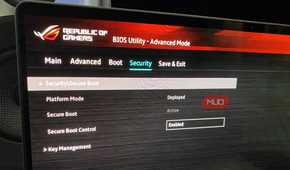
There are several layers to that system. A Platform Key sits at the top of the platform's Secure Boot configuration, while Key Enrollment Keys can authorize changes to the databases of trusted and revoked signatures. Microsoft certificates stored within that structure allow PCs to recognize signed Windows boot components and approved third-party UEFI software. Most of this normally stays well out of sight, which is why Secure Boot can feel like little more than an on-or-off option in your firmware settings.
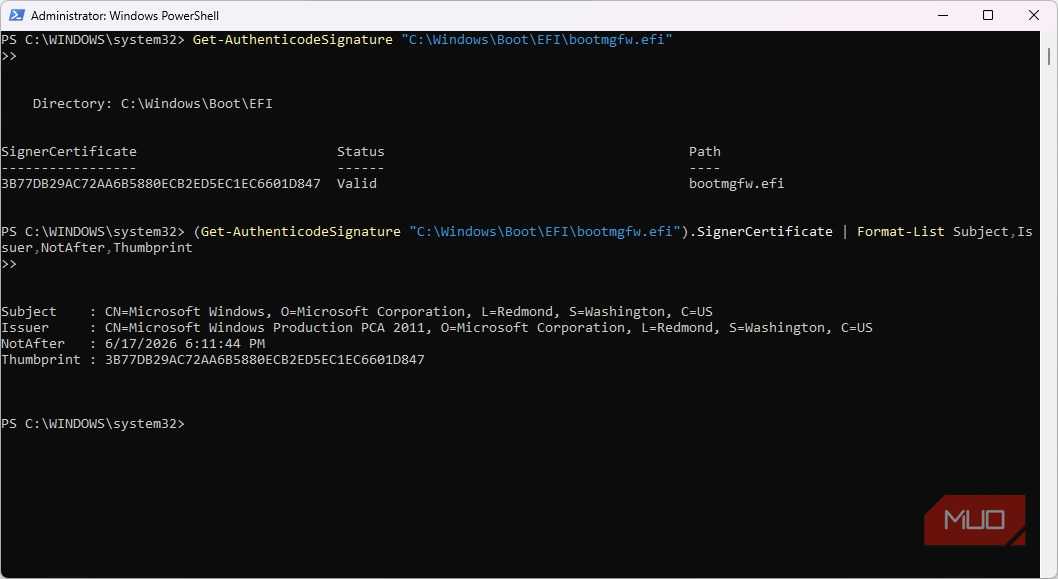
Some of those Microsoft certificates have been sitting in the Secure Boot ecosystem since 2011, and their expiration dates have now arrived. The Microsoft Corporation KEK CA 2011 expired on June 24, 2026, followed by the Microsoft UEFI CA 2011 on June 27. The first was involved in authorizing updates to Secure Boot's trusted and revoked databases. At the same time, the second was widely used for third-party UEFI applications and bootloaders, including Linux shims. On October 19, 2026, the Microsoft Windows Production PCA 2011, which has been used to sign the Windows boot loader, also reaches its expiration date.
Microsoft has prepared a new family of certificates issued in 2023 to take their place. Expiration doesn't suddenly invalidate the boot components your firmware already trusts, so a PC that still has the 2011 certificates won't stop booting on the certificate's expiration date. Regular Windows updates also continue. The problem comes afterward because that machine can no longer receive newer Secure Boot database updates, boot manager protections, revocations, and other early-boot fixes as Microsoft releases them.
The migration is already happening on actual PCs
Windows will even tell you how yours is going


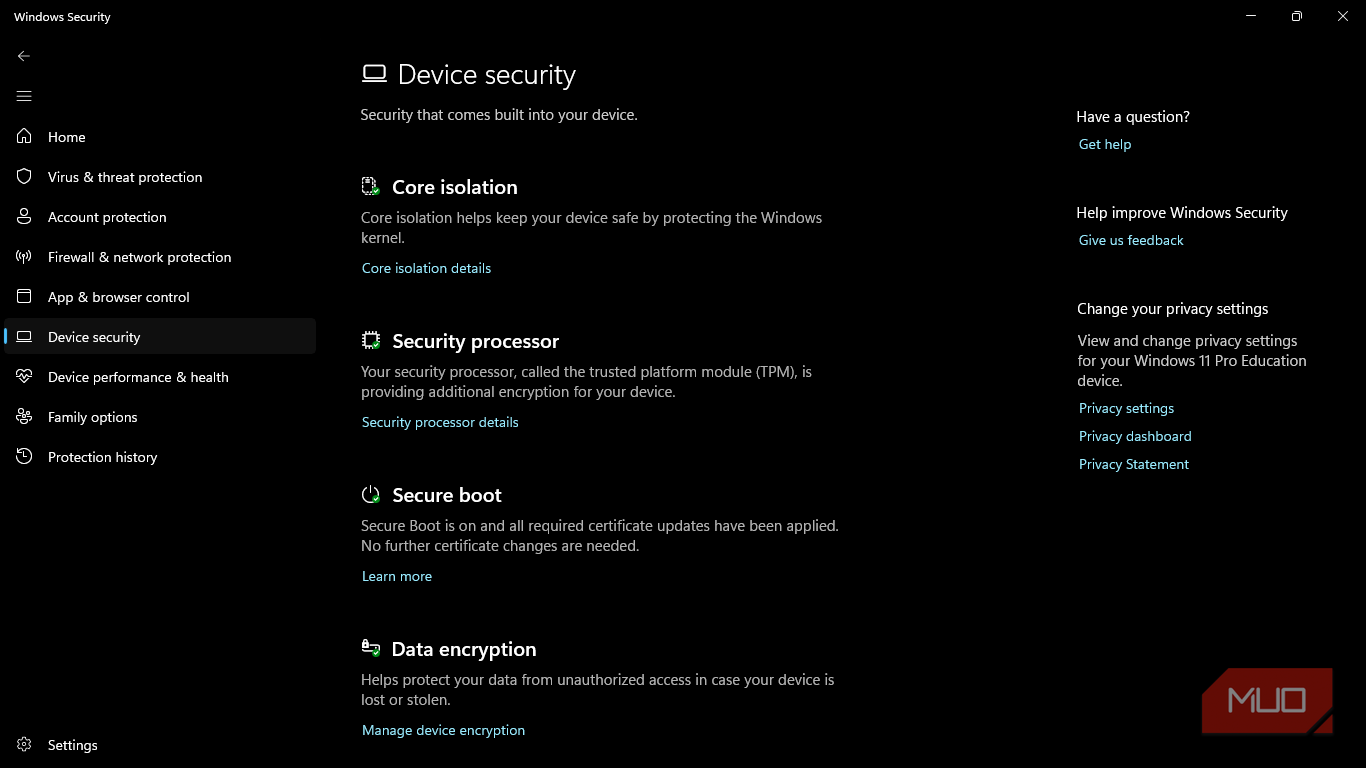
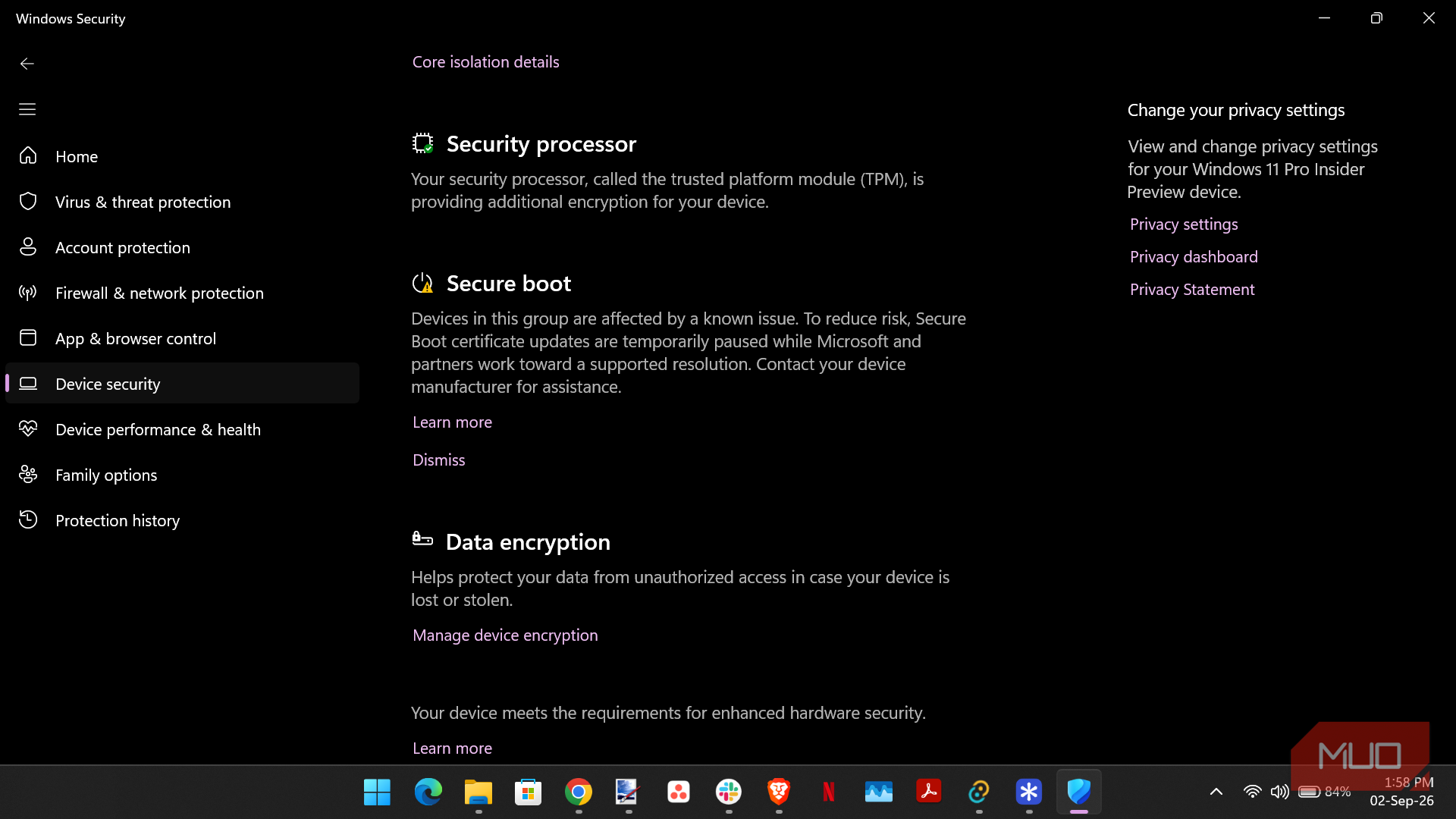
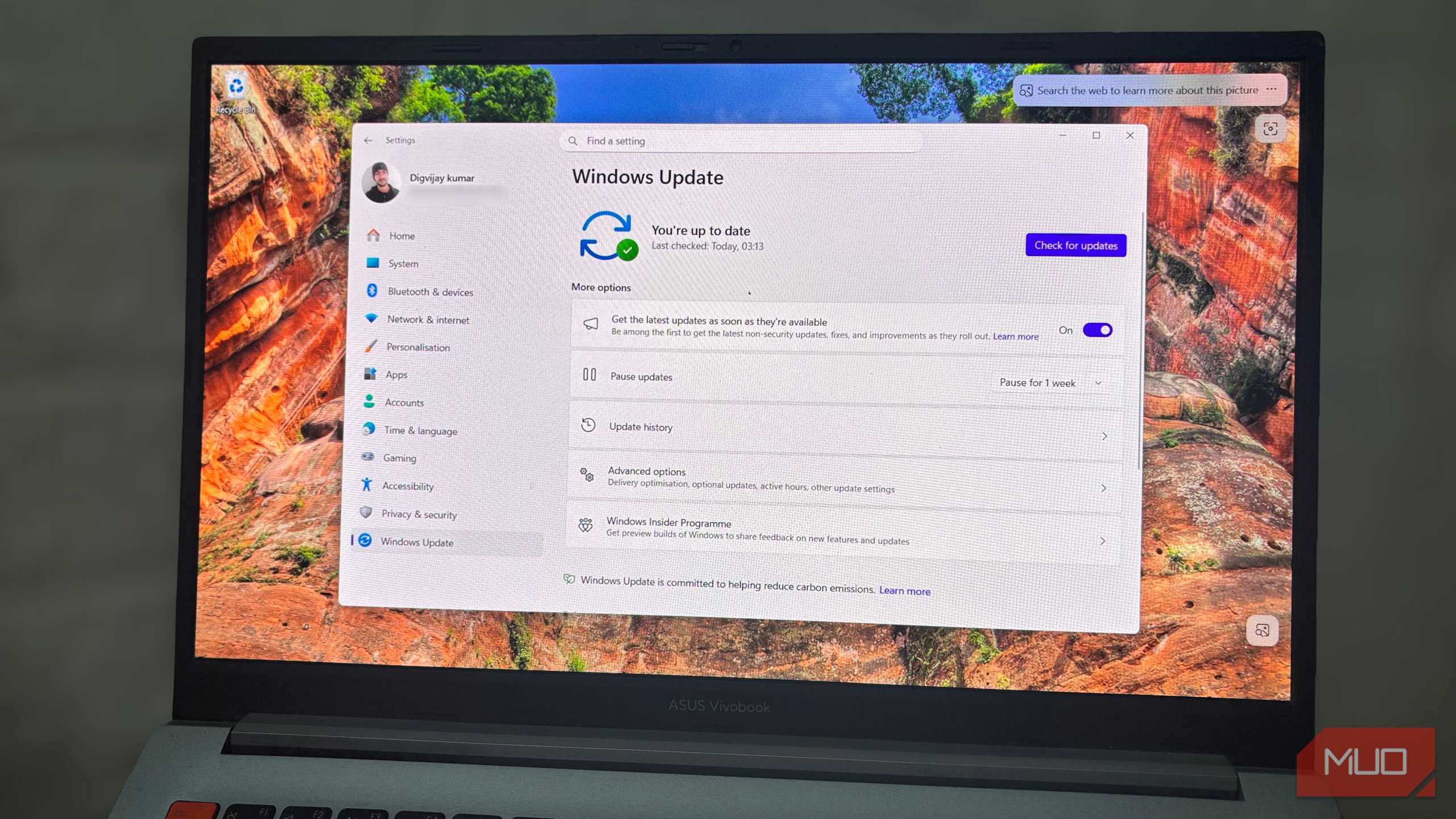
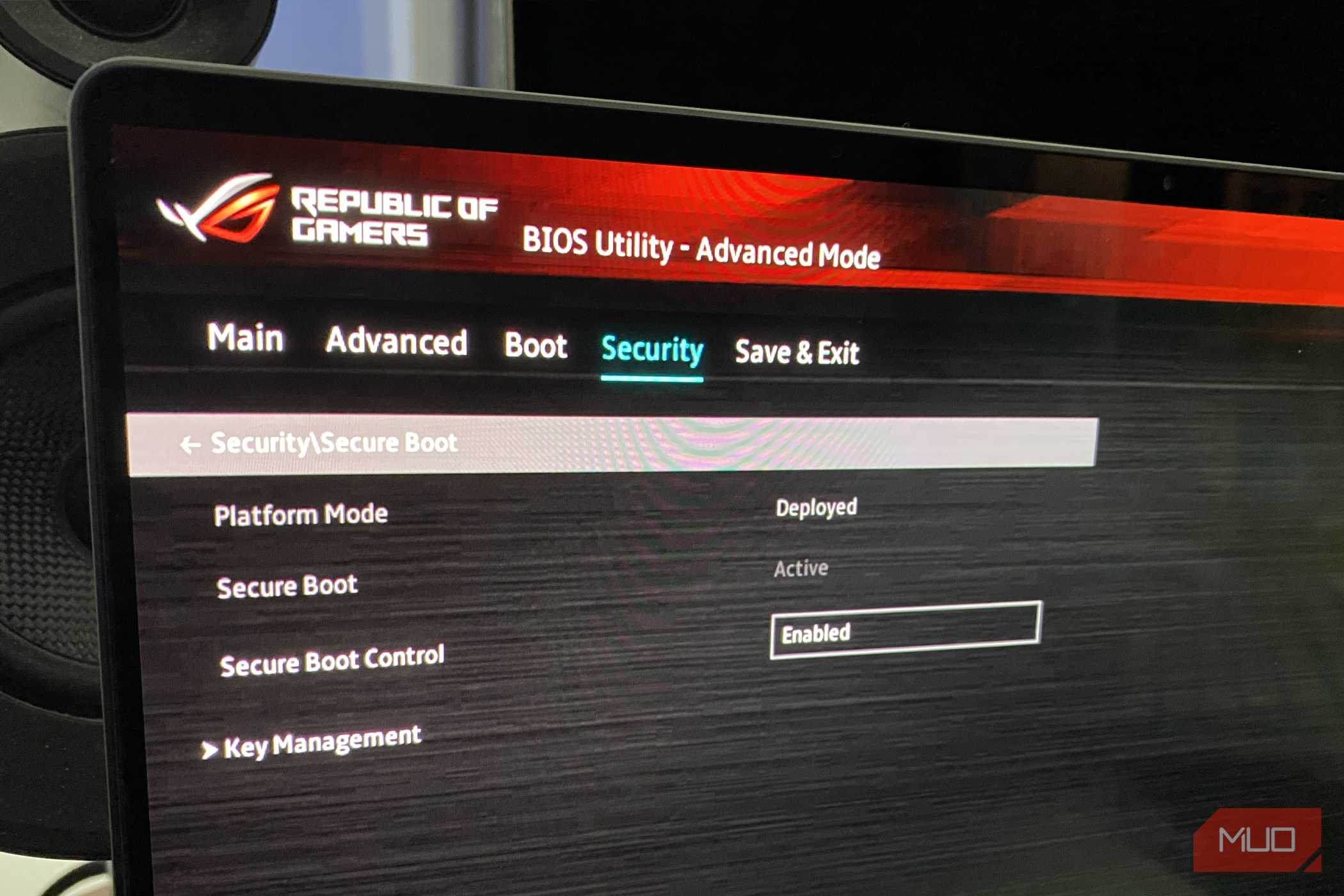
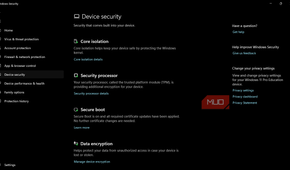
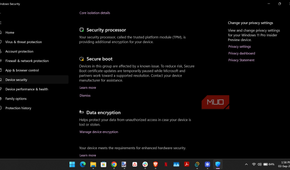


Microsoft has been delivering newer Secure Boot certificates through Windows Update, and this year it also began displaying the transition status in Windows Security > Device security. That gives you a rare look at a security change that would normally happen entirely behind the scenes.
I can see two different stages of the process on two Windows 11 PCs. My regular Windows 11 machine reports that Secure Boot is on and all required certificate updates have been applied, meaning Windows considers the required transition complete for that system. An Insider Preview machine I use shows a different message: its Secure Boot certificate updates have been temporarily paused because its device group is affected by a known issue while Microsoft and hardware partners work toward a supported solution.
Those two machines show why the rollout can't be identical everywhere. Microsoft says most devices can receive the certificates automatically through Windows Update, while some need manufacturer firmware updates before they're ready. Deployment can also be paused for configurations with known compatibility issues. For most supported Windows PCs, the recommended approach is simply to keep Windows updated and Secure Boot enabled while the certificate migration continues.
The certificate rollover also intersects with another Secure Boot project Microsoft has been working through. The BlackLotus UEFI bootkit, associated with CVE-2023-24932, demonstrated how attackers could abuse vulnerable Windows boot managers that still carried valid Microsoft signatures. Microsoft's response has involved newer boot components and a staged process for revoking vulnerable older ones. Those revocations have to be handled carefully because an old recovery drive or boot image can stop working once the firmware is told to reject the component it relies on.
BlackLotus requires administrative privileges or physical access, so this isn't a vulnerability that lets someone casually compromise your PC over the internet. It does show why Secure Boot's trust list can't remain frozen indefinitely. Software that was legitimately signed years ago may later turn out to contain vulnerabilities serious enough that Microsoft needs to stop trusting it.
That firmware toggle can affect more than startup
BitLocker may notice what you changed

Simply disabling Secure Boot typically doesn't remove the newer certificates or reverse Microsoft's 2026 migration. That's different from clearing or resetting the firmware's Secure Boot keys, which can alter the trust databases themselves. Turning Secure Boot off prevents the firmware from enforcing those signature checks. Other Windows security mechanisms can still react to that change.
BitLocker is the most practical reason to be careful. On systems where BitLocker uses TPM measurements associated with Secure Boot, changing that configuration can alter what the TPM sees during startup. Microsoft specifically documents Secure Boot being disabled or unexpectedly changed as situations that can lead BitLocker to request its recovery key. That won't happen on every PC, but I'd rather know where Windows stores my 48-digit BitLocker recovery key before discovering whether mine is one of them.
There are legitimate cases where Secure Boot needs to be turned off, even though doing so comes with security trade-offs. You may be troubleshooting another operating system, using an EFI utility that isn't properly signed, or dealing with older hardware that won't cooperate with your current Secure Boot configuration. The problem is the habit of treating the setting as an expendable obstacle whenever something refuses to boot.
Before changing it, check Windows Security > Device security and see what Windows says about your Secure Boot certificate status. Make sure Windows and your firmware are up to date, confirm that you can access your BitLocker recovery key if encryption is enabled, and understand why the software you're trying to use actually requires Secure Boot to be disabled. If the workaround only needs the setting off temporarily, there is little reason to leave it that way once you're finished.
Old troubleshooting advice doesn't age gracefully
Secure Boot is still a setting you can turn off when you genuinely need to. I wouldn't treat it as a harmless default fix anymore, especially while Windows is in the middle of changing the trust system behind it.
If a current tool or operating system genuinely requires Secure Boot to be disabled, you have a reason. If you're doing it because a six-year-old forum post says "turn this off first," I'd spend another five minutes looking for a newer answer.