


The conversation around Wi-Fi and Ethernet in the home usually boils down to a single piece of advice: when you can use an Ethernet cable, you should. Most people don't have fast enough internet to encounter the true bottlenecks of wireless networking. However, Wi-Fi networks struggle with range, interference, and bandwidth, and Ethernet cables generally avoid these limitations. Smart home gadgets can be particularly grueling for a wireless network. A fully loaded smart home could include a number of connected devices in the triple digits, and they could be strangling your Wi-Fi bandwidth.
The solution is to take as many bandwidth-hungry gadgets off Wi-Fi as possible. This doesn't mean every smart home accessory in your house needs its own Ethernet cable, though. Ethernet is unnecessary or impractical for certain gadgets — so much so that it can be difficult to track down that kind of gadget with an RJ45 jack at all. These are the smart home accessories you can safely keep on Wi-Fi, because trying to put them on Ethernet would be impossible, or simply a waste of time.
Smart lock
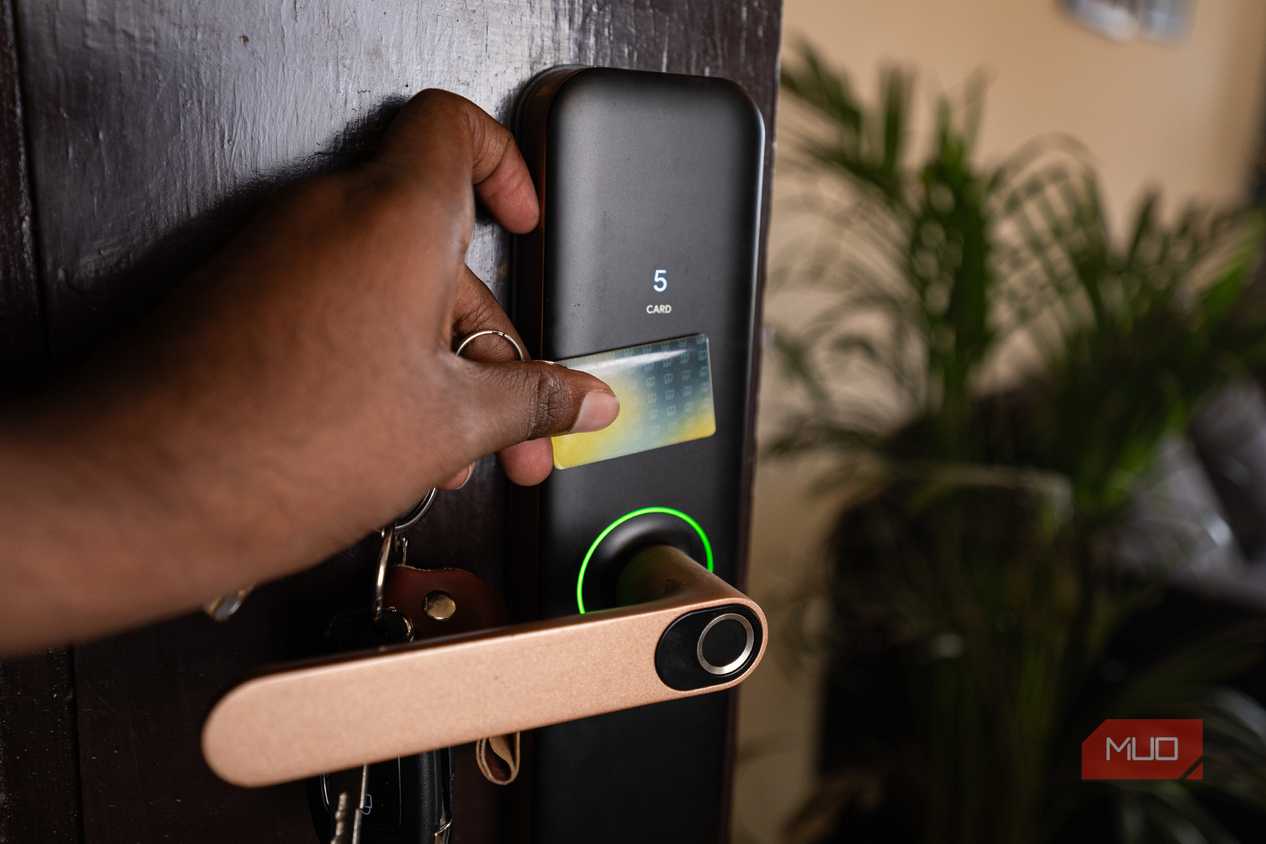
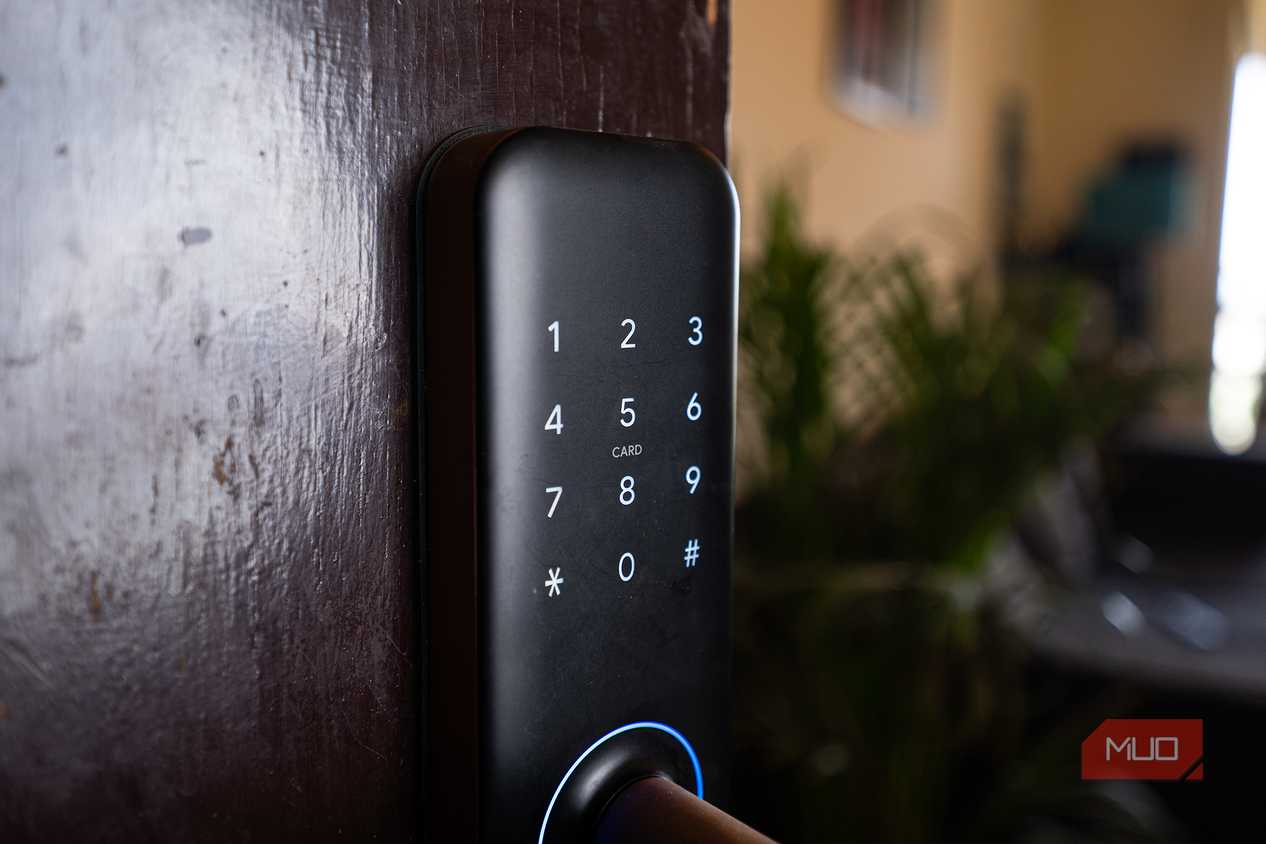
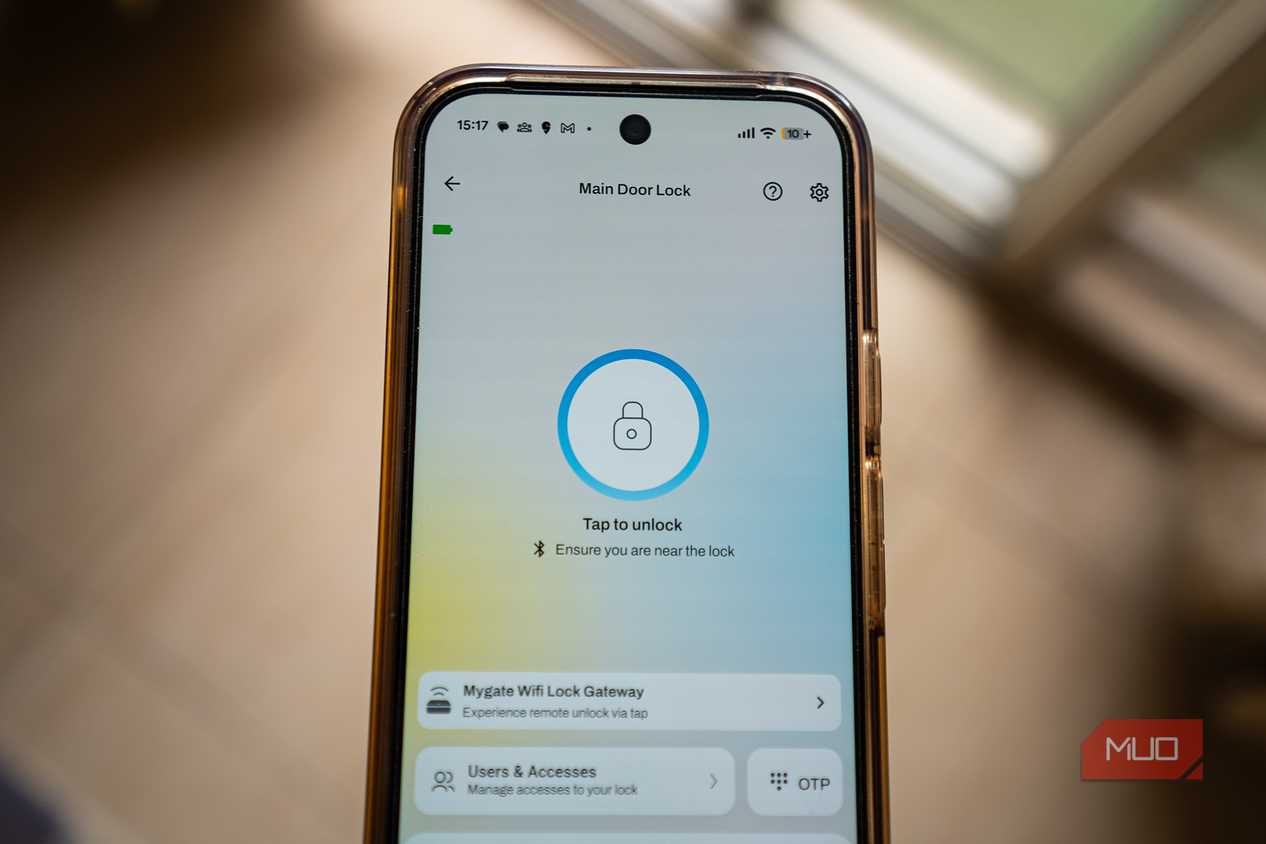
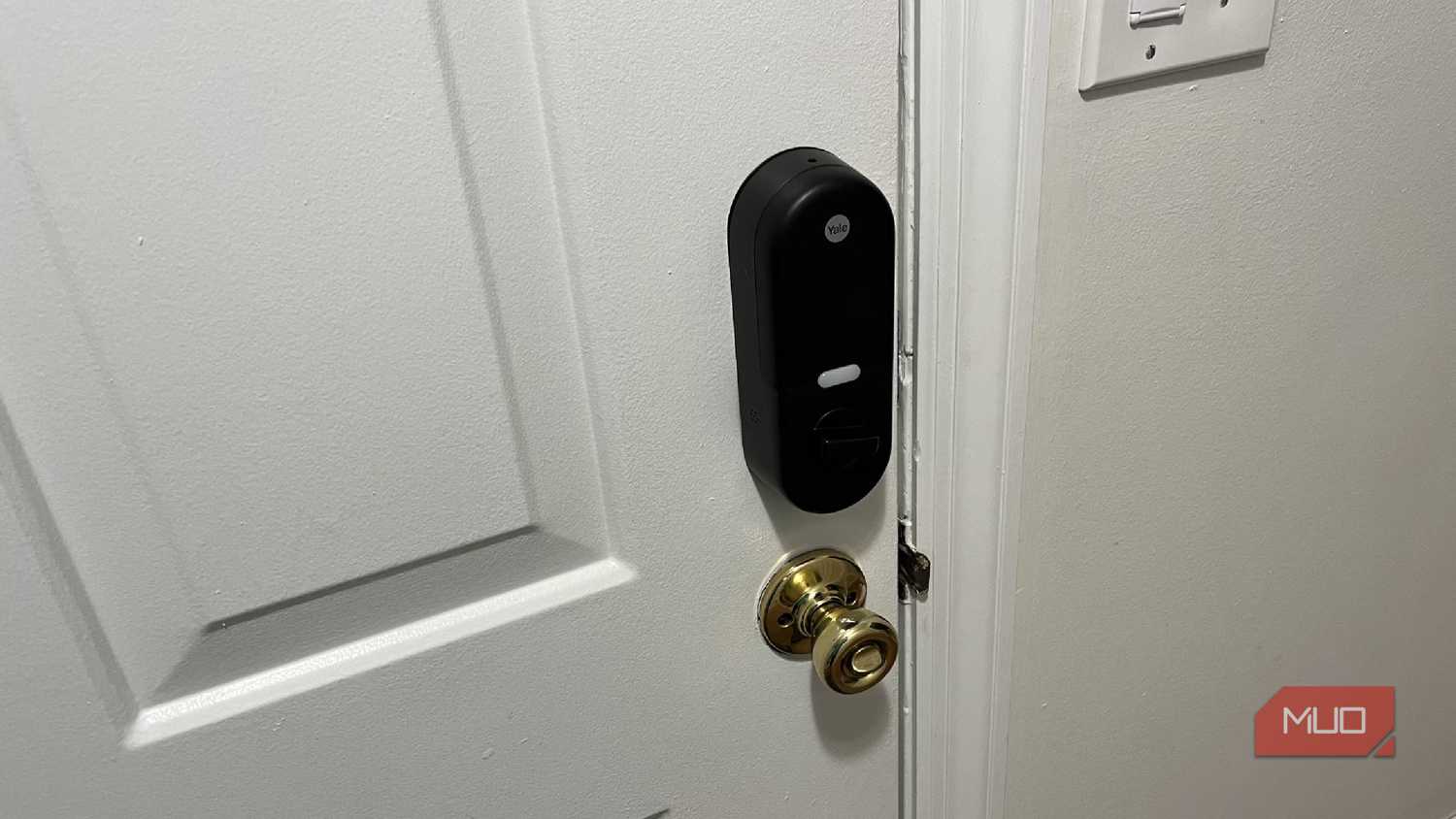
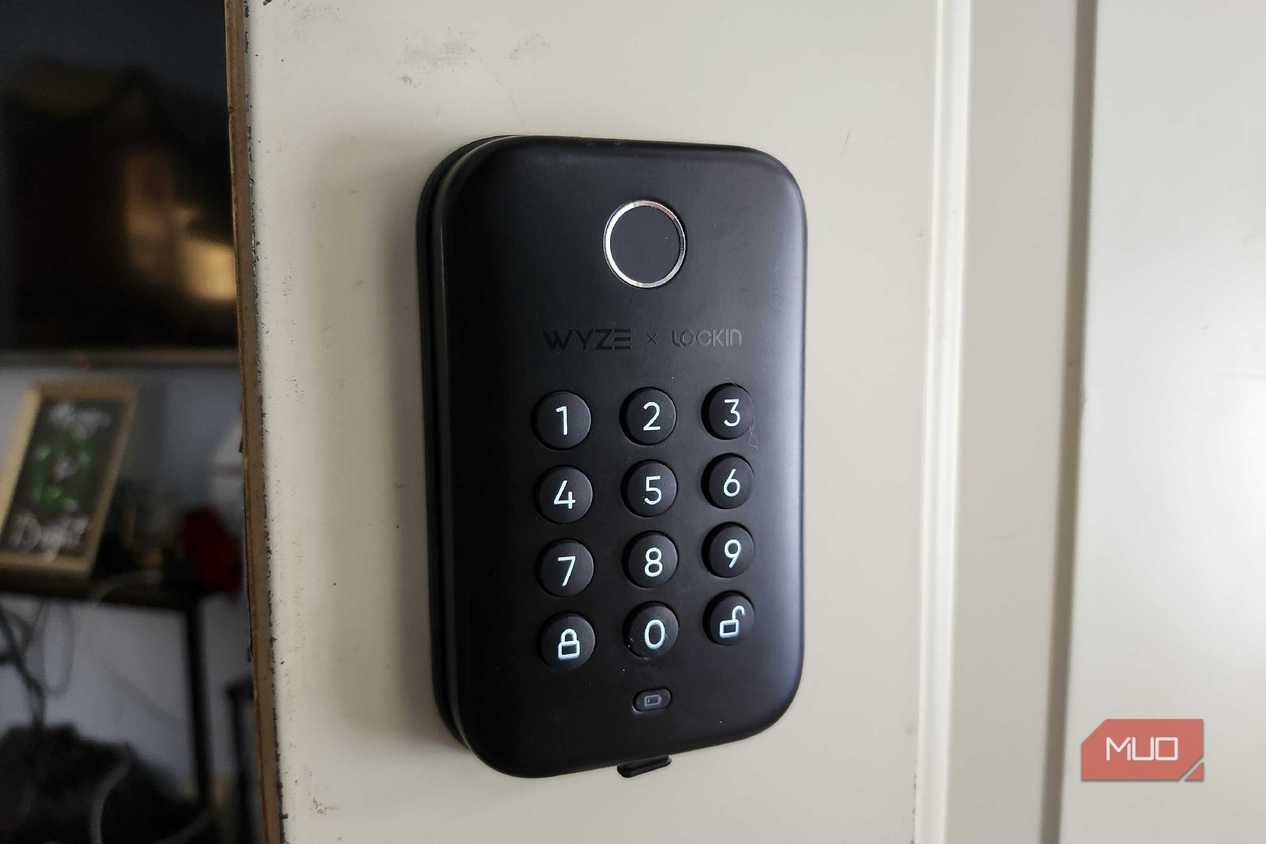
A smart lock works just as well over Wi-Fi — and it's better wireless


 Credit: Robin John / MakeUseOf
 Credit: Robin John / MakeUseOf
 Credit: Robin John / MakeUseOf
 Credit: Chris Hachey / MakeUseOf
 Credit: Shaun Cichacki/MUO
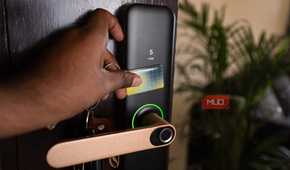
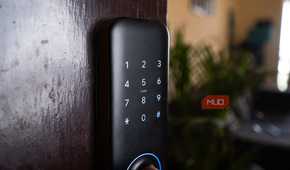

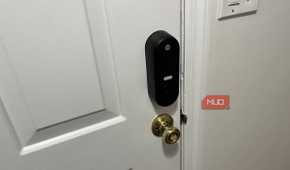
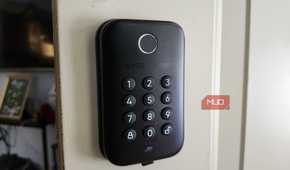
The most obvious smart home accessory to keep on Wi-Fi is a door lock. Smart locks streamline entry and access control. In some cases, they're more secure than a physical key. However, there are clear drawbacks to using an Ethernet-connected smart lock. For one, you'd need to figure out a way to run an Ethernet cable through the wall, past your door's hinge, and through the door itself. Since a smart lock only needs to send and receive a tiny amount of data each day over the internet, it won't benefit from a hardline to your network.
You might be surprised to learn that there are Power over Ethernet (PoE) smart locks sold by boutique security brands like Corbin Russwin and SARGENT. They just aren't worth the hassle, and they're intended for large-scale infrastructure deployments rather than residential use. Consumer smart locks are mostly battery-powered with Wi-Fi connectivity, and for good reason.
Smart doorbell
Unless you need continuous recording, a Wi-Fi doorbell is fine

Ethernet is handy for smart video doorbells. It enables continuous recording, low latency, stable connection, and the highest level of security. That said, it's completely unnecessary for most homes. Renters and those living in an HOA-governed home may not be able to route an Ethernet cable to their front door for a smart video doorbell. Even if you are allowed to make the cable run, it won't be worth your while. Most homes don't have RJ45 wiring near the front door, so you'll be starting from scratch.
Instead of fighting an exterior facade or finished drywall to get an Ethernet cable to your front door, use a Wi-Fi doorbell instead. Battery-powered models can be mounted anywhere and easily recharged. Wired smart video doorbells use the existing 16-24V doorbell wiring already powering your old doorbell, and they take minutes to install. A custom Ethernet cable run could take hours, and might cost a small fortune in materials and labor.
While you will experience latency with a Wi-Fi doorbell, convenience is key. When configured to record only events and motion, bandwidth consumption is minimal. Only if you plan to stream lengthy high-resolution video, or intend to record continuously, is an Ethernet cable run actually worth it.
Smart thermostat
A thermostat doesn't send enough data to benefit from Ethernet

A smart thermostat is one of the first smart home upgrades I'd recommend to newcomers. It's extremely helpful to be able to control your HVAC system from afar, set up schedules, and create automations. However, none of these use cases require an Ethernet connection. The data your thermostat sends to the rest of your smart home ecosystem is incredibly small. It'll share temperature settings, the current temperature and humidity, and schedule information, all of which combine to represent kilobytes of bandwidth at a time.
While there are some smart home gadgets gobbling up your precious wireless bandwidth, a smart thermostat isn't one of them. Like smart video doorbells, smart thermostats are easy to install when they are connected to Wi-Fi. They use the multi-conductor 18 AWG bundle of wires already in your walls. It's a quick swap, unless you try to install one of the rare Ethernet-connected smart thermostats. Then, you're dealing with a fresh RJ45 cable run, and there's virtually no benefit to doing it.
Air and water sensors
Ethernet would only complicate these basic wireless sensors

Sensors are great for giving you peace of mind. Some monitor the air quality in your home, others check for leaks, and security sensors let you know whether your doors and windows are safely shut. Believe it or not, there are indoor smart sensors that run on PoE. For example, the Atmocube uses an Ethernet jack to pack a slew of air quality sensors into a single product, including carbon monoxide, formaldehyde, temperature, relative humidity, and atmospheric pressure. Using an API and a wired Ethernet cable, you can connect sensors like the Atmocube to the smart home ecosystem of your choice.
Not all of us need a hardline connecting basic sensors to our home network. That's why air, water, and entry sensors will work just fine over Wi-Fi. A battery and a wireless network connection allow you to place the sensors where they belong without worrying about cable runs. Additionally, sensors like water detectors are wireless because they use IP-rated housings to protect the electronics from being fried in the event of a leak. It's not worth the extra money or hassle to grab an Ethernet-connected sensor when a Wi-Fi one would do.
Smart speakers and displays
Wi-Fi is enough for basic requests and music streaming








 Credit: Brady Snyder / MakeUseOf
 Credit: Brady Snyder / MakeUseOf
 Credit: Brady Snyder / MakeUseOf
 Credit: Brady Snyder / MakeUseOf
 Credit: Brady Snyder / MakeUseOf





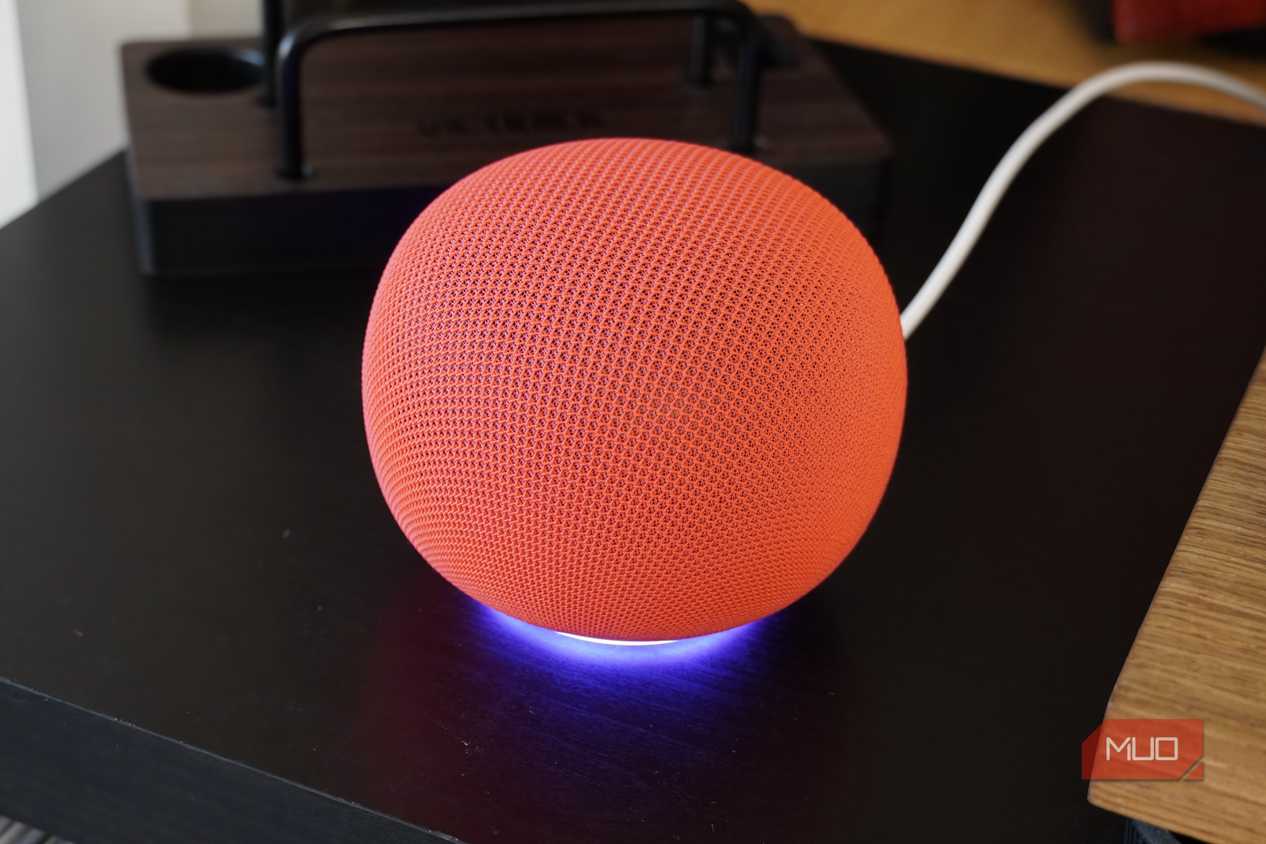
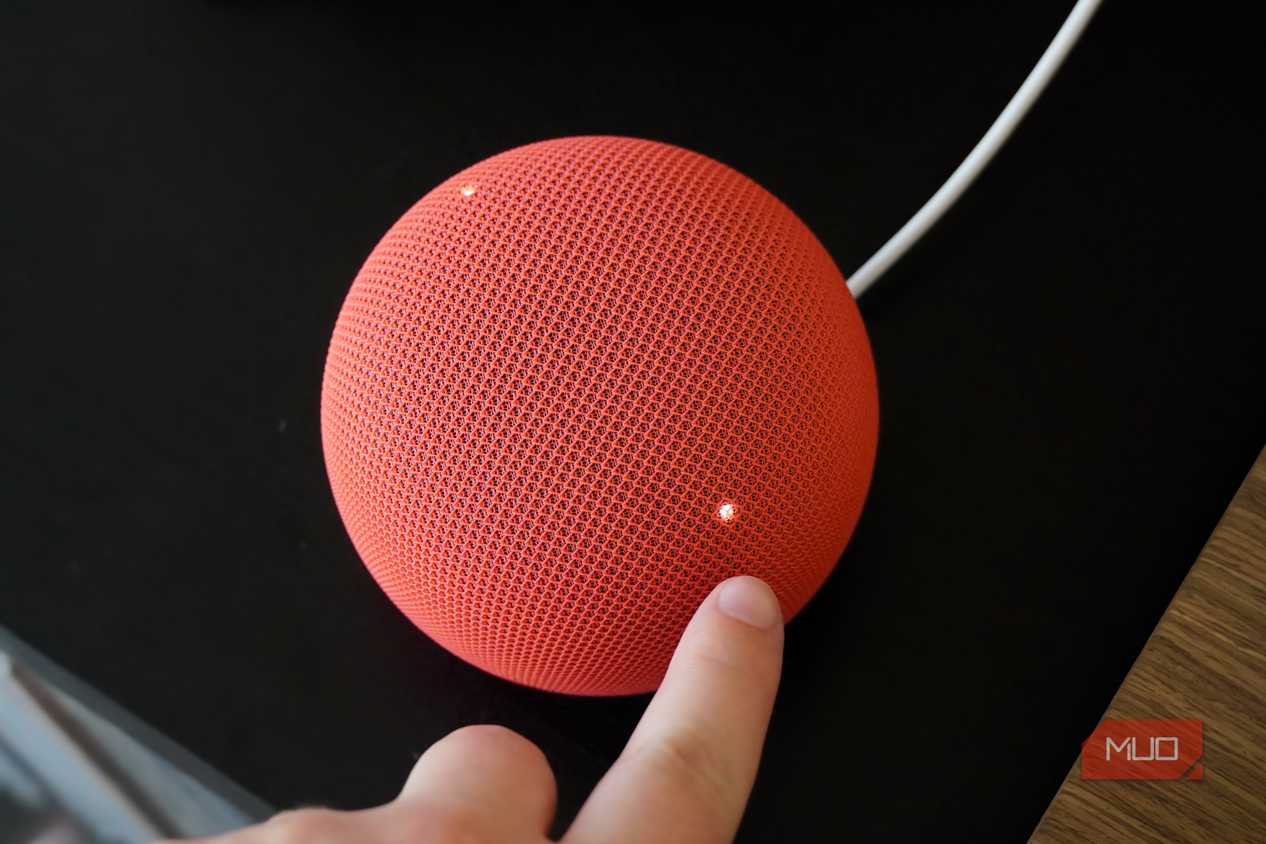
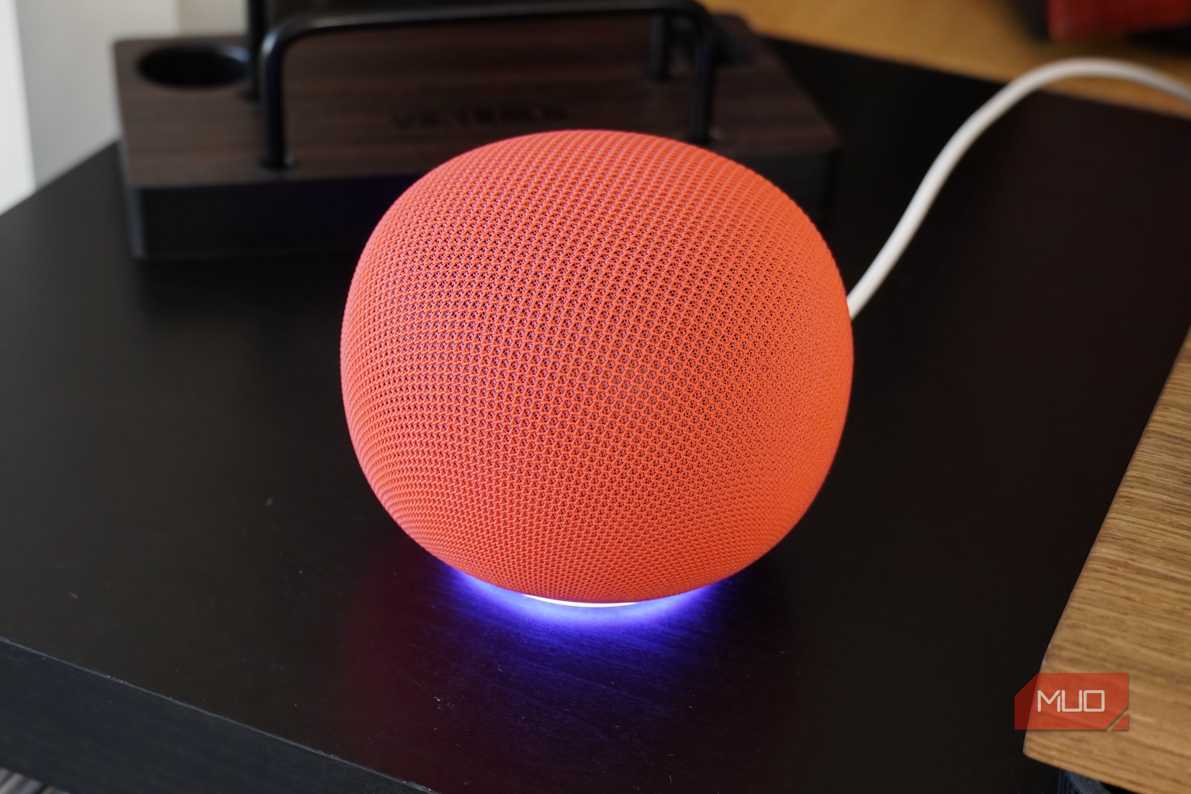
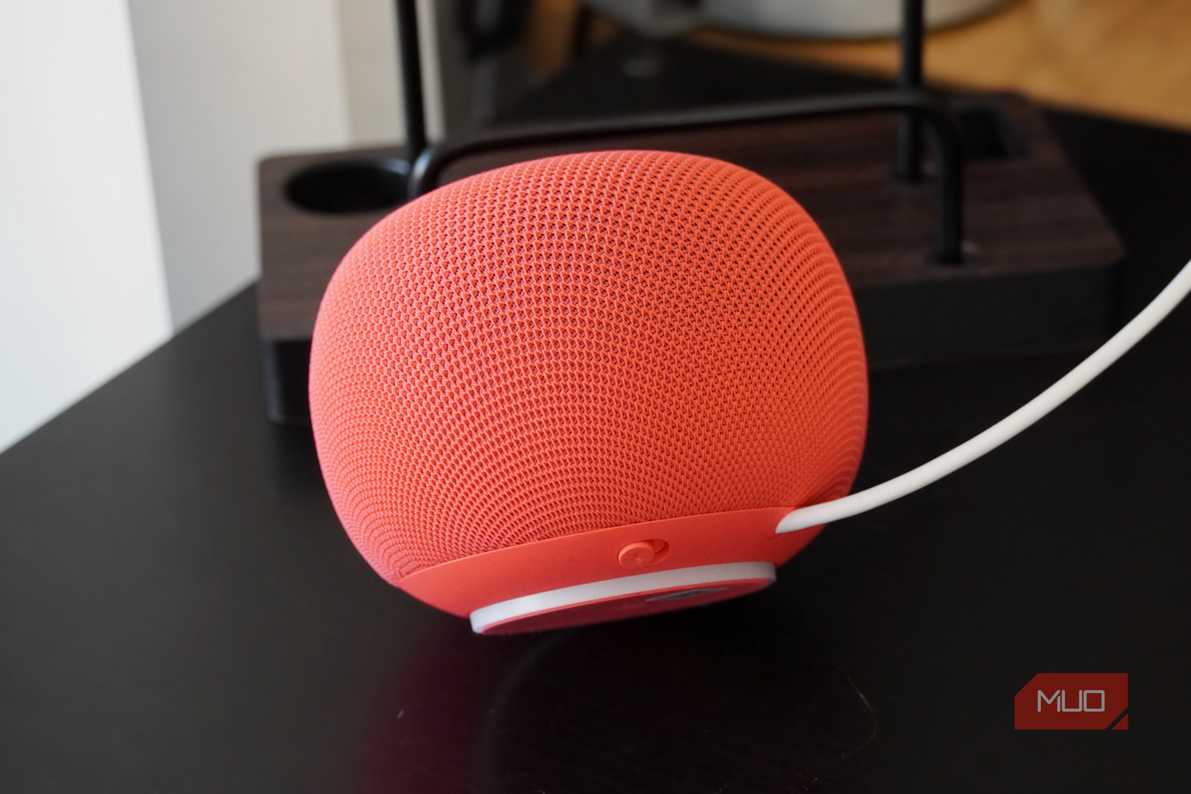
Apple and Amazon smart speakers don't support Ethernet connections, but the feature is more common than you may think. Some Google smart speakers, like the Google Home Max, have a USB-C port that can be adapted to Ethernet for a wired network connection. Others have a micro-USB port that supports a micro-USB to power and Ethernet cable for DIY wired connections. There are even smart speaker ecosystems with direct support for RJ45 cables, most notably Sonos. So, you certainly can hardwire network connections to certain smart speakers and displays — but should you?
Unless you're working with a system that needs latency, like a whole-home Sonos sound system, an Ethernet cable likely isn't required. A basic Wi-Fi connection is all you need to handle smart home control, simple questions, and music streaming. Since these smart speakers usually feature Thread radios specifically designed for smart home control, there's little benefit to using Ethernet.
Ethernet is always better, until it isn't
For a whole-home security camera system or a Power over Ethernet (PoE) gateway, it certainly makes sense to run Ethernet cables. For the basic gadgets in your smart home, which consume miniscule amounts of bandwidth or operate in short bursts, Ethernet runs aren't necessary. It isn't worth the hassle of seeking out niche PoE smart home accessories and taking the time to make custom cable runs. I've spent many a Saturday managing cables, but I wouldn't do it for these gadgets.