


Android's adaptive features love to sell themselves as invisible helpers. From what I understand, they are supposed to learn your habits, adjust in the background, and keep apps from treating your phone like a free electricity buffet.
Not long ago, though, I ran into the awkward side of that invisible help. My phone was making judgment calls I hadn't approved. So I turned off Adaptive Battery — not because it's a bad feature, but because I wanted predictable app behavior more than I wanted an algorithm deciding which apps deserved my attention.
Adaptive Battery is clever until it guesses wrong
Android's battery brain has a blind spot

Adaptive Battery arrived with Android 9 Pie, and it remains one of the main ways Android tries to stretch battery life without asking you to micromanage every app. It works by learning how you use apps over time, then lets apps you use less often run less while you are not using them.
Under the hood, it works alongside App Standby Buckets, which are Android's system for placing apps into priority groups such as Active, Working set, Frequent, Rare, and Restricted, with a special "Never" state for apps that have been installed but never opened. The bucket an app lands in affects how often its background jobs can run, how frequently it can trigger alarms, and, in stricter buckets, whether background network access becomes more limited. That sits alongside Doze mode, notification rules, and Firebase Cloud Messaging behavior, so the final result can feel murky when something arrives late, leaving you wondering why Android notifications are not showing up.
An app I check once a week isn't necessarily an app I need less reliably. Banking apps, calendar widgets, smart-home apps, wearable companion apps, email clients, messaging apps, and fitness trackers can all fall into this awkward middle ground, with Android closing them without warning. They're not apps I stare at constantly, but when I do need them, I need them to respond immediately, not after the system decides I've earned its attention back.
I wanted predictable apps, not battery astrology
My apps needed rules, and they should be my own rules



The problem was not Android incompetence. The problem was context, which is exactly where usage prediction starts to wobble. A banking app I open twice a month can still be critical when a fraud alert needs to land immediately. A smart lock app matters most when I am standing at the door with my hands full, regardless of whether Android thinks I use it often enough. A messaging app I do not compulsively check all day still needs to deliver messages when they arrive, rather than waiting for the system to decide the timing is right.
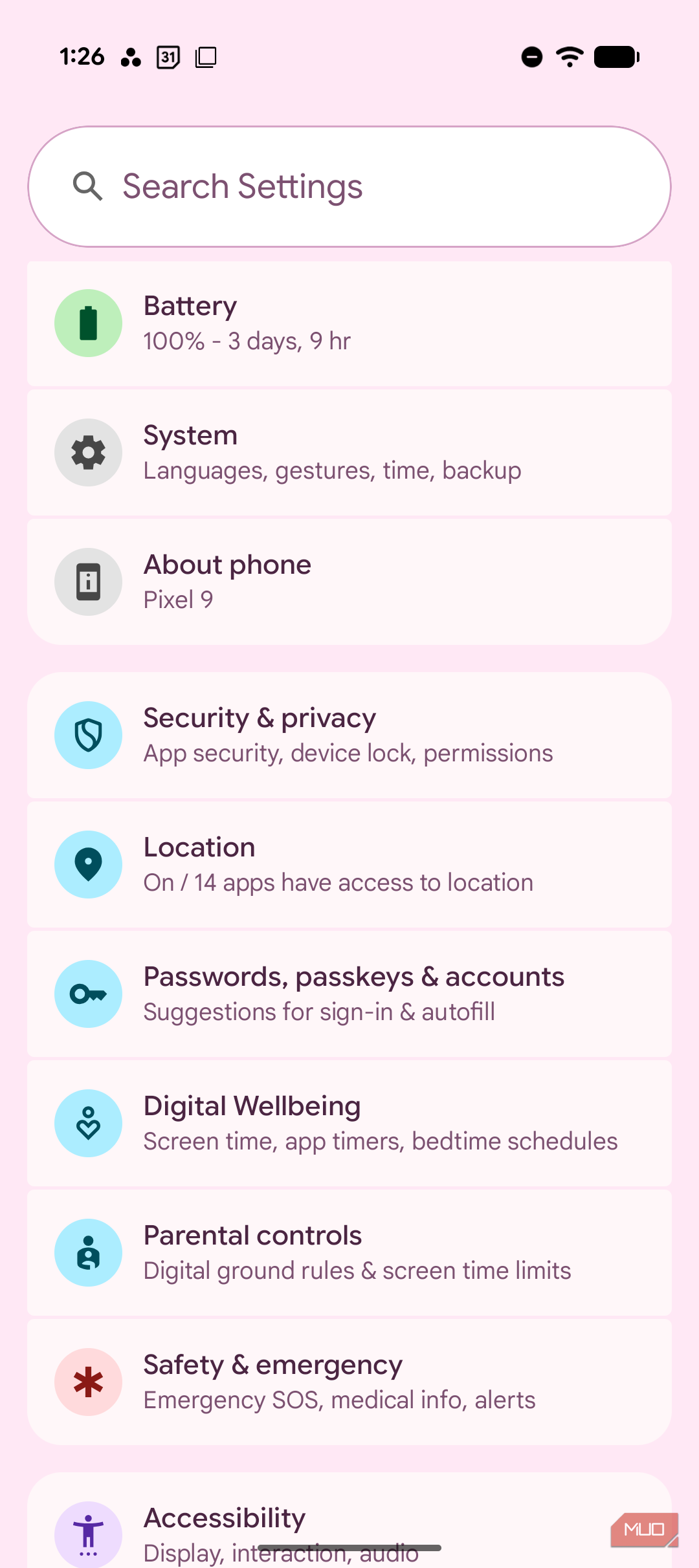
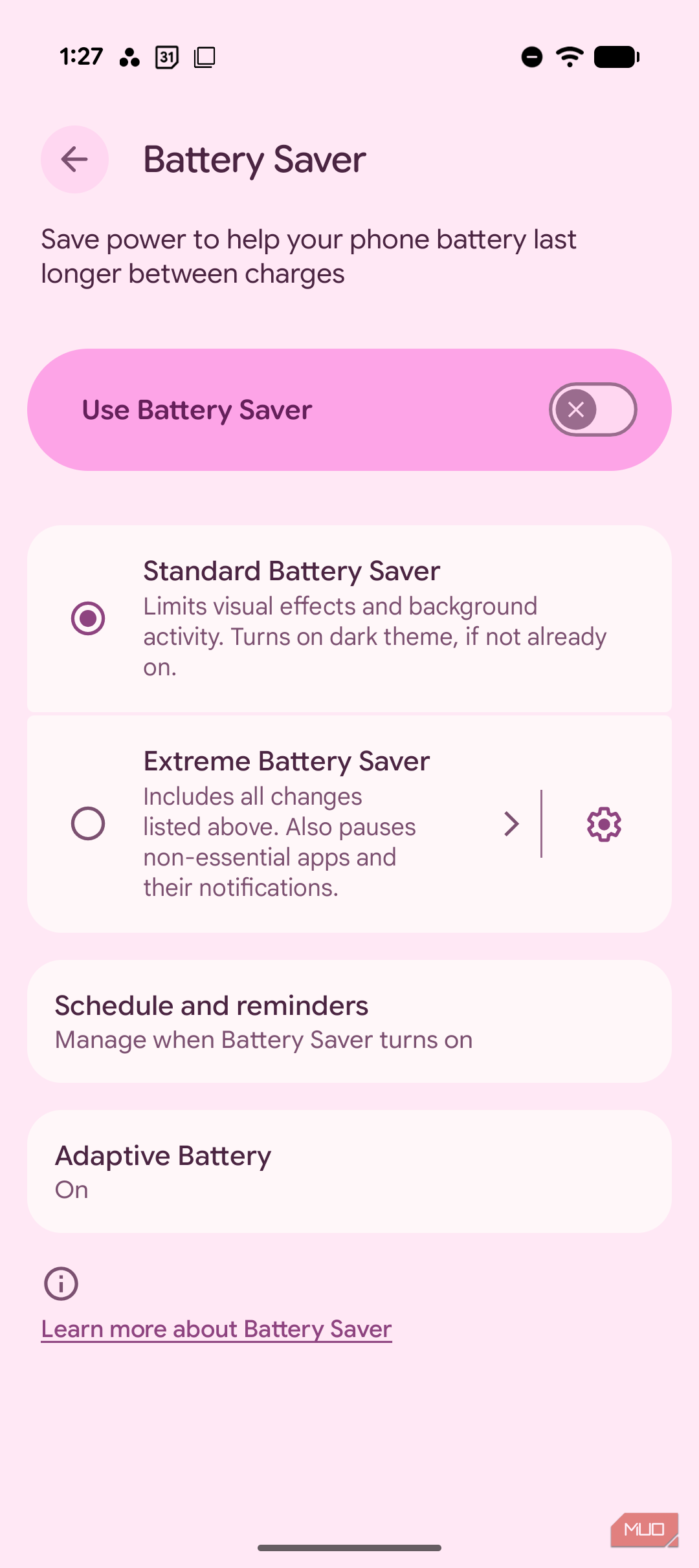
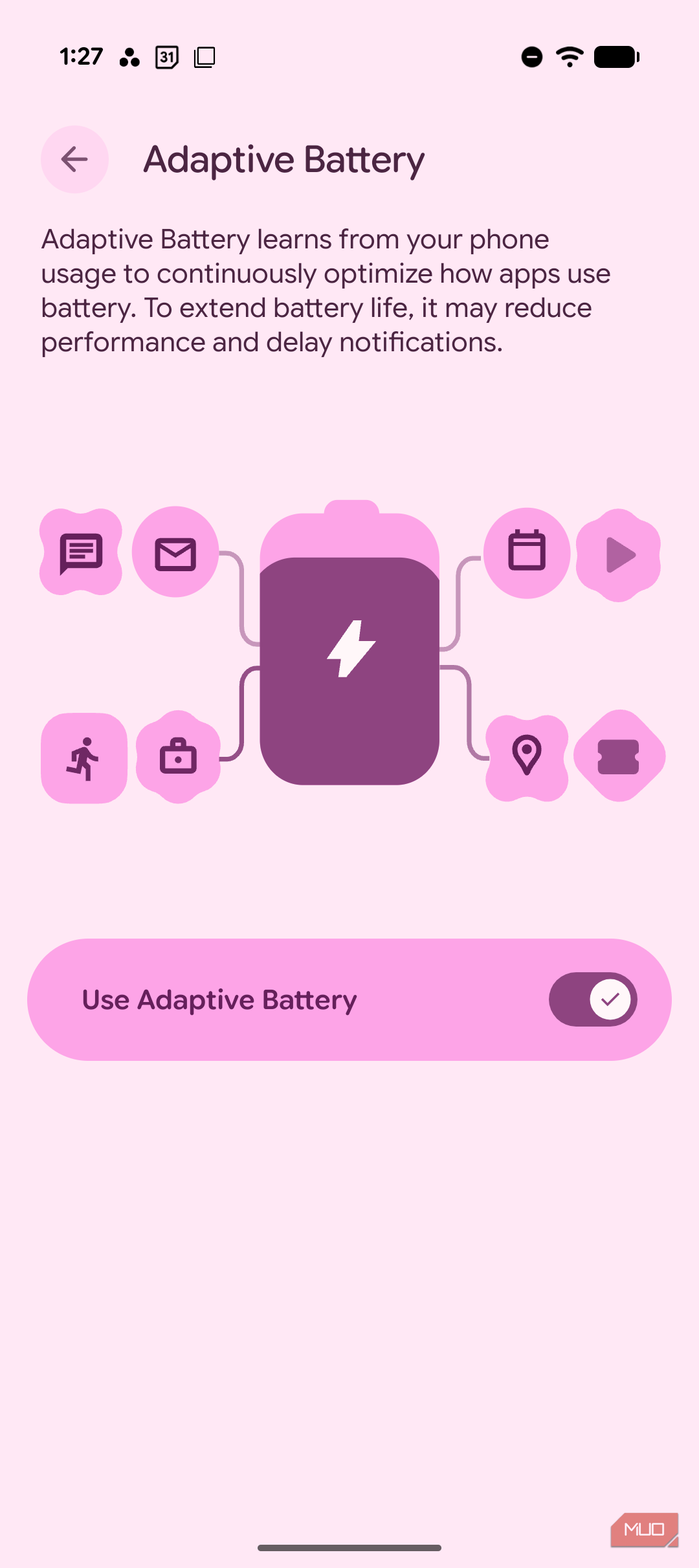
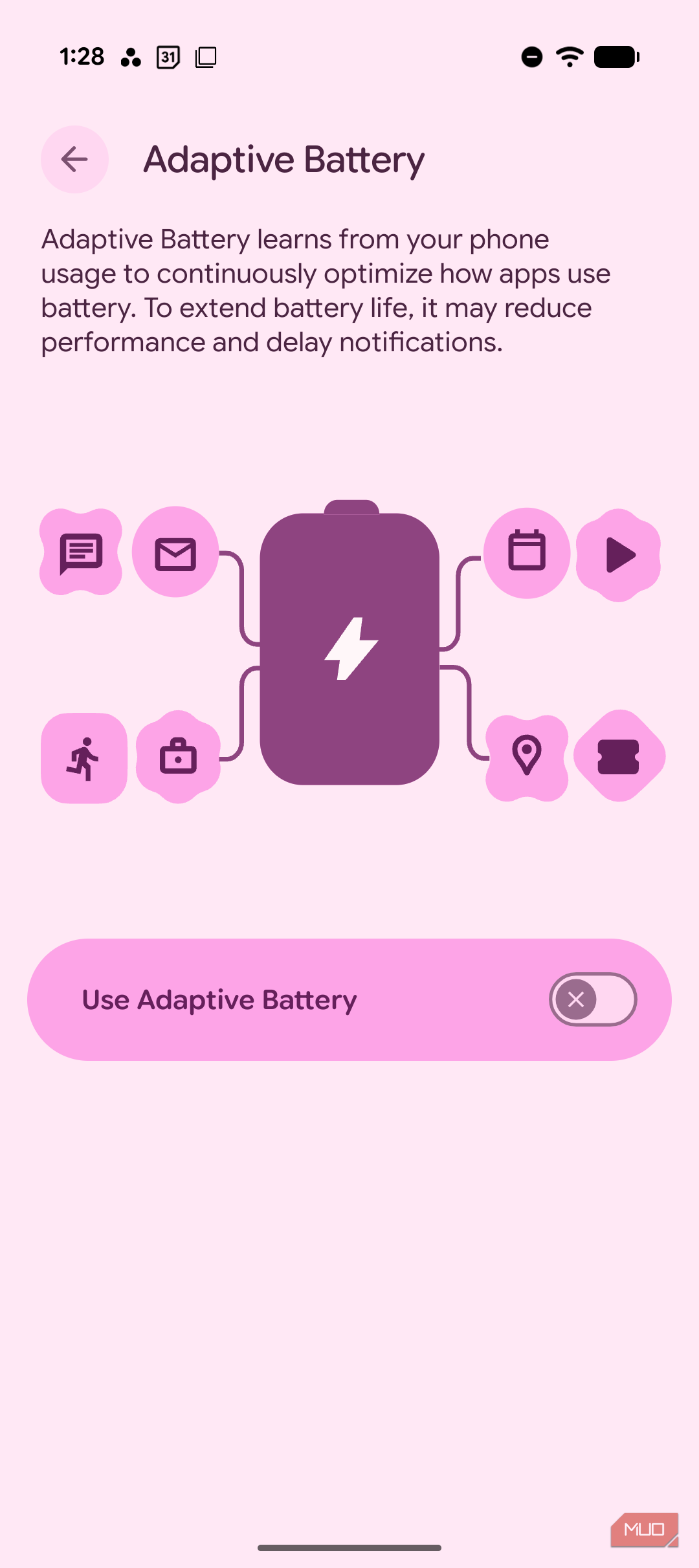
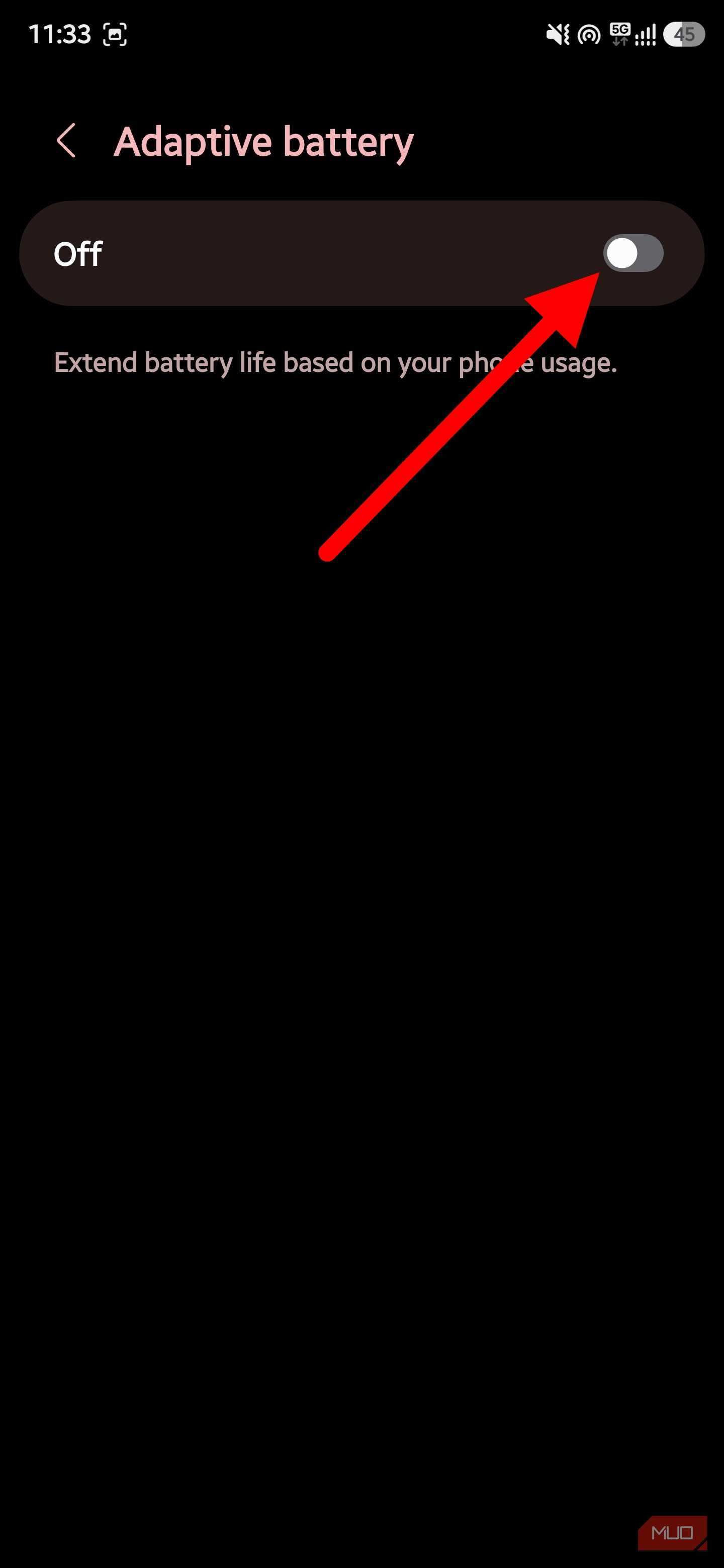
If you're already wondering how to turn Adaptive Battery off on a Pixel, go to Settings -> Battery -> Battery Saver -> Adaptive Battery, then toggle off Use Adaptive Battery. You could go much faster about it by searching "adaptive battery" in the Settings search bar, and it'll jump straight there.
On Samsung Galaxy phones, the path is typically Settings -> Battery -> Background usage limits; then tap the three-dot menu in the top-right corner, select Adaptive battery, and toggle it off.
Other manufacturers, Xiaomi, OnePlus, and the rest, place the same toggle in slightly different spots. Still, it's almost always sitting somewhere under the main Battery menu rather than buried in a developer-only screen.
The practical reason I turned it off was troubleshooting fatigue. Android already gives you notification permissions, background data controls, sync settings, Doze behavior, Play services, and whatever power-saving seasoning the phone maker added on top. With Adaptive Battery enabled, I could never tell whether an app's bad behavior was the app's fault, Android's fault, or the battery logic getting ambitious.
Taking control does not mean letting every app run wild
Manual control still needs a bouncer


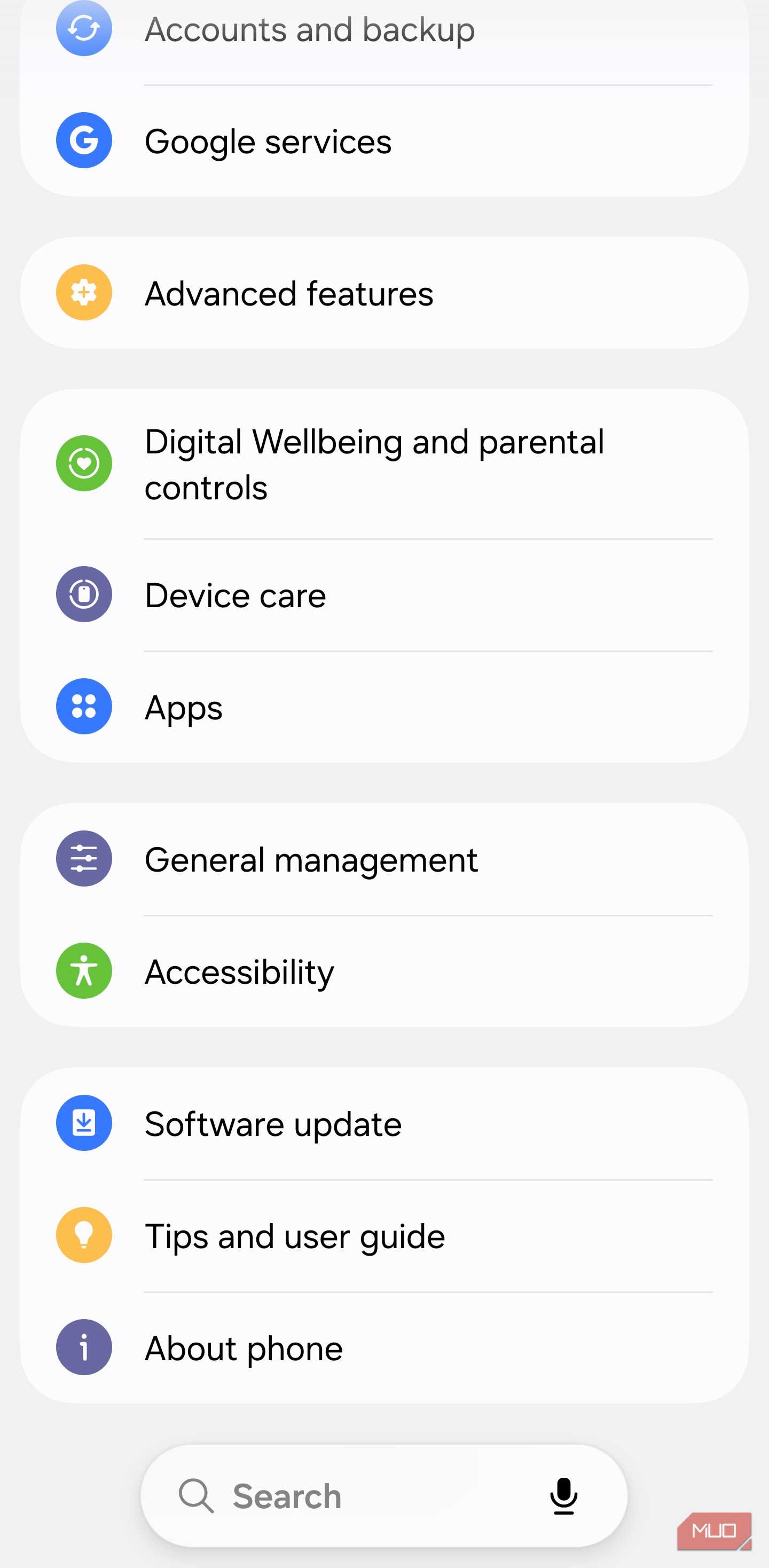
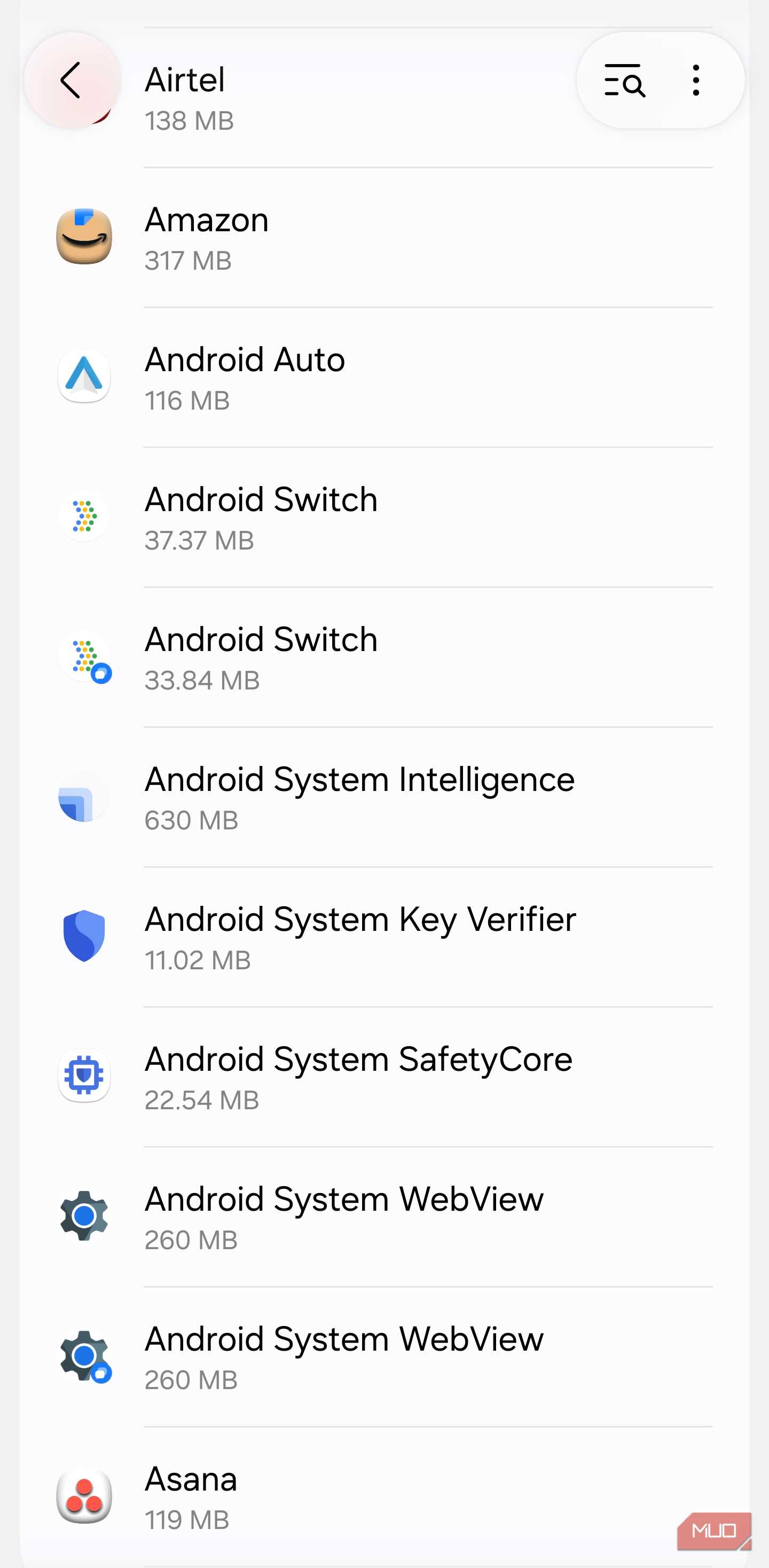
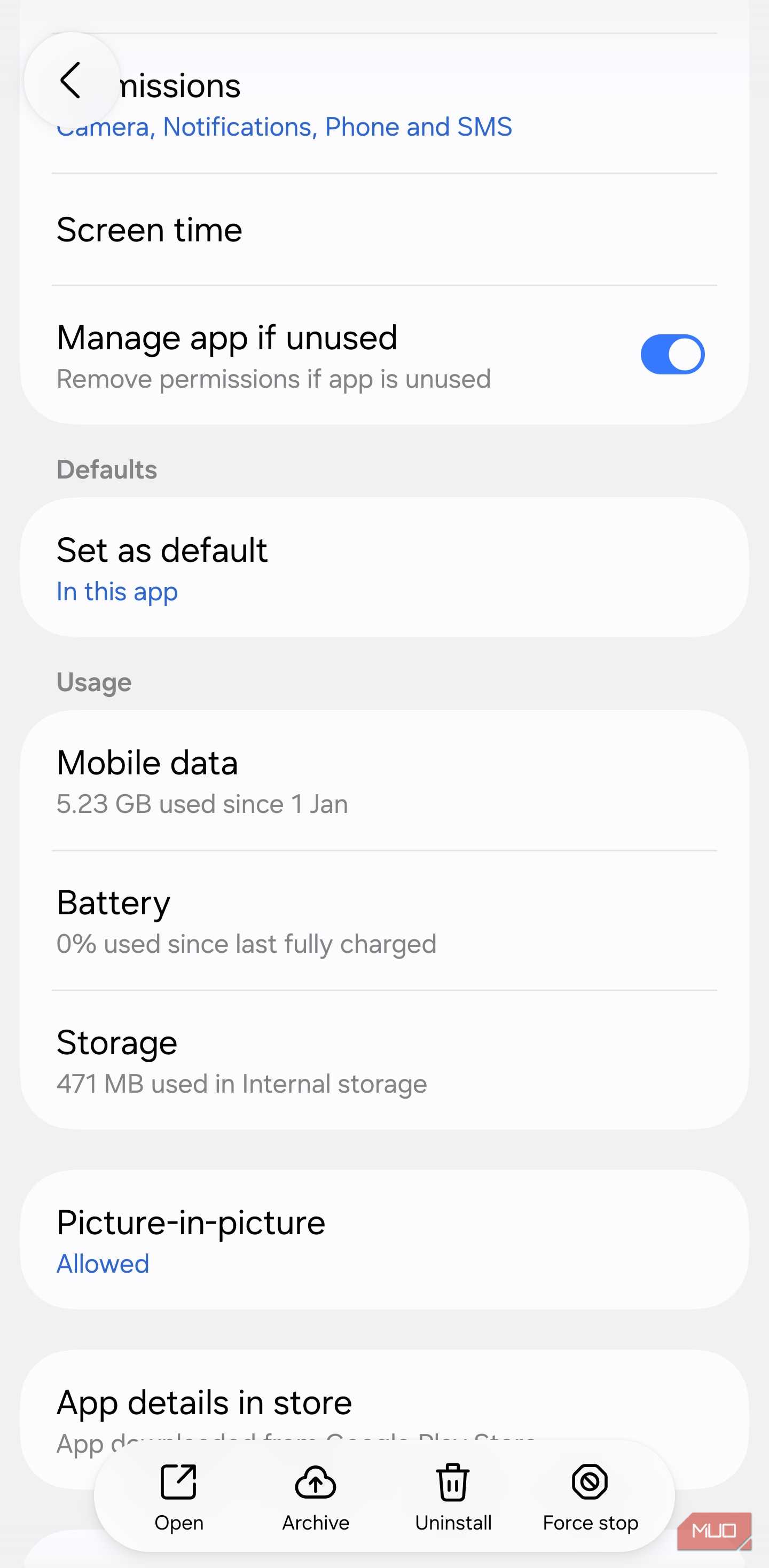
Disabling Adaptive Battery isn't a license to set every app to unrestricted and call it a day. That's just trading one form of chaos for another, and it'll torch your battery faster than the feature you turned off ever would.
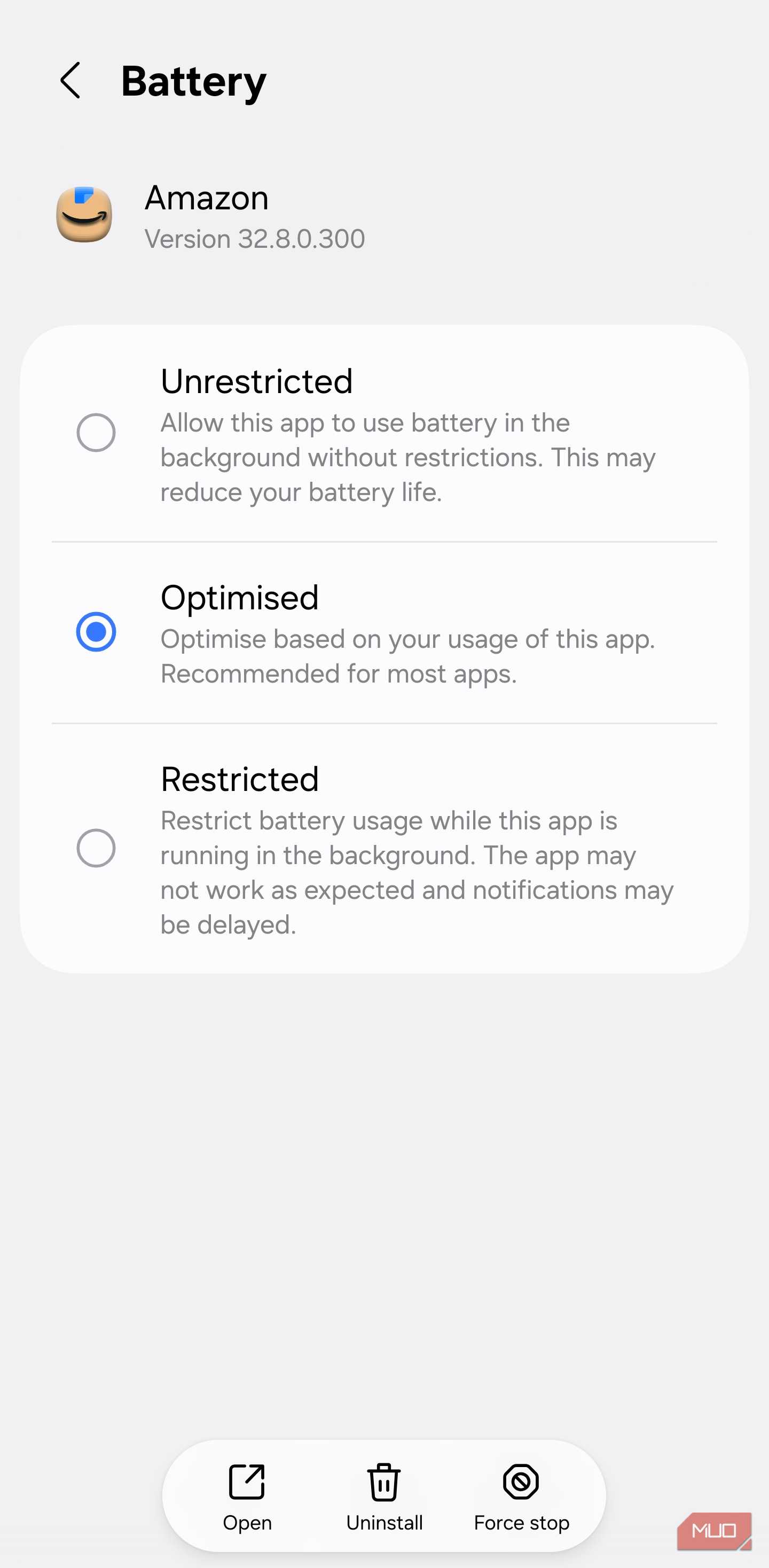
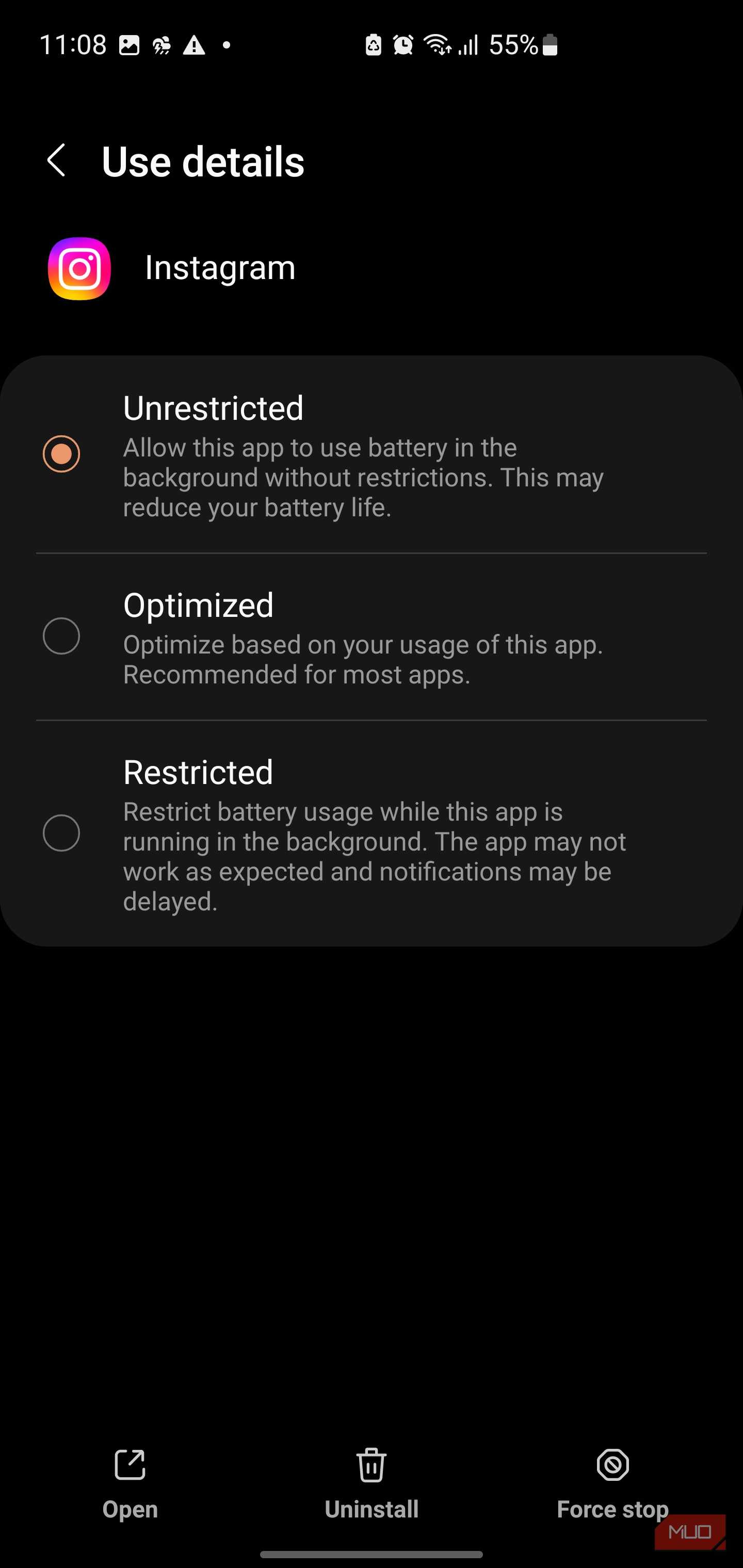
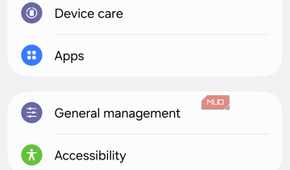
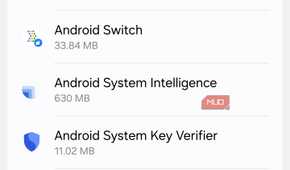
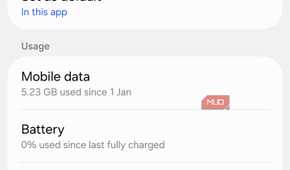
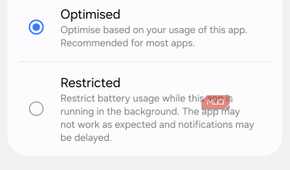
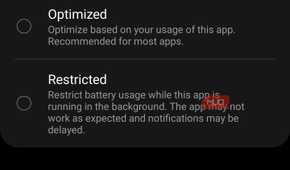
The actual work happens in each app's individual battery settings, which you'll find at Settings -> Apps -> [app name] -> Battery. Each app offers a choice among Unrestricted, Optimized, and Restricted. I went through my app list and made deliberate calls: the handful of apps that actually need reliable background access (messaging, email, navigation, etc) got set to Unrestricted.
Everything else, games, shopping apps, social feeds, apps I open out of habit rather than need, stayed on Optimized rather than getting manually restricted, since restricting them myself can end up being more aggressive than what Adaptive Battery would have done anyway.
While you're on each app's settings page, it's worth checking Notifications and Background data at the same time. A muted notification category or a data-saver toggle can produce the same symptoms people tend to blame on Adaptive Battery, and as I said earlier, fixing the wrong layer wastes the effort.
I did not beat Android, I just took the wheel back
Adaptive Battery is the kind of feature that's easy to leave on because it sounds obviously helpful, and for plenty of people, it is. But a phone is a personal device, and automation only earns its keep when it respects what actually matters to you, not just what you touch most often.
Turning it off didn't double my battery life or change how my phone feels day-to-day. It just made power management something I could understand and reason about again, and that trade-off was worth making.