


As with most readers who'd had enough of buying new books with no place to keep them (and money to keep purchasing them), I eventually caved in and ended up with a Kindle. And for a while, it was everything I needed... until it wasn't. Somewhere down the line, I ended up with an Android eReader, and suddenly Kindles and other devices in that vein that didn't run Android felt like something I couldn't really go back to.
Being able to sideload any reading app, pull in books from anywhere, and not be boxed into a single store are all benefits I can't imagine giving up. However, that doesn't mean the switch was all upside. Running Android on e-ink comes with a whole list of catches nobody really warns you about, and these are exactly the kind of things I wish I had known before I jumped in.
“Android” doesn't mean the Android experience you're used to
Don't let Android fool you




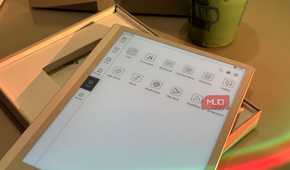
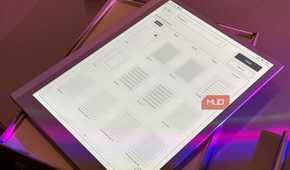
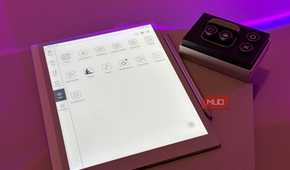
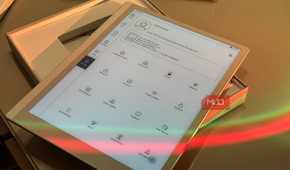
When you hear "Android eReader" or go through a spec sheet of an eReader you've been eyeing and notice it runs Android 15, you might instinctively picture the same Android you know from your phone or tablet. The Play Store, your usual apps, everything working the way it always has, and just the classic Android experience.
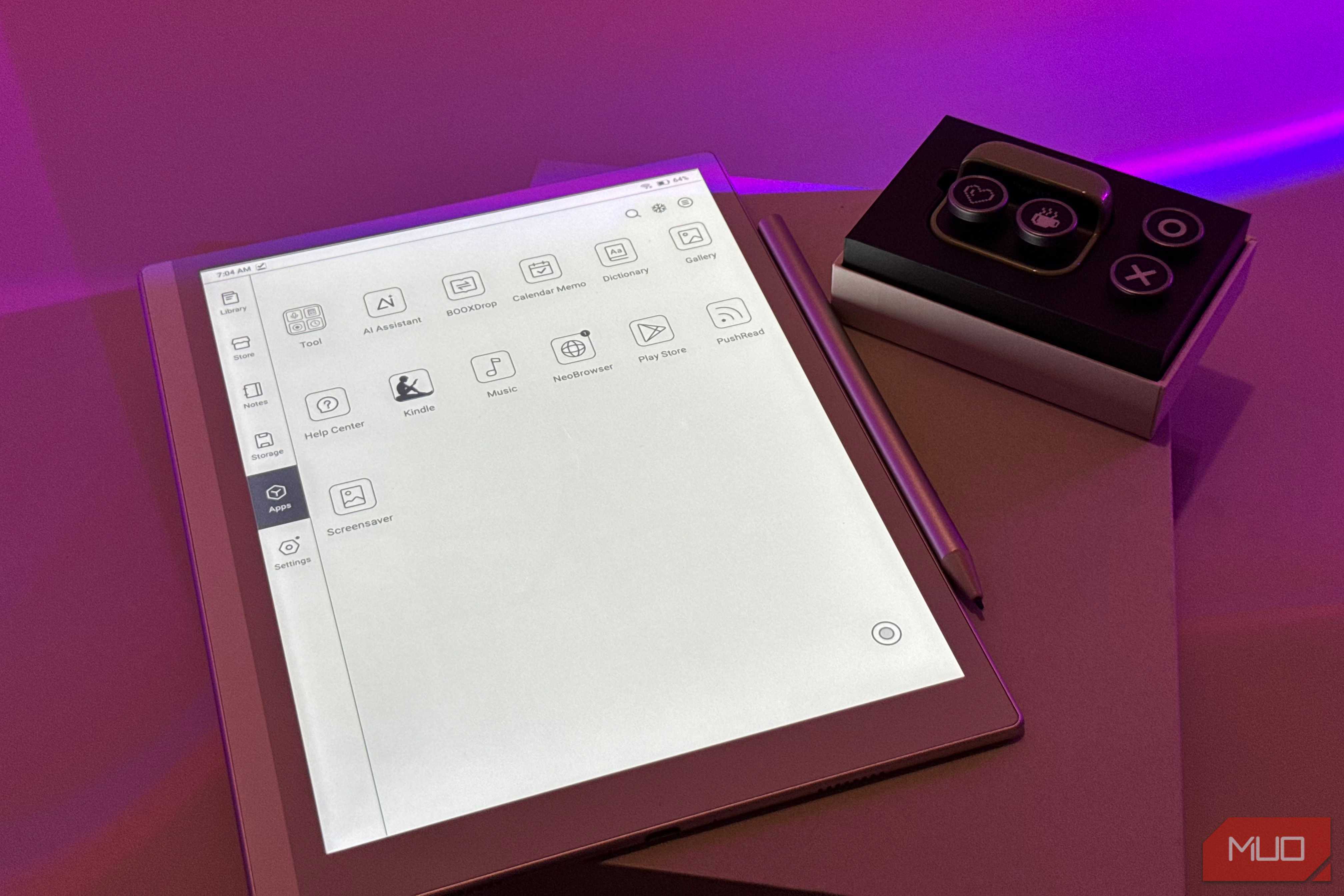
However, it doesn't quite work like that. Something you need to understand before you invest in an Android eReader is that it isn't your average Android tablet that just happens to use an eInk screen. The Android you get on an eReader is always a heavily customized version of the OS that's built specifically for that device by the manufacturer.
The OS is there to make a reading device more capable, which is why each manufacturer builds its own layer on top of Android. That means the menus, settings, navigation, multitasking features, and even the individual apps can look and feel very different from what you're used to on a conventional Android device.
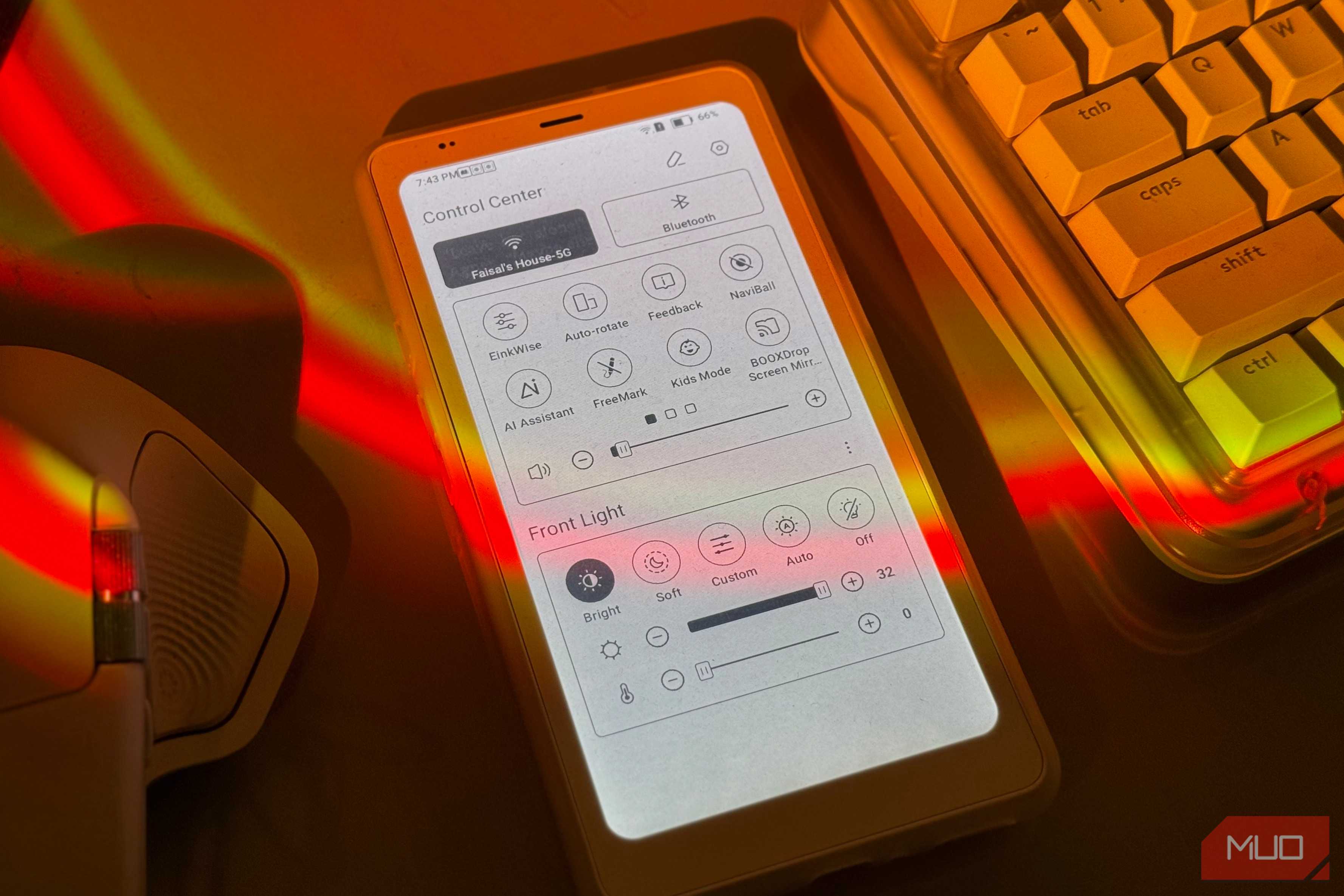
Manufacturers also add their own eInk-specific controls for things like refresh modes, contrast, ghosting, etc. For instance, on my BOOX Note Air5 C, EinkWise gives me an entire set of controls specifically for how the eInk display behaves. I can switch between refresh modes depending on whether I want better image quality or smoother movement, and BOOX even has separate optimization controls for third-party Android apps.
None of these settings are necessarily a bad thing. In fact, all these extra layers are what make Android usable on an eInk screen in the first place. However, these are settings that you wouldn't find on a classic Android tablet, since they'd be pointless anywhere but eInk.
The Play Store is much more exciting in theory
Just because you can install an app doesn't mean you should

An eReader running Android means it comes with the Google Play Store pre-installed, ultimately meaning you can download the same apps you'd install on your phone or tablet. On paper, this is easily one of the biggest advantages Android eReaders have over more locked-down devices. You aren't limited to the reading app your manufacturer decided to include, and you can install everything from Kindle and Kobo to Libby and Goodreads.
The catch is that being able to install an Android app doesn't mean that app was designed with an eInk display in mind. Most Android apps are built for LCD or OLED screens with high refresh rates, where smooth scrolling, animations, transitions, and video are taken for granted. An eInk display works very differently, and even the faster panels used on newer Android eReaders can't completely get around those limitations.
As someone who once used an Android eReader as a replacement for my iPhone for a week, I've experienced first-hand that being able to download an app on my BOOX device doesn't mean it'll be a pleasant experience. Anything that relies heavily on scrolling or constant movement tends to make the limitations obvious very quickly. Social media apps are a good example, and while you can even install something like YouTube, being able to play a video on an eInk screen doesn't suddenly make it a good place to watch one.
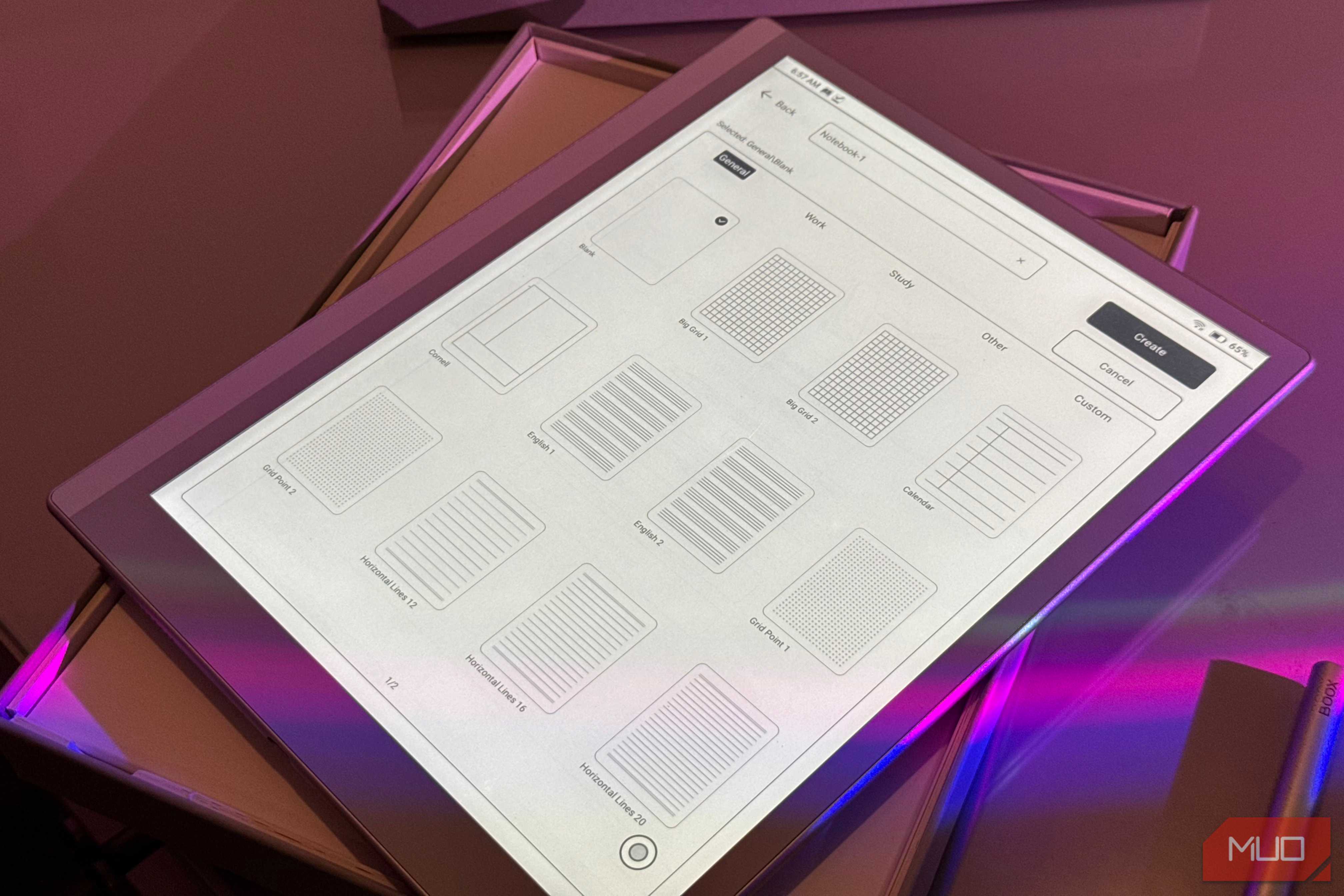
Another example is third-party note-taking apps. The BOOX Note Air5 C I mentioned above is a note-taking tablet as well, and while it comes with BOOX's default note-taking app installed, I'm not the biggest fan of it. My preferred note-taking app has always been Goodnotes, so the very first thing I did was install it on my device. Unfortunately, the experience wasn't anything like using Goodnotes on an iPad or regular Android tablet.
There was noticeably more latency between moving the stylus and seeing the ink appear on the screen, which made writing feel far less natural than it does in BOOX's own Notes app. That's because third-party apps aren't automatically optimized for the way an eInk display and stylus work together, even if they're perfectly compatible with Android.
Android comes at eReader battery's expense
All the freedom comes at a cost

One reason why people have come to prefer reading on eReaders instead of phones and iPads is because of their excellent battery lives. Given eInk only draws power when the screen actually changes, a traditional eReader can go weeks on a single charge instead of needing to be plugged in every night.
What most don't realize is that the moment you put full Android on that same hardware, a lot of that advantage begins to slip away. The display might still be incredibly power-efficient, but the rest of the device now has far more going on in the background.
Android itself has system processes to keep running, while the apps you install can sync data, check for notifications, refresh content, and keep Wi-Fi or Bluetooth active even when you aren't actively using the device.
This doesn't mean Android eReaders have bad battery life. You just shouldn't buy one expecting the forget-the-charger-exists-for-weeks experience that eReaders are known for.
Android can undo one of the nicest things about eReaders
Your eReader doesn't need Instagram

I moved on from paperbacks long, long ago. However, before I went all-in on eReaders, I used my iPad for reading. At first, it seemed like the perfect setup. I already carried it around for school and work, all my reading apps were there, and I didn't need to buy another device just for books.
Eventually, though, I realized it wasn't a sustainable way for me to read. Eye strain was part of it, especially during longer reading sessions, but the bigger problem was that my iPad was also where everything else in my life lived. Social media apps, work apps, school apps, email, messages — there was always something waiting to pull me away from whatever I was reading.
That's one of the reasons dedicated eReaders appealed to me so much in the first place. They're inherently boring in the best possible way. You open a book, you read it, and there simply isn't much else competing for your attention. An eReader with Android built it can undo some of that. The same flexibility that lets you install any reading app you would want also means you can install Gmai, Instagram, Slack, or practically anything else you normally use on your phone or tablet.
Once you start doing that, your distraction-free reading device can slowly turn into another screen full of notifications and temptations. Of course, you don't have to install any of those apps. Android is at its best on an eReader when you use the flexibility it gives you selectively!
Ultimately, you can't really think of an Android eReader as a replacement for a conventional tablet. You'll surely be able to install almost you need, but whether you'd actually want to use it is a separate story.
You're paying tablet money for something that isn't a "proper" tablet
An eReader might not be for you

Put simply, Android eReaders are pricey. While you'll be able to find Kindle and Kobo devices for around $100, Android models can very quickly climb into conventional tablet territory, particularly once you start looking at larger displays, color eInk, and note-taking support.
My BOOX Note Air5 C is a perfect example. It retails for around $640 in the US, putting it squarely in the same price range as some very capable conventional Android tablets. Samsung's Galaxy Tab S10 FE, for instance, currently starts at $549.99 for 128GB of storage, while the 256GB model goes for $669.99.
On paper, the comparison isn't particularly flattering for the BOOX. The Note Air5 C comes with 6GB of RAM and 64GB of storage, whereas the Tab S10 FE gives you 8GB of RAM and 128GB of storage at the base level, going up to 12GB and 256GB. You're also getting a 90Hz LCD display, an included S Pen, and hardware designed to handle the full Android experience. The S10 FE can be used for practically everything I use the eReader for and more like watching videos, gaming, multitasking between several apps, etc.
So, if your main priority is simply getting the best Android tablet for your money, an eReader is a very difficult purchase to justify. If your priority is having the most capable Android device your money can buy, a regular tablet will almost always make more sense. An Android eReader only starts justifying its price when the eInk display itself is the feature you're specifically after, since that's what you're paying the premium for!