


Bitwarden is often described as the gold standard for open-source password managers. But if trust is the reason you're choosing an open-source password manager, does Bitwarden actually deserve that reputation?
I compared it with KeePassXC and found a gap wider than I could have imagined. That gap led me to permanently switch to KeePassXC.
KeePassXC changes the rules
Your passwords live in a file you control, not a company's vault


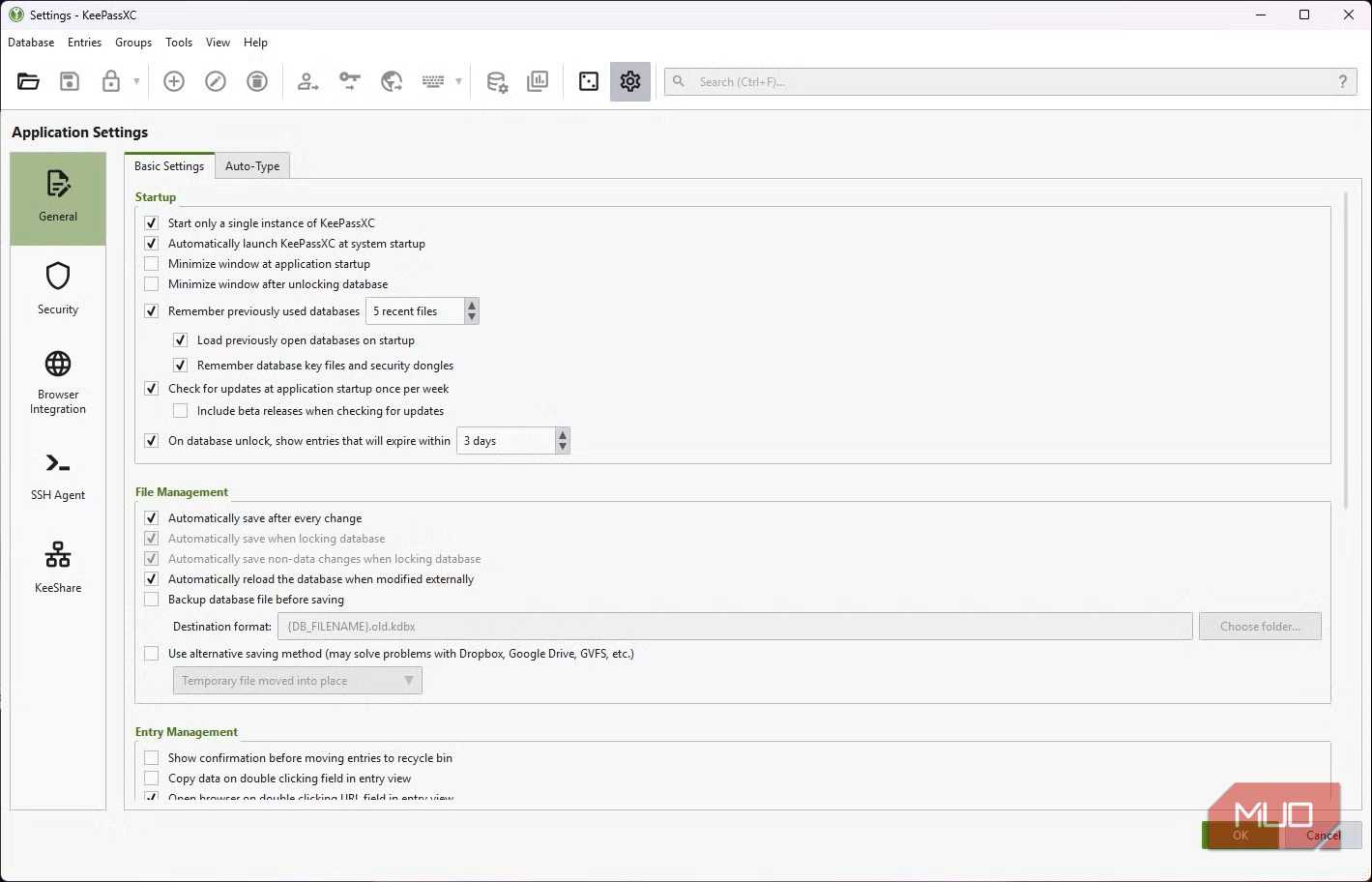
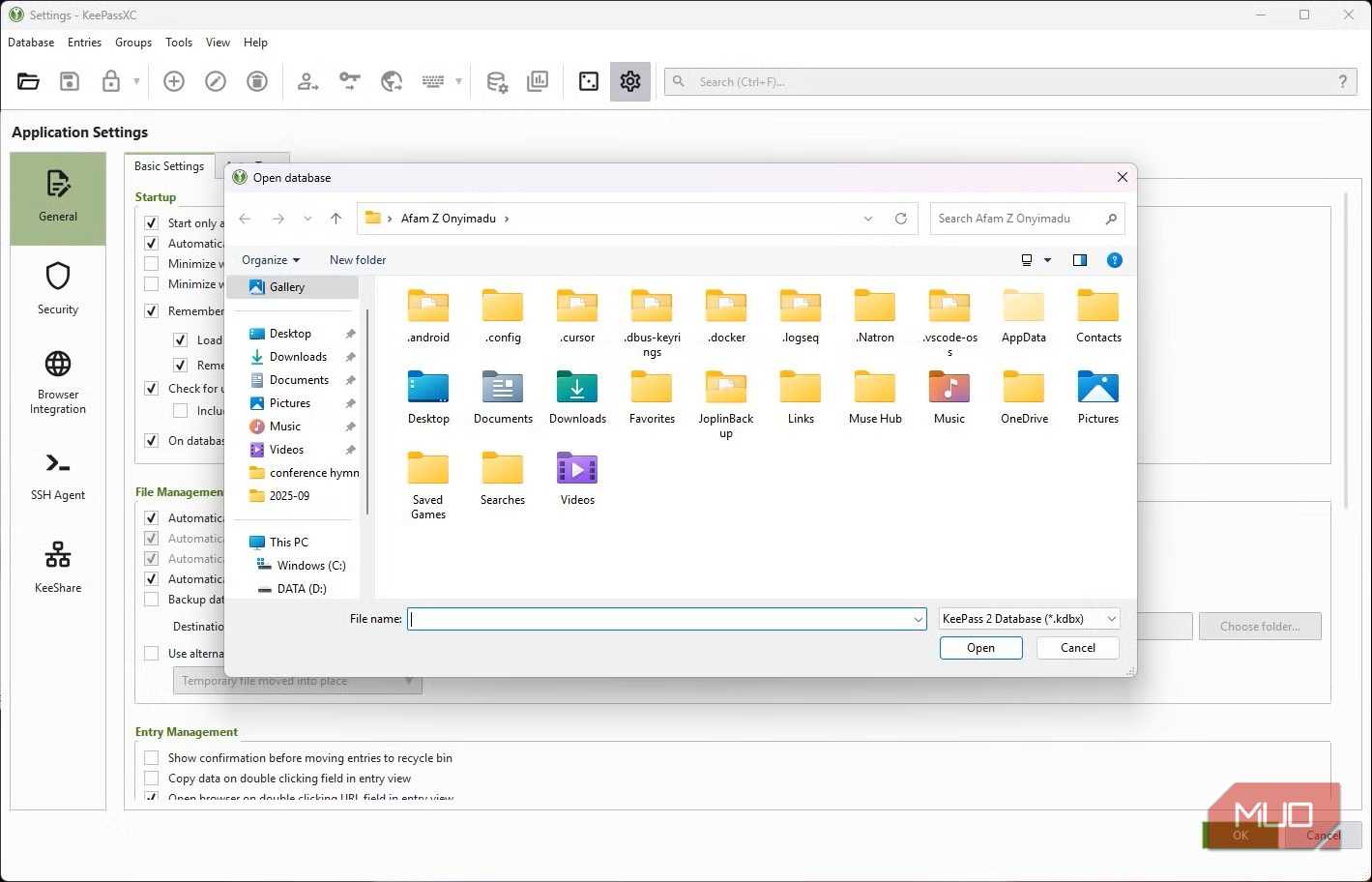
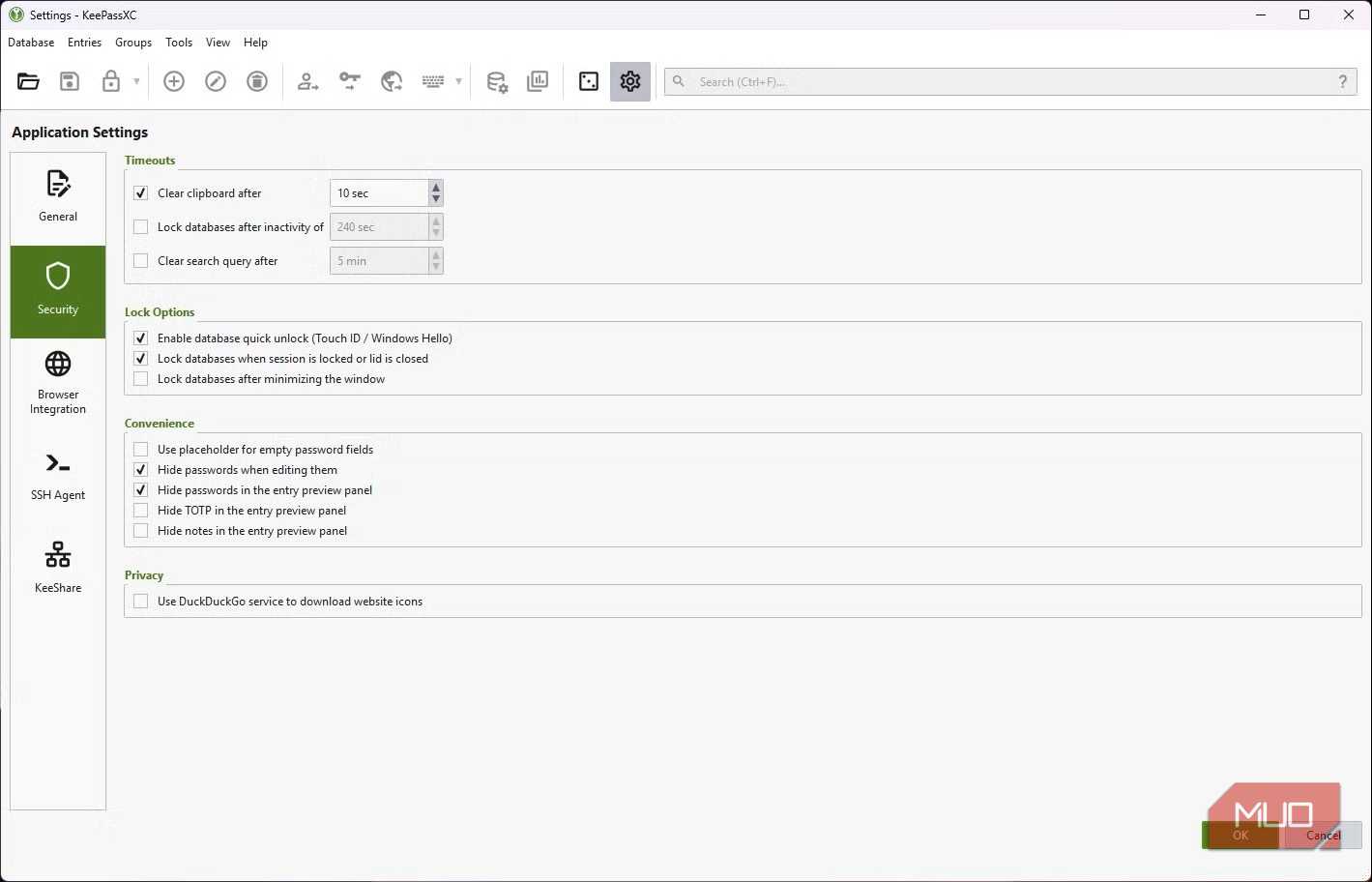
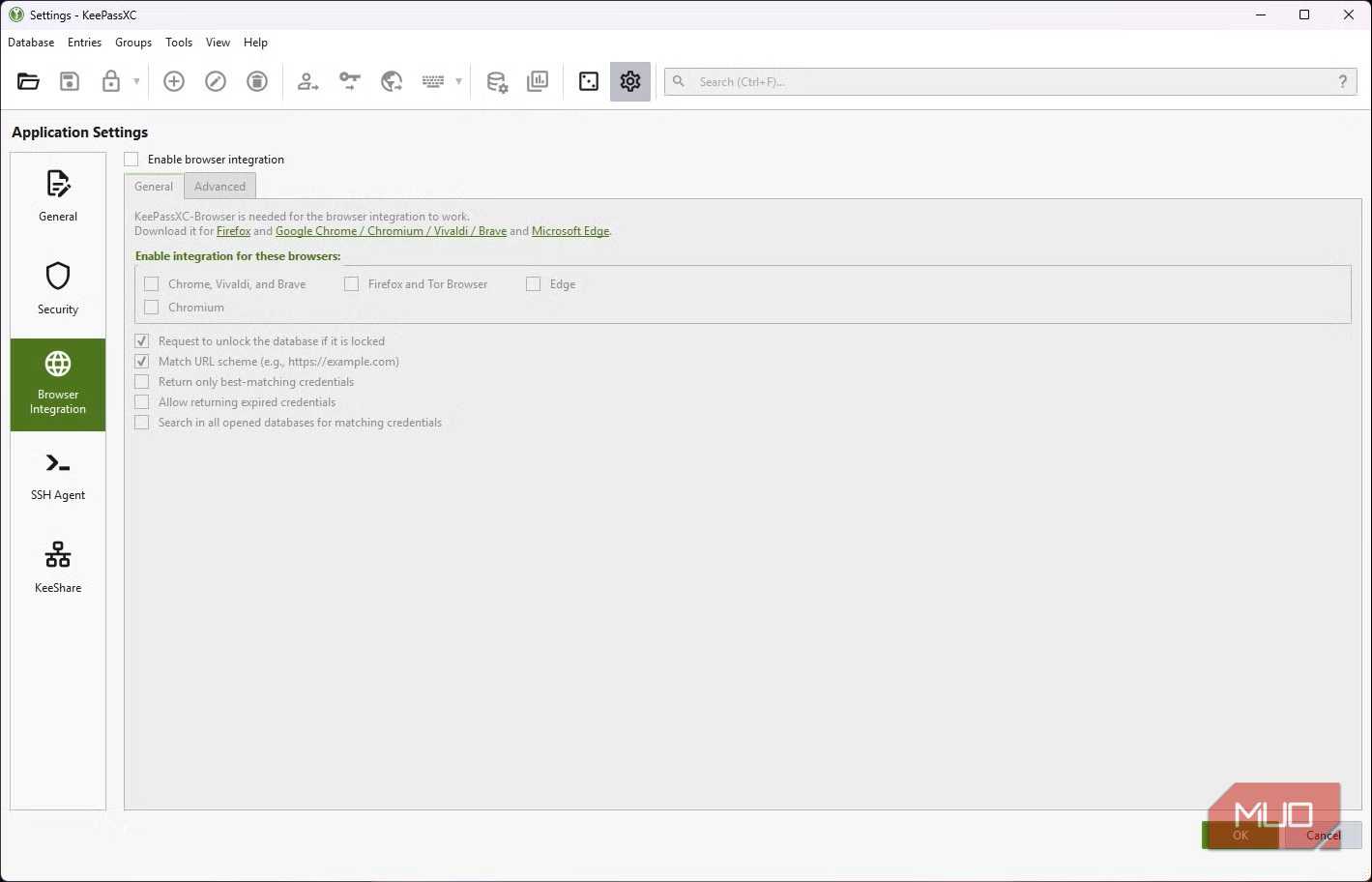
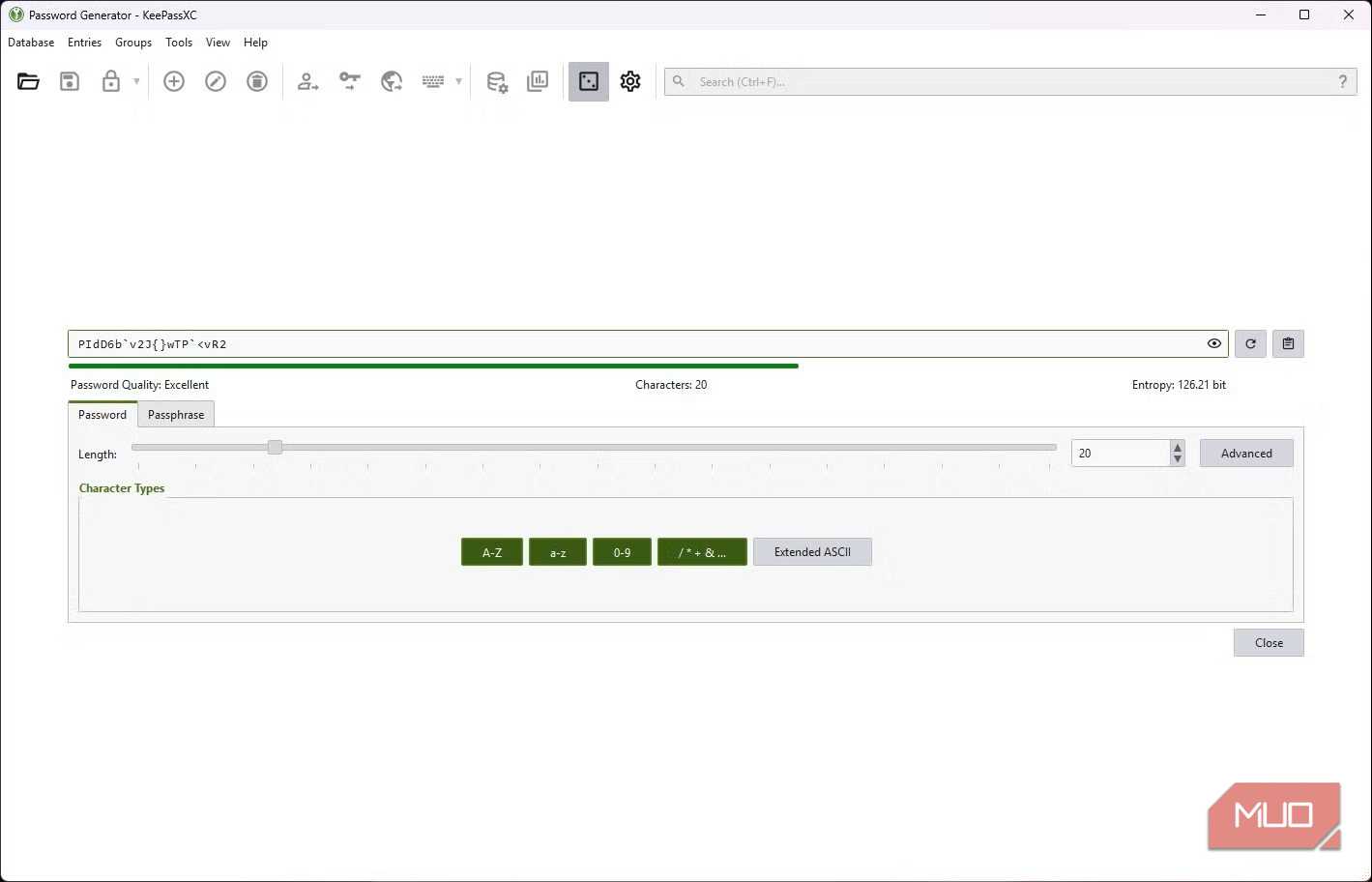
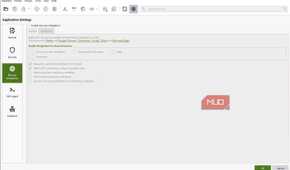
The first thing that stood out to me when I launched KeePassXC was the absence of a "Create Account" button. This option doesn't exist because all the data you store remains on your machine in a single .kdbx database, cutting out the need for sign-ups, email verifications, or a company to hold any part of your vault.
This seemingly small detail is the biggest gap between KeePassXC and other cloud password managers, including most open-source ones. This category typically encrypts your vault before it leaves your device, then stores the file on the servers the provider manages. It's a system that asks you to trust a company's infrastructure, engineering practices, and availability. KeePassXC doesn't need you to trust its servers because there isn't one to start with.
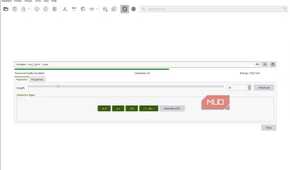
Setting up a database requires picking between AES-256 and ChaCha20. KeePassXC's default key derivation function is Argon2id, and this is the part that actually protects your master password. Argon2id imposes significant memory and time costs for each password guess to reduce the advantage of brute-force attacks. While it substantially increases resistance to attacks, it doesn't make weak passwords safe.
Password managers have been breached several times in the past, and the real damage is usually to the customers' vaults, which are often stored together on the same servers. This is one breach category that KeePassXC eliminates by not holding anyone's vault.
|
KeePassXC |
Cloud manager |
Browser passwords |
|
|---|---|---|---|
|
Where the vault lives |
Your file |
Provider's servers |
Your browser account |
|
Who handles recovery |
You |
The provider |
The provider |
The ownership you get from KeePassXC also means you don't get a support line when things break.
The surprise is how ordinary it feels day to day
Auto-Type, local autofill, and the syncing you choose yourself

At this point, you may expect KeePassXC to feel like a command-line tool. It doesn't have the polish of most of the competition, but it doesn't feel like a geek's project either. The password generator, search, tagging, and autofill all worked well, and it took me just a few minutes to set it up.
While browser-based managers usually fill only web forms, KeePassXC has Auto-Type, which sends your credentials into the focused window. It's handy when I log in to a desktop app, a remote desktop session, or my VPN client. These are places browser autofill doesn't usually reach.
Syncing requires the most manual setup; I make it work by pointing it at Syncthing or a Nextcloud folder. KeePassXC lacks an official mobile app; however KeePassDX and Strongbox open the same database file, so I have coverage for my mobile devices.
Additionally, it supports passkeys, which live in the same encrypted database. They sync with whatever syncing method you use for your vault and don't require a vendor's passkey cloud, as Apple, Google, and 1Password do. This hasn't felt like a downgrade, but it's still catching up in a few edge cases.
Ownership comes with choices
Choosing between local, self-hosted, and cloud options

Not all open-source options give you the same thing. In some cases, the code may be open, but they run the server for you, while others give you the server as well.
Vaultwarden is the open-source option that works most like traditional cloud managers. It's self-hosted but built on Bitwarden's protocol. This means that even though you manage the backend yourself, you get Bitwarden apps and mobile autofill. With Proton Pass, you get an open-source client with vaults hosted on Proton's servers. Pass is an excellent option that's built on GPG and Git, but it would only work for someone who spends most of their time in the terminal.
|
Manager |
Best fit |
|---|---|
|
KeePassXC |
Maximum ownership |
|
Bitwarden |
Easy open-source cloud |
|
Vaultwarden |
Self-hosted, Bitwarden-compatible |
|
Proton Pass |
Privacy-focused, still hosted |
|
pass |
Terminal power users |
What sets KeePassXC apart is that your vaults are yours in every sense; it doesn't need you to trust any company with your vault.
The tradeoff nobody advertises
Ownership also means ownership of your backups

Losing access to your KeePassXC vault can be unforgiving. Since there's no account behind your vault, KeePassXC doesn't offer a support line to recover it, and there isn't a reset link. This is one of the first realities you must adjust to if you make this switch. Cloud managers usually offer a recovery flow for forgotten passwords.
I keep a second copy of my .kdbx file as well as my key file. They're stored outside the device I use daily. It's not glamorous, but it saves me the pain of losing the entire vault. I also recommend using the 3-2-1 backup system: keep three copies of your data on two different types of media, with one copy stored off-site.
Complete ownership beats cloud convenience
A lot of the open-source tools I've come across prioritize transparency. KeePassXC stands out because it gives you complete ownership of your vault. It's a shift away from the cloud, which also means you sacrifice some convenience, and this is probably why it's not the tool that gets recommended the most. Still, it's the kind of trade-off that brings peace of mind. It removes the worry of server breaches and third-party outages.

KeePassXC
- OS
- Windows, macOS, Linux, Portable
- Price model
- Free
KeePassXC is an offline password manager that offers strong password encryption and does not require the cloud to store or handle your credentials. It is open source and community maintained.