


I opened a browser fingerprinting test site a while back, feeling fairly confident about my privacy setup. I had a tracker blocker installed, cookies were regularly cleared, and a VPN was humming away in the background. That's a reasonable stack of defenses, isn't it?
The results were humbling. Right there in the report, my browser had exposed my GPU vendor, the renderer string identifying my graphics hardware, floating-point precision values from the shader pipeline, and a list of supported WebGL extensions. It did all of that without asking for permission, and before cookies even entered the conversation.
That was the moment I started thinking about browser fingerprinting differently.
Your graphics card says more than you think
Your GPU isn't introducing itself, but it's definitely leaving fingerprints


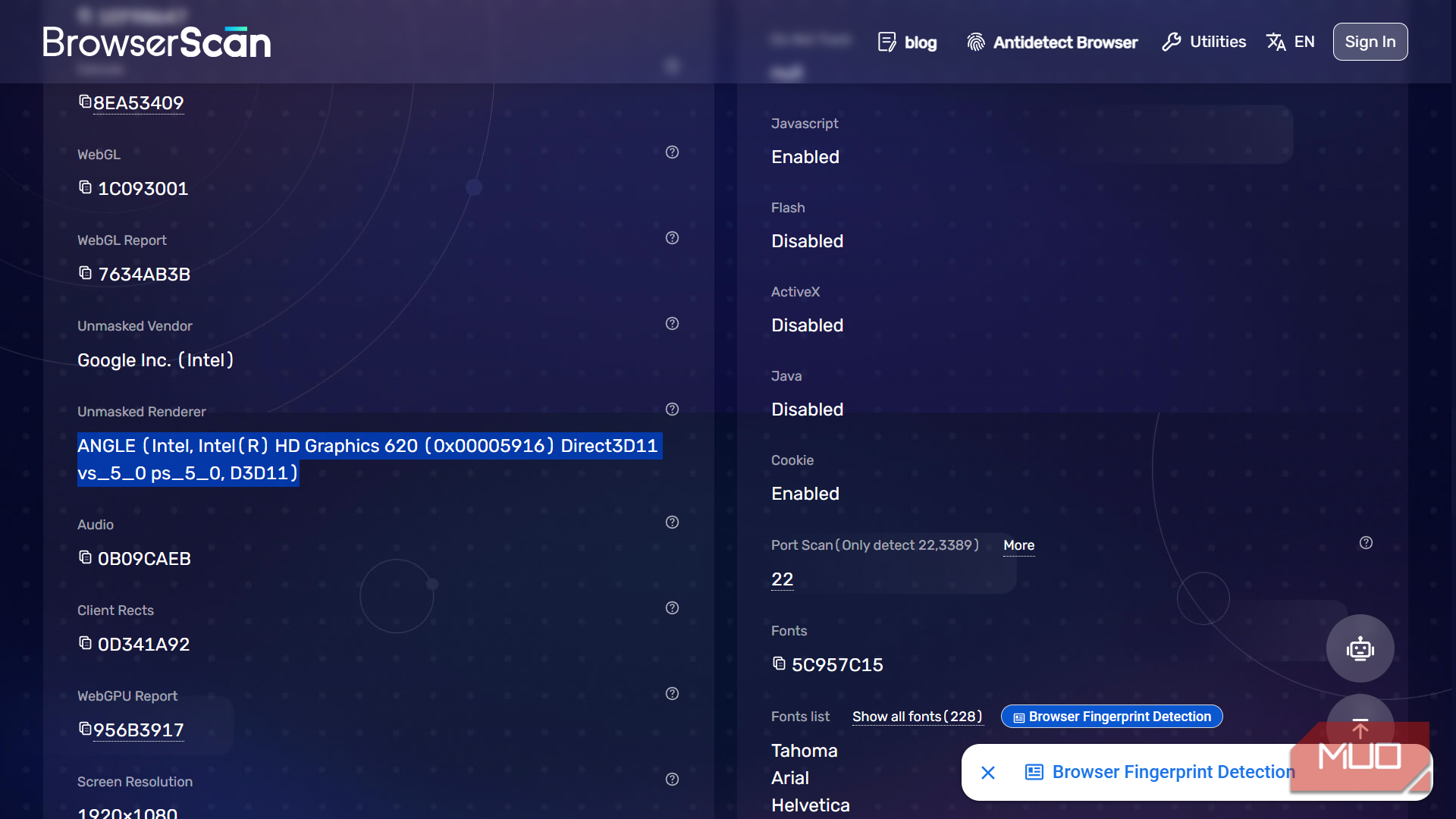
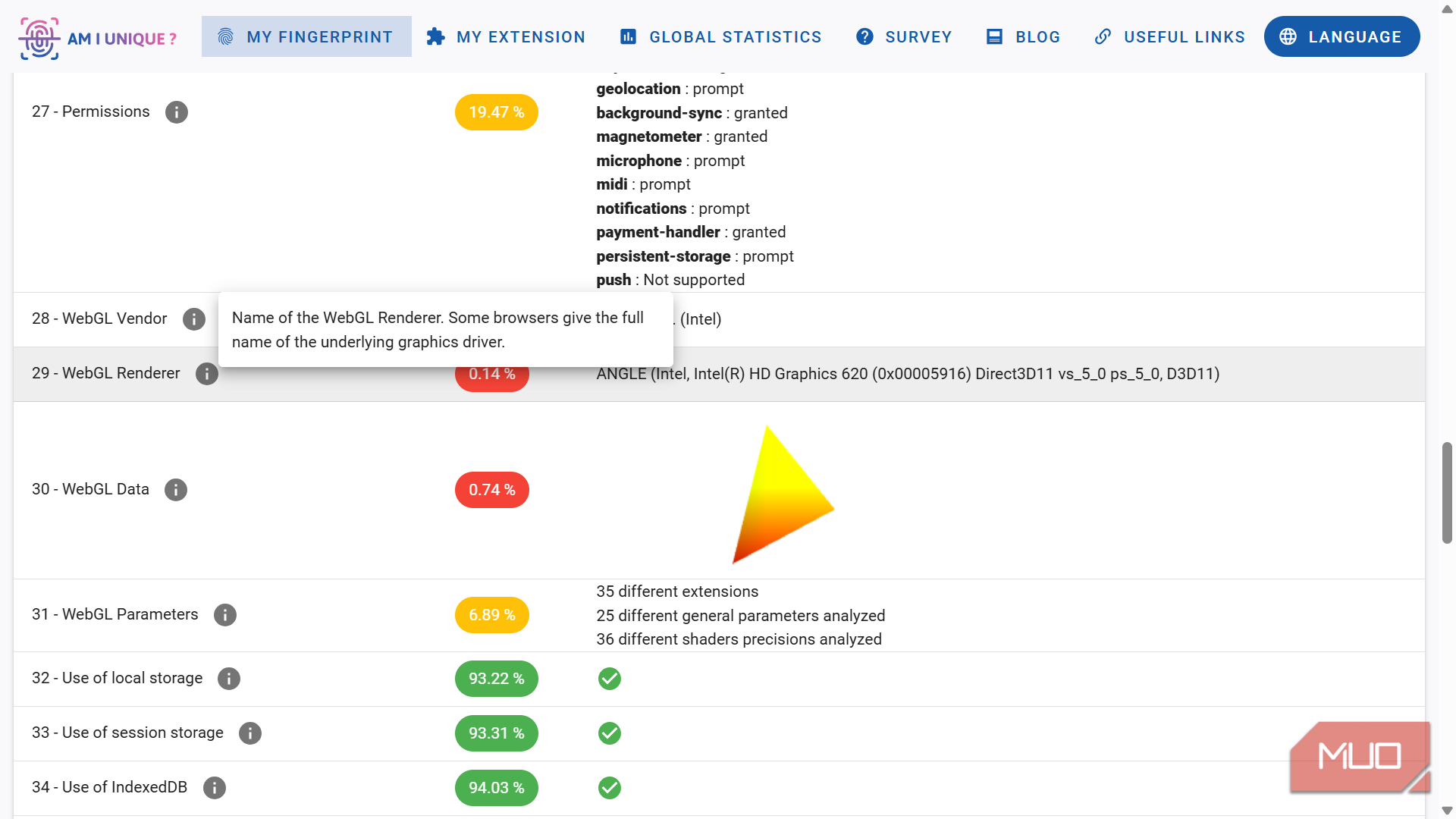
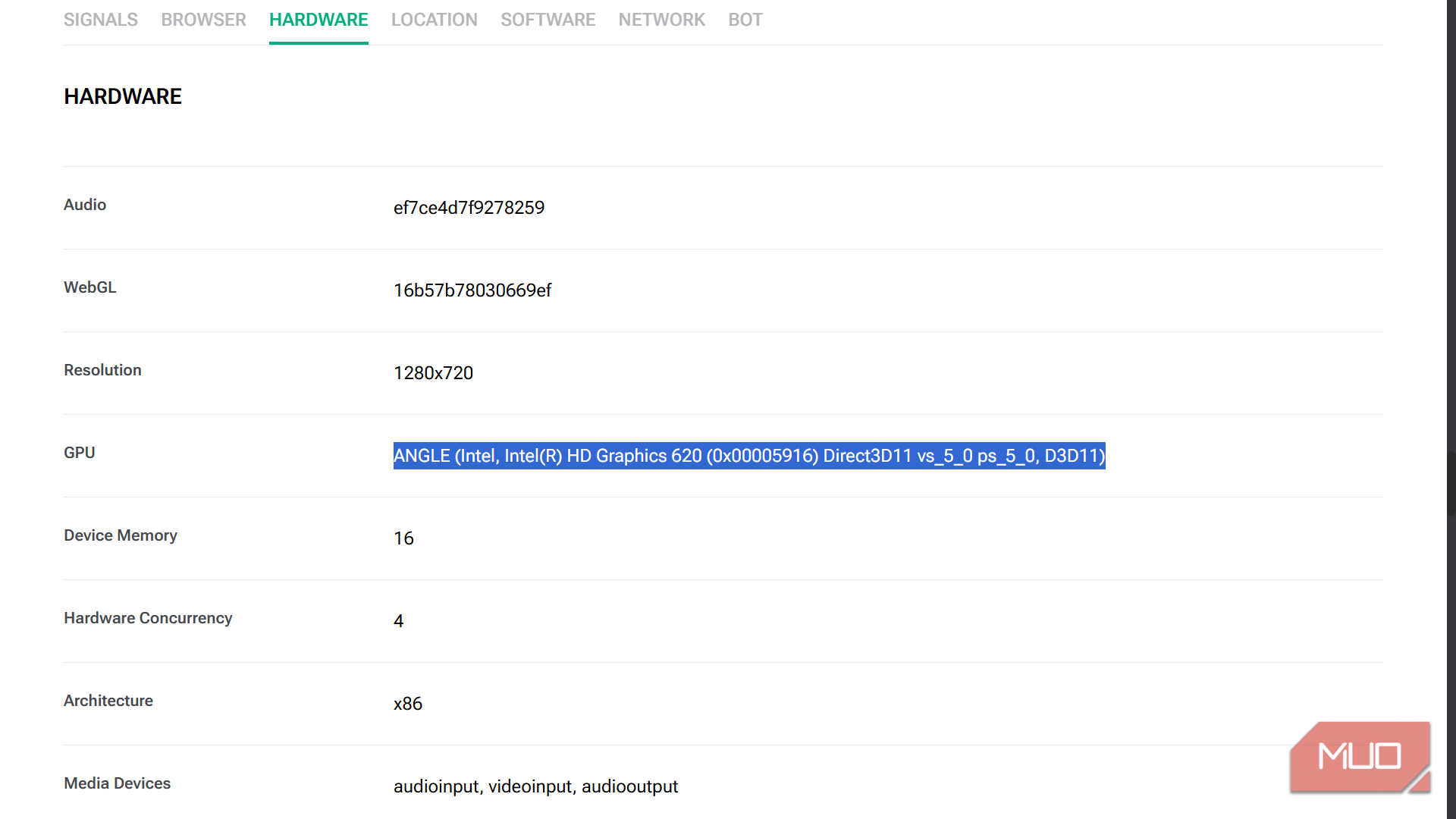
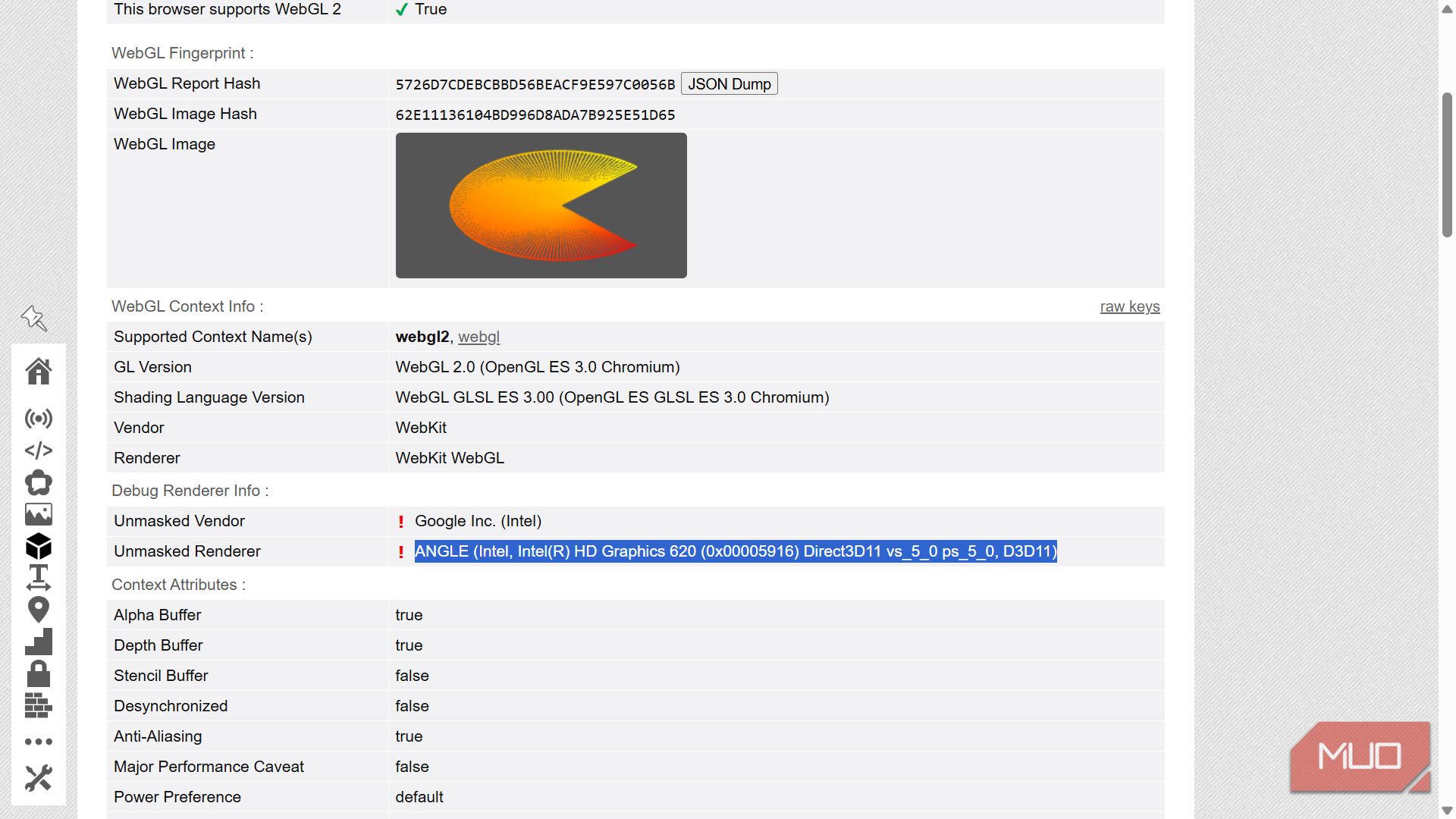
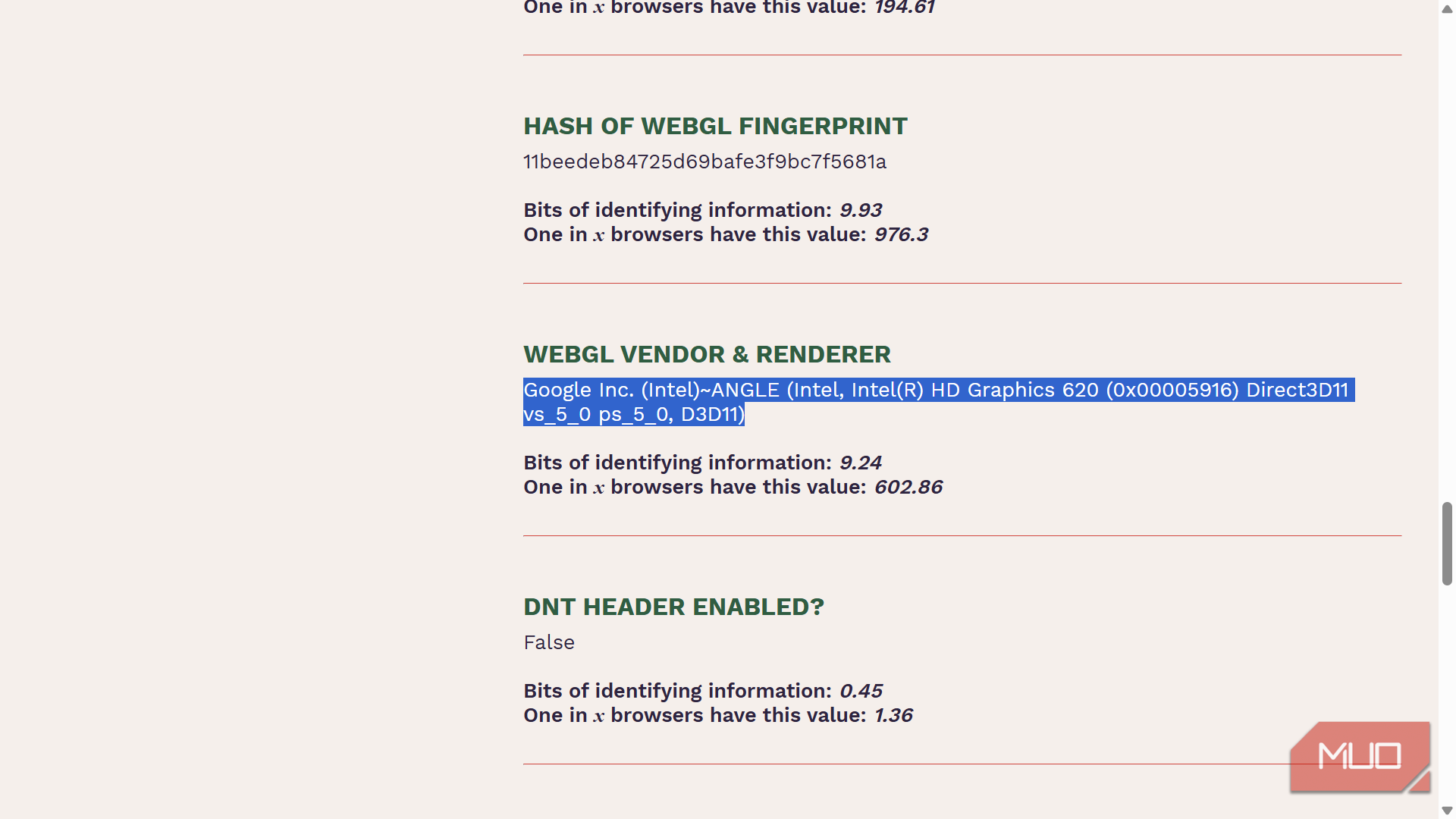
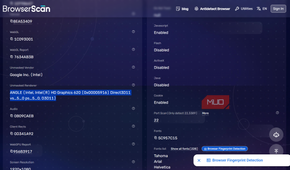
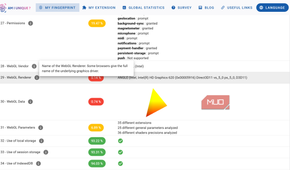
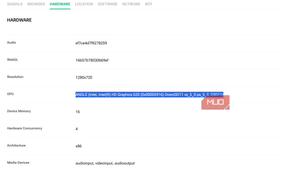
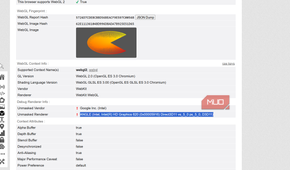
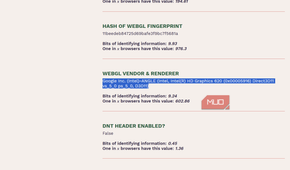
Browsers expose graphics capabilities because websites actually need them. Every interactive 3D model, browser game, CAD viewer, and hardware-accelerated web app depends on APIs like WebGL, a browser API that lets JavaScript draw graphics directly on the device's GPU without requiring a plugin.
A website cannot ask your browser for your GPU's serial number. Browsers deliberately avoid exposing explicit identifiers. But JavaScript can query dozens of graphics characteristics without asking for any permission at all. WebGL lets websites render graphics in the browser using the device's GPU, and that access can expose graphics capabilities and rendering behavior that provide valuable signals for a browser fingerprint.
Through it, a script can retrieve the GPU vendor and renderer strings, the full list of supported extensions, maximum texture sizes, antialiasing support, shader precision, and floating-point behavior. It can also render carefully chosen scenes onto an invisible canvas and compare the resulting pixels — tiny differences caused by graphics drivers, hardware, operating systems, and rendering pipelines often produce slightly different outputs across devices.
Individually, none of those values identifies you. Millions of people may use the same GPU family, driver branch, or browser engine. The privacy issue is the combination. A vendor string narrows the field; a renderer string narrows it further; extension support, texture limits, shader precision, antialiasing behavior, and rendered pixel differences narrow it again. Add browser version, operating system, screen resolution, language settings, fonts, and other exposed properties, and the GPU becomes one of the stickier pieces in a broader fingerprint.
WebGPU gives fingerprinting a wider attack surface
New API, new breadcrumbs

WebGL is no longer the whole story. WebGPU is a newer companion API, designed to give browsers more direct access to graphics and compute hardware than WebGL comfortably allows — the two coexist, serving different roles rather than one replacing the other. That is useful for faster rendering, complex web apps, machine-learning workloads, games, creative tools, and anything else that wants more from the GPU than WebGL can comfortably provide. It also creates a new privacy headache, because more capability often means more observable detail.
Depending on the browser and implementation, WebGPU may expose adapter information such as the GPU vendor, architecture, device description, supported features, and hardware limits. The especially interesting part for fingerprinting is not one flashy label, but the long list of limits attached to the graphics device: maximum texture dimensions, buffer sizes, workgroup sizes, supported features, and other capability values most people will never see unless they go looking for them. Those limits can vary across vendors, architectures, drivers, operating systems, and browsers, which means the full set can become a fairly specific capability profile.
The W3C WebGPU specification directly acknowledges this risk. Browsers do not have to expose true hardware limits, and they can reduce or group certain values to avoid leaking too much machine-specific information. That is an important caveat. WebGPU is not a permission slip for every website to learn everything about your graphics card. The problem is more subtle in that, for WebGPU to be useful, browsers still need to expose some capability information, and any such information can become another ingredient in a fingerprint.
Your privacy toolkit can barely slow it down
The usual privacy tricks are looking in the wrong drawer


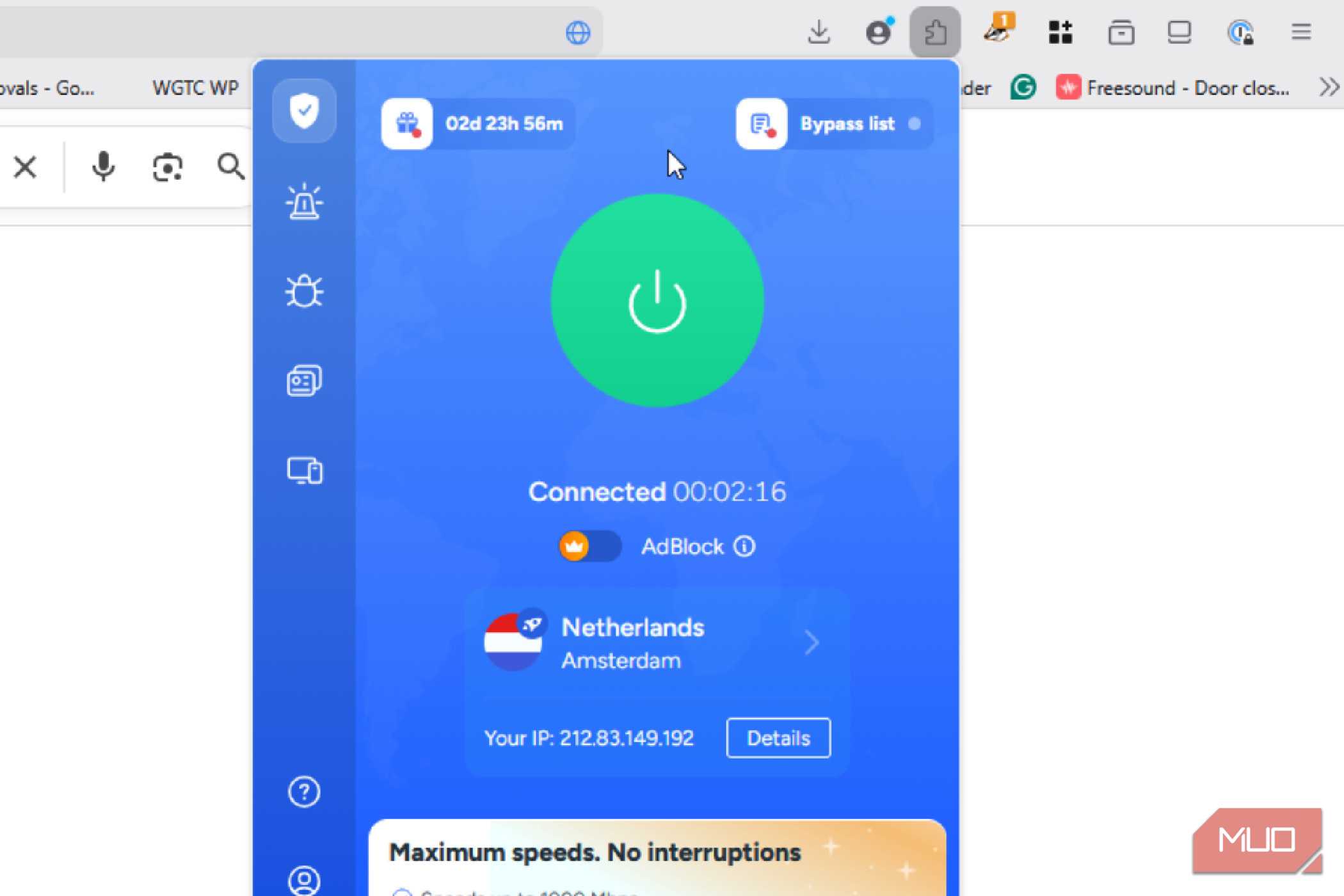
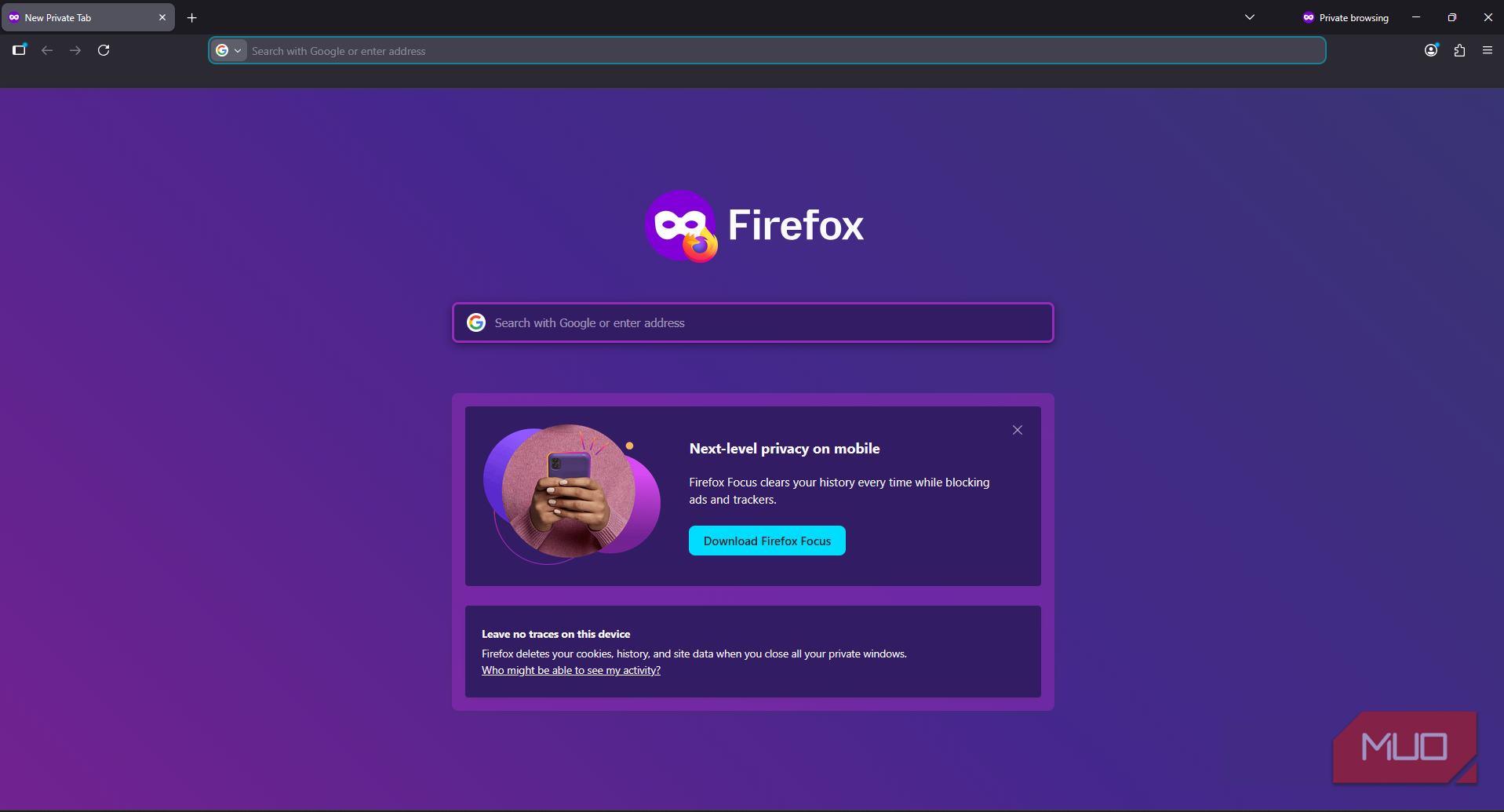



The instinctive response to privacy concerns is to reach for a VPN, enable private browsing, or install a tracker blocker. For cookie-based tracking, these tools have real value. For GPU fingerprinting, they address an entirely different problem.
A VPN masks your IP address. Your IP address is not your GPU fingerprint. Your graphics pipeline, your driver stack, your WebGL extension list — none of those travel through your VPN configuration. They travel through your browser's JavaScript runtime and are available on any page you load, regardless of which server your traffic is routed through.
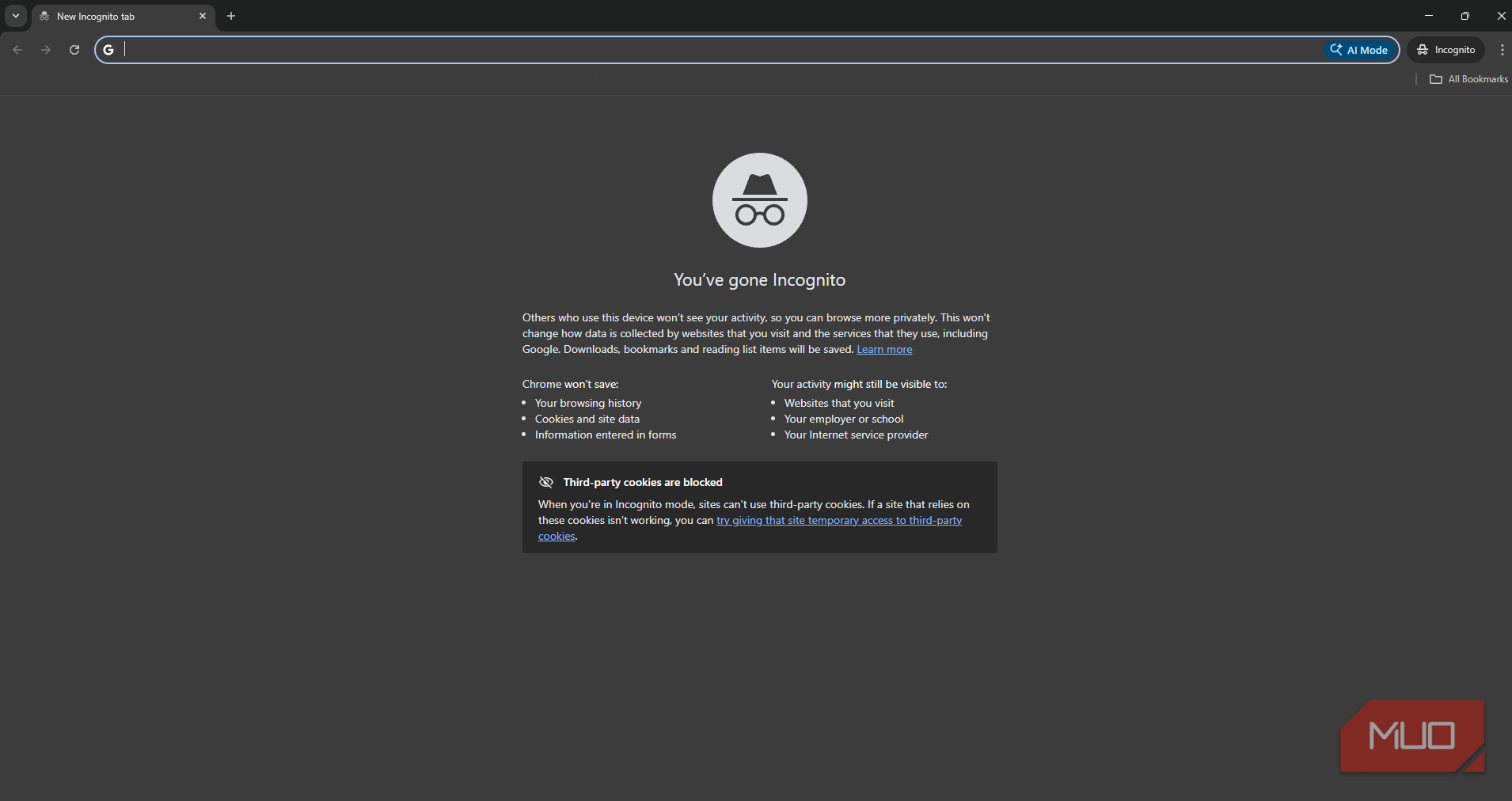
Private or incognito browsing is similarly ineffective here. Incognito mode prevents local storage of history and cookies, but it does not change what your browser reports to websites. Your hardware is the same, your driver stack is the same, and your GPU renders identically whether or not the window has a spy emoji in the corner.
Cookie deletion also does nothing at all in this context. GPU fingerprinting does not depend on cookies being present or persistent. The fingerprint is reconstructed fresh on each visit by querying your browser's live properties — and your graphics hardware isn't going anywhere.
Ad blockers and tracker blockers help at the margins. They can prevent known fingerprinting scripts from loading. But a fingerprinting routine embedded in a legitimate analytics or fraud-prevention library is indistinguishable from useful code, and many GPU properties can be queried without any suspicious-looking script.
What privacy-focused browsers are actually doing about it
Some blur the signal, some hide the furniture


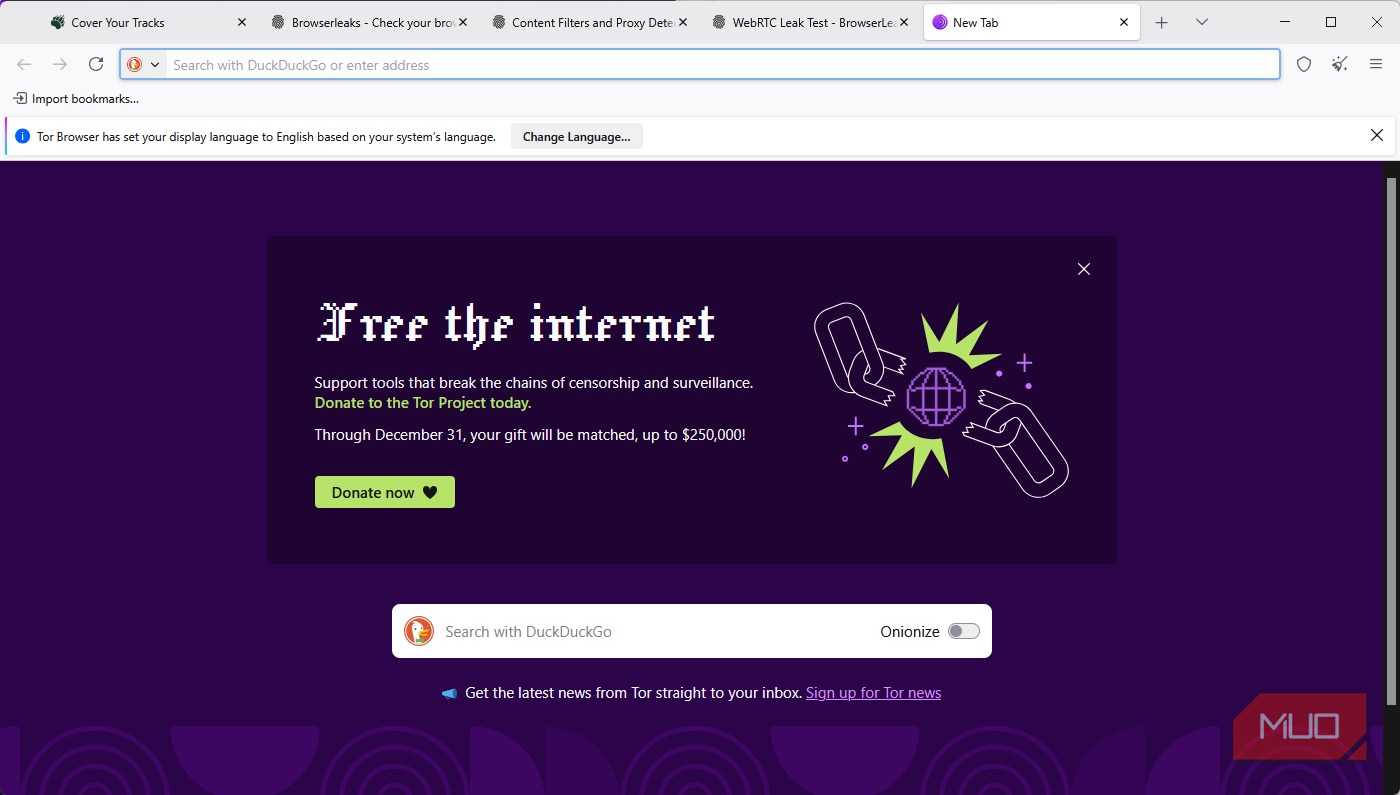

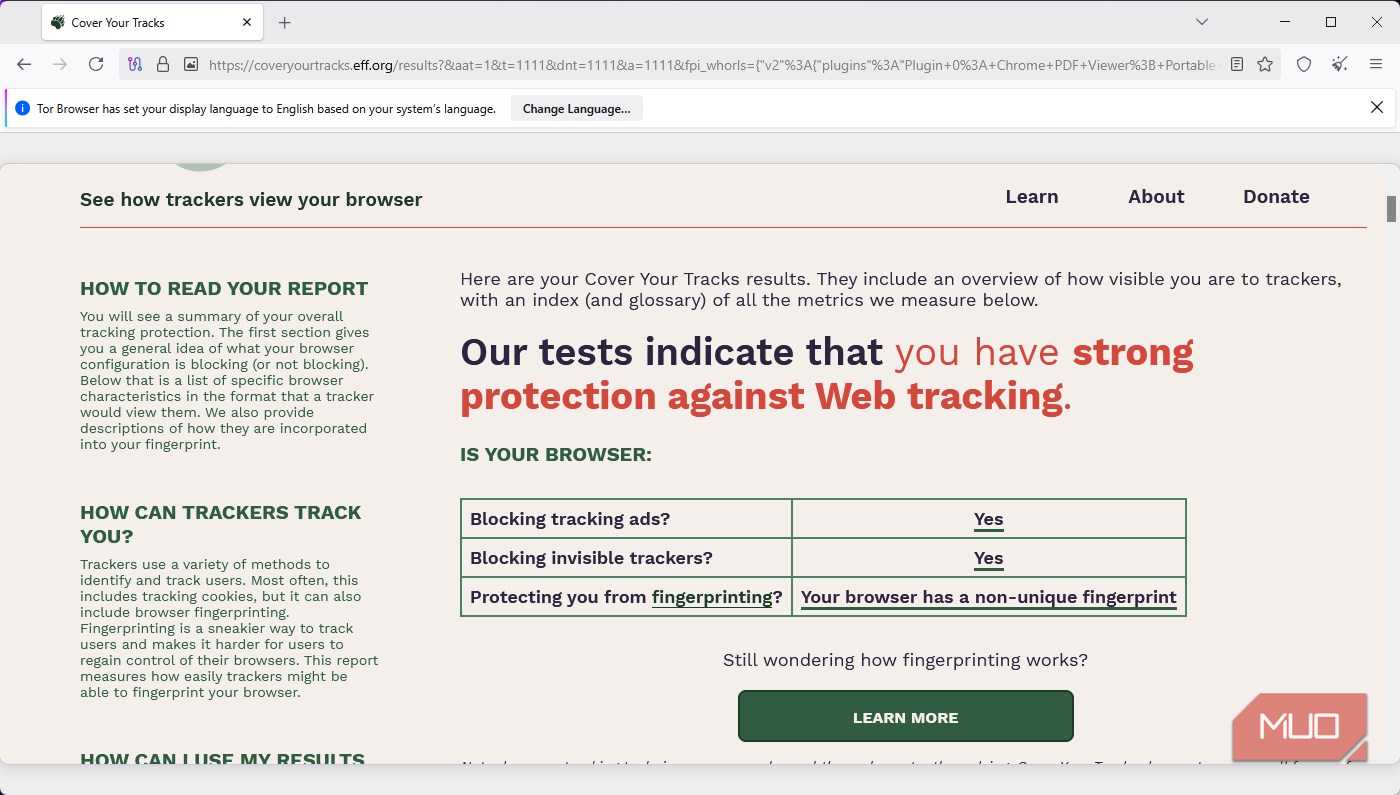
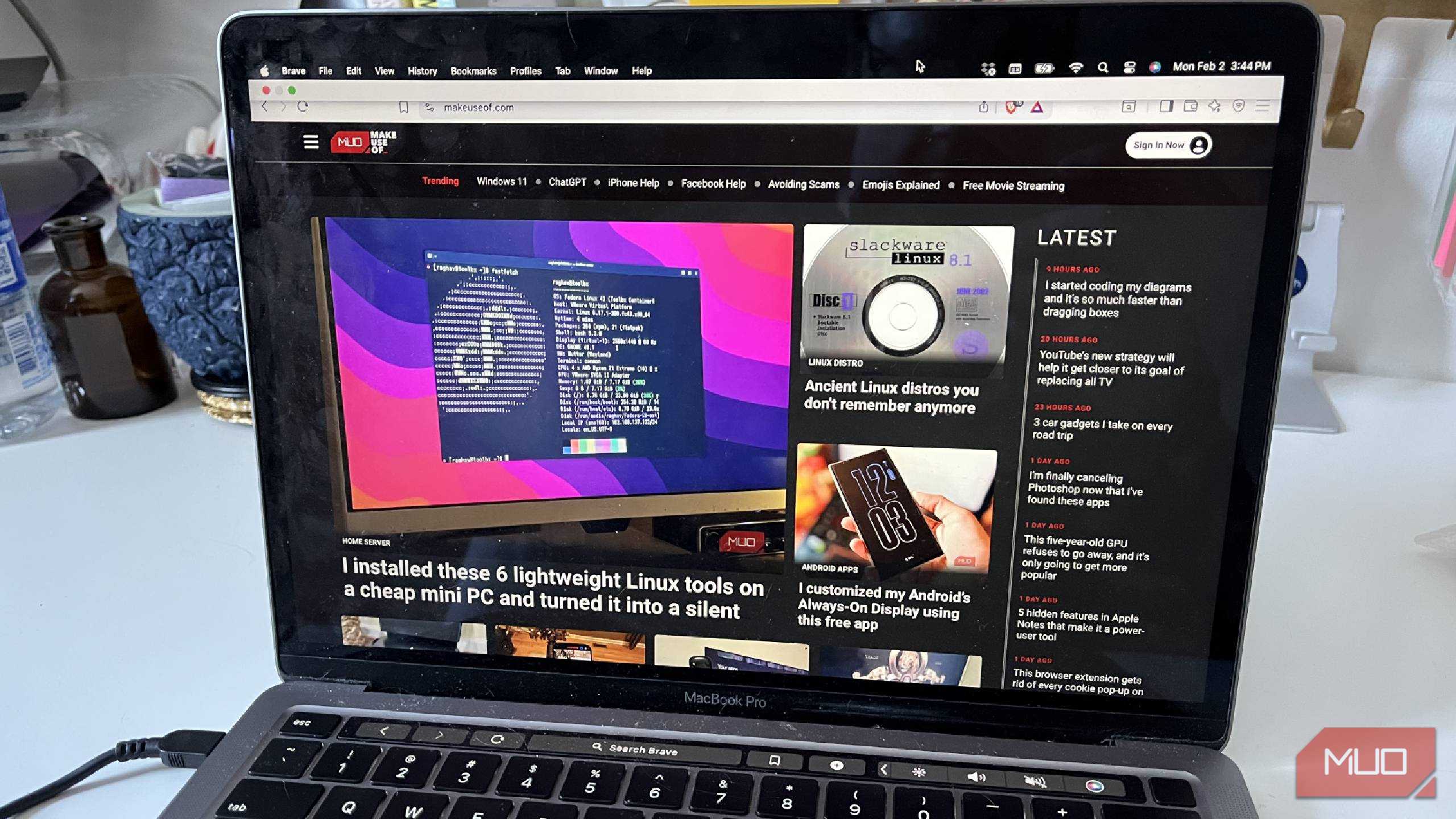
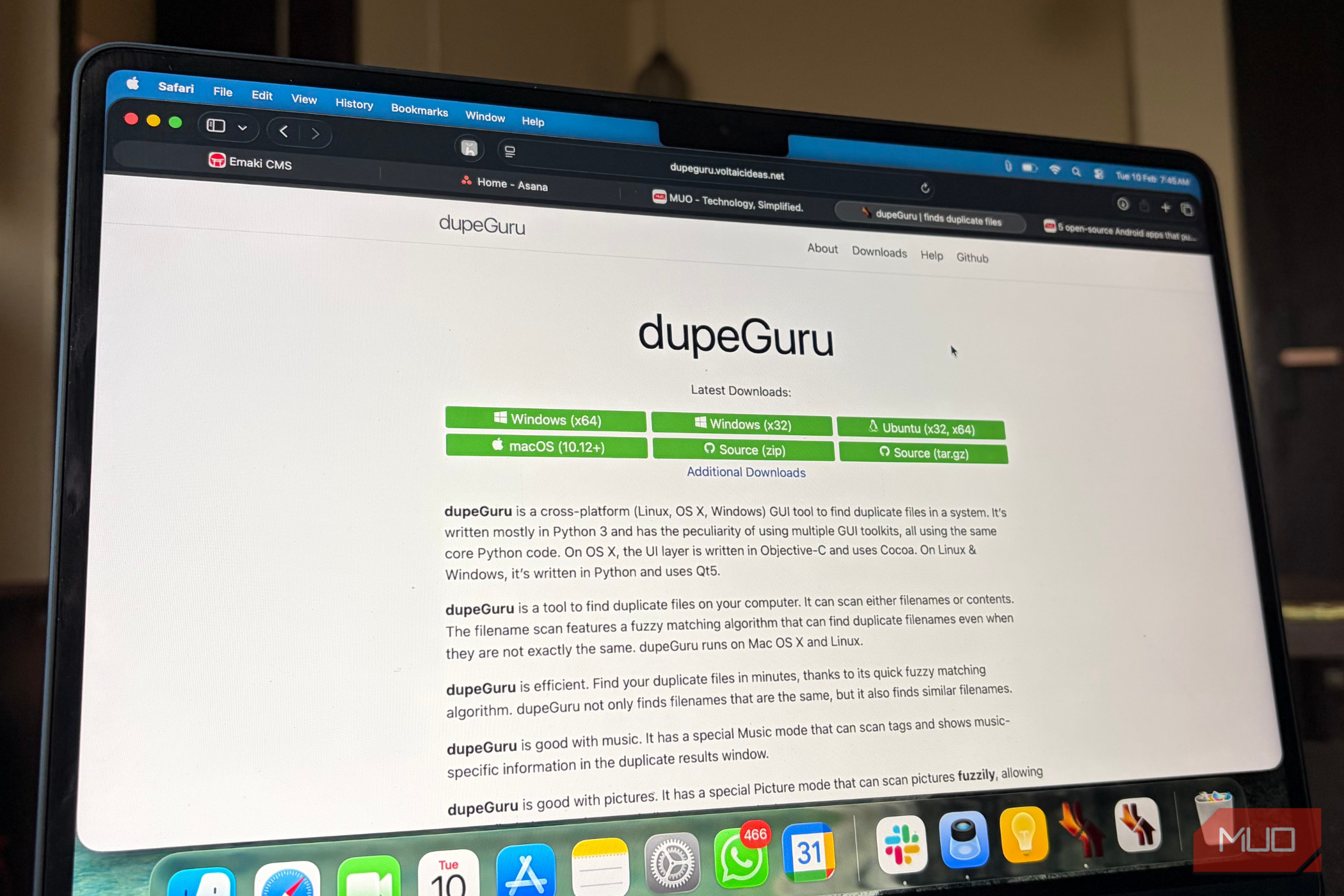




The browsers that take fingerprinting seriously tend to approach the problem in very different ways. Firefox, Brave, Safari, and Tor Browser all offer built-in protections. However, their approaches differ significantly — and so do their weaknesses.
Tor Browser provides the strongest default anonymity by making every user's browser look as similar as possible to others. That standardization is the core of its protection and, conceptually, the most robust approach. The trade-off is usability. Tor can be slower, and its stricter privacy model can cause compatibility issues on ordinary websites, making it difficult to recommend as an everyday browser for most people.
Brave takes a different route with a technique it calls "farbling." Instead of trying to make everyone look identical, Brave slightly randomizes the output of browser features that can be used for fingerprinting. The goal is to make those values harder to rely on without breaking normal websites. These farbled values are generated using a per-session, per-site seed, so the same site sees consistent values during a session. In contrast, different sites and later sessions see different values.
The problem is that randomization offers degraded protection rather than complete protection. A 2025 ACM Web Conference paper analyzed fingerprinting defenses across 18 browser extensions and five major browsers, and found that randomization-based protections can sometimes be attacked, especially when an attacker can take repeated measurements and statistically work around the noise.
One technique is to read the canvas output many times, then use majority voting or averaging to recover the stable signal underneath. That does not mean Brave's entire privacy model is useless, but it does mean farbling should not be treated as a force field. It makes fingerprinting harder and less reliable; it does not make the graphics stack disappear.
Firefox sits somewhere in the middle. Recent versions of Firefox have strengthened anti-fingerprinting protections, including defenses against canvas- and GPU-related rendering signals. To reduce canvas fingerprinting, Firefox can add random noise when websites read back generated image data. It also limits some font-based fingerprinting by reducing access to locally installed fonts and reporting a more standardized set instead.
The caveat is where the strongest protections apply. Firefox's normal browsing mode includes protection against known fingerprinters, but the broader protections against suspected fingerprinters are concentrated in Private Browsing Mode and Strict Enhanced Tracking Protection. That distinction is important because stronger fingerprinting defenses can break sites, and browser makers are constantly balancing privacy against compatibility.
Safari takes a more restrictive approach. Instead of mainly feeding fingerprinting scripts randomized data, Safari focuses on limiting what known fingerprinting scripts can reliably access in the first place. Safari 26 expands those restrictions across signals such as screen dimensions, hardware concurrency, Web Audio readback, 2D canvas data, and other APIs that can reveal device characteristics.
It also limits long-lived, script-written storage, making it harder for trackers to preserve state between visits. That is a strong model against known fingerprinting behavior, although it still leaves the usual cat-and-mouse problem: new or disguised techniques may not be blocked immediately.
So where does that leave you right now?
If GPU-based tracking worries you, the awkward truth is that even if you switch to a dedicated privacy browser, no mainstream browser offers a normal, fully compatible web experience while keeping your graphics stack invisible. Tor Browser offers the strongest anonymity model by making users look alike, but it comes with real usability costs. Firefox, Brave, and Safari all reduce parts of the fingerprinting surface, but none of them can erase the basic tension at the heart of the problem.

Tor Browser
- OS
- Windows, macOS, Linux, Android
- Developer
- Tor Project
The Tor Browser is an open-source browser for anonymous browsing. It passes your connections through 3 layers, ensuring no single point knows your original IP and destination.