


After starting with Notion years ago, I tried lots of alternative knowledge management apps because it didn’t quite meet my needs — or so I thought. After building my own local knowledge system in Trillium, it ticked all the boxes but one: I couldn’t easily access it across devices, which was a significant drawback for me. So I circled back to Notion and built a new knowledge base from scratch, resulting in a system I’m finally happy with.
The homepage is my control center
The first page I created wasn't another database; it was a dashboard
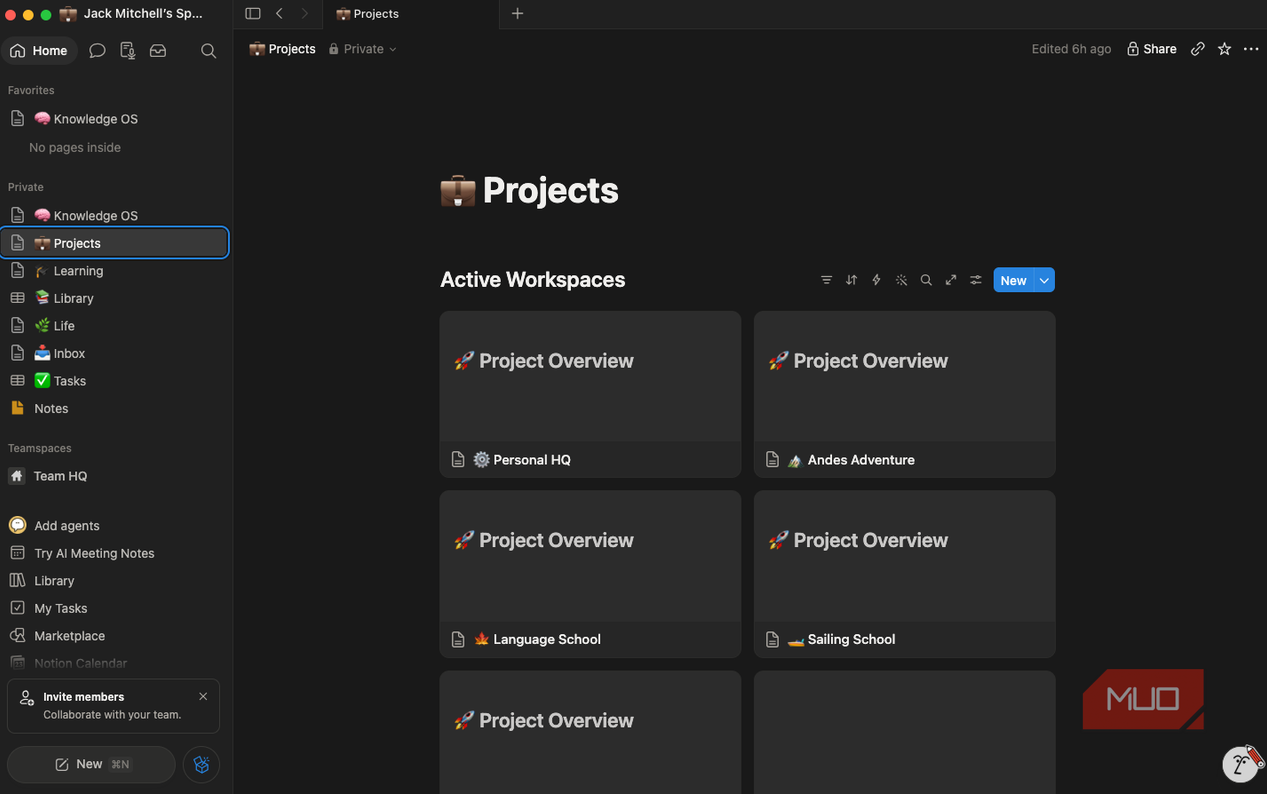
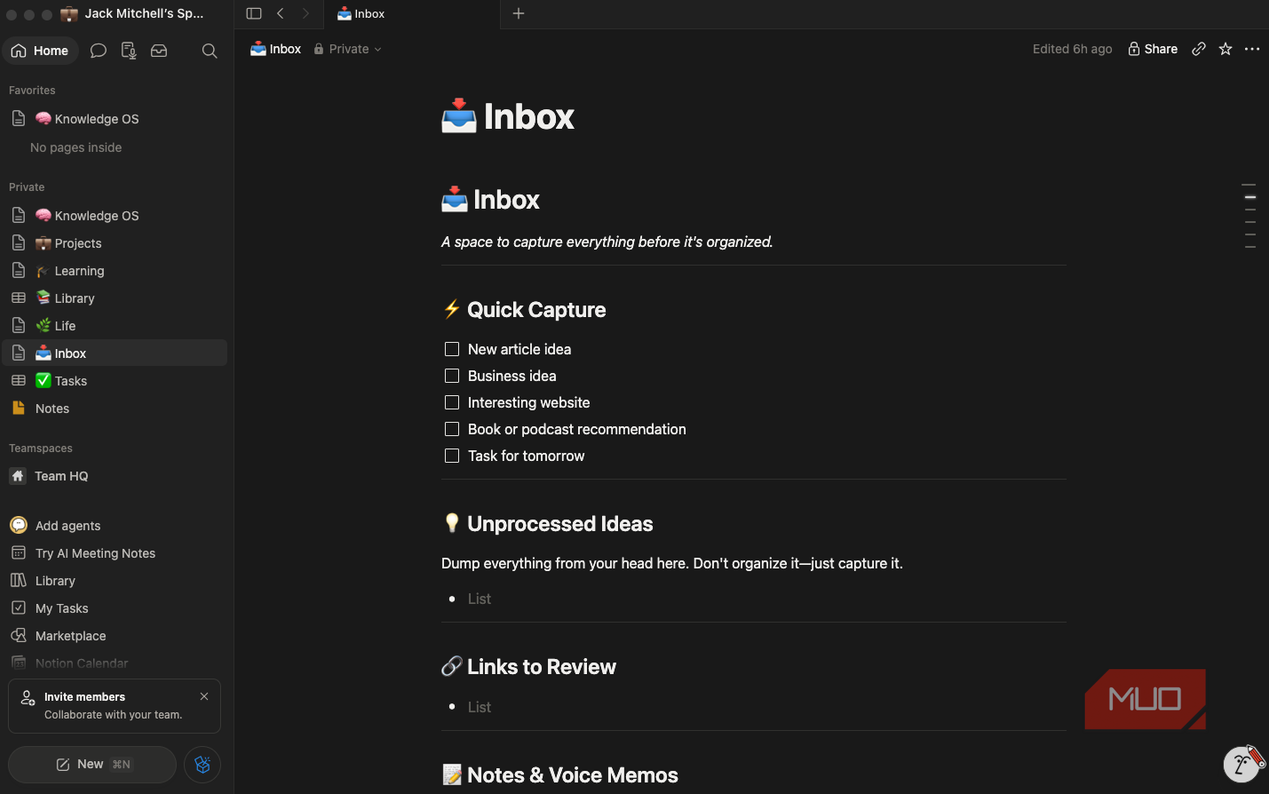
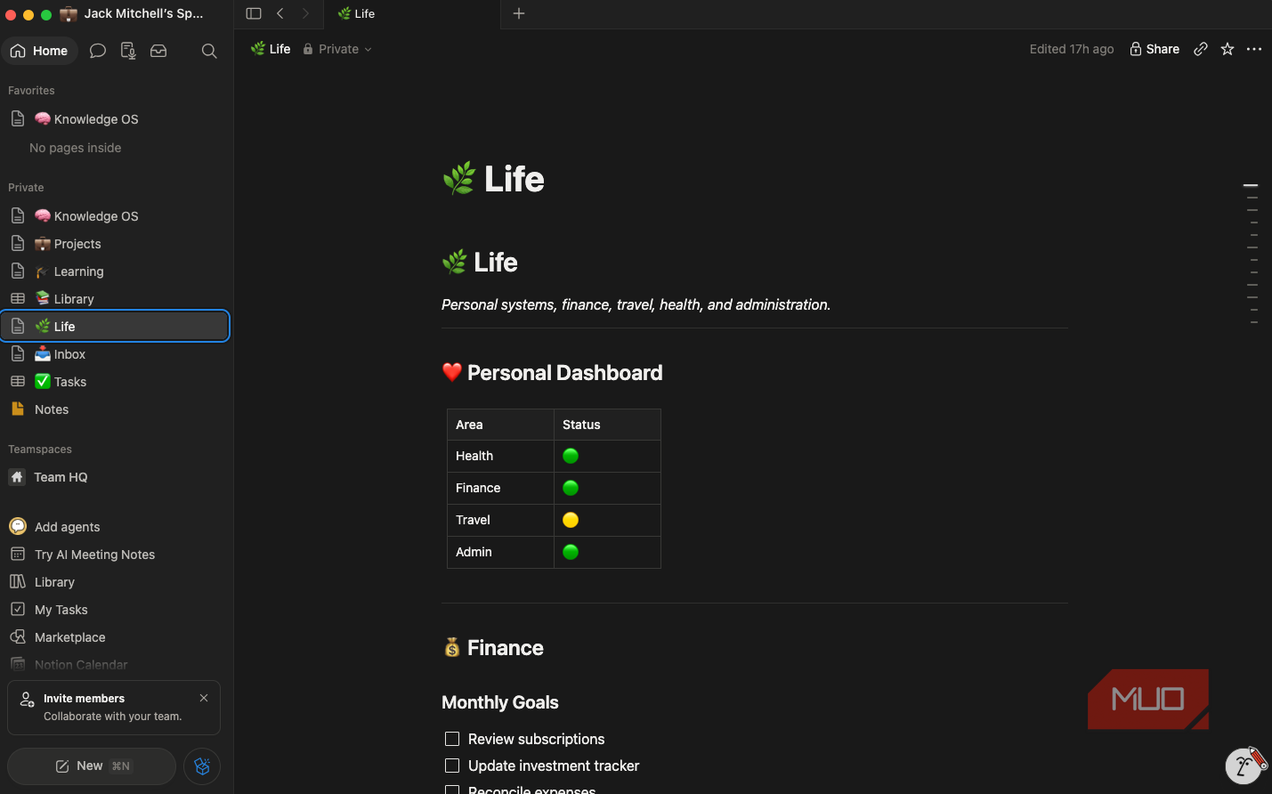


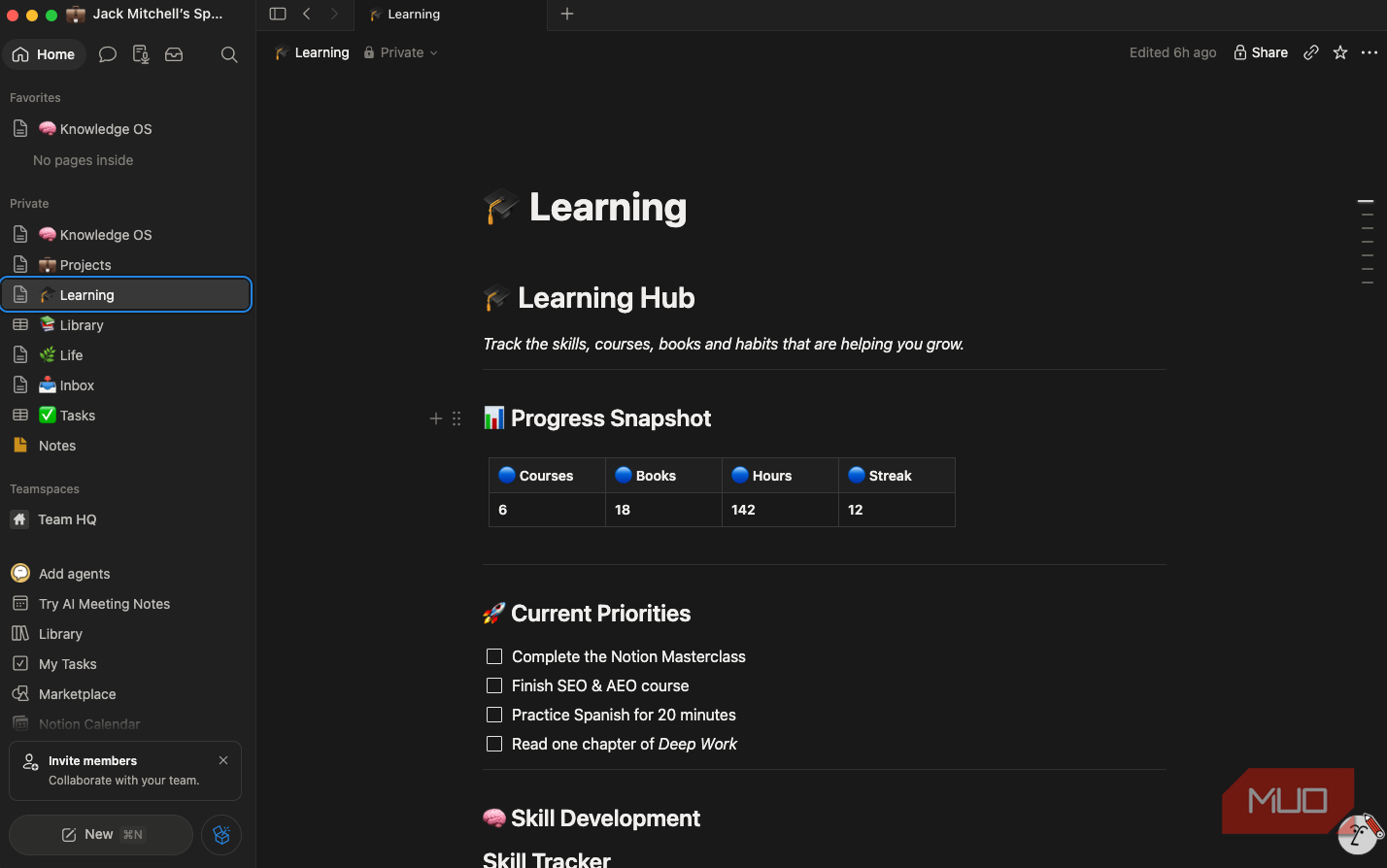
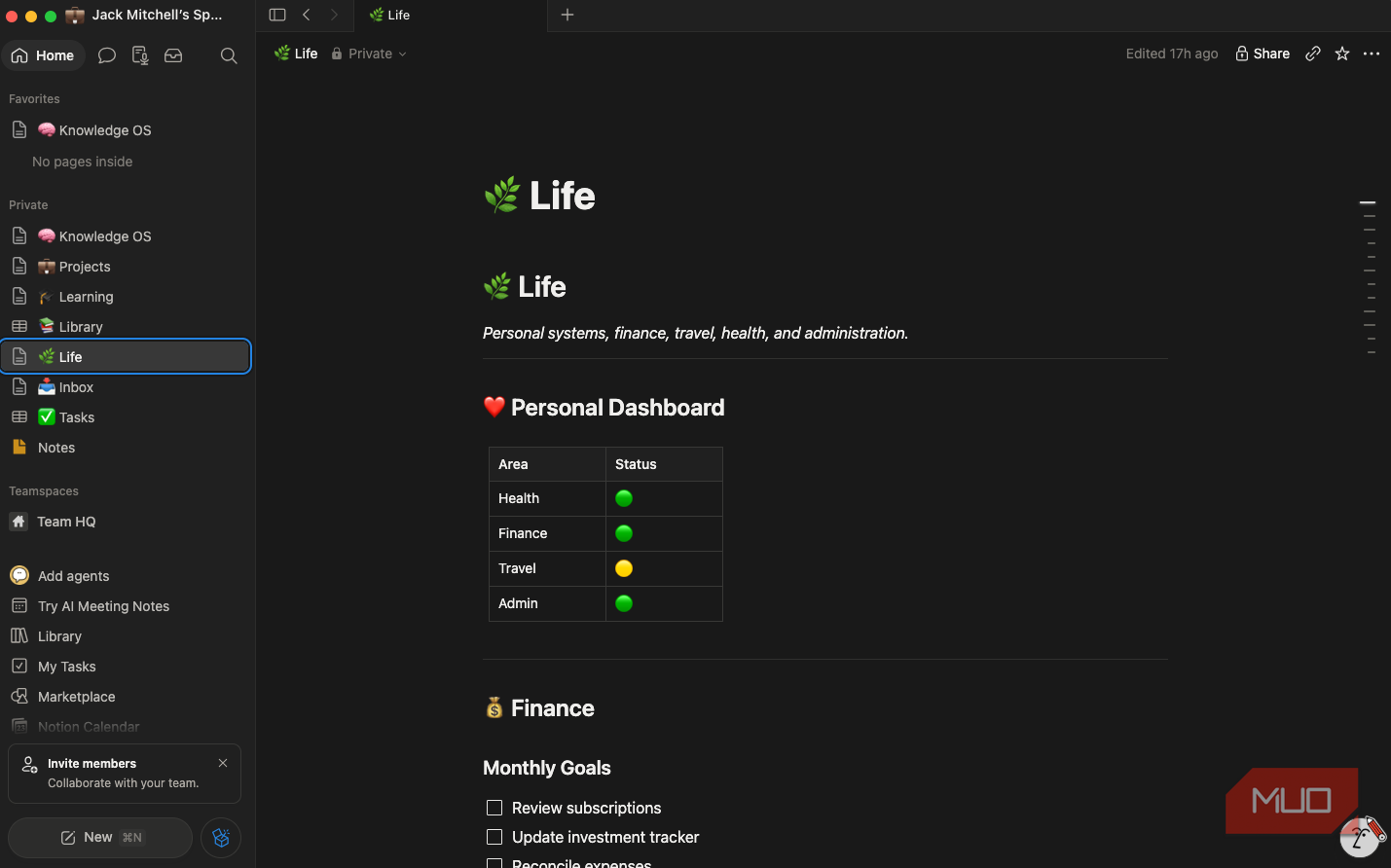
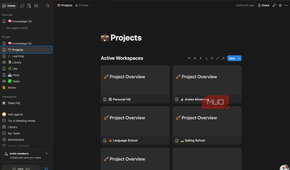
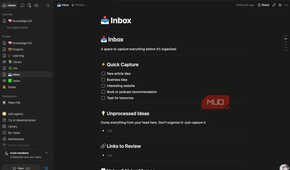
Instead of a sidebar full of links, I built a homepage that not only gives me access to the five areas I use most, but also encourages me to think about the structure of my day. The five areas are:
- Projects for active work
- Inbox for quick idea capture
- Library for reference material
- Learning for skill development
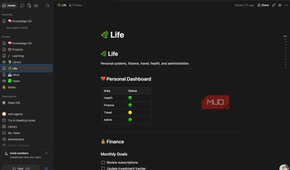
- Life for personal administration
The principle behind this is that every idea should have an obvious destination. This simple concept solves one of the biggest issues I face with note-taking in general: my ideas tend to become scattered and disorganized quickly. This single navigation page keeps me on track and makes the entire workspace feel purposeful instead of overwhelming.
Every project is a live dashboard
The biggest breakthrough came from relational databases
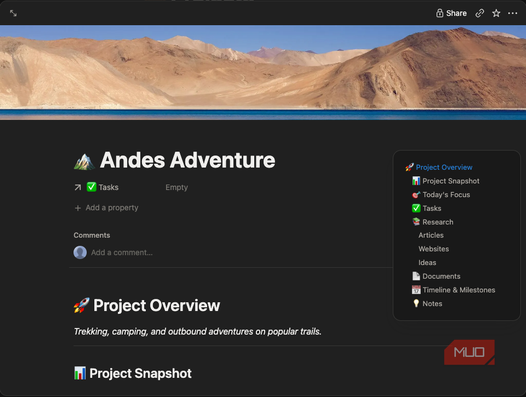
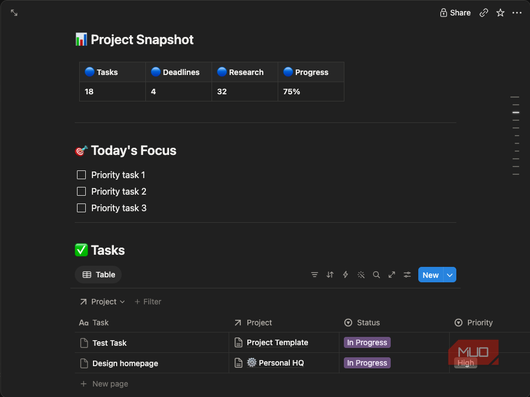
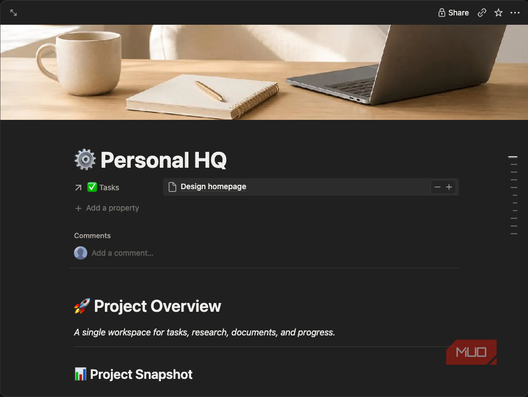
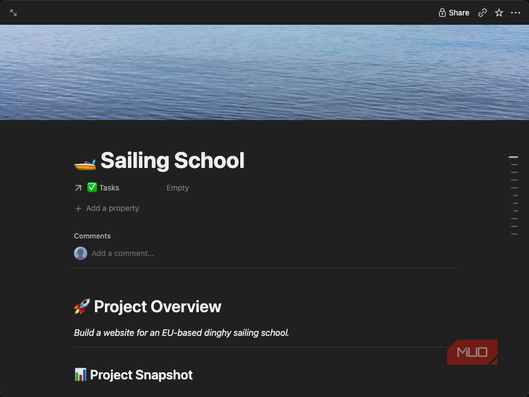


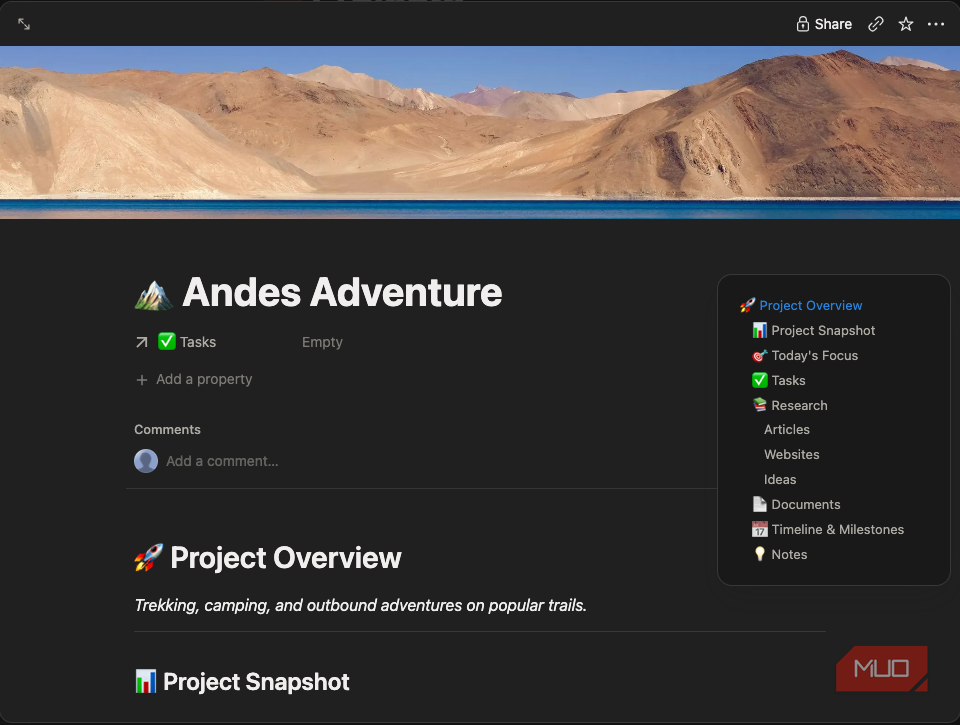
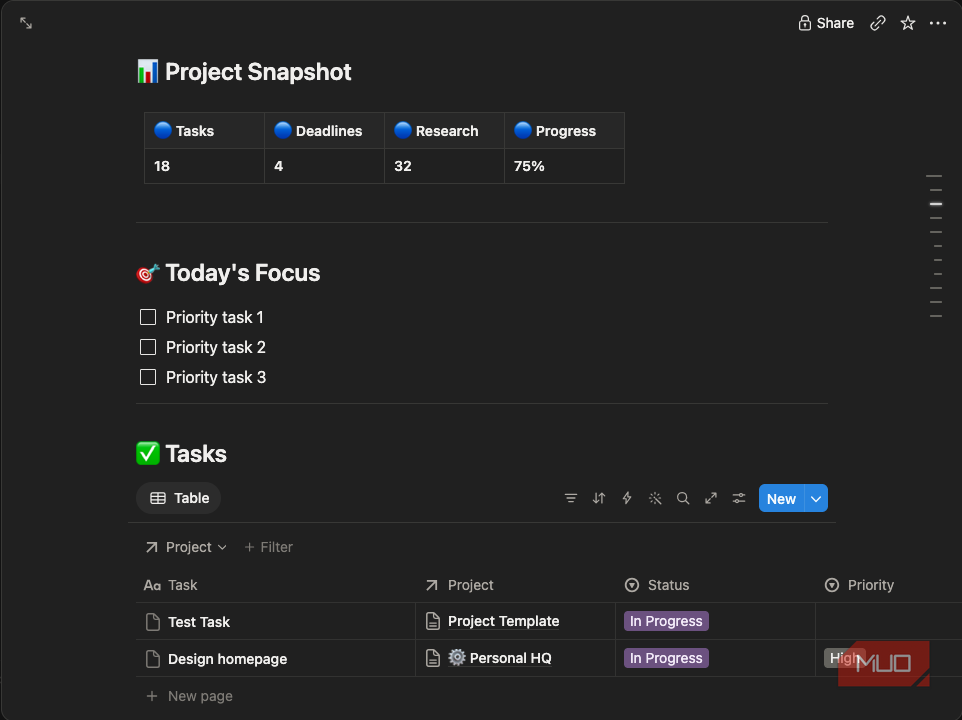
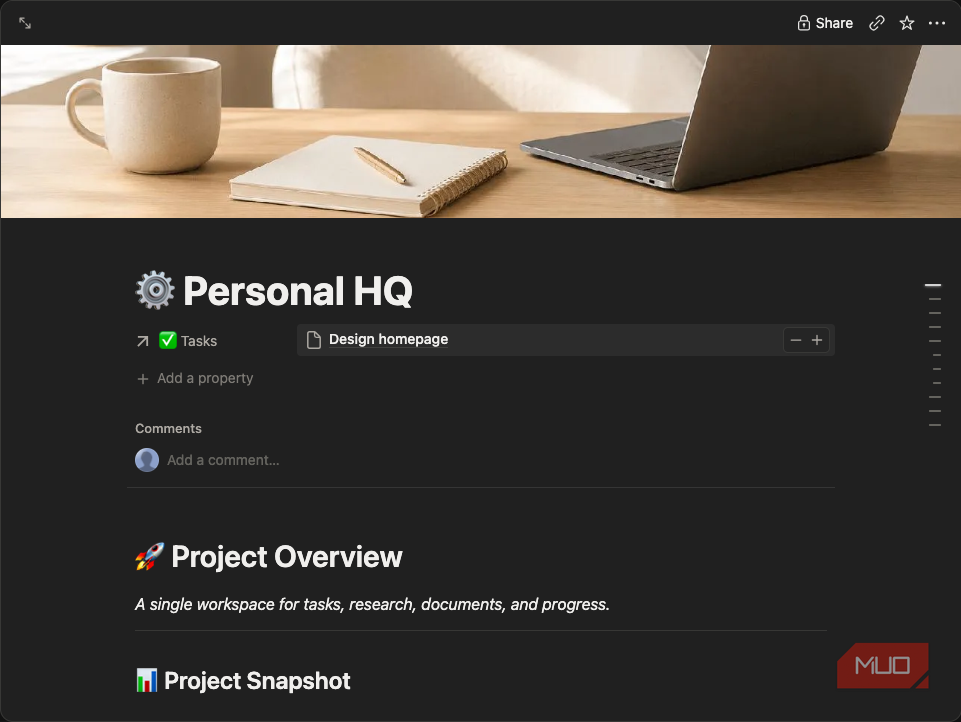
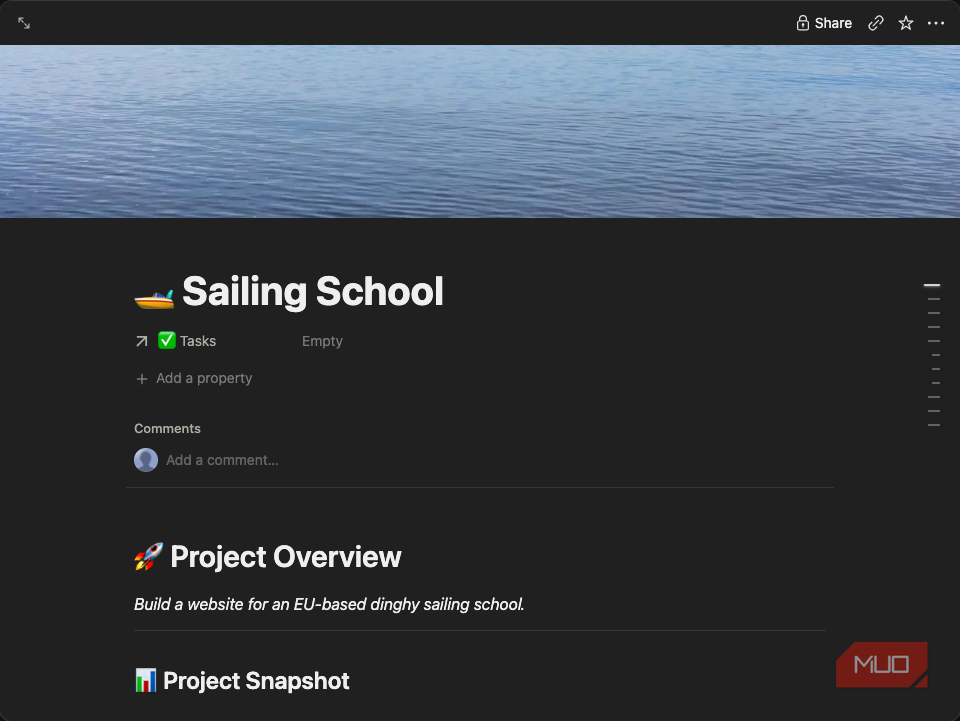
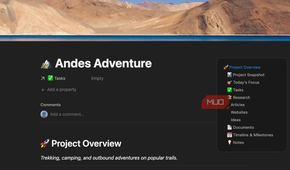
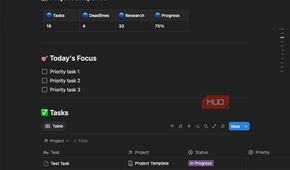
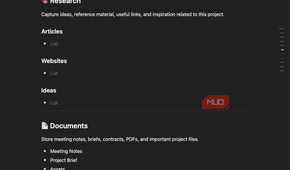
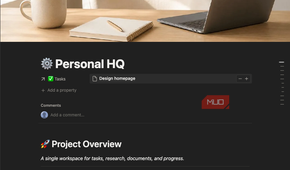
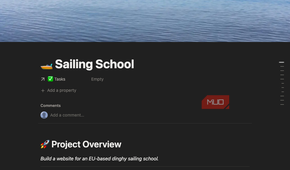
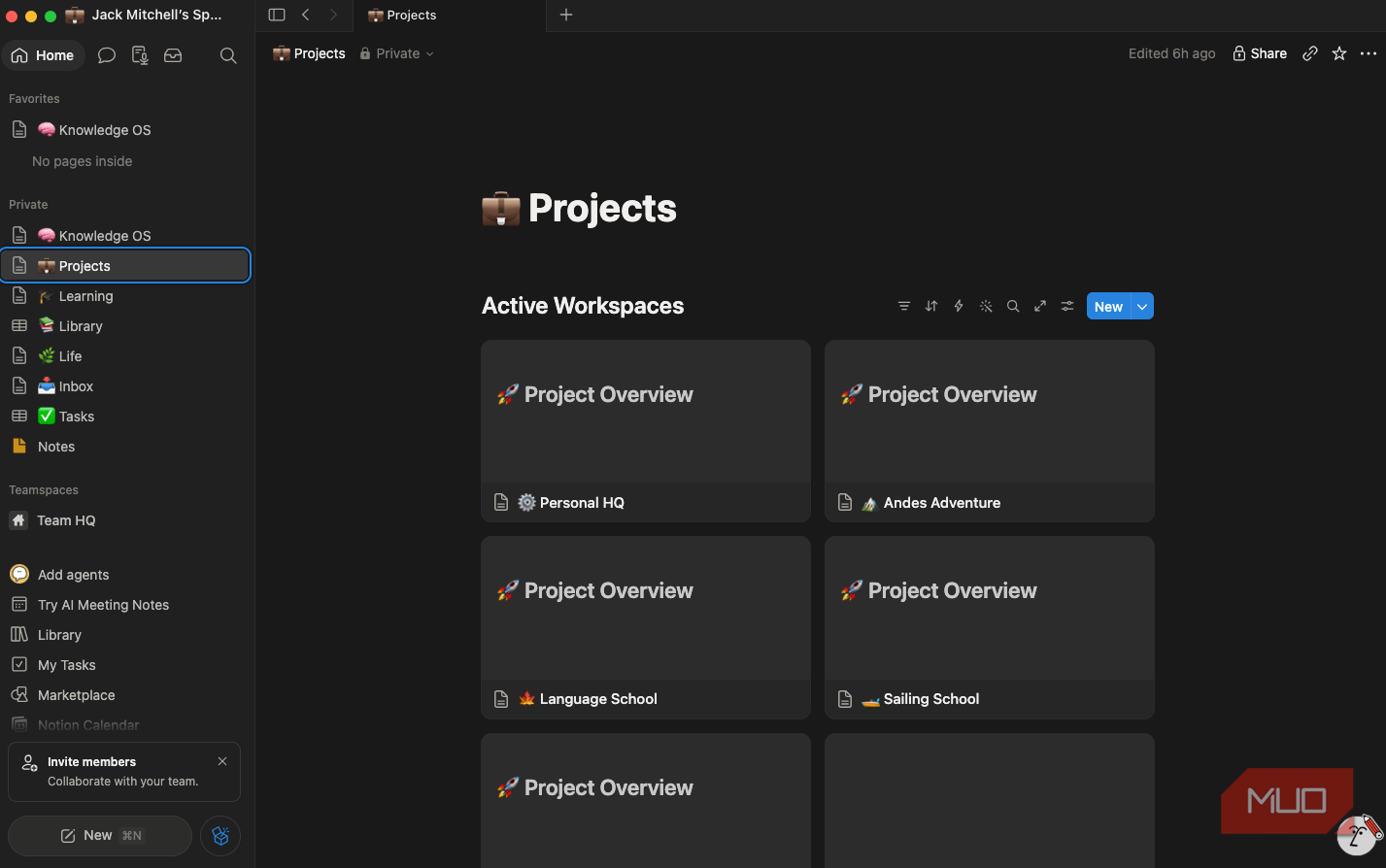
This is where things got interesting. Instead of creating separate task lists for every project, I built one master Tasks database and linked it to a Projects database. Every new project I start comes from a single template, and its task list automatically filters to show only the tasks that belong to that project.
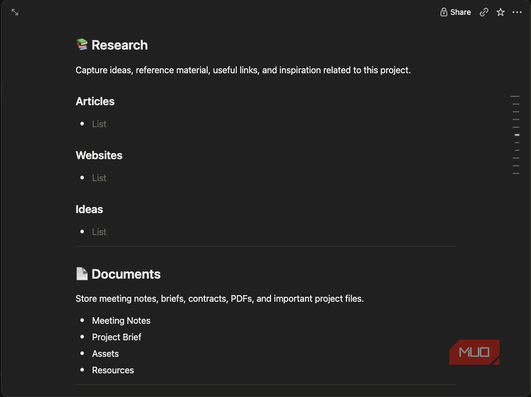
That means my Personal HQ, Language School, Sailing School, and travel projects all have their own dashboards without duplicating any information. Each project includes:
- A Today’s Focus checklist
- A live task database
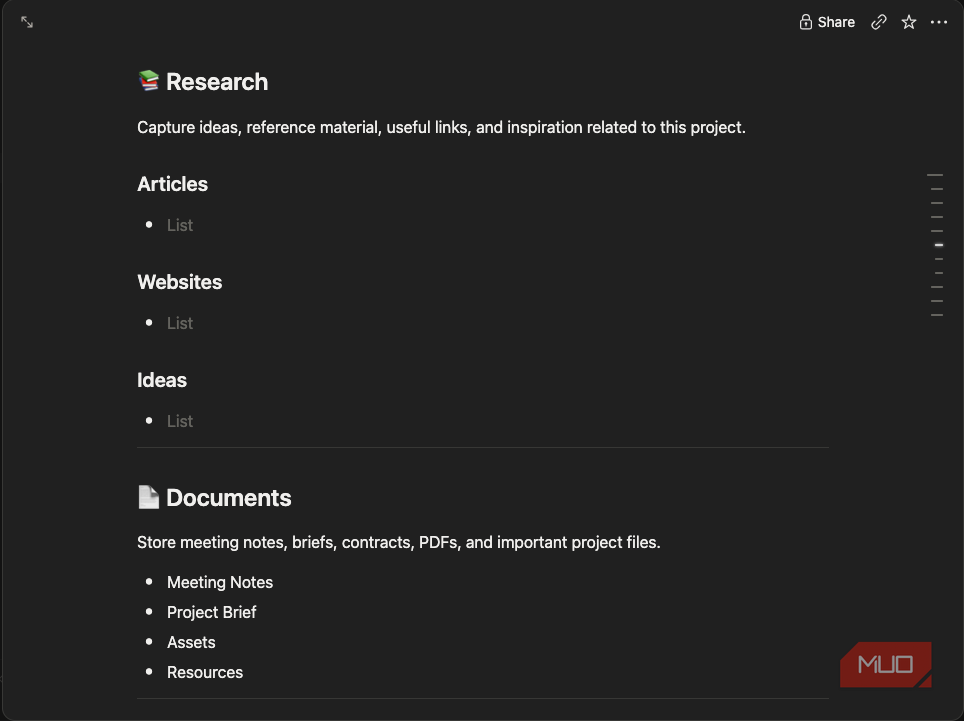
- Research notes
- Documents
- Freeform project notes
The setup process was initially a little fiddly, but once I got the hang of it and started to get back into using Notion, everything quickly fell into place. This step was important because once I understood relations, I stopped thinking of Notion pages as documents and started thinking of them as dynamic workspaces.
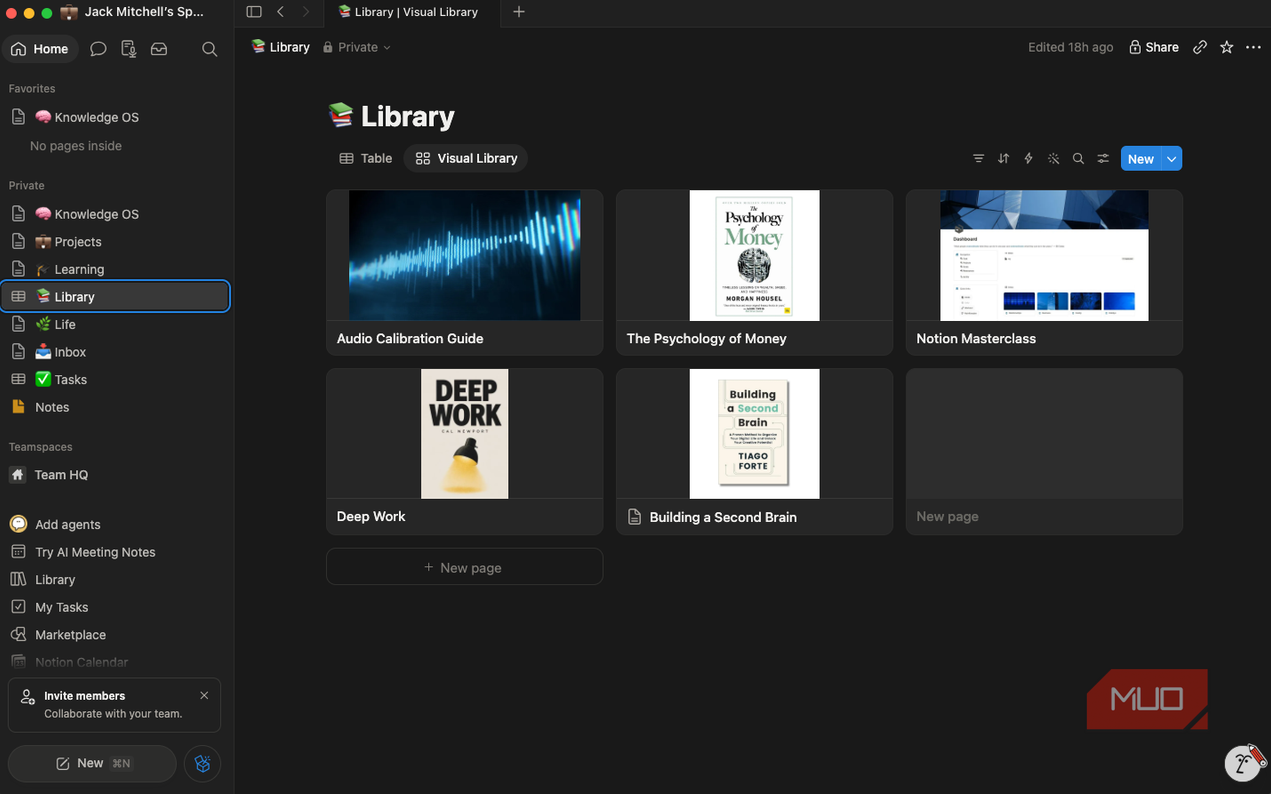
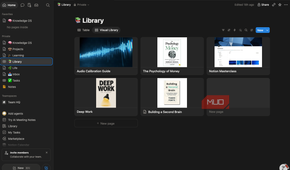
I built a library that’s enjoyable to browse
I’m looking forward to having an organized place where I can file media
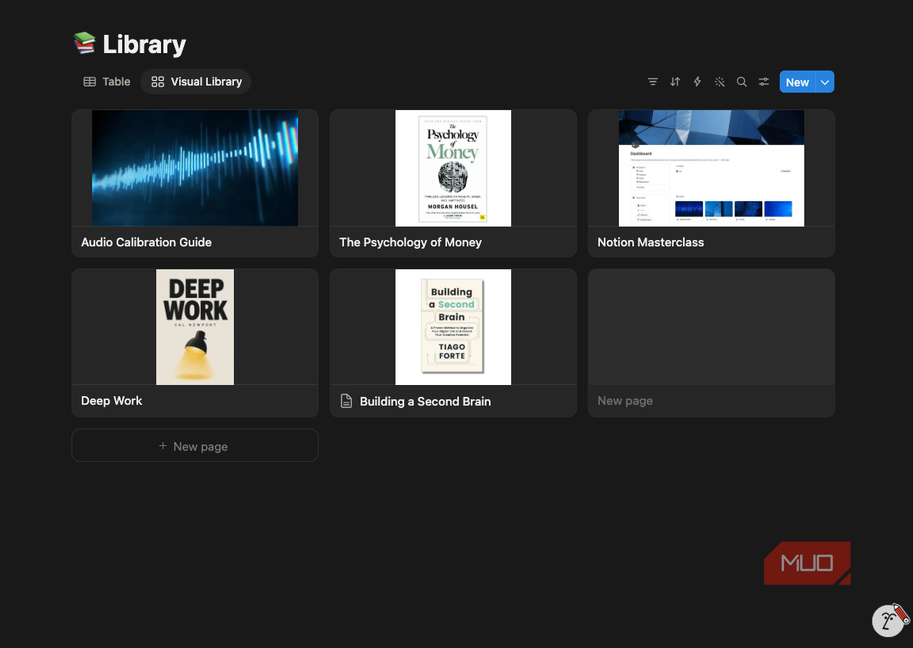
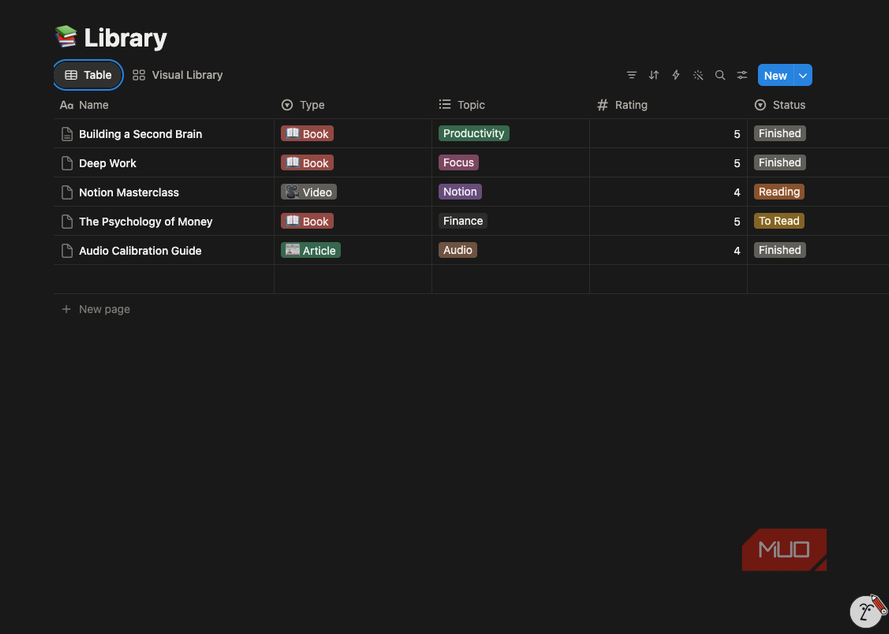
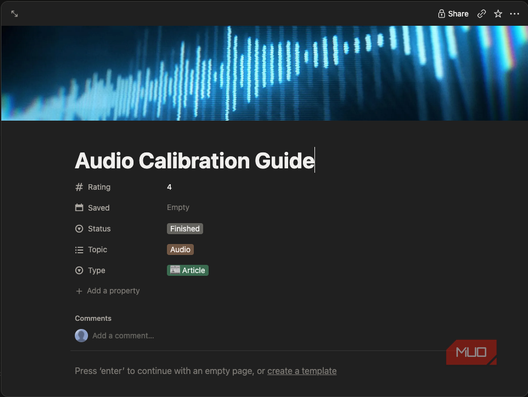
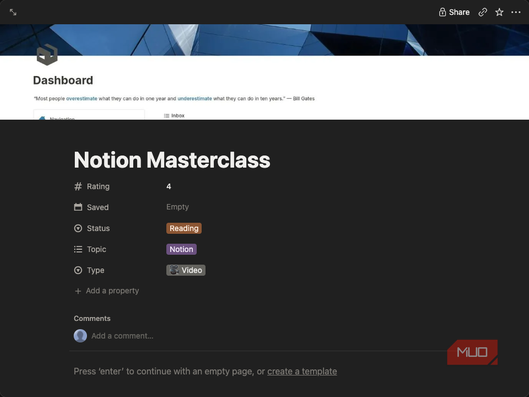
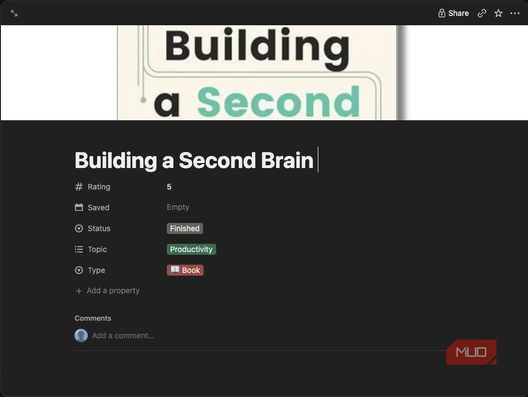


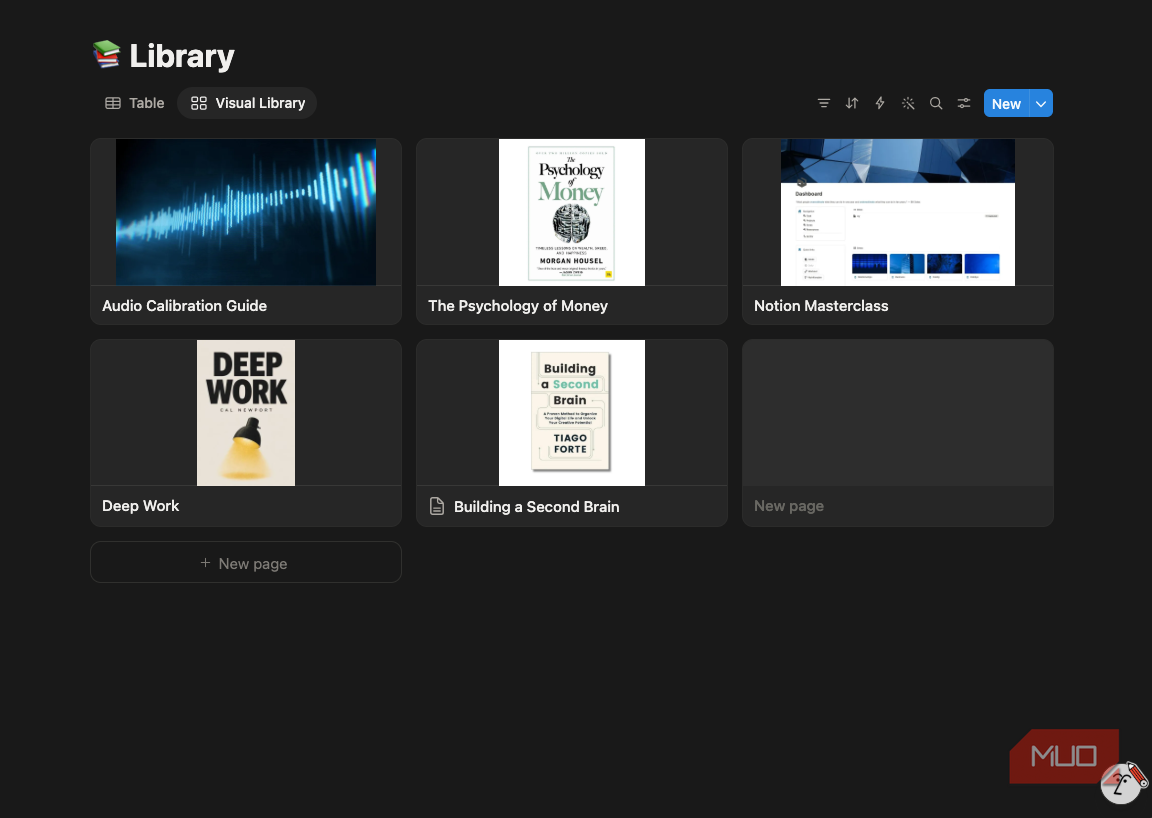
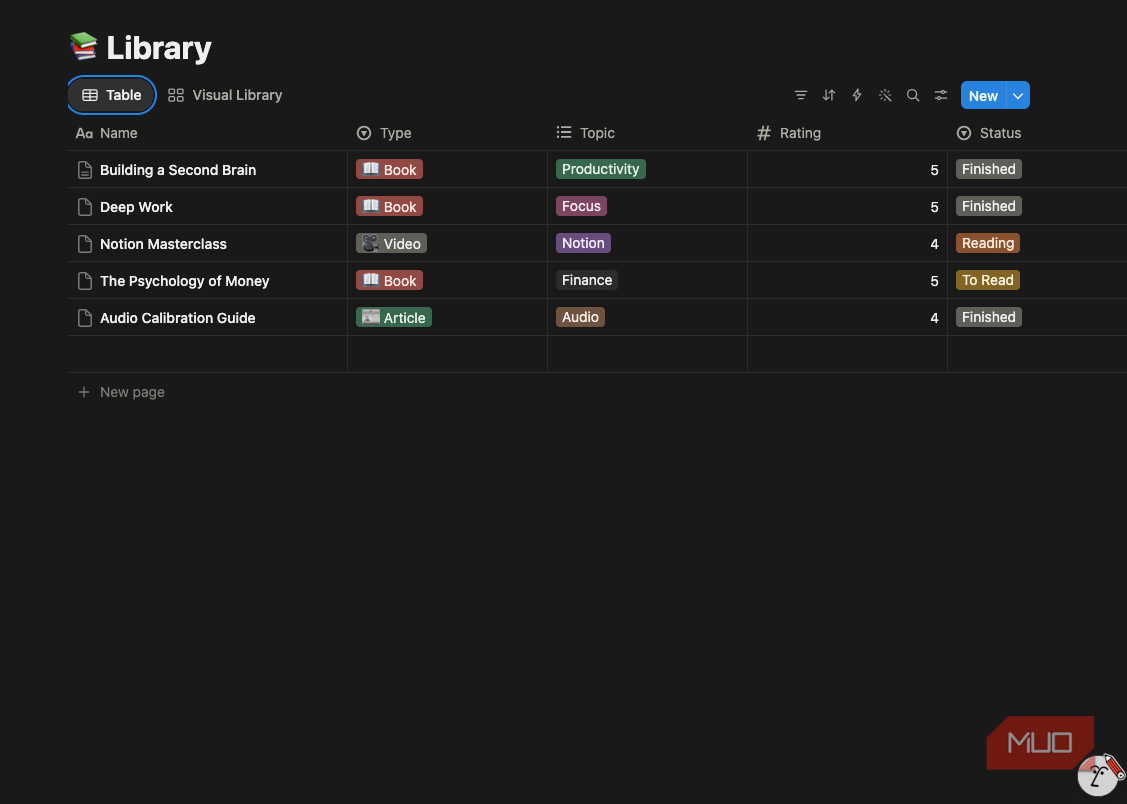
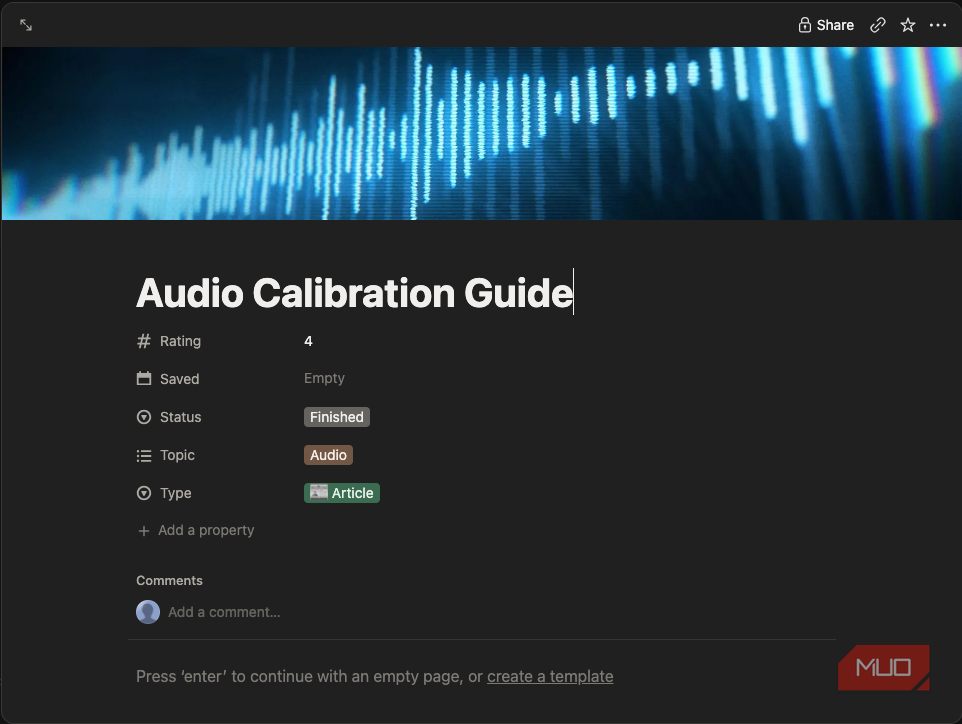
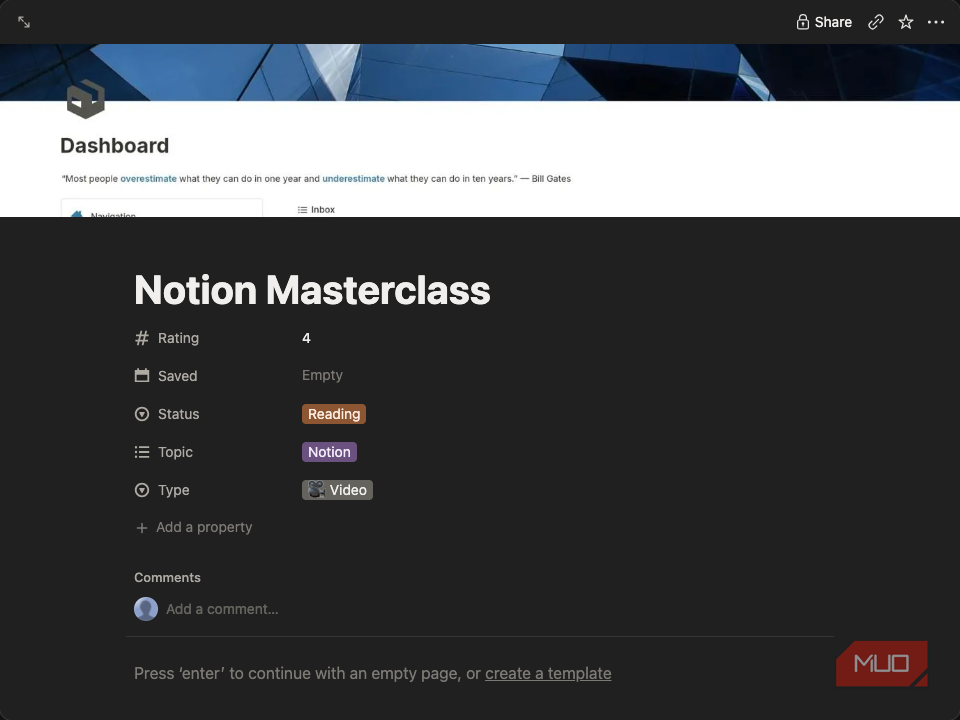
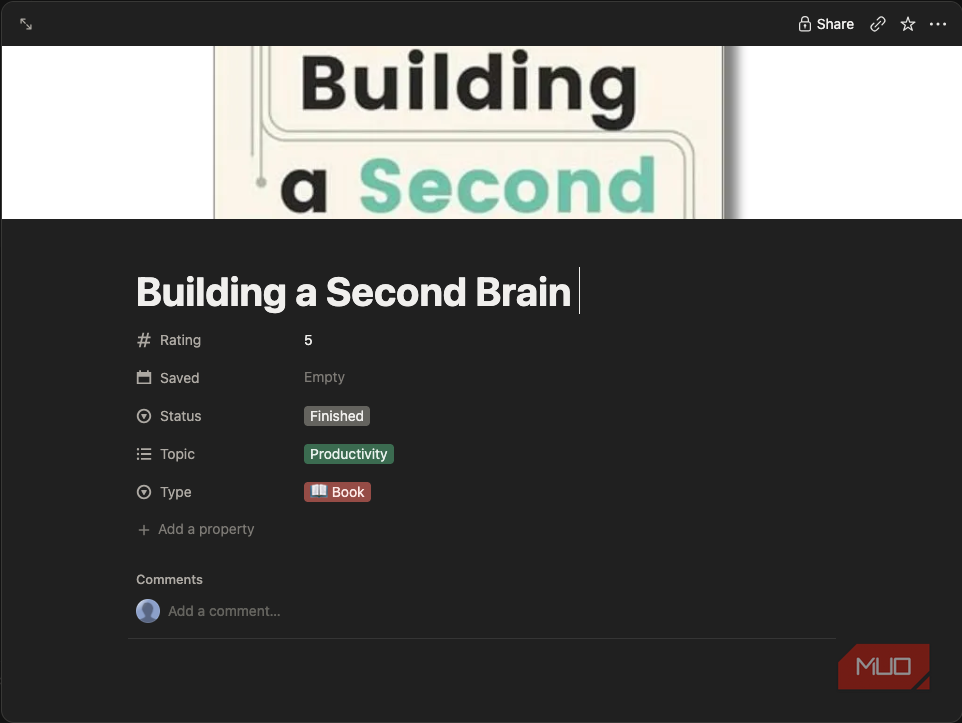
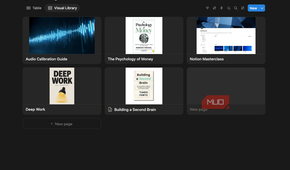
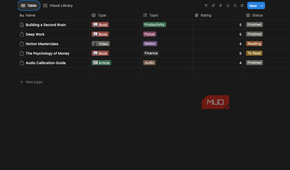
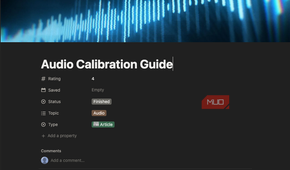
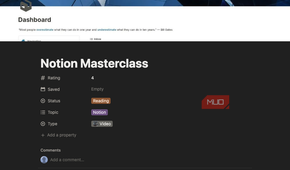
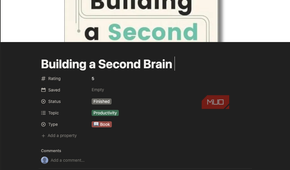
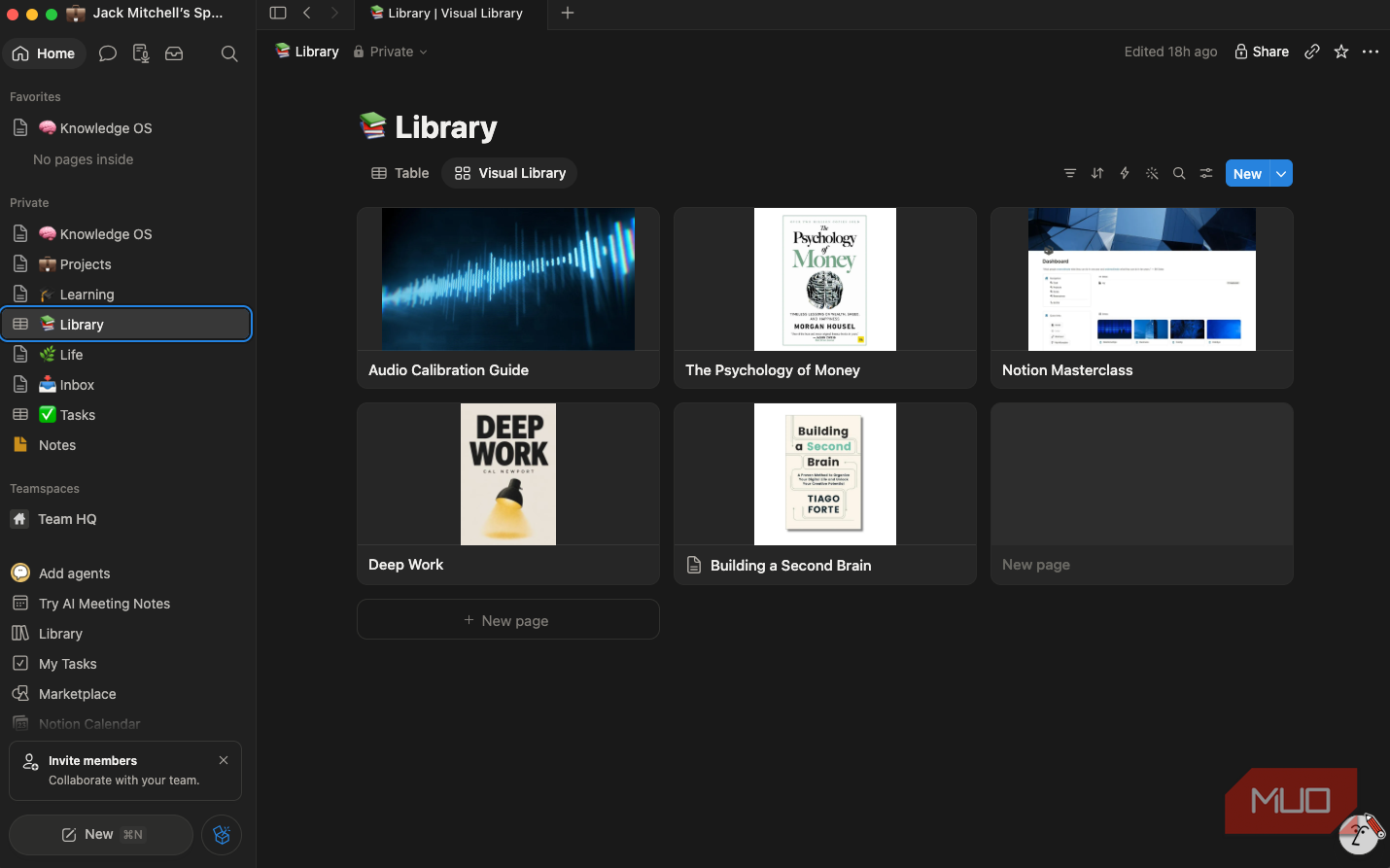
I collect books, articles, PDFs, and tutorials, but finding them again is another story. I decided to build a visual library to squirrel this away for later, or to quickly reference for active projects. I initially gave every resource a cover image, topic, type, rating, and reading status. Switching between Table and Gallery views turns the same database into either a spreadsheet or a bookshelf. I can now instantly filter for:
- Books
- Videos
- Financial resources
- Productivity articles
- Audio engineering references
This new system feels much closer to browsing a personal media collection than searching through folders, and I hope it will help boost my productivity going forward.
I added a learning hub as a project
I wanted a hub that tracks long-term growth instead of another to-do list

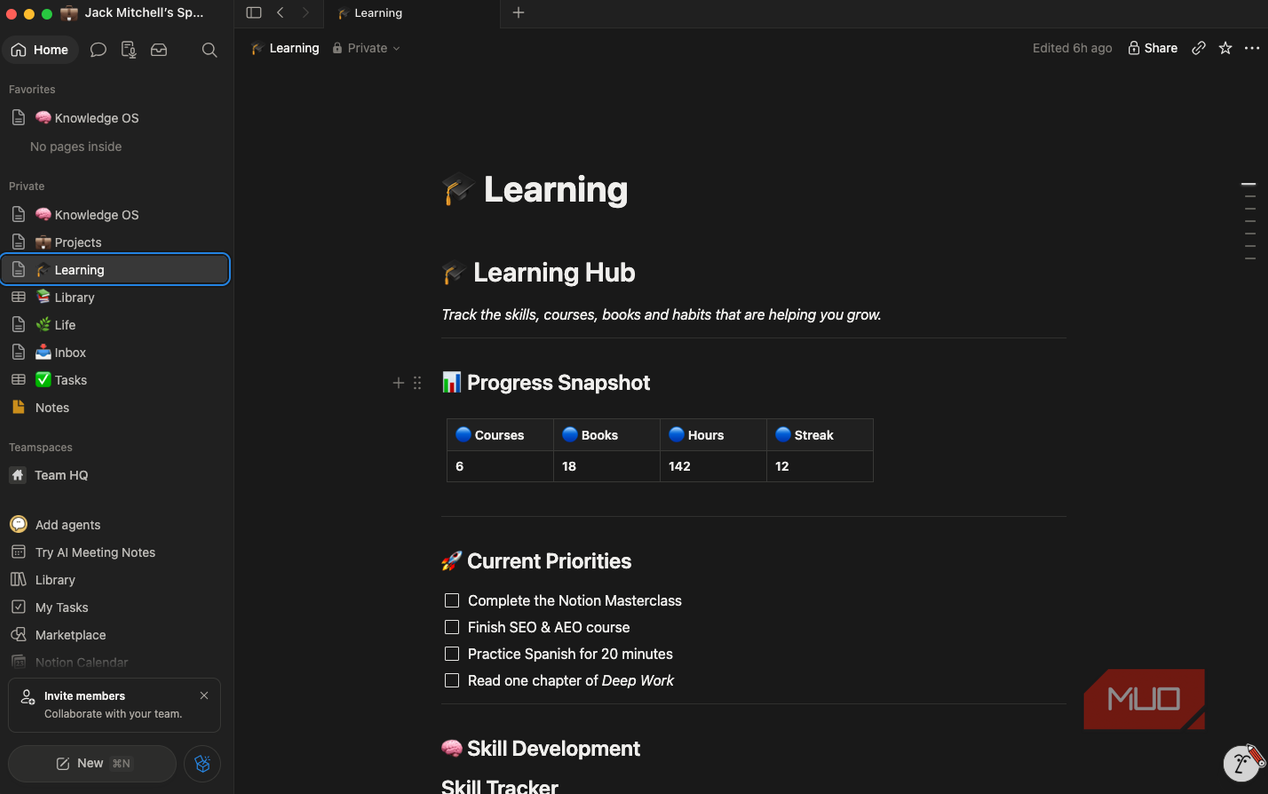
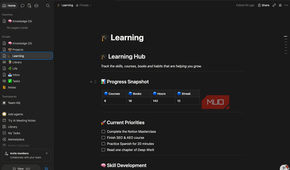
This next section was a trial project to see if I can not only be more proactive in learning, but actually document improvement and see where I'm lacking. Rather than treating learning as another checklist, I created a Learning Hub with a dedicated Skill Tracker. Each skill has a category, progress percentage, and long-term goal. These skills currently include:
- Notion mastery
- SEO & AEO
- Prompt engineering
- Figma design
- French
- Audio engineering
- Guitar
I hope seeing my progress visually will be motivating, and this section separates personal development from the day-to-day work covered by other sections.
The inbox is arguably the most useful part
For the final piece of the puzzle, the simplest page makes the system stick

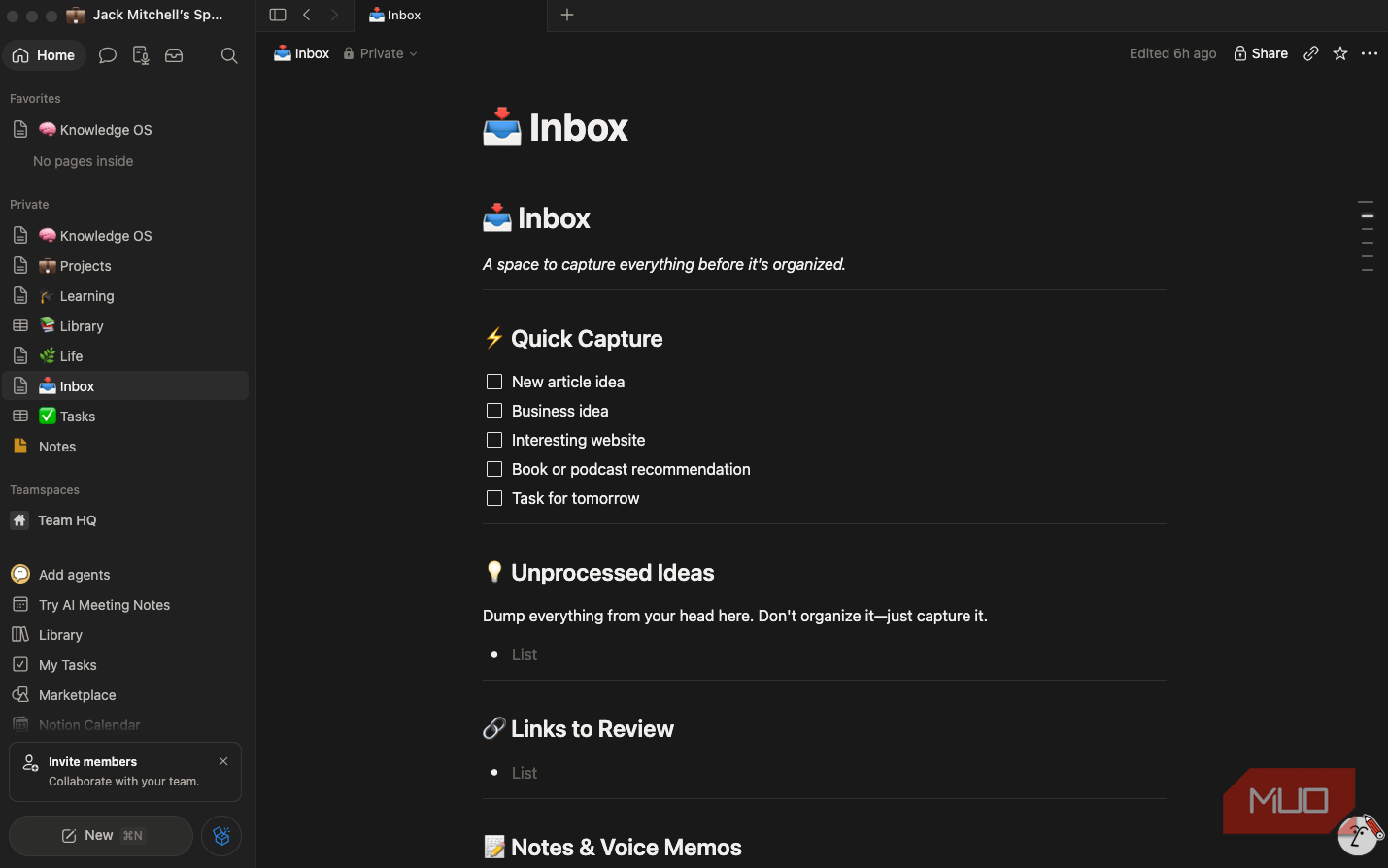
While my other note-taking apps are admittedly disorganized, having a random workspace felt like something that I will miss when it comes to jotting down quick ideas. So I created a page called Inbox, which is deliberately messy. Whenever I have an article idea, discover a useful website, or think of a business concept, it goes there first.
Once I find the time to review it, everything gets moved into its proper place, either in Projects, Library, Learning, or Life. This way, I feel less pressure to input everything perfectly on the go, and I can update my knowledge system whenever I have time. This makes me far more likely to capture ideas before they disappear from memory.
Why I came back to Notion
My Notion knowledge system is still a work in progress, and that’s exactly the point. I'll keep refining it, adding new projects, building new systems, and improving its UI as long as I use it. Still, this has been a good place to start: rather than a collection of disconnected pages, everything is organized in a way that inspires me to keep moving forward.
Once my homepage, projects, tasks, library, and learning hub all became relational, Notion stopped feeling like a notes app and started feeling like a genuine operating system for my work and life. It turns out I wasn’t done with Notion; I simply hadn’t built the right workspace yet.