


For a long time, I did what most of us did: I watched other people's homelab builds on Reddit and YouTube, wanted one, but told myself that I don't really need one. What I had was enough.
A few weeks ago I finally gave in. Bought a machine that's way more capable than I figured it would be, and started my homelab for real. The question of whether it was worth it or not, solved itself in the first few days. The only somewhat question I had was why on earth I'd waited this long.
Meet the new machine
Not a tower and not a rack, but a workstation


 Credit: Amir Bohlooli / MUO
 Credit: Amir Bohlooli / MUO
 Credit: Amir Bohlooli / MUO
 Credit: Amir Bohlooli / MUO
 Credit: Amir Bohlooli / MUO
 Credit: Amir Bohlooli / MUO

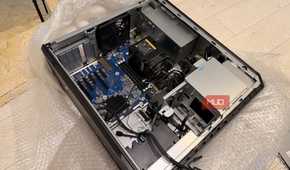
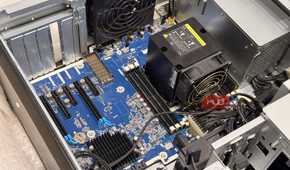
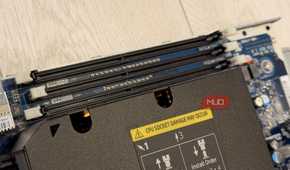
I had plenty of options. I could've built a regular PC tower out of used consumer parts. I also seriously considered a full server rack — that would've unlocked enterprise GPUs. But a rack only starts to make sense once you fill it, and filling it means a dedicated room, a wind wall of fans to keep everything cool, and a lot of noise. It's a massive leap from a used Dell Latitude, and seriously, what was I even going to do with it? It would take a long time and a lot of money before it ever started paying back.
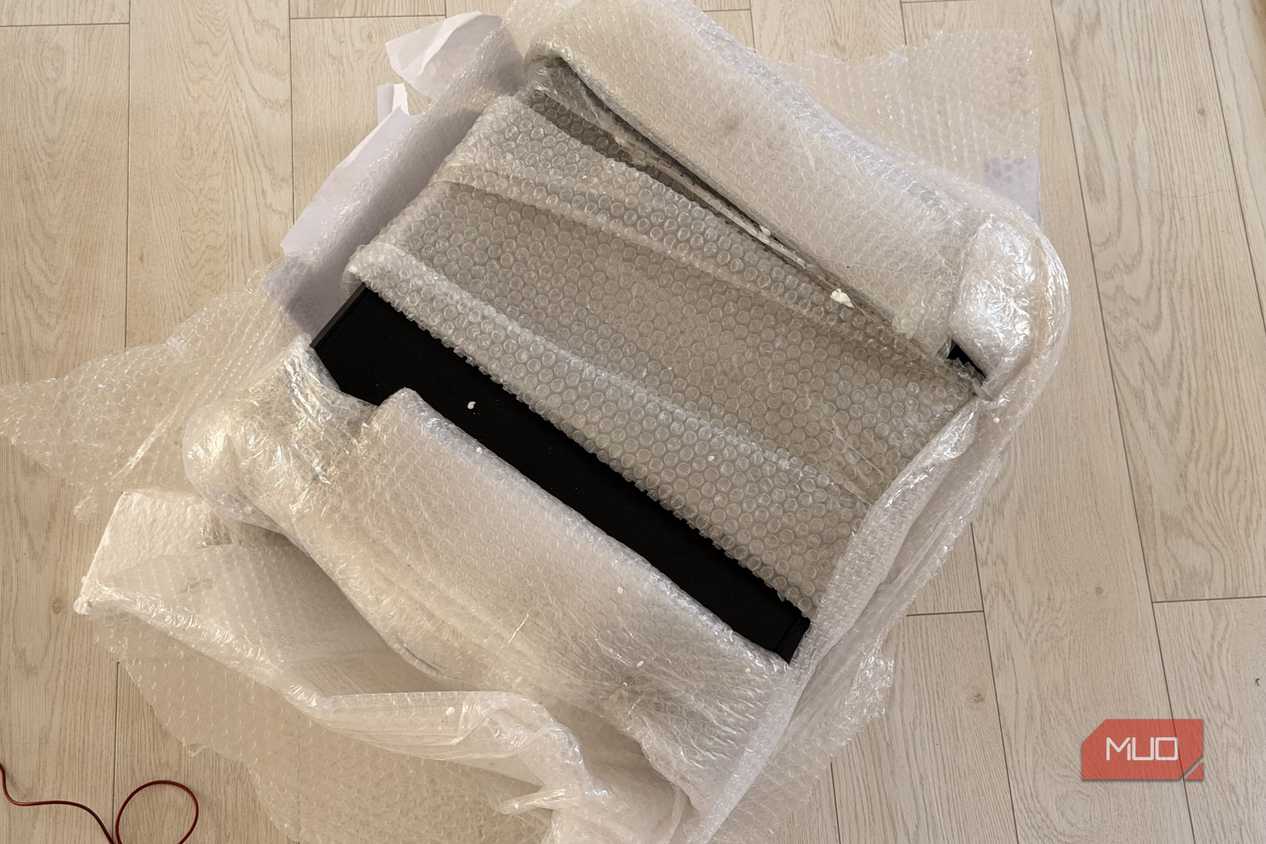
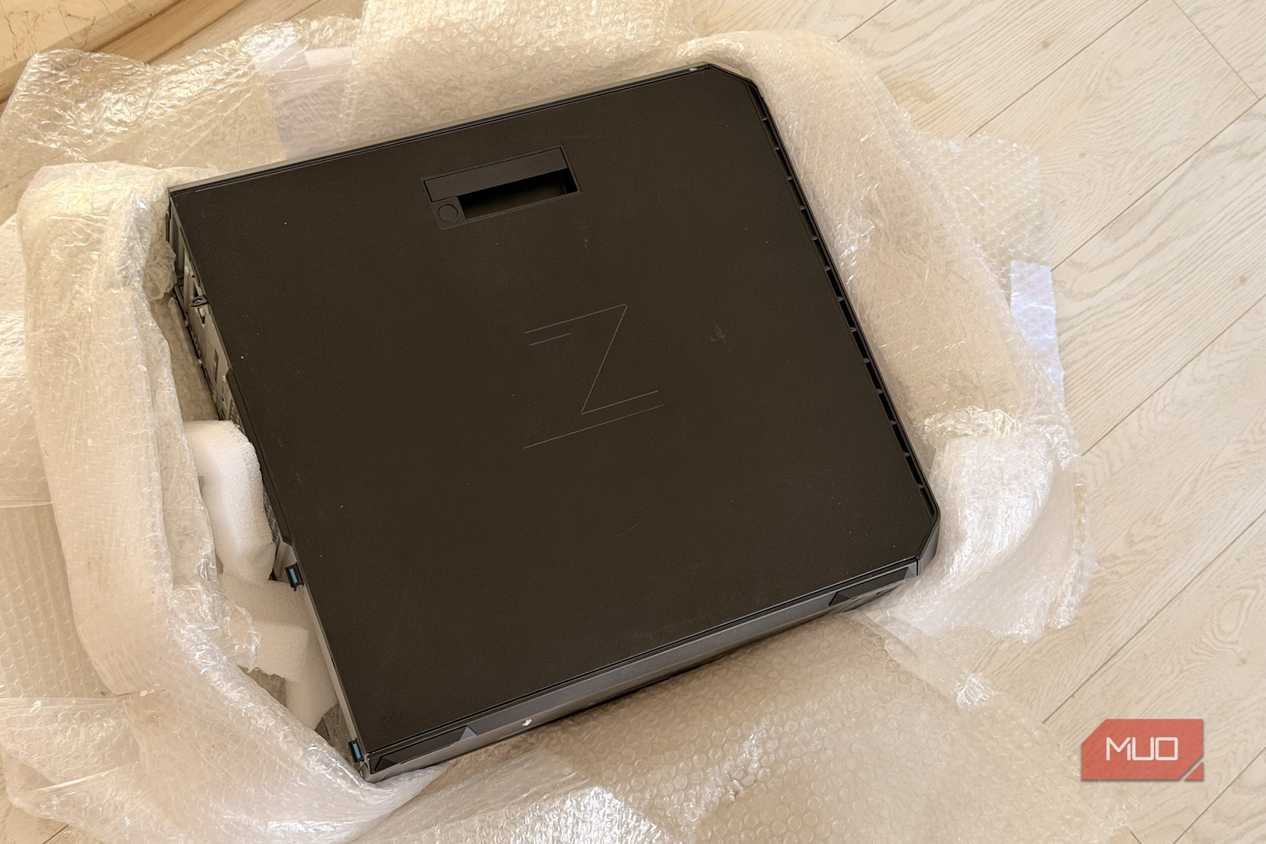
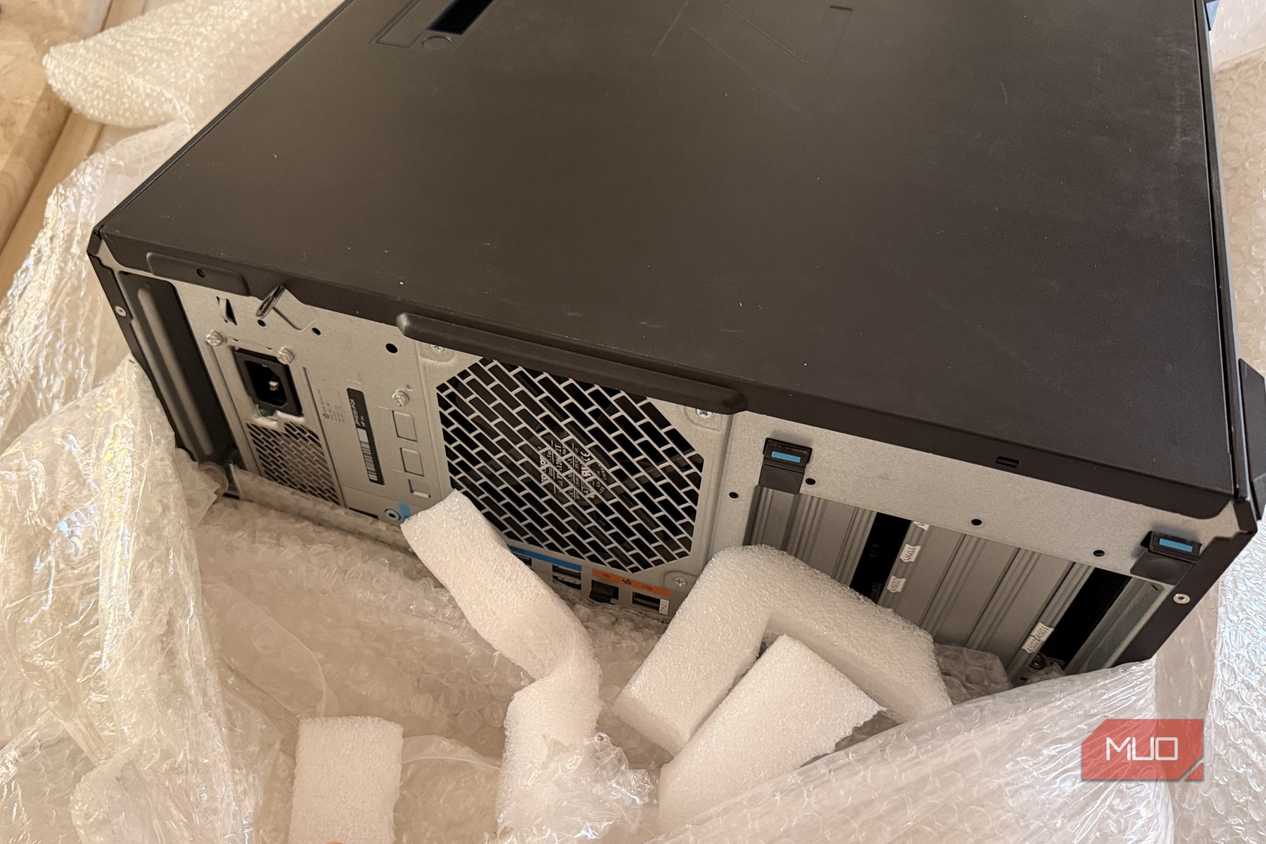
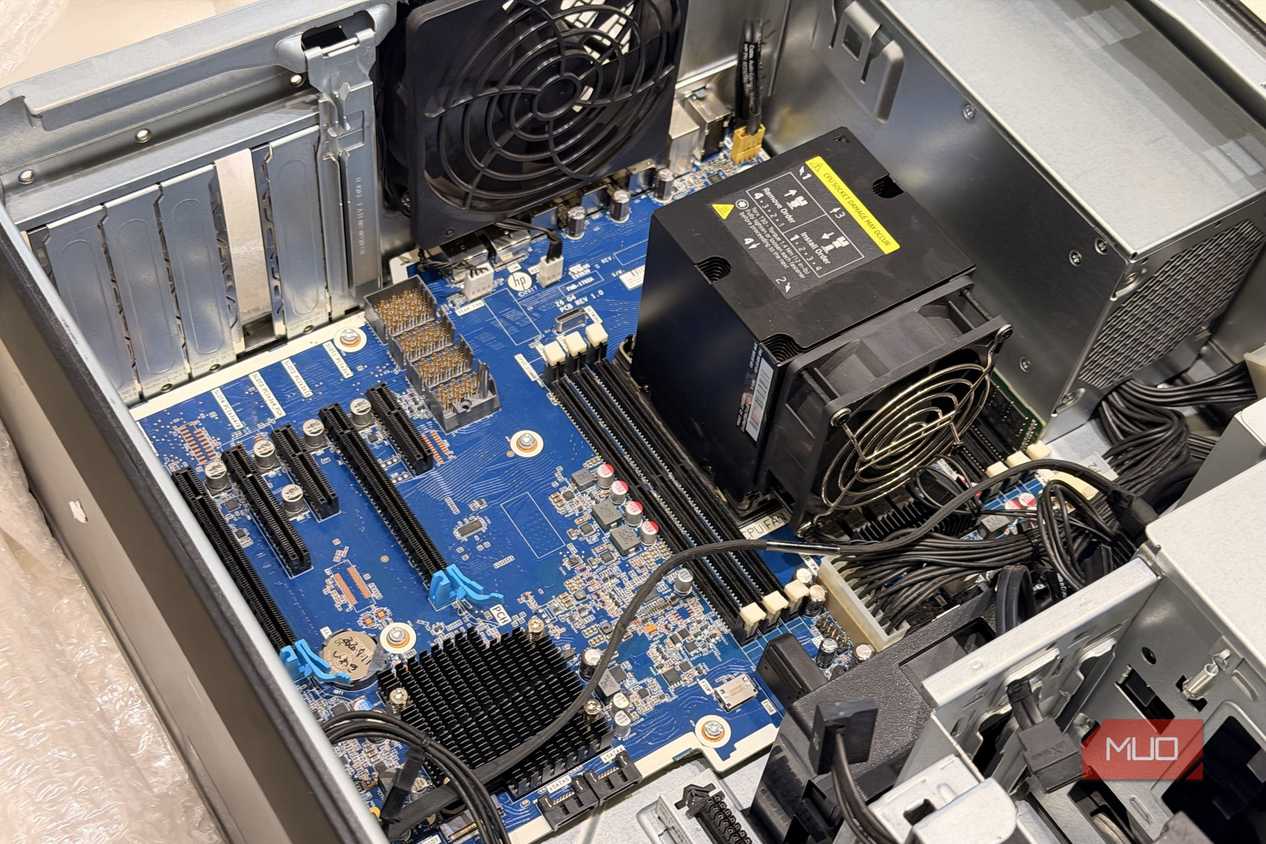
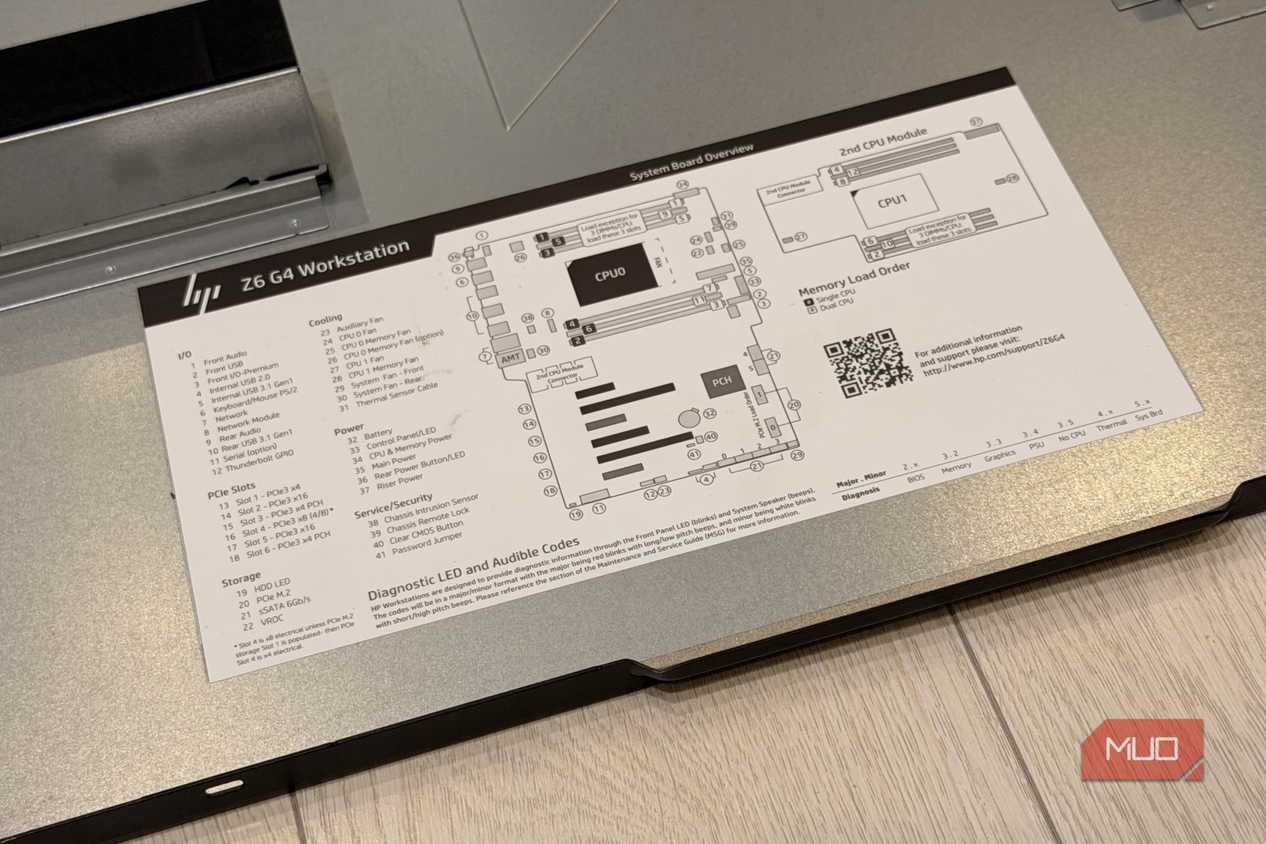
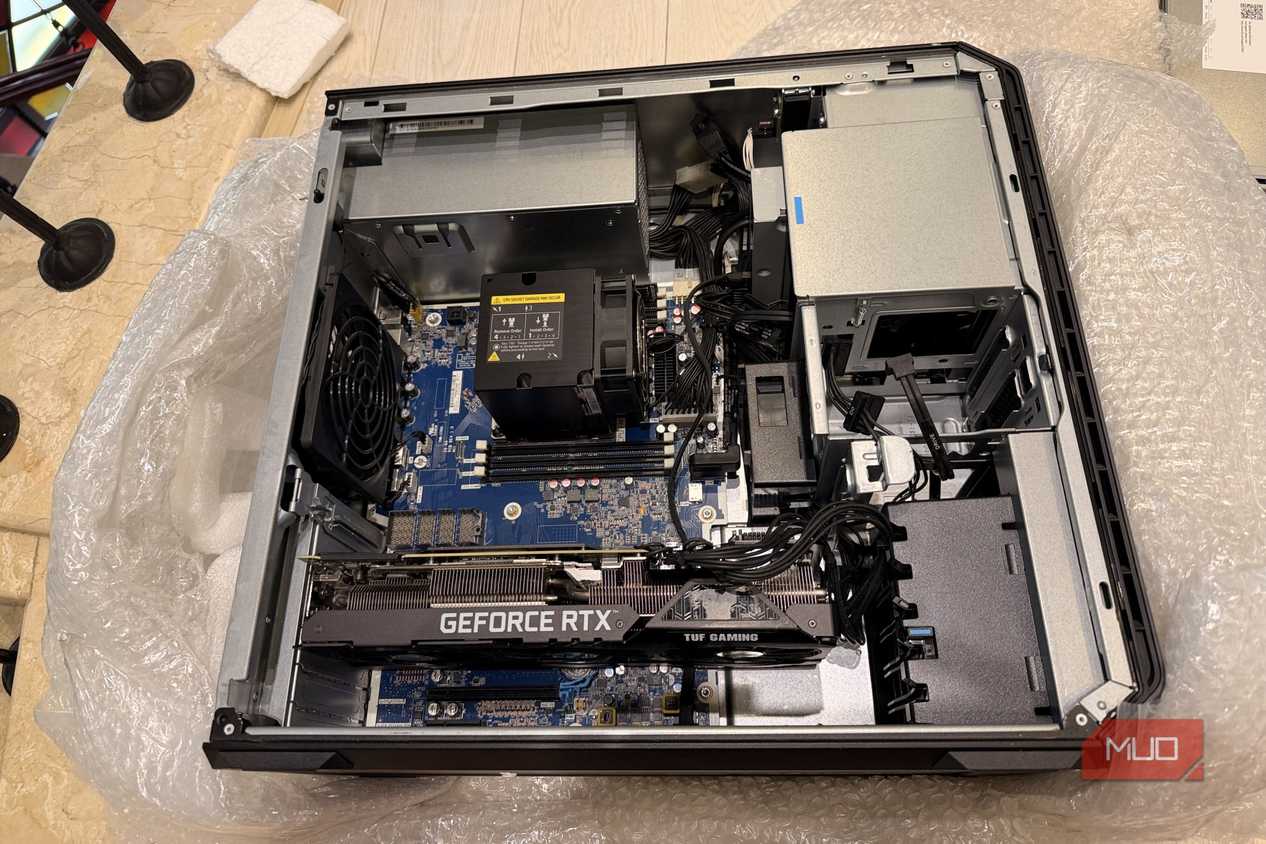
I settled on the middle ground: a workstation. It's more enterprise than your regular consumer tower, but it's still intended to sit next to a human and do human things. I looked high and low, and finally landed on the HP Z6 G4.
The unit I found came with 32GB of RAM, but I got upsold into another 32GB — a wise call, in hindsight — for 64GB total. And this isn't ordinary RAM; it's ECC, which makes it even pricier in the middle of this RAMpocalypse. Here's the full spec:
|
Component |
Spec |
|---|---|
|
CPU |
2× Intel(R) Xeon(R) Gold 6138 (40 cores total) |
|
RAM |
64GB DDR4 2666 MHz ECC |
|
GPU |
ASUS TUF RTX 3090 24GB |
|
Storage |
256GB NVMe + 1TB SSD + 4TB WD Red HDD + 2B WD Red HDD |
|
Total cost |
~$2,400 ($1,400 workstation + $1,000 GPU) |
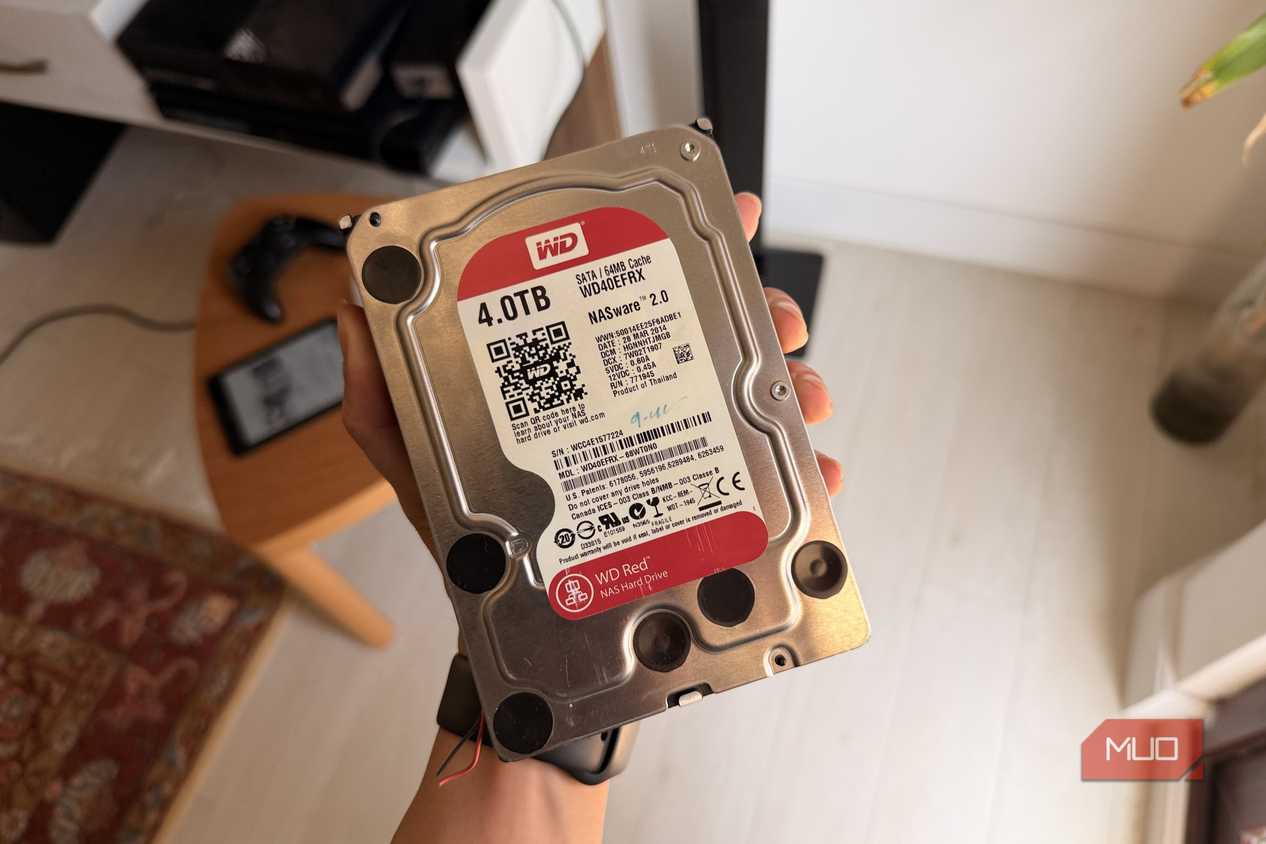
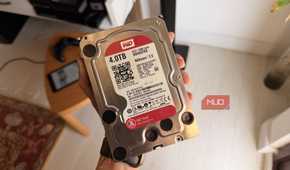
It didn't come with storage, so I dropped in a spare 256GB NVMe I had lying around from one of the machines I'd picked apart. That lasted me about a day. The next morning I went out and grabbed a 1TB SSD, then dug up our old NAS's 4TB WD Red HDD and hooked that up too.

|
|
The RTX 3090 is still very expensive. |
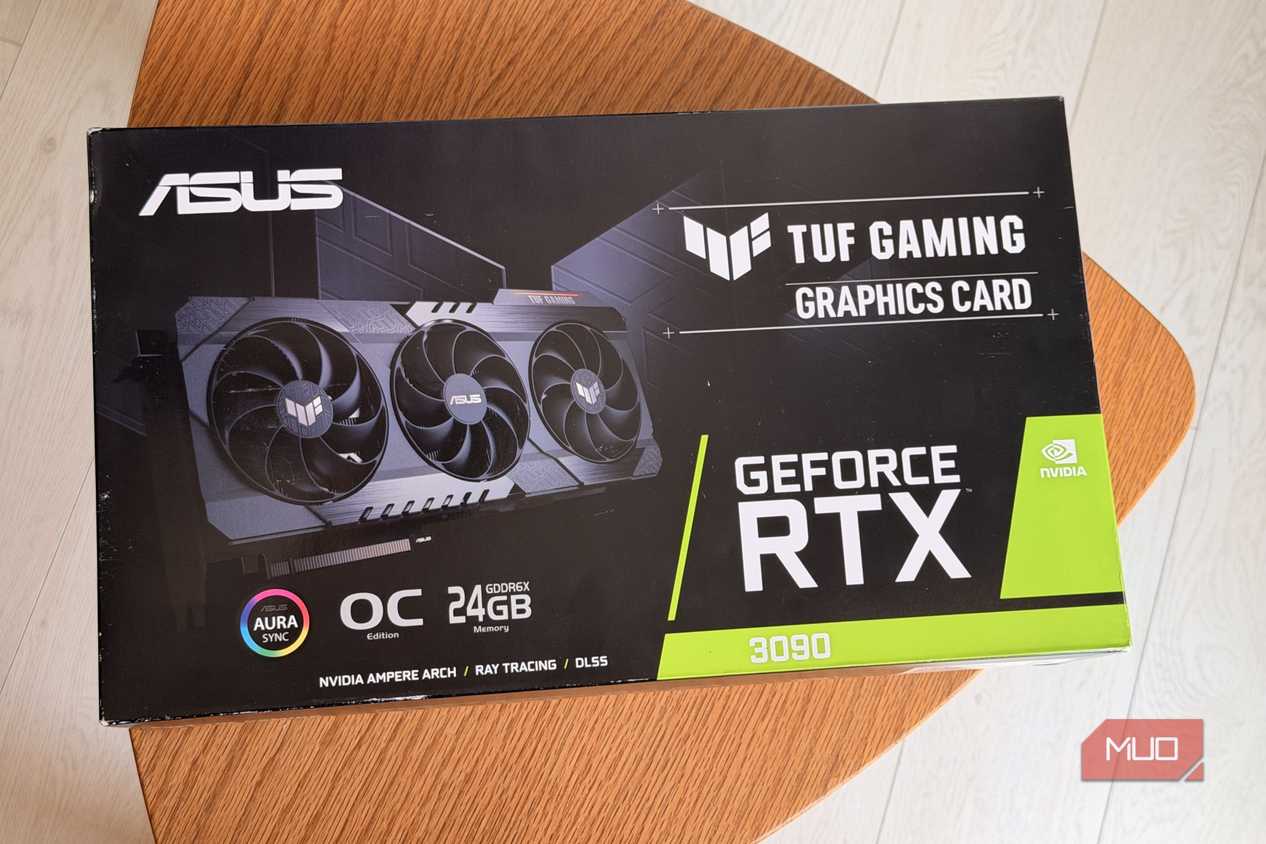
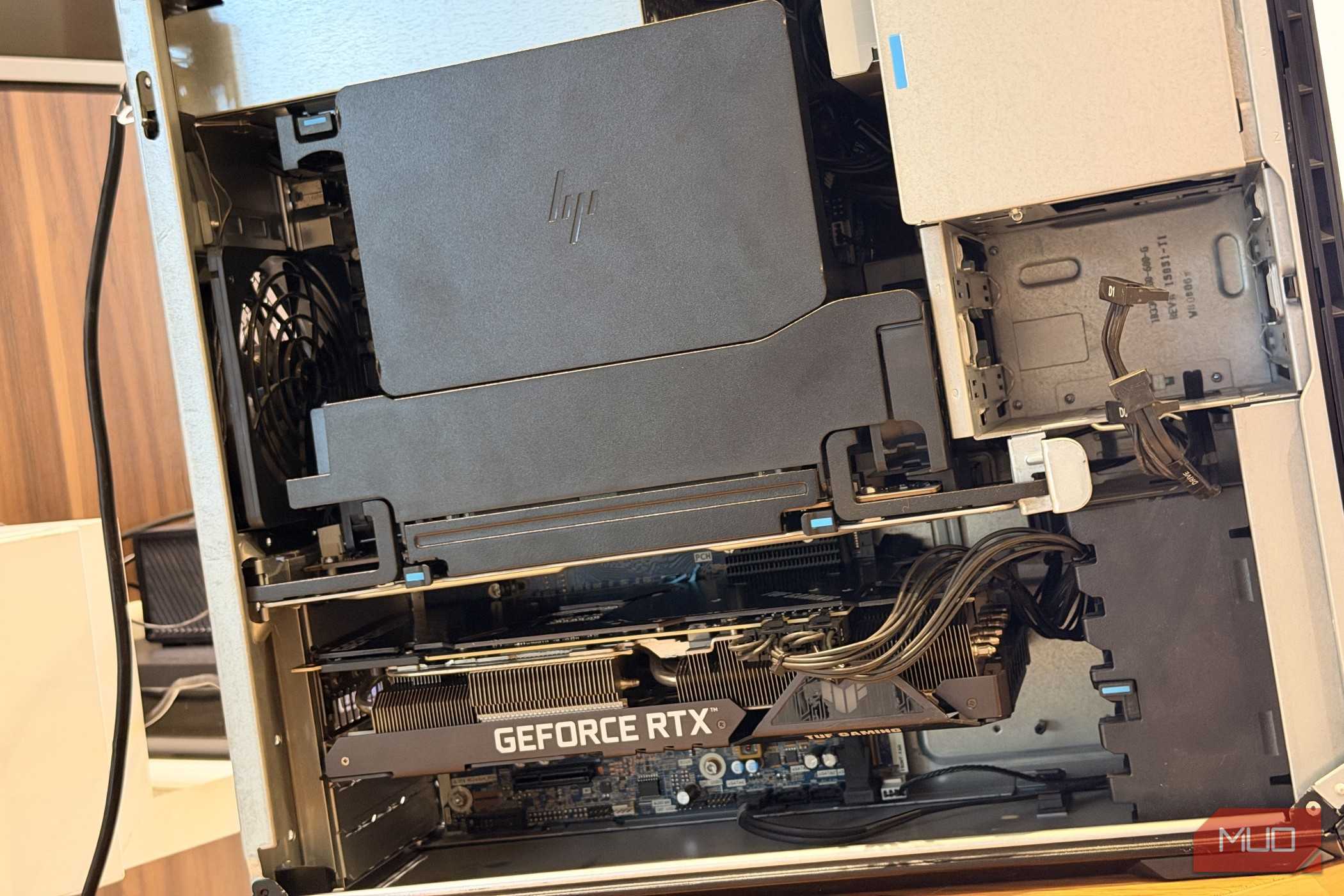
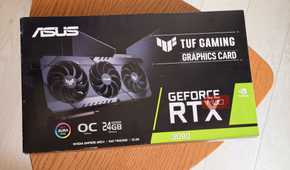
There was no GPU either, and this was the tough call. I was torn between two new AMD RX 9060s and a single used RTX 3090. The 3090 is still a monster thanks to its 24GB of VRAM — which is exactly why it's expensive; it cost me about the same as the two 9060s would have. The internet says dual-GPU is doable these days, that ROCm has come a long way, and that since the 9060 is officially supported it should just work... but I've never had a good experience with AMD for LLM compute, or really anything outside of gaming. So I played it safe and grabbed a used RTX 3090.

|
|
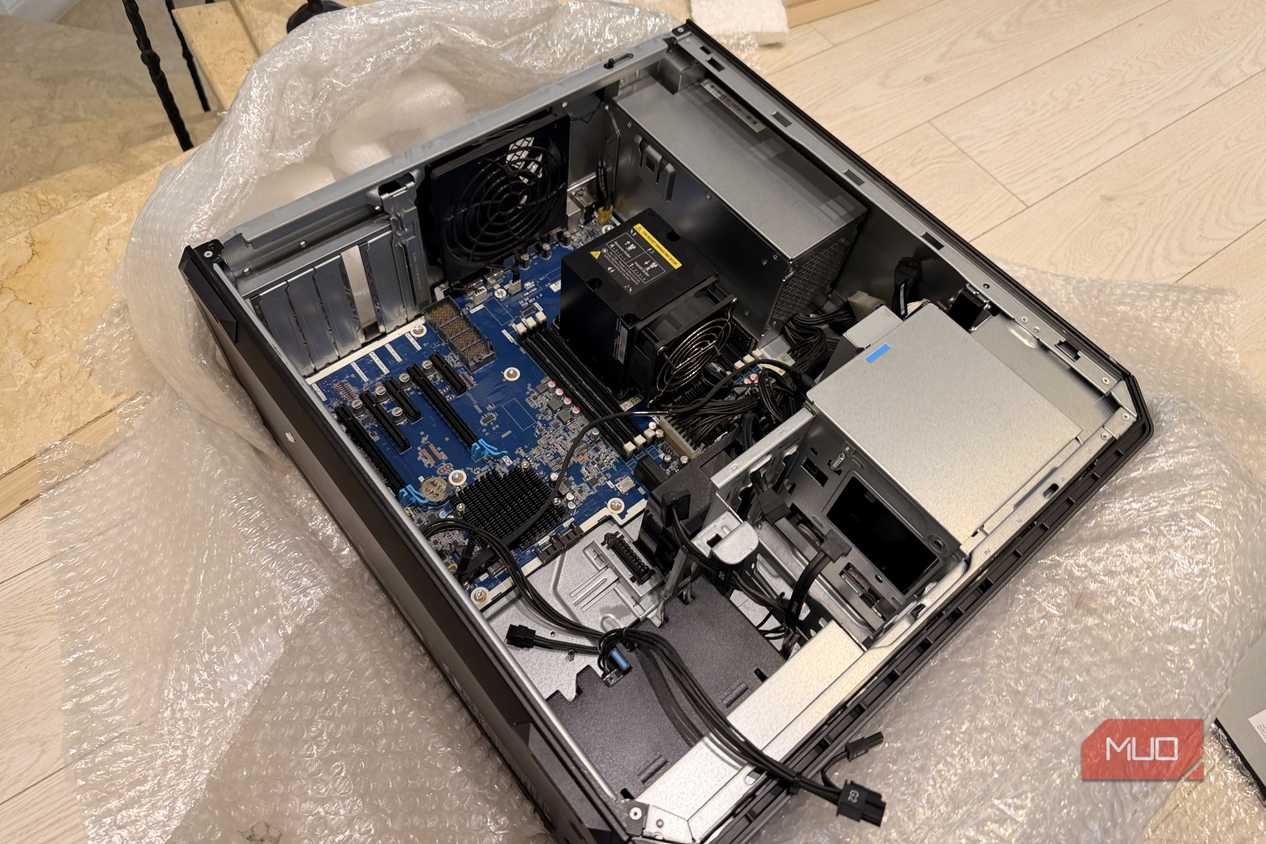
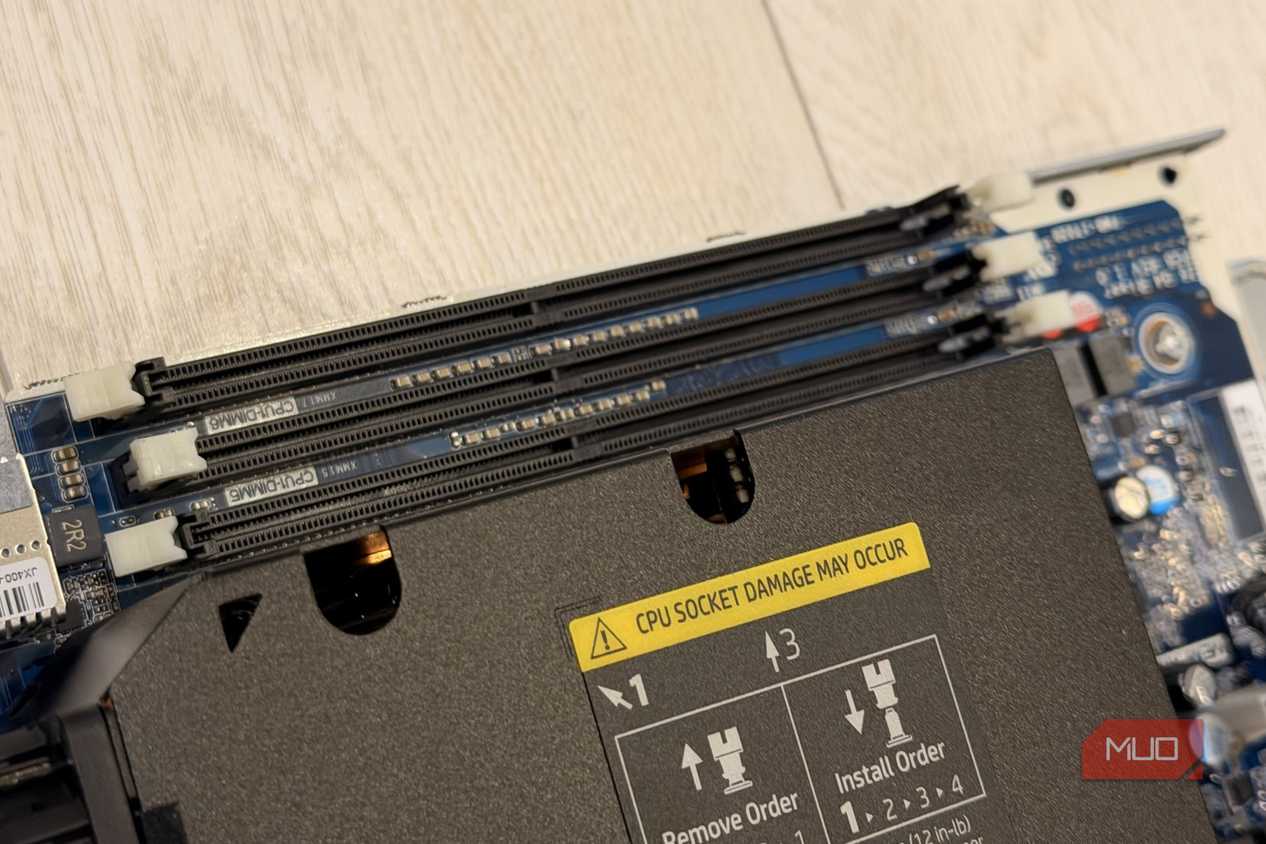
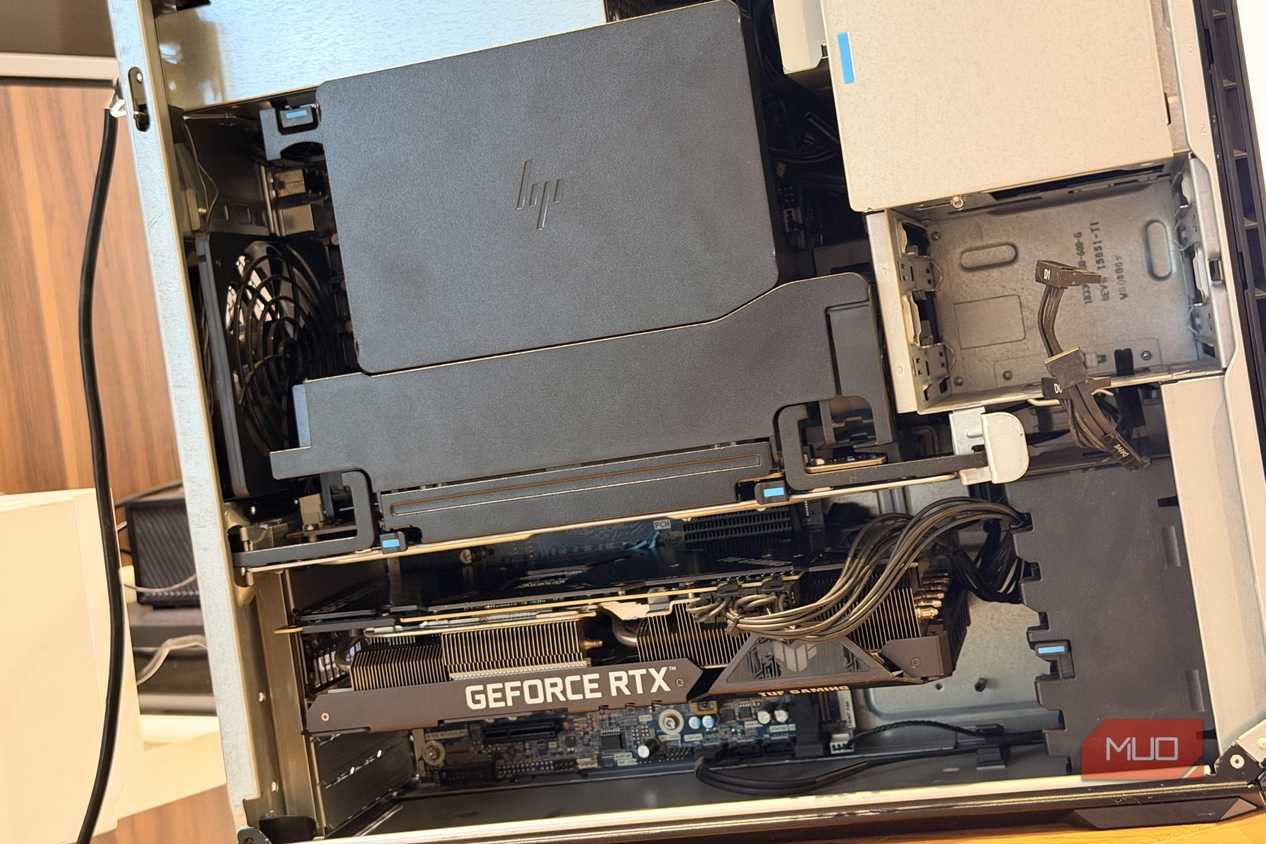
The thing that really sets a workstation apart from a consumer tower is the riser. It adds a second "floor" to the motherboard, with its own CPU and its own RAM slots. That's right — two CPUs, 20 cores each, 40 cores total. It's fantastic. |
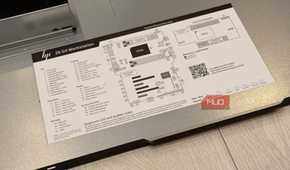
Eventually I had everything wired up, every PCIe slot running at its best (the board caps out at PCIe 3, which is fine even with my PCIe 4 SSDs and GPU), and lanes to spare.
All in, I splurged $1,400 on the workstation and another $1,000 on the 3090 — $2,400 total. And believe you me, it was worth every cent.
POLL
Proxmox turned it into a homelab
The obvious first step was installing Proxmox, which was an adventure of its own. Proxmox lets me split the machine into separate virtual machines and containers. Each one can have its own CPU cores, RAM, storage, operating system, and network interfaces.
My local AI environment can live in its own VM with access to the RTX 3090. My game servers can live somewhere else. Networking services can stay isolated from Jellyfin, automation tools, websites, test environments, and whatever other questionable software I decide to install.

|
|
With 40 cores and 64GB of RAM, I can spin up a ridiculous number of VMs without immediately worrying about resources. Well... mostly. I’ve already given 32GB of non-ballooning RAM to the LLM VM alone. I may need another 64GB soon. |
A used laptop started all of this

|
|
This hardworking Dell Latitude ran as my home server for almost a year. |
Self-hosting was always a massive pull for me, but I could never get it stable enough to actually replace the cloud services I was paying for. The main problem was hardware. You can technically self-host stuff on your daily computer, but the same machine can’t comfortably be both the provider and the consumer.
The furthest I got, in terms of practicality, was hosting Jellyfin on my desktop and watching it on my TV. That worked pretty well, but only because I was using one device to serve content to another. It still stopped existing the moment I shut down my PC.
After a while, I bought a cheap used Dell Latitude. That was my first real home server, and it completely sold me on the idea.
A laptop won't do much
But the Dell had only 8GB of RAM, and it started to buckle under the weight of all those Docker containers. I hit a point where I had to be conscious about every single service I kept running. I couldn't just deploy something to see if I liked it — there was no room to play. And "no room to play" is death for a hobby like this.
More than anything, I wanted a GPU. I wanted to properly try local LLMs, image generation, and other GPU-heavy tools without running them on my work PC. I’ve done that before, and it works, but I don’t want my computer freezing because I’ve handed every last bit of compute to a language model.
The Dell had proved that I wanted a homelab, but it also proved that the Dell wasn't enough anymore.
My homelab is already replacing everything


 Credit: Amir Bohlooli / MUO
 Credit: Amir Bohlooli / MUO
 Credit: Amir Bohlooli / MUO
 Credit: Amir Bohlooli / MUO
 Credit: Amir Bohlooli / MUO
Once I had it set up and started actually deploying stuff, the HP started swallowing the rest of my setup. I don't need web hosting anymore — I host everything myself. I can stand up a game server in minutes without spending a cent, the exact thing that used to mean $100 a month for a rented VPS. I don't need a router anymore, either; I can build one with 8GB of RAM and OpenWRT — try pricing a consumer router with specs like that!
I definitely don't need a stack of Raspberry Pis for self-hosting anymore. This one box does way more than all of them put together, and it does it all in parallel.
I have three separate internet providers — three different connection methods — feed into it for maximum failover. There's a big home UPS, a second emergency backup for when the UPS runs dry, and a gasoline generator for when the world actually ends (?)
I should've done this sooner
40 CPU cores are more than I currently need. The RTX 3090 alone probably uses more electricity than the Dell did while doing everything it was capable of doing. But, now, I’m not rationing resources (not yet, at least). I can experiment freely.
But more importantly, computers are exciting again. I say that because I'm rarely excited about anything these days. I spent hours inspecting the hardware, arranging components, configuring PCIe passthrough, building virtual machines, and watching everything come online. I completely lost track of time.
It had been a long time since a computer pulled me in like that. I waited years because I thought a real homelab would be expensive, complicated, and excessive. It was all three.
I still regret waiting.