


Homelabs are really wonderful. There's a particular kind of satisfaction in running your own version of services that other people pay for. Not only do you not pay for yours, but it works better than the big one — because it's yours.
I use Tailscale to acces mine from anywhere. A lot of people do. I wanted to set up a domain for it, but it was difficult, as my network is complicated and I don't have a static IP. But, very recently, I found out that my home computer can sit behind a domain of my own, served over real HTTPS, reachable by anyone in the world — even if I have no static IP, even if my ISP has buried me behind CGNAT, even if my internet is a Frankenstein stack of satellite, DSL, and LTE.
It costs nothing and takes about five minutes. And until recently, I had no idea it was possible. I'd spent months assuming a real domain on my homelab meant renting a server, so I gave up and made my peace. I was wrong. This is the tool I wish someone had handed me long ago.
Why attaching a domain was so hard
My account of my failures
To demonstrate how useful this tool is, I must start from the beginning. A domain is a friendly name that the DNS translates into an IP address. The whole system assumes that number is stable and reachable.
Usually, home network IP addresses aren't static. They drift, changing whenever you reboot or reconnect and your ISP hands you a new one — unless you pay a fee to your ISP for a static IP, which puts us right back in the same spot (of having to pay for a service).
Dynamic DNS exists to paper over this problem. A little client runs, catches the IP changes, and broadcasts the new one. However, that means running a DNS server, self-hosted, again. It's a bit fiddly and fragile. Plus, if you're behind CG-NAT — like when you're using LTE — you don't even have an IP to broadcast. You're sharing one IP with dozens of strangers.
Even with that hurdle cleared, there's the problem of HTTPS. HTTPS is no longer optional. A lot of software will just flatly refuse to talk to you if you don't have a TLS certificate. Although, admittedly, this is less of a problem now that efficient clients like certbot and co handle it for you.
But, again, none of this matters if you've set up something like Tailscale. With that, it's almost no different than sitting right next to your machine on a direct LAN connection. However — and this is the picture I'm trying to paint — that's for you. Say you want Google Sheets to pull a particular piece of data from a database hosted on your homelab. How are you going to put Google Sheets on your Tailnet? You can't. You need a domain.

I don't even need to make up scenarios, because my discovery stemmed from my own. I had built a local MCP server. It sat in front of a Qdrant database I'd filled up with a local embedding model. I had all the context ready; now I needed a massive model like Claude Opus 4.8 to be able to use it. Claude graciously lets you add custom MCP servers. Yet it would not accept the .local name I'd set up on my network (obviously). And it demanded HTTPS. No amount of cleverness on my local network was going to satisfy software that wanted a genuine, public, encrypted address. I needed a real domain pointing at my MCP server.
My only choice was to rent a VPS and attach a domain to that. But a VPS with hardware and performance comparable to my homelab would cost me hundreds of dollars a month. That was precisely what I had considered years ago and then shrugged off, after convincing myself I was fine with Tailscale.
At last, the solution
Cloudflare Tunnels are too good, but true


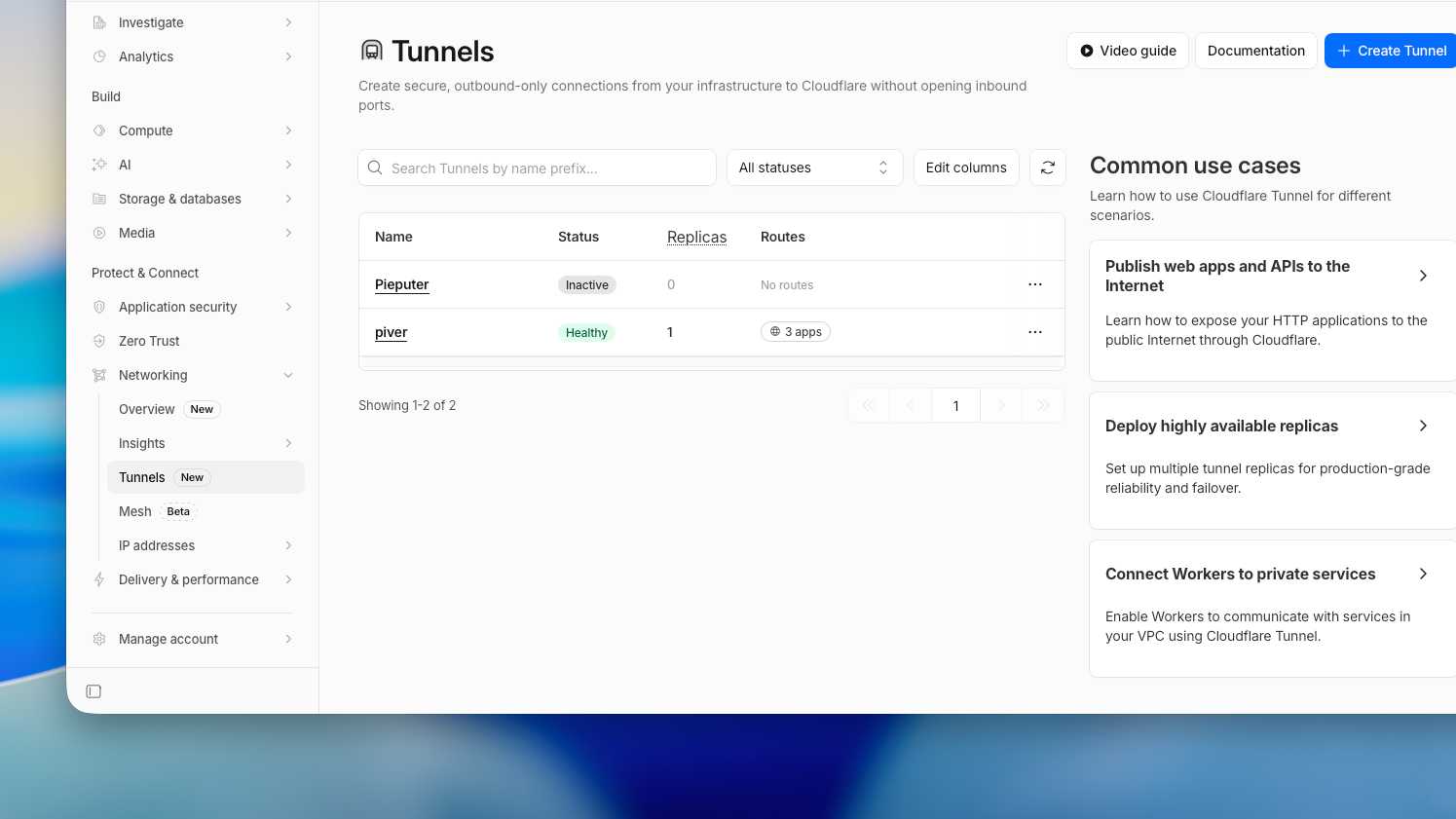
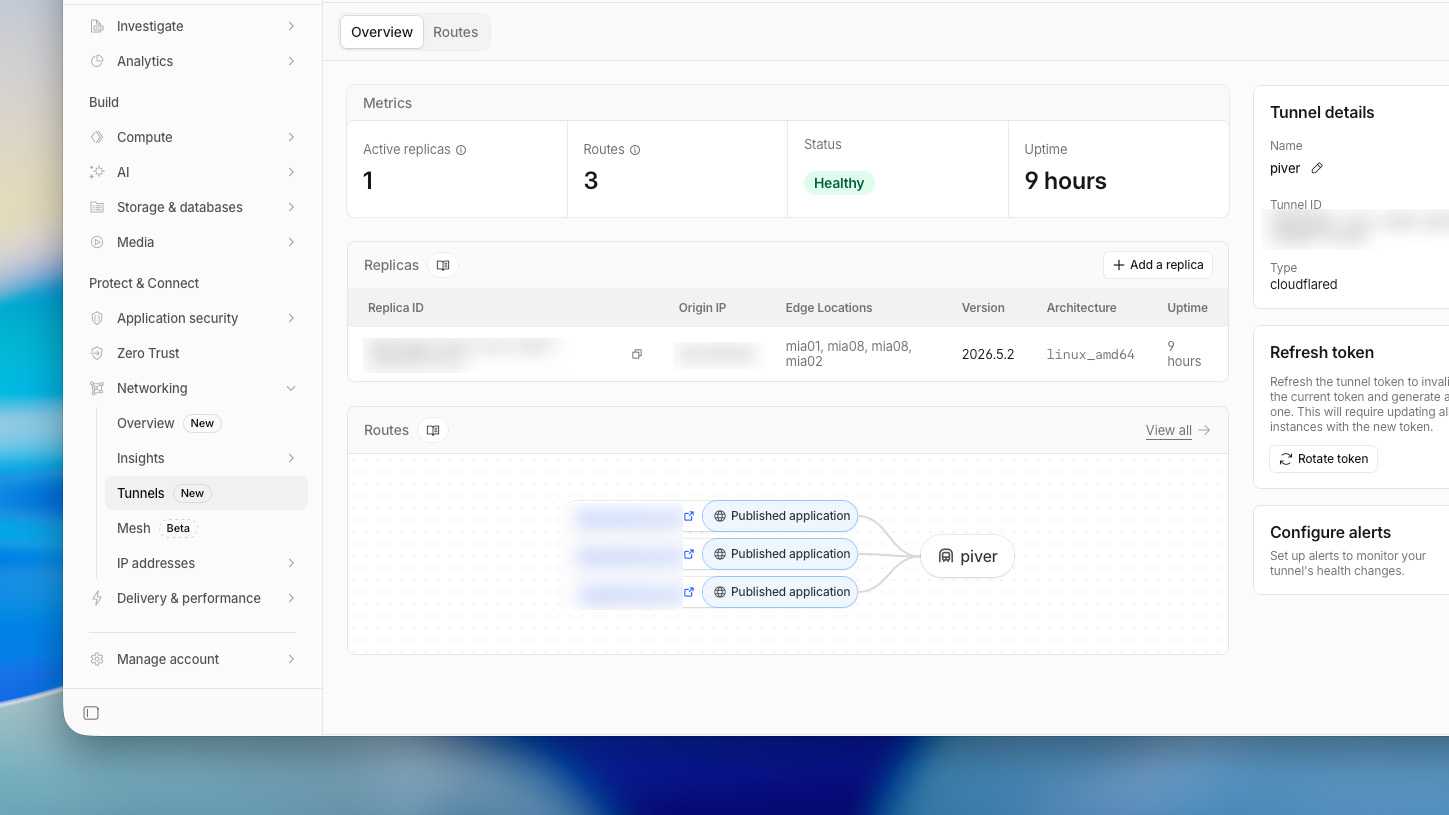
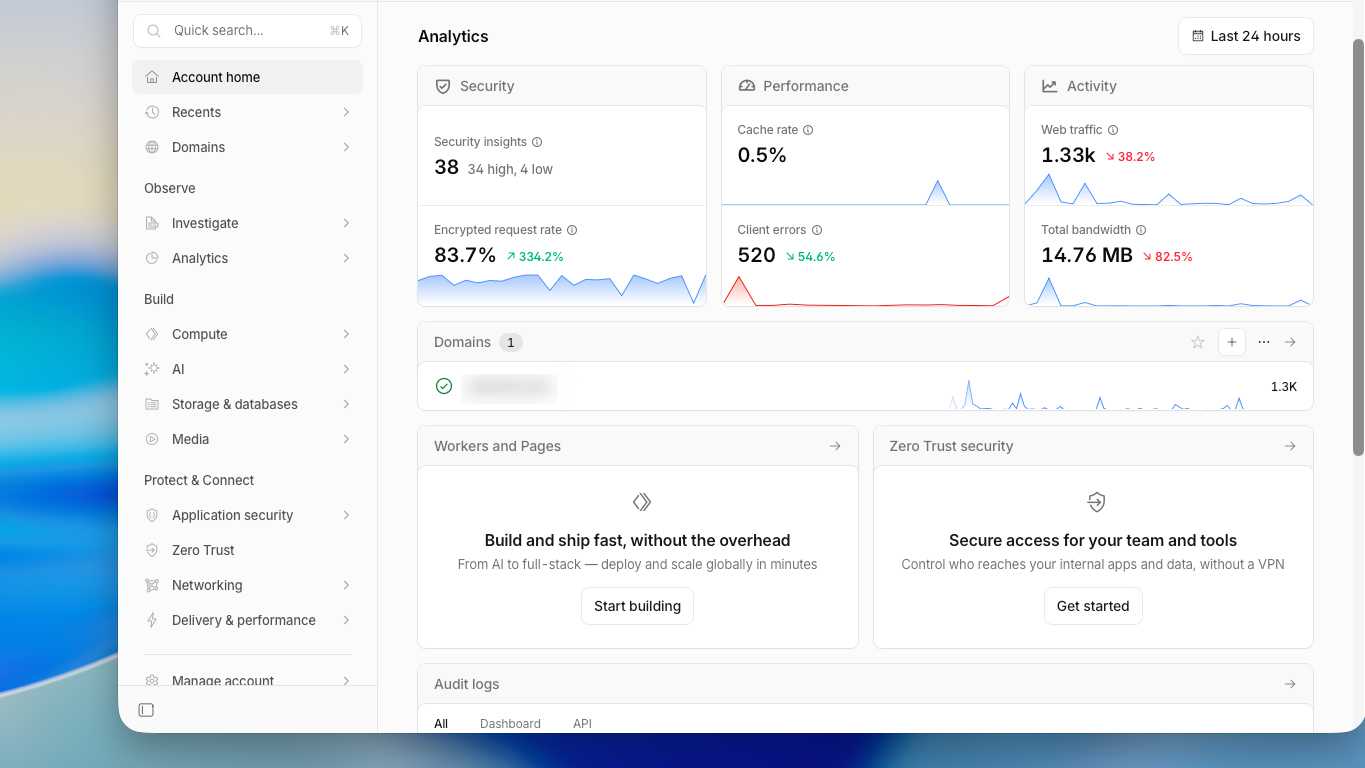
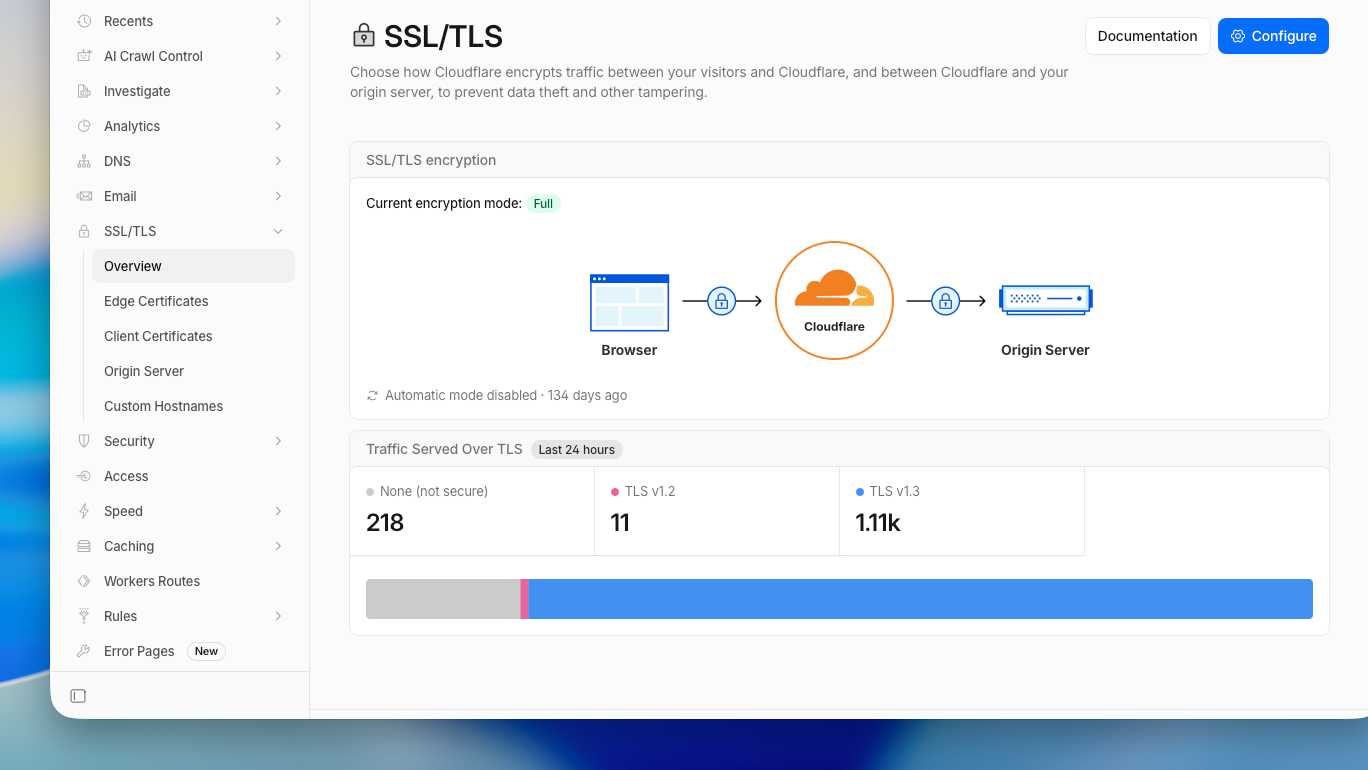
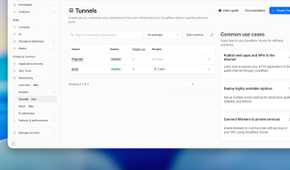
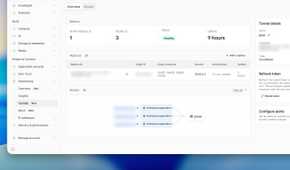
Cloudflare Tunnel was the solution. Believe me when I say this: I had not come across such incredibly useful software, free of charge, in a very long time. It's so good — and what makes it even more unbelievable is that it comes from the #1 DNS provider in the world.
A small, free program called cloudflared runs on your home server, dials outward to Cloudflare, and holds a connection open from the inside. Cloudflare becomes the public face of your service and your machine just keeps its end of the tunnel alive.
Because your server is the one reaching out, none of the old problems apply. You don't need a static IP. You don't forward a single port. CGNAT stops mattering, because nothing is trying to connect inward. A dynamic IP stops mattering, because your domain no longer points at your house at all — it points at Cloudflare, which already knows how to find your tunnel. The messy reality of your home network becomes completely irrelevant. And it works so well that being this elated about a piece of software makes me feel childish.
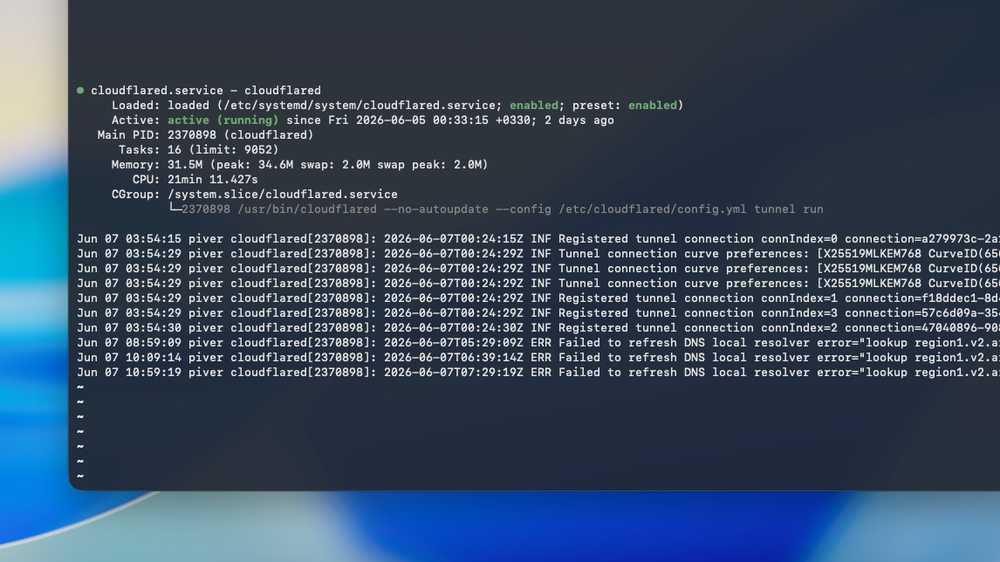
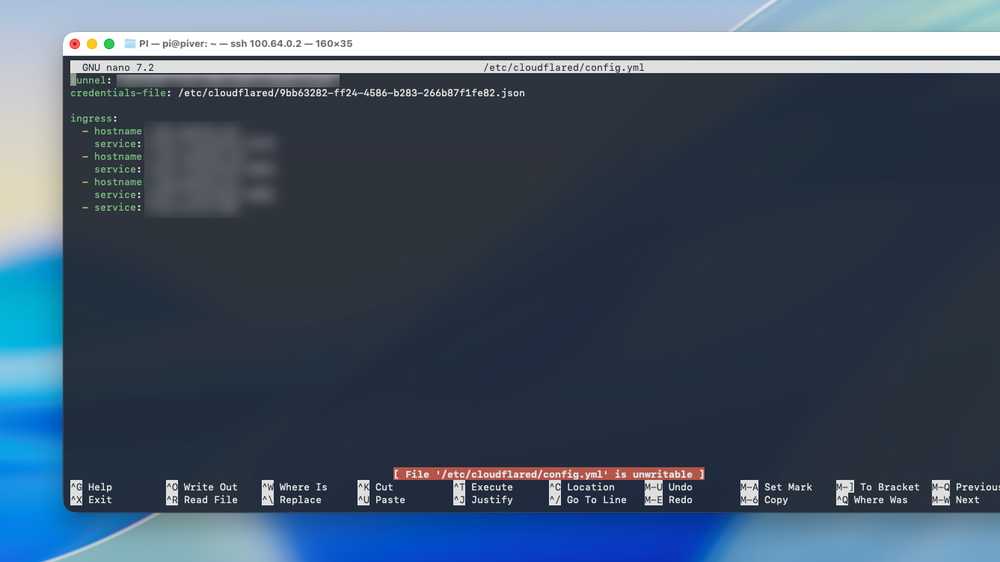
I'm not joking when I say the setup took less than a minute. All you need is a domain behind Cloudflare. If you have a domain but it's not behind Cloudflare yet, you can move it over now, for free, and just wait at most half an hour for the DNS to propagate.
This was it for me. It fixed everything. Adding new services on new subdomains is just as easy: you edit the config.yml, restart the service, and you're golden — it automatically creates the subdomains, their CNAME entries, and matches them to the tunnel.
Did I mention you can run this on Linux, Windows, and macOS? Everywhere.
Your server is open to the wide web now
Not everything on it, though

|
|
I've hosted a Beszel monitor on my home lab and exposed that with a Cloudflare tunnel. I can quickly take a peek at my servers' performance without having to SSH or use Tailscale. After all, what if Tailscale didn't work? This would still help me diagnose it. |
Cloudflare tunnels only work for web traffic — HTTP and HTTPS. That means you can easily host any web service you want with one, but you certainly won't be running a VPN server through it. It doesn't let you tunnel arbitrary TCP or UDP traffic. In contrast, WireGuard and Tailscale work exclusively over UDP and punch through NAT to get you to the connection.
It's a different method entirely. With a Cloudflare tunnel, you are not on the same network as your web service — exactly like how, when you open Google in your browser, you're not on the same LAN as Google's servers. So if you're self-hosting a TURN server for video calls, it won't make it through a Cloudflare tunnel. The same goes for VPNs, game servers, and so on. However, if those services have web pages — like a WG-Easy or 3X-UI panel — you can easily get those up with Cloudflare tunnels.
Be serious about security now
Convenience is the enemy of security. That's why we all put up with 2FA. If we make it harder for everyone to log into a service, we've made it harder for both the user and the abuser. The same applies here. When you open up your service to the web with Cloudflare tunnels, it is far more convenient to access than it ever was with a VPN or Tailscale.
However, it is just as much more convenient for abusers, too. If you had banked on your network's security and left the username and password of all your web services as the default "admin," please change them before you open them to the web. It's time to take your security seriously.
For a long time, a real domain on my homelab felt like a luxury reserved for people with static IPs and money to burn on a VPS, and I'd talked myself out of even wanting it. I was wrong, and the fix had been sitting one free download away the whole time. If you have a domain gathering dust and a server you can only reach through a VPN, the bridge between them is now a five-minute, zero-dollar tunnel