


I’ve been having fun switching through tiling window managers recently, but I do often find myself being drawn back to the “just works” nature of a proper desktop environment.
There’s barely any tiling options that work well enough on KDE, and while Tiling Shell is a very close alternative to GNOME, I’ve grown to become weary of GNOME in general. Enter COSMIC, a brand new desktop environment from System76, being built using Rust.
COSMIC is notable for having an auto-tiling toggle built-in, and it looked like the perfect alternative. Unfortunately, it soon proved to be an ordeal, and I don’t see myself recommending COSMIC just yet.
COSMIC feels like beta software, and that’s not unintentional
It's not stable for a reason

Initially released back in August 2024 as a pre-alpha software, System 76’s COSMIC desktop was shaping up to be a promising desktop environment, and perhaps, even one that, in time, could rival the likes of KDE and GNOME.
Since then, COSMIC has gained a few features, but the core approach has remained the same — with an emphasis on blazing speed and auto-tiling features being baked into the compositor itself.
After all, COSMIC was created as a direct answer to System76’s frustrations with GNOME and the limitations with its extension system.
As it stands, COSMIC isn’t exactly mature software. It has only been out for a bit under two years, and is very much still a work-in-progress. Even System76 acknowledges the same — and the desktop environment is still technically in beta right now, with no stable release in sight.
As is the case with most beta software, COSMIC isn’t quite ready for deployment, if you ask me. There are a myriad of issues, and there’s something to be said of the generally lacking nature of the DE, as well as its high memory usage.
System76 really should have taken their time with this one
The differences are obvious when compared to more mature DEs

COSMIC feels undercooked, even more so when you compare it to a more mature desktop environment like KDE Plasma. It’s missing critical features and quality-of-life improvements.
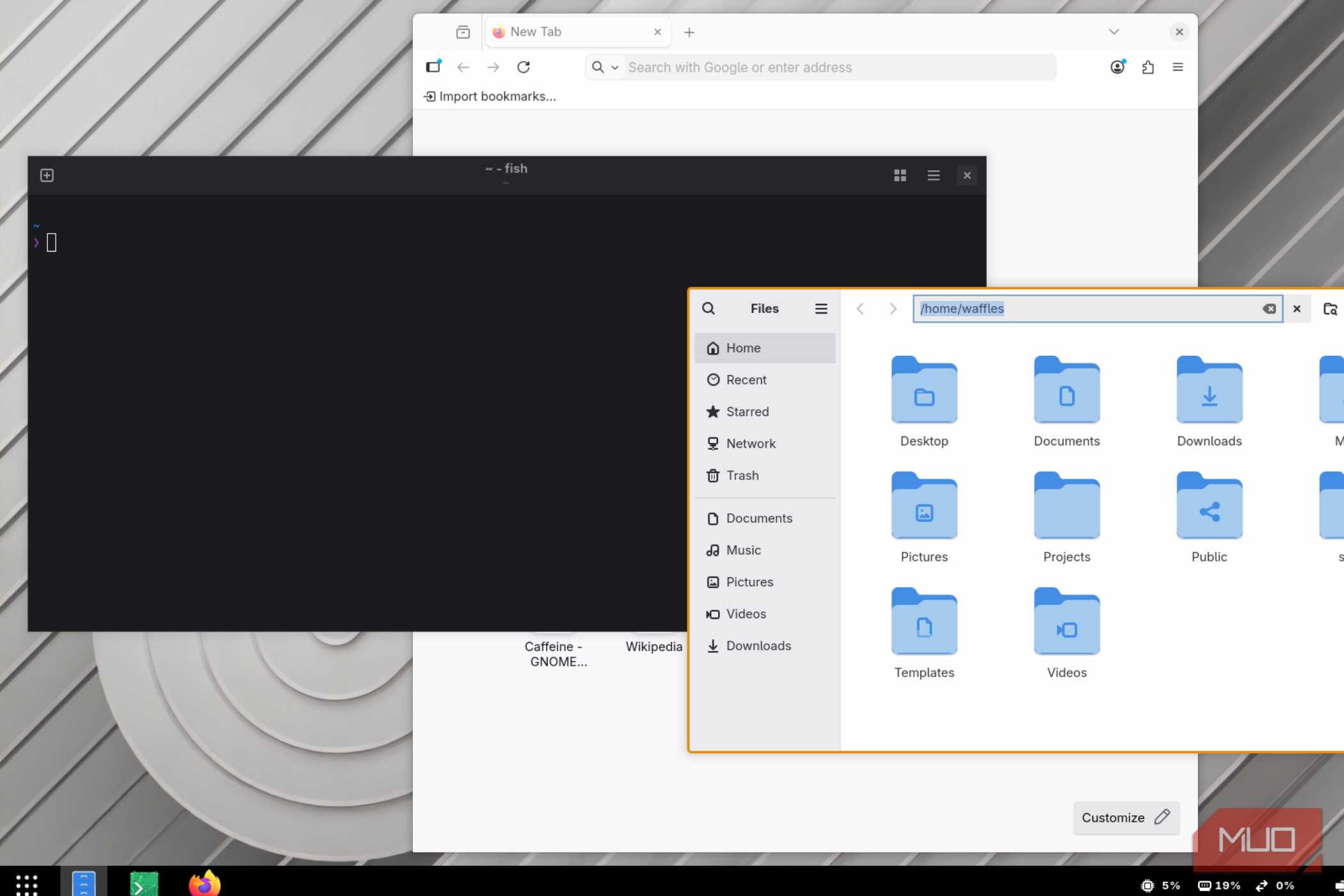
The Settings menu, for example, is barren on COSMIC. A lot of features you’d come to expect from a flagship DE (such as HDR and disabling VSync) are entirely unsupported, and everything feels a bit barebones in comparison.
COSMIC has come a long way since its initial Alpha, Epoch release, but it’s clearly not quite there yet. Which makes it incredibly puzzling to wrap your head around the fact that it’s been bundled as the default in Pop OS’ LTS release. Long-term support builds follow stability over everything else, and COSMIC isn’t particularly stable.
I’ve had my fair share of issues with the desktop environment, including but not limited to hard crashes and general sluggishness (although that could be due to the fact that COSMIC doesn’t have polished animations yet, or due to me using an Nvidia GPU).
The COSMIC Epoch GitHub issue tracker page is full of issues and feature improvement requests, and many of these “features” should have been the default to begin with.
It’s certainly not perfect and needs a bit more polish. It might be worth looking at alternatives, for now.
GNOME with Tiling Shell is a better alternative
Or better yet, switch to a real tiling window manager


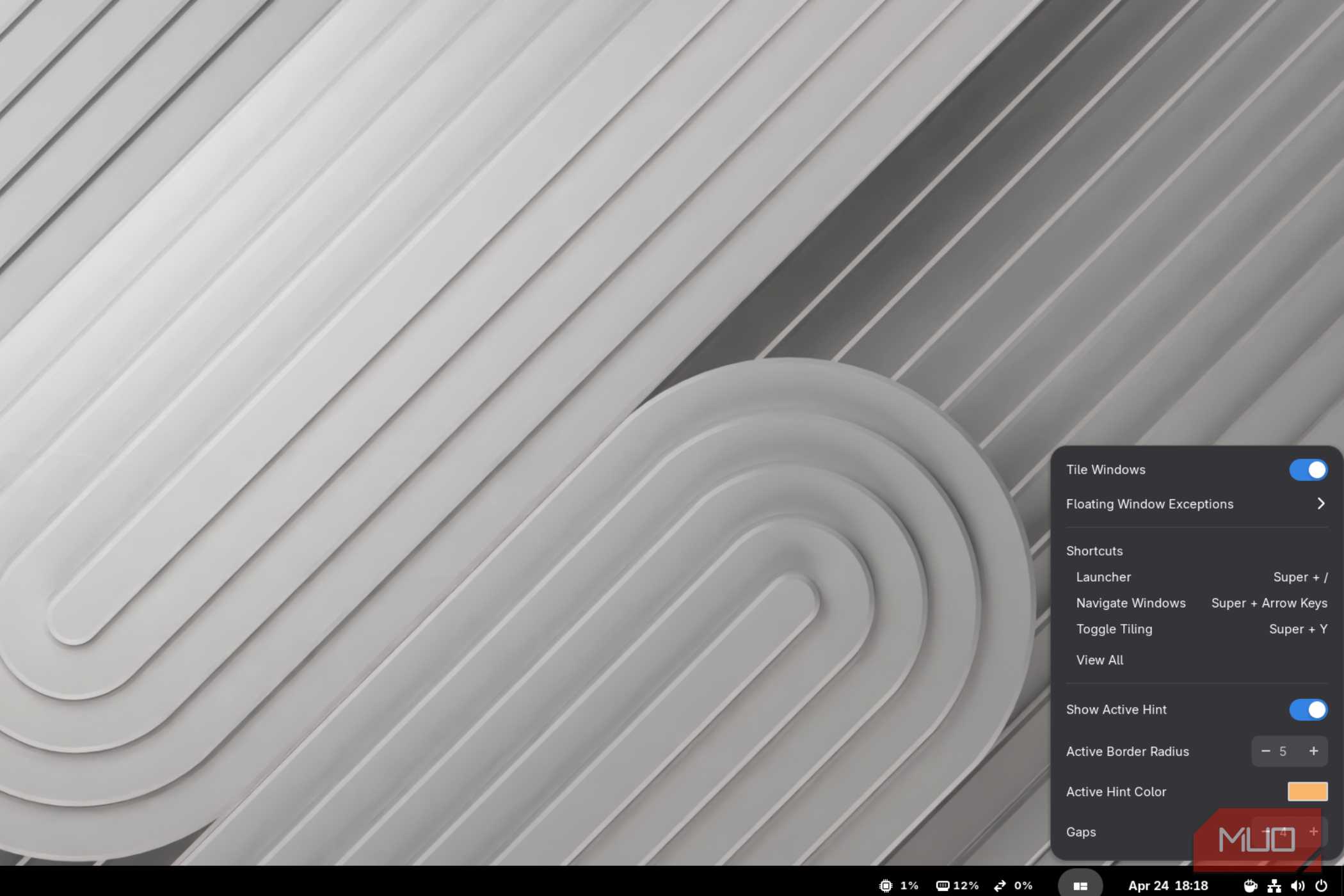
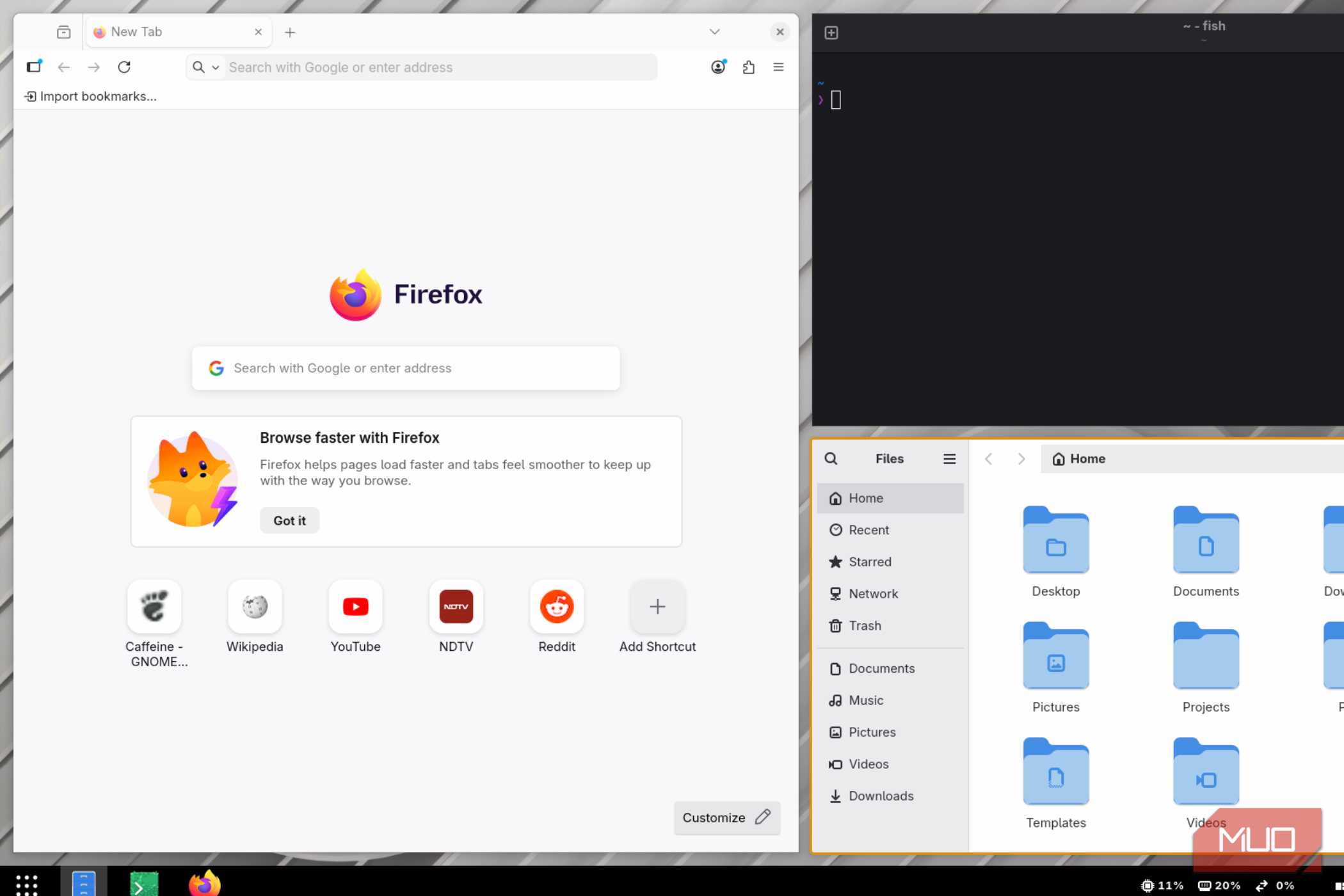
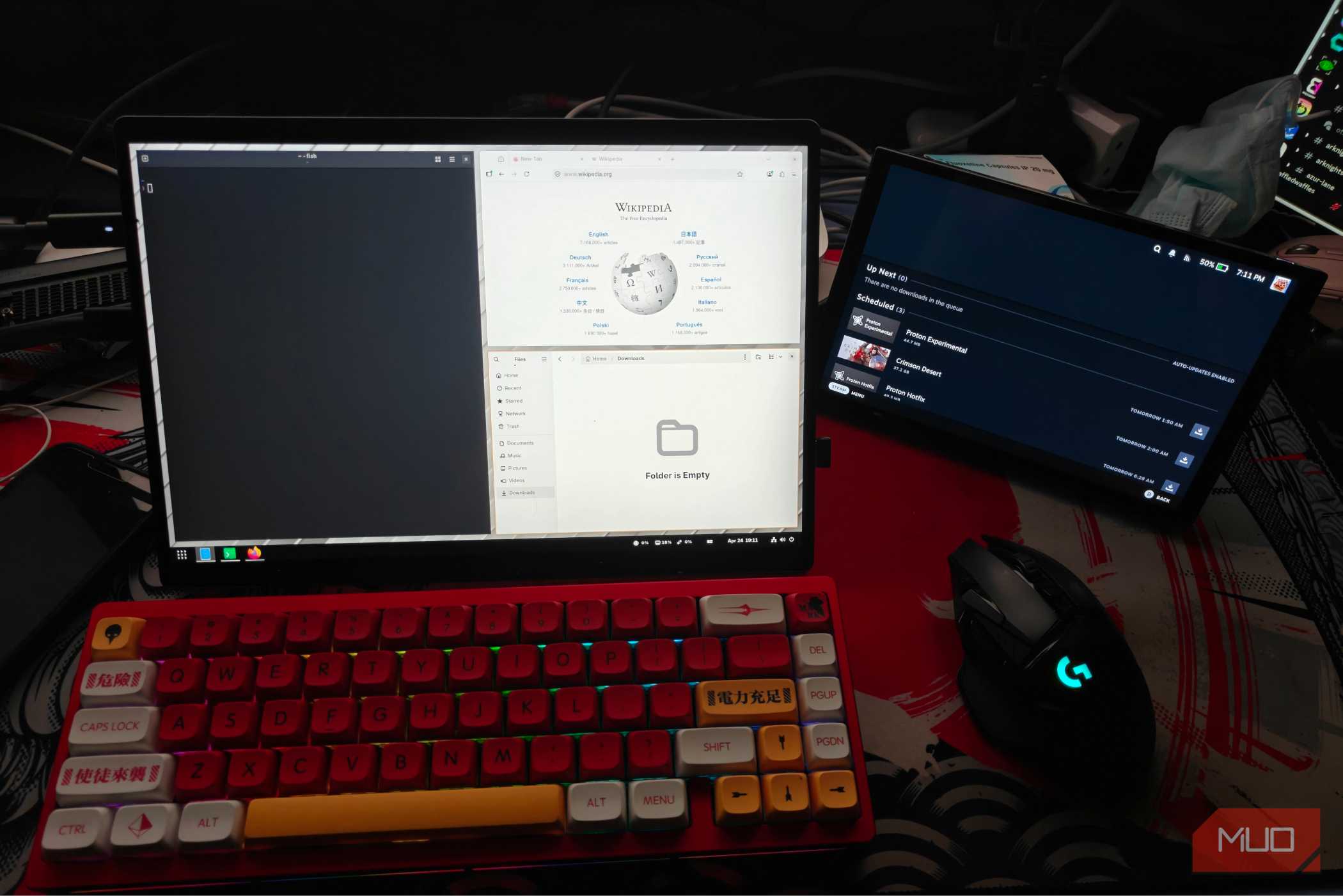
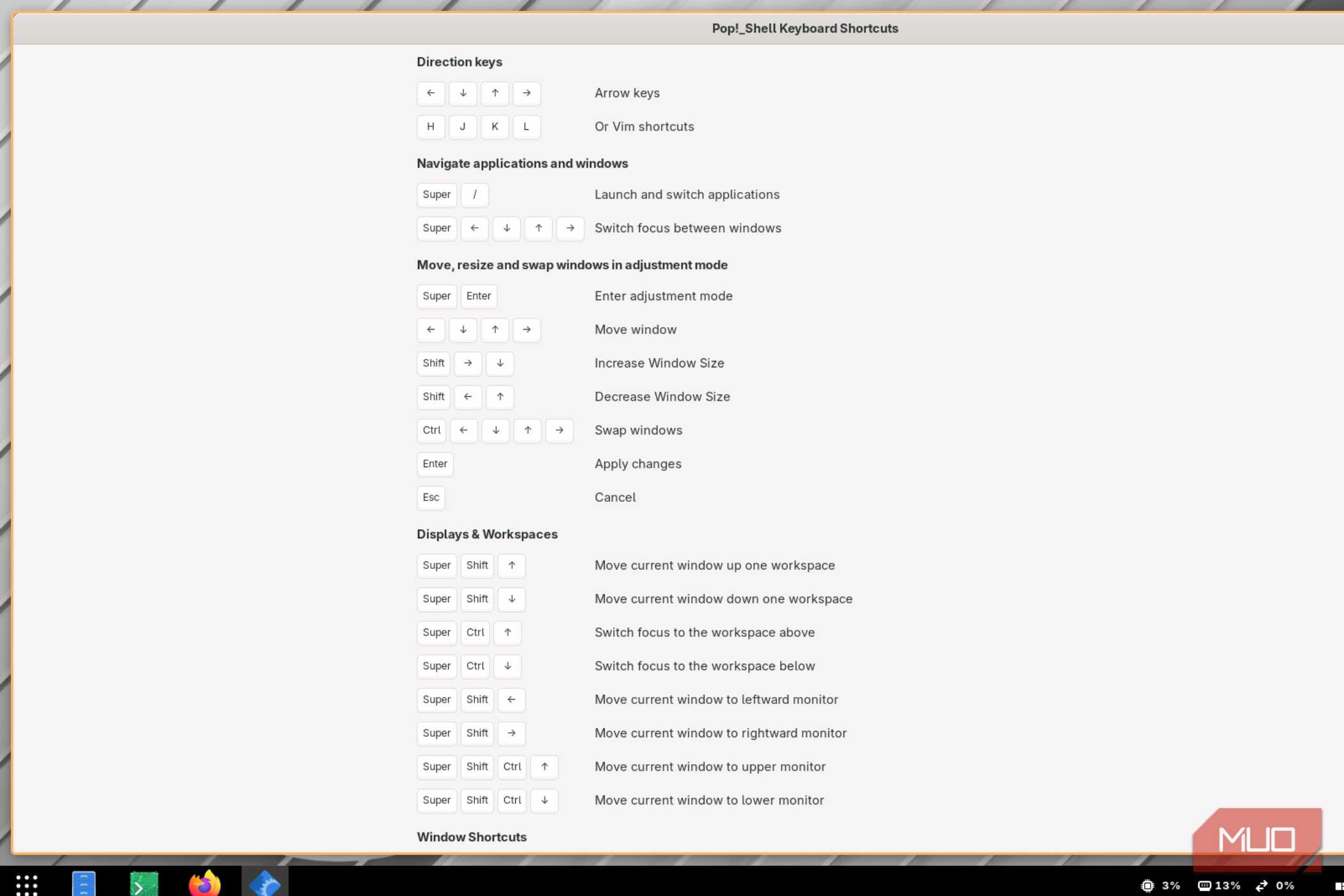


As it stands right now, COSMIC has a lot of catching up to do. It might not be enough for most people, which is why I’ll be hesitantly recommending GNOME for the time being.
COSMIC and GNOME have way more in common than you might think, and with the Tiling Shell extension there isn’t much reason to be using COSMIC at present. It’s pretty much a like-for-like replica of the COSMIC desktop, but with the completeness of GNOME.
It’s what I’ve been rocking on one of my daily drivers, and so far I’ve been pretty happy with it.
Of course, that’s not taking into consideration the variety of tiling window managers available on Linux. You have a lot of options here, and many of them offer alternative layouts beyond the usual COSMIC variety.
That being said, tiling window managers are notoriously difficult to configure from scratch, and that effort might not be everyone’s cup of tea.
There’s still room for improvement
I might sound a bit overly pessimistic, but I honestly cannot recommend daily driving COSMIC just yet. Don’t get me wrong, it’s still a fantastic, actively developing desktop environment that has a lot of potential, but I don’t see it being feature complete soon.
For now, I’ll stick to GNOME with Tiling Shell until System76 irons out the bugs and cooks up some more features. Until then, I’ll probably shy away from daily driving it.

Cosmic
- OS
- Cosmic
COSMIC is an open-source desktop environment developed by System76 for Linux and other Unix-like operating systems. It is a competitor of Cinnamon and GNOME.