


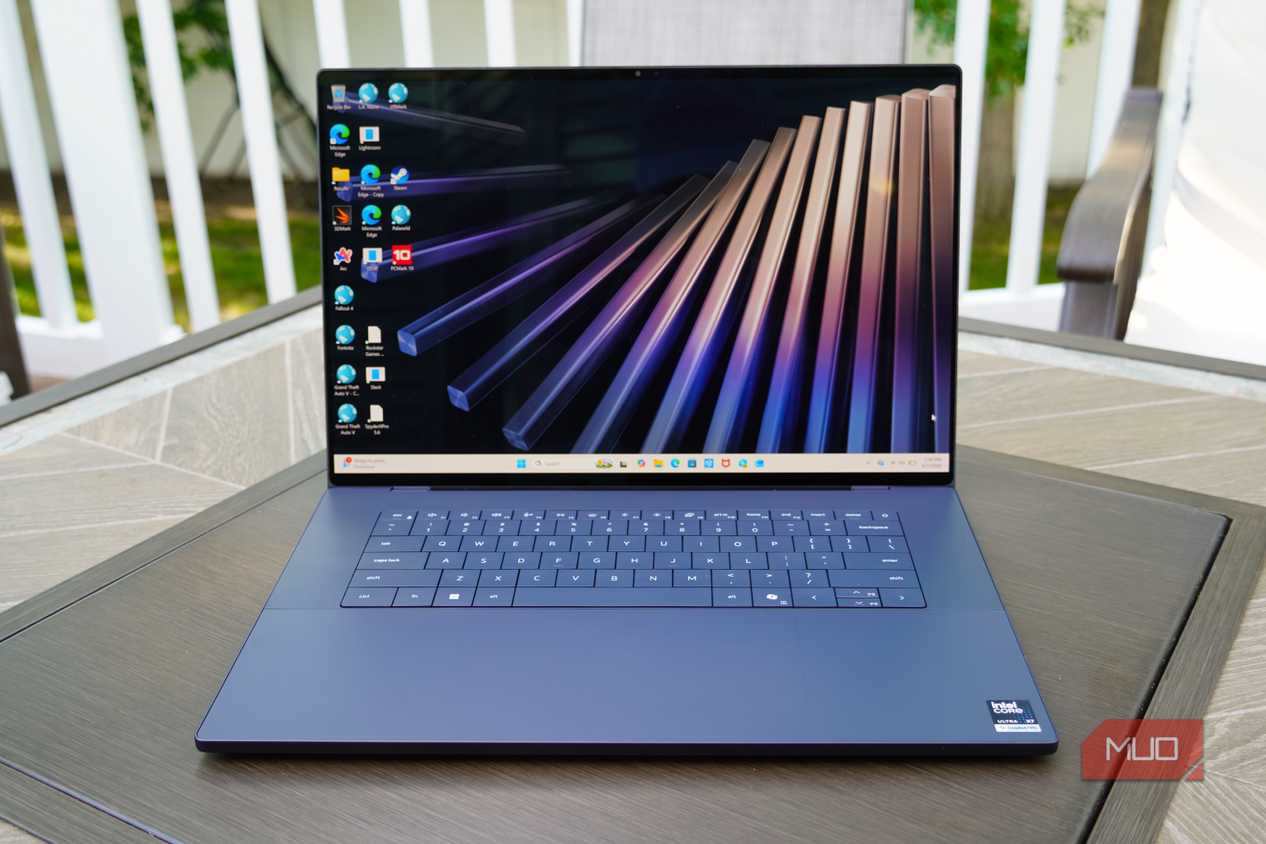
I test Windows laptops all the time, and few blow me away with build quality that rivals my two daily drivers — an M5 MacBook Pro and a Lenovo Yoga Book 9i. The Dell XPS 16 is one of those special laptops, and it couldn't come at a better time. This 16-inch laptop is a revival for Dell's premium brand.
The XPS name is making a rightful return, and it comes with a thinner and lighter chassis, a powerful Panther Lake chipset, and a gorgeous tandem-OLED touchscreen. Dell also righted some of the wrongs of past XPS models by bringing back a physical function row and a haptic touchpad you can actually see. I still might pick a Snapdragon-powered laptop for the better CPU performance and longer battery life, but the XPS 16 is back for Windows fans that need a refined Intel laptop.
Dell loaned us the XPS 16 for this review, but the company had no input in this article and did not see it before publishing.

Dell XPS 16

- CPU
- Series 3 Intel Core Ultra X7 Processor 358H (16 cores, 18MB Cache, up to 4.8 GHz)
- GPU
- Intel Arc Graphics
- RAM
- 32GB LPDDR5x Dual Channel at 9600 MT/s
The Dell XPS 16 is a powerful Windows 11 laptop with a 16-inch tandem OLED display and an incredibly thin and light form factor. It weighs less than four pounds and is just over half an inch thick, making it as portable as laptops in this size class can get. Dell improved the build quality and design while putting an Intel Core Series 3 chip inside. I'm still not a huge fan of the power and charging woes or the lattice-free keyboard, but this is a great laptop otherwise.
- Gorgeous design with a thin and light form factor
- Superb 3.2K tandem-OLED touchscreen
- Panther Lake chips are a big upgrade
- Battery life and charging could use work
- Relies too much on Thunderbolt 4 for ports
- Keyboard design still might trip you up
Dell XPS 16 pricing and availability
The new Dell XPS 16 (2026) was announced at CES earlier this year, but thanks to component shortages, it's a bit more expensive now. The base model officially retails for $2,450, and it includes an Intel Core Ultra 7 355 (Series 3) processor with integrated graphics, 16GB of memory, and 1TB of SSD storage. This configuration features a non-touch 2K IPS LCD, and it's currently discounted to $1,930 on Dell's online store at the time of publishing. It's available in one Graphite colorway.
The configuration I tested has a step-up Intel Core Ultra X7 358H (Series 3) processor, 32GB memory, and 1TB of SSD storage. More importantly, it has a 3.2K tandem-OLED display panel. This configuration is thinner and lighter than the LCD model as a result. My review loaner is currently priced at $2,730 at Dell with discounts, down from $3,050. It's build-to-order at the moment, as the stock equivalent includes a software and services bundle that costs a bit more.
You can max out the Dell XPS 16 with a Core Ultra X9 388H processor, 64GB of memory, and 4TB of SSD storage. There are no discrete graphics cards available. You can also spec a custom build of the XPS 16 with a Core Ultra 5 chip, 16GB RAM, and 512GB storage for a base price of $2,150 (discounted to $1,790 at the time of publishing).
Dell XPS 16 (2026, as reviewed)
- Operating System
- Windows 11
- CPU
- Series 3 Intel Core Ultra X7 Processor 358H (16 cores, 18MB Cache, up to 4.8 GHz)
- GPU
- Intel Arc Graphics
- RAM
- 32GB LPDDR5x Dual Channel at 9600 MT/s
- Storage
- 1TB PCIe 4 SSD (Gen 4)
- Battery
- 70Whr battery
- Display (Size, Resolution)
- 16-inch, 3.2K (3,200x2,000)
- Speakers
- Quad-speaker design with 3W Main x 2 Channel + 2W Tweeter x 2 Channel; 10W total peak output
- Colors
- Graphite
- Ports
- 3x Thunderbolt 4, 1x 3.5mm headphone jack
- Dimensions
- 13.88 x 9.35 x 0.58 in.
- Weight
- 3.65 lbs
- Model
- DA16260
- Adaptor and Battery
- 100W AC adapter (USB Type-C)
- Finish
- CNC machined aluminum, Gorilla Glass 3 palm rest, Gorilla Glass Victus display glass
- Display type
- Touchscreen, OLED, 20-120Hz, 400 nits
- Audio
- Dual microphone array optimized with Intelligo High Fidelity Audio
- Webcam
- 8MP/4K HDR webcam
- Connectivity
- Intel Wi-Fi 7 BE211 2x2 + Bluetooth 6.0 Wireless Card
- Security
- TPM 2.0, Windows Hello webcam
The XPS 16 is thin, light, and as well-built as it gets
I just wish the keyboard and trackpad were a bit more traditional

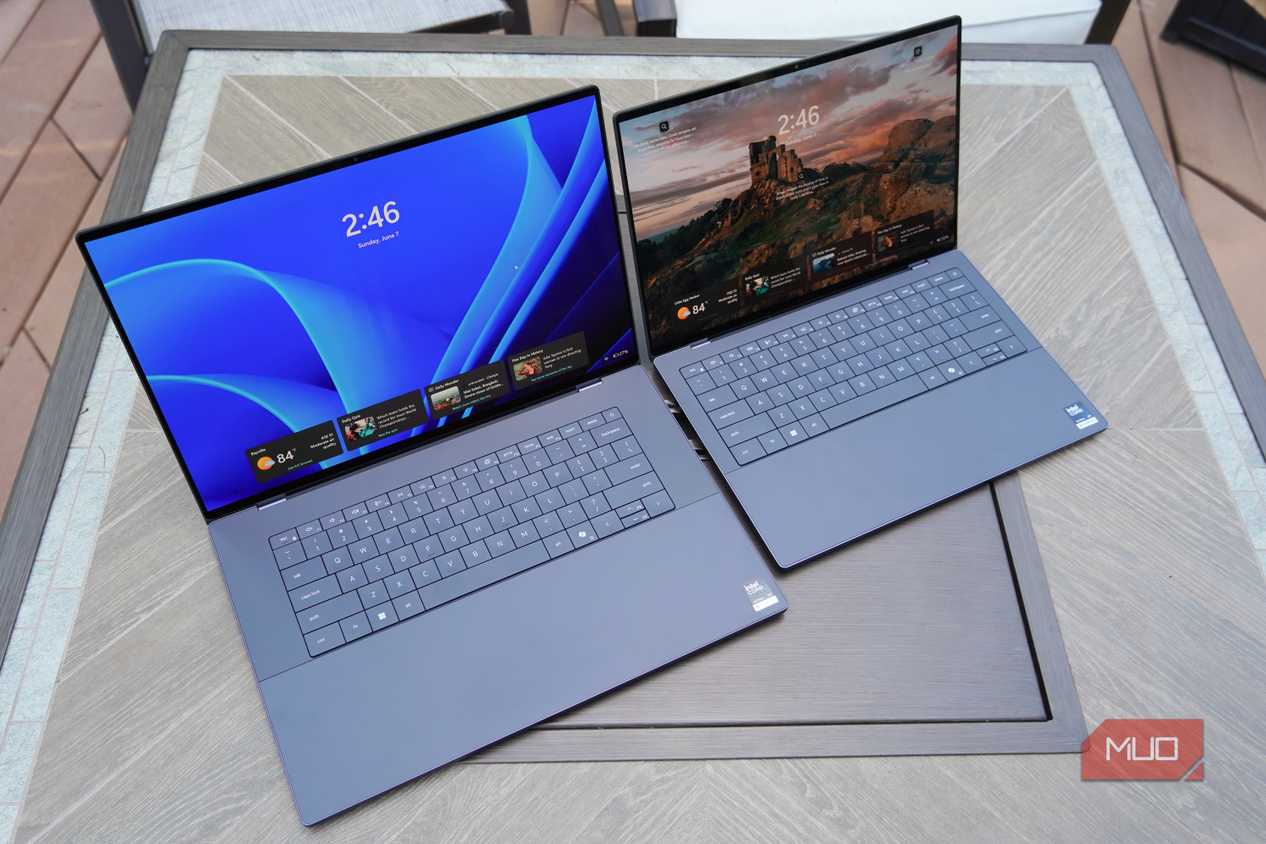
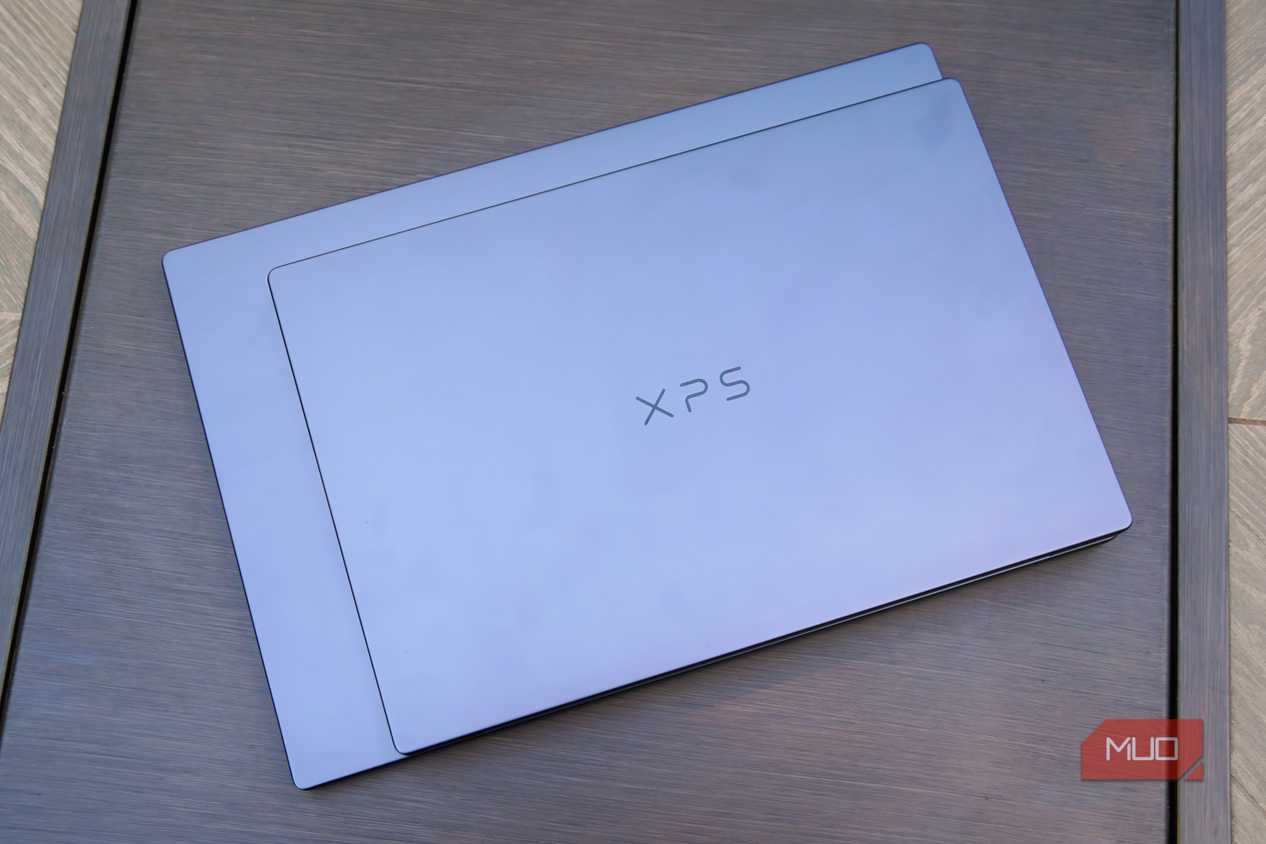
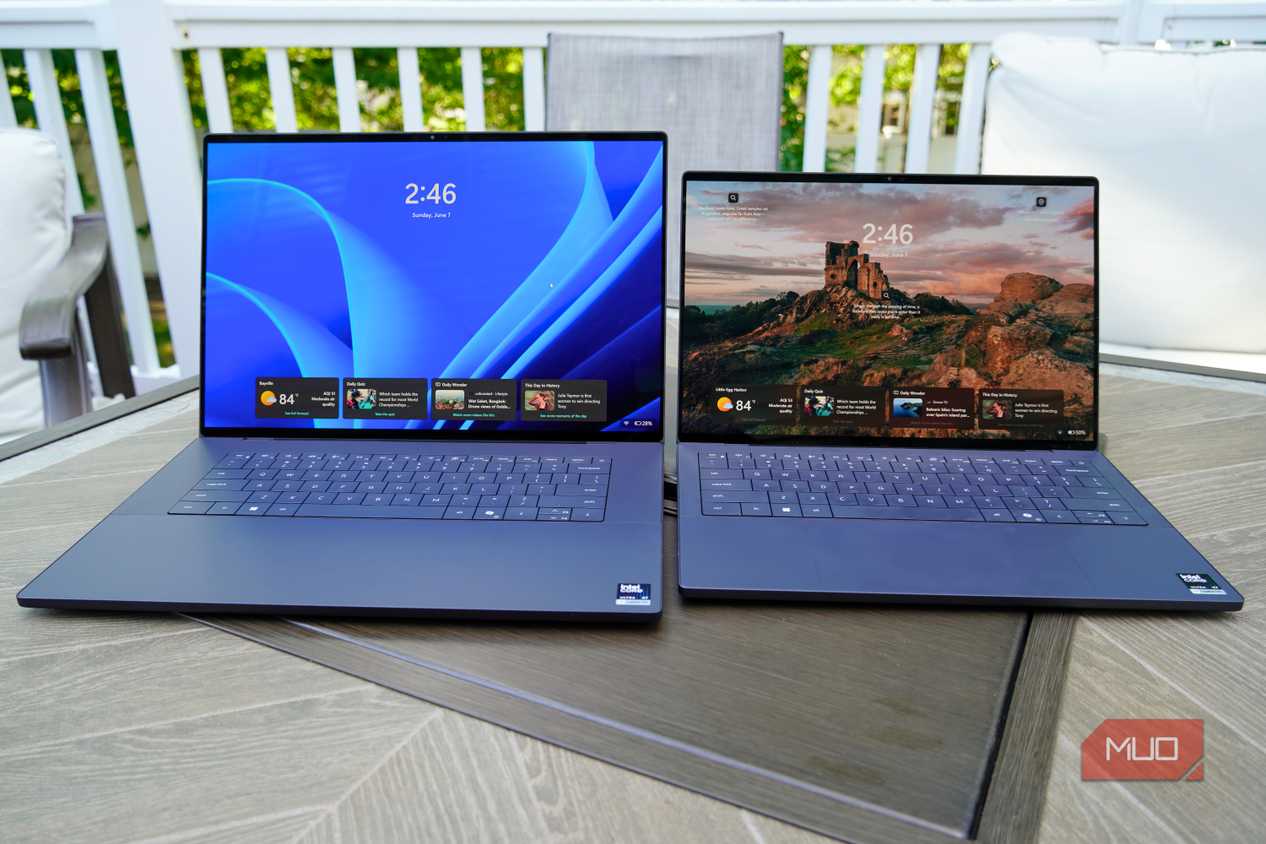
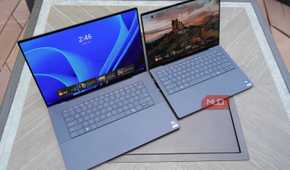
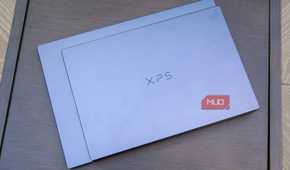
I used the XPS 16 alongside the XPS 14, the laptop's smaller sibling. I'll repeat some of my thoughts from my Dell XPS 14 review, because these two laptops are incredibly similar. The big differences are the XPS 16's larger display, bigger haptic touchpad, and the laptop's overall footprint. The new design, which ditches the older XPS sloping shape for a more sophisticated rectangular look, is visually and functionally great. The CNC-aluminum chassis and dark Graphite colorway are premium and attractive, even if I would've liked to see a lighter color option.
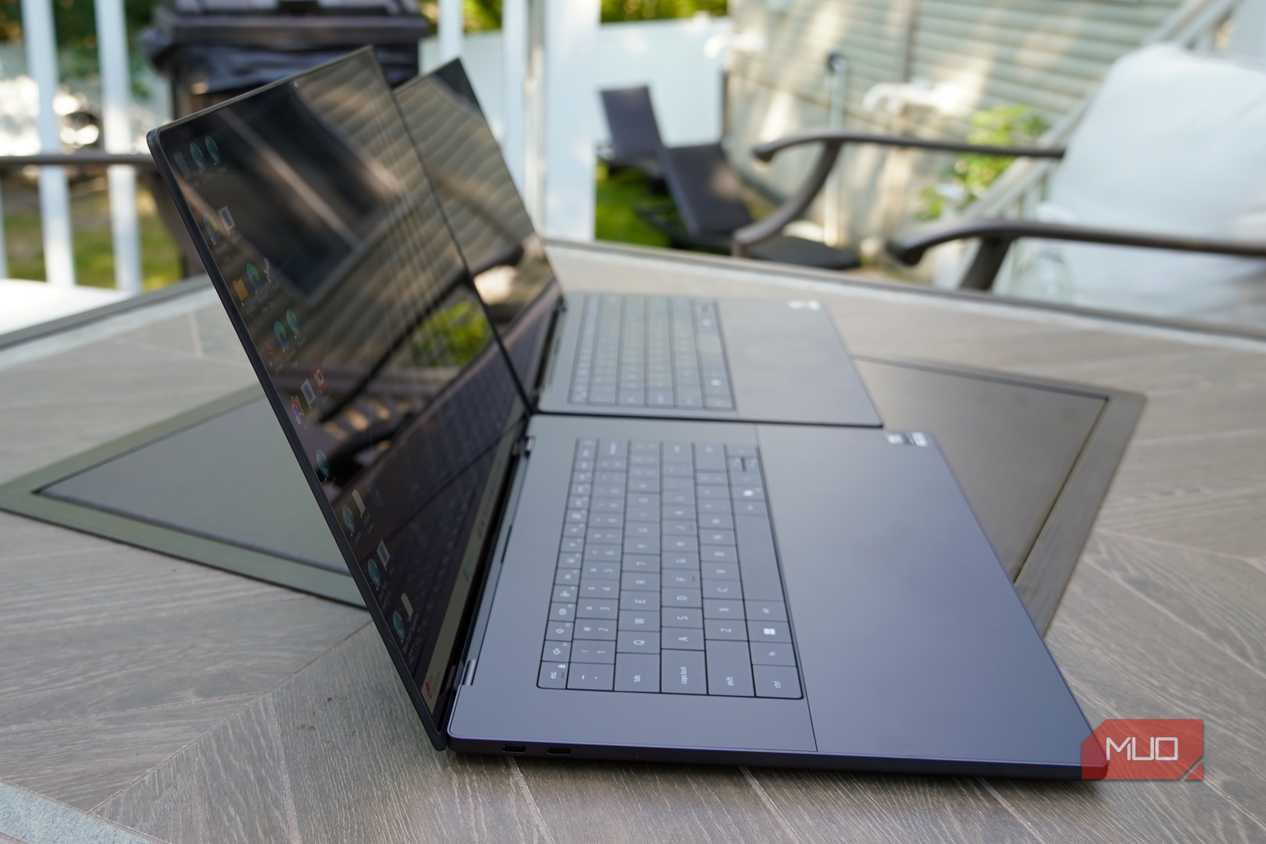
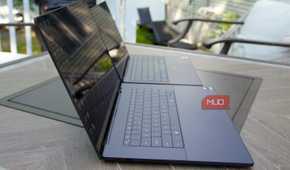
I tend to prefer smaller laptops, so I gravitated to the XPS 14 over the XPS 16. With that being said, the XPS 16 made a strong case for changing my mind with its thin and lightweight build. The OLED version of the XPS 16 I used measures just 0.58-inch thick, and it only weighs 3.65 pounds. A comparable 16-inch MacBook Pro weighs 4.7 pounds and measures 0.66-inch thick, so Dell is really ahead of the game here with the XPS 16. It's a 16-inch laptop I wouldn't mind carrying around daily.
Here's how the XPS 16 compares to the XPS 14 in size in the real world:


 Credit: Brady Snyder / MakeUseOf
 Credit: Brady Snyder / MakeUseOf
 Credit: Brady Snyder / MakeUseOf
 Credit: Brady Snyder / MakeUseOf
 Credit: Brady Snyder / MakeUseOf
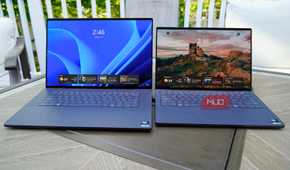
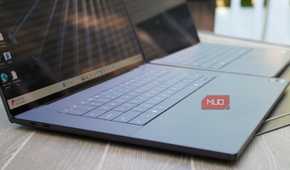
The good (or bad) thing about the XPS lineup this year is that you can go spec-for-spec across both sizes. If you want a 14-inch XPS laptop, you can max it out with the same Core Ultra X9 388H processor you'll find at the top end of the XPS 16 configurations. The downside here is that the XPS 16 doesn't get extra Intel chip options or the choice of discrete graphics — but that's part of the reason it's so thin and light. You can choose which size is best for you, without losing out on performance.
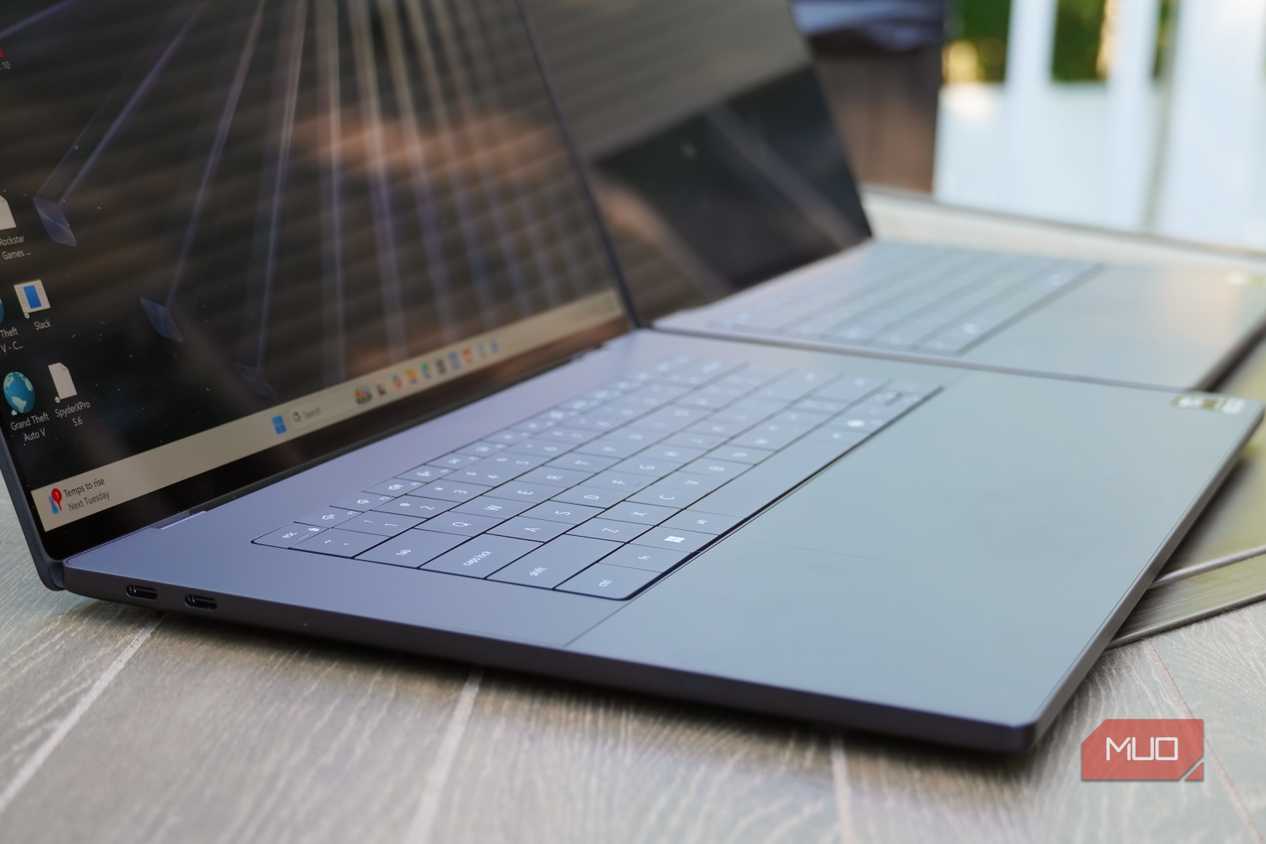
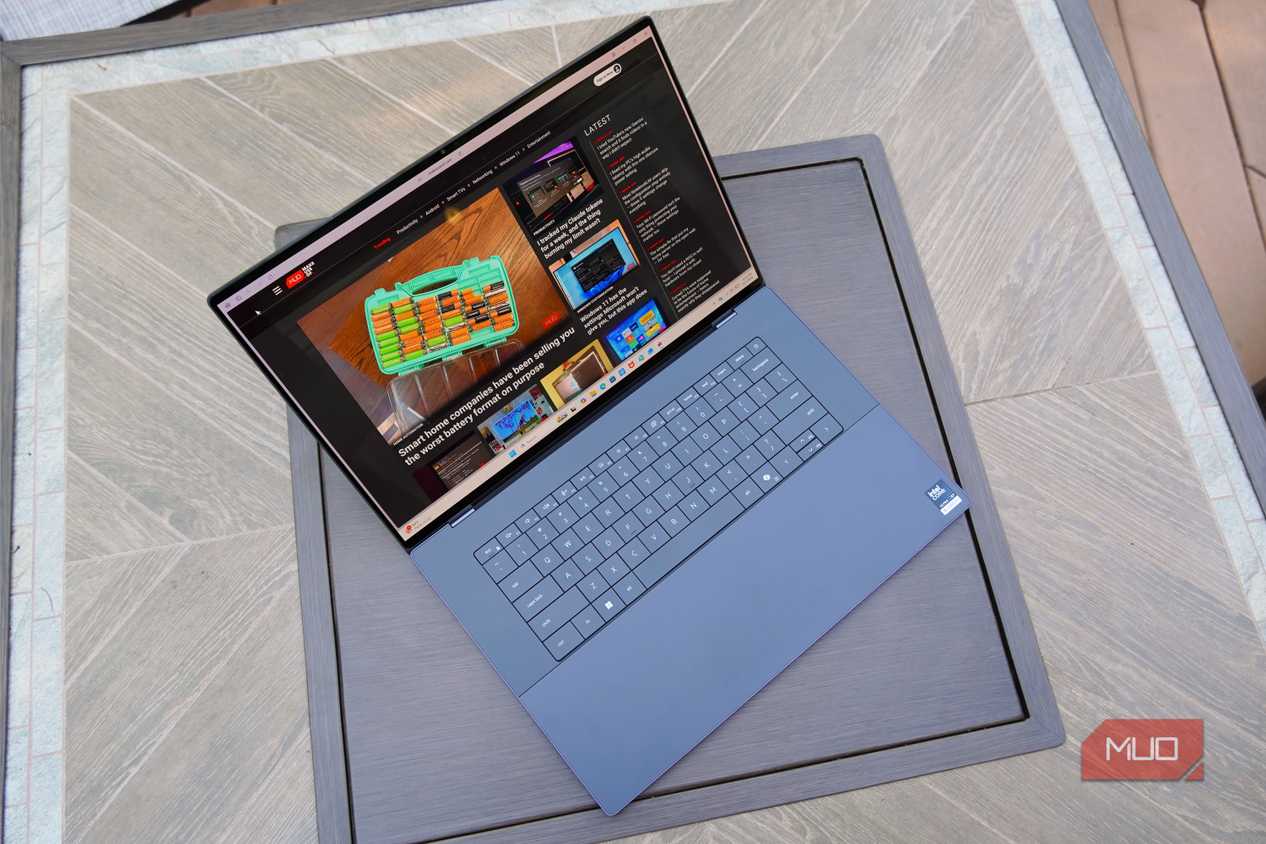
The revamped keyboard is one of the XPS 16's highlights, but it's still bound to trip you up. The keyboard has a zero-lattice design, which means all the keys sit flush with no gaps between them. I find that this keyboard design, paired with just 0.8mm of travel, made me prone to making errors while typing. The benefit here is that the XPS 16 replaces the frustrating capacitive function row of old with real keys on the latest model.
The MacBook Pro crushes the XPS 16's port selection, and it's not the only laptop to do so.
Plus, there are now subtle marks to delineate where the haptic touchpad ends and the palm rest begins. This keyboard and trackpad design still isn't my favorite, but it might be the perfect middle ground. Dell kept what made XPS laptops special, while fixing two common frustrations people had with older models. On top of that, the XPS 16's responsive touchpad is as good as any I've used.

There were a few times when it bugged me that the XPS 16 didn't offer hardware upgrades over the XPS 14, aside from the display. It would've been nice to see more ports on the XPS 16, but it has the same three Thunderbolt 4 (Type-C) ports and 3.5mm headphone jack as the XPS 14. Three USB-C ports is better than two, and I appreciate Dell spreading them out across both sides of the laptop.

However, the XPS 16's I/O feels too limited compared to the MacBook Pro. My 14-inch, M5 MacBook Pro has a MagSafe charging connector, three Thunderbolt 4 ports, an HDMI port, a full-size SD card slot, and a 3.5mm headphone jack. The MacBook Pro crushes the XPS 16's port selection, and it's not the only laptop to do so. The Asus Zenbook A16, a Snapdragon X2 Elite Extreme alternative, demolishes the XPS 16 with three USB-C ports, one USB-A port, an HDMI port, an SD card reader, and a headphone jack.
I can live with three Thunderbolt 4 ports, because I can adapt them to pretty much anything. I'm just not sure if I'd want to when other laptops offer the ports I need directly onboard.
The tandem OLED touchscreen is sharp and plenty bright
It also supports variable refresh rates between 20Hz and 120Hz for responsiveness


 Credit: Brady Snyder / MakeUseOf
 Credit: Brady Snyder / MakeUseOf
 Credit: Brady Snyder / MakeUseOf
 Credit: Brady Snyder / MakeUseOf
 Credit: Brady Snyder / MakeUseOf
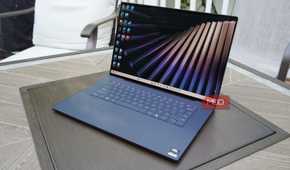
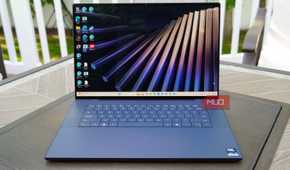
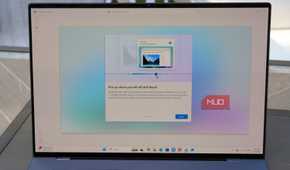
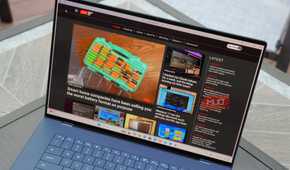
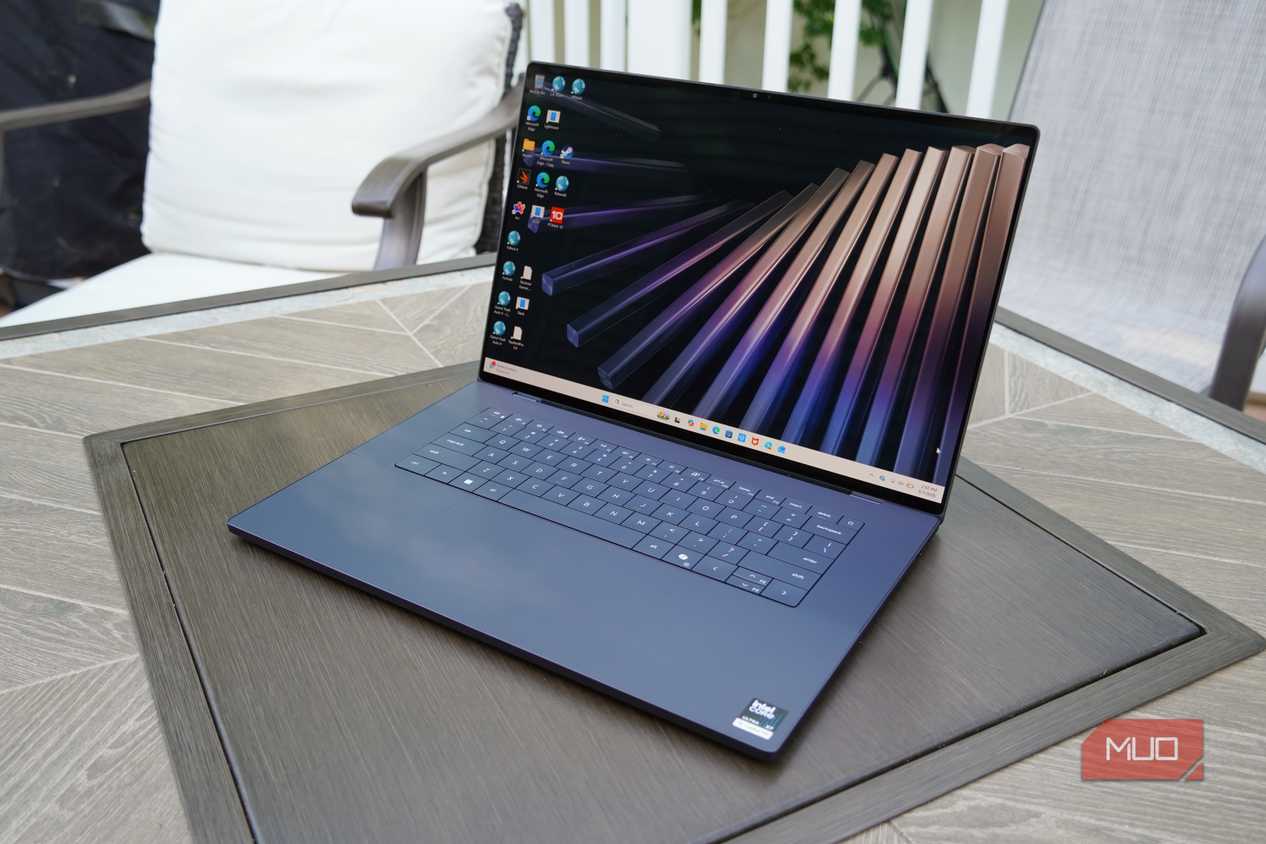
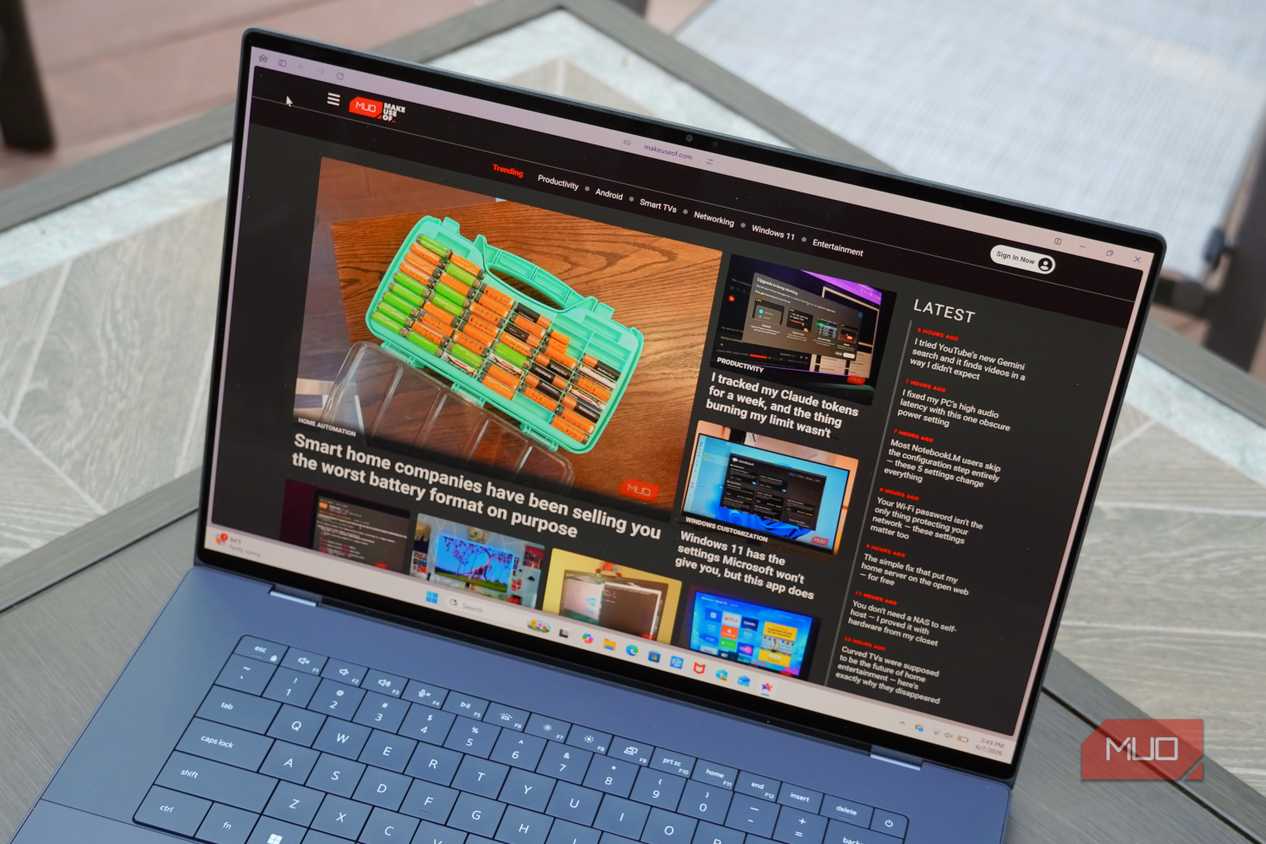
The Dell XPS 16's tandem-OLED screen is a highlight, and it's even more enjoyable on the 16-inch laptop than the 14-inch version. The crisp 3.2K resolution and 400 nits of typical brightness encouraged me to be more productive, as I could comfortably run split-screen tiling layouts without having to squint. When it was time to edit photos, taking advantage of the display's full DCI-P3 gamut coverage ensured the XPS 16 could handle color-accurate work.
The tandem-OLED architecture allows Dell to pull more brightness out of an OLED screen, and the XPS 16 peaks at up to 500 nits of brightness accordingly. The deep OLED colors and decent brightness levels allow the XPS 16 to support Dolby Vision and VESA DisplayHDR True Black 500. Opting for the IPS LCD model of the XPS 16 will give you higher peak brightness levels, and it'll also enable support for variable refresh rates as low as 1Hz. The XPS 16 I reviewed can go down to 20Hz and peak at 120Hz.
It's nice that the OLED model supports touch input, too. I'd prefer to use the satisfying and responsive haptic touchpad than run my fingers along the glossy Gorilla Glass Victus display covering, but having options is rarely a bad thing.
I wish the XPS 16 packed a bit more power
I can forgive the lack of a higher-tier chip because of the price

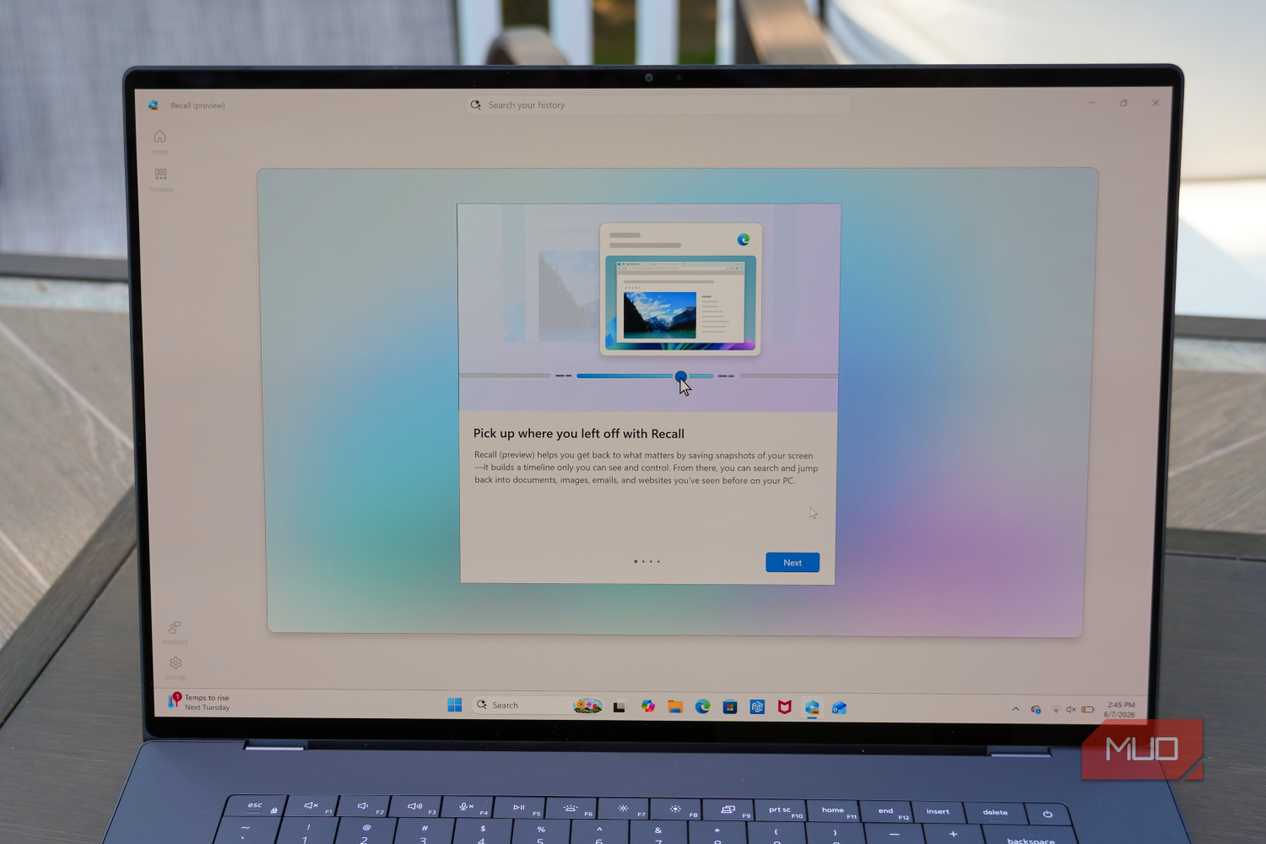
As I alluded to earlier, I wish there was something more making the XPS 16 worth your while compared to the XPS 14. That said, the XPS 16 handled my daily workloads just fine. They include photo editing using ML color adjustments, writing, and web-based tasks. This is a fairly light workload, but it's exactly the kind the XPS 16 with the Intel Core Ultra X7 358H chip is made for. The Panther Lake processor supports Copilot+ features and runs well, although the integrated GPU rules out intensive graphics or local AI workloads.
We see this in how the XPS 16 handled our suite of synthetic benchmarks. It handily beat laptops with last-generation Intel Core Ultra Series 2 chips, like the Acer Swift Edge 14 AI. However, it expectedly lost to machines with discrete graphics available, such as the Acer Swift X14. The Intel Core Ultra Series 3 chip inside the XPS 16 does a fantastic job compared to older Intel or Qualcomm chips, but the lack of a dedicated GPU configuration holds it back.
|
Geekbench 6 (single-core/multi-core) |
PCMark 10 |
Crossmark (overall) |
3DMark Wild Life Extreme |
|
|---|---|---|---|---|
|
Dell XPS 16 (Intel Core Ultra X7 358H) |
2,652 / 14,022 |
7,314 |
1,422 |
11,576 |
|
Dell XPS 14 (Intel Core Ultra X7 358H) |
2,816 / 15,029 |
7,750 |
1,492 |
11,180 |
|
Acer Swift Edge 14 AI (Intel Core Ultra 7 258V) |
2,021 / 9,121 |
6,442 |
1,419 |
7,563 |
|
Acer Swift X14 (Intel Core Ultra 9 285H + Nvidia GeForce RTX 5070 Laptop GPU) |
2,130 / 12,474 |
6,014 |
1,618 |
15,087 |
|
Samsung Galaxy Book 6 Pro (Intel Core Ultra X7 358H) |
2,751 / 16,165 |
N/A |
N/A |
N/A |
|
Lenovo Yoga Slim 7x Gen 11 (Qualcomm Snapdragon X2 Elite X2E88100) |
3,738 / 19,711 |
N/A |
1,549 |
9,741 |
As for how the XPS 16 fares against other X7 358H processors, it's a bit of a mixed bag. Although the XPS 16 and XPS 14 share the same chip, usually one pulls ahead of the other. Sometimes it's the XPS 16, other times it's the XPS 14. I seemed to get better results out of the XPS 14, likely because the XPS 16 is working a bit harder to drive the larger display at maximum brightness. It's also worth noting that the Galaxy Book 6 Pro, which also uses the Ultra X7 358H, pulled more out of Intel's latest chip. It beat both sizes of this year's XPS lineup.
As for the battery, the Dell XPS 16 has a 70Wh battery — the same size as the XPS 14. This explains why the XPS 16's runtime isn't as long as the smaller model, but it still can last all day. I don't feel as confident in the XPS 16 lasting all day as I do in MacBooks or Windows on Arm laptops. I'm not sure whether it's a Dell or Intel problem, but there are still occasional power and charging hiccups when you don't use the included 100W adapter.
Should you buy the Dell XPS 16?
You should buy the Dell XPS 16 if:
- You want a Windows laptop with a sleek design
- You care about the tandem-OLED touchscreen display
- You prefer Intel/x86 chips to Snapdragon/Arm chips
You should NOT buy the Dell XPS 16 if:
- You need more ports than USB-C and a headphone jack
- You don't like the lattice-free keyboard or lack of a numpad
- You want better CPU options, or a dedicated GPU configuration
Dell's premium 16-inch laptop still looks futuristic, but it's finally in a good way. Although the lattice-free keyboard and invisible touchpad still isn't for me, I'm betting longtime XPS fans will find it tasteful. The new Dell XPS 16 is more premium than the last XPS lineup, more refined than the rebranded Dell 16 Premium, and more powerful thanks to Intel Core Series 3 processors. It's a winning combination, and the XPS 16's pricing isn't terrible considering the strained PC market conditions we're experiencing.
I know the Apple comparison is overdone, but the XPS 16 truly feels like a capable Windows alternative to the 16-inch MacBook Pro. If you don't need an x86-based laptop, it might be worth considering the Snapdragon-powered Asus Zenbook A16. Frankly, the Zenbook A16 can't match the XPS 16 in build quality or materials, so Dell still has a strong offering here. The big disqualifier for some will be the lack of discrete GPU configurations, which limits the amount of graphics power you can get out of the XPS 16.
Between the thin and light design, 3.2K tandem-OLED touchscreen, and decent performance and battery life, the XPS is as good of a 16-inch Windows laptop as you'll find today.
Dell XPS 16
- CPU
- Series 3 Intel Core Ultra X7 Processor 358H (16 cores, 18MB Cache, up to 4.8 GHz)
- GPU
- Intel Arc Graphics
- RAM
- 32GB LPDDR5x Dual Channel at 9600 MT/s
- Operating System
- Windows 11
- Storage
- 1TB PCIe 4 SSD (Gen 4)
This is nothing short of a triumphant return for the XPS 16. It's thinner and lighter than you'd expect from a 16-inch laptop, and the performance you get from Intel's Core Ultra Series 3 chipset is solid.