


A flaky home network is far from rare. Many people live with unpredictable Wi-Fi or slow connectivity. Sometimes, the problem is with your ISP, or Internet Service Provider, and they need to fix it. Other times, your connection is fine, but the issue is elsewhere. That was the case when I started experiencing weird stutters and lag when loading web pages.
After spending time diagnosing the issue, it was something entirely unexpected. Network administrators have a saying: "It's always DNS." As it turned out, it really was. Or encrypted DNS, to be specific. The fix? Returning to the tried-and-tested non-encrypted DNS most people use every day.
Encrypted DNS explained
And why you might want to use it

You might already be familiar with DNS, or Domain Name System. It's often referred to as the internet's phone book. It takes the human-readable web addresses like makeuseof.com and translates them into the IP addresses that computers and networks use. It's a vital part of using the internet.
With that said, encrypted DNS works in much the same way but with one fairly obvious difference: your DNS queries are encrypted. This, in turn, ensures that third parties cannot identify an encrypted DNS request's contents, boosting privacy.
Without encryption, a DNS request can reveal which websites you access, and when. ISPs can then sell that kind of data, allowing data brokers to build a profile of your browsing habits.
Encrypted DNS prevents that, and it's a big deal if you're really concerned about keeping your browsing activity private.
The hidden bottlenecks
How encrypted DNS can tank performance

While encrypted DNS can seem great on paper, enforcing it at the router level can have unexpected consequences. Standard DNS is a relatively low-impact system that uses lightweight and stateless UDP packets. That means that DNS requests can be processed and responded to incredibly quickly.
Conversely, encrypted DNS uses the TCP and TLS protocols. Each DNS request requires a cryptographic handshake to take place before a connection can be established. And that can start to cause performance problems in some cases.
It isn't controversial to say that most home routers are designed to be as cheap as possible. That means they use underpowered CPUs optimized for low power use and simple routing needs. They aren't built with handling cryptographic operations in mind. Decrypting and encrypting hundreds of DNS lookup requests and responses every minute can soon cause those underpowered CPUs to struggle to keep up.
Other factors can also create performance bottlenecks. The connection overhead of establishing a secure TLS tunnel, with its multiple round-trips to remote DNS servers, means any dropped connections have larger knock-on effects. Encrypted DNS requests can start to queue, making web pages hiccup and load more slowly than usual.
None of this is conducive to a smooth, performant home network. Especially one with a lot of devices like computers, phones, and even smart home accessories.
The decision: performance or privacy
It's about finding a balance


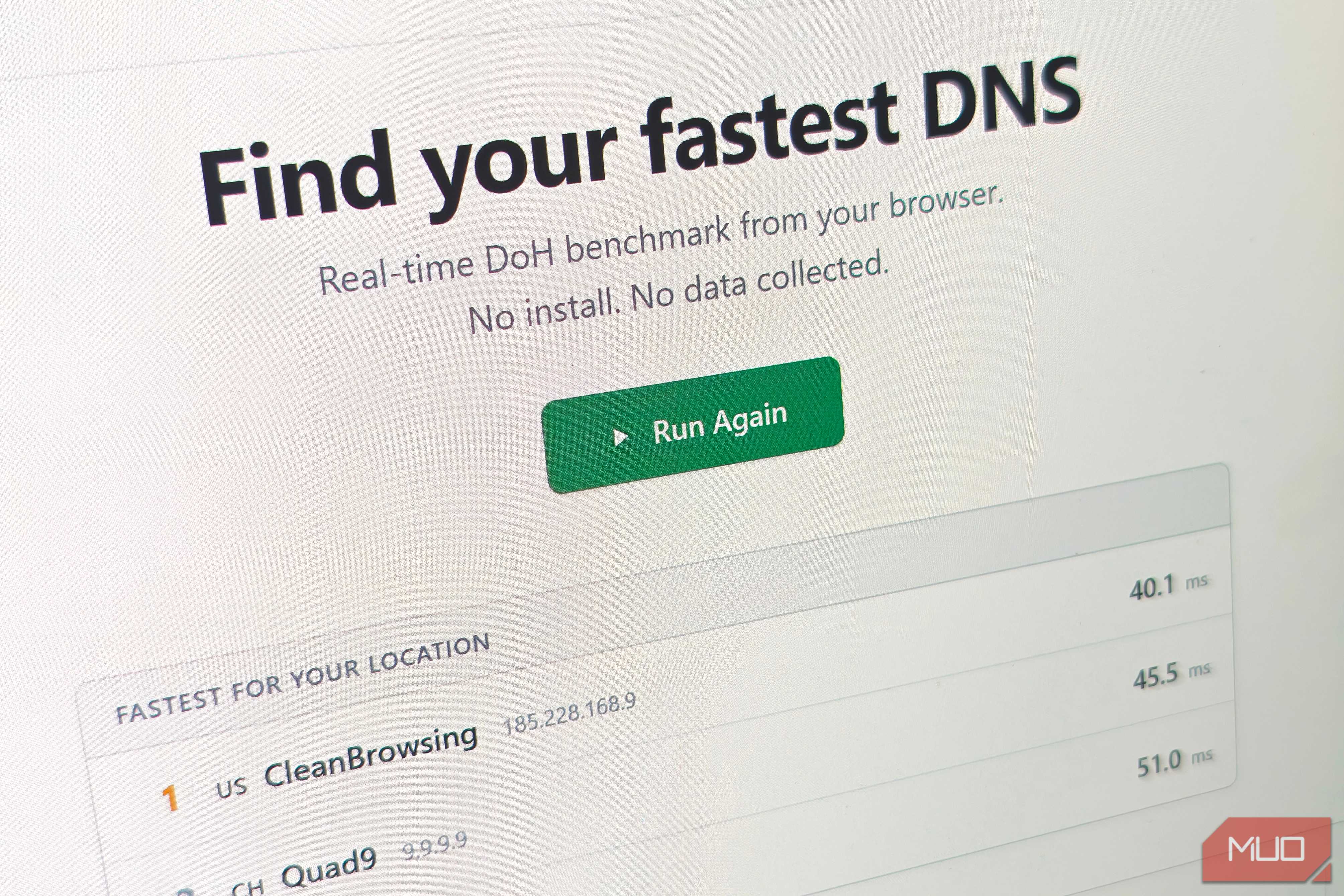
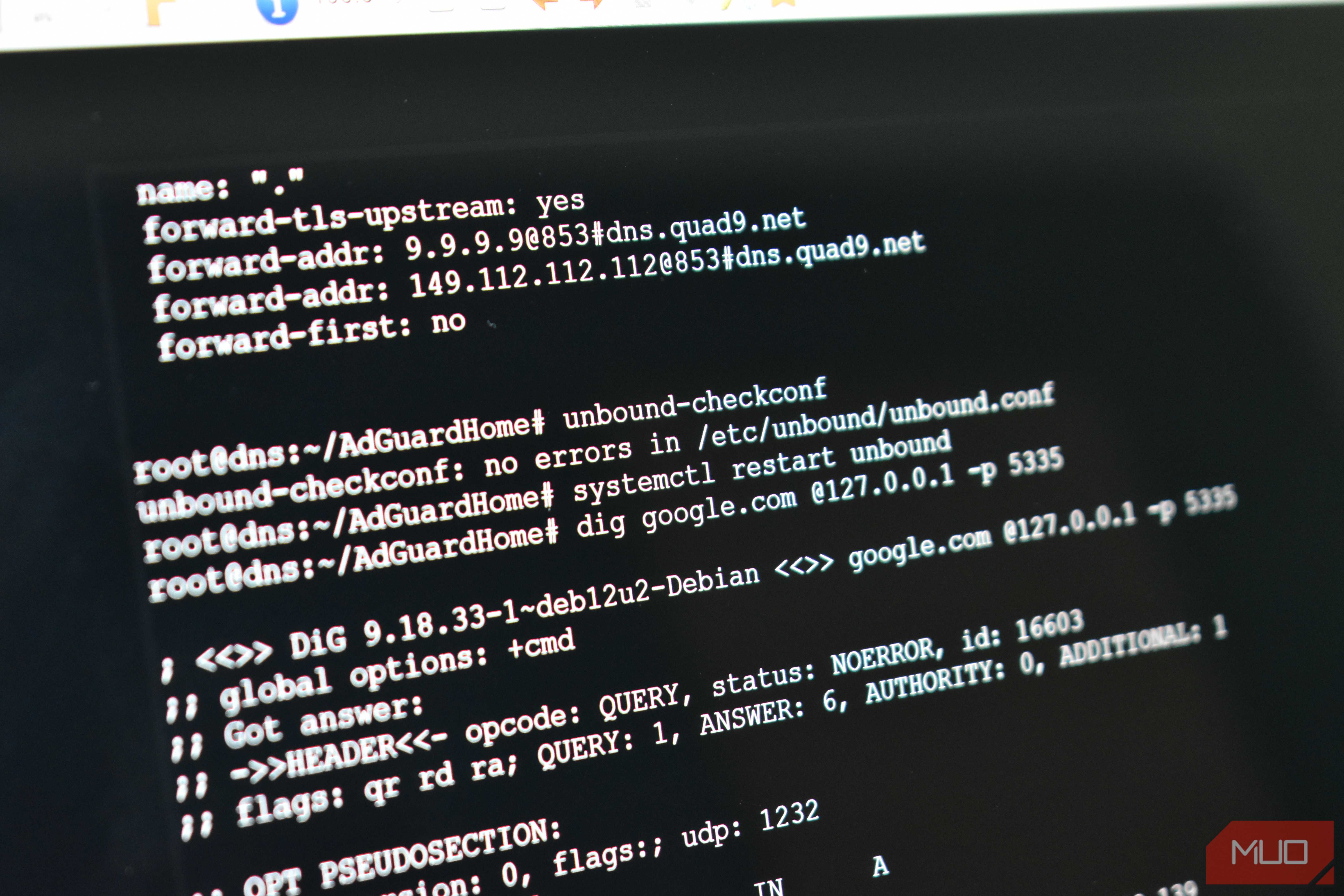
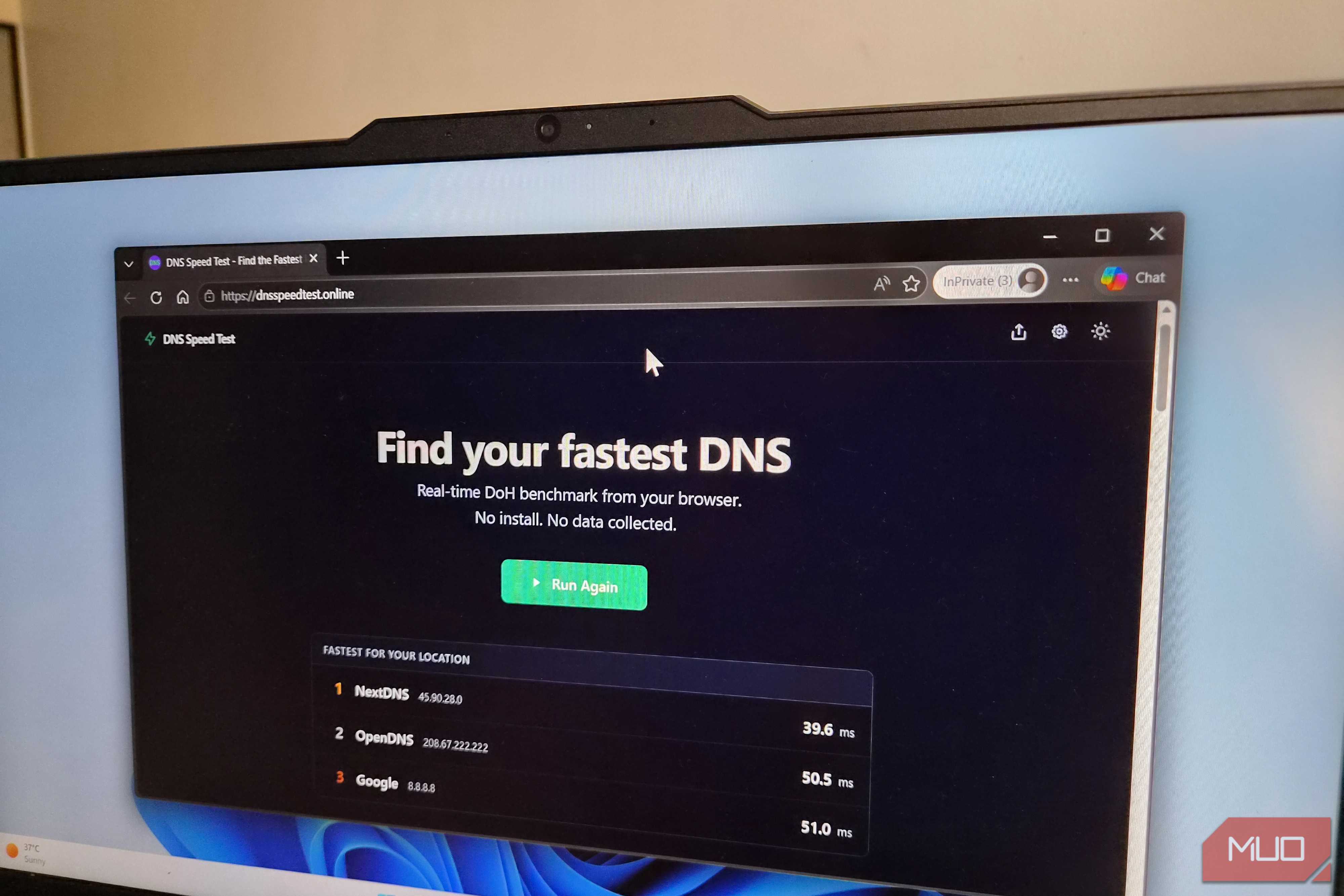





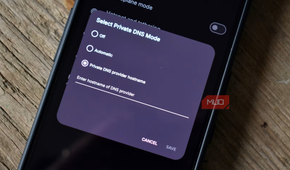
Simply disabling encrypted DNS and using standard DNS servers can be enough to kickstart stutter-plagued home networks. Web pages load more quickly, but that may not be the be-all and end-all for everyone. Whether the loss of DNS encryption is worth faster page loads is a decision I can't make for you.
Thankfully, there's a middle ground. You can still protect your browsing privacy without compromising your whole network's performance.
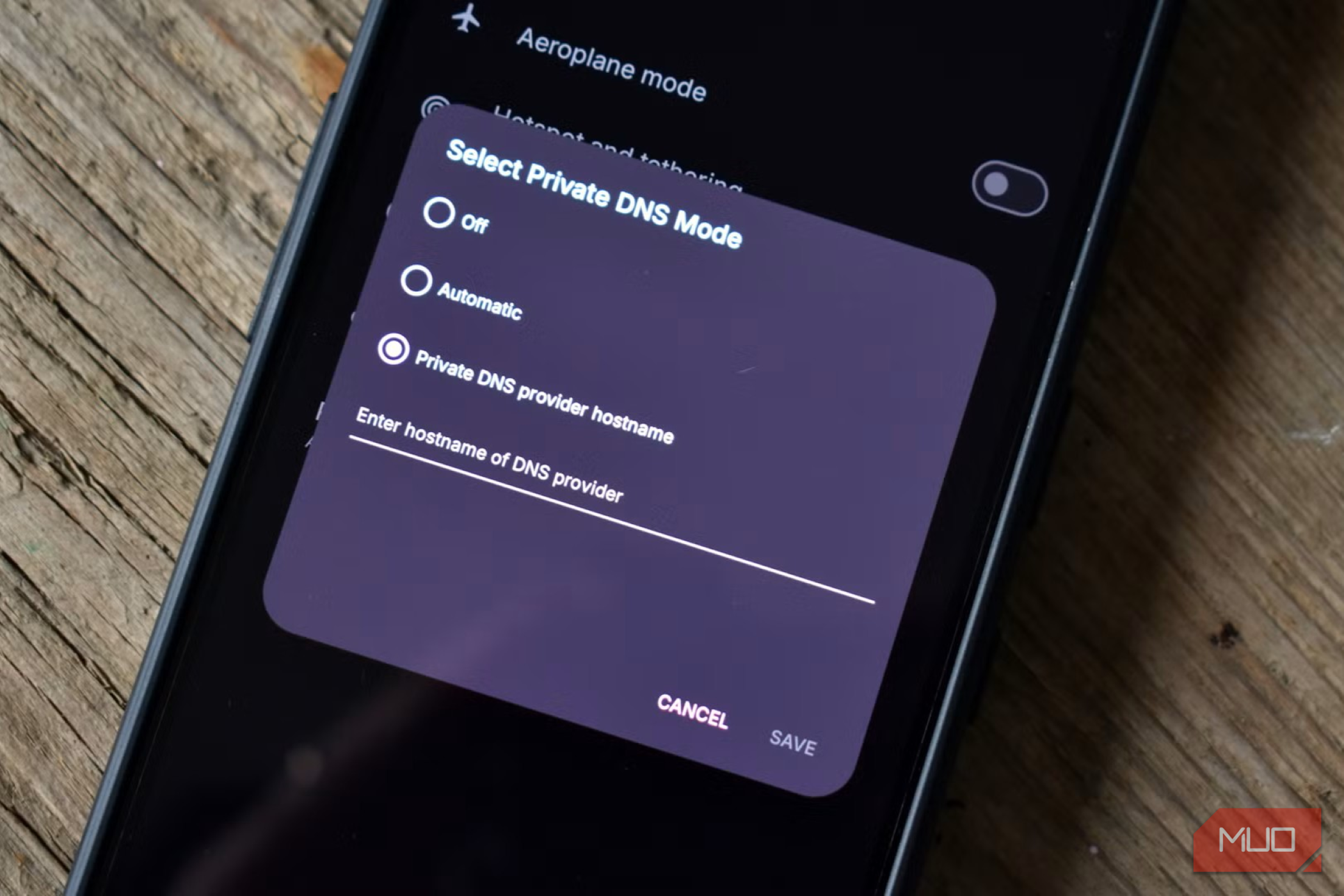
One solution is to offload the encryption to your devices, cutting your router out of the equation. You can enable encrypted DNS in most modern operating systems and sometimes in individual web browsers. Computers and even smartphones have much faster CPUs than your router and can avoid its performance bottlenecks. This approach can actually result in faster encrypted DNS performance than standard DNS.
Another option is to use dedicated network hardware. A range of devices can handle DNS resolution, including Raspberry Pi computers. The popular Pi-hole and Unbound solutions are well documented and a solid option if you have time for a fun new project.
Test your own setup
Your mileage may vary

Ultimately, I recommend testing your own network to see whether encrypted DNS is causing your misbehaving home network. For every instance of encrypted DNS bringing a router to its knees, there's one that has no issue at all.
But if your network isn't quite right, and you know that your router uses encrypted DNS, the first diagnostic step should be to disable it. It might fix your issue, and it might not. But you won't know until you test it for yourself.
DNS is such a fundamental part of the way the internet works that you owe it to yourself and your devices to ensure it's as fast as possible. Encrypted or otherwise.