


Almost all new phones come with tons of pre-installed apps, and Samsung is no different. If you don't want the pre-installed apps, you can debloat your Samsung device to free up some storage.
However, among all the apps, the most important one might just be the app most Samsung owners remove, but they shouldn't. It's the Samsung Members app, and it can come in handy when you least expect it.
Samsung Members is more than just self-promotion
The app you've probably ignored has some useful tricks

Samsung Members is one of those apps that you've probably ignored and didn't even bother looking at a second time. And it's not your fault. The name makes it sound like a loyalty program where Samsung pushes offers on the latest Galaxy devices and keeps you up to date with what's new. That's part of it, yes, but there's more to it than marketing.
For starters, Samsung Members is the easiest way to try the latest version of One UI before it officially rolls out. When Samsung opens its beta program for a new One UI release, you don't need to sign up on some website or dig through developer settings. The beta enrollment shows up right inside the Samsung Members app. Tap the banner, opt in, and the update arrives like any other software update.
But the feature that makes this app worth keeping isn't the beta program, but something that can save you a trip to the service center. Samsung Members has a built-in device diagnostic tool that can test nearly every hardware component on your phone, from the display and touch screen to the battery, sensors, speakers, and camera. If your phone starts acting up and you're not sure whether it's a software glitch or something wrong with the hardware, this is where you go.
Run a diagnostic test using Samsung Members
Check your phone's hardware health


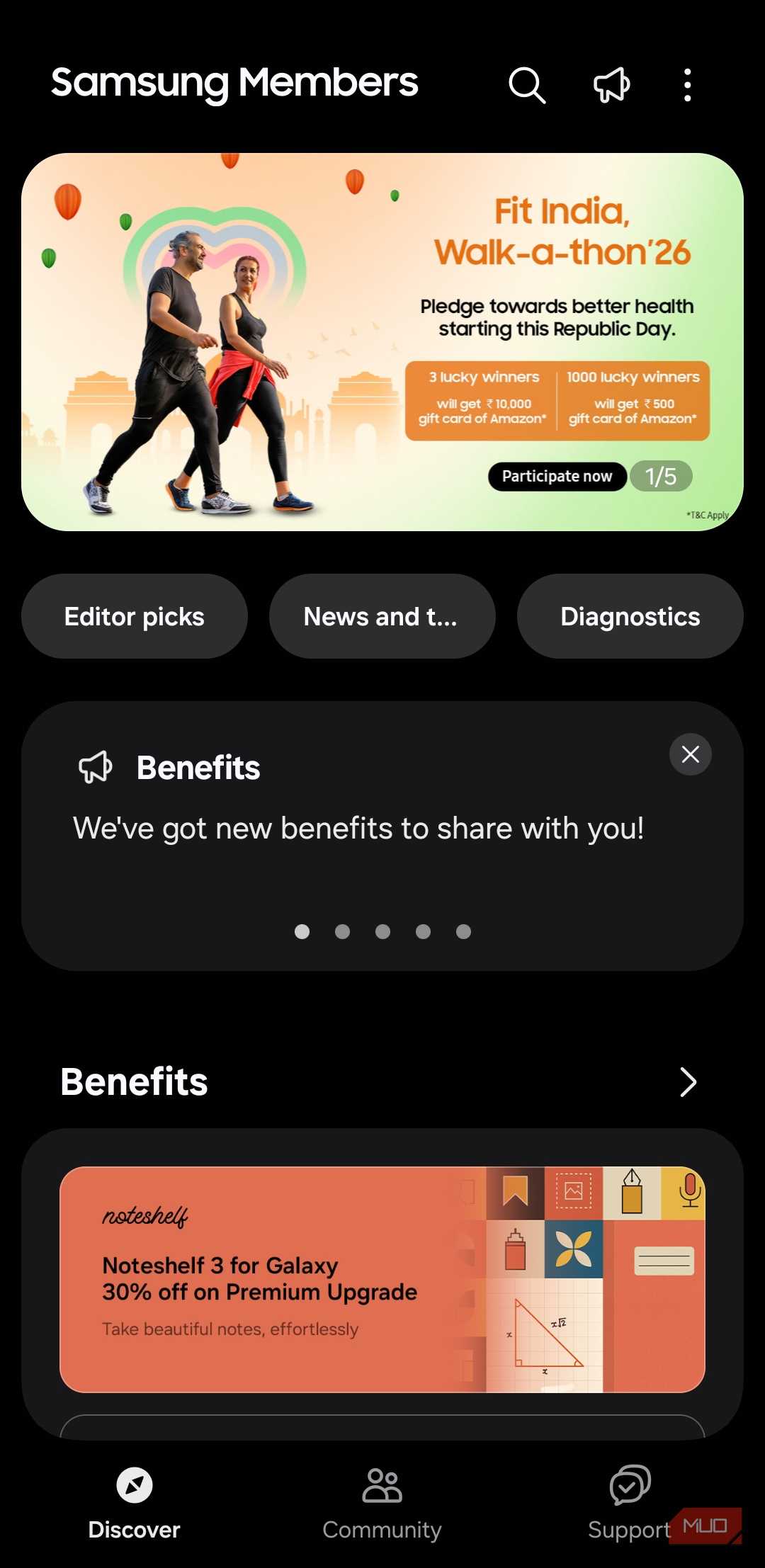
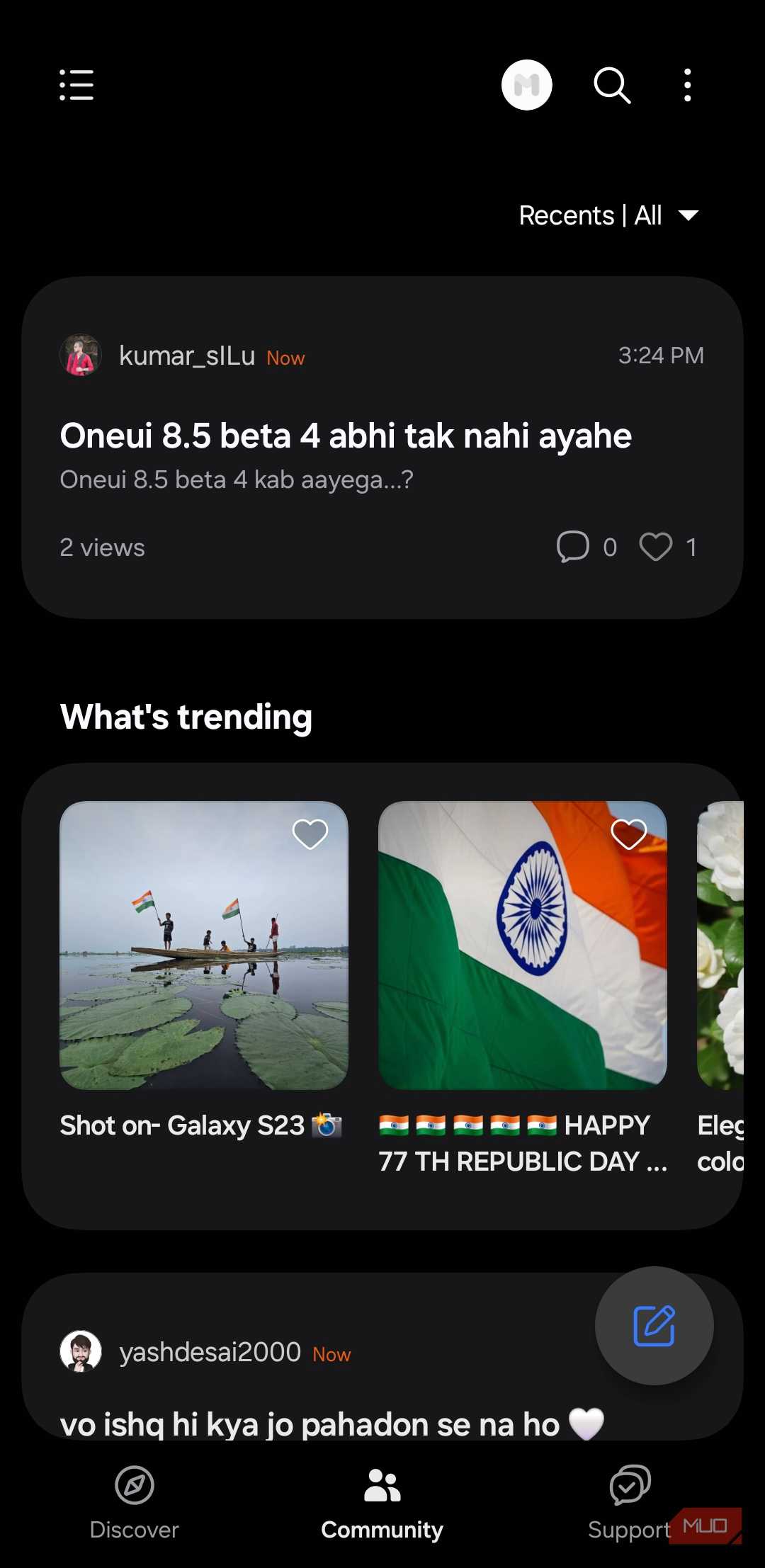
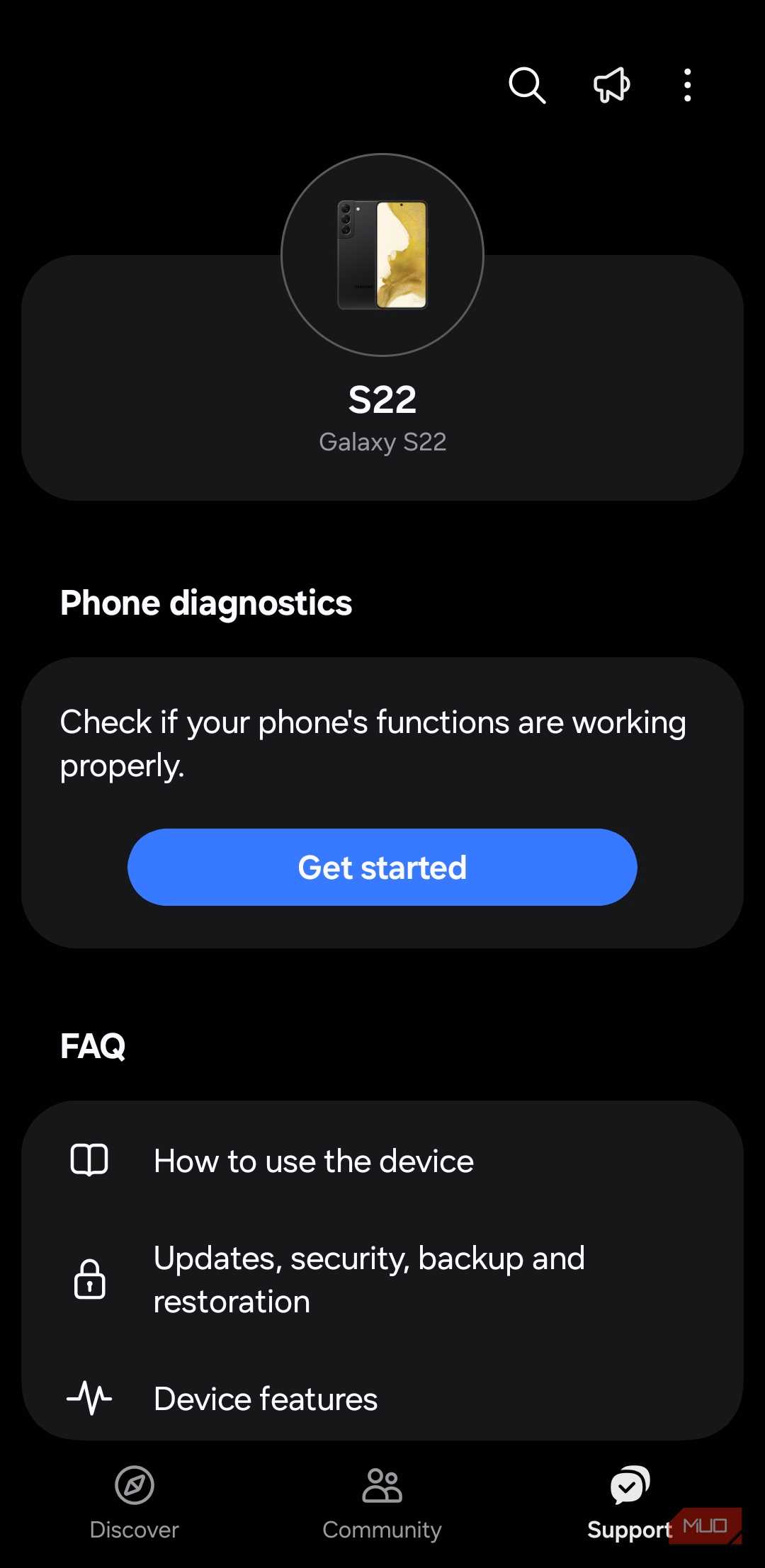
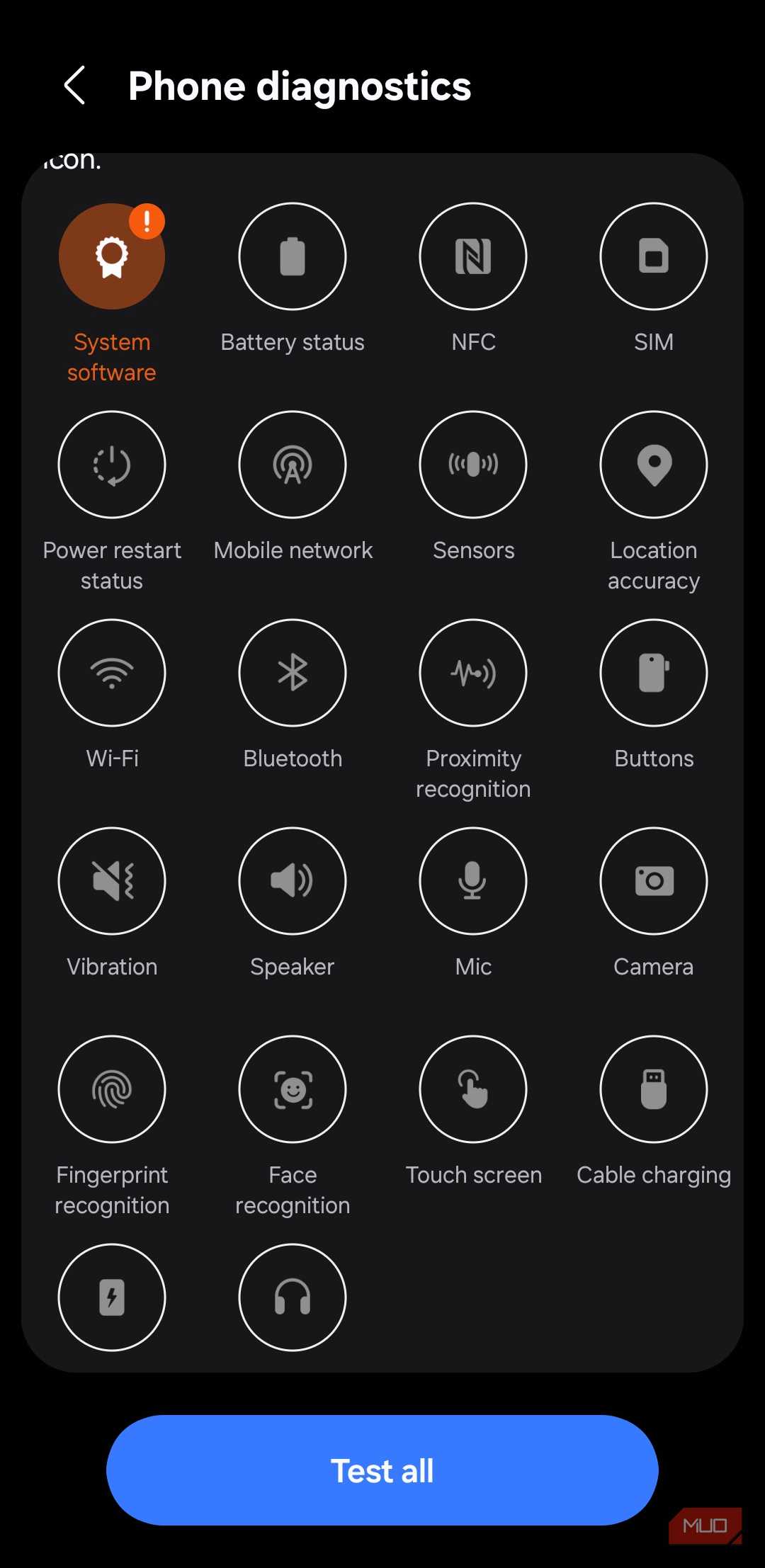
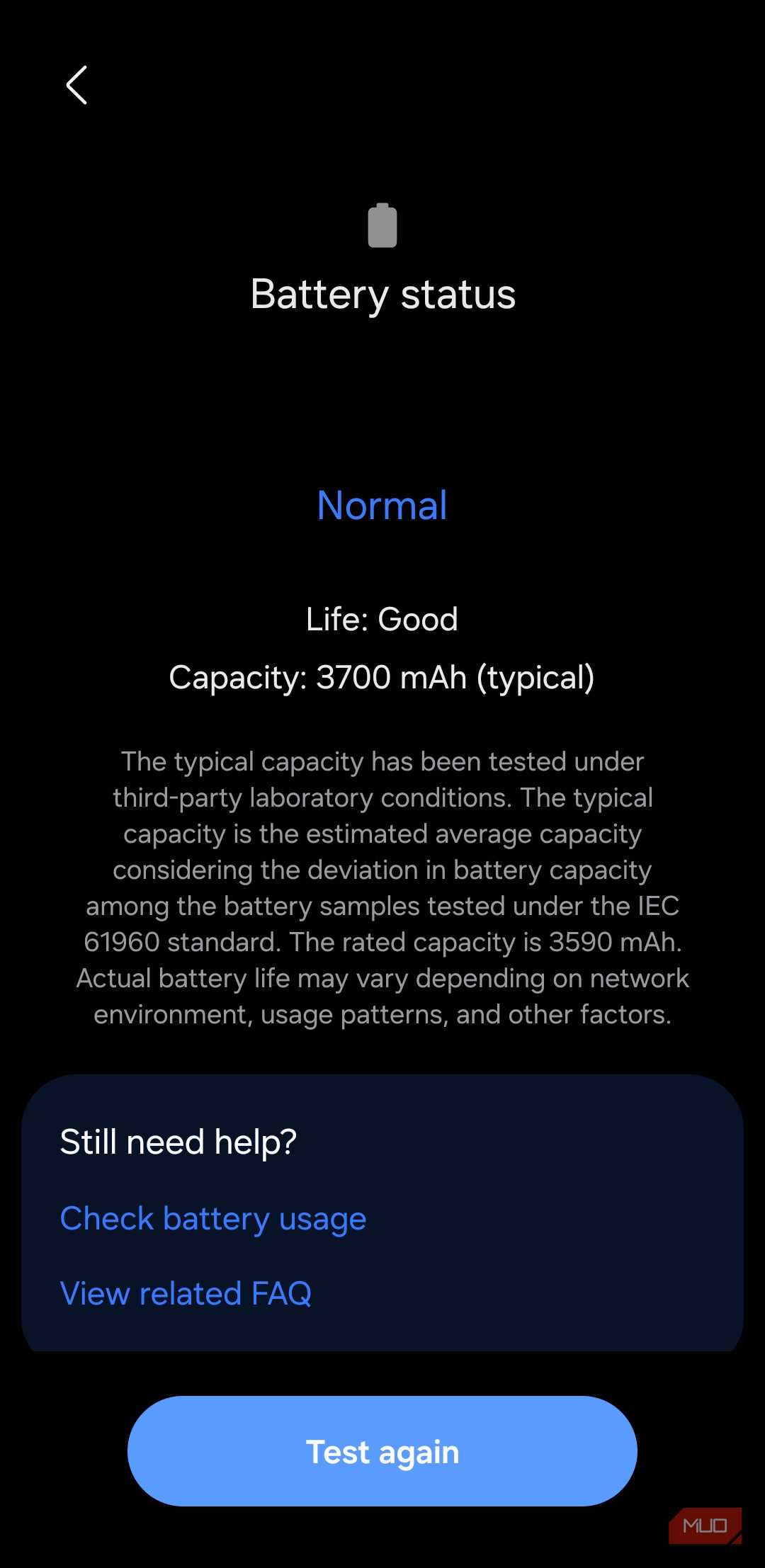
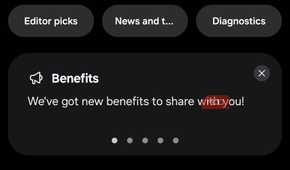

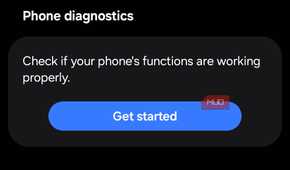
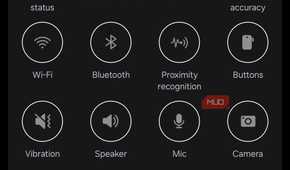

The diagnostic feature sits inside the Get Help section of the Samsung Members app. Once you open the app, tap Support/Get help from the bottom menu bar, then tap Phone Diagnostic/View Tests. You'll see a list of individual hardware tests you can run, or you can tap Test all to run every test at once.
The app checks for issues with your battery status, SIM card, sensors, touch screen, physical buttons, flashlight, vibration, camera, microphone, speaker, and charging. Some tests run automatically, while others need your input. The camera test, for example, asks you to take a photo, and the microphone test has you record a short audio clip. If a component fails the test, the app highlights it in red and suggests next steps, like contacting Samsung support or visiting a service center.
I ran the full diagnostic on my phone after noticing the proximity sensor was behaving oddly during calls. The screen would stay on when I held the phone to my ear, which meant I kept accidentally tapping things with my cheek. The Samsung Members diagnostic confirmed the proximity sensor was working fine, which meant it was probably a software glitch. A quick restart fixed it, and I would have never imagined the Members app to come to my rescue.
Samsung has more such useful apps
Don't uninstall apps just because you can

Samsung Members isn't the only pre-installed app worth a second look. Samsung phones ship with several first-party apps that are easy to dismiss but surprisingly capable once you give them a chance.
Samsung Notes is one of the more polished note-taking apps on Android. It supports handwriting with the S Pen, has built-in PDF annotation, and the Galaxy AI features can summarize and format your notes. If you are a bit of a health freak, Samsung Health tracks your daily steps, distance, and calories even without a smartwatch, using just the sensors on your phone. It won't replace a dedicated fitness tracker, but for basic activity tracking, it does the job well enough.
Samsung Wallet stores your credit cards, boarding passes, and digital IDs in one place, and it doubles as a password manager through Samsung Pass. Samsung Internet is impressive as a browser that supports third-party ad-blocking add-ons, something Chrome on Android still doesn't offer. It also has a built-in tracker blocker and a privacy dashboard that shows you exactly how many trackers it's blocked across the sites you visit.

Samsung Galaxy S26 Ultra

- SoC
- Snapdragon 8 Elite Gen 5
- Display
- 6.9-inch Dynamic Super AMOLED 2X
Samsung isn't the only one with a diagnostic tool, but it makes it the easiest to find
Device diagnostics aren't exclusive to Samsung. You can also access a similar diagnostic tool on Pixel phones, but that one requires you to dial a special code in the Phone app. It's not something most people would stumble upon on their own. Samsung, on the other hand, puts the tool right inside an app that's already on your phone.
That's also the bigger picture here. Samsung loads its phones with apps that are easy to write off as bloat. Some of them are. But others, like Samsung Members, are the kind of apps you forget about until you need them, and then they turn out to be exactly what you were looking for.