


The Echo Show sits on my kitchen counter, and for a long time, I asked it to do exactly two things: set a timer for the pasta and tell me whether I needed a jacket. That screen costs extra over a plain Echo Dot, and I was treating both the same way. The display is the entire reason to buy a Show, yet most people let it idle on a clock face while the good stuff goes untouched. The rest of your Alexa setup can do more than you think, and the Show is the easiest place to start.
Run quick conversions and math without grabbing a calculator
The screen shows the work, not just a number you'll mishear


 Credit: Jonathon Jachura / MUO
 Credit: Jonathon Jachura / MUO
 Credit: Jonathon Jachura / MUO
 Credit: Jonathon Jachura / MUO
 Credit: Jonathon Jachura / MUO
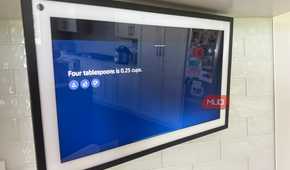
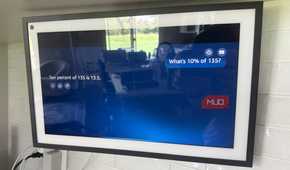
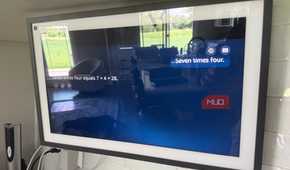
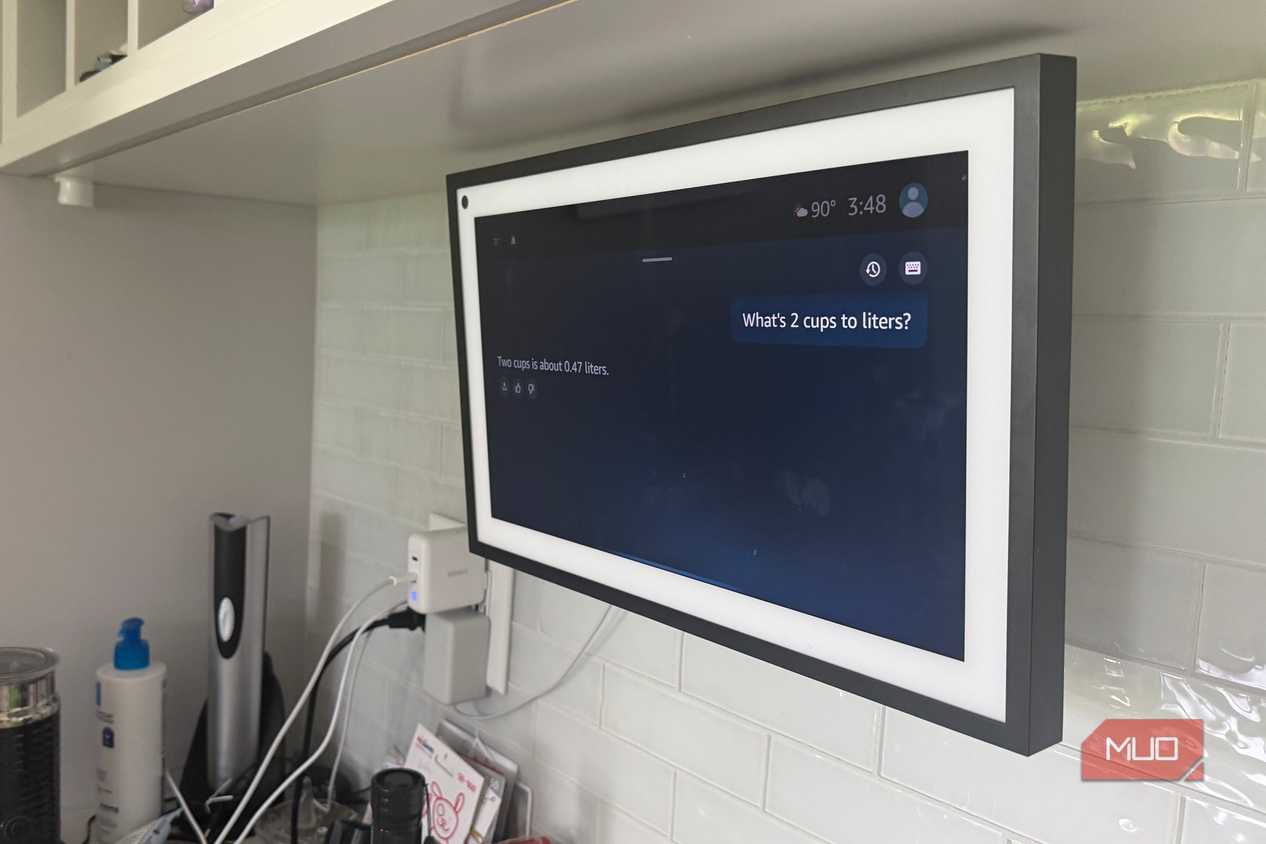
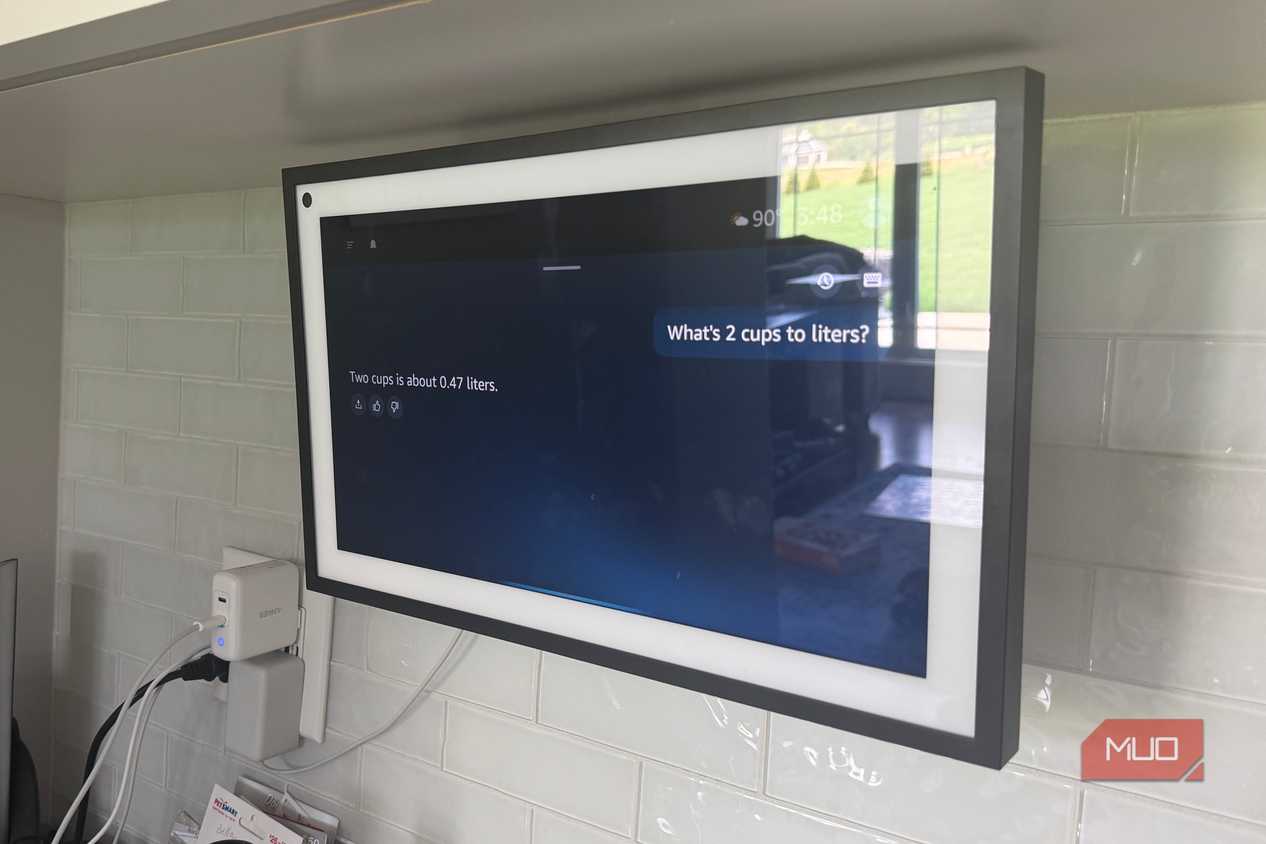
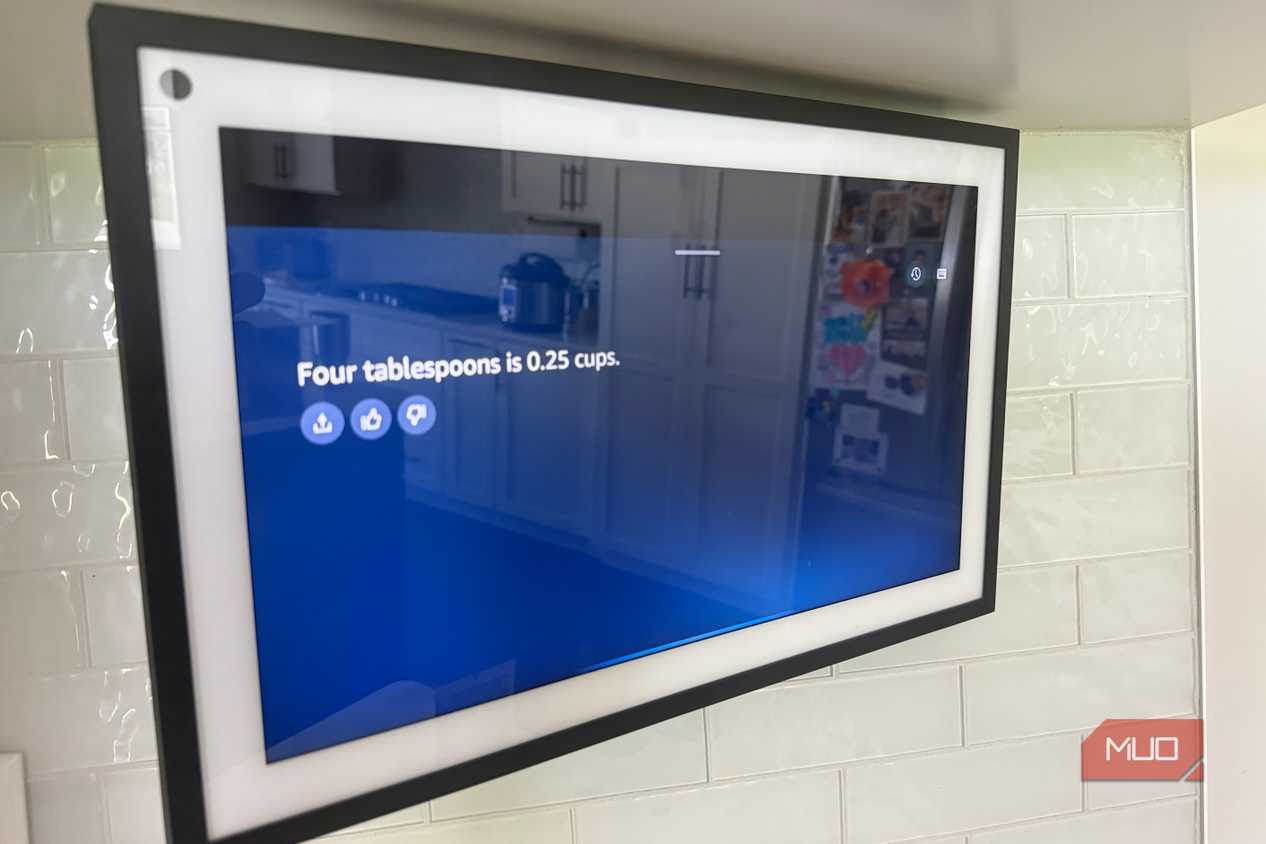
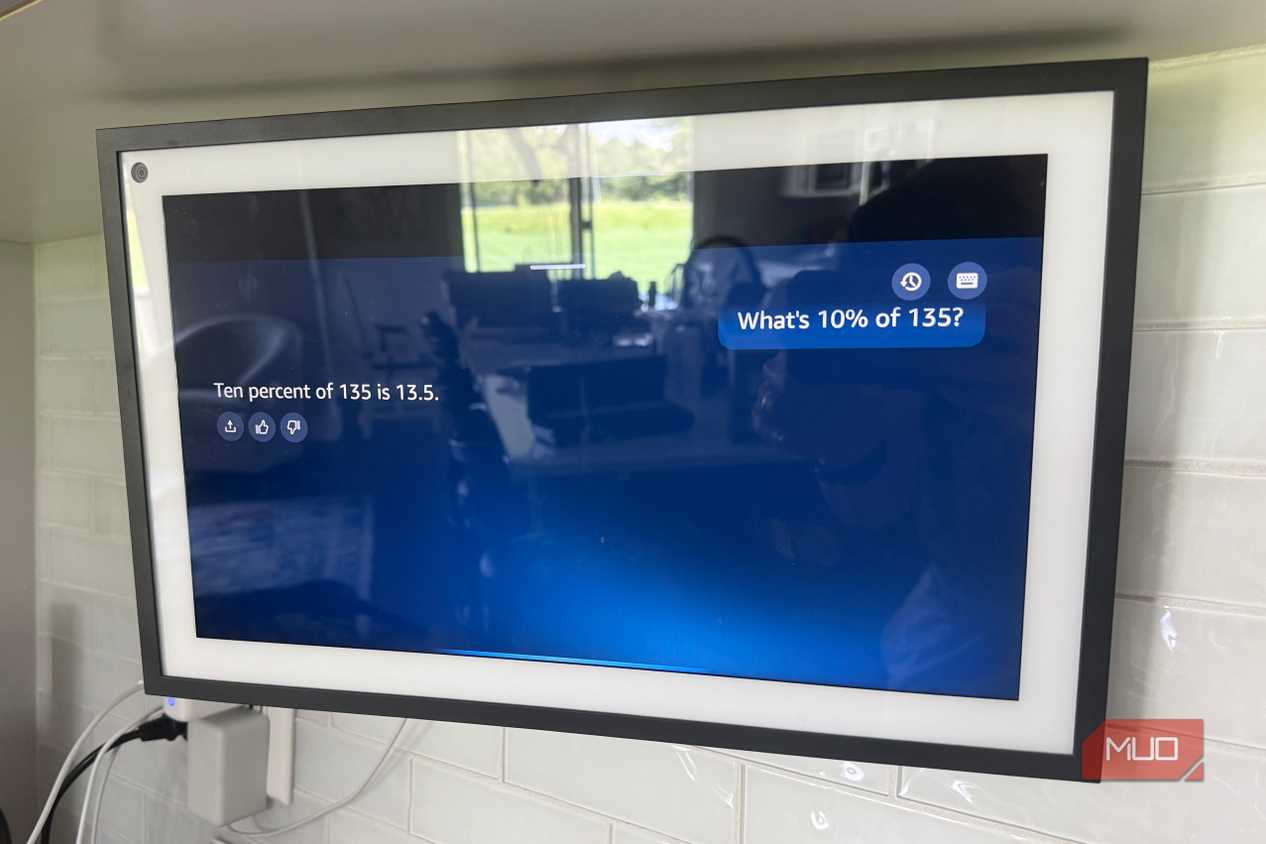
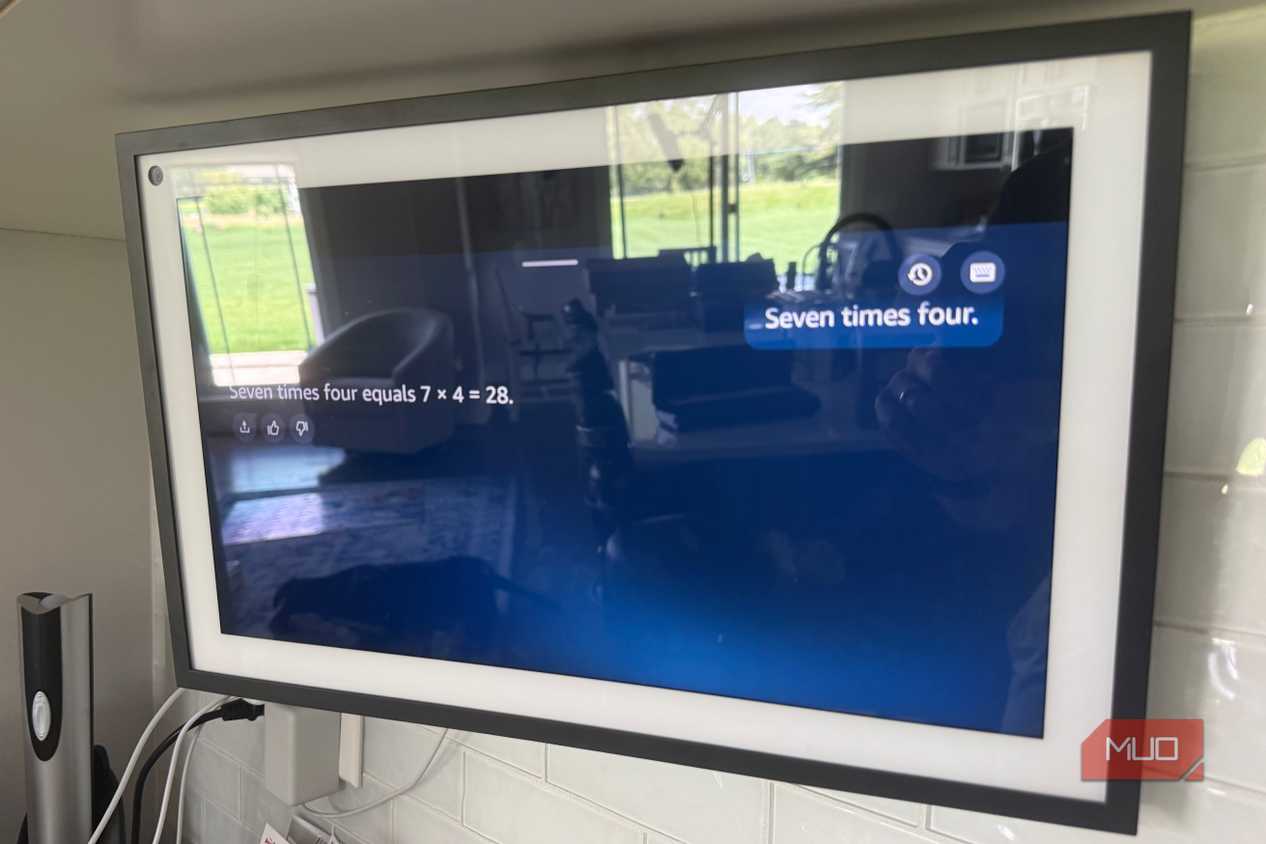
I keep my Echo Show 15 on the kitchen counter, and the single feature I use most has nothing to do with smart home anything. It is a calculator. When a recipe lists milliliters and my measuring cups are in ounces, I ask out loud, and the conversion lands on the screen where I can read it twice. The same happens when I am halving a sauce for two kids who eat like birds, or doubling it for company.
The screen matters here more than you would guess. Ask a Dot to convert tablespoons to grams, and you have to catch the answer by ear, usually with the faucet running. On the Show, the number stays put for a bit. With Alexa+ handling follow-ups, I can say "now triple that" without restating the whole problem, and it keeps up. I have used it to split a dinner bill and to check my son's homework against my own mental math, which is humbling more often than I would like.
Cook from a recipe without smearing your phone
Hands-free steps you can read from across the kitchen

Before the Show, following a recipe meant propping my phone against the backsplash and tapping the screen with a knuckle every time my hands were covered in flour or raw chicken. That phone screen does not survive the experience well. Now I pull the recipe up on the Show and move through it by voice, so the next step appears without me touching anything.
Mounting one in portrait orientation helps even more, since you see more of the method at once and spend less time scrolling ahead. Alexa+ will resize a recipe on request, so a dish written for four becomes a dish for six without me doing the fractions standing over a hot pan. It is not a cookbook replacement, exactly. It is closer to having someone read the next line to you while your hands stay busy, which on a weeknight is most of what I want.
Set it as a family photo frame when it's sitting idle
Amazon Photos turns dead screen time into a slideshow

A Show that is not actively doing something defaults to a clock, the weather, and a rotating set of Amazon ads and suggestions. You can replace most of that with your own photos. I pointed mine at my Amazon Photos library, and now the idle screen cycles through pictures of my kids instead of news cards I never tap.
It auto-curates, so I am not hand-picking images, and it surfaces older shots I had forgotten about. My wife noticed it before I mentioned I had changed anything, which is how I knew it was working. The whole setup took about a minute in the Photos section of the Alexa app. For a device that spends most of its day doing nothing, turning that dead time into a slideshow is the kind of small upgrade you stop noticing in the best way, until a photo from three summers ago stops you mid-coffee.
Use Drop In as a whole-house intercom
Call everyone in without yelling up the stairs


 Credit: Jonathon Jachura / MUO
 Credit: Jonathon Jachura / MUO
 Credit: Jonathon Jachura / MUO
 Credit: Jonathon Jachura / MUO
 Credit: Jonathon Jachura / MUO
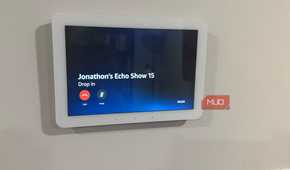
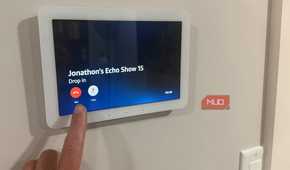
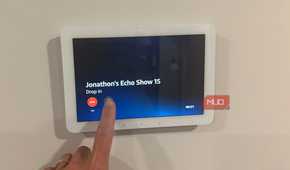
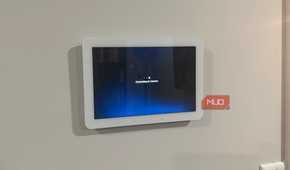
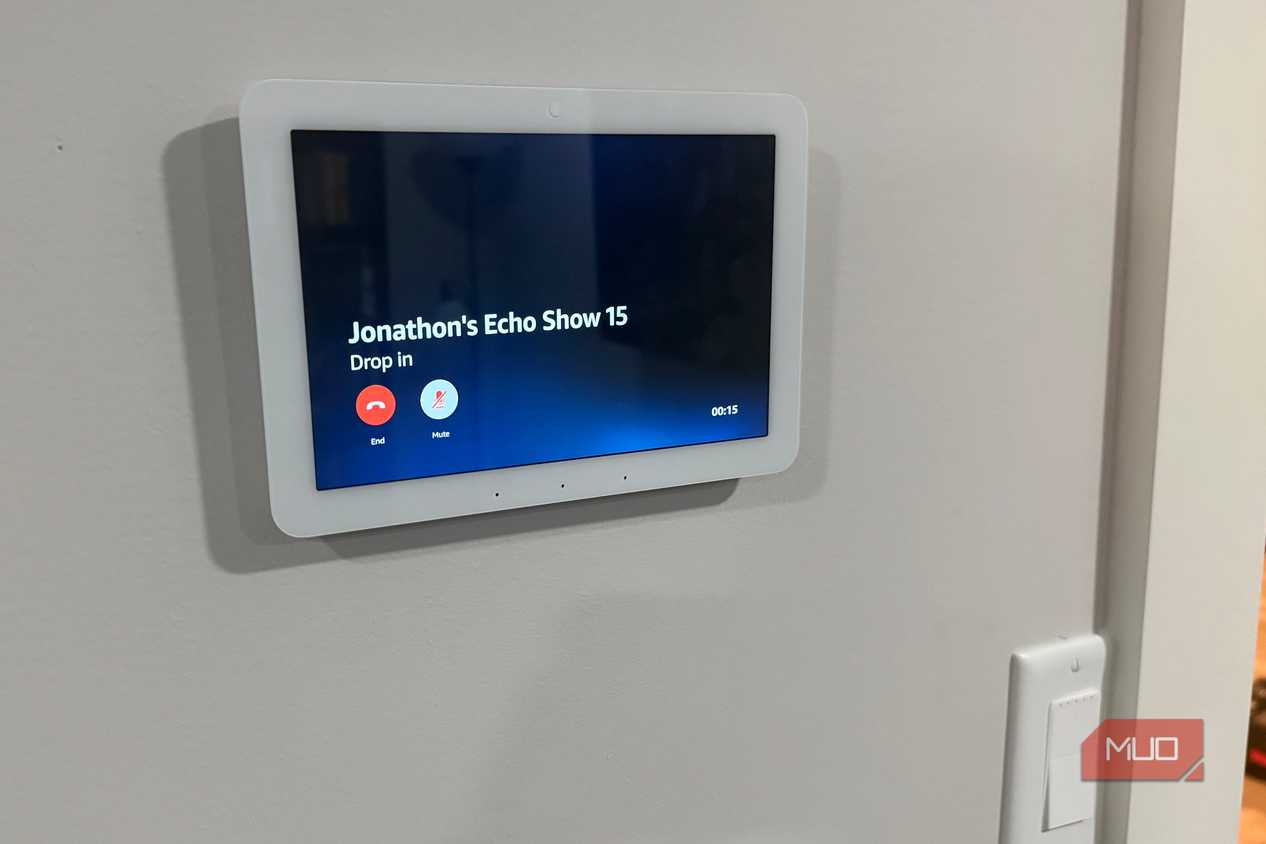
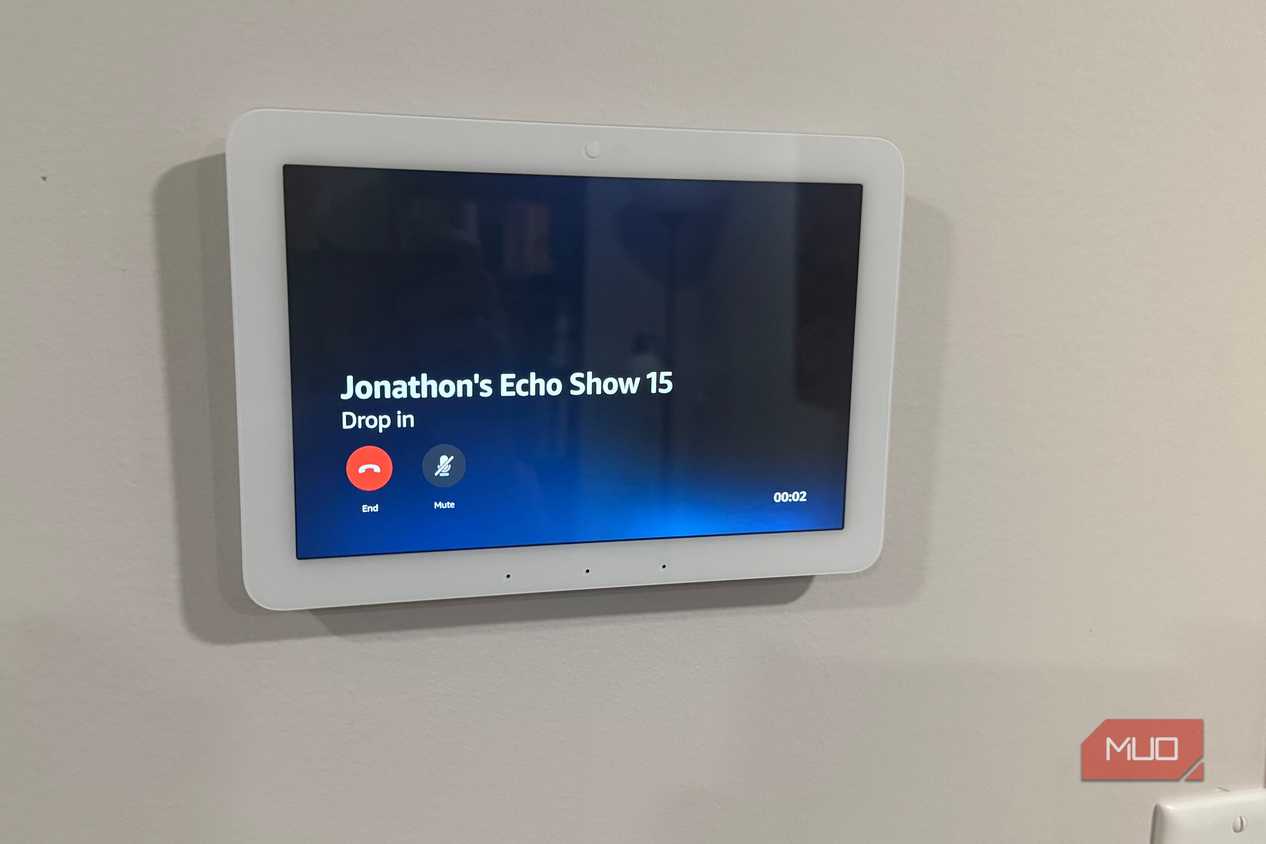
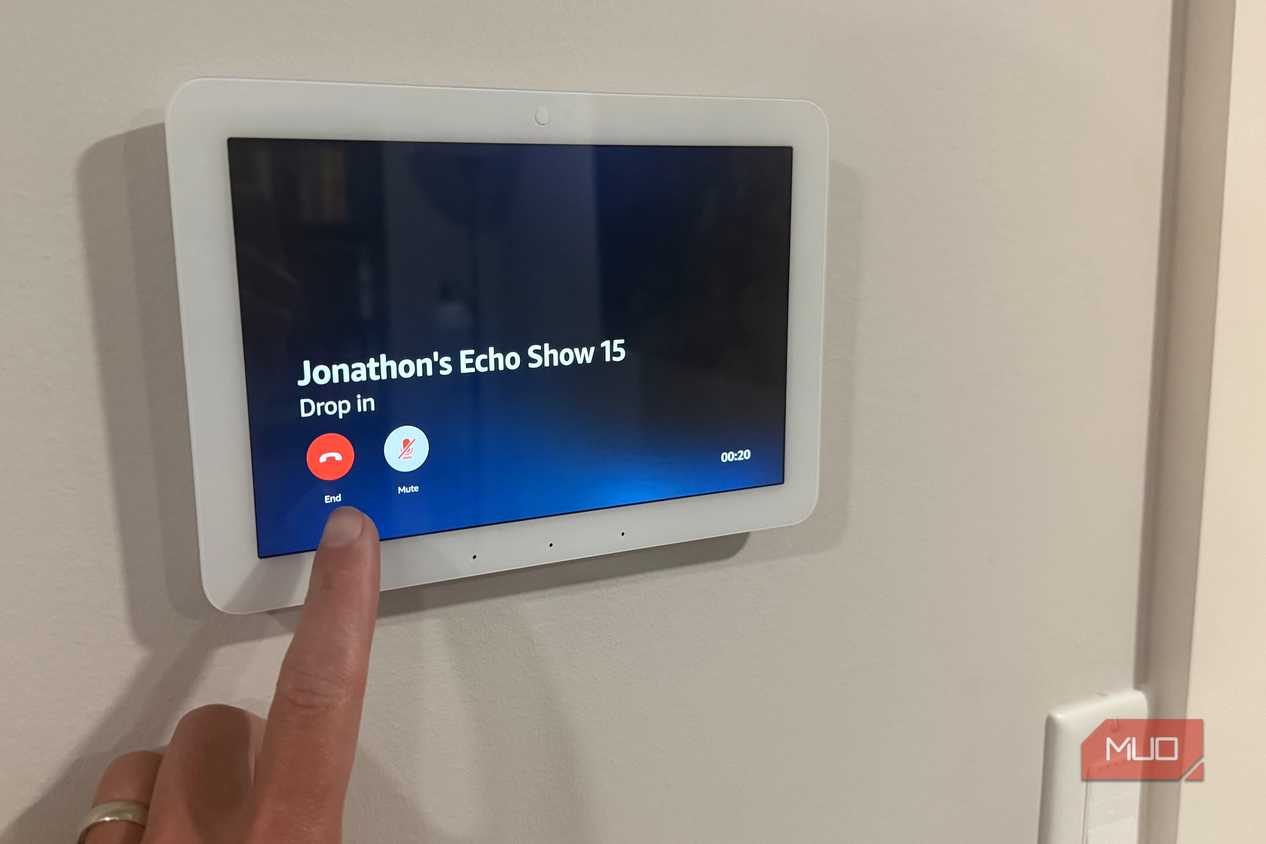
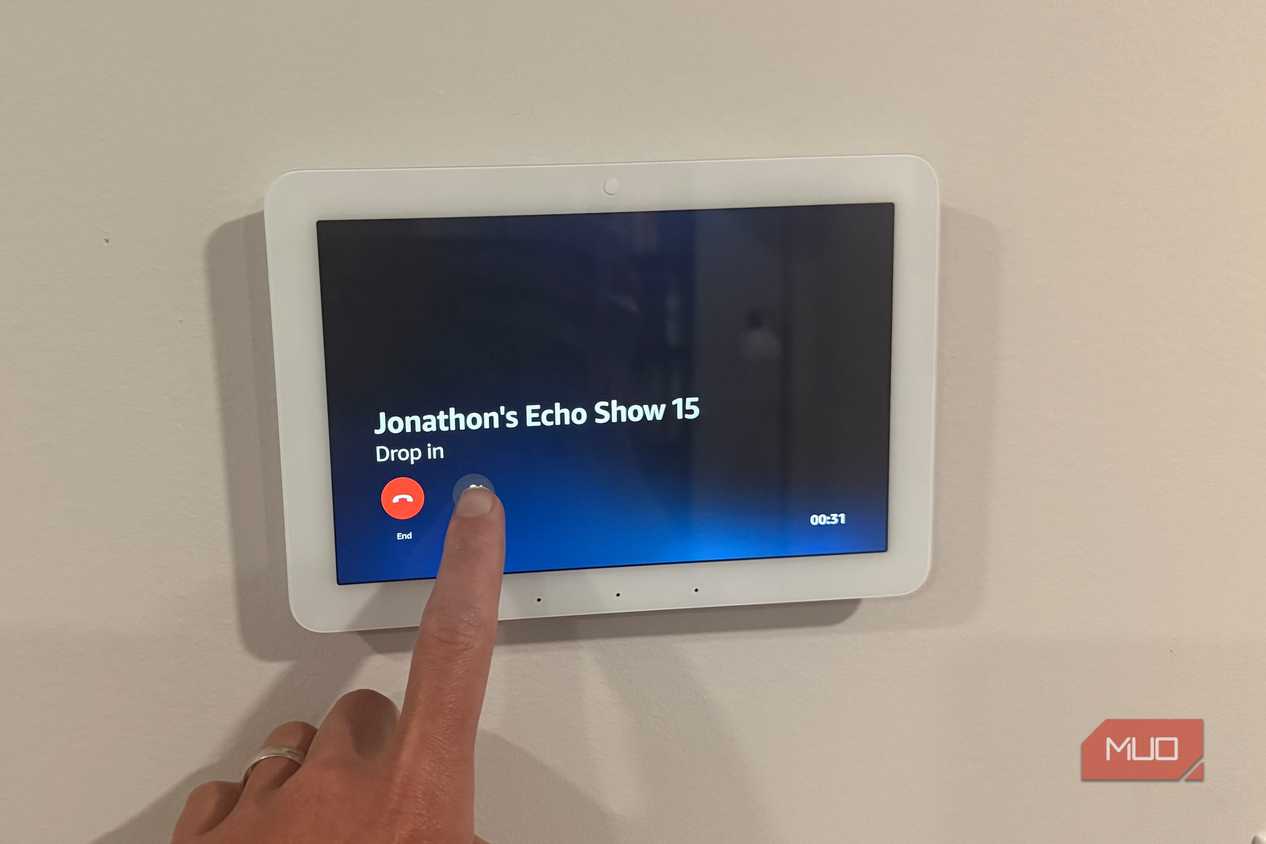
I have Echo Shows in a few rooms, and because they all live on the same Alexa account, they double as a home intercom through a feature called Drop In. Instead of standing at the bottom of the stairs shouting that dinner is ready, I say it once, and it comes out of the Show wherever the kids are.
Drop In does audio or video, so I can actually see the room I am calling into, which is useful when the answer to "are you two okay down there" needs verifying. It connects almost instantly between your own devices, with no ringing and no call to answer. We use it for the boring, constant stuff. Come eat. Five more minutes. Bring the laundry up. None of it is glamorous, and all of it has cut down on the amount of yelling that a house with young kids otherwise runs on.
Pull up a live camera feed at a glance
Ask for the front door and it's on the screen




 Credit: Jonathon Jachura / MUO
 Credit: Jonathon Jachura / MUO
 Credit: Jonathon Jachura / MUO
 Credit: Jonathon Jachura / MUO
 Credit: Jonathon Jachura / MUO
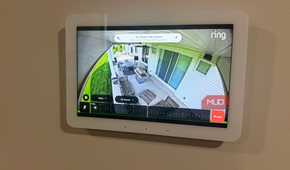
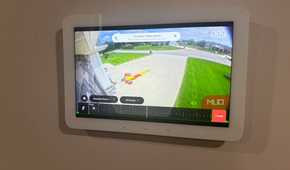
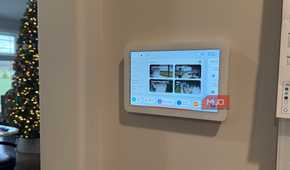
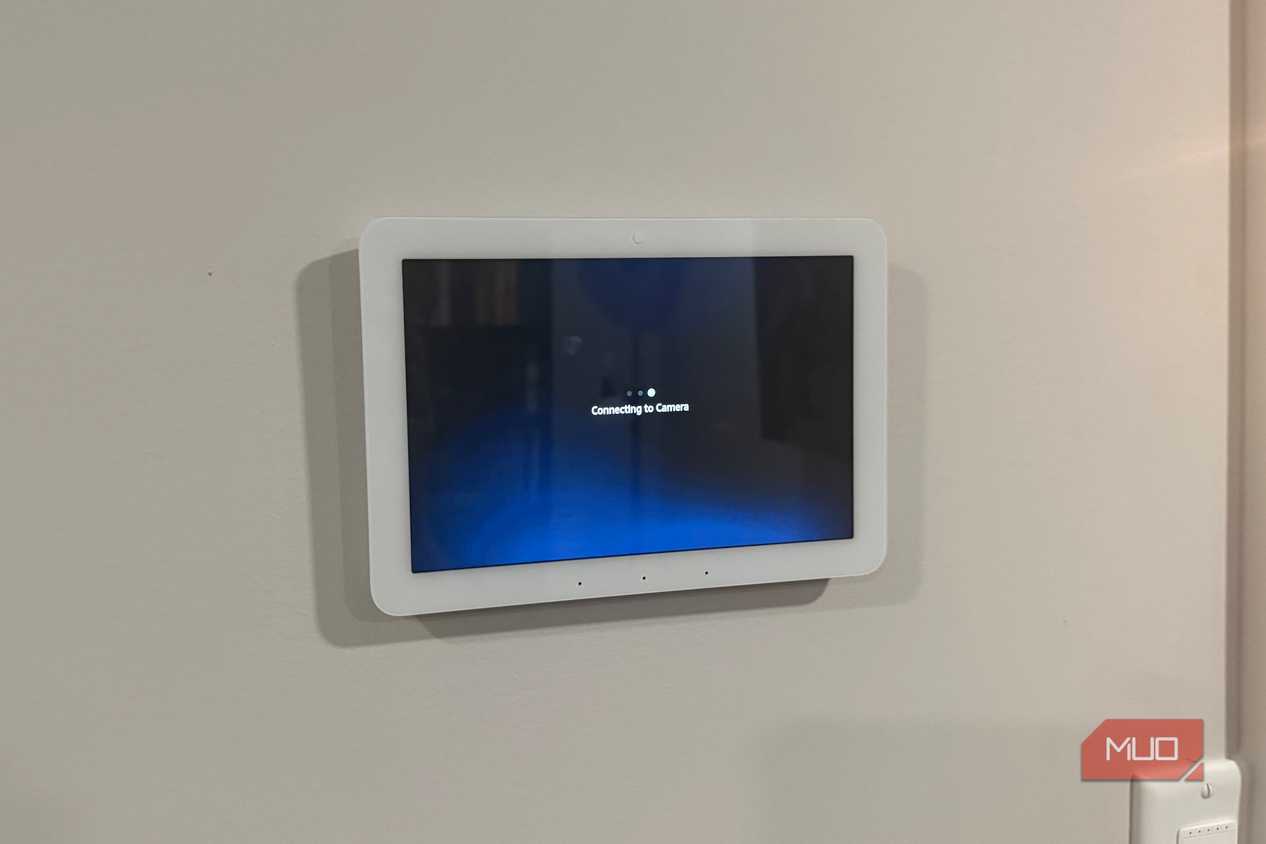
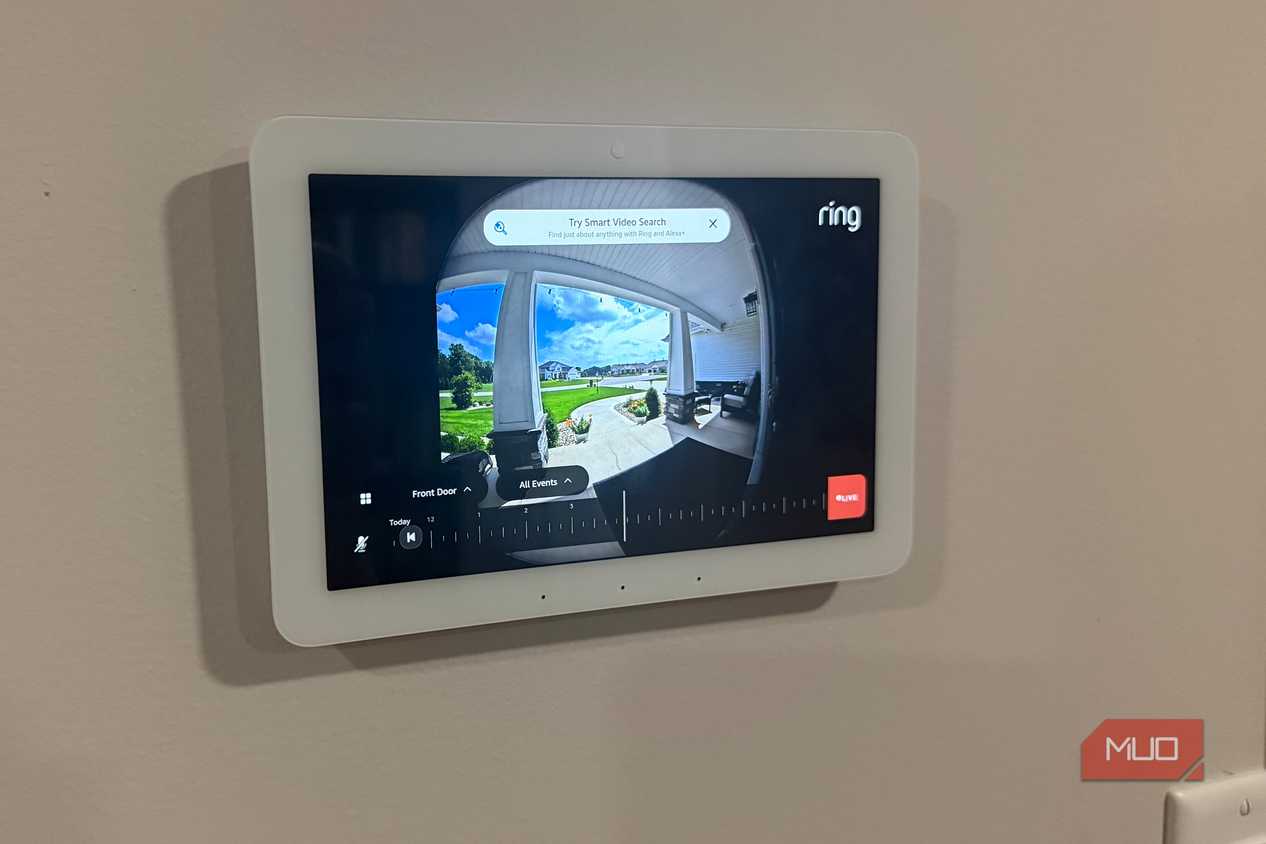
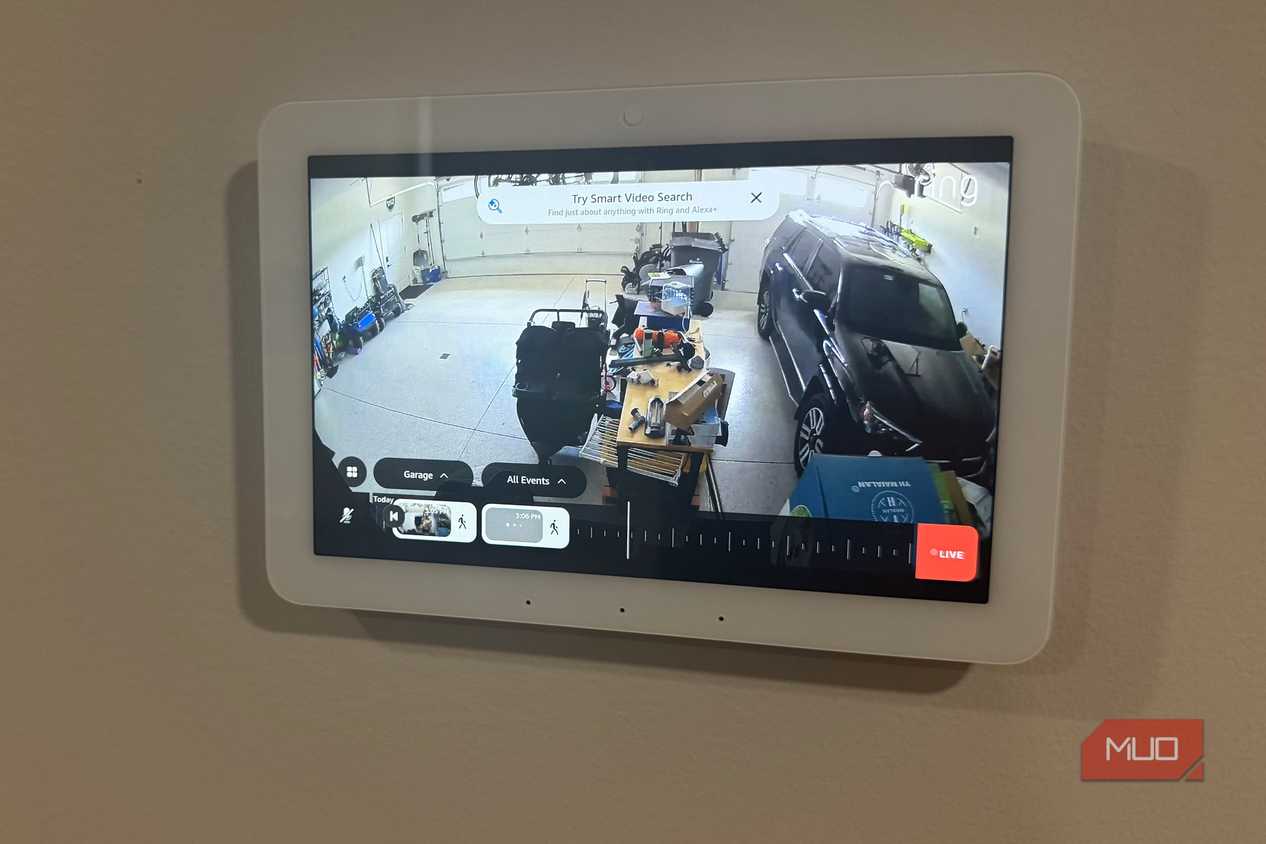
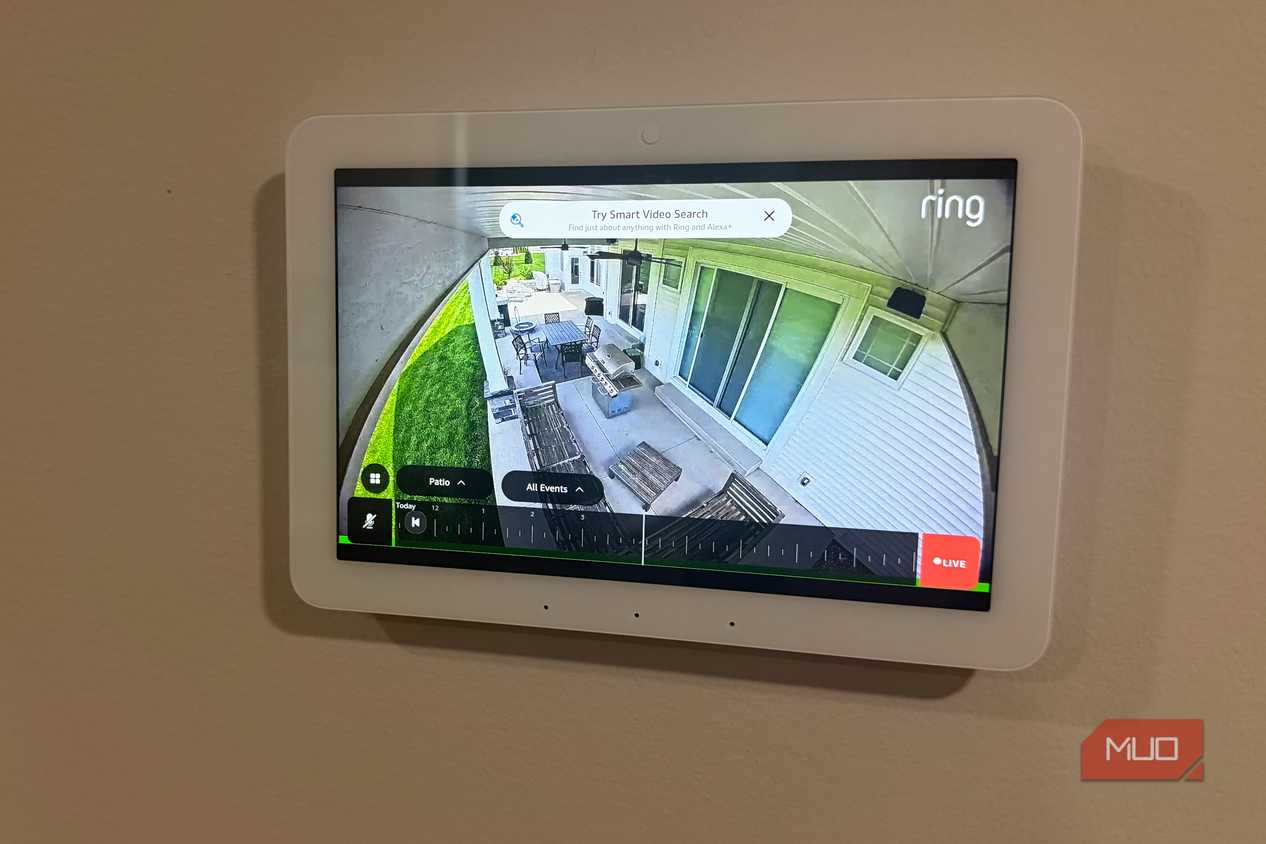
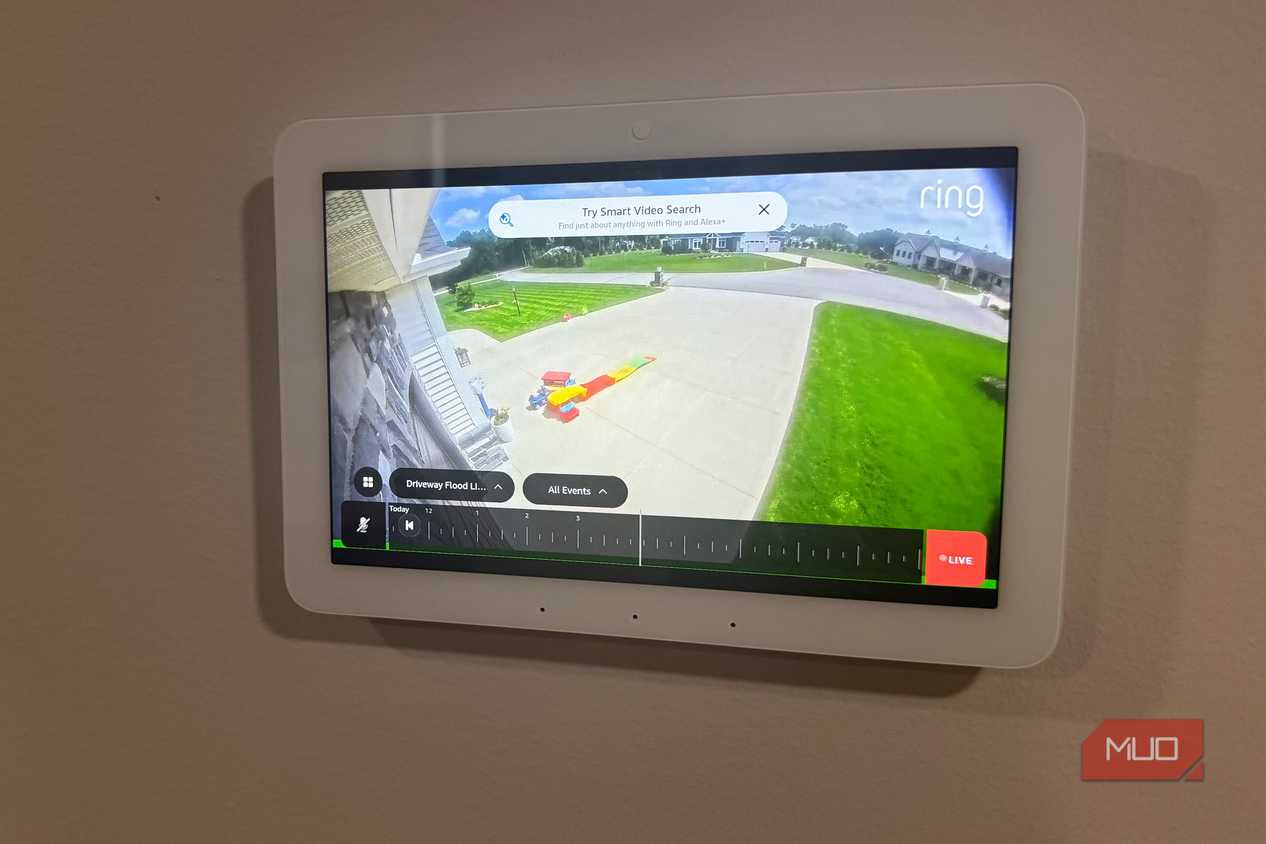
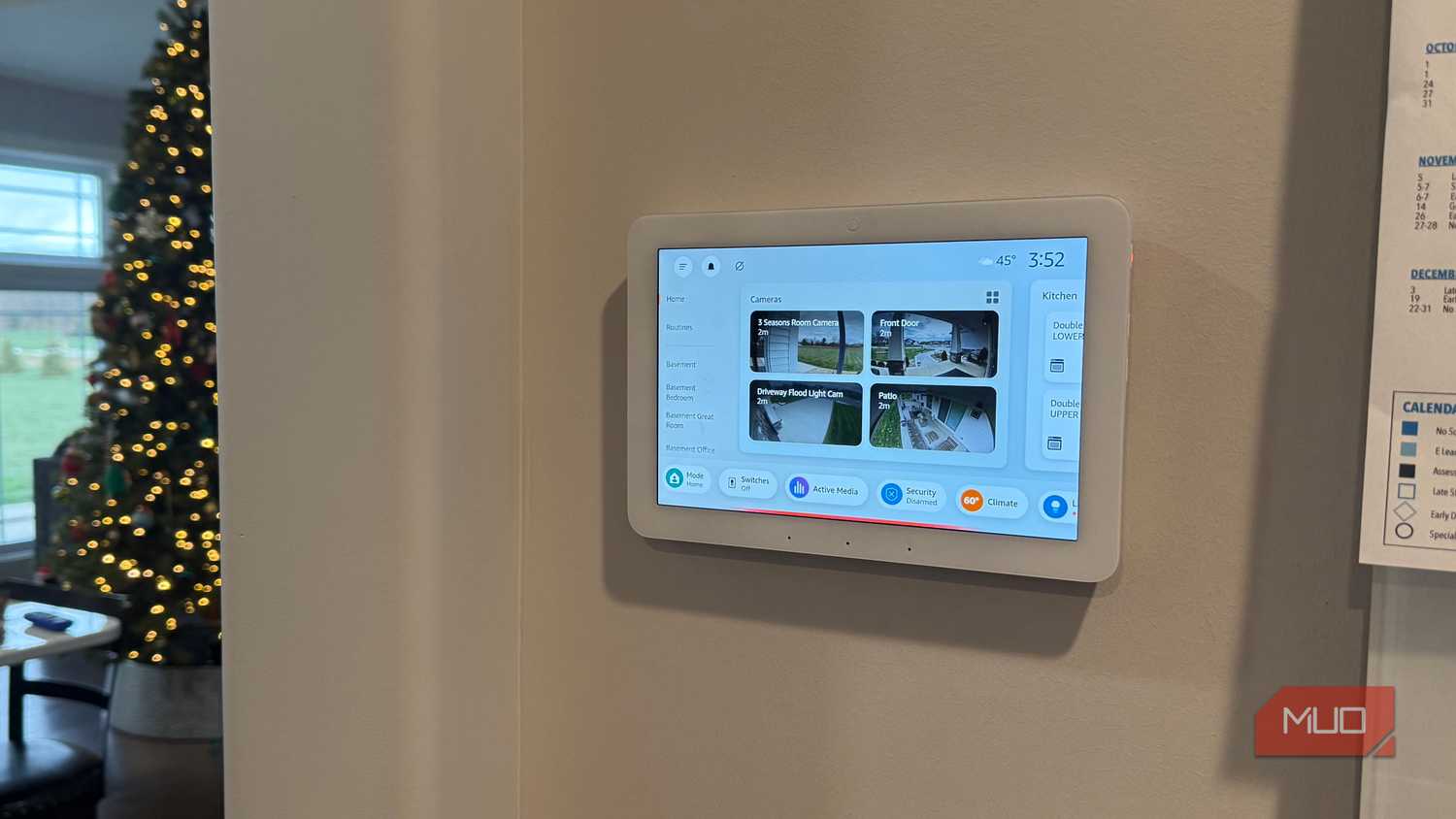
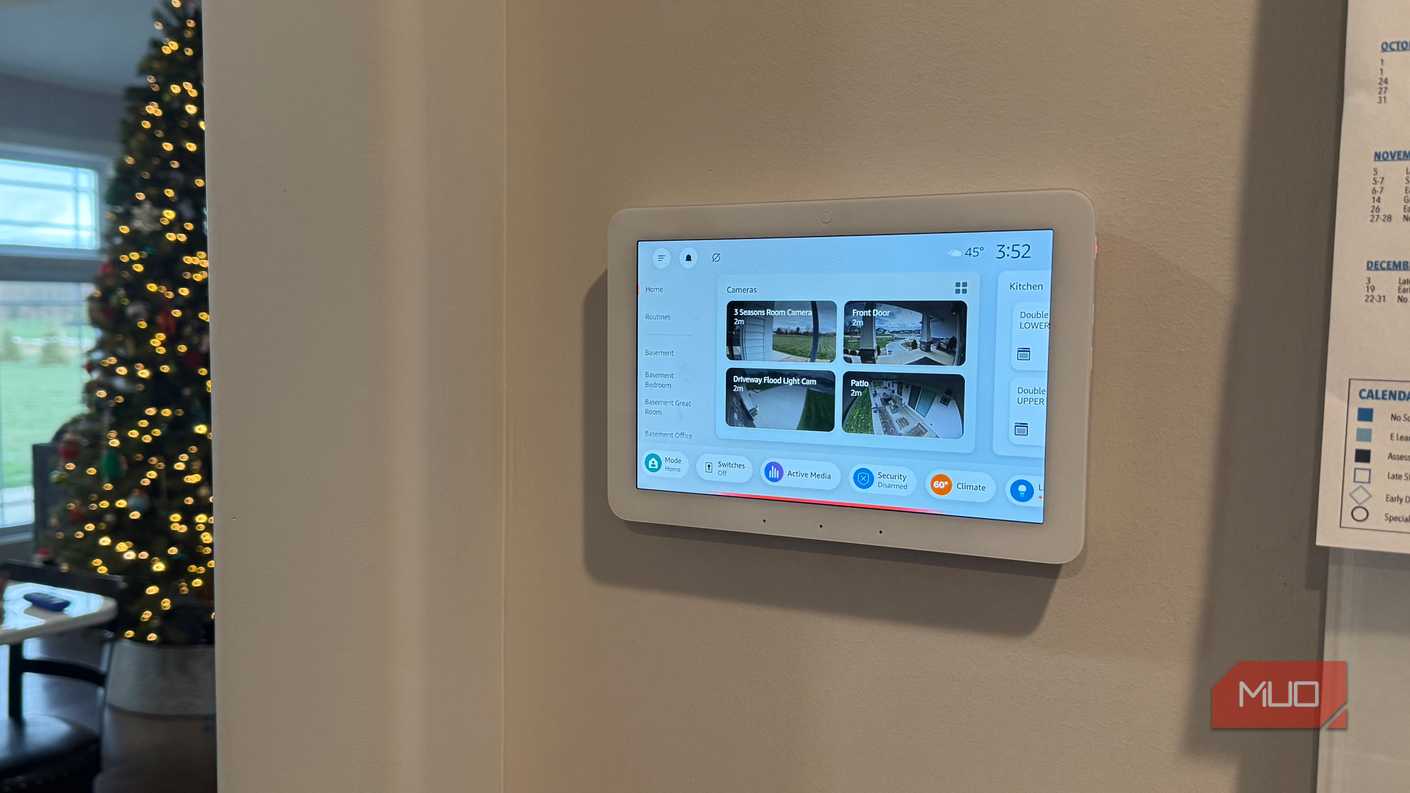
My doorbell is a Ring Video Doorbell Pro 2, and one of the better reasons to have a Show nearby is that I can say "Alexa, show the front door" and the camera feed appears on the display within a second or two. No phone, no app, no unlocking anything. When a delivery driver knocks while my hands are full, that is faster than digging my phone out. The Show 15 also does picture-in-picture, so I can leave the doorbell feed running in a corner while something else plays on the rest of the screen. A live feed only stays this quick if your network can keep up, and cameras that constantly drop offline usually point back to a fixable setup mistake rather than a bad camera. Mine sit on a solid connection, so pulling up any of them is genuinely instant.

Echo Show 15
- Chipset
- Amlogic PopcornA 8-core processor
- Display
- 15.6-inch Full HD
- RAM
- 3 GB
- Storage
- 16 GB eMMC flash
- Dimensions
- 15.8" x 9.9" x 1.4"
The Amazon Echo Show 15 is a 15.6-inch Full HD smart display styled like a picture frame. It features built-in Fire TV, an Alexa remote, and upgraded room-filling audio. With a 13-megapixel auto-framing camera and a built-in smart home hub, it mounts beautifully to coordinate your family’s busy schedule.
- Weight
- 4.85 lbs
Stop letting that screen run a countdown clock
A Dot can set a timer and tell you the weather. Everything above only works because the Show has a screen, which is the one thing you actually paid more for. Pick whichever of these annoys you least to set up, do it tonight, and let it earn its spot on the counter. If what you really want is a dedicated panel for controlling lights and locks rather than a do-everything display, that is a different job, and something like the Echo Hub is built for it. Otherwise, your Show has been underemployed. Put it to work.