


ESPHome makes setting up new ESP32-based smart devices for your Home Assistant instance about as easy as it can get. You wire everything up, and when it's time to add your sensor to Home Assistant, you open up a YAML file and start typing up your configuration. My LED strips do things Phillips Hue can't, and ESPHome was a big factor in making that happen.
YAML makes writing configurations easy, and while it's not a programming language, it is indentation-sensitive. A missed space, an accidental tab, or a fat-fingered colon all have the potential to break things. It works, but it's not exactly a fun process to go through. With ESPHome's new update, making your YAML configuration files might actually become fun.
ESPHome is getting a new front door
Meet Device Builder, the visual interface that replaces hours of YAML editing


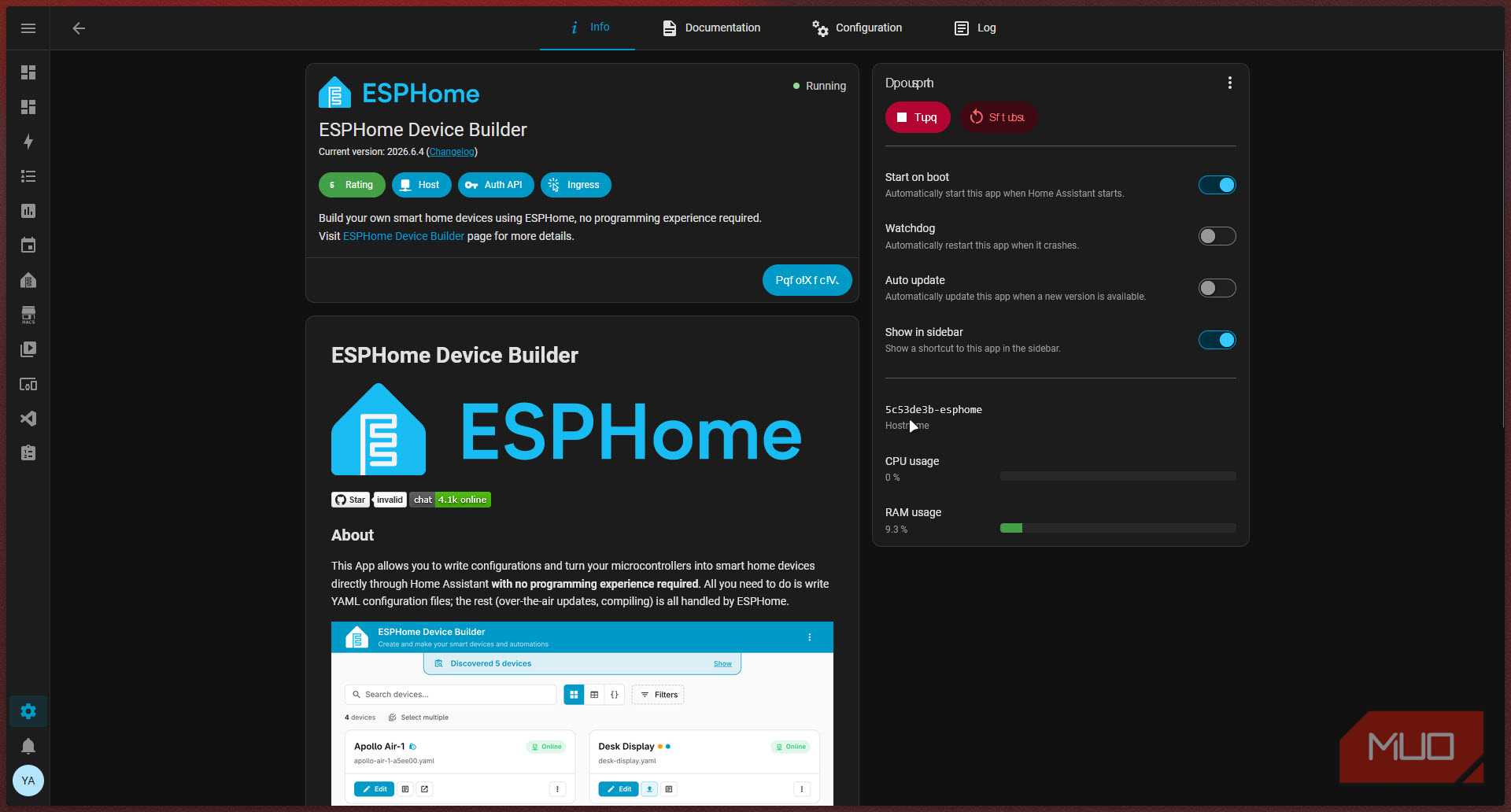
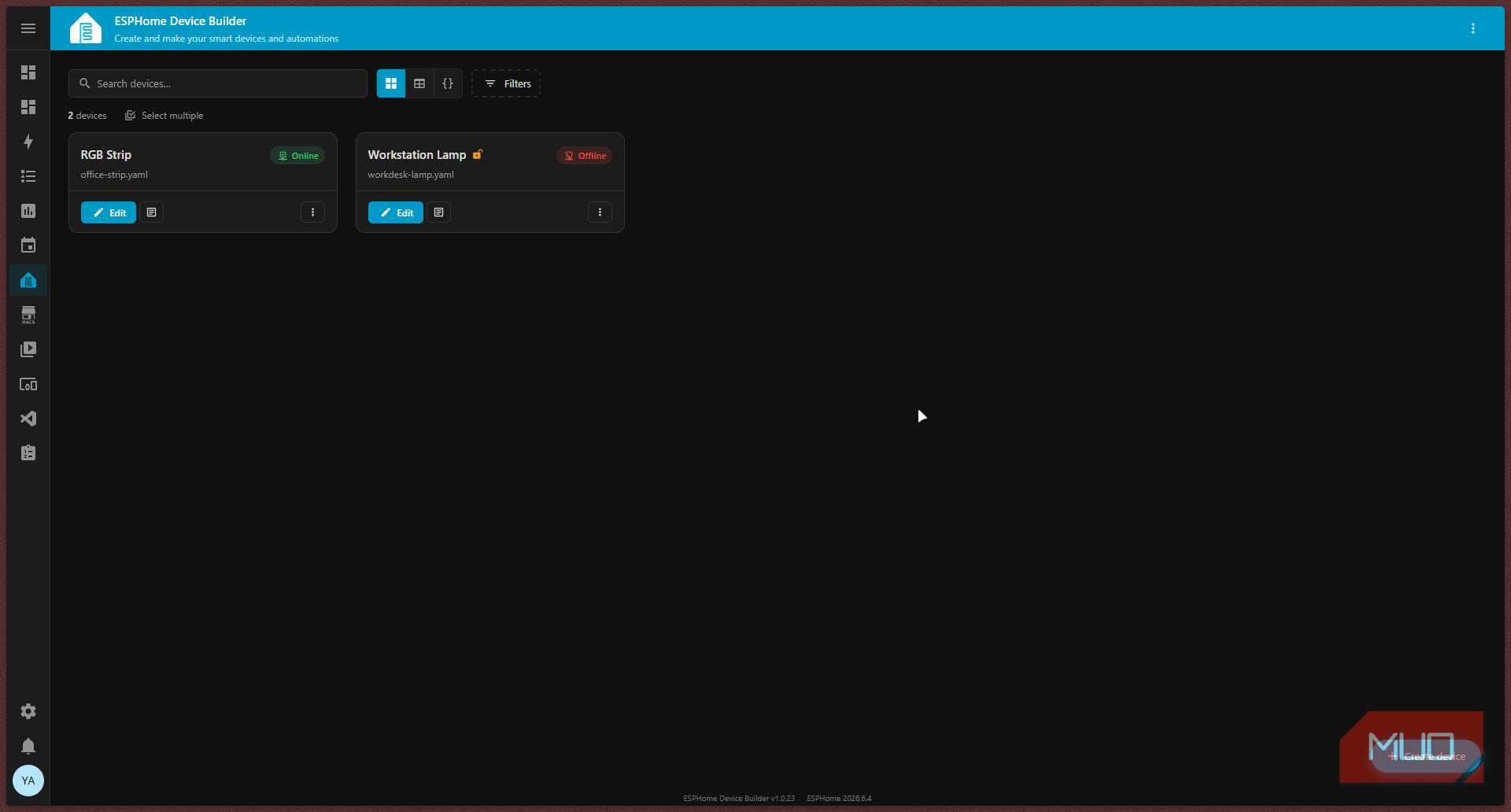
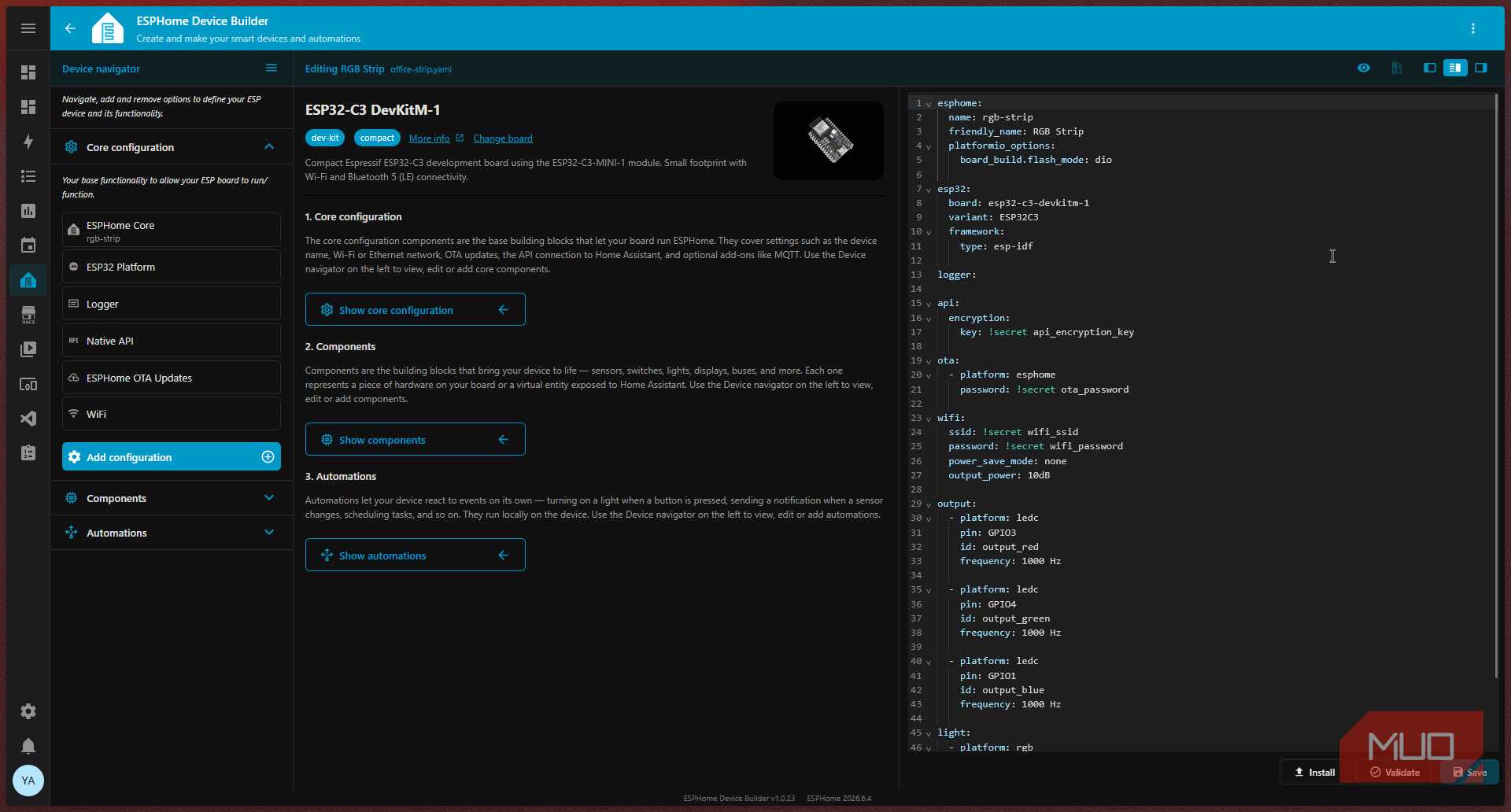
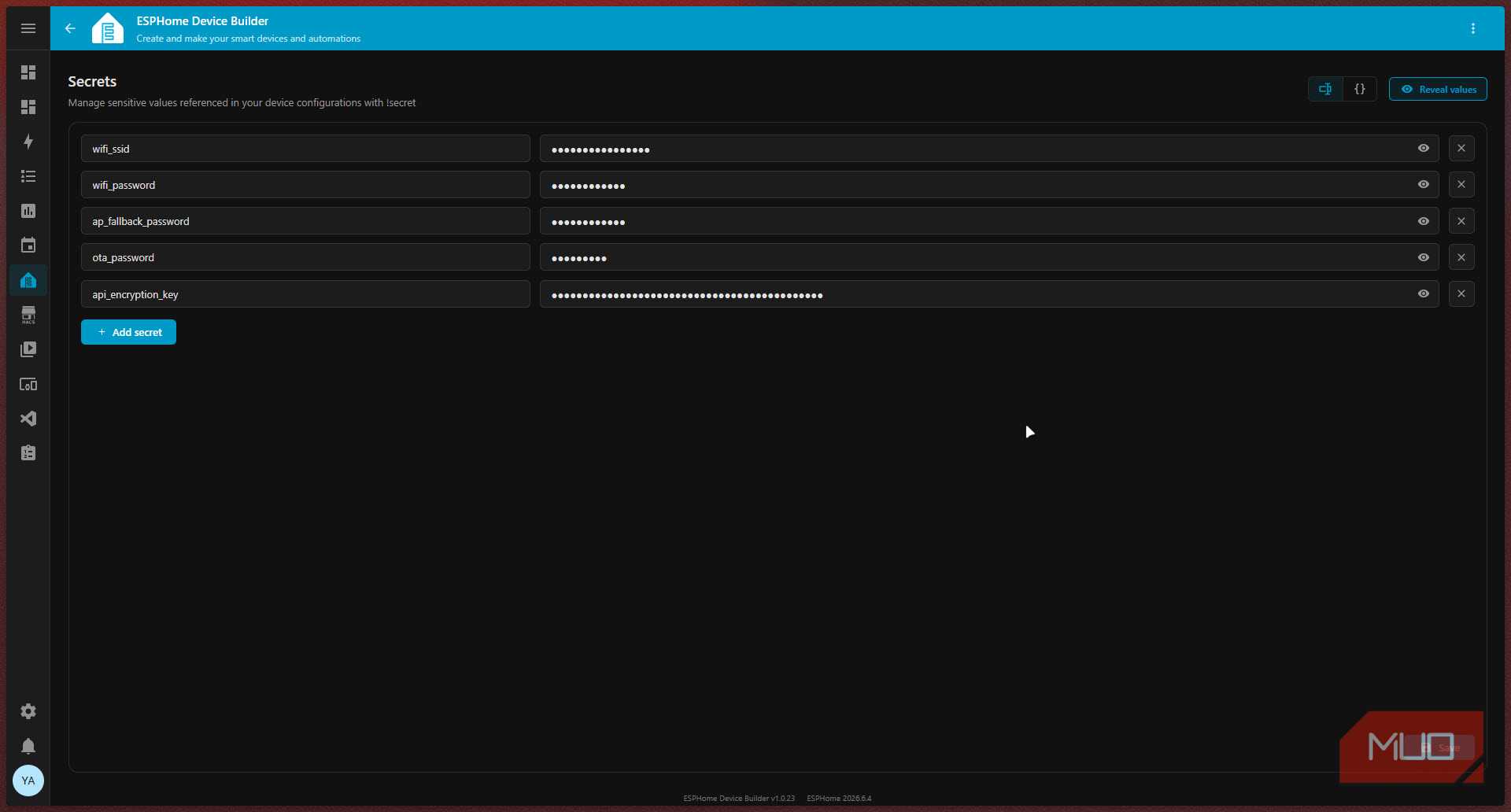
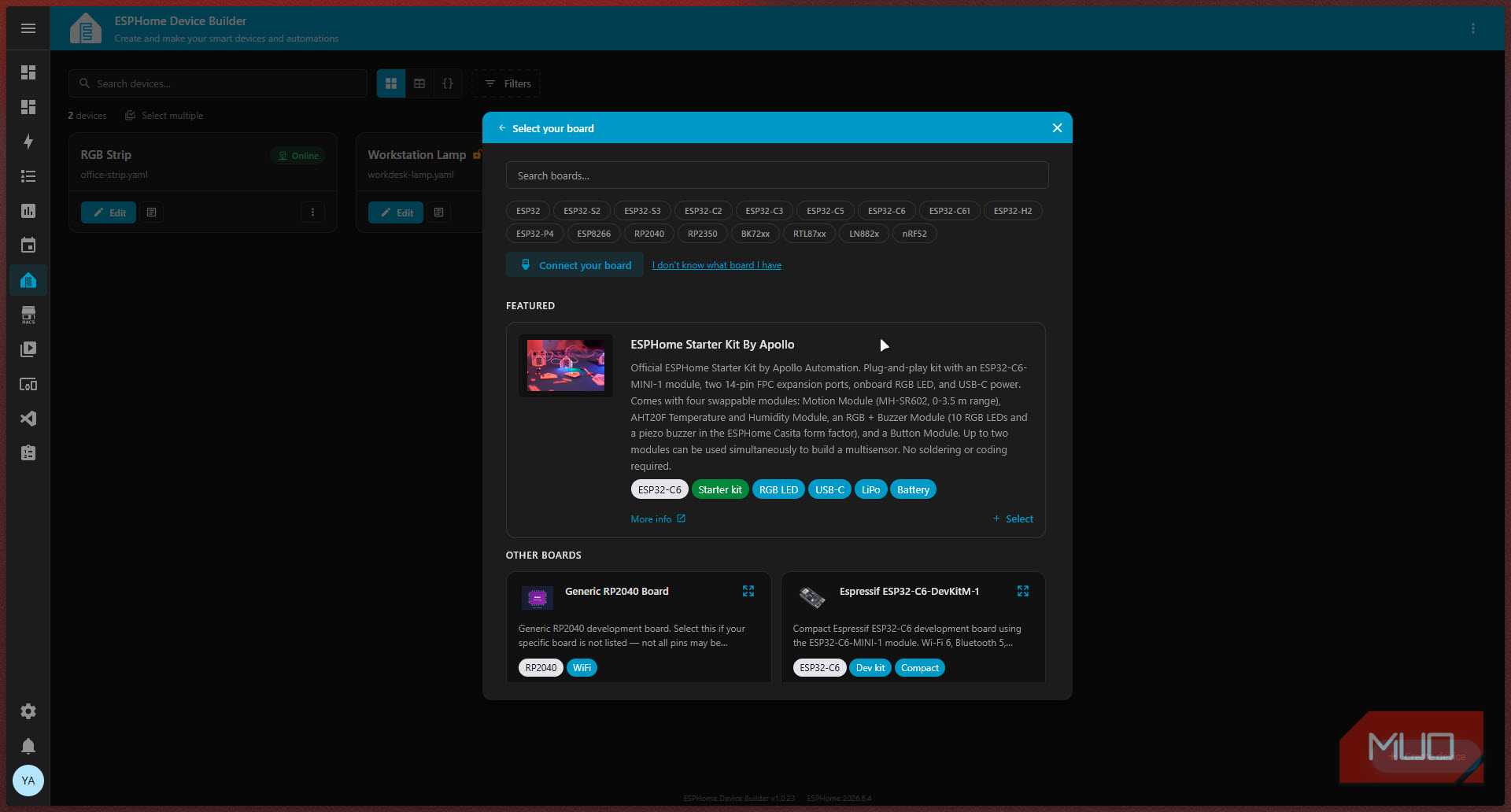
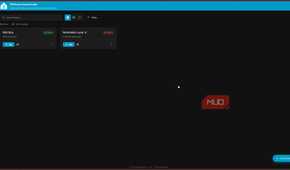
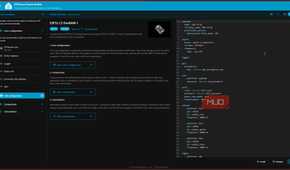
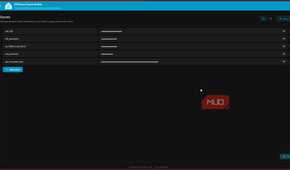
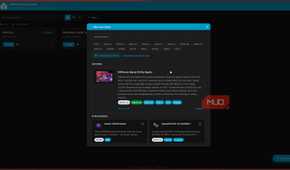
With the release of ESPHome 2026.6.0, the legacy in-tree dashboard has been retired and replaced with the ESPHome Device Builder. The headline feature here is a full visual component and automation builder that lives right alongside your YAML editor. For the first time, you can configure an ESPHome device without writing a single line of YAML if you don't want to.
The Device Builder isn't a fancy UI slapped over the same old text editor either. It's a complete overhaul, living in two brand-new repositories — a Python backend and a web frontend — built from scratch to consume ESPHome through stable public interfaces. The legacy dashboard's entire interface was essentially an Ace text editor pointed at a YAML file. That's it. The Device Builder replaces that with a proper application that includes a left-sidebar device navigator, a visual component and automation builder, and a CodeMirror-powered YAML editor, all working together in the same window.
This means you can click through components visually, and the YAML updates in real time. Alternatively, you can write the YAML directly, and the visual panels stay in sync.
You can finally build devices with your mouse
A point-and-click workflow lowers the barrier for new ESPHome users


The main attraction of the new UI is, of course, the new visual component builder, and it's exactly what years of ESPHome users have been asking for. Instead of remembering the exact YAML key for every sensor platform, you browse a component catalog with automatic dependency resolution. Essentially, you pick a component, and the Device Builder figures out what else needs to be added to your configuration to make it work.
There's also a per-board pin data viewer that maps out every GPIO pin on the specific board you're using and tells you what it's capable of and whether a component is already using a specific pin. Anyone who has ever spent hours debugging why their seemingly perfectly wired circuit isn't responding, only to find out they were using a pin already occupied by something else, will massively appreciate this.
The automation builder also works the same. Instead of writing large and clunky trigger and action blocks by hand, one line at a time, you build them visually, and the YAML gets generated for you. This ease is what makes even mundane projects like converting my dumb lamp into a smart one interesting.
YAML isn't going anywhere
Power users still have every reason to keep writing configuration files by hand

While you may be able to get away without having to write YAML, it's not going anywhere. The Device Builder makes YAML optional rather than mandatory. For newcomers and people who quickly want to write a basic configuration, this is a massive time saver that avoids a documentation deep-dive. But for power users who want fine control over their configuration, YAML is still the better option.
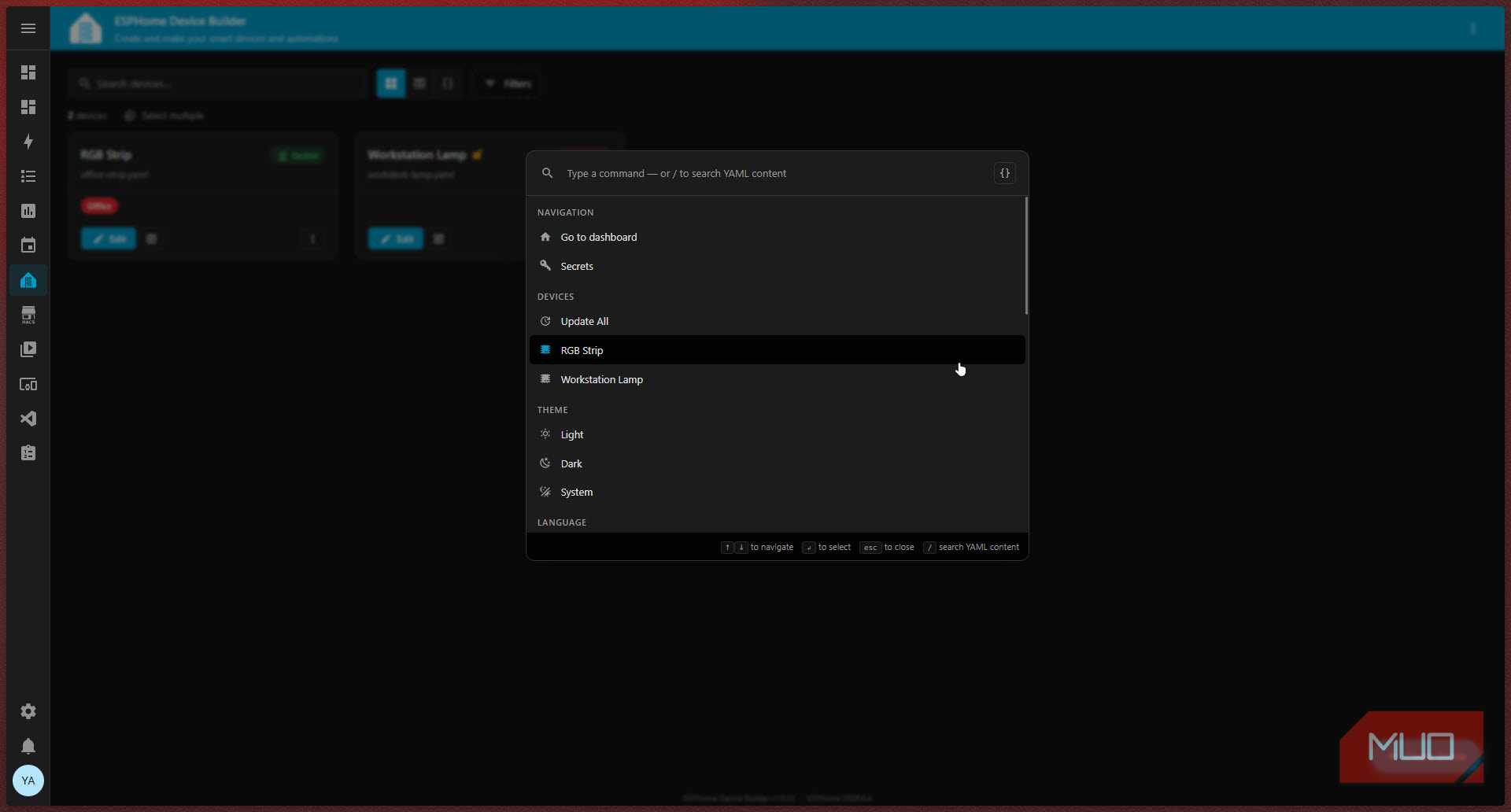
That said, the new CodeMirror YAML editor is a significant update over the old Ace editor. The Device Builder also ships with a YAML diff view and cross-config YAML search with surrounding context, so if you're managing plenty of devices, you can actually search across all your configurations at once and see meaningful diffs when something changes. There's even a command palette that can be summoned by pressing Ctrl + K (or Cmd + K) for power users who want keyboard-driven workflows. The YAML and visual layers aren't fighting each other — they're two faces of the same editor working together to make your life easy.
The update fixes more than just configuration
Better onboarding, simpler device management, and a smoother overall experience


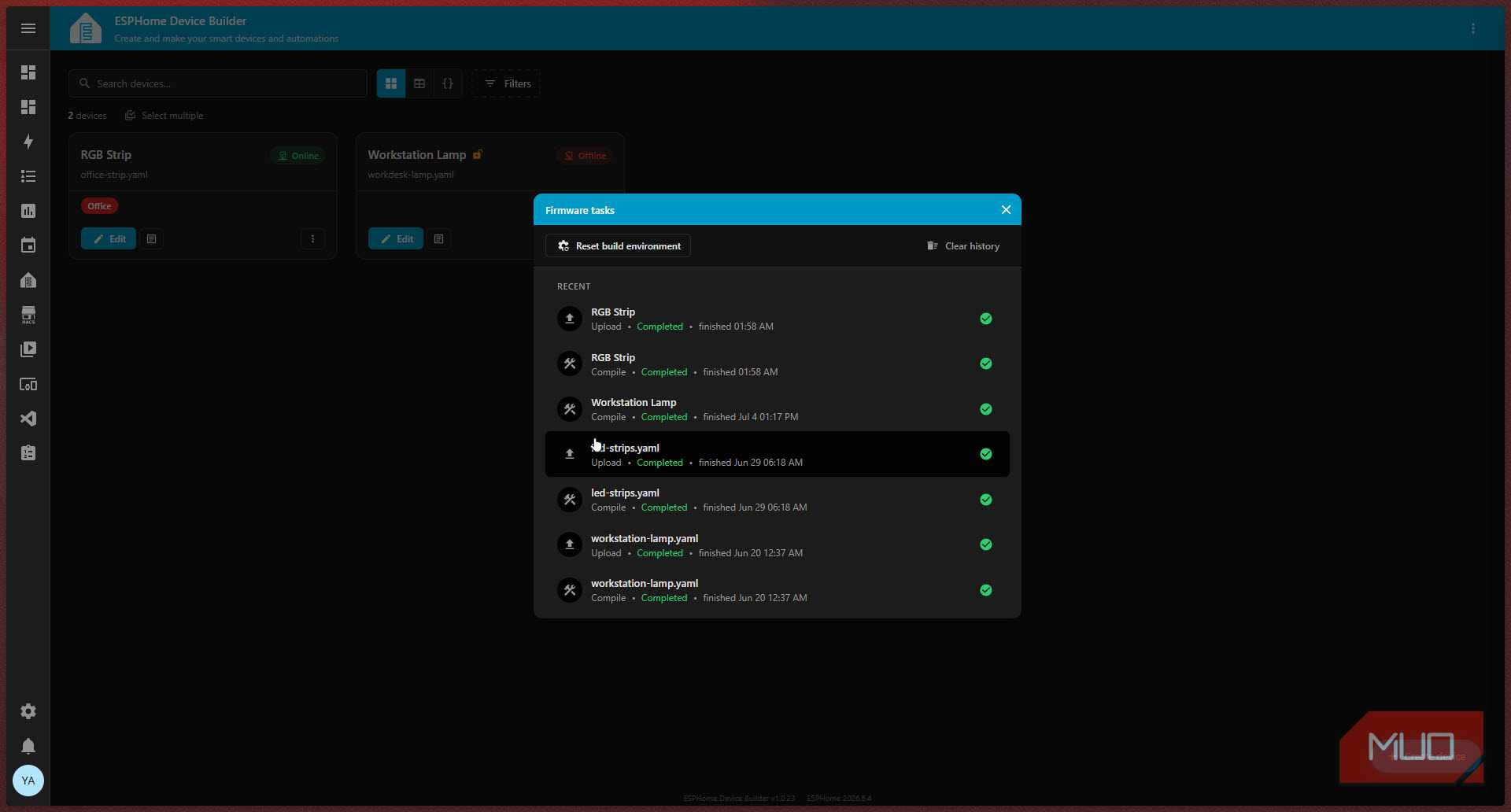
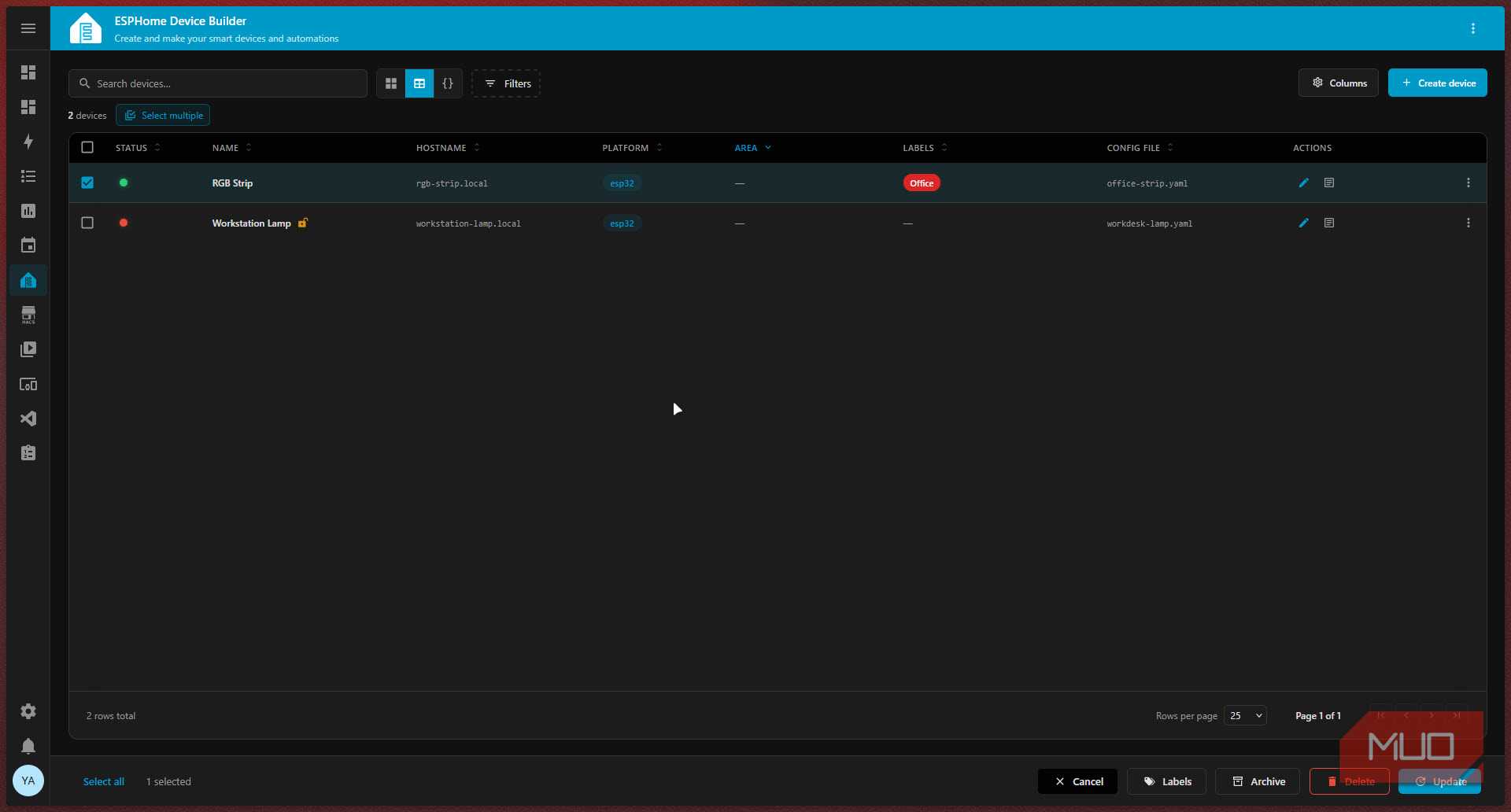
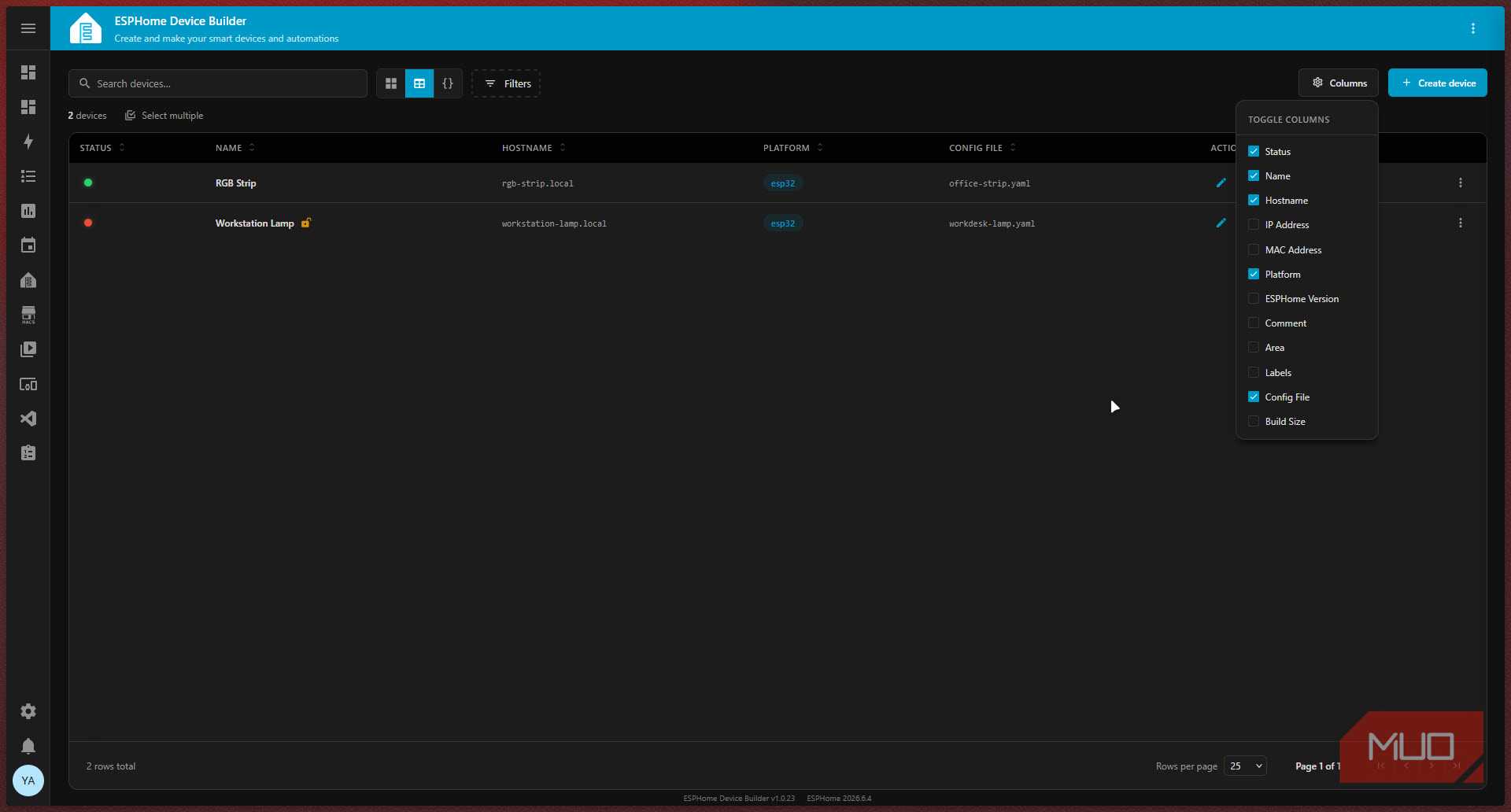
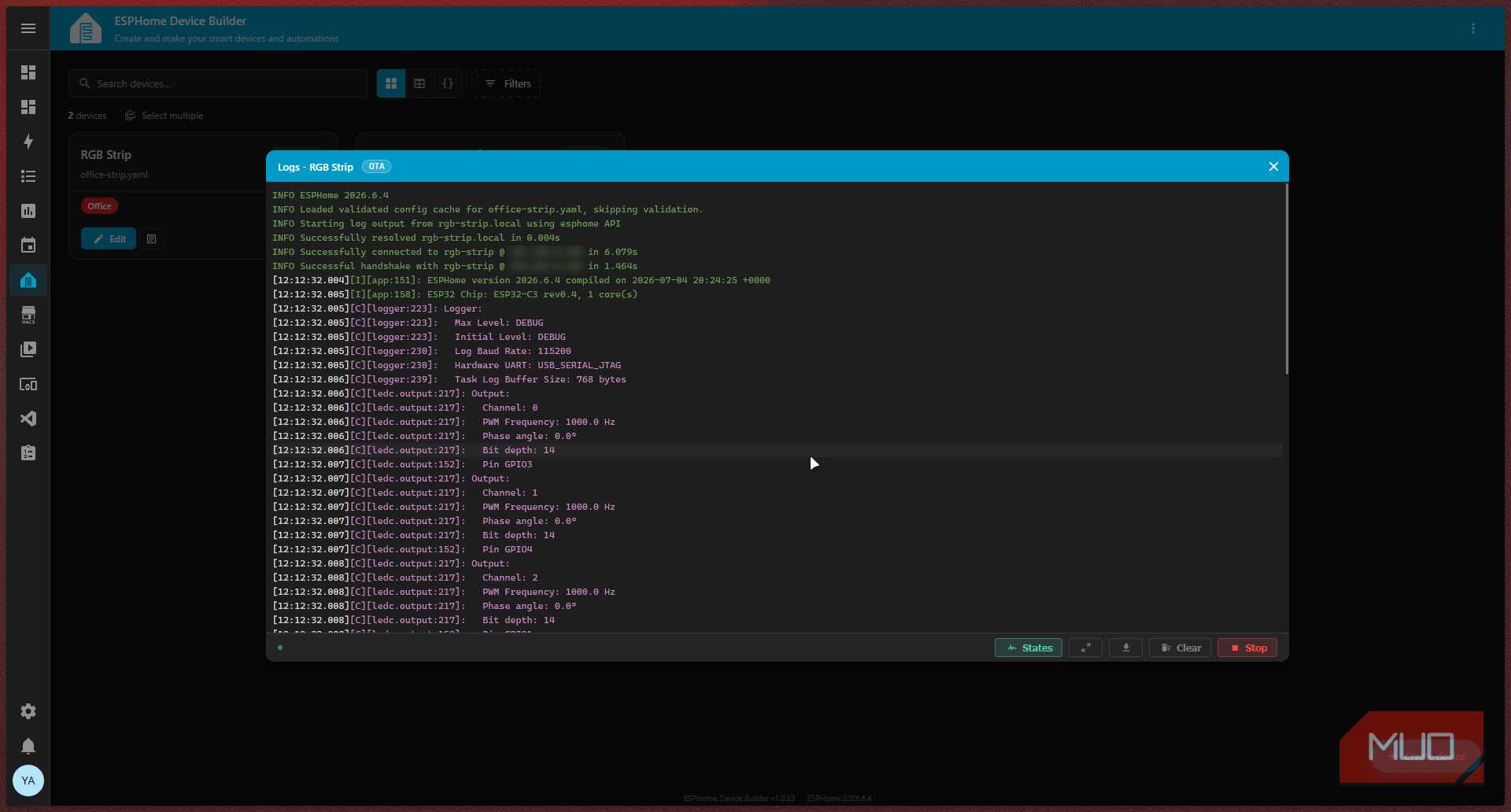
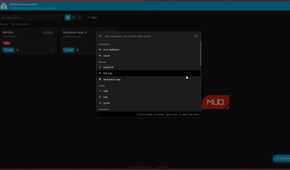
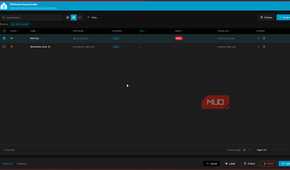
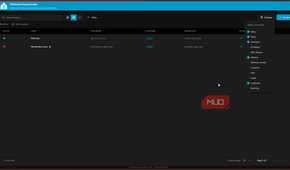
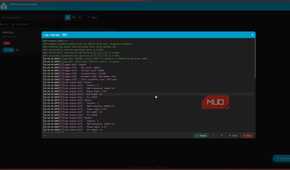
The latest ESPHome update not only introduces the new interface and features, but also does some much-needed housekeeping. For example, the old dashboard could only run one firmware operation at a time with zero history. You'd start a compile, have no idea how far along it was, and if something went wrong, you'd have a hard time retracing your steps. The new firmware job queue gives you progress tracking, a history of past operations, and the ability to cancel currently processing jobs.
Managing a fleet of devices has also become much easier. You now have labels, areas, multi-section bulk actions, and out-of-sync detection with per-device badges showing version mismatches and config-has status. If a device is running firmware that doesn't match your current configuration, the Device Builder will tell you. Previously, the dashboard's only bulk action was an all-or-nothing update-all command.
For Home Assistant add-on users, there's also a remote builder. This is a Device Builder instance that can offload compile jobs to another over a peer-paired link. An extremely useful option in case you want to offload compilation tasks to a more powerful machine sitting on your network, rather than waiting for your Raspberry Pi to finish compilation.
This is exactly what ESPHome needed
Beginners will benefit the most without taking anything away from advanced users
The new ESPHome version brings everything for everyone. If you're new to ESPHome and have been intimidated by the YAML-first approach, the Device Builder gives you a real visual path to get your first device up and running without needing to become a configuration-file expert overnight. The first-run Wi-Fi onboarding flow and the USB plug-and-play detection prompt make the initial experience a lot more approachable.
And if you're a veteran who's been writing ESPHome configurations for a while now, the Device Builder doesn't take anything away. Your existing files still work, the YAML editor is better than before, and you get all the flexibility and fleet-management features you can ever ask for. ESPHome might have made YAML optional for now, but it's well on its way to making it obsolete — not in a sense that'll make YAML disappear (it'll still have its uses), but in the sense that it won't be a stumbling block between you and your smart devices.

ESP32
- Brand
- Espressif
- Connectivity Features
- Wi-Fi, Bluetooth
ESP32 is a low-cost microcontroller with built-in Wi-Fi and Bluetooth, widely used for IoT projects and DIY electronics.