


Galaxy phones now ship with a long list of AI features. I’ve tried every single one, and honestly, not all of it lives up to the hype. Some of them are genuinely impressive. Some are clever but situational. And some exist purely for the sake of making the list look longer.
The ones that actually earn that spot
I use them every day


 Credit: Zarif Ali / MakeUseOf
 Credit: Digvijay Kumar / MUO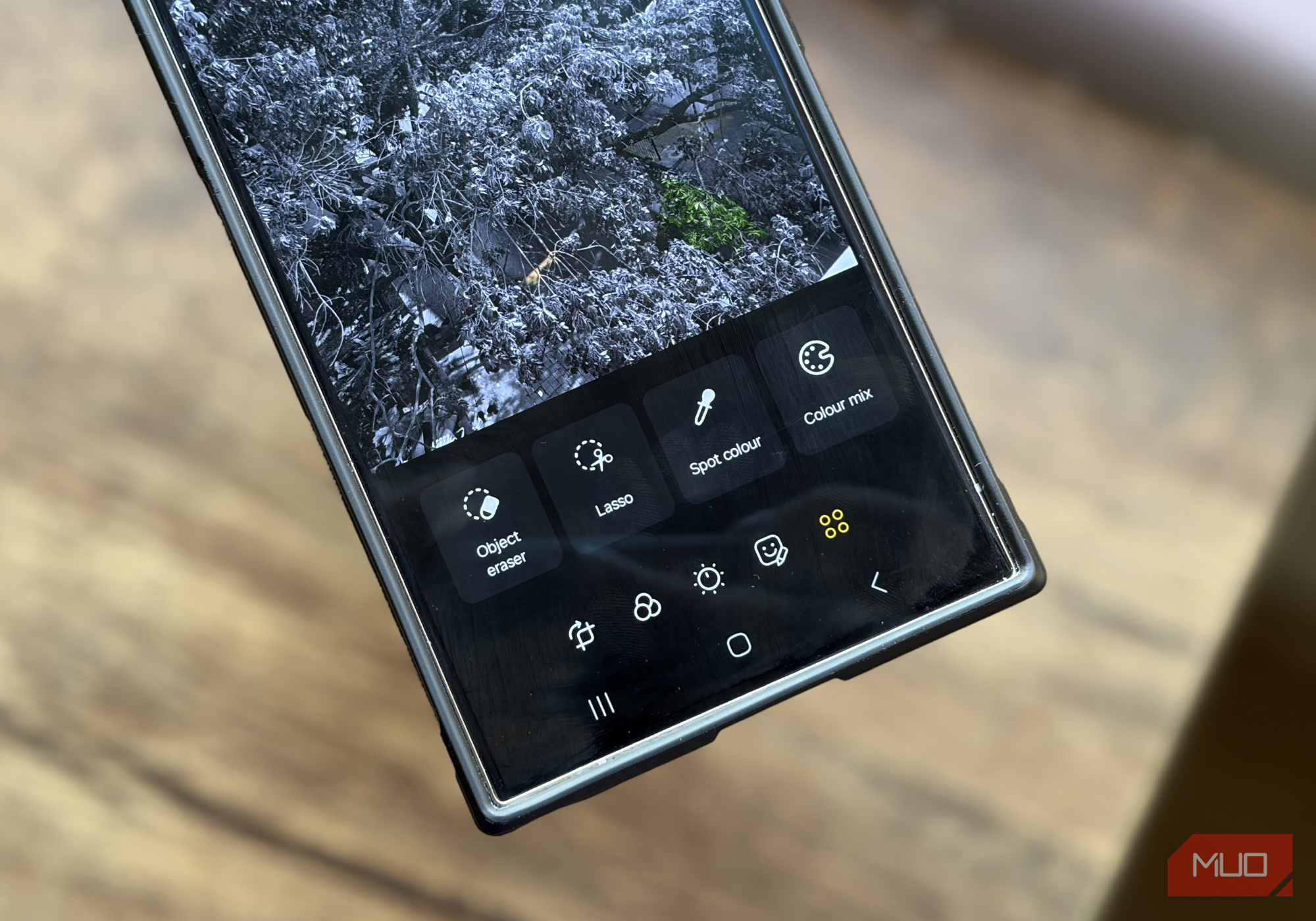
 Credit: Brandon Miniman / MakeUseOf
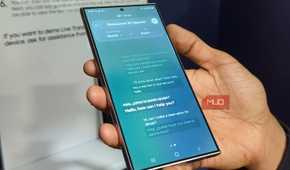
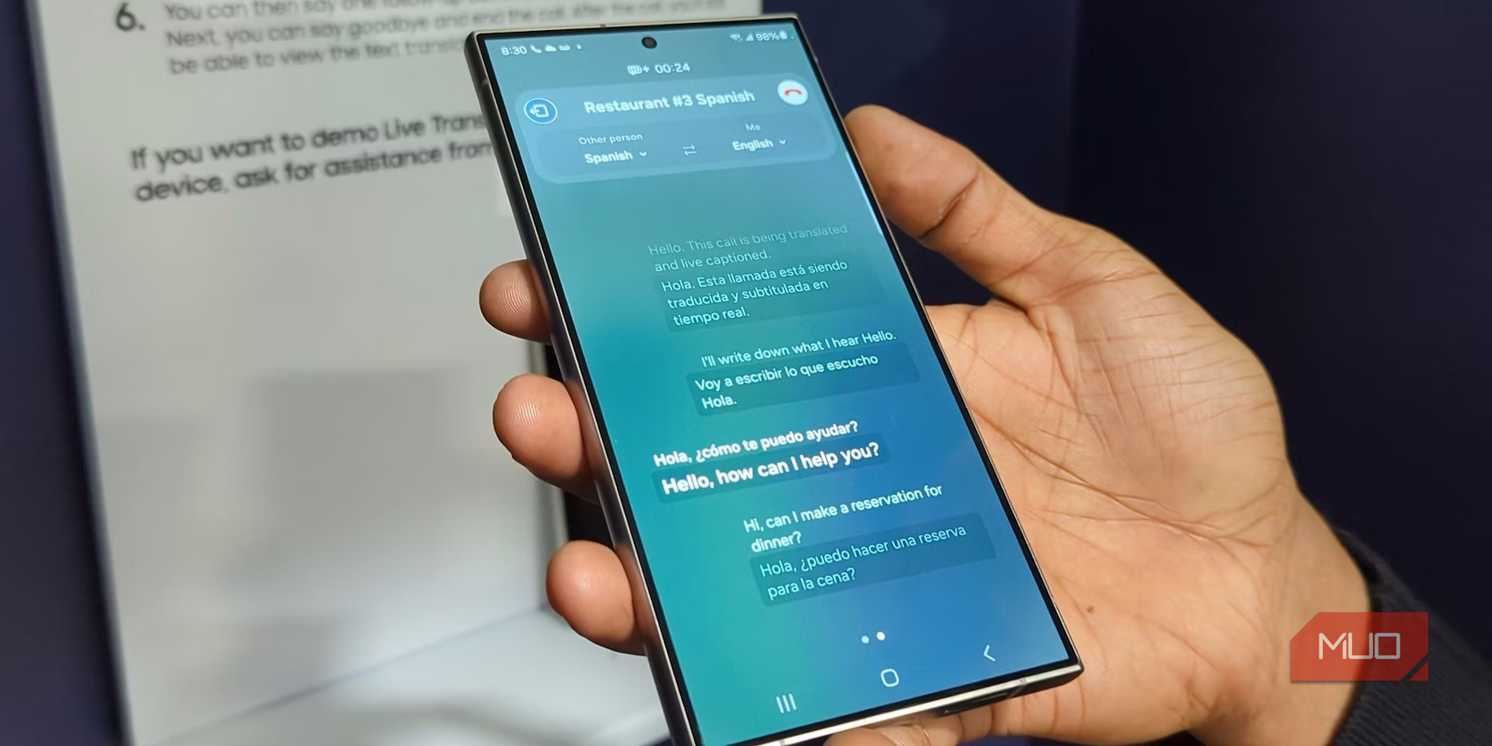
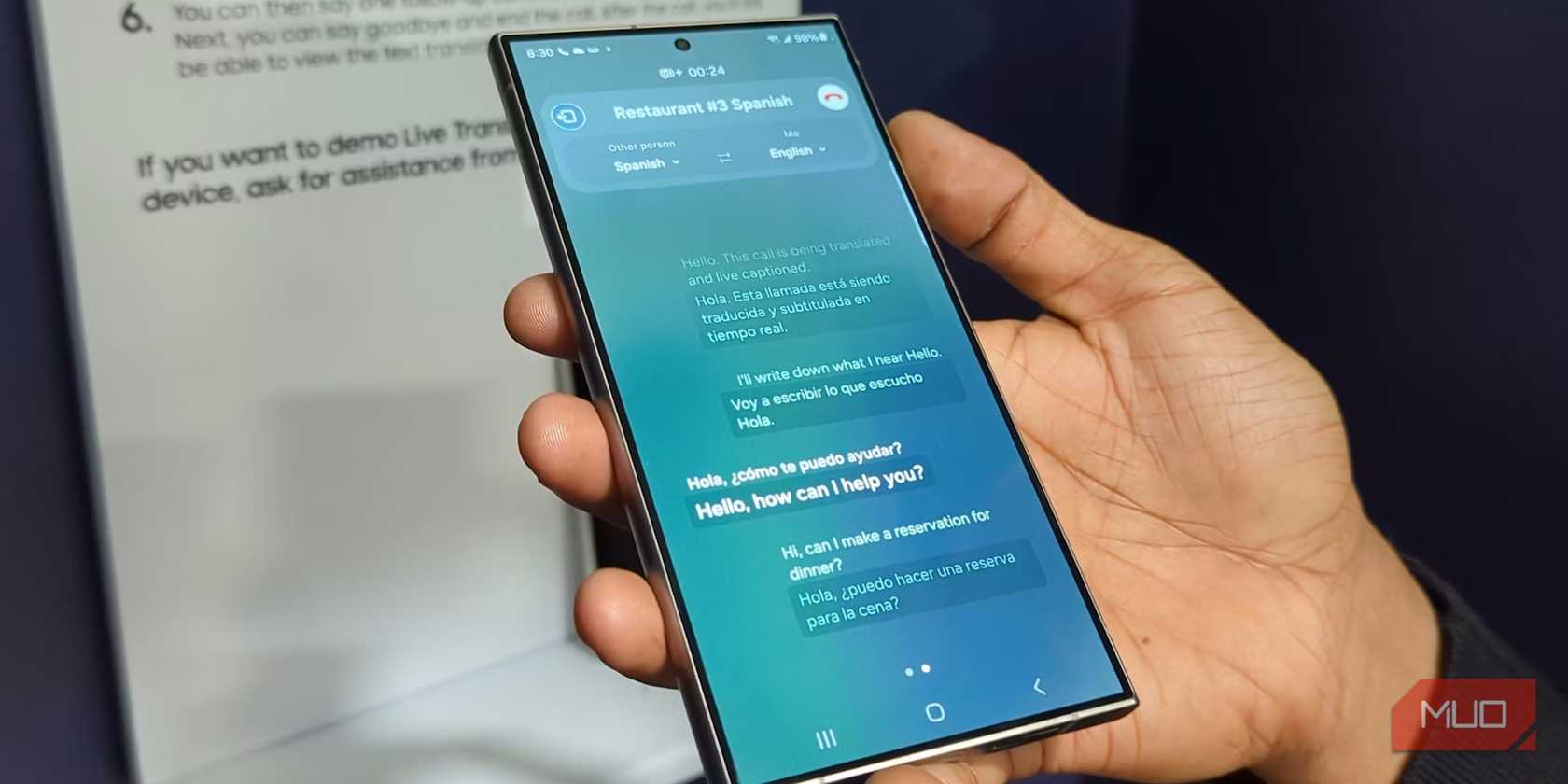
Let’s talk about the good stuff first. My favorite Galaxy AI feature has to be Call Assist. As someone who gets dozens of marketing calls every day, the call screening feature alone makes it worth it. Instead of picking up every call myself, I can have Galaxy AI ask the other person who they are and why they’re calling. Their responses appear as text so I can decide if it's worth picking up or not. Call Assist also does live translation, which works both ways during a call. It supports several popular languages, and you can even mute the original voices to avoid talking over each other.
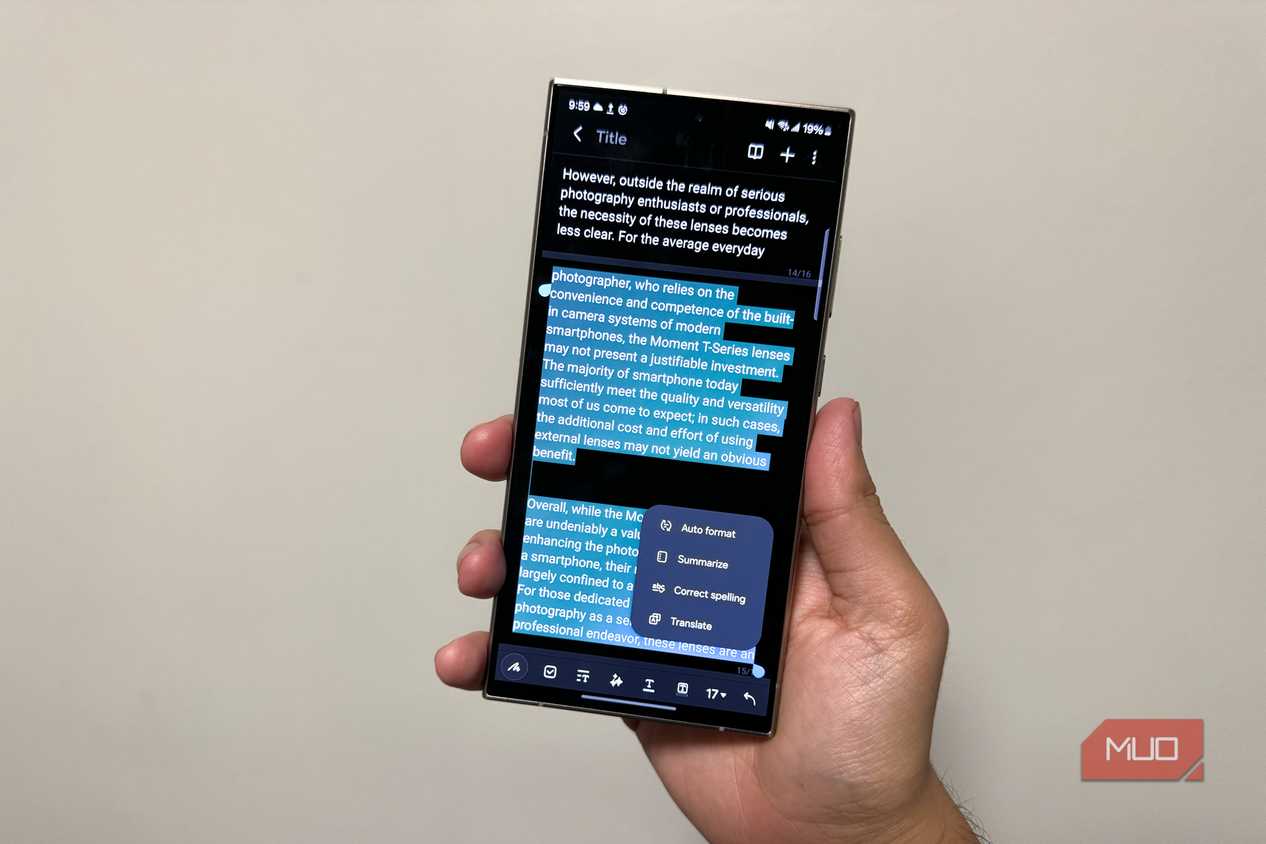
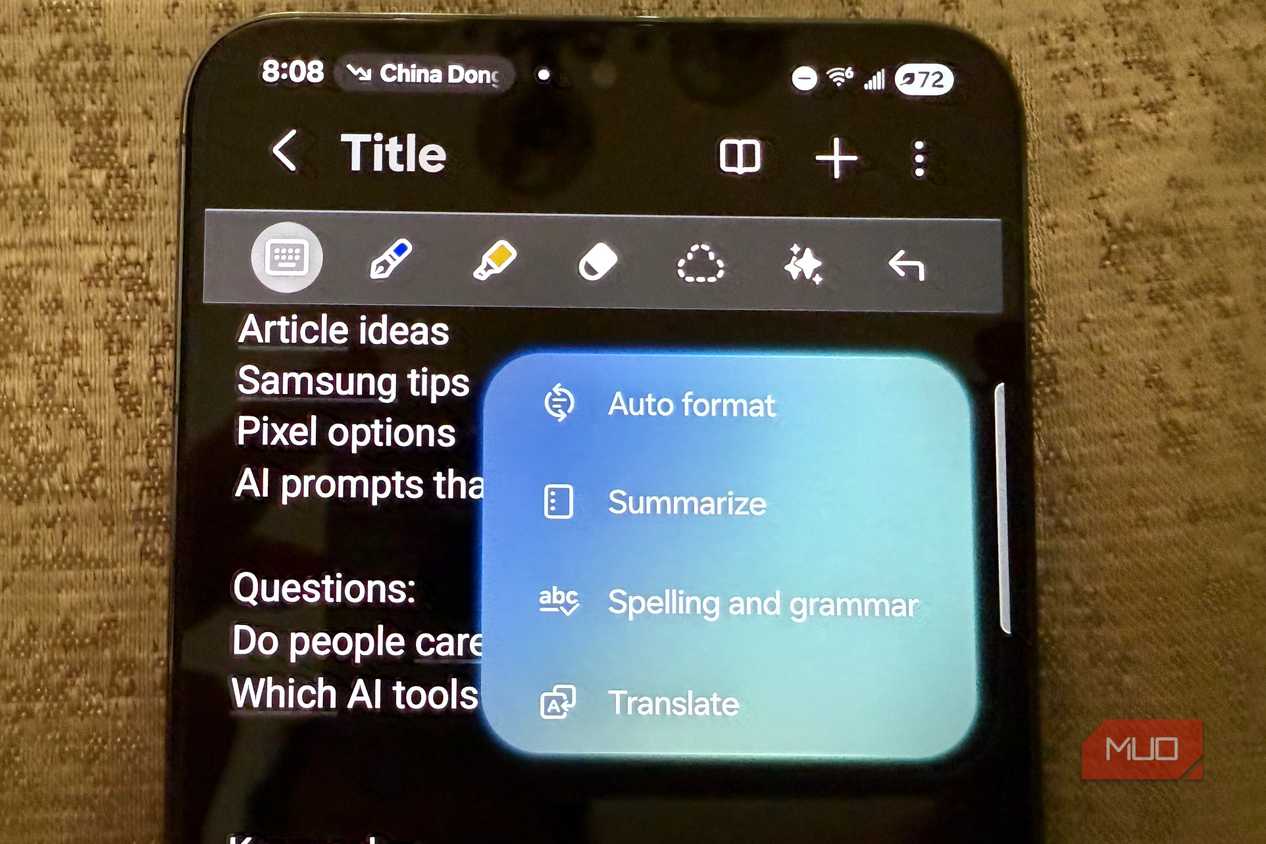
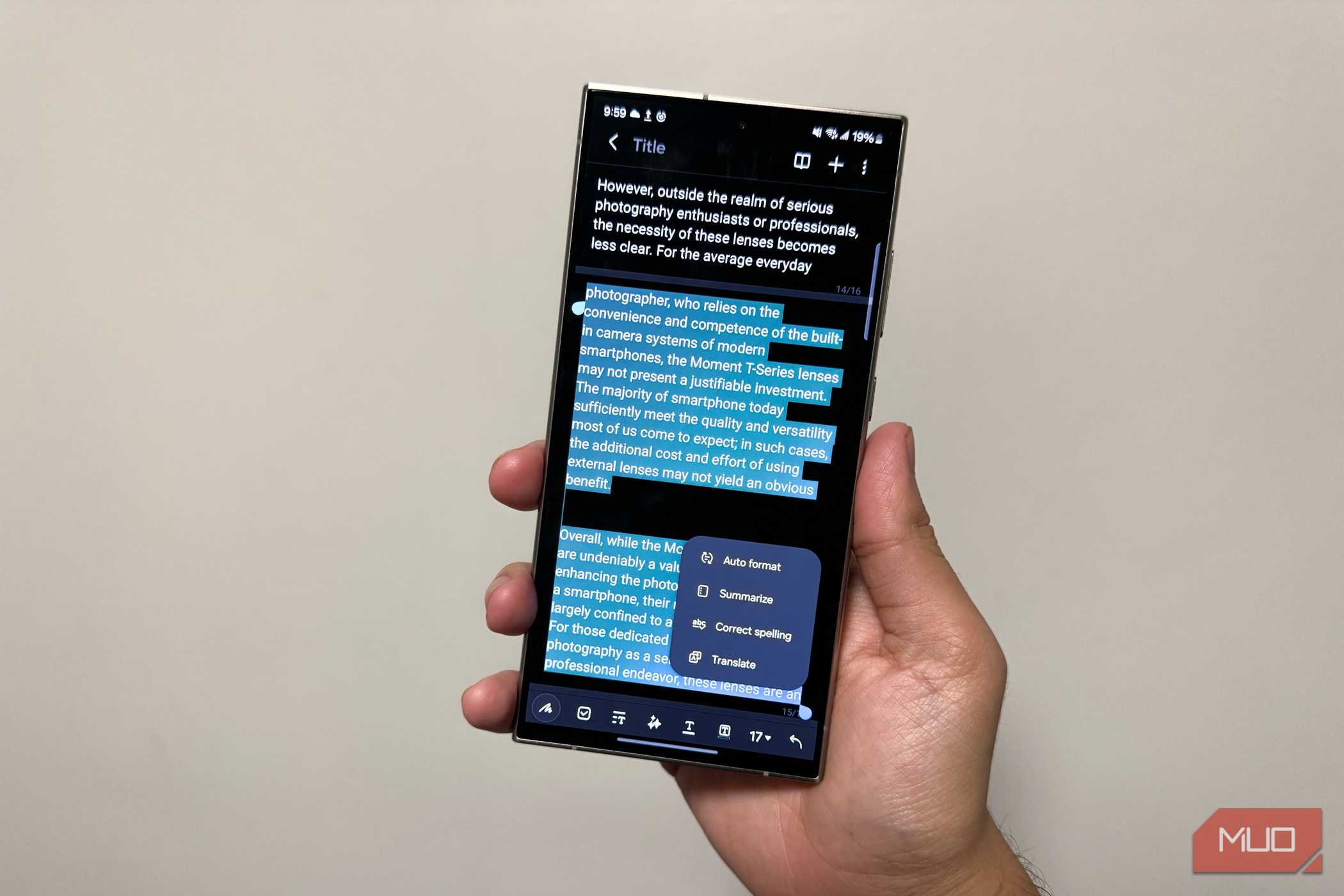
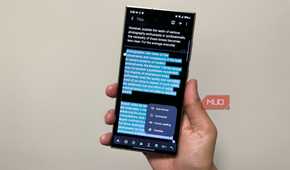
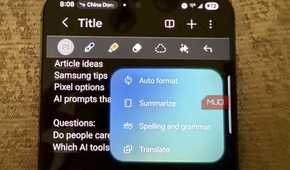
Note Assist is part of Samsung Notes. It can take a wall of text and clean it up with headers, paragraphs, and bullet points. It can even summarize notes, translate them, and pick a cover based on the context. Honestly, it’s a big part of why I stick with Samsung Notes over other note-taking apps.
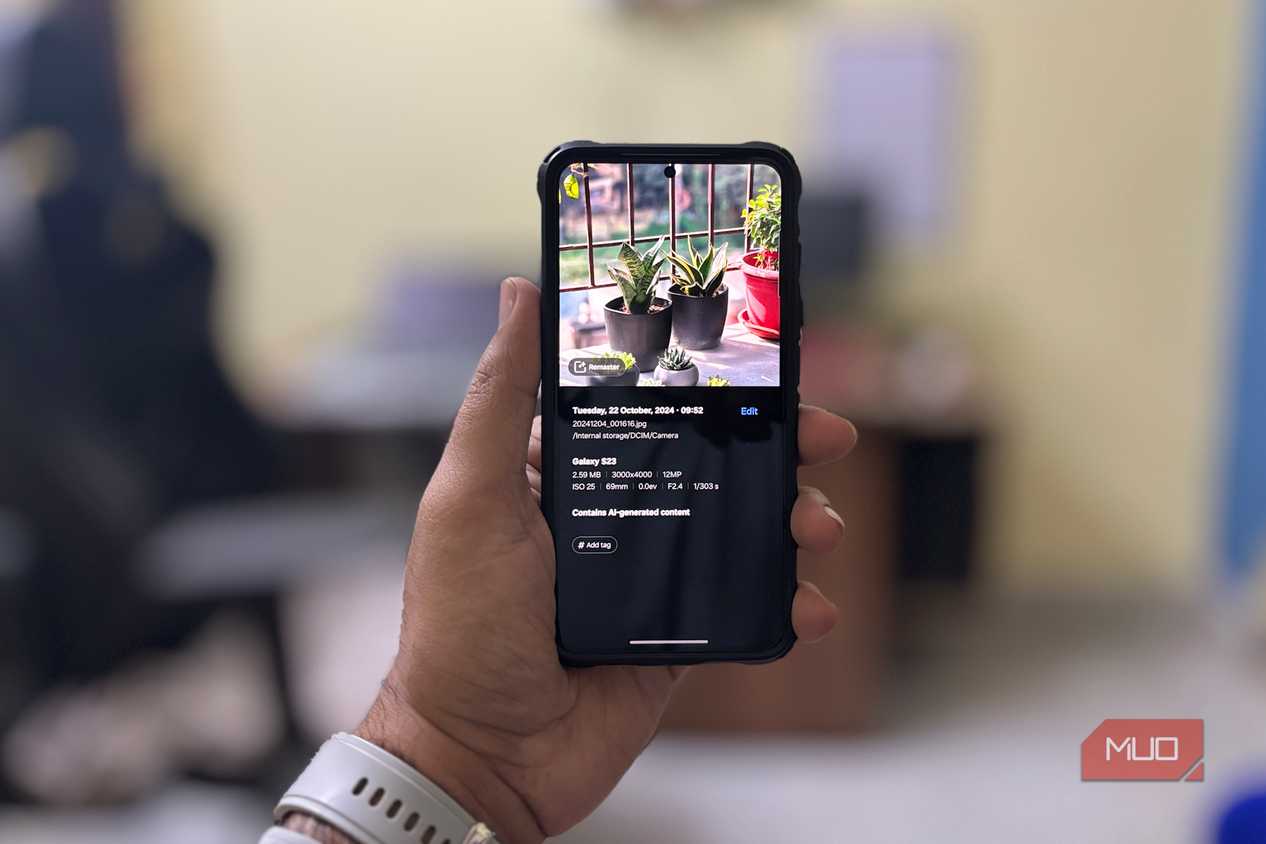
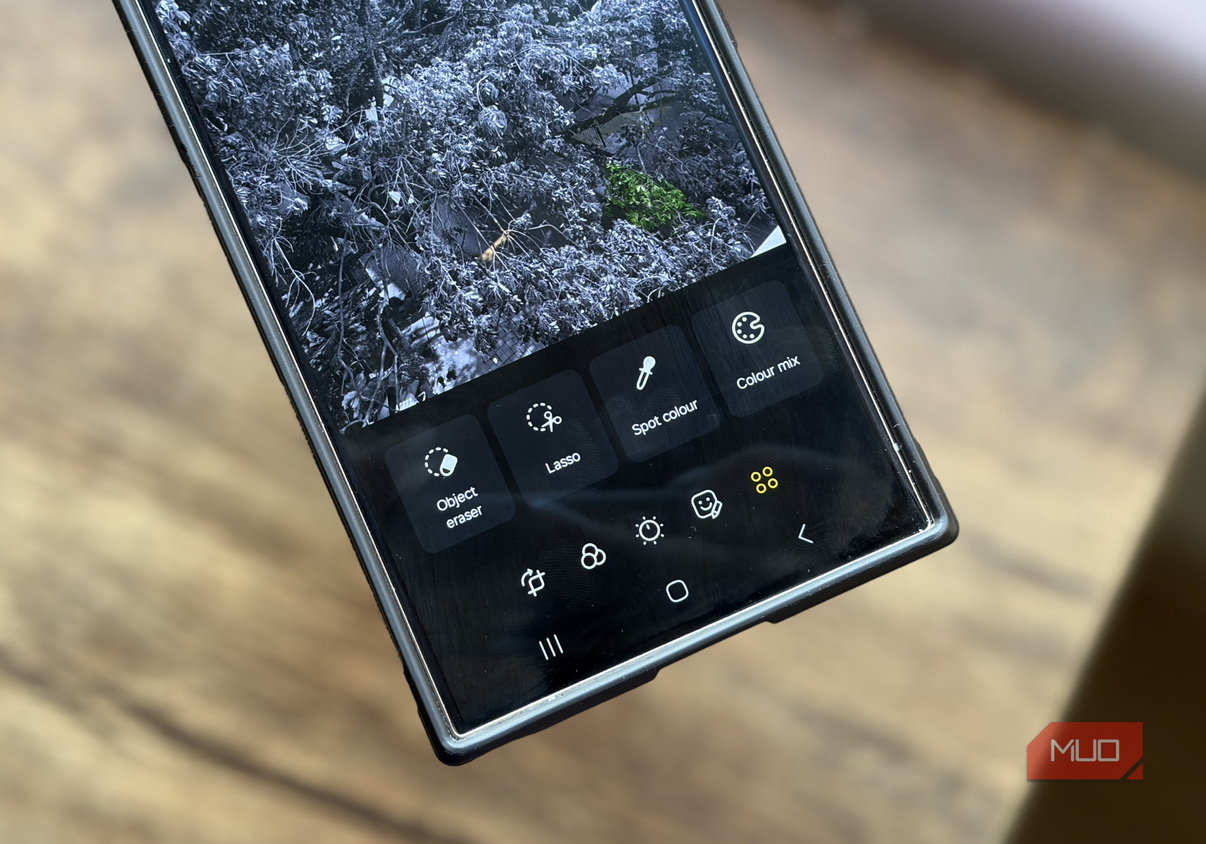
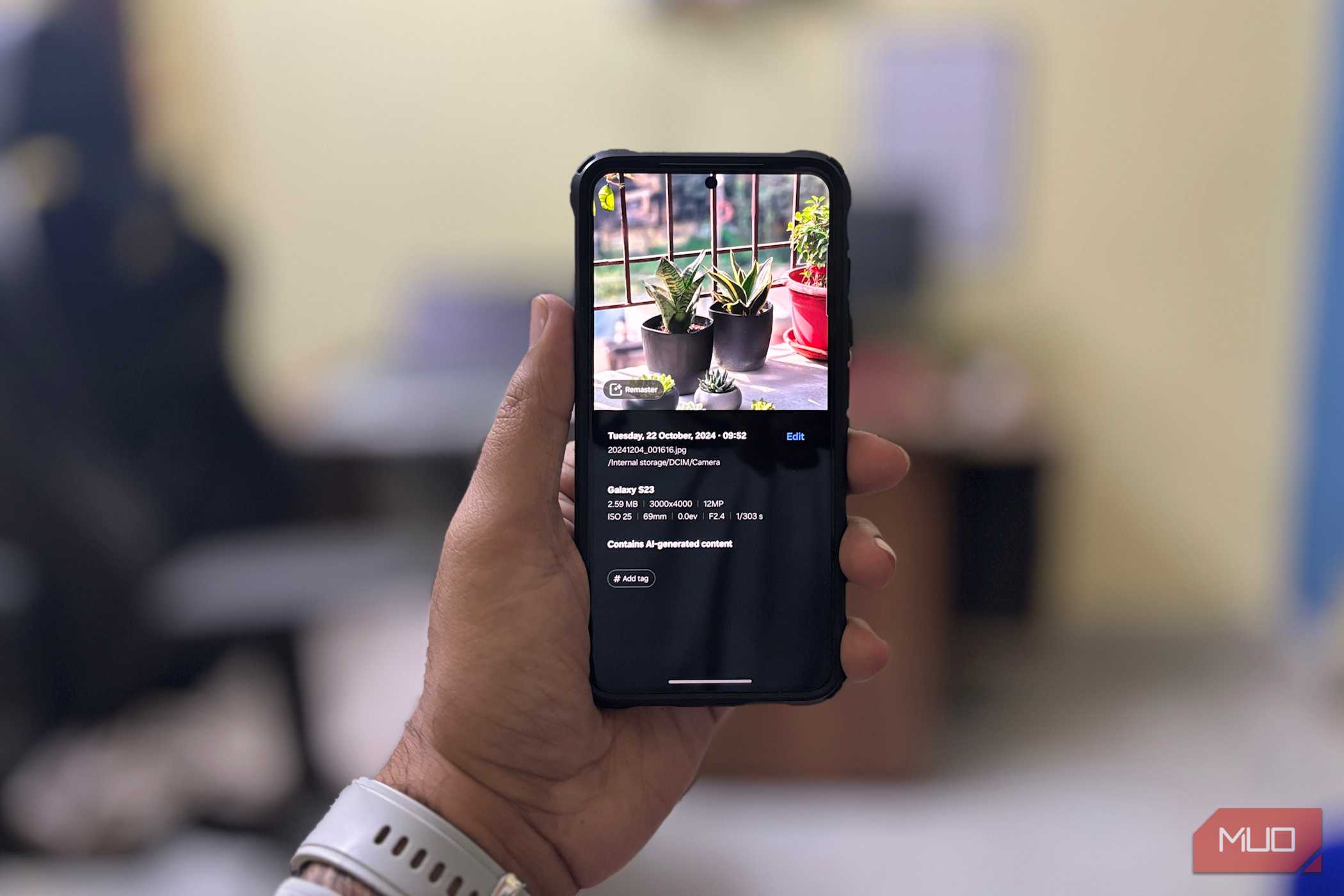
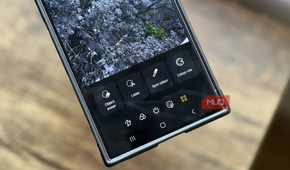
Photo Assist is another cool addition. It does several things, but its most impressive feature is the AI eraser. It’s better than similar tools I’ve tried on other phones, and beyond removing stuff, it lets you move and resize objects too.
Useful in the right situations
Niche, but they deliver


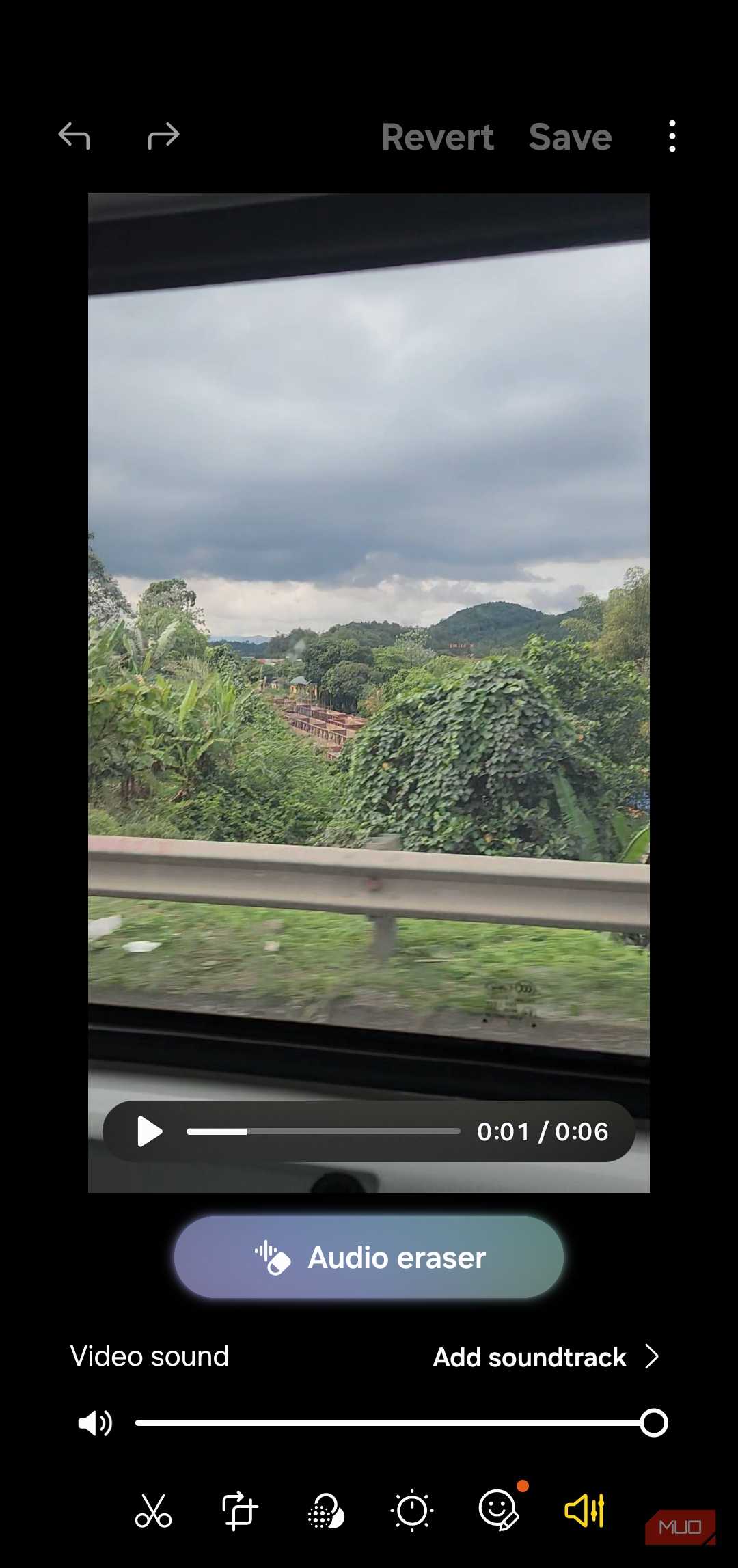
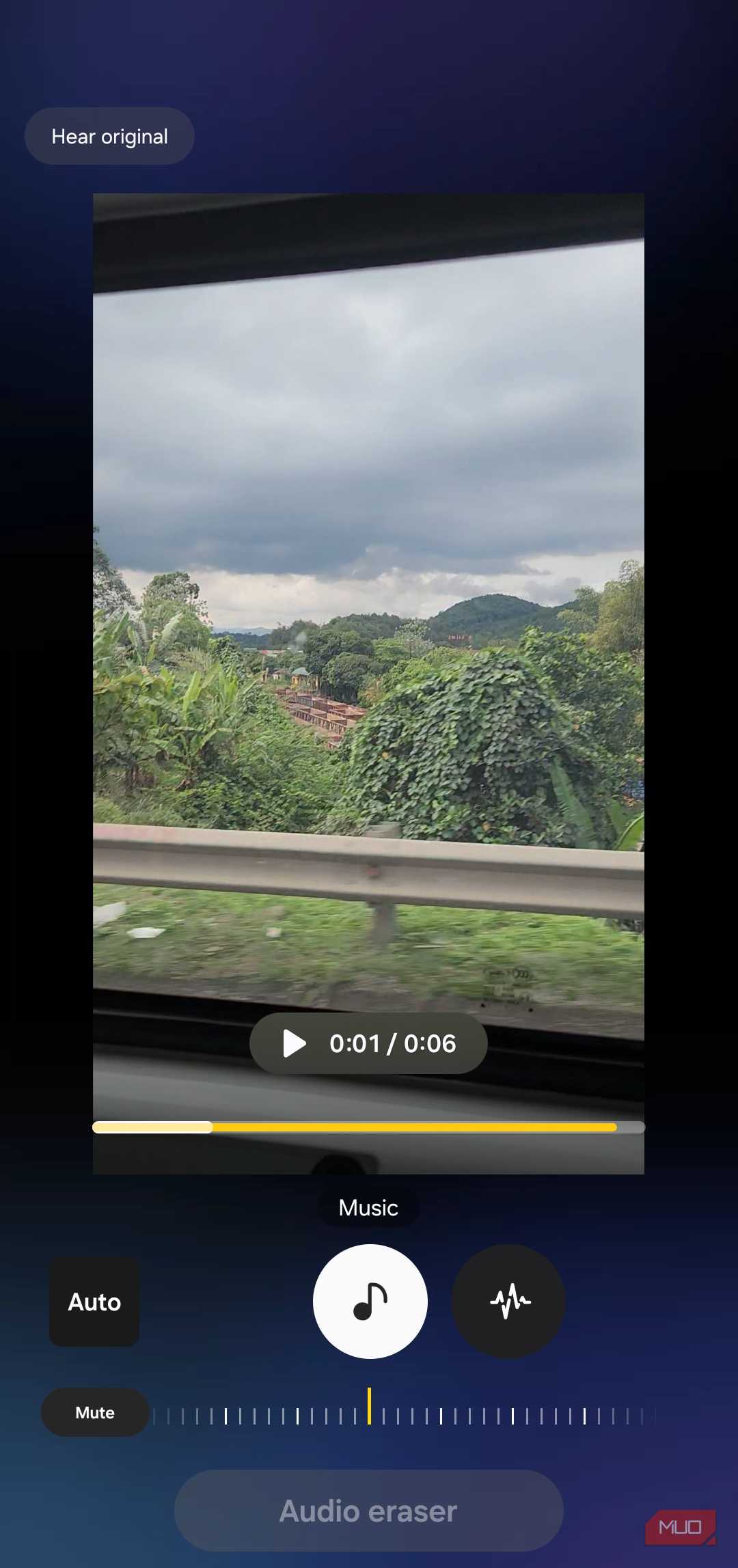
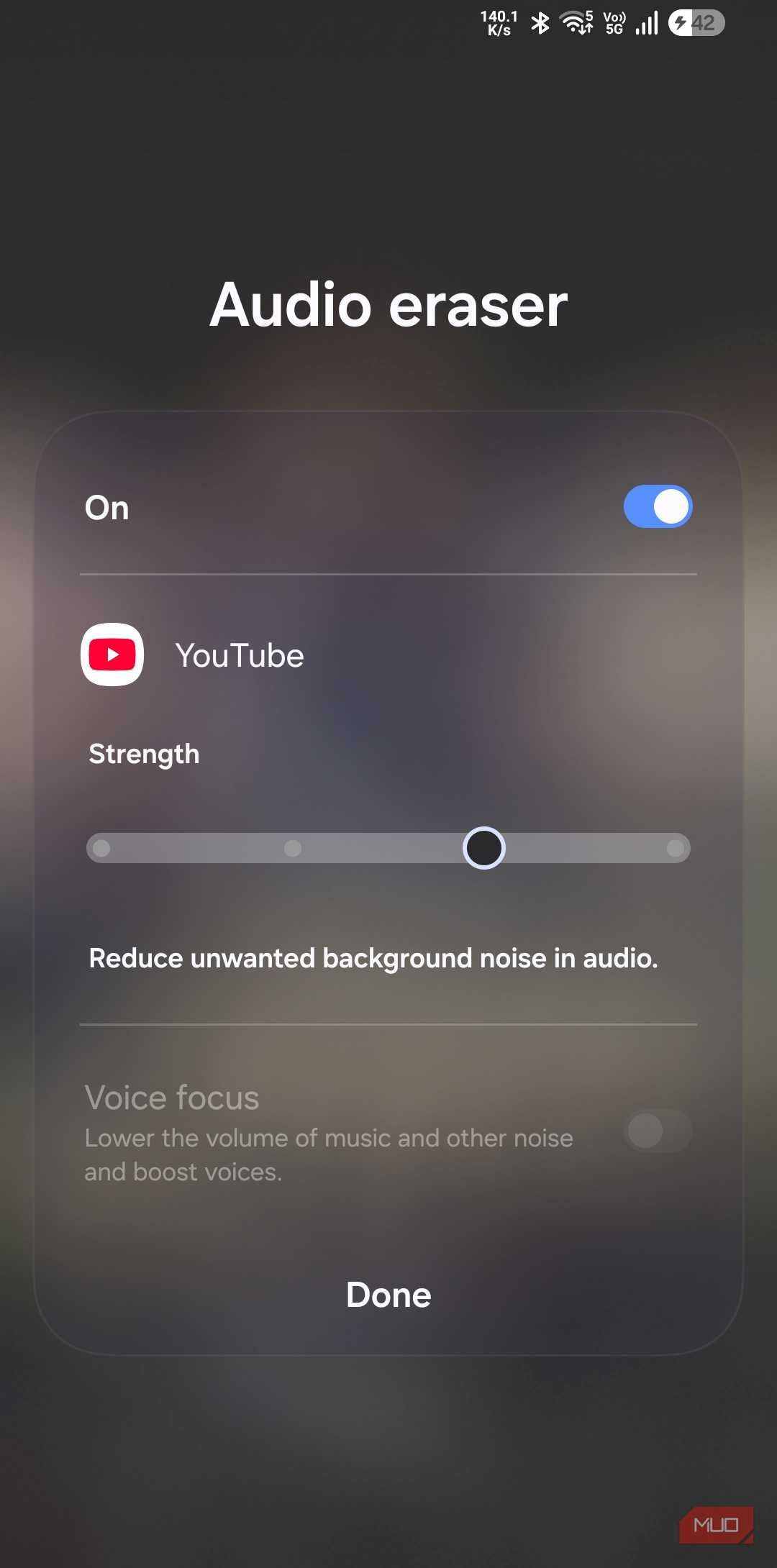


There are Galaxy AI features that won’t appeal to everyone, but that doesn’t make them useless. Audio eraser is a good example. It can automatically detect different types of sounds in a video — like wind, crowd noise, music, and vocals — so you can turn each one up or down independently. It’s useful when you’re editing a video shot at a concert or outdoors. This feature works in Gallery, Video Player, Voice Recorder, and even YouTube.
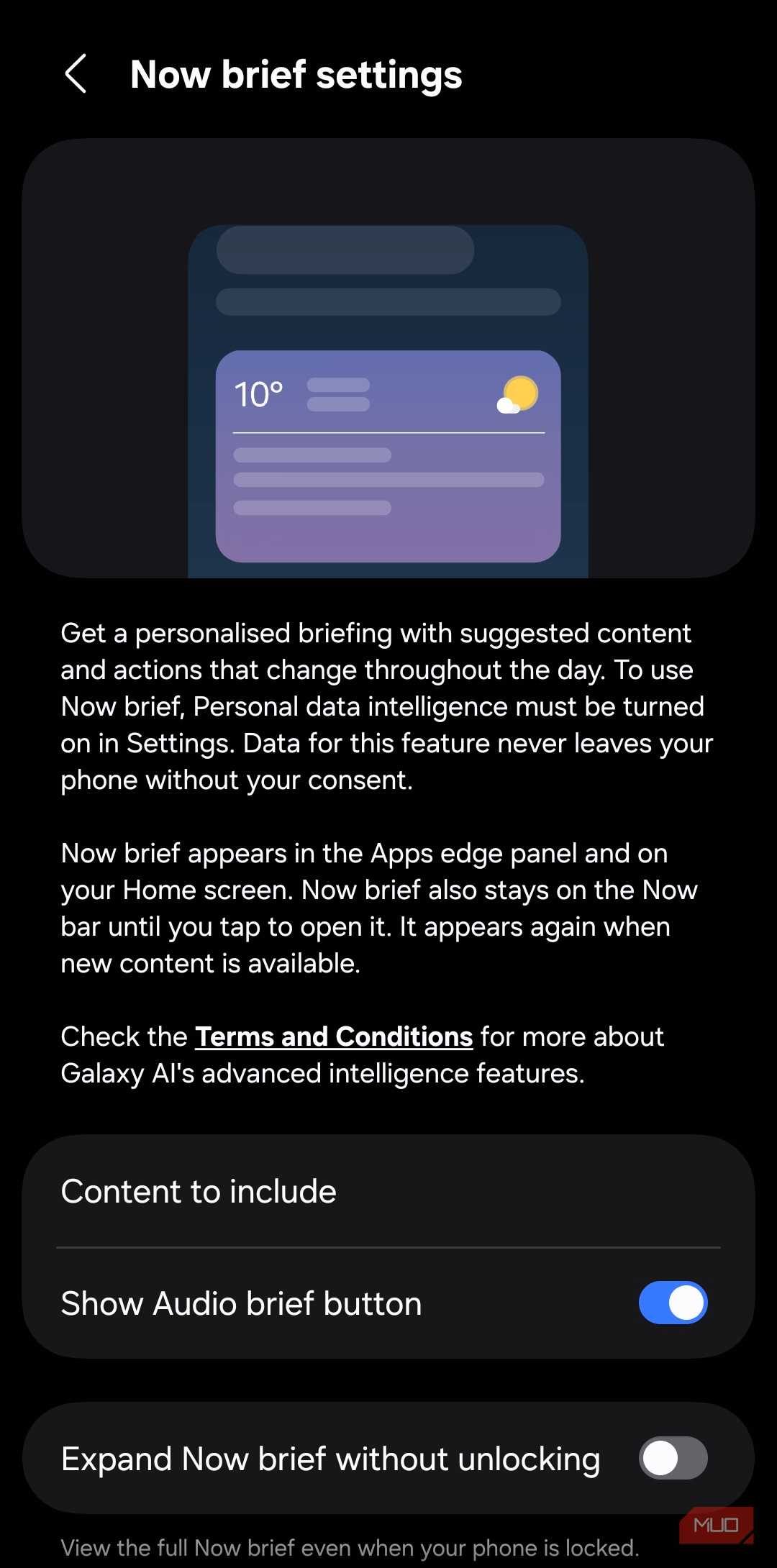
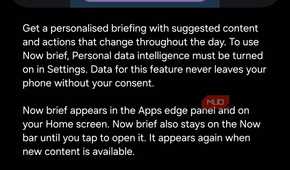
Now Brief is a summary card you can pull up from the lock screen. It shows things like the weather, your calendar data, news, and other contextual information based on your location and the time of the day. It can even include YouTube video recommendations and travel insights from Gemini if you let it. How useful it actually is depends on whether you use Samsung apps like Calendar, Health, Gallery, News, and Routines.
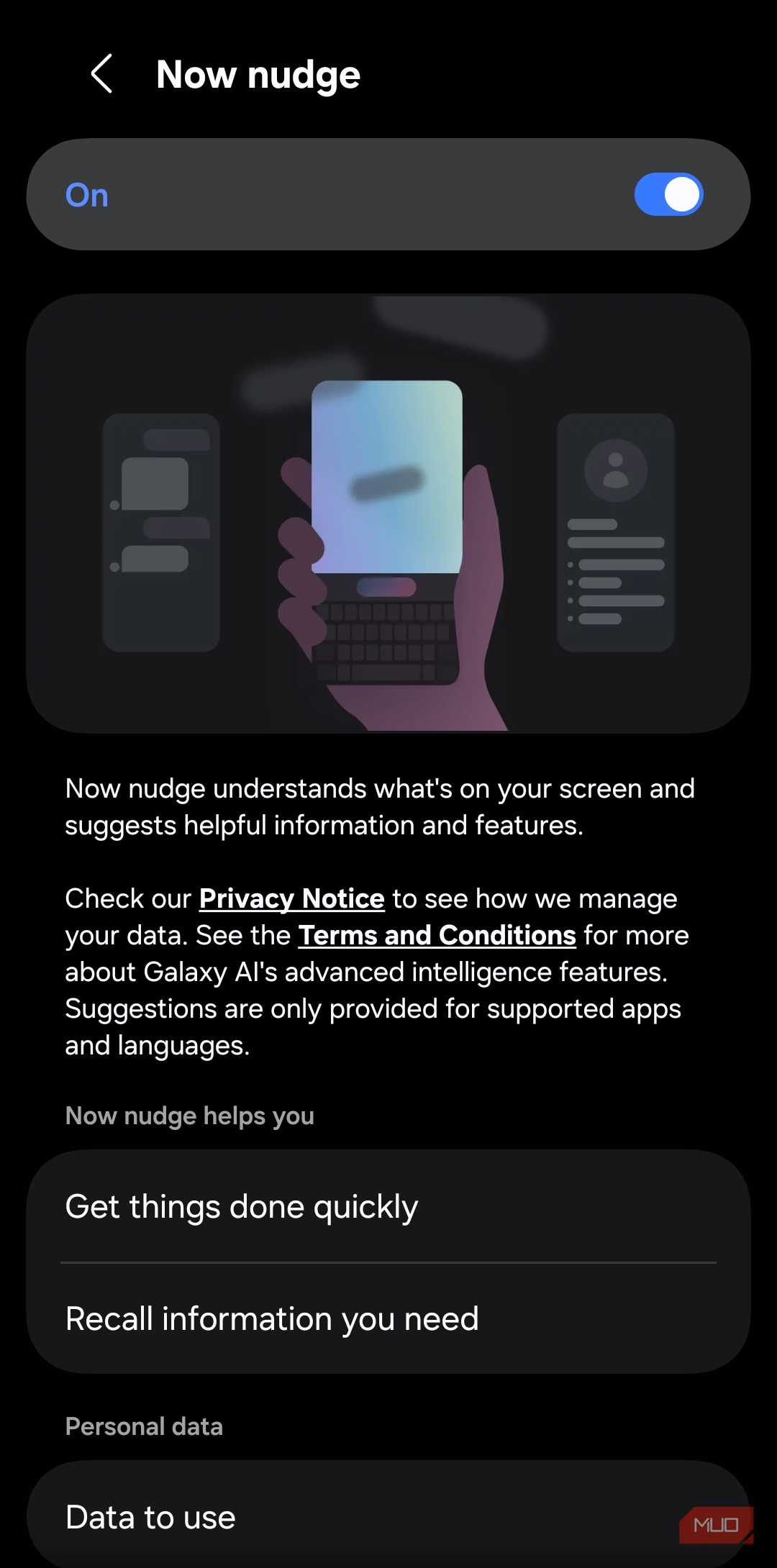
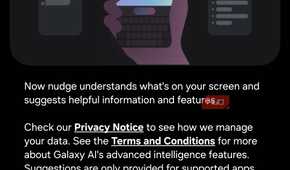
Now Nudge is exclusive to the Galaxy S26 series. It recognizes the context of what’s on your screen and suggests actions. For instance, if a friend asks for photos you took on your trip to Vietnam, Now Nudge will give you the option to share them directly from the Samsung Keyboard. It works similarly for sharing your personal information and adding events to the calendar.
Samsung Galaxy S26
- SoC
- Snapdragon 8 Elite Gen 5
- Display
- 6.3-inch Dynamic AMOLED 2x
- RAM
- 12 GB
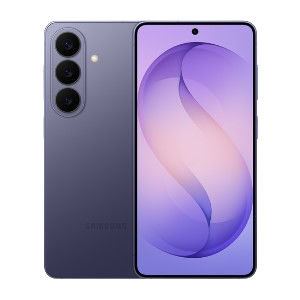
The Samsung Galaxy S26 features a 6.3-inch 120Hz display, a Snapdragon 8 Elite Gen 5 chip, and a 4,300 mAh battery. It includes a 50MP main camera with enhanced AI software, 256GB of base storage, and a slim 7.2mm profile, focusing on fast daily performance.
- Storage
- 256 or 512 GB
Interesting but not essential
The features you might try once and forget about


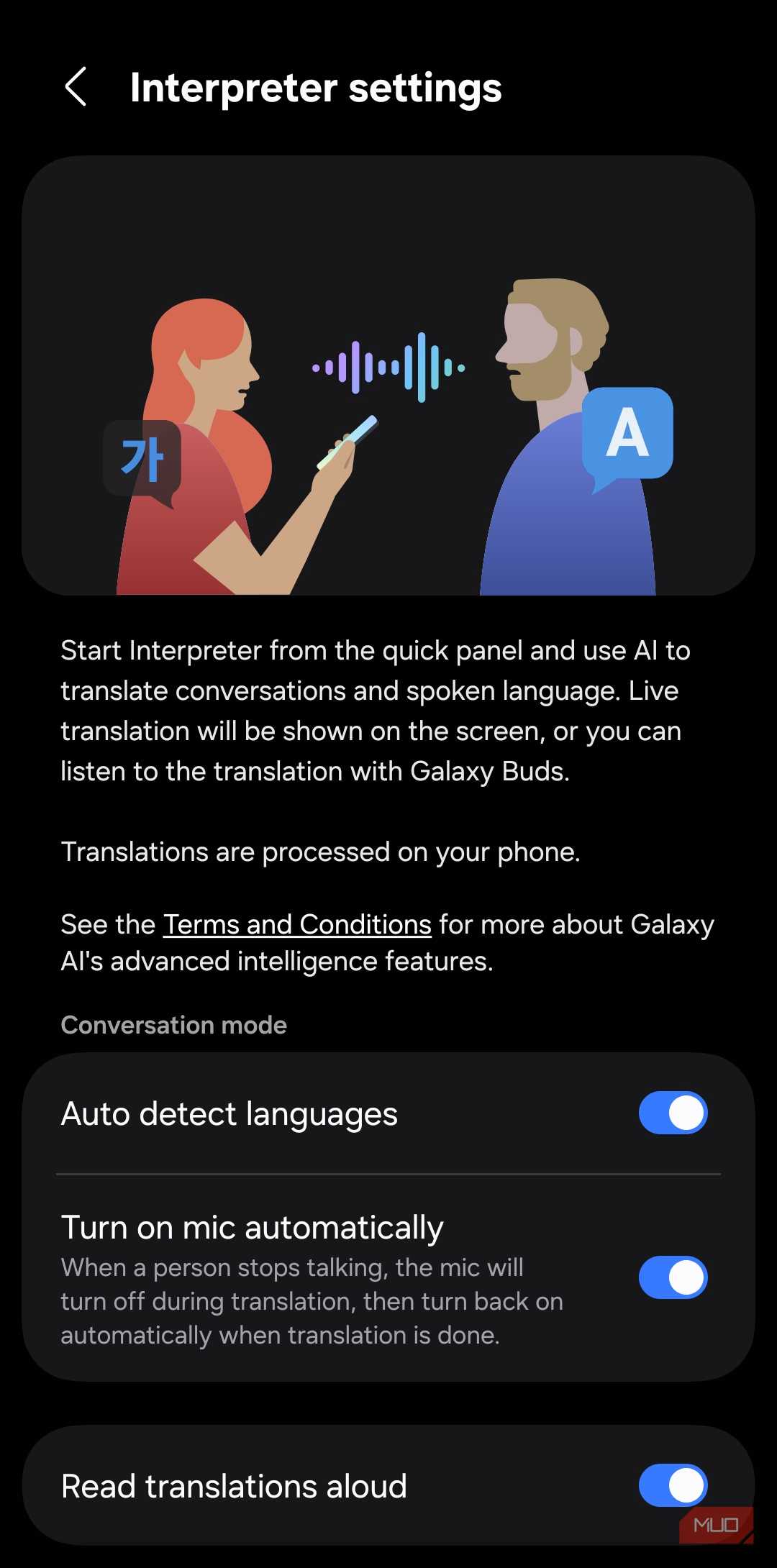
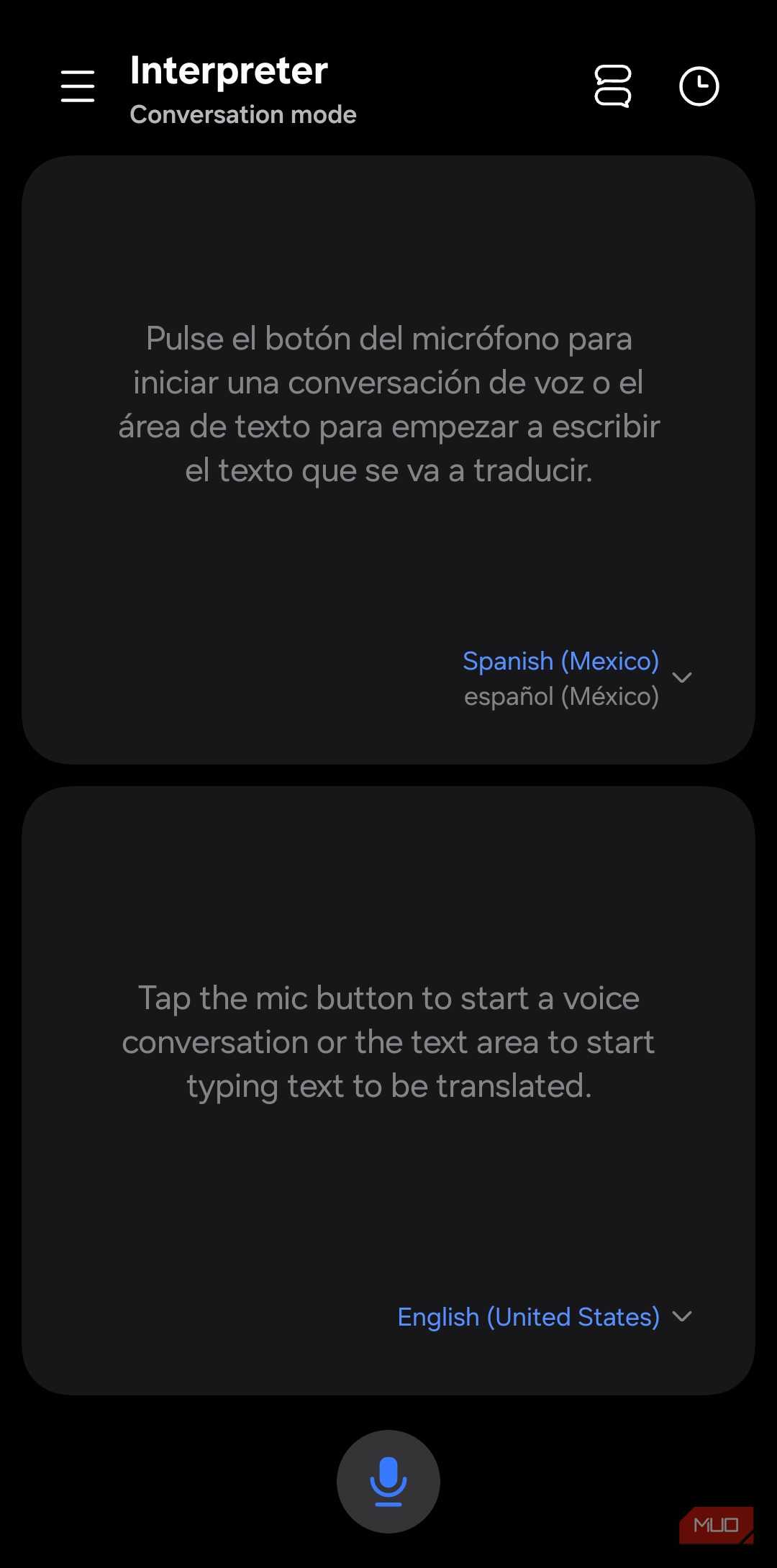
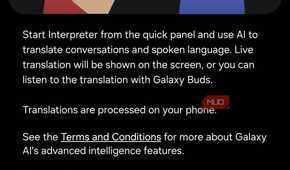
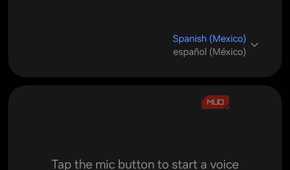
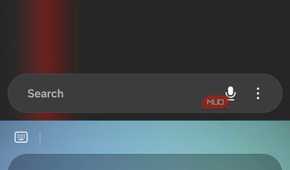
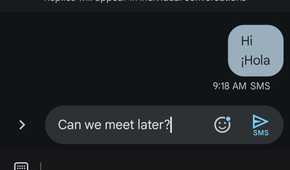

Now let’s talk about Galaxy AI features that aren’t necessarily bad, but are solving problems most people don’t care about. Interpreter turns your phone into a real-time translation device for in-person conversations. You speak, the other person speaks, and Galaxy AI translates both sides. Honestly, it feels like a glorified Google Translate. And unless you’re traveling to a foreign country where language can be a barrier, this isn’t something you’ll open often.
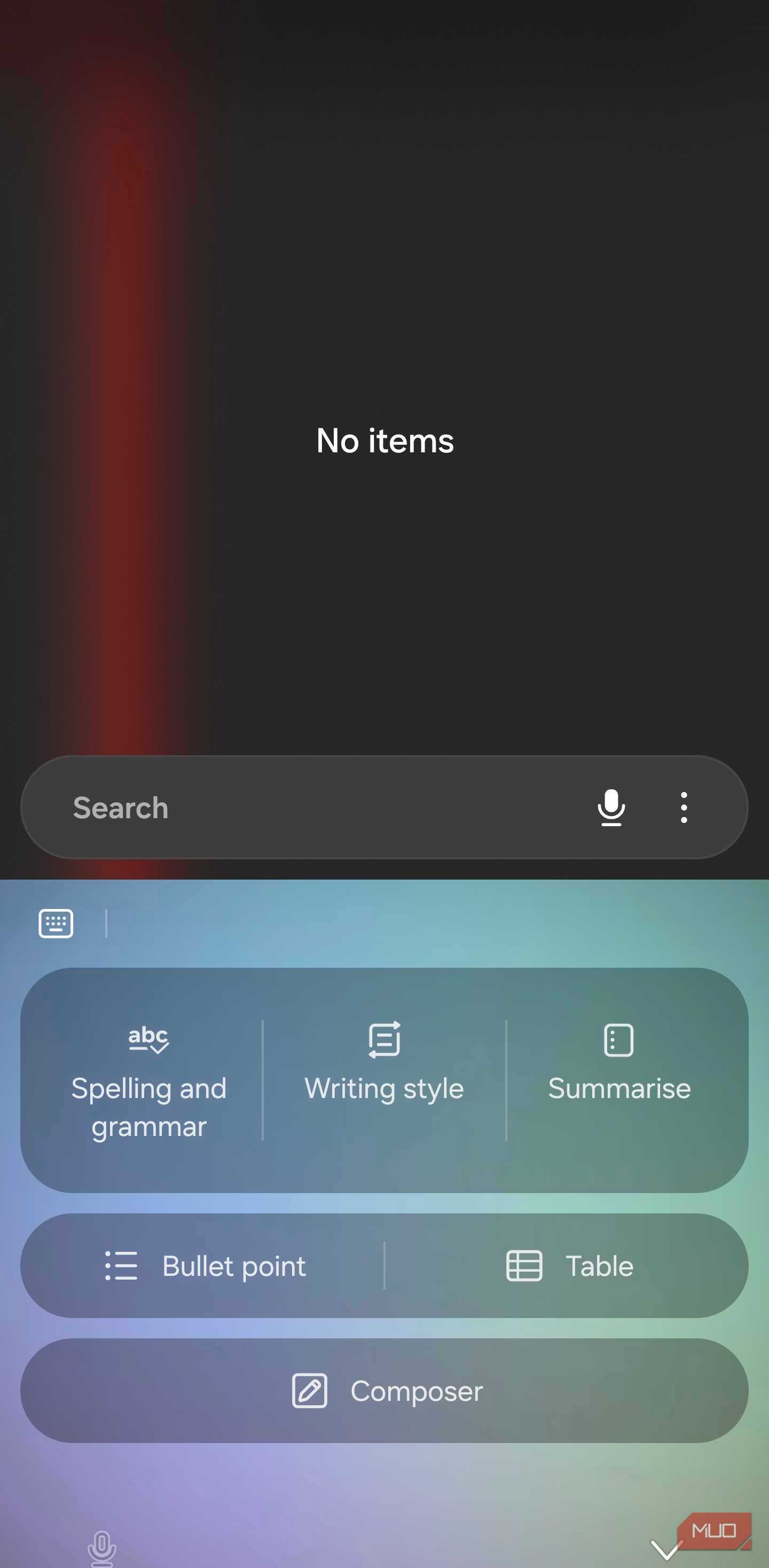
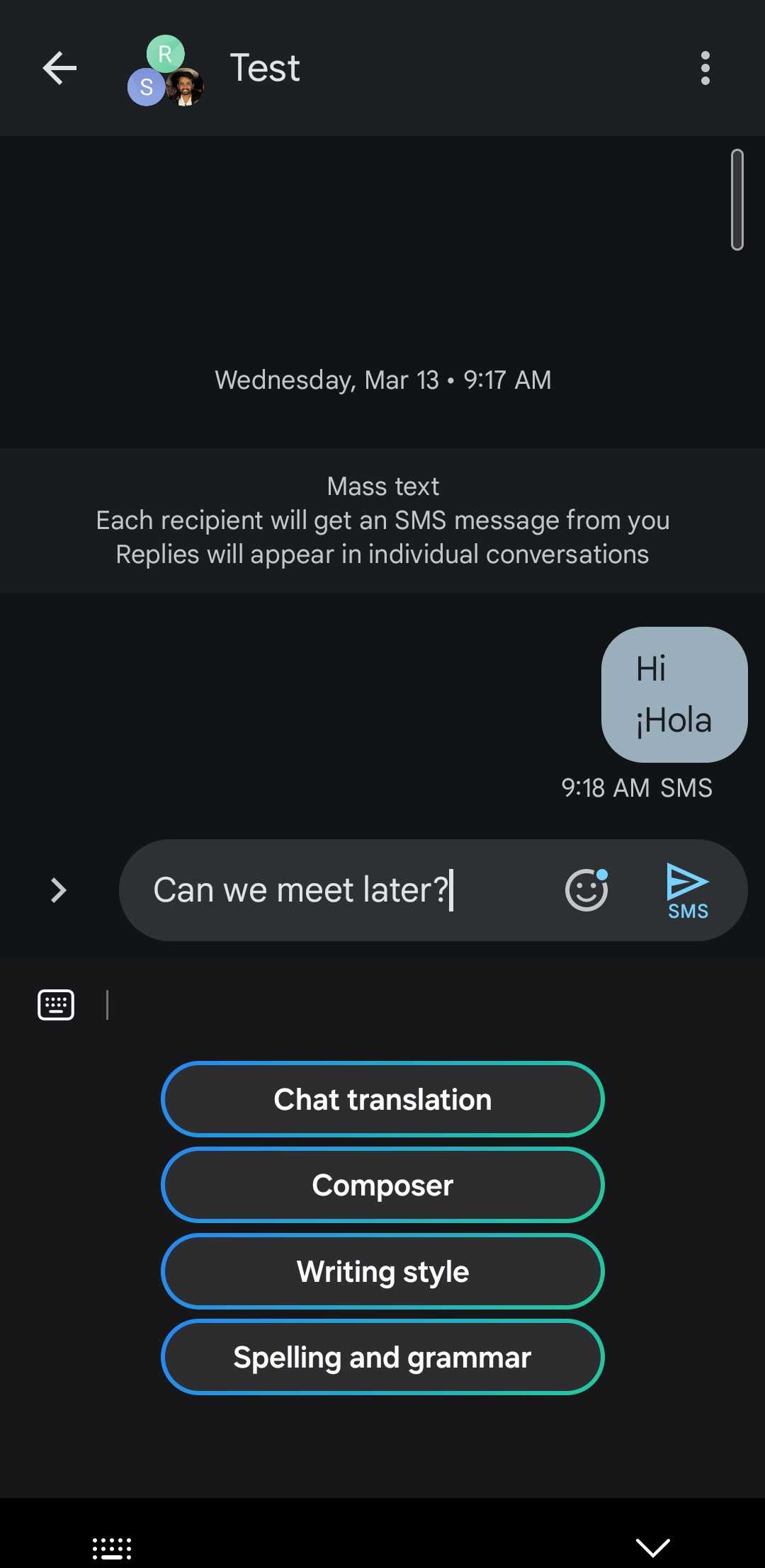
Writing Assist is Samsung’s AI writing tool that can fix your grammar, rewrite messages in different tones, and even compose them based on the context you provide. It works great, but the catch is you need to stick to the Samsung Keyboard to use them.
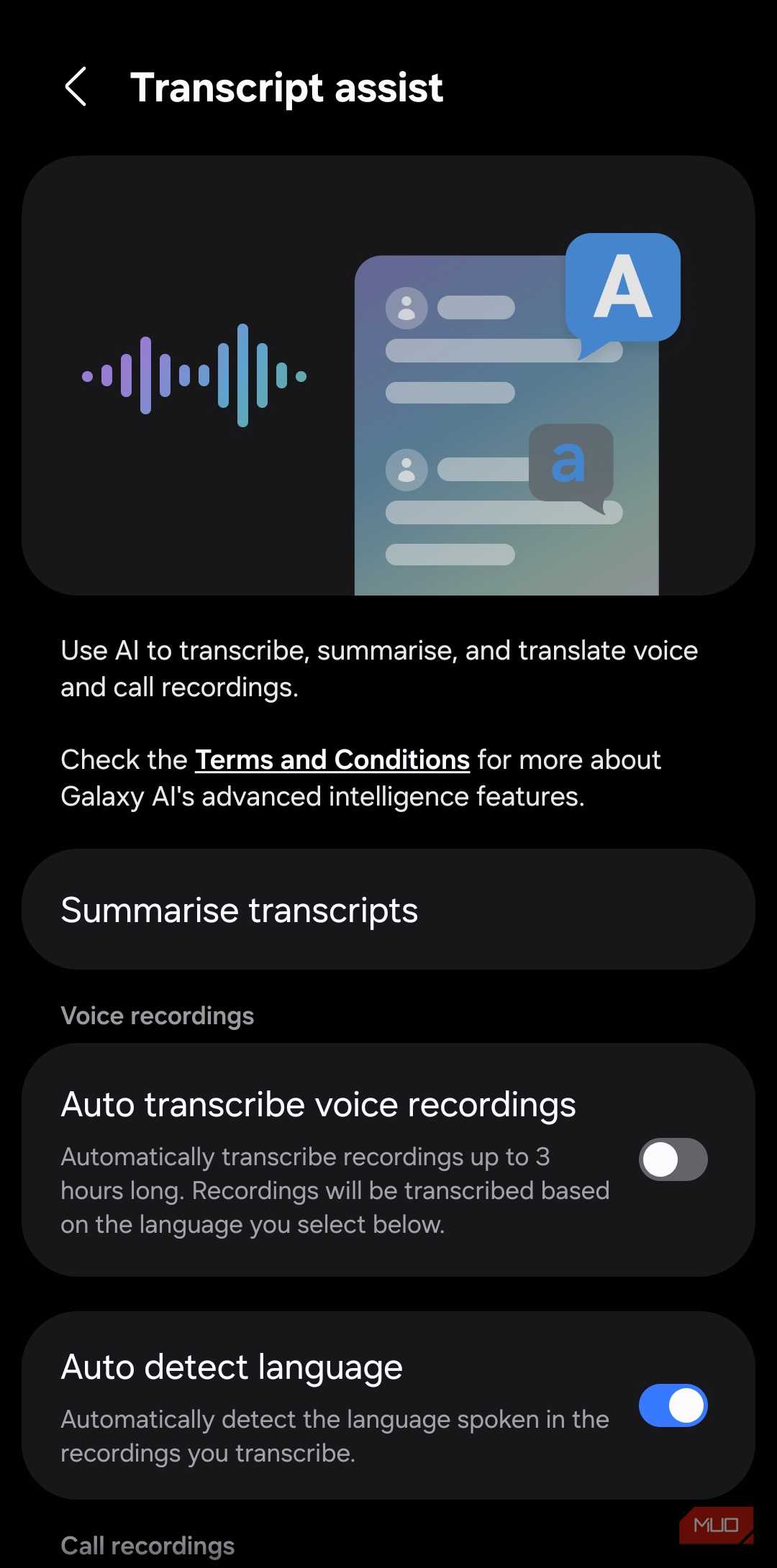
Transcript Assist is useful for anyone who regularly records voice memos and calls. Galaxy AI can transcribe, summarize and translate those recordings with a tap. It’s not something I need often, but I can see the value for anyone who records meetings or lectures.
Browsing Assist can summarize and translate web pages. It works as advertised, but the only reason I’ve put it in this section is because it’s exclusive to Samsung Internet. If you’re using any other browser, this feature simply doesn’t exist for you.
I wouldn’t bother with these
More novelty than necessary


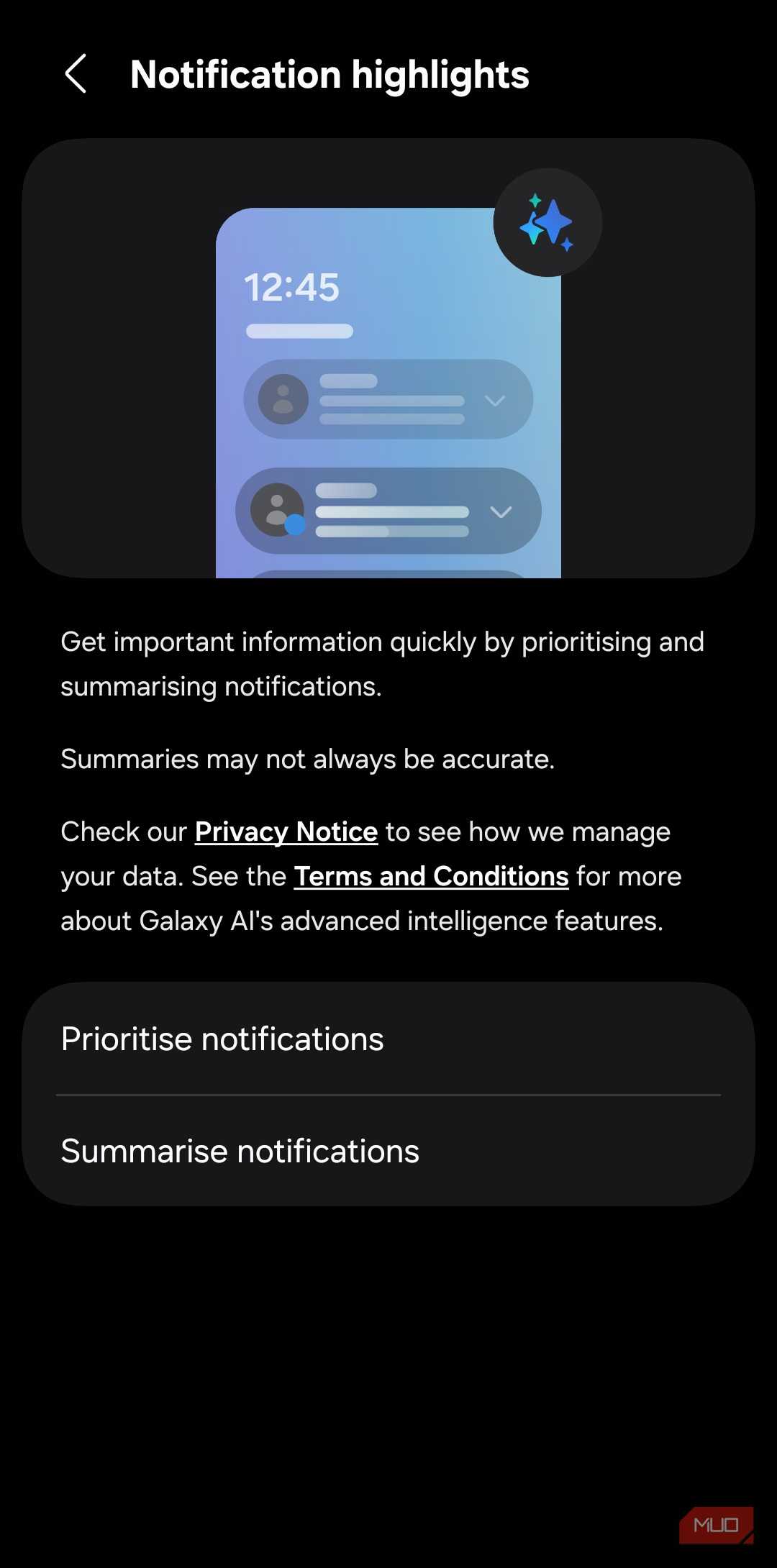


Finally, we have features that don't add much value at all. Notification Highlights is one of them. It uses AI to summarize your notifications received in the past 24 hours so you don’t have to read them individually. It can even prioritize important alerts so that they appear on top. Everything is processed on your phone, so you don’t have to worry much about privacy. Still, it’s not something that screams productivity.
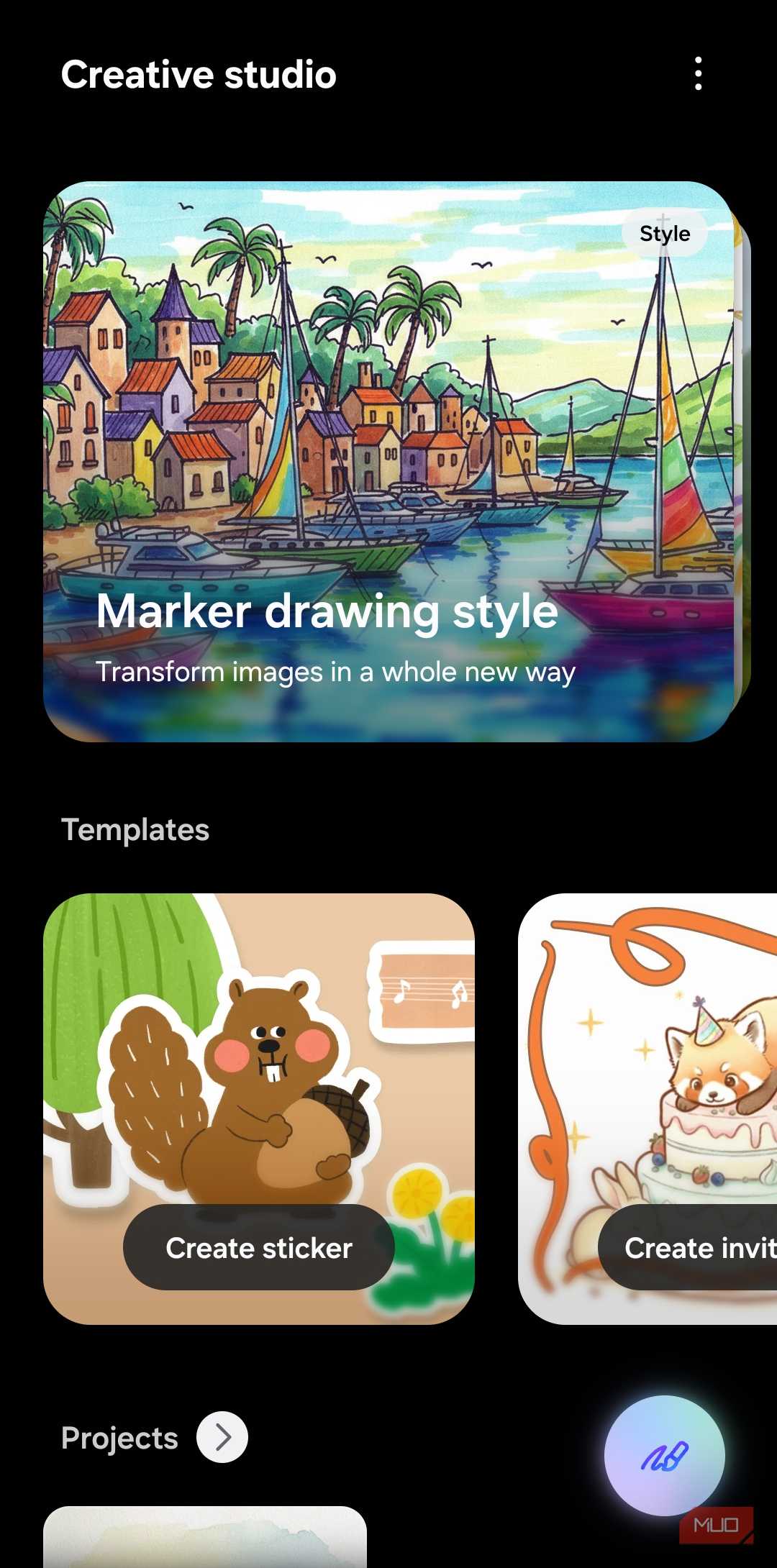
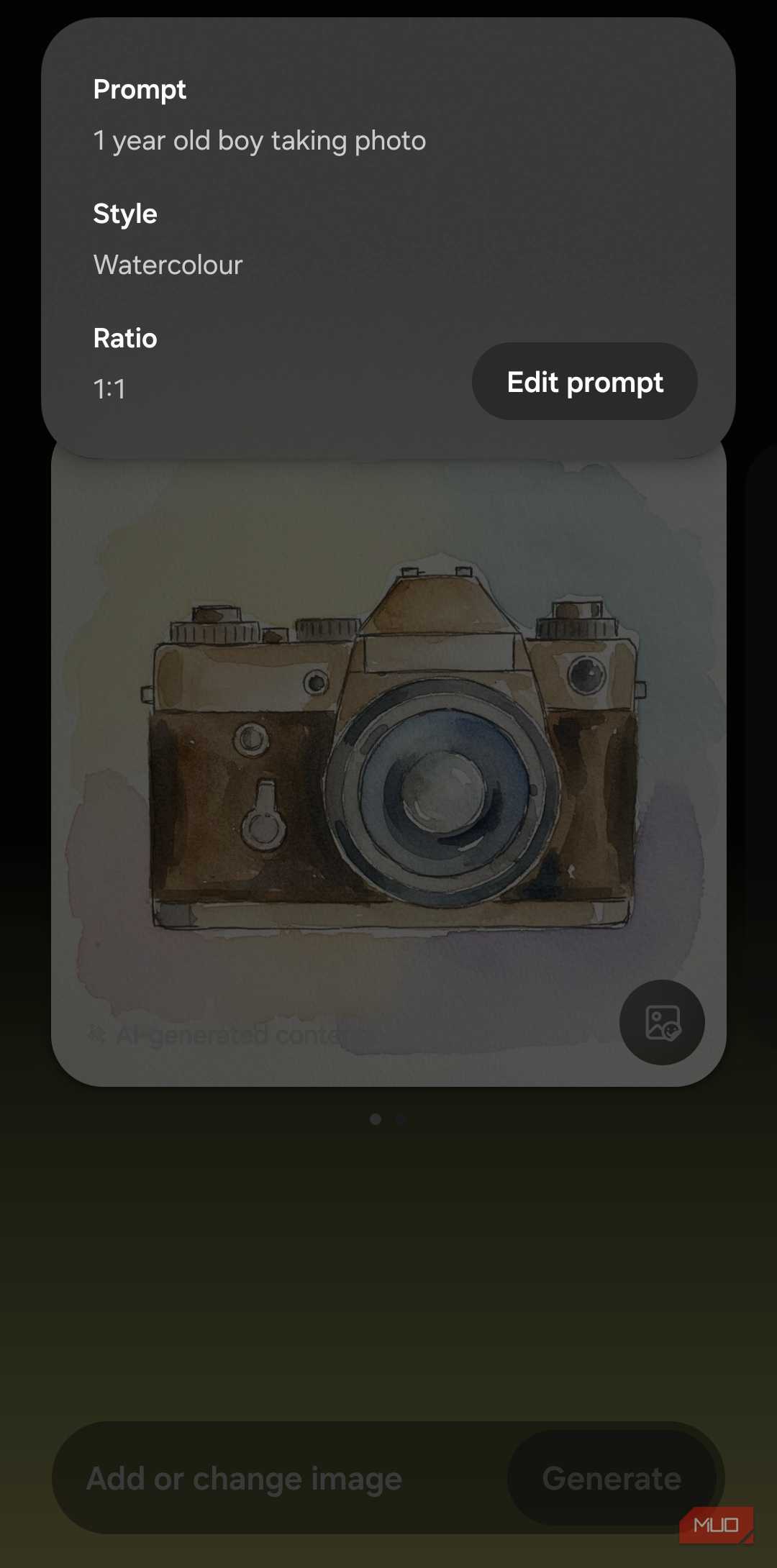
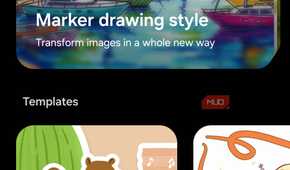
Creative Studio is Samsung’s AI image generation tool that lets you generate images, stickers, greeting cards, and wallpapers with a text prompt. It’s fun for ten minutes, and then the novelty wears off fast. Most importantly, the generation quality doesn’t help its case either.
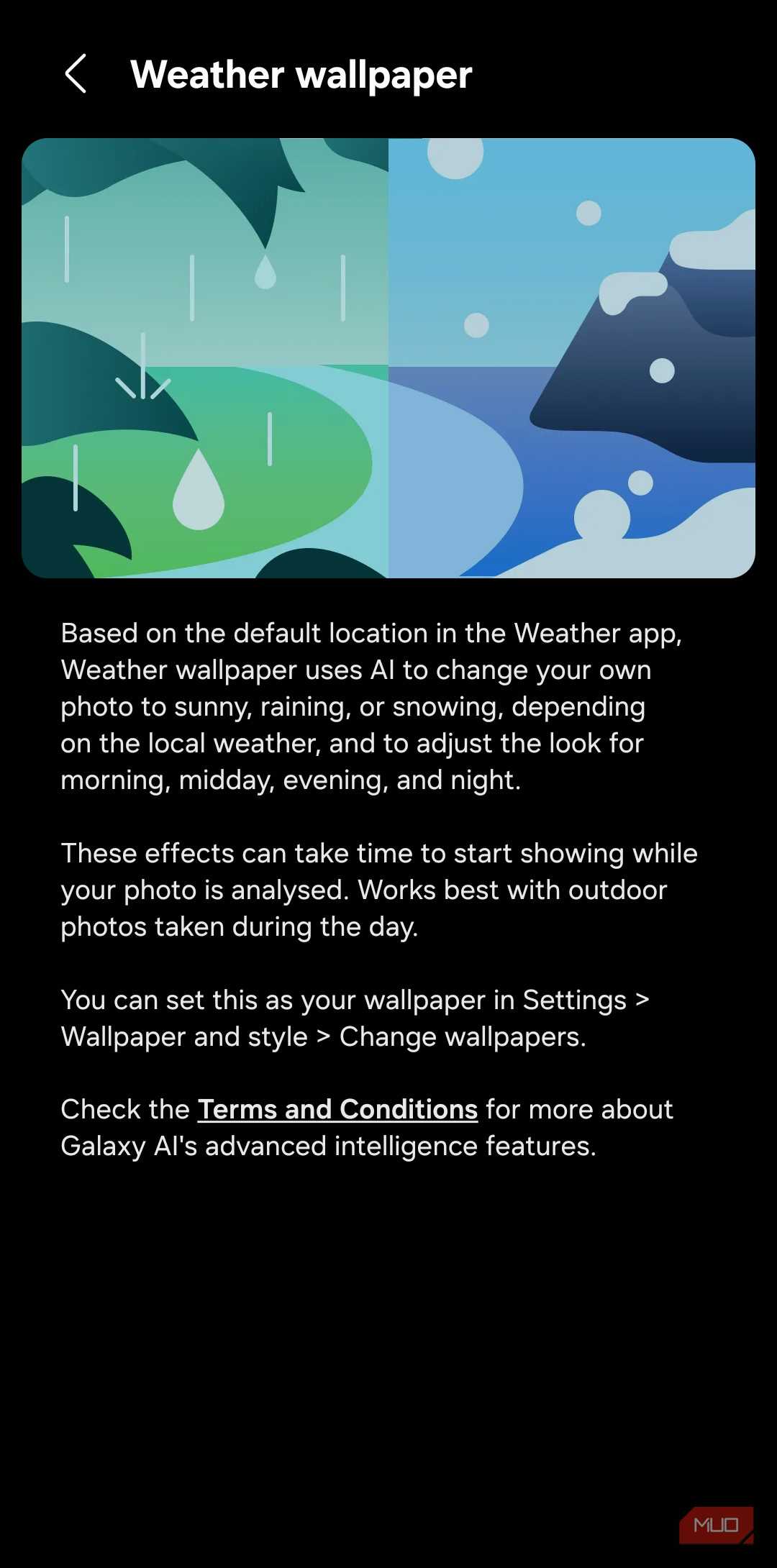
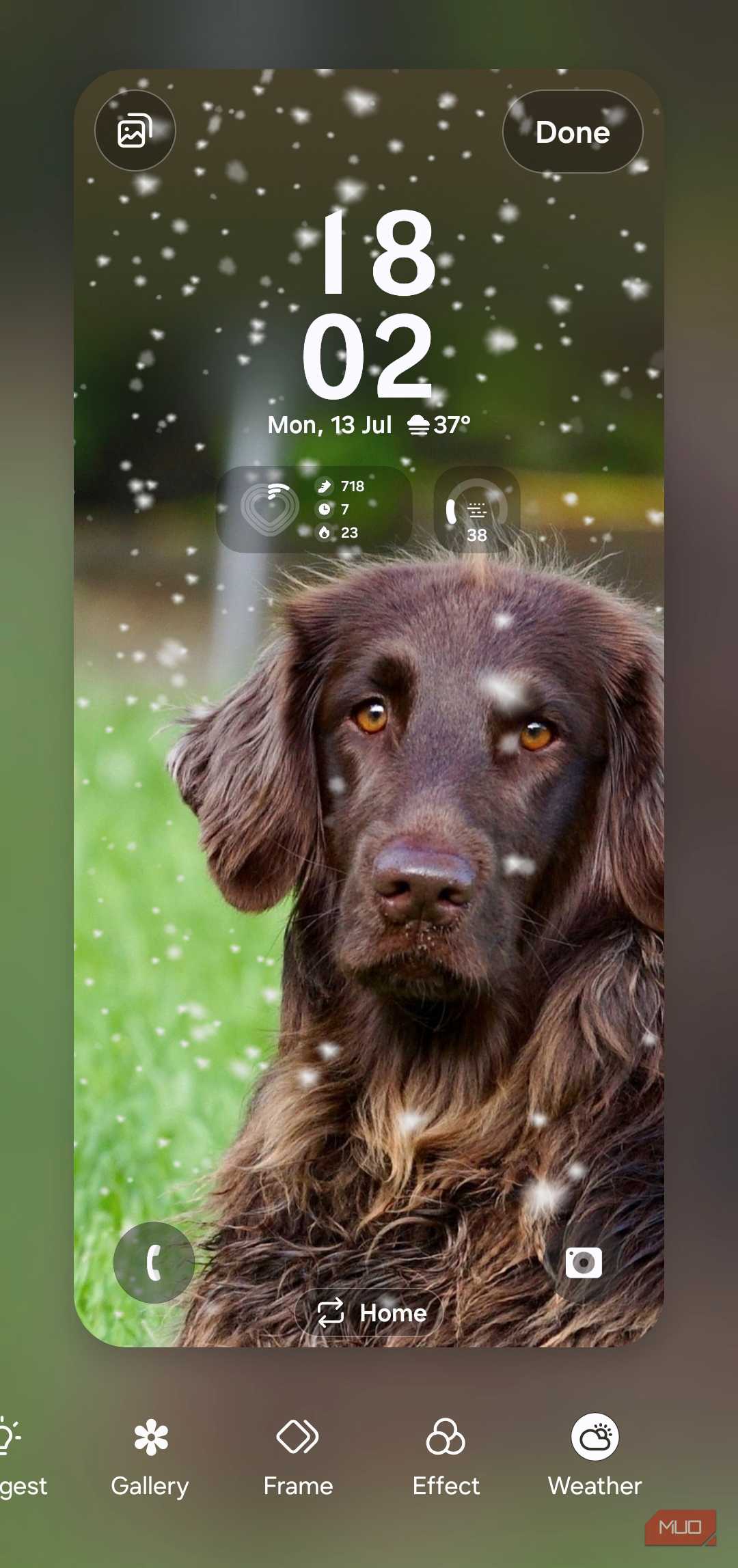
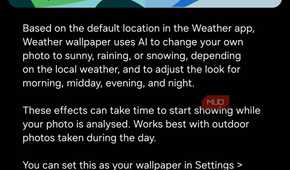
Weather wallpaper might be the most gimmicky Galaxy AI feature of the lot. It pulls your location data from the Weather app to apply sunny, rain, and snow effects to your wallpaper. Even if you’re into that kind of thing, the end result isn’t something that’ll make you go “wow.”