


I've spent this week bouncing between Android browsers, and I keep landing on the same conclusion: stock Firefox no longer gets the automatic benefit of the doubt from me that it once did. Mozilla’s clumsy 2025 rollout of Firefox’s first Terms of Use, in which vague licensing language led critics to worry that Mozilla was claiming broad rights over anything users typed into the browser, did not exactly strengthen my confidence in the browser’s direction. Mozilla later clarified the wording and stressed that it was not claiming ownership of user data, but the episode still made me look more closely at the gap between calling a browser privacy-respecting and building it around that principle.
In my search for a true "privacy-respecting" browser, I came across IronFox, a hardened Firefox fork for Android. It looked immediately familiar, but its first-run setup made clear that familiar did not mean equally accommodating.
Firefox, but with manners replaced by defaults
It looks like Firefox until the security questions begin



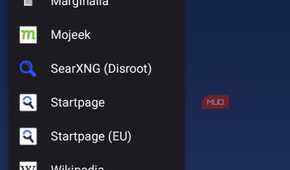
IronFox runs on the same Gecko engine as Firefox and looks close enough to the source material that muscle memory carries over instantly. It's a fork of the discontinued Mull browser from Divested Computing Group, itself a hardened Firefox derivative. What's different isn't the shape of the browser but how combative the defaults get.
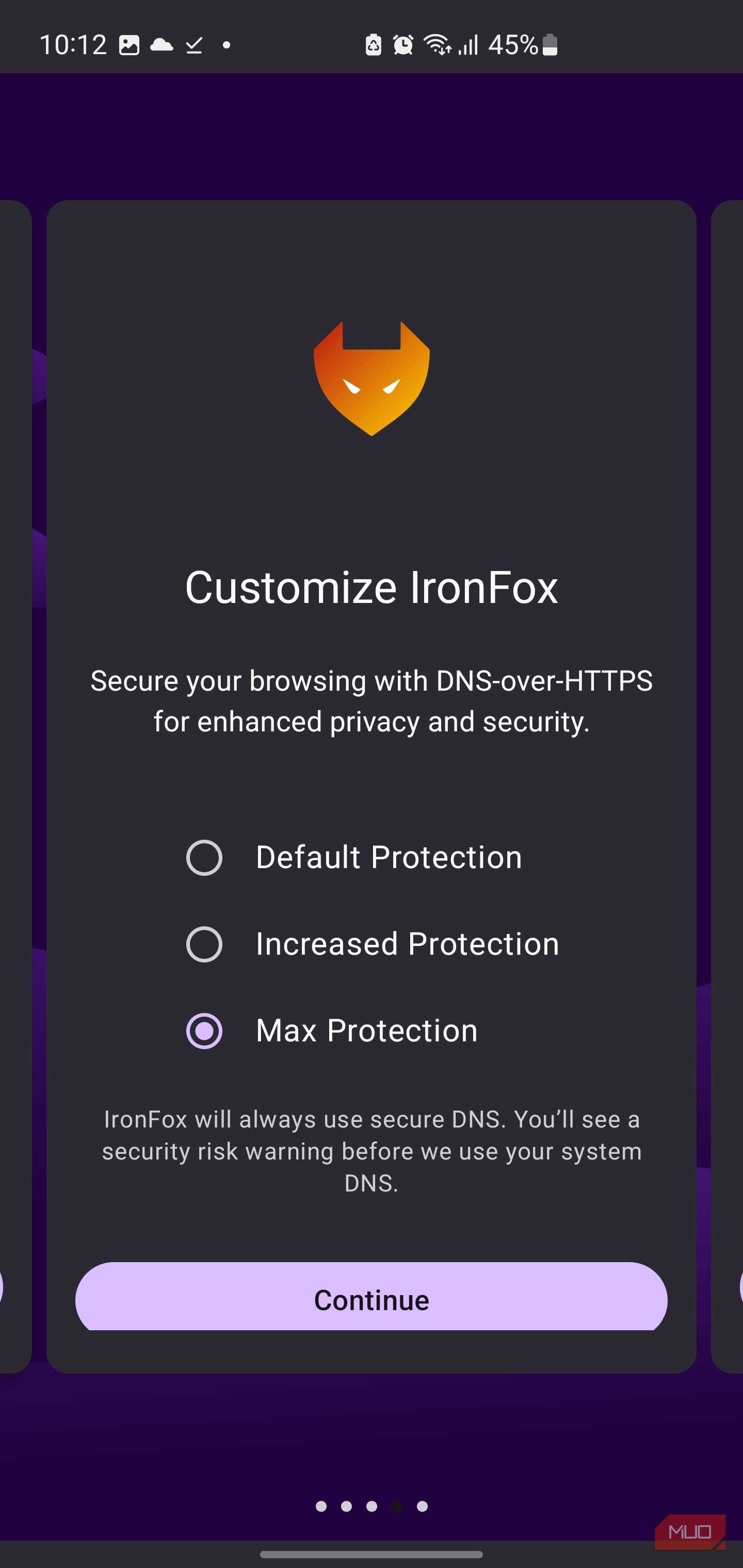
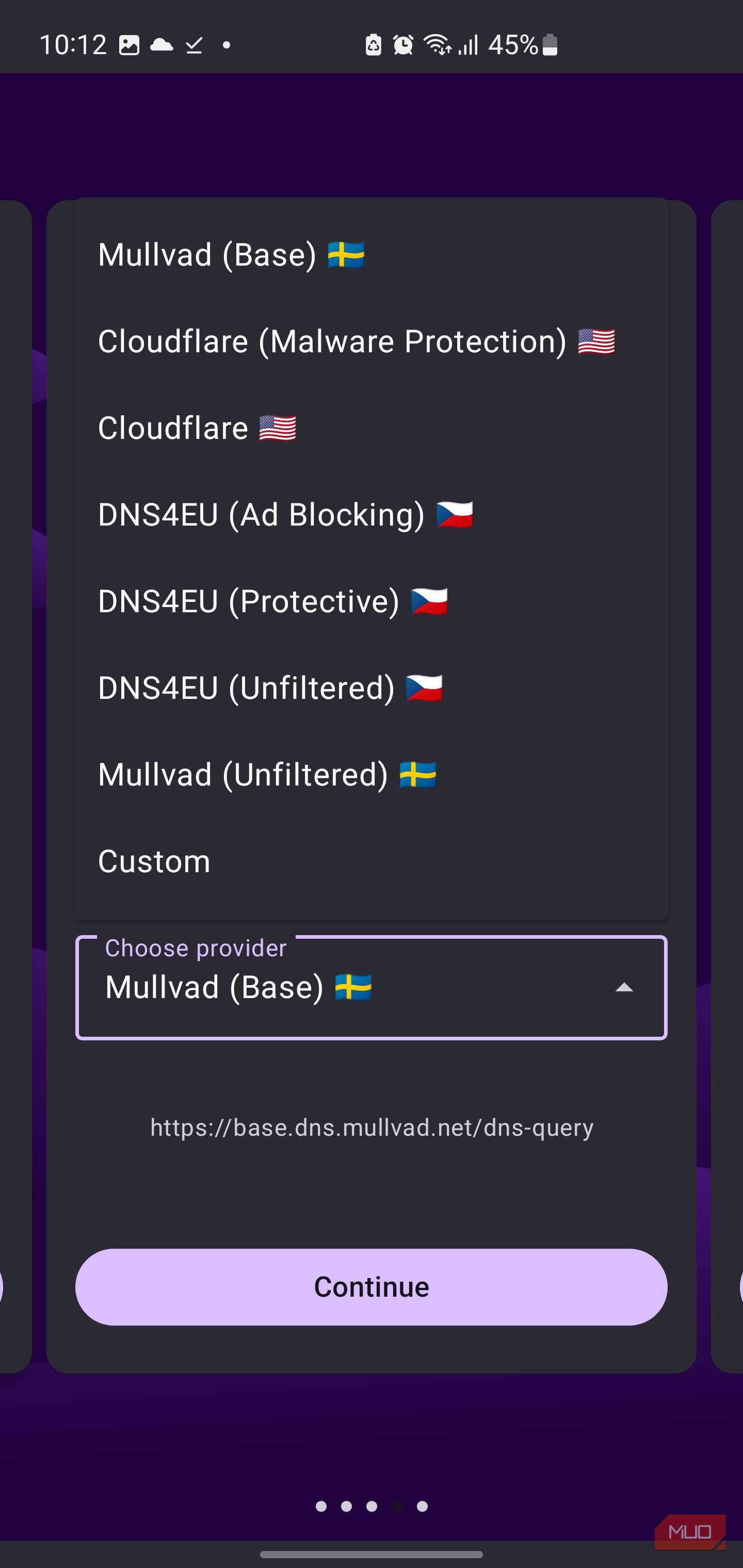
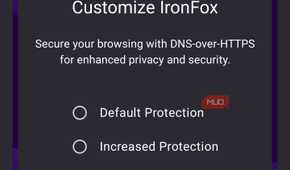
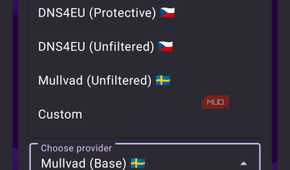
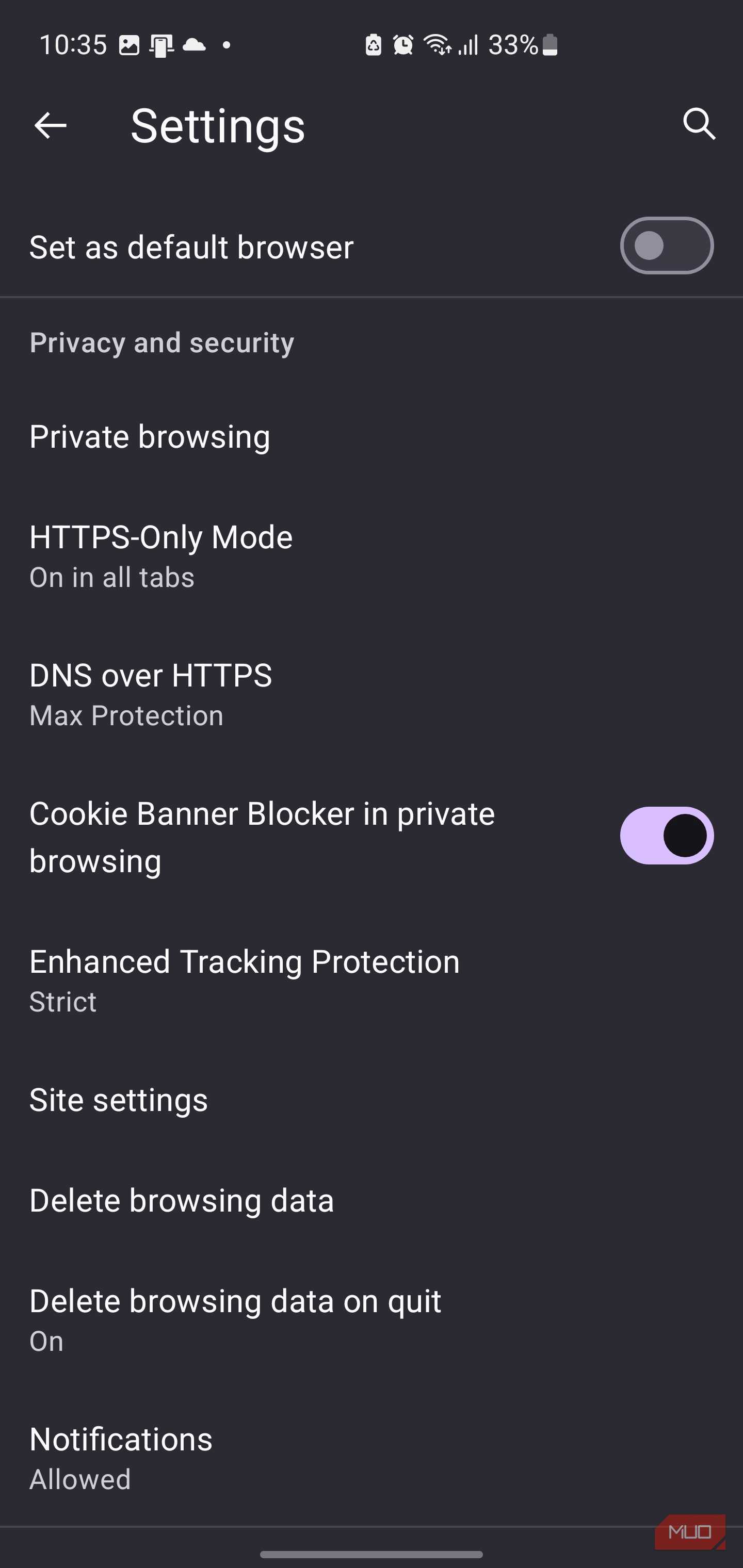
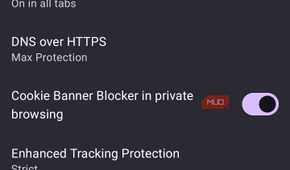
Most Android browsers ask you to pick a theme during setup and move on. IronFox's first-run flow asks you to pick a DNS-over-HTTPS provider. I went with Max Protection and Mullvad's base resolver, though the dropdown list also includes Cloudflare, three DNS4EU variants hosted in the EU, and a custom field for running your own resolver.
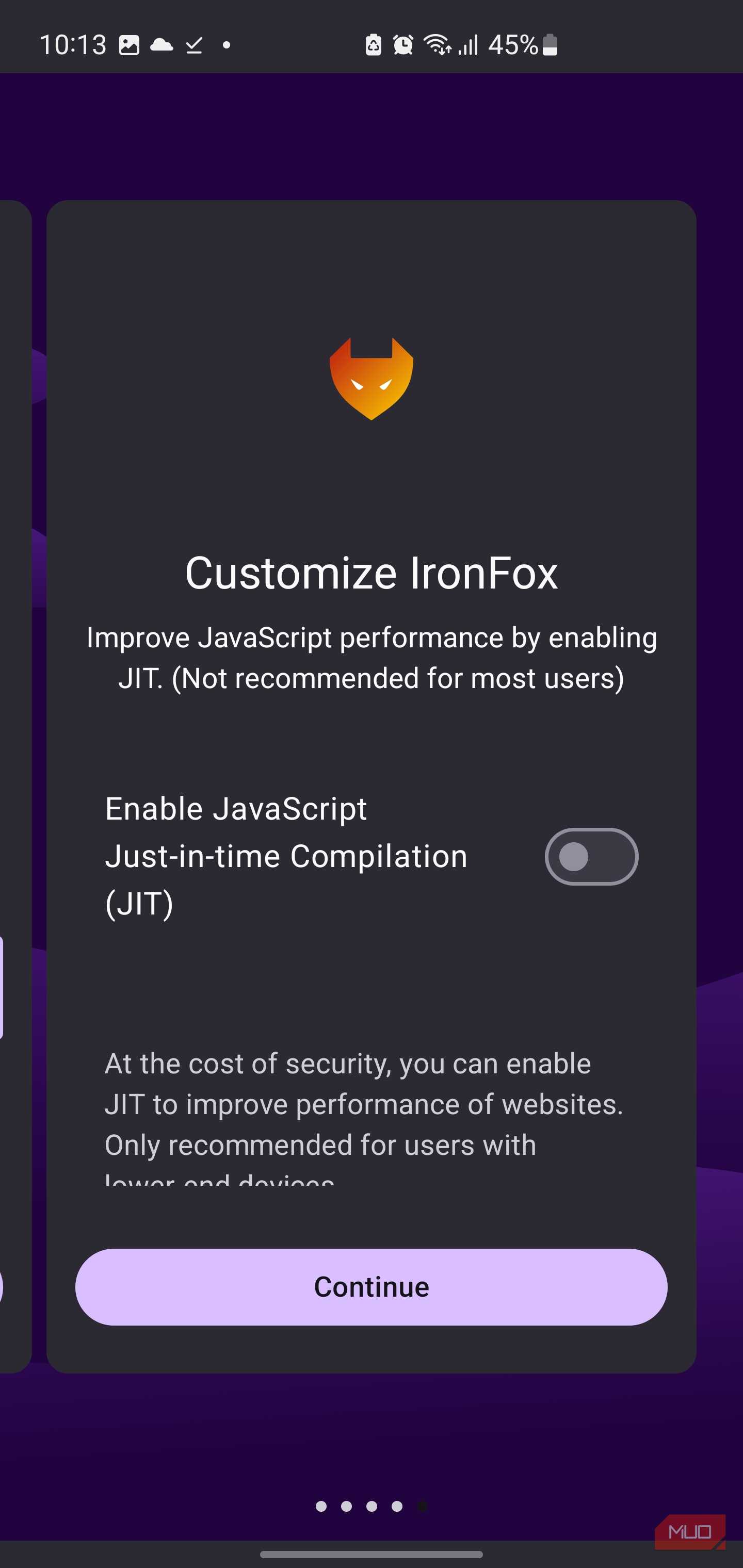
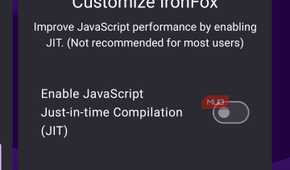
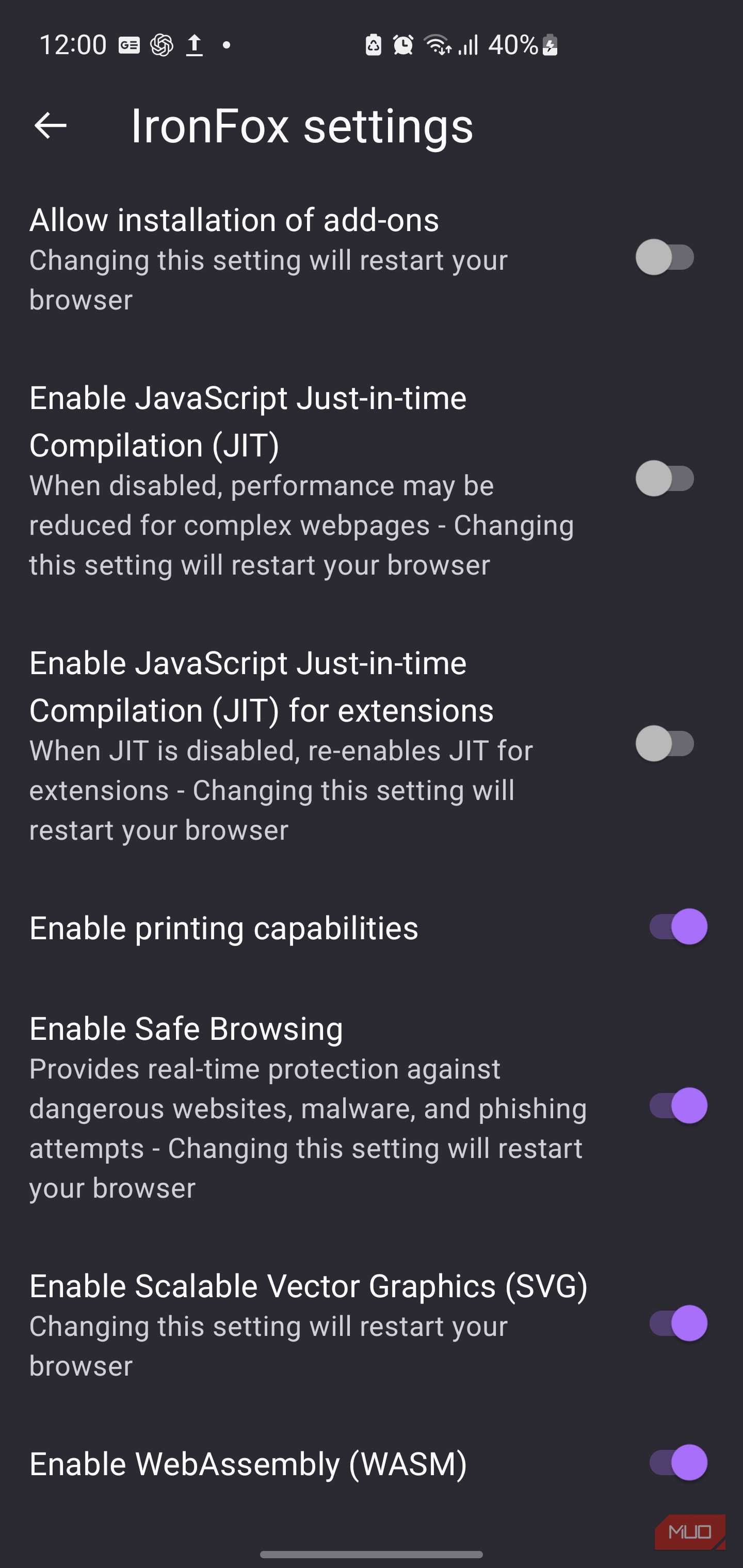
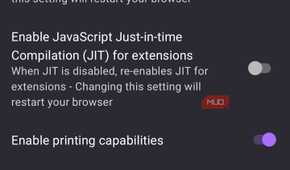
Then it asked whether I wanted JIT compilation enabled, and I said no. Disabling the JavaScript JIT removes a large and historically fruitful browser attack surface, although the trade-off is slower performance on JavaScript-heavy websites and in the built-in PDF viewer. Ordinary pages remained perfectly usable during my testing, but complex web apps can incur a much larger performance penalty than an extra second of loading time.
The rest of the setup keeps that energy. Safe Browsing is enabled by default, and IronFox is upfront that its threat intelligence comes from Google, while routing requests through a proxy to reduce the privacy cost. Language spoofing to en-US is also enabled, which helps flatten one more fingerprinting signal.
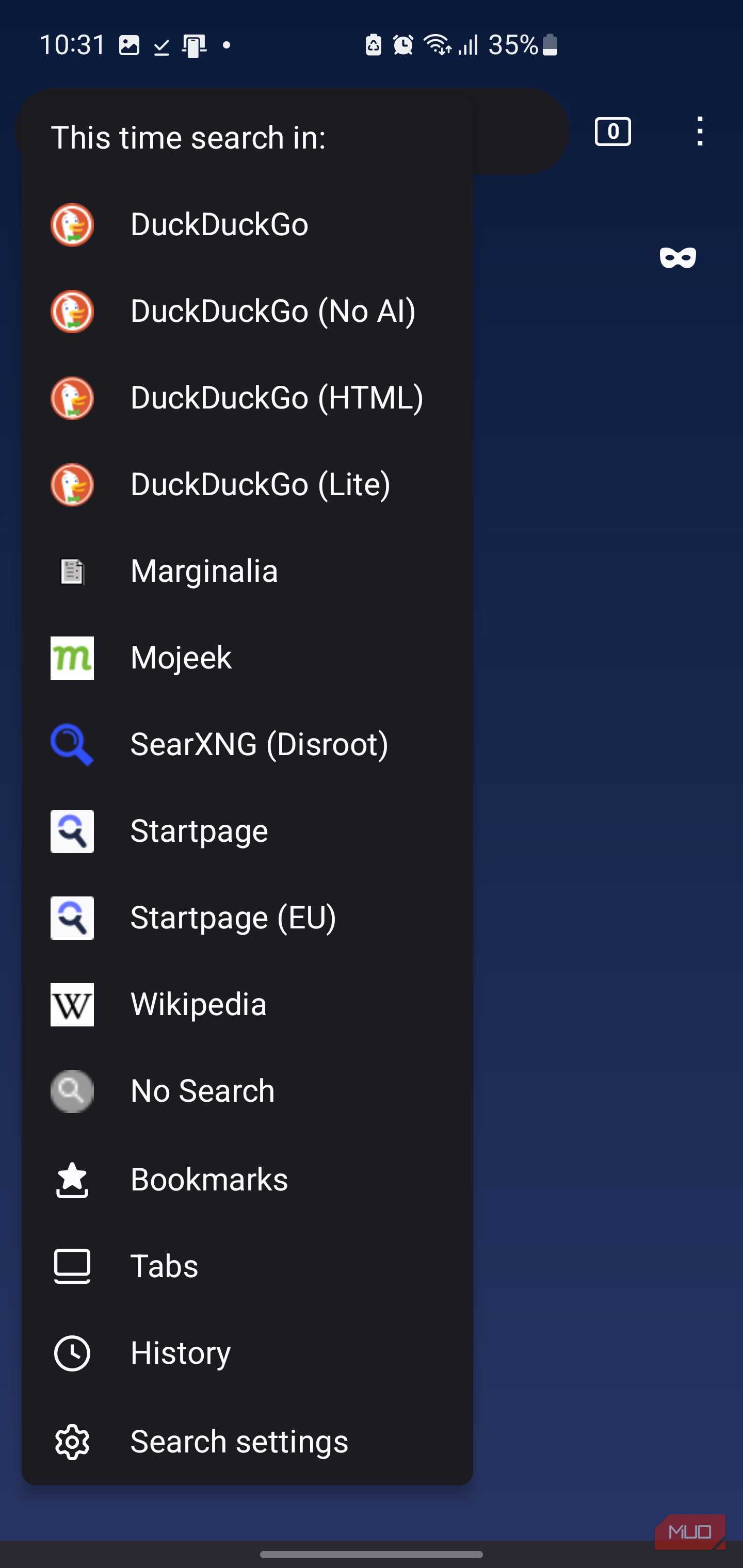
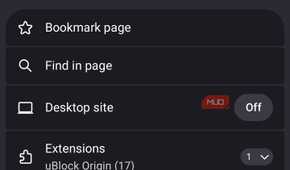
Next, IronFox prompts you to install uBlock Origin. After that, you land on a private tab that gives you a stripped-down start page with a mask icon, a DuckDuckGo search bar, and one-tap search options for private search engines like Startpage, Mojeek, SearXNG, and Wikipedia.
Despite all that hardening, the browser still feels so much like Firefox. The tab switcher, address bar, menus, Firefox Sync option, private browsing mode, extensions section, and general navigation all behave close enough to Firefox that the learning curve is more about the privacy defaults than the interface.
Where the hardening pays off, and where it bites back
The browser throws elbows in every direction, including yours


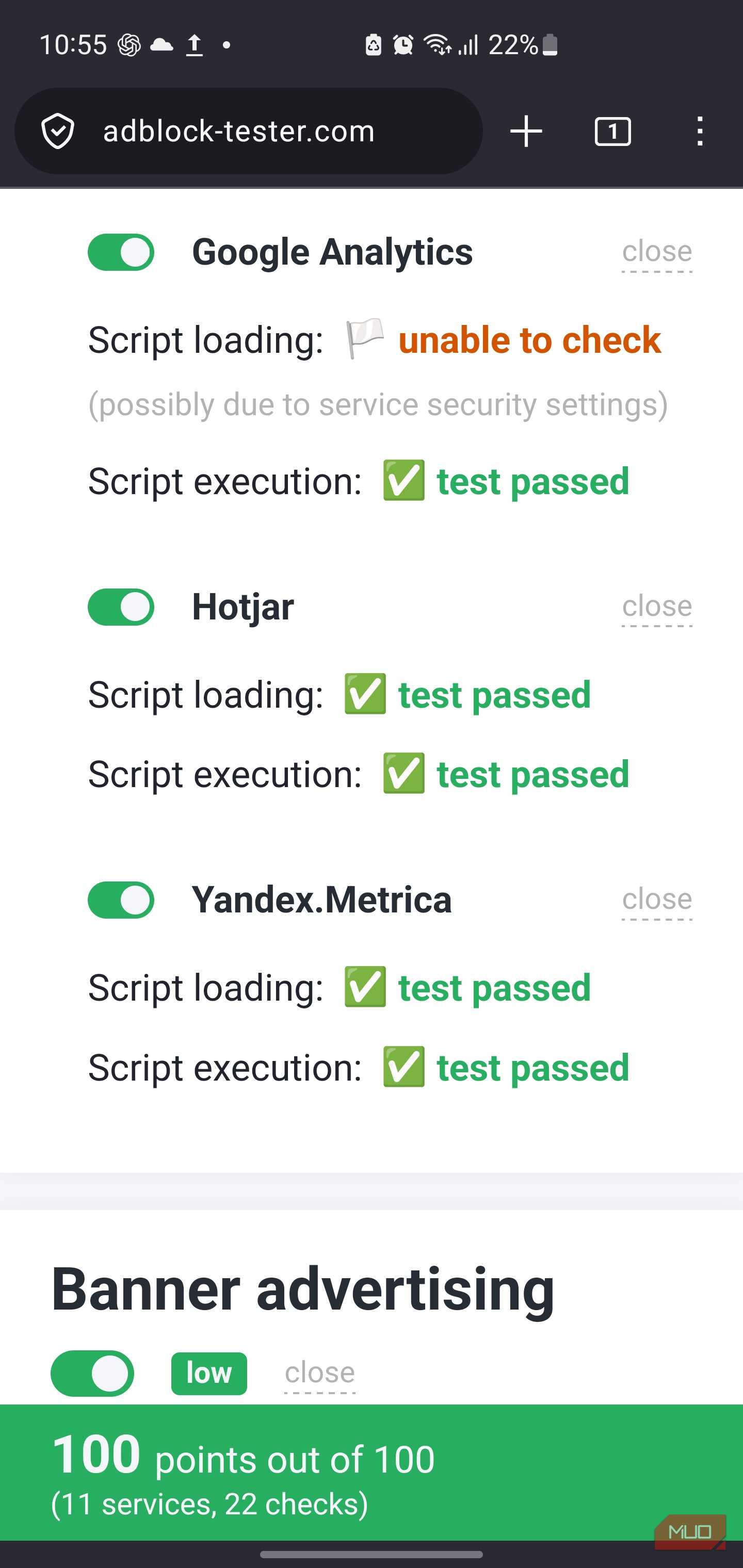
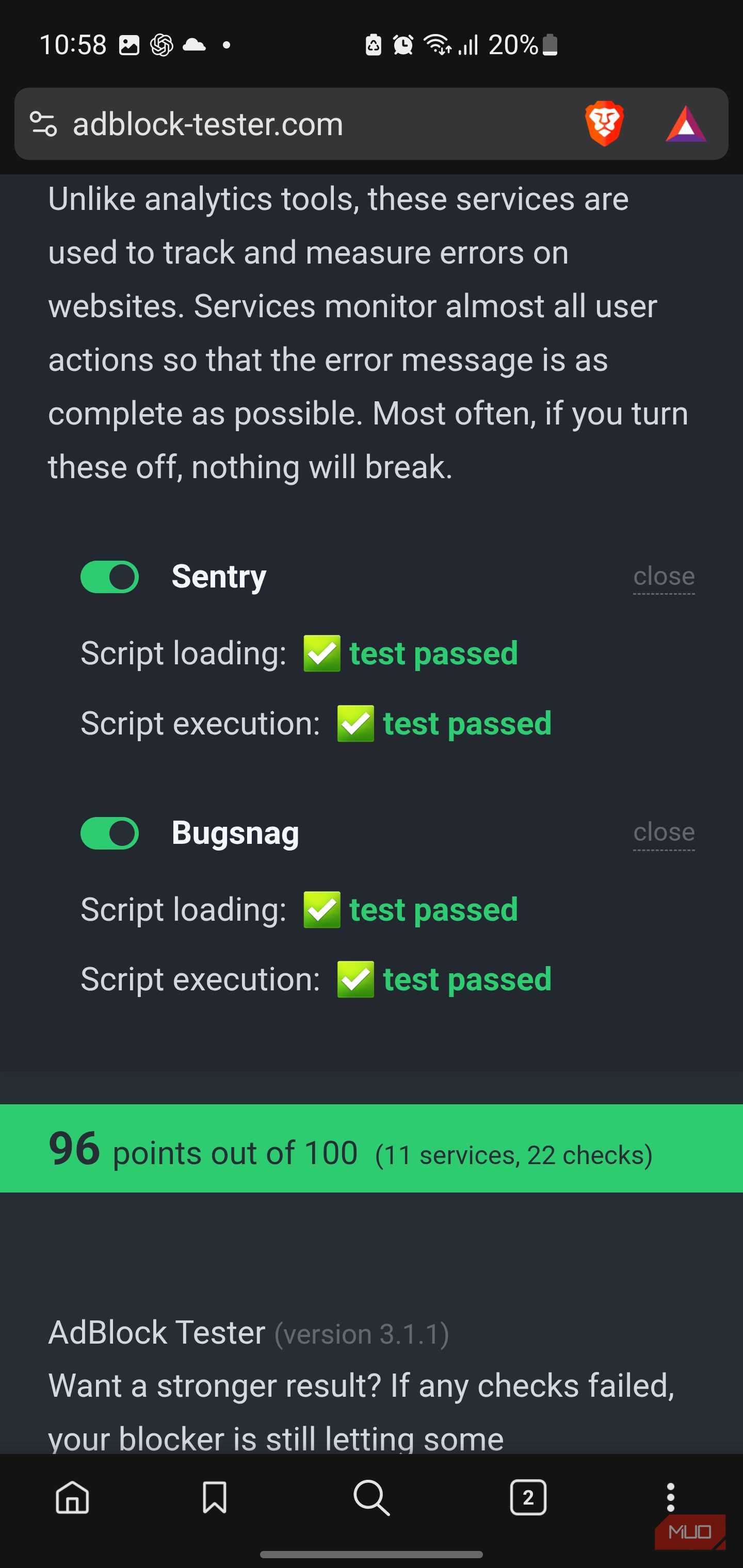

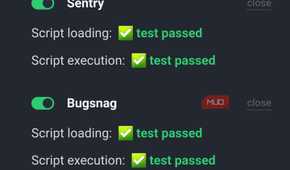
I ran adblock-tester.com in both IronFox and Brave to see whether the default protections were actually pulling their weight. IronFox scored a clean 100 out of 100 across all 11 tracking and analytics services in the test, while Brave, which features built-in privacy shields, scored 96.
I would not treat that as a lab-grade result. Ad-blocking tests can be narrow, stale, or built around patterns blockers already know how to defeat. A four-point difference also says very little about how either browser handles the wider web. Still, the result matched what I saw while browsing tracker-heavy pages, where IronFox regularly removed advertising frames, consent clutter, and scripts before they could become annoying.
That was the pleasant side of the sharper defaults. The less pleasant side appeared whenever a site expected conveniences that IronFox had deliberately taken away. A browser that disables features by default will occasionally make you notice what is missing. IronFox turns off its built-in password manager, form autofill, the installation of additional add-ons after setup, and JavaScript JIT by default. It also exposes controls for more aggressive restrictions, including JavaScript, SVG, WebAssembly, WebGL, WebRTC, and IPv6.
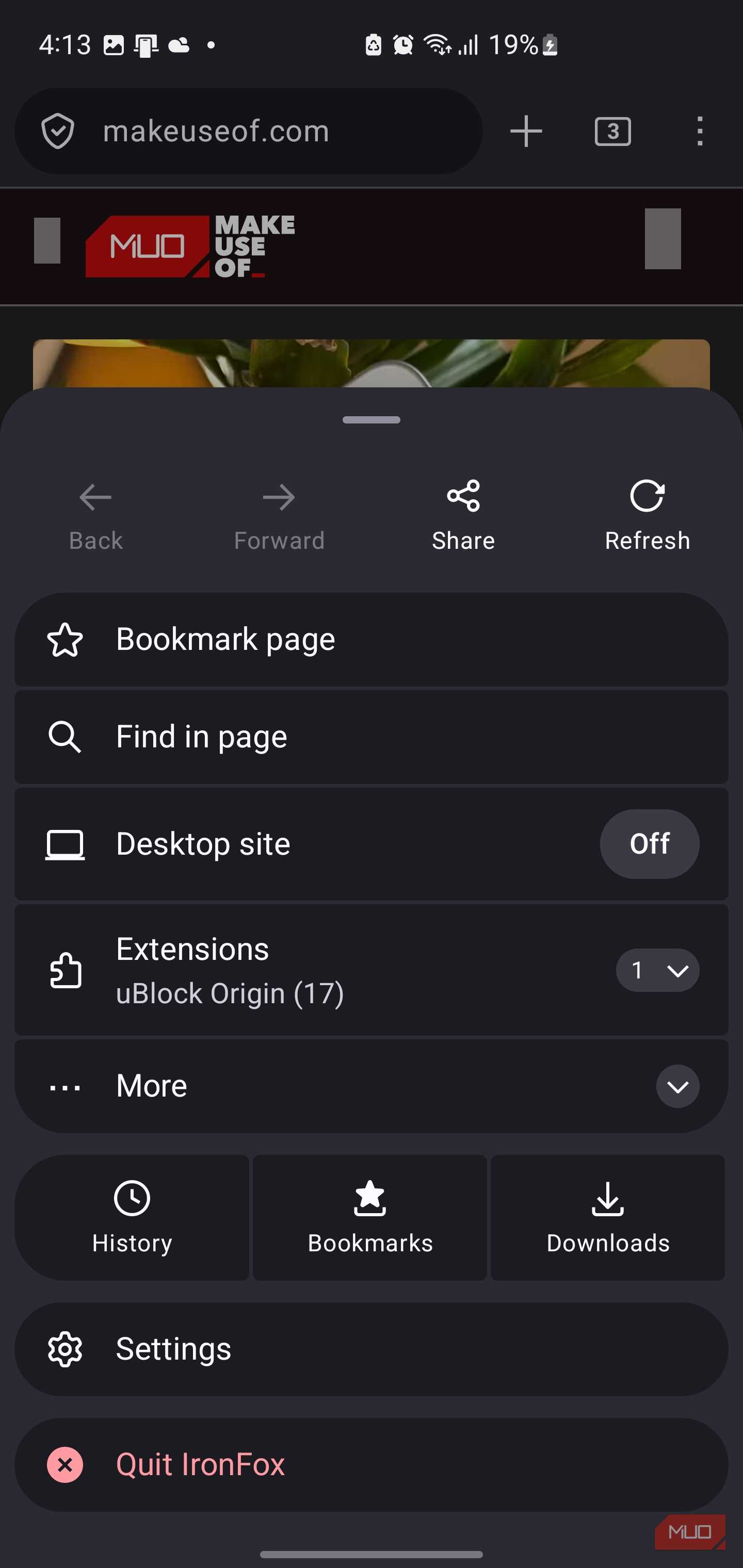
That does not mean extensions are unavailable. The onboarding process can install uBlock Origin, and the restriction can be changed later, but IronFox does not leave arbitrary extension installation open without asking.
That level of control is useful, but it also means some sites may behave oddly. The disabled JIT was not very noticeable on ordinary articles and search pages, but heavier web interfaces were less responsive. Browser-based tools with dynamic menus, live elements, and busier interfaces took longer to settle than they did in regular Firefox. That was enough to remind me that security switches affect real code, not just abstract benchmark numbers.
A web app that expects WebRTC, a JavaScript-heavy site that benefits from JIT performance, or a page that clashes with stricter fingerprinting protections may need manual adjustment. IronFox includes override options to reduce breakage, but it is still intentionally less forgiving than regular Firefox.
Even installing IronFox comes with opinions
Apparently, downloading a browser also requires a threat model

IronFox is direct about installation. Its own site recommends Accrescent as the most secure route, ahead of the Play Store and even F-Droid’s standard client. Accrescent is a small, free, open-source Android app store with a strong following among GrapheneOS users. It focuses on distributing applications built and signed by their developers, pinning their signing keys, and limiting how much trust users need to place in the store itself.
That differs from the main F-Droid repository’s usual model. F-Droid can replace the Google Play Store for many open-source apps, but its standard repository commonly builds applications from source on its own infrastructure and signs those repository builds itself. That does not make them inherently suspicious, but it does mean users are trusting F-Droid’s build and signing pipeline rather than receiving the developer’s original signed package.
If you'd rather stay in the F-Droid ecosystem, IronFox recommends F-Droid Basic over the standard client. F-Droid Basic removes several features found in the full client, reducing its codebase and attack surface while retaining access to F-Droid repositories. It is a fitting recommendation from a browser that treats every optional component as something that should justify its existence.
Firefox, after canceling its people-pleasing phase
I would not recommend IronFox to you if you want every website to behave exactly as it does in Chrome, with every convenience enabled and every privacy trade-off softened by friendly wording. I would recommend it to someone who likes Firefox’s engine and extension ecosystem but wants a browser that starts from a stricter baseline instead of requiring a full day of manual hardening.
After a week with it, I am keeping IronFox installed because its inconveniences feel deliberate rather than unfinished. It occasionally elbows me along with the trackers, but that is the bargain it announces from the first screen, and I would rather have a browser state that bargain plainly than bury it behind reassuring defaults.

IronFox
- OS
- Android
- Price model
- Free
- Open-Source?
- Yes
IronFox is a privacy-focused Firefox-based browser for Android that removes proprietary components while adding enhanced security and hardening features.It delivers a familiar Firefox experience with a stronger emphasis on privacy, open-source software, and user control.