


Whenever your phone starts running low on storage, the first instinct is usually to delete unwanted apps and photos. But honestly, after a point, that’s just not an option. The next best move is to offload some of the data to the cloud, but that takes time and comes with a recurring fee.
I wasn't keen on either option, so I tried something else. I went with a good old USB flash drive for my phone, and it's solved my storage problem for good.
My phone doesn’t have an SD card slot, but I can still add storage
A thumb drive gave me the extra storage my phone needed
Pankil Shah / MakeUseOf


 Credit: Tashreef Shareef / MakeUseOf
 Credit: Brady Snyder / MakeUseOf
 Credit: Hannah Stryker / MakeUseOf
 Credit:
 Pankil Shah / MakeUseOf
 Credit: Brady Snyder / MakeUseOf
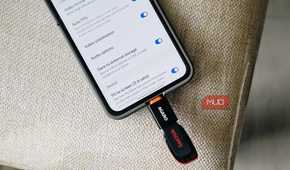
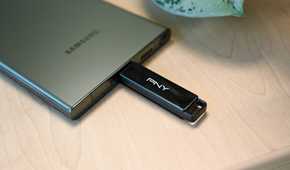
Most Android phones don’t have an SD card slot anymore, and manufacturers give a whole list of reasons for that. Internal storage is faster, SD cards pose a security risk, and getting rid of the slot means one less opening for water to sneak through.
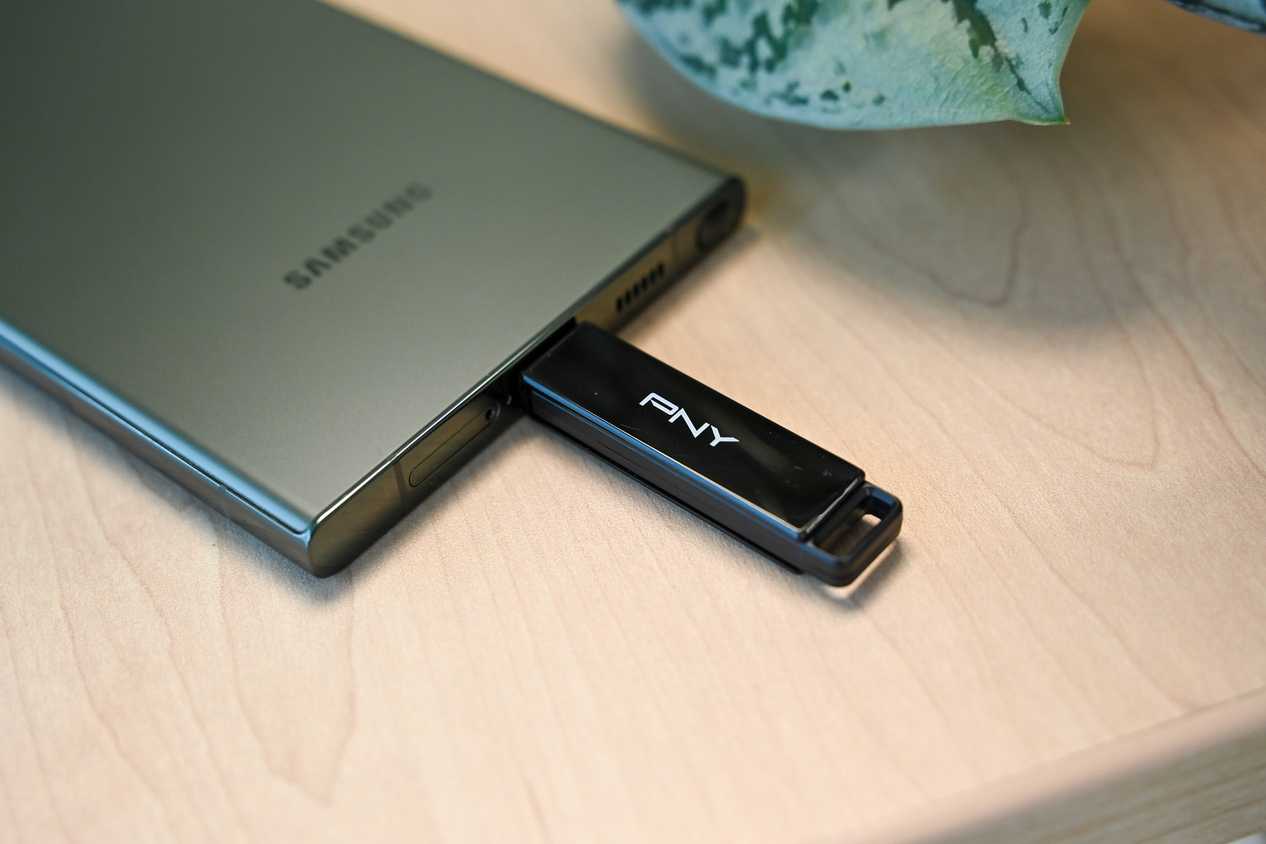
But let’s be honest, there’s another reason too, which is to sell you a pricier variant of the same phone or nudge you toward a cloud subscription. There's still hope, though. You can use an SD card or an external drive with your phone even without a built-in slot. All you need is the right adapter.
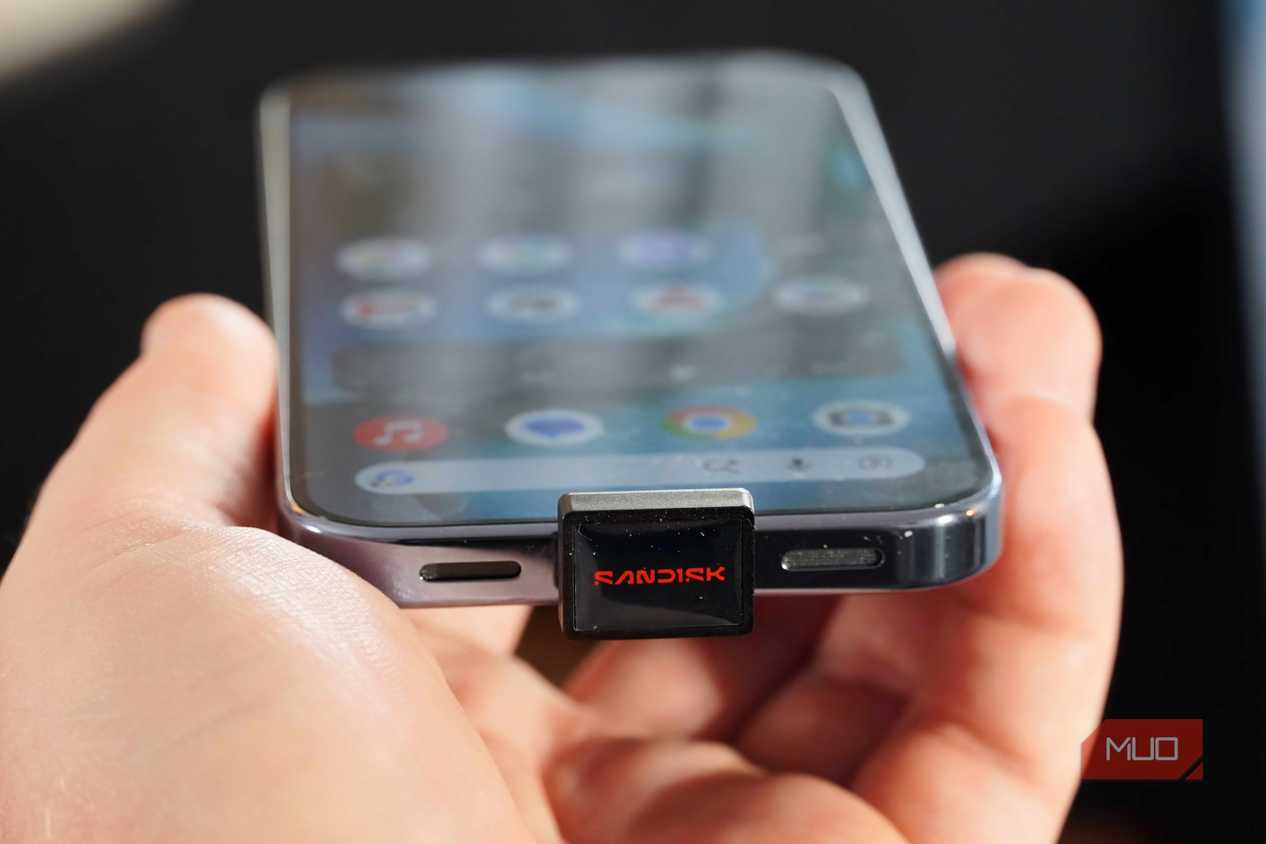
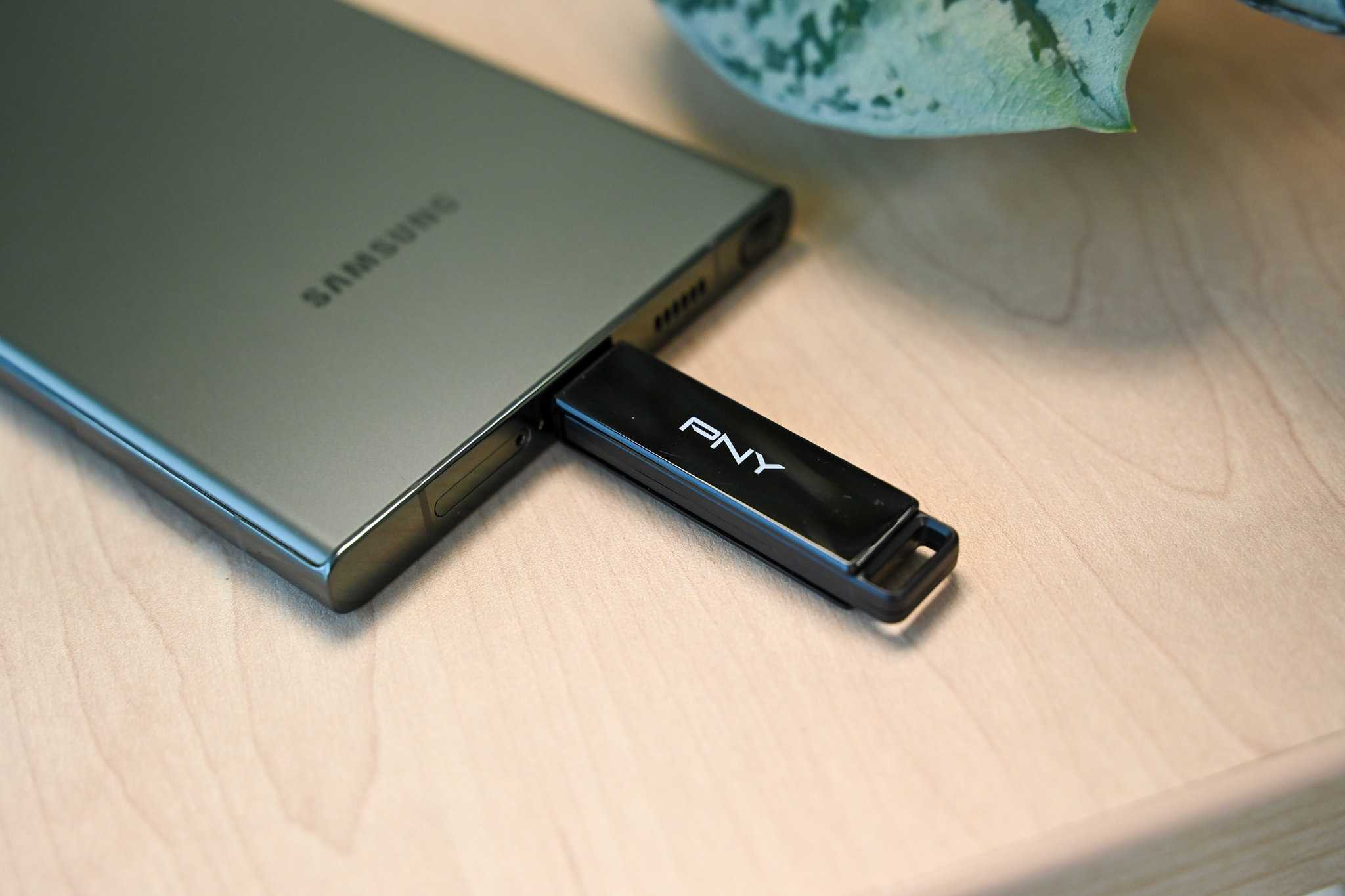
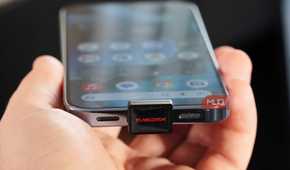
My Galaxy S26 only has 256GB of internal storage, so I now use a 128GB USB flash drive for extra storage. Any time my phone is running low on storage, I simply plug in the drive and transfer some of my data over. This gives my phone enough breathing room for the next few weeks and, more importantly, I don’t have to spend time going through my phone to delete something.
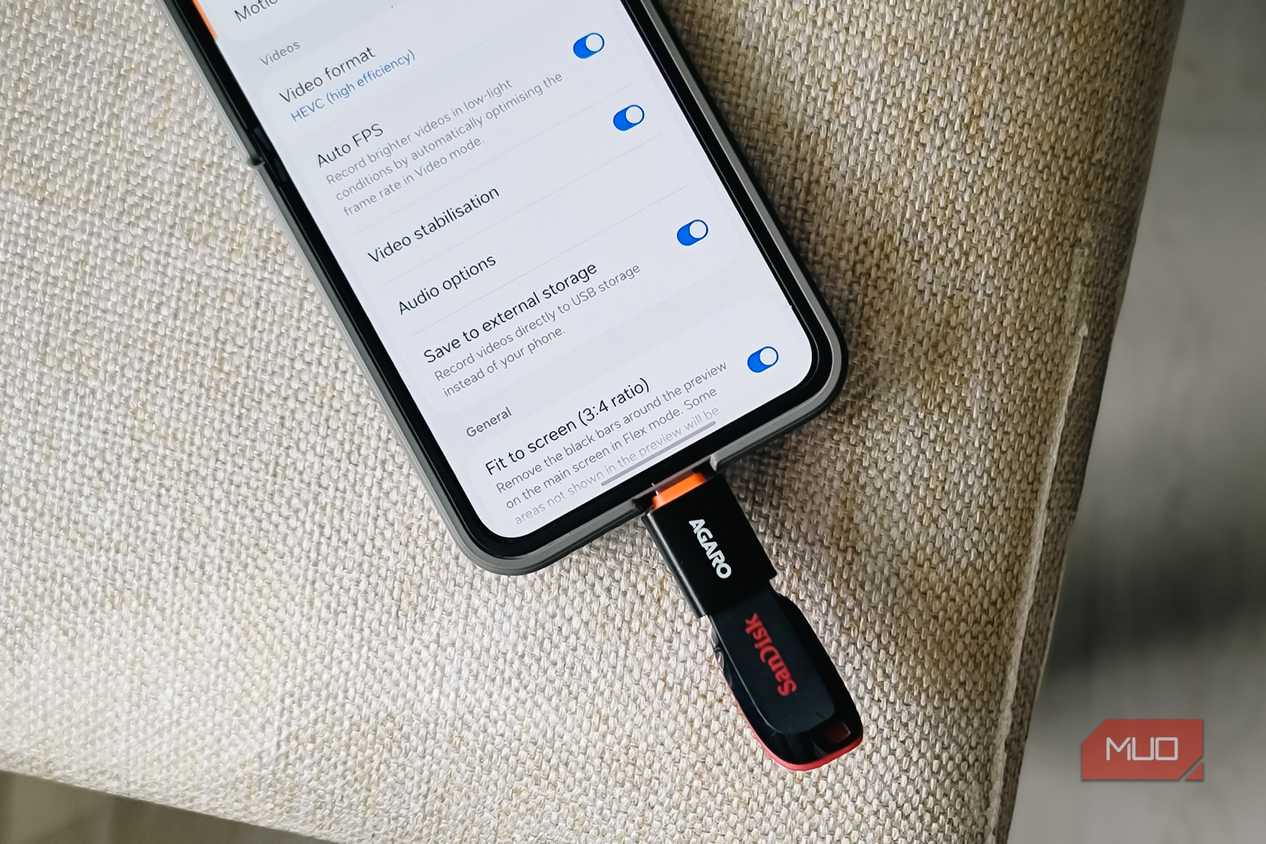
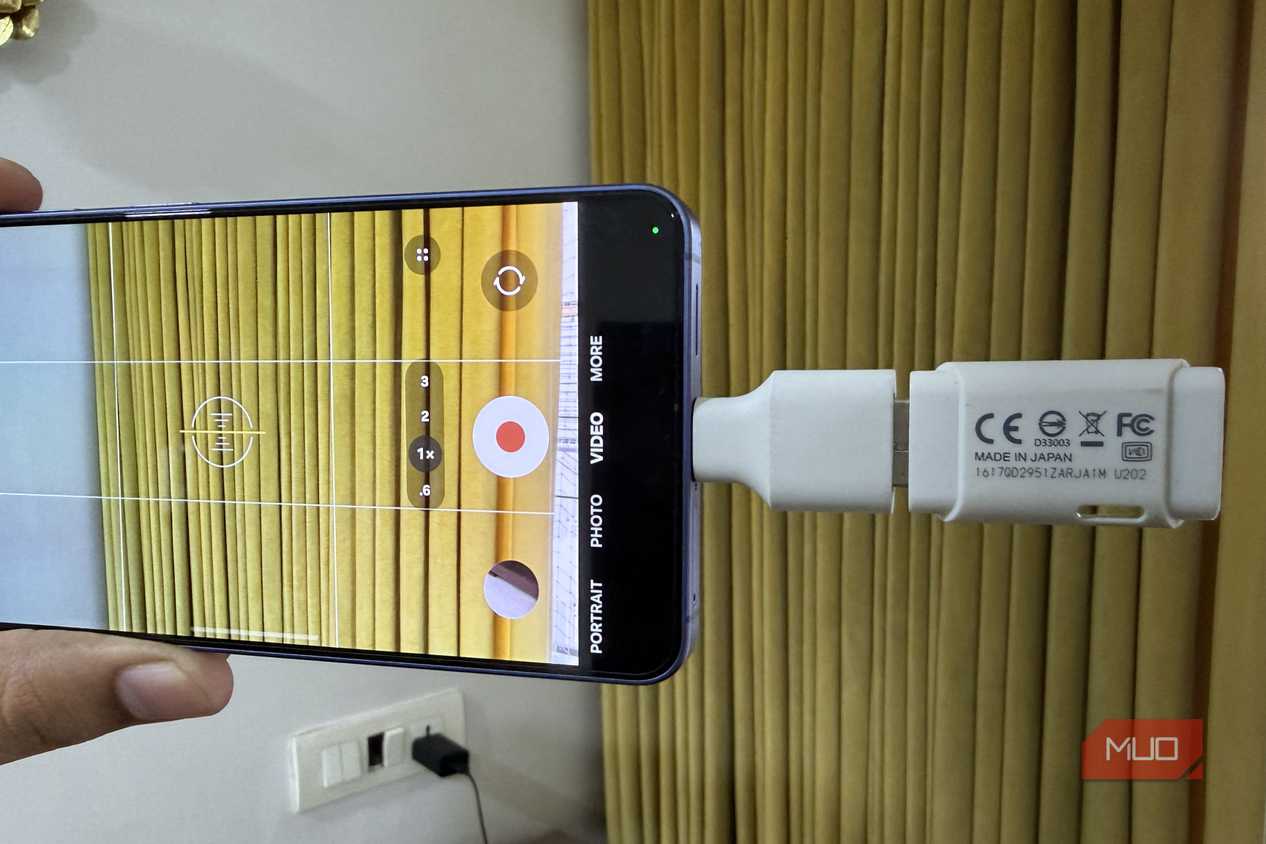
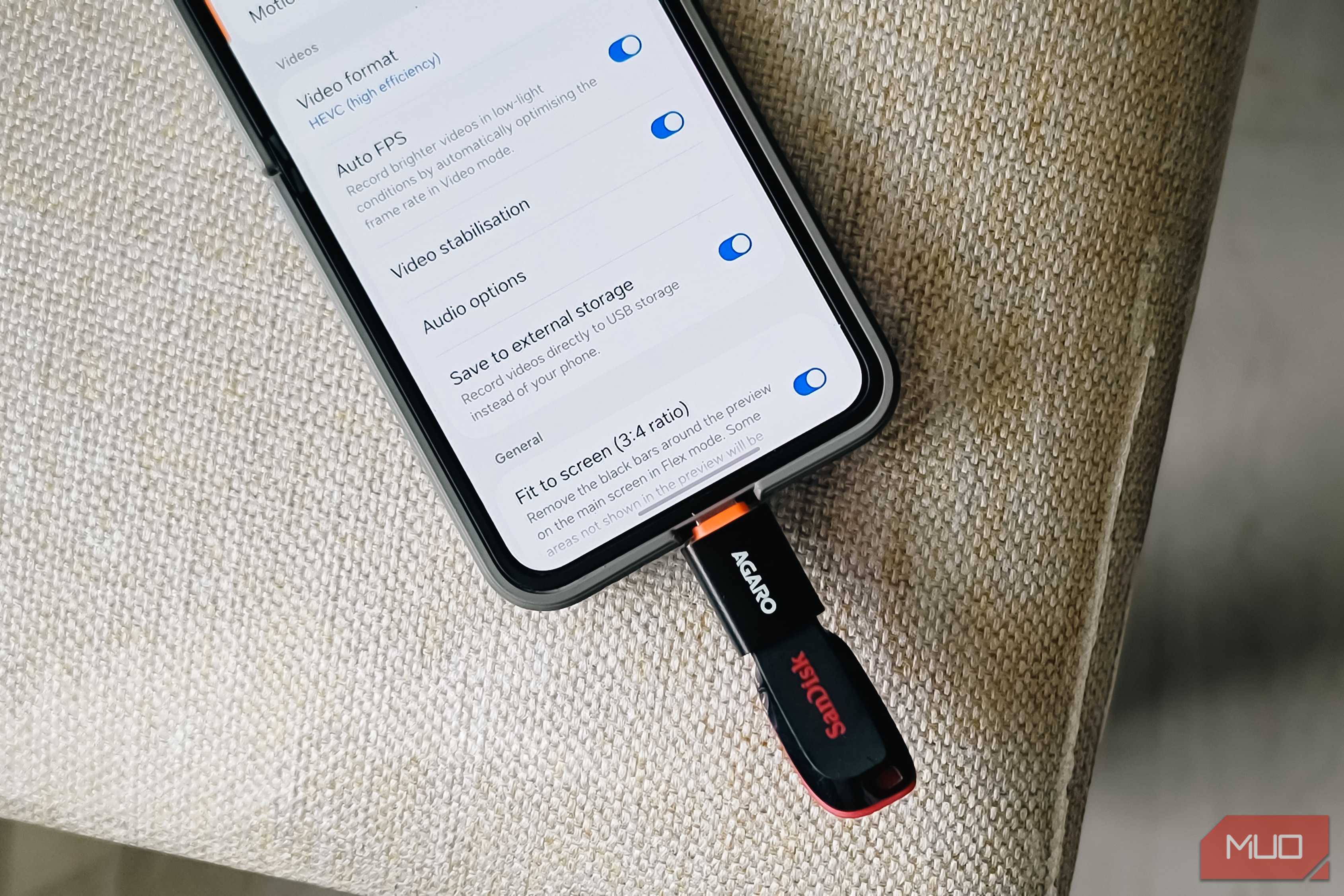
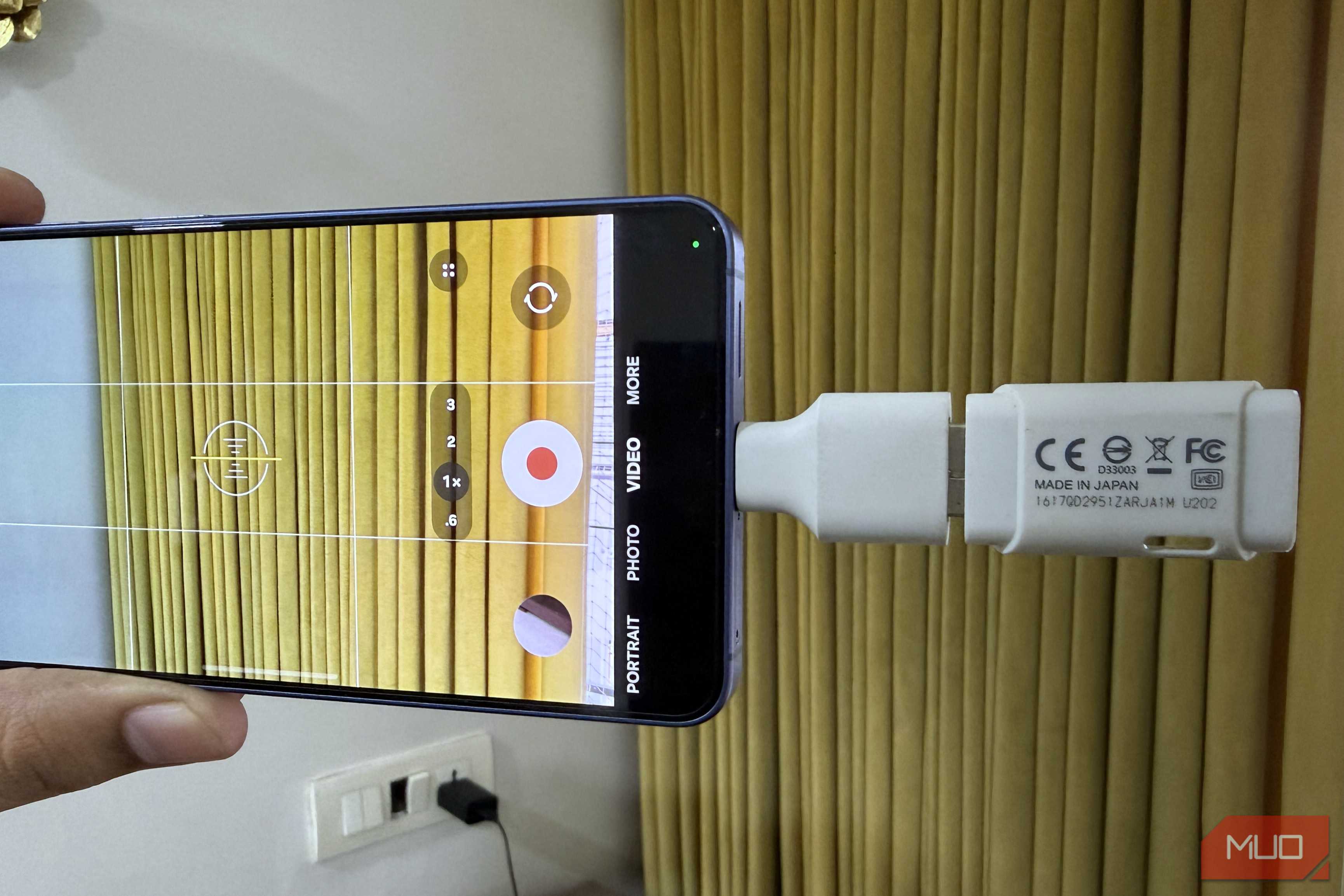
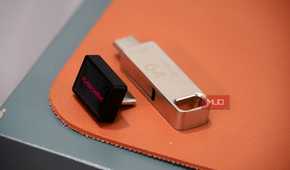
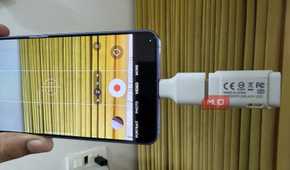
Once I moved to this setup, I also realized my Galaxy can record videos straight to an external drive. This is incredibly useful when I’m on trips. I can record large 4K videos directly on my flash drive, so I don’t have to transfer anything. I have a USB-A flash drive, so I have to use a dongle with it, but if you’re buying one specifically for this, it’s better to get a USB-C drive and skip the dongle.
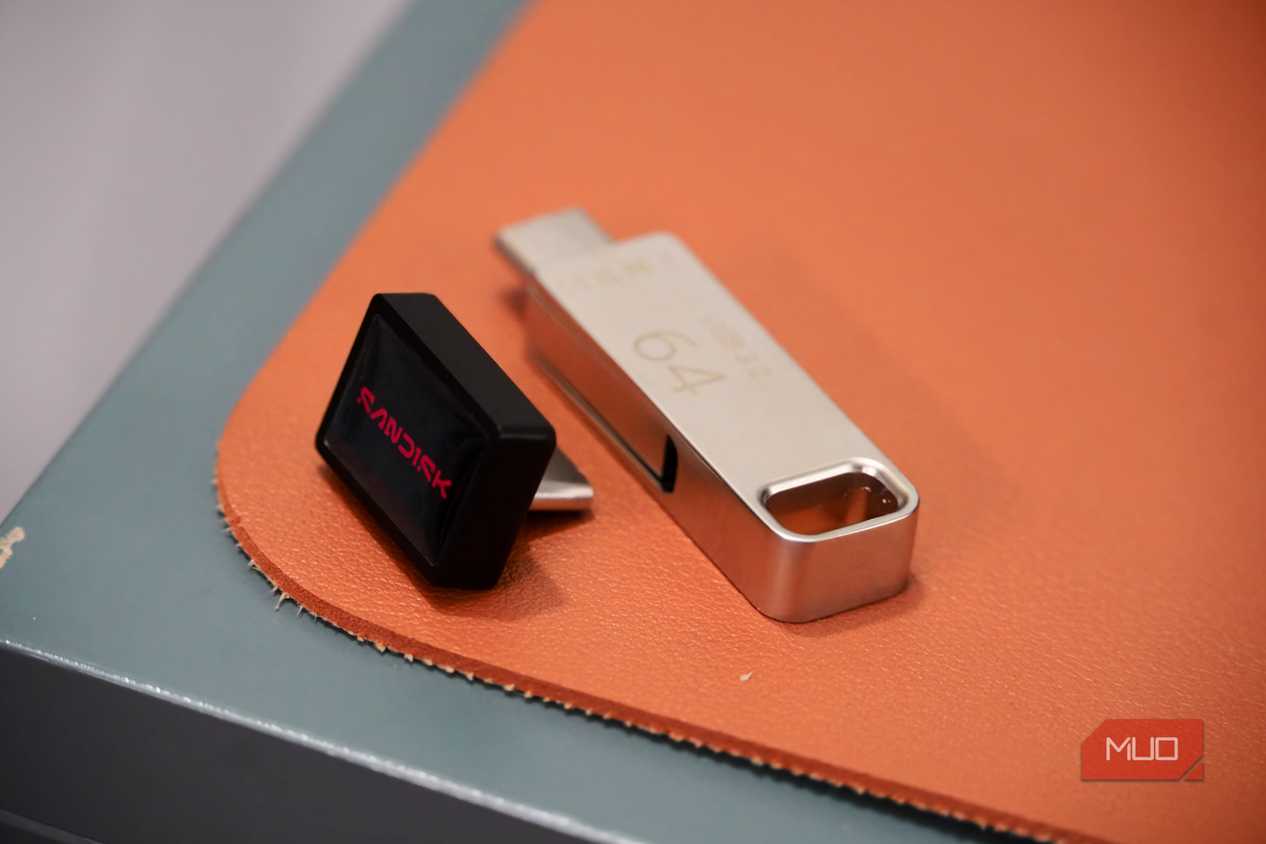
You can also use an SSD if you want more storage, though I’d recommend opting for something compact. An SD card also works for this setup if you have a USB-C to microSD card reader.
I don’t need to keep the external storage connected all the time
256GB is enough for my apps and data

Having more internal storage or a built-in SD card slot is obviously convenient, but using an external drive isn't too bad either. It's not like I need a USB flash drive plugged into my phone 24/7. I only really connect it when my phone starts running low on storage. And once the transfer is done, the drive goes back into my pocket, my bag, or a drawer.
Obviously, I do have to be a bit selective about what actually moves over there, since it's not as readily available as internal storage. So yes, I mostly stick to old photos and videos that I don't need on hand.
The whole transfer process barely takes any time, either. I use the built-in My Files app to move everything, and the flash drive also makes transferring data to my PC faster. At this point, I actually prefer using the drive for large transfers over using LocalSend or Quick Share. Wireless transfers are still convenient, but for transfers over 20-30GB, I find a flash drive much more reliable.
My S26’s 256GB internal storage is more than enough for things I actually need every day, which are apps, games, recent photos, and documents. So it’s a win-win.
Cloud storage is convenient, but physical storage is still cheaper
The best part about using external storage is how inexpensive it actually is, especially in the long run. A decent 128GB flash drive or SD card can cost around $25-30, and that’s after how expensive storage has become at this point.
Using external storage is kind of a no-brainer over paying $100 extra for a phone with more internal storage. That $100 premium is locked to one phone, but an external drive isn't. The external drive will outlast your phone easily, and you can use it with your laptop, tablet, or anything else that accepts external storage.
Cloud storage has its place, and it’s undeniably convenient, but paying a monthly fee for years doesn’t exactly sound smart. Uploading gigabytes of data to the cloud also takes time and drains battery. And the worst part is, you can’t access any of that data once you’re offline, which is not the case with external storage.

Sandisk Extreme Fit USB-C Flash Drive
- Capacity
- 64GB, 128GB, 256GB, 512GB, 1TB
- Speed
- USB 3.2 Gen 1 (up to 400MB/s)
- Connection
- USB-C
- Warranty
- 5 years