


I'll start this by saying something you probably know: Claude Code is one of the best AI tools out there! I've used this to build apps, organize my folders, and do more things I could simplify with AI. However, for something so smart, Claude Code struggles with a basic task: web browsing. After struggling with the issue for a while, I came across a tool named Firecrawl that can solve the limitation for good.
Claude Code's own web tools give up on more sites than you think
Search snippets and full pages are not the same thing

It's not that Claude Code cannot browse the web; its capabilities are quite limited. For instance, it can fetch information from HTML pages, but struggles with JavaScript rendering or anti-bot systems. This is most apparent on sites with dynamic content, making it difficult to find the latest updates. For instance, when searching Reddit threads, Claude Code relies on outdated or irrelevant search snippets.
The built-in tools also fail to return structured data, forcing Claude Code to parse summaries manually. I find this option close to useless when I want a specific piece of information from the website. While you can use alternative options like Claude in Chrome, that's more of a distraction when you want Claude Code to do a job.
Fortunately, Firecrawl fixes the problem and brings powerful web-fetching features to Claude Code. I came across Firecrawl a while back, and setting it up with Claude Code was the best thing I've done in a while. It has fundamentally changed how I use Claude Code to fetch and handle dynamic web data. The best part? You can make it work on Claude Web, too.

Firecrawl
- Individual pricing
- Free, Subscription available
- Platforms
- Web, MCP
Firecrawl is a tool that converts webpages to content that LLMs can easily handle, and you can set it up with AI tools like Claude Code
- Developer(s)
- Firecrawl
Setting up Firecrawl took less effort than I expected
No terminal wizardry required


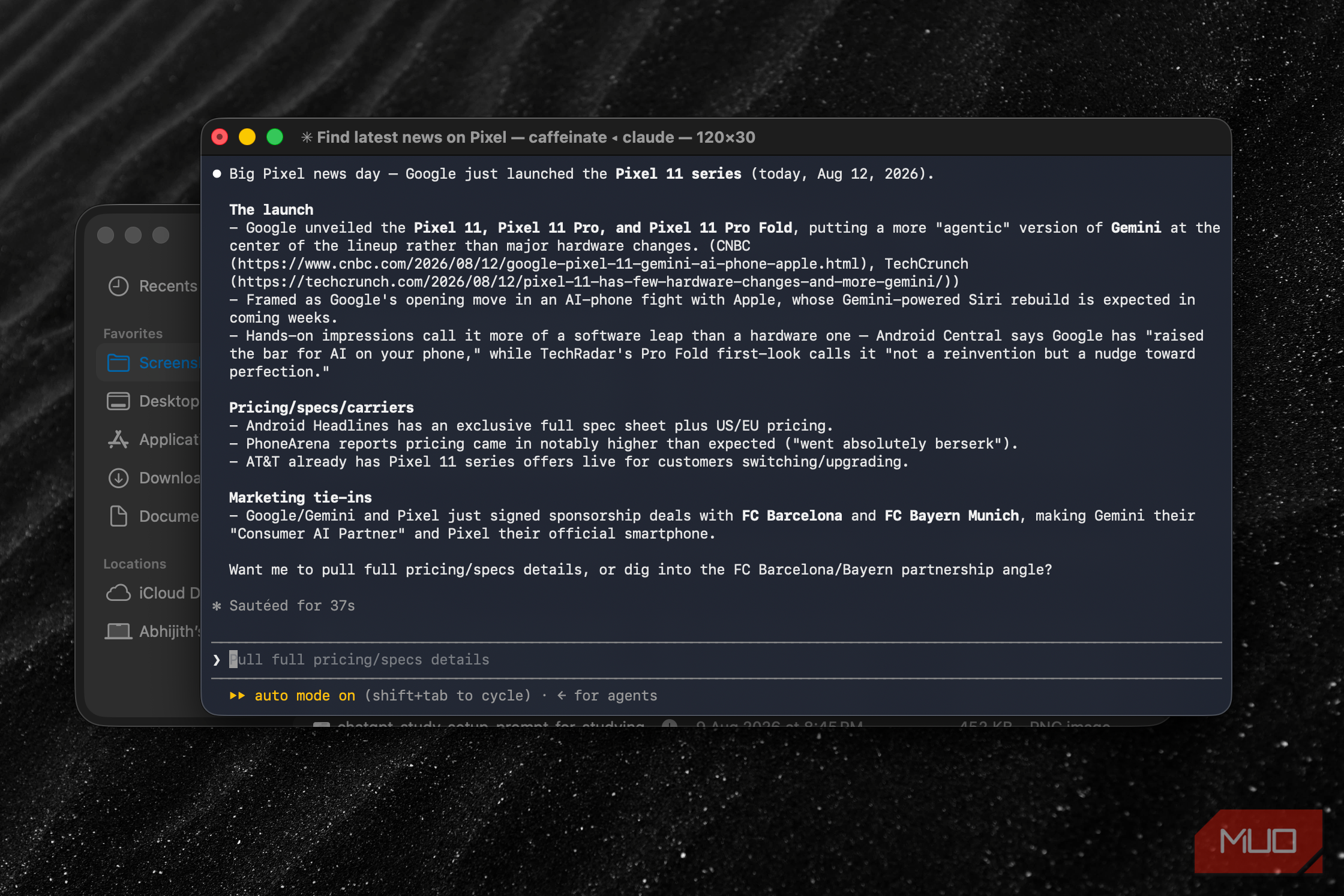
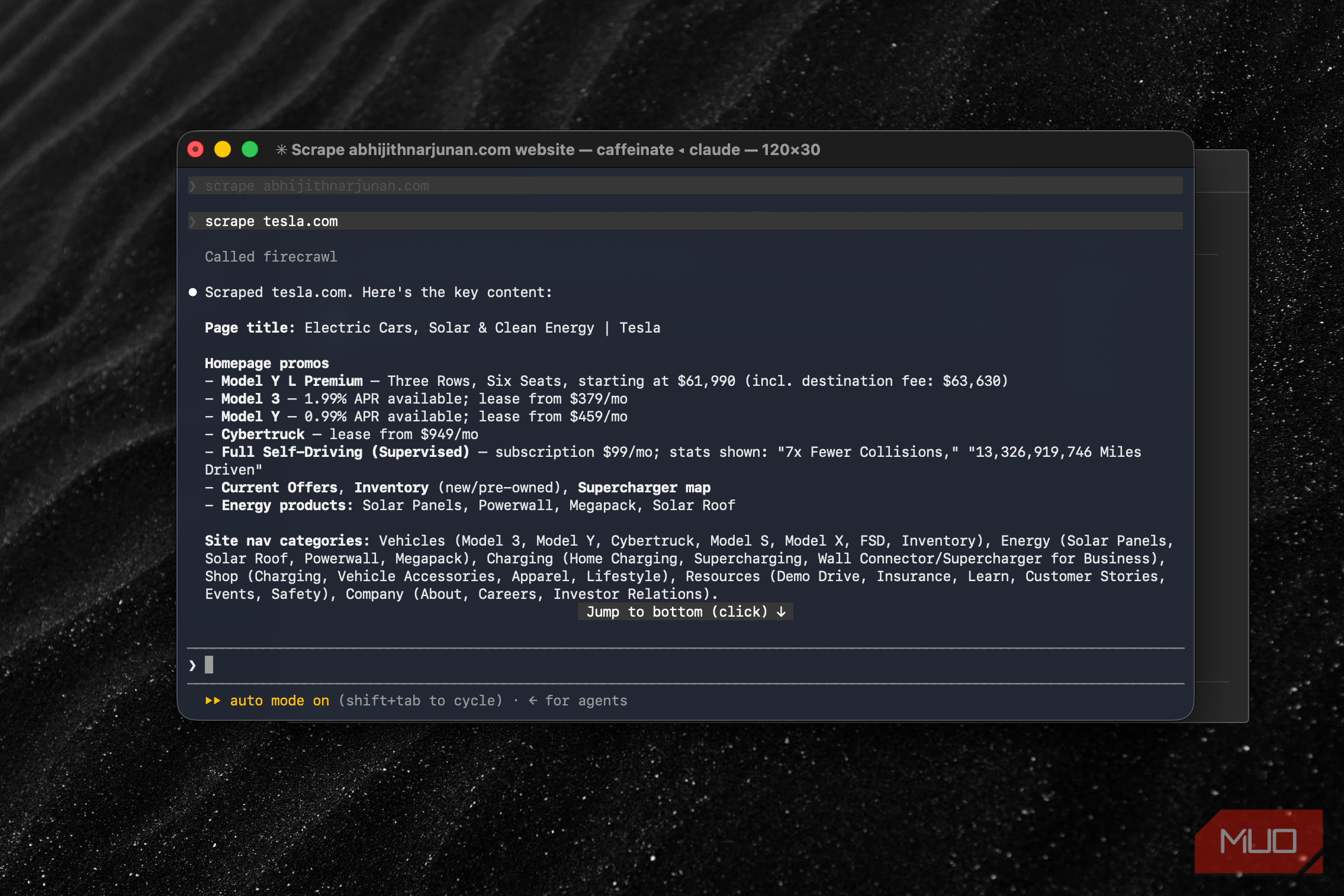
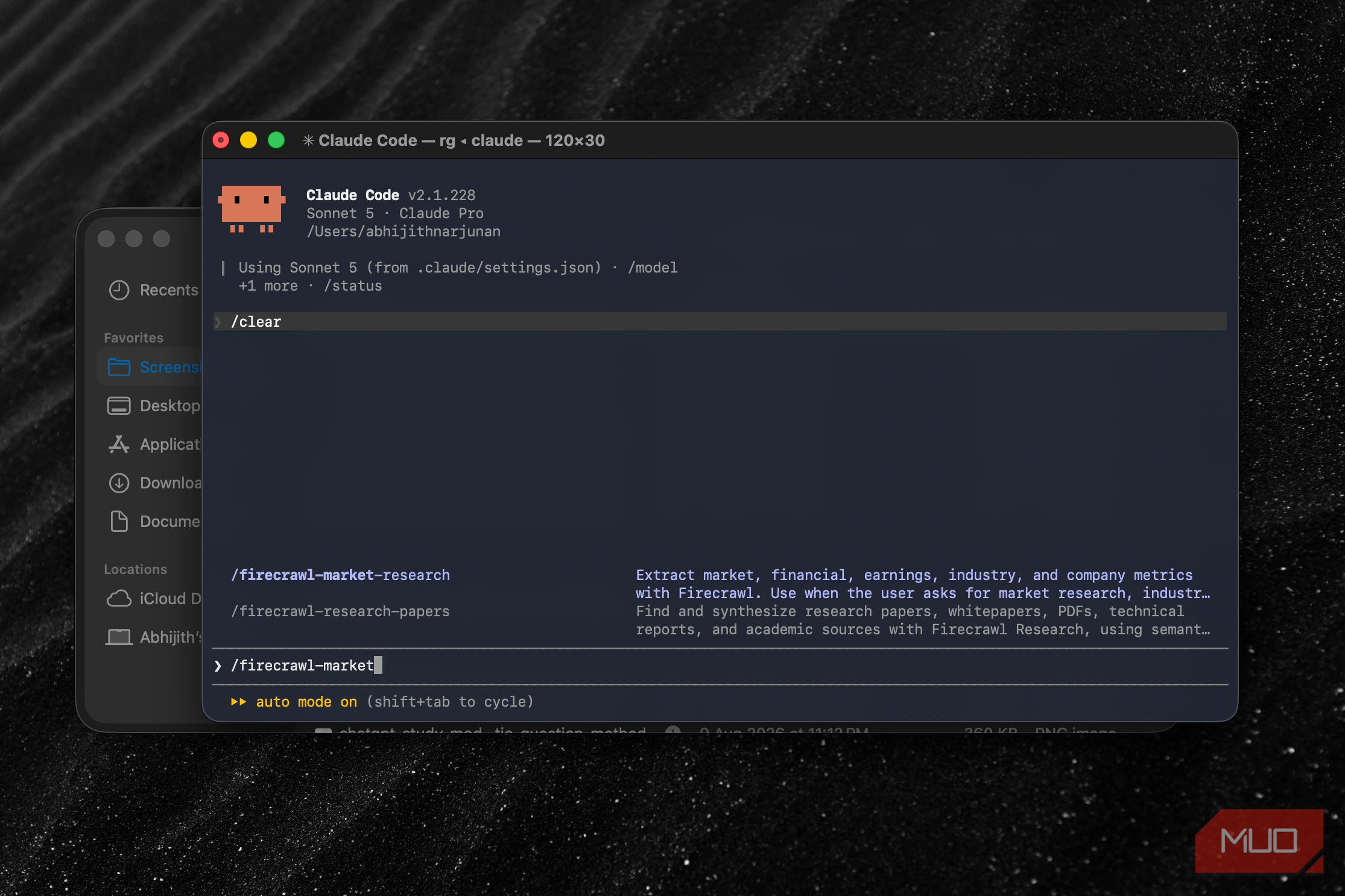

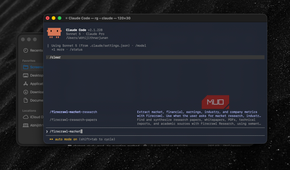
For starters, Firecrawl is a tool that can search, scrape, and interact with webpages. More importantly, the service handles tasks such as proxy server management, dynamic content, and JavaScript rendering so you can access accurate data. However, it also does the much-needed task of converting webpages into structured data that LLMs can understand. Therefore, when you connect Firecrawl to Claude Code or Claude Web, Firecrawl can provide specific, focused data based on the prompt.
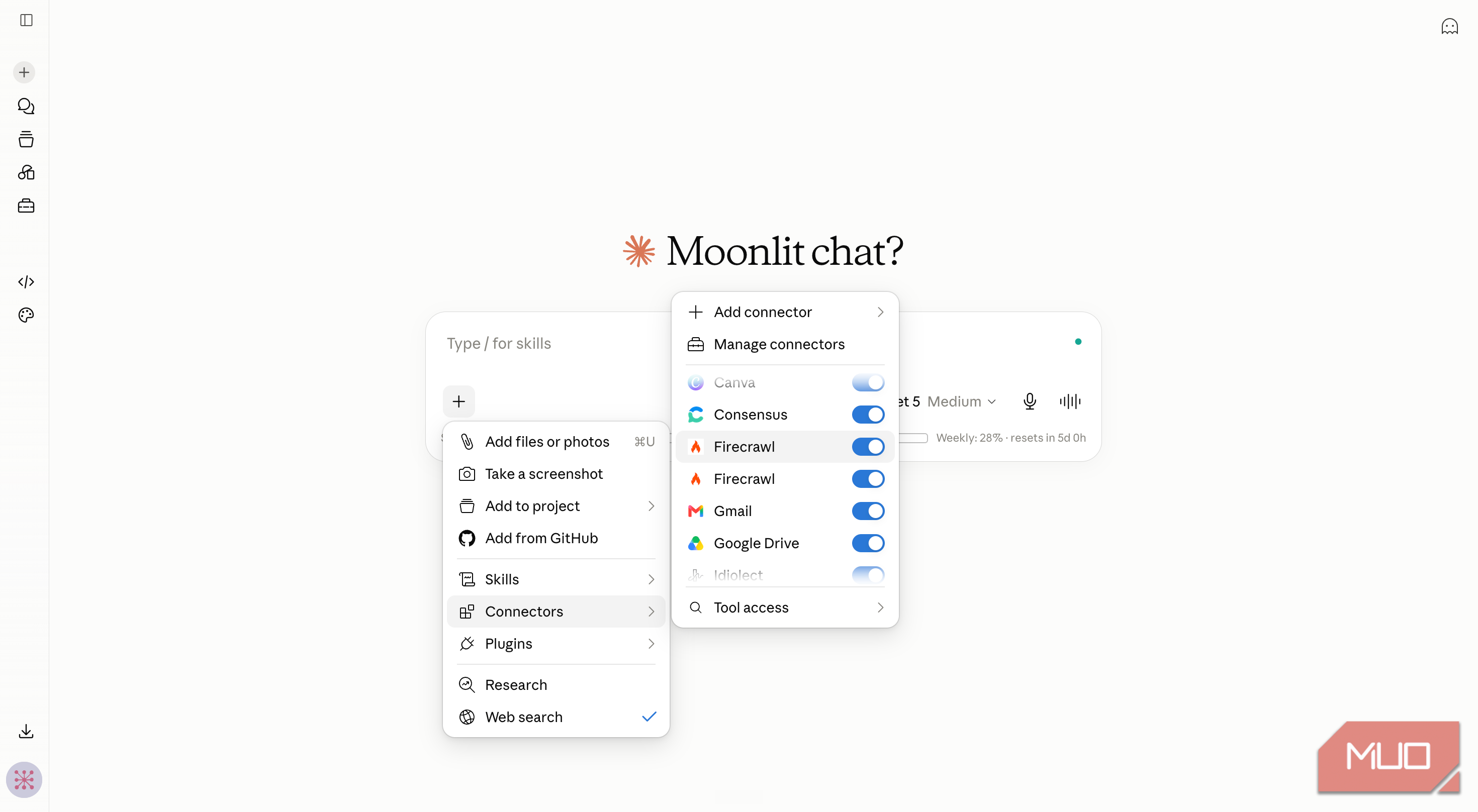
Setting up Firecrawl with Claude Code or Claude Web doesn't take more than a minute. With Claude Code, you can set up an MCP server with a single command and authentication. You can also configure Firecrawl as the default web fetch utility for Claude Code. On Claude Web, you can use a connector to set up Firecrawl and trigger it using the + button by selecting Firecrawl from the Connectors list.
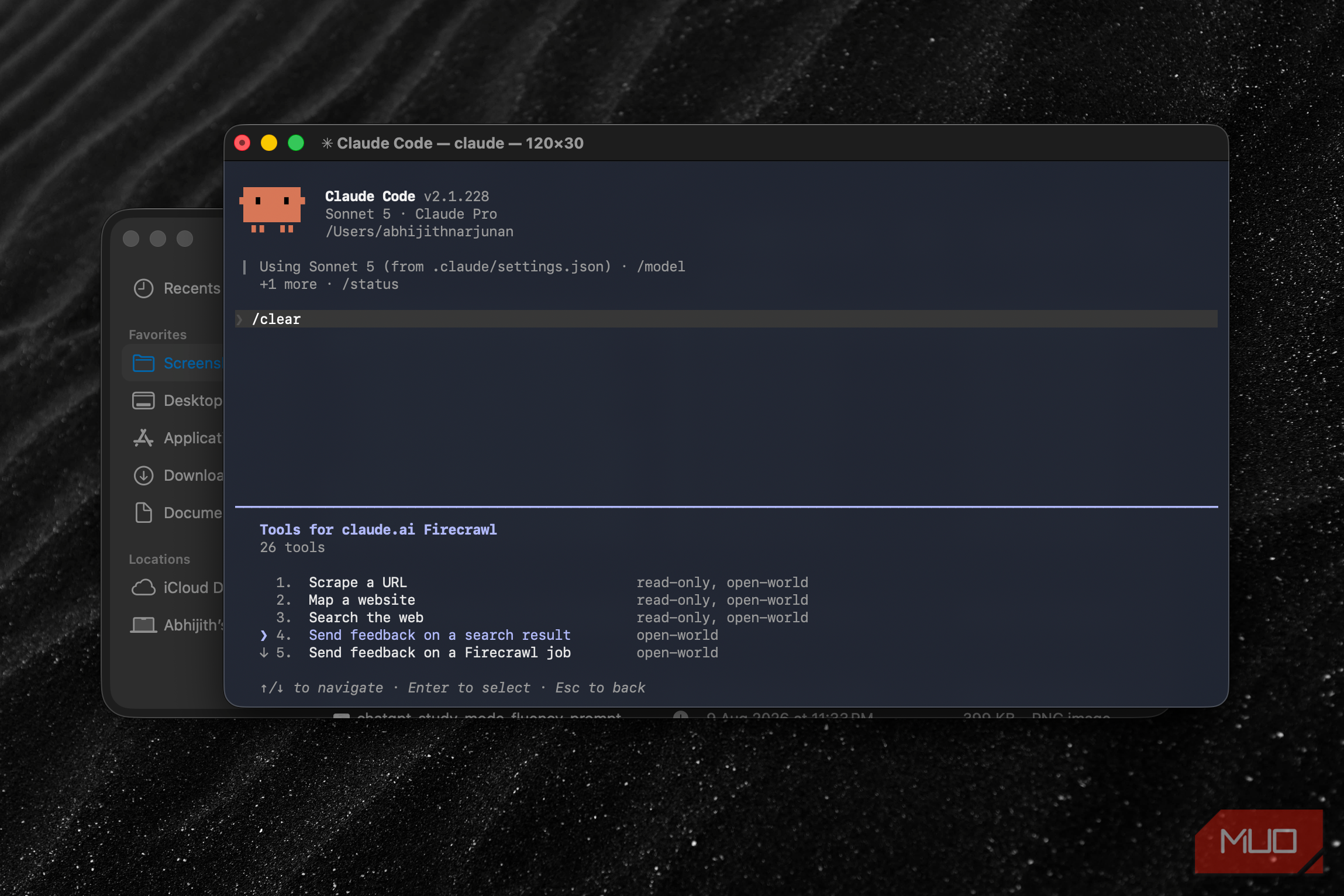
Since the installation, I have been using a variety of tools that the Firecrawl MCP server has brought into Claude Code. For instance, when I want to scrape data from a webpage, I can ask Claude Code directly, and it will do so without opening Claude in Chrome. Similarly, options like Search, Crawl, Map, and Extract are also nice to have when you want to deal with a lot of web-based data. It has also led to a better experience for Claude Web.
The exact tasks Firecrawl fixed for me
Same questions, actually correct answers this time


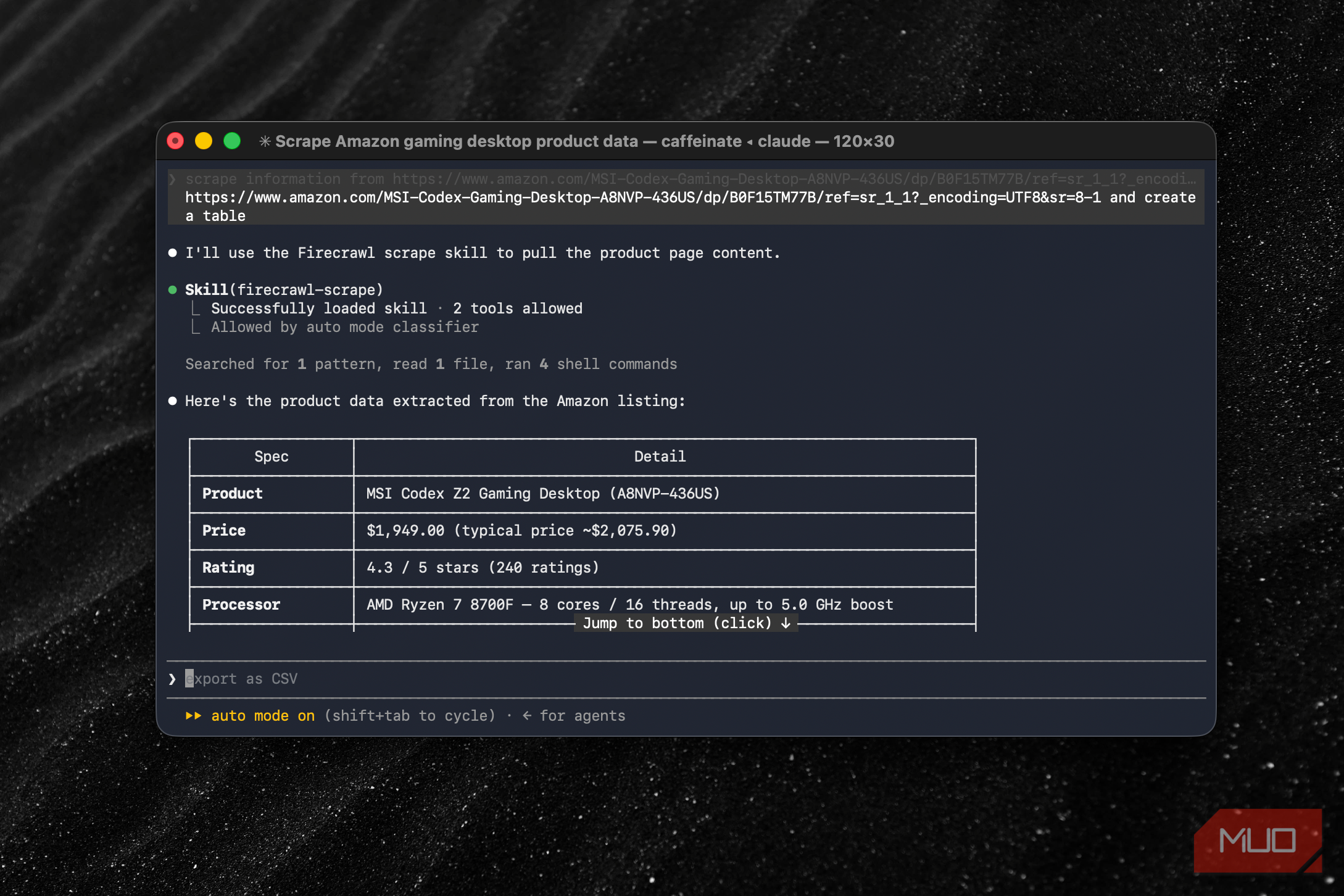
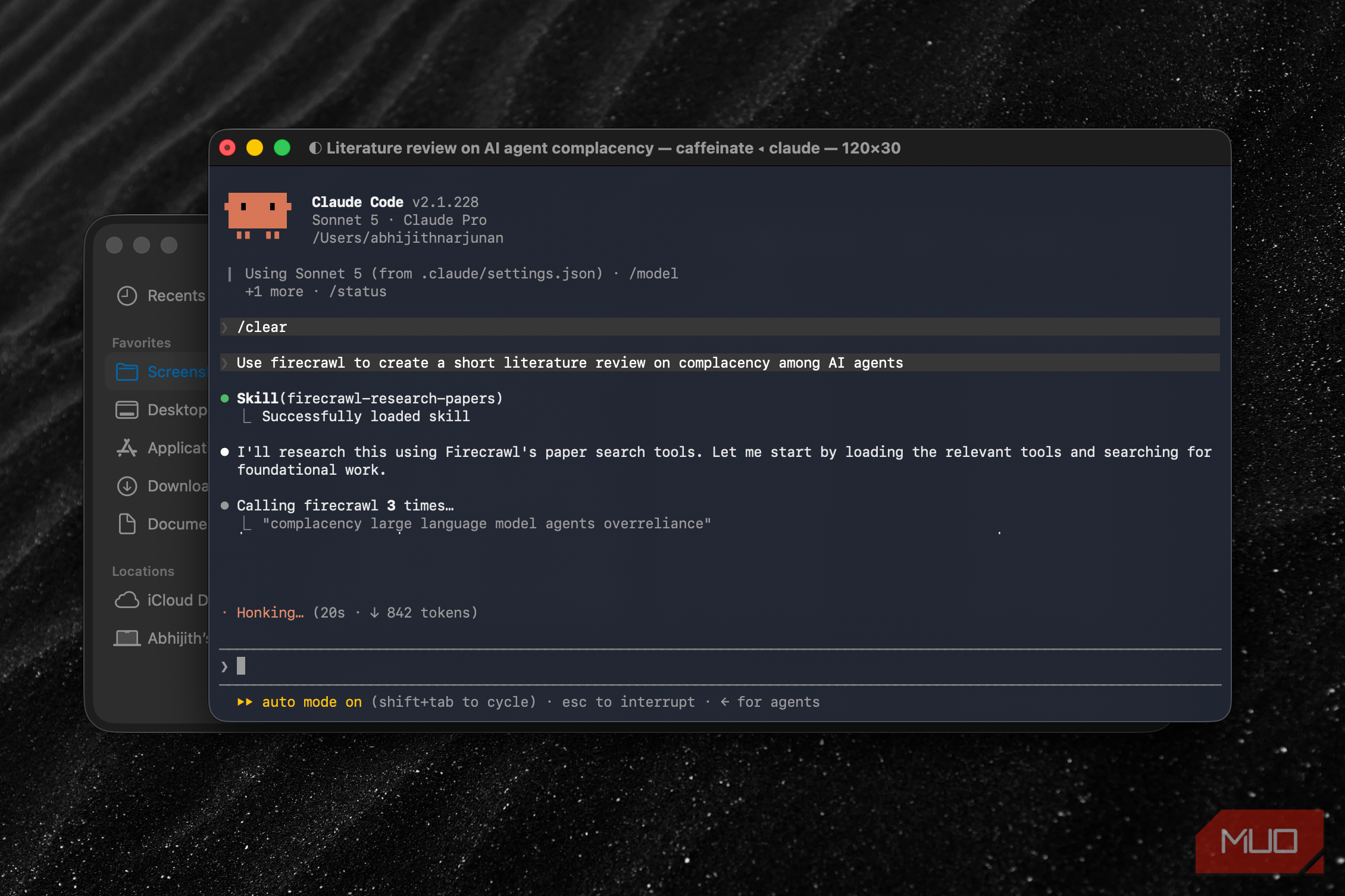
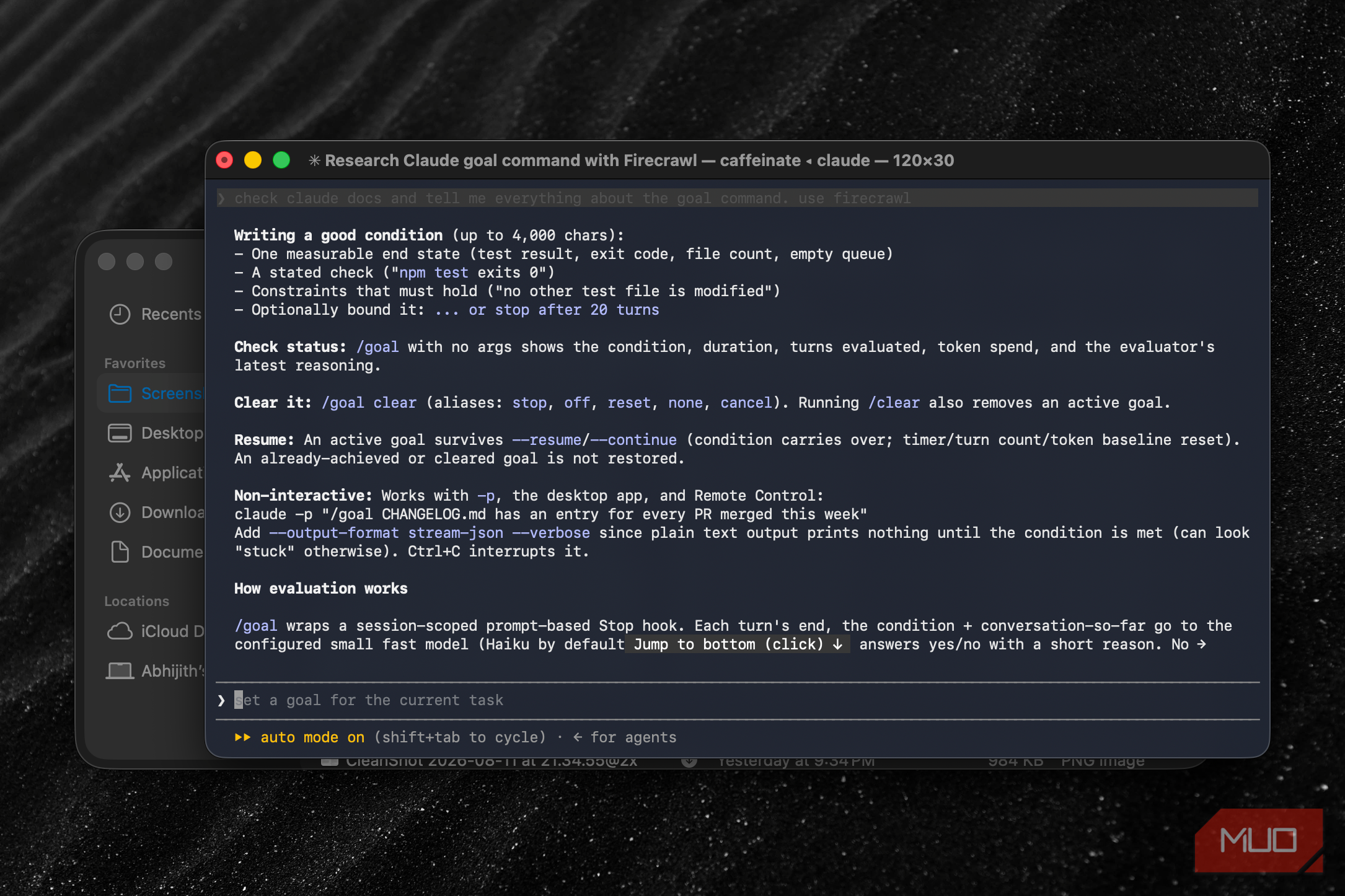
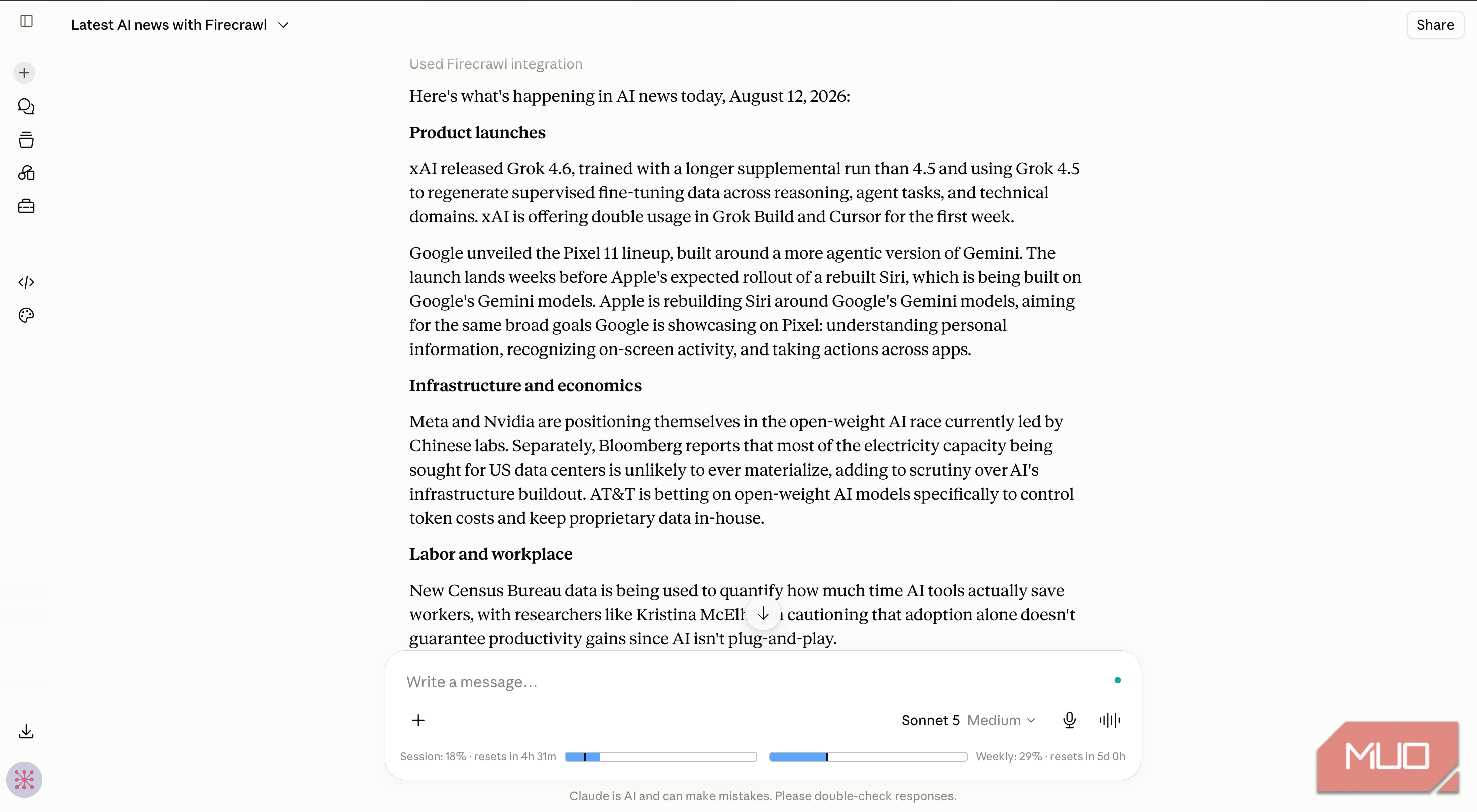
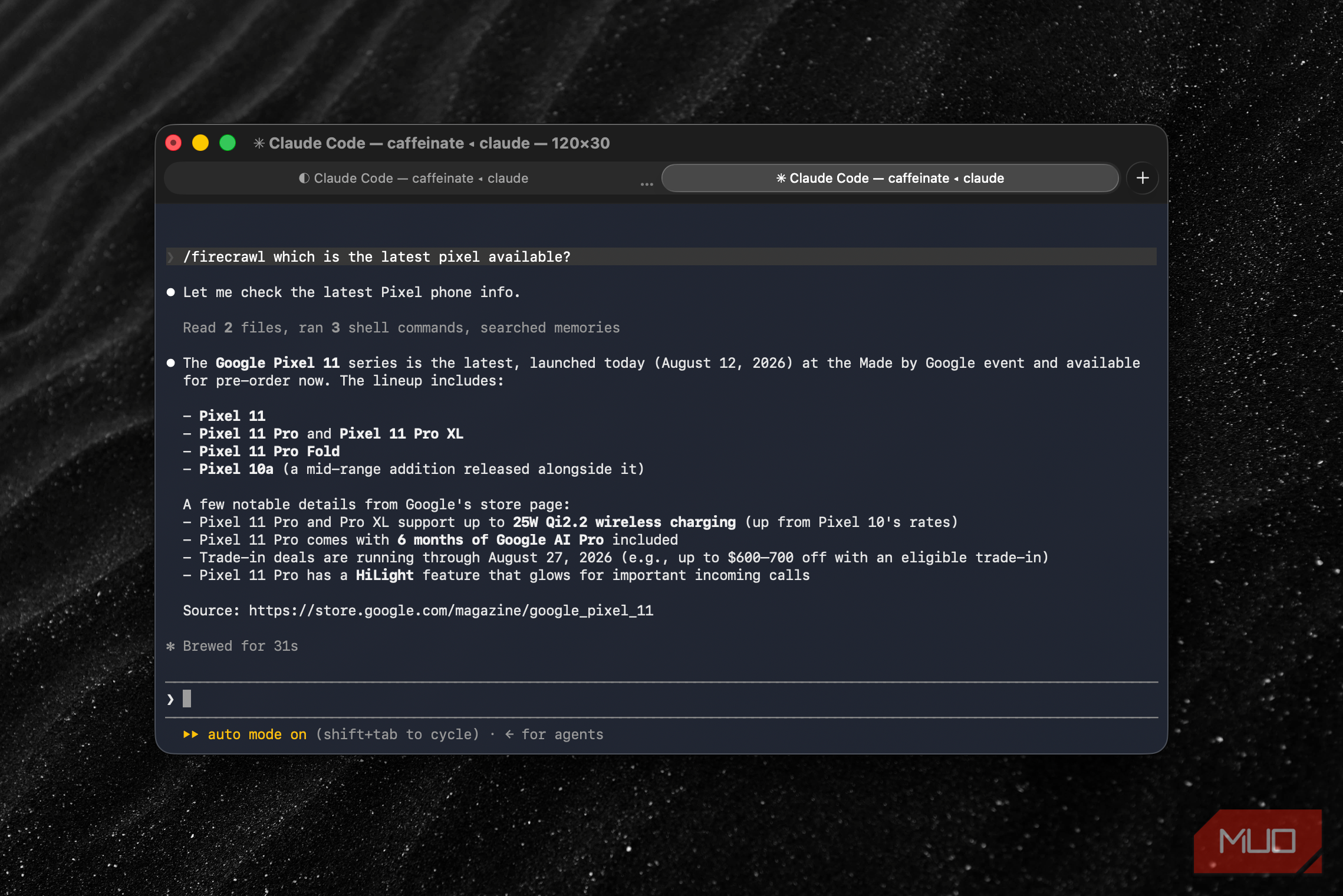
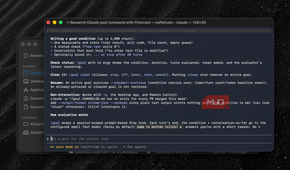
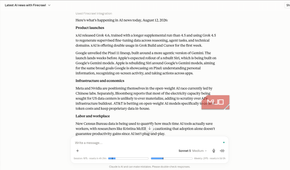
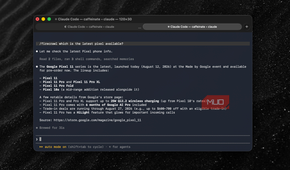
The biggest difference I noticed is accuracy itself. Unlike before, Claude Code doesn't give me half-baked information or show an error code when I ask it to search for something or to check the recent conversations on a forum page. And this has been a game-changer for all research instances where I need up-to-date information. I've also been using the search and scrape functions in Firecrawl to help with my literature review and fact-checking. Because Firecrawl can actually visit the website and gather data, I'm confident of the output.
There is also the aspect of compatibility. Previously, any website not built with HTML was inaccessible via the web fetch functionality in Claude Code. Thanks to Firecrawl, I can ask Claude Code to visit a website and fetch information from it. If I am trying to create a report based on a particular web page or a documentation section, it is now easy to do so. I don't have to do the slow dance of converting that web page into a PDF or Markdown and uploading it to Claude Code.
I've also noticed a boost in speed compared to the built-in web fetch utility. For instance, asking Claude Code to collect data from multiple webpages using Firecrawl feels substantially faster than doing the same with the built-in utility. I'm sure you will have more reasons to prefer Firecrawl over the default option if you work with large volumes of data.
You can see similar improvements on the Claude Web as well. For instance, if you ask Claude Web to find you the latest news on AI without the Firecrawl extension, what you will get are some outdated results. With Firecrawl enabled, however, you get the latest news based on the criteria, rather than data from search snippets.
Where Firecrawl still didn't fully solve it
Setting up Firecrawl with Claude and Claude Code has been one of the best things I have done recently. It changes how both tools approach web pages and can offer meaningful improvements, even with a free plan. You can't think of it as an all-in-one solution.
For instance, it cannot access some websites that require CAPTCHA solving or have strong protection. Similarly, if a website requires a multistep login, Firecrawl can't do much. In those cases, the in-app browser on Claude Desktop or Claude for Chrome will be your solution.
Until then, if you are actually looking for an improved web-fetching experience on both Claude and Claude Code, you might as well try what Firecrawl has to offer.