


Raspberry Pis are some of the most popular and accessible single-board computers money can buy. You can use one for anything from building a robot to getting a backup computer for a cheaper price tag. However, there are so many projects you can take on with your brand new Raspberry Pi that you might get overwhelmed if you're getting one to just experiment.
Thankfully, there's no shortage of free, open-source apps that can turn that board into something extremely useful within a few hours of tinkering. Whether you need to clean up your network or remember your passwords, there's an app that your Raspberry Pi can run for you.
Block ads for every device on your network
Pi-hole turns your Raspberry Pi into a network-wide DNS blocker that works without installing anything on individual devices


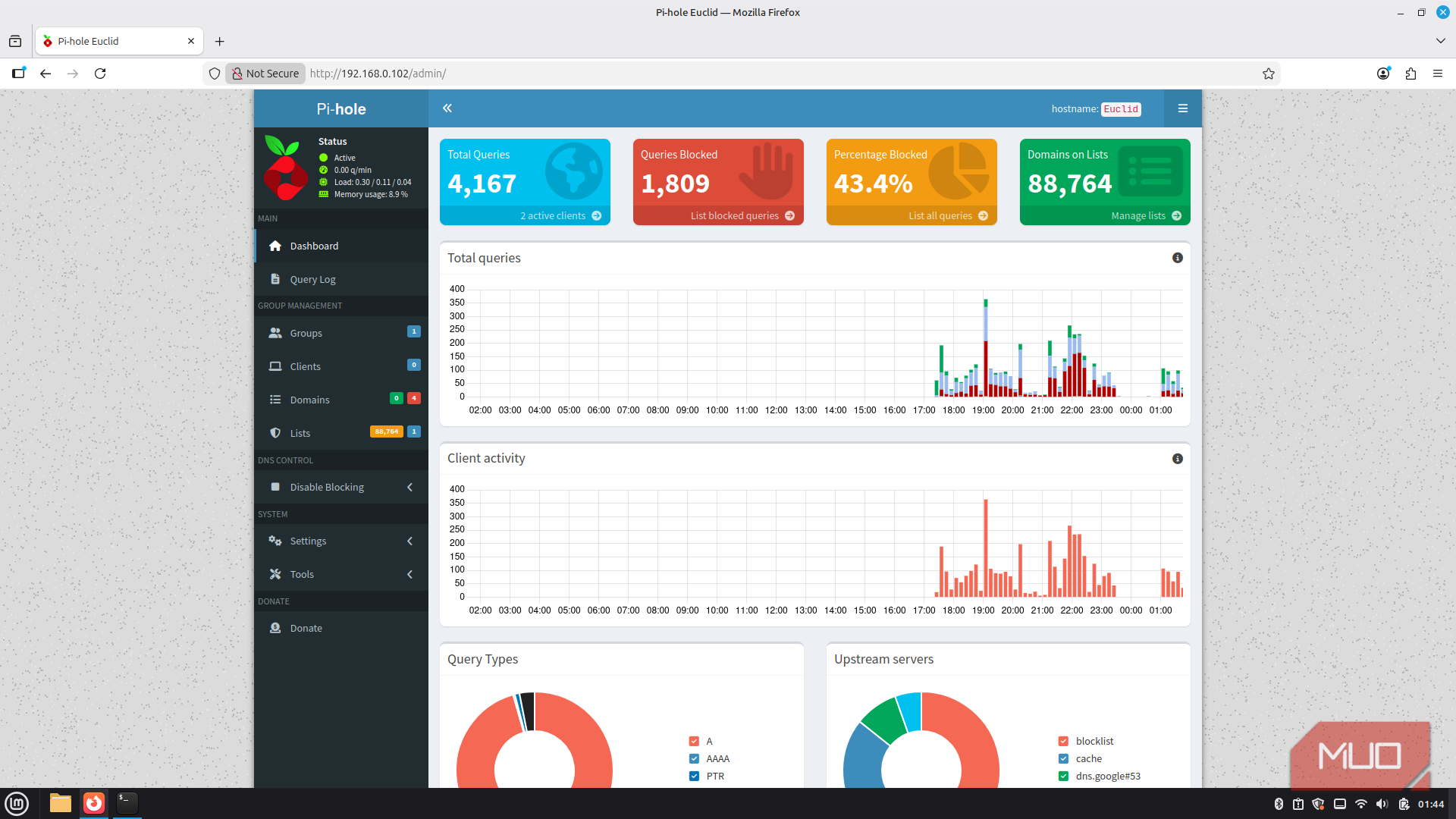
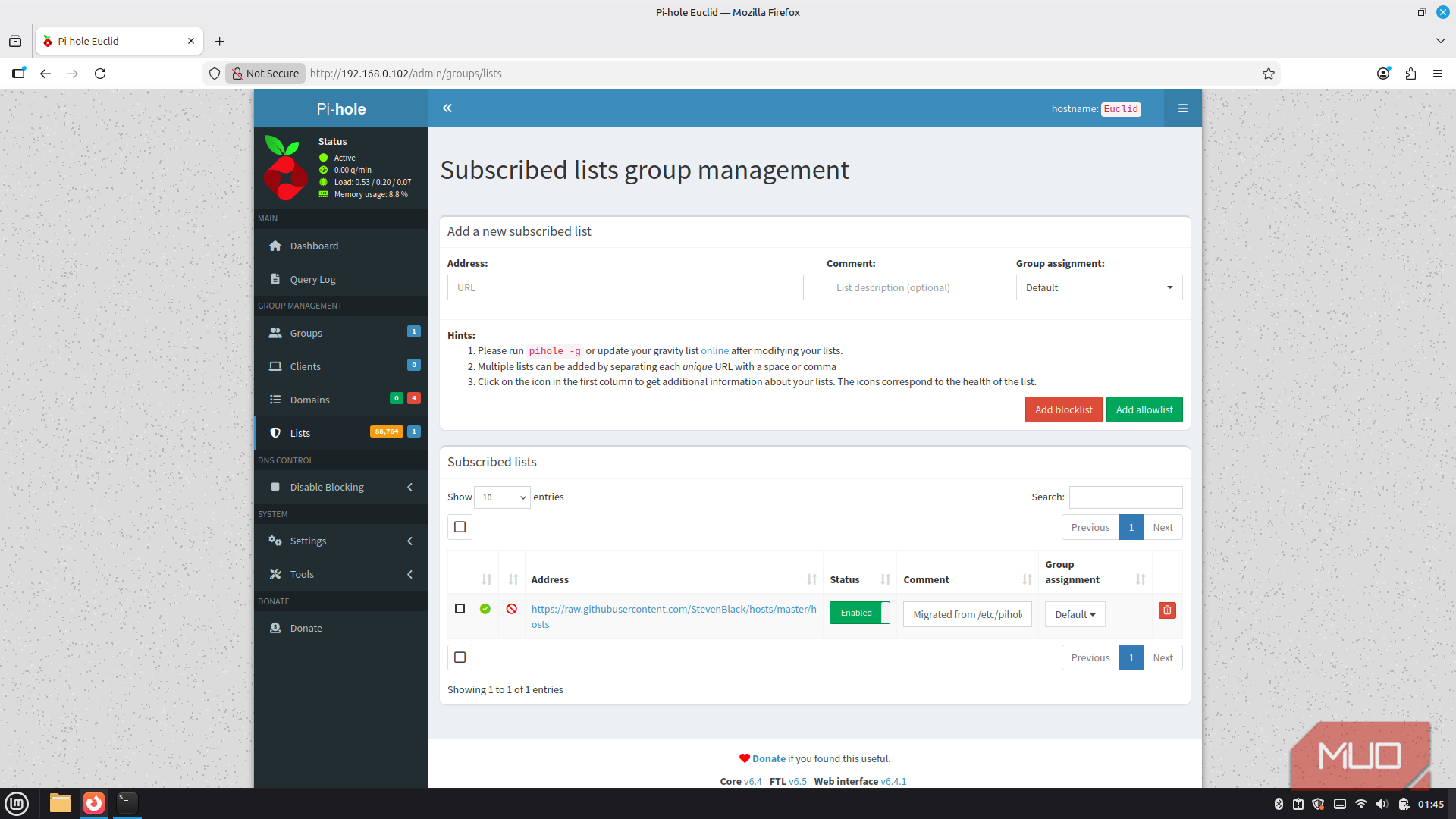
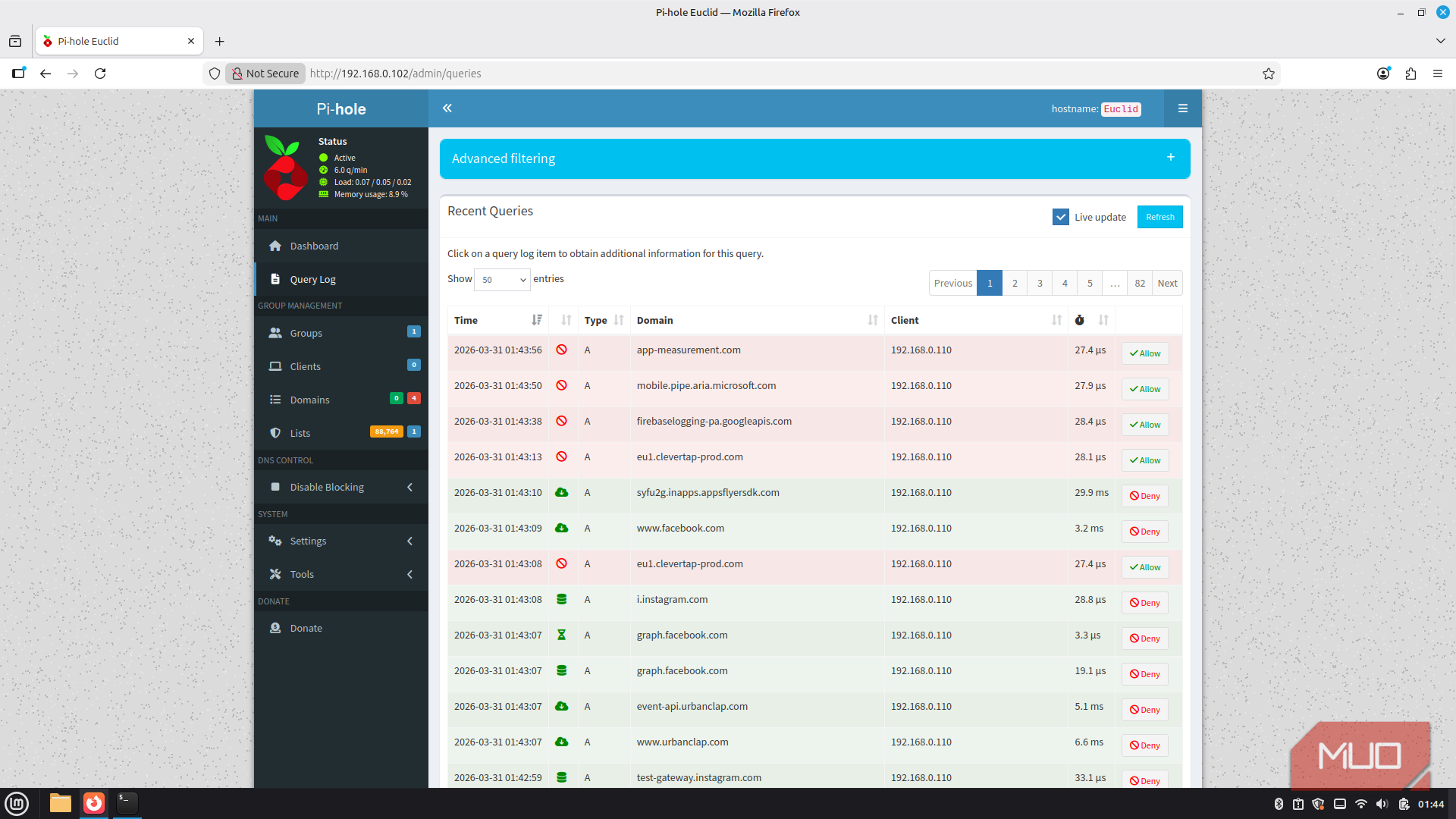
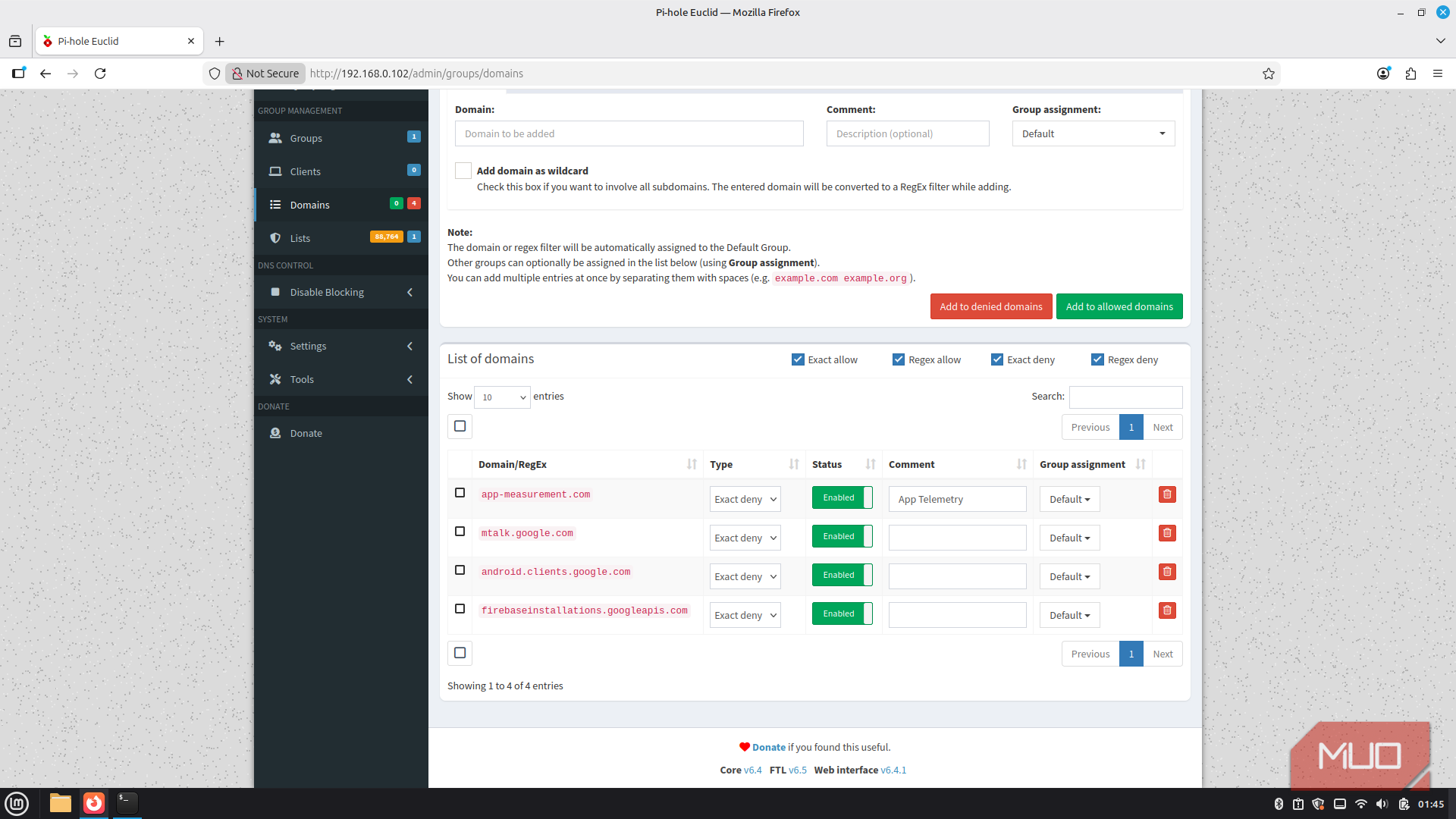
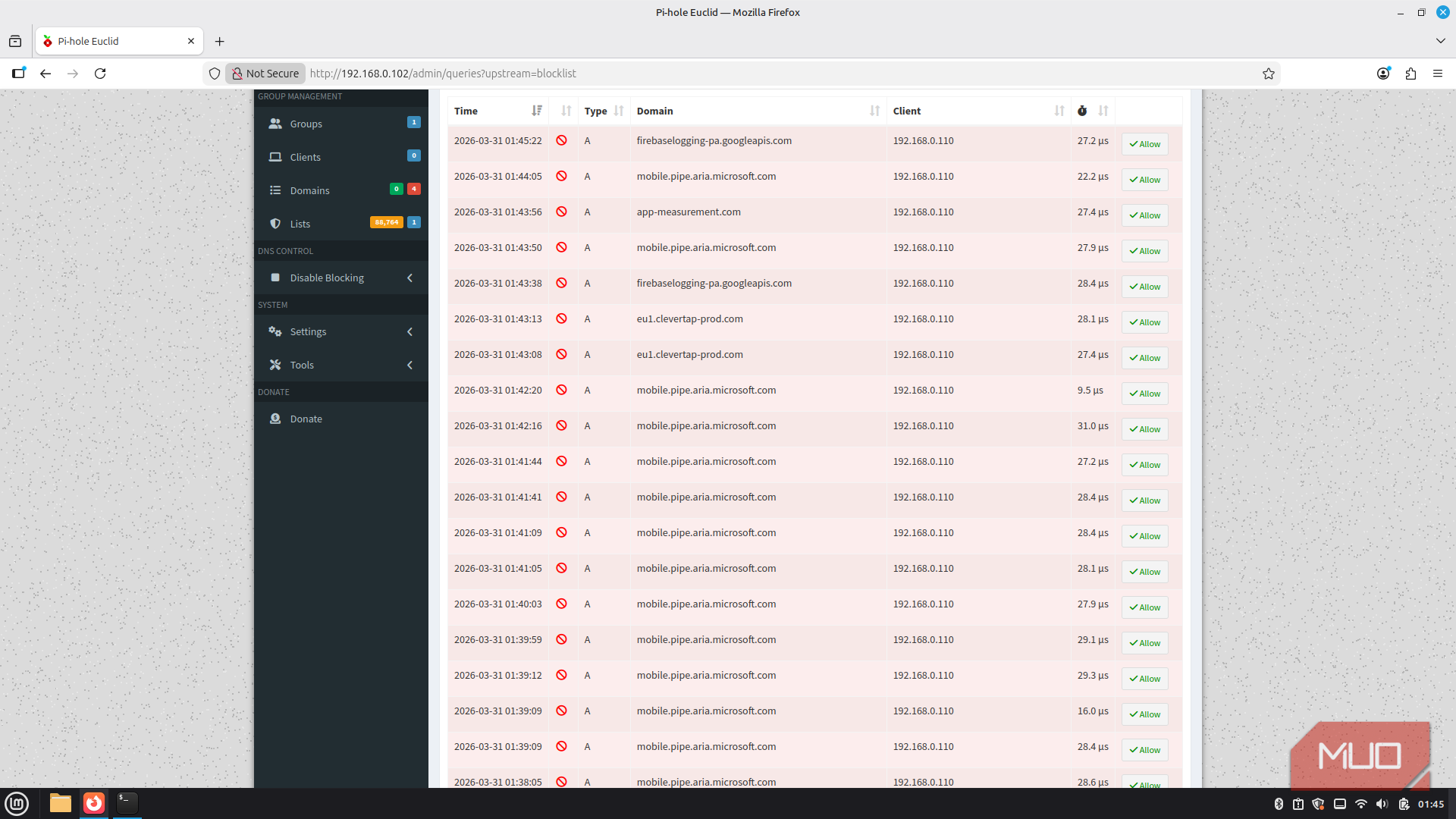
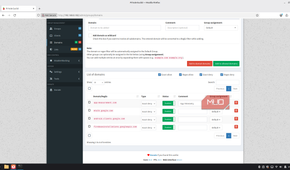
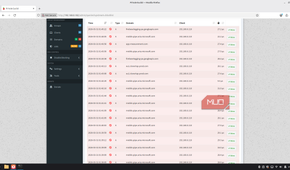
Pi-hole, as the name suggests, is usually the thing a lot of people buy a Raspberry Pi for, and for good reason. It works as a private DNS server for your home network, intercepting requests for known ad and tracker domains before they even load.
Unlike a browser extension, however, it works at the network level, which means every device in your home gets the benefit. Setting up Pi-hole on your network can make the internet feel like a different place, all without ever having to deal with extensions on various devices.
Pi-hole is meant to run on Raspberry Pis, which means it's lightweight and can run well within the Pi's hardware resources, giving you memory headroom for other apps. Even with an extremely busy network like mine, where some device is constantly phoning home, Pi-hole can block hundreds of thousands of DNS requests without the Pi breaking a sweat.

Pi-hole
- Price model
- Free
The Pi-hole is an open-source DNS sinkhole for protecting devices against unwanted content.
Take your passwords off the cloud
Vaultwarden gives you a lightweight, self-hosted password manager that's fully compatible with Bitwarden clients


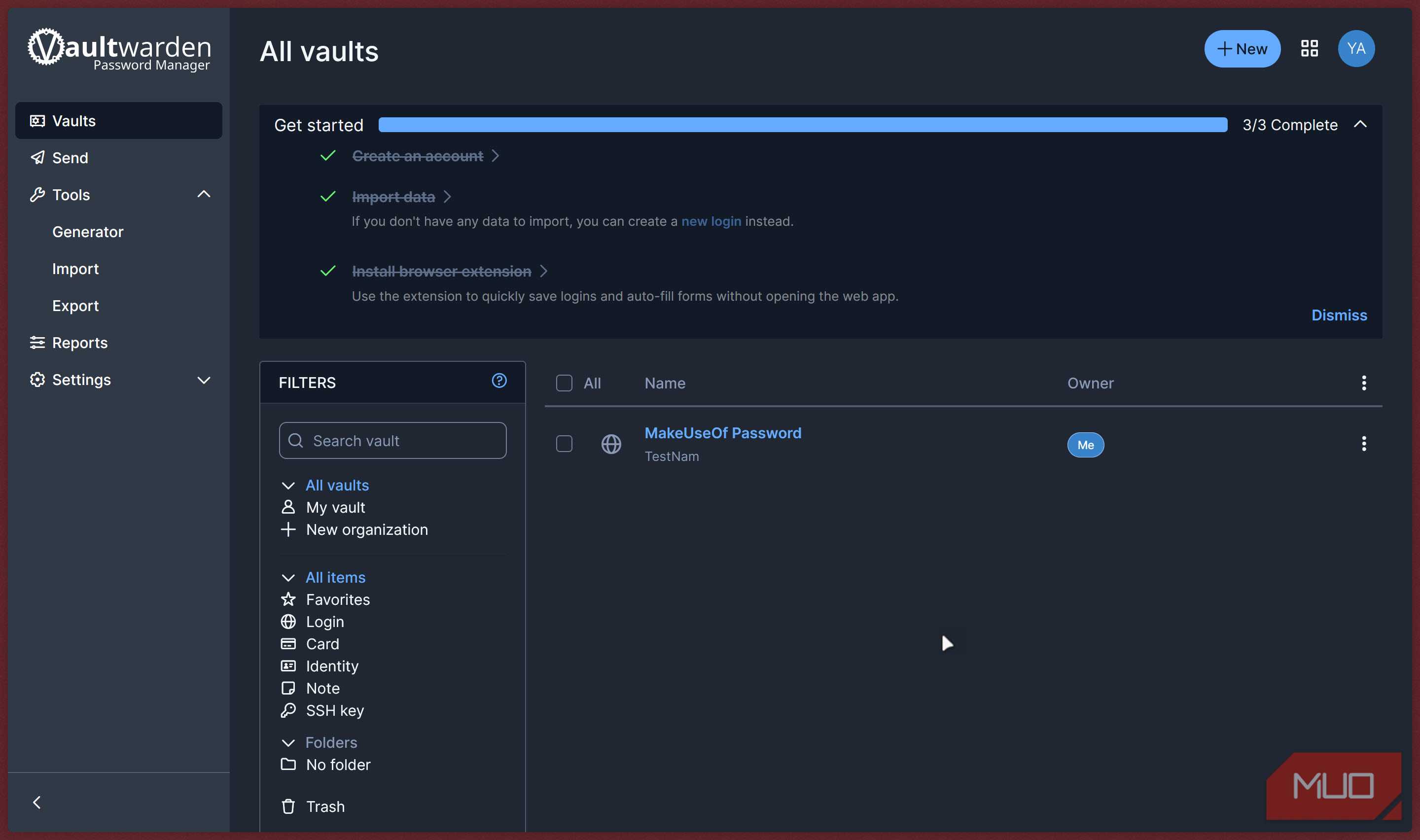
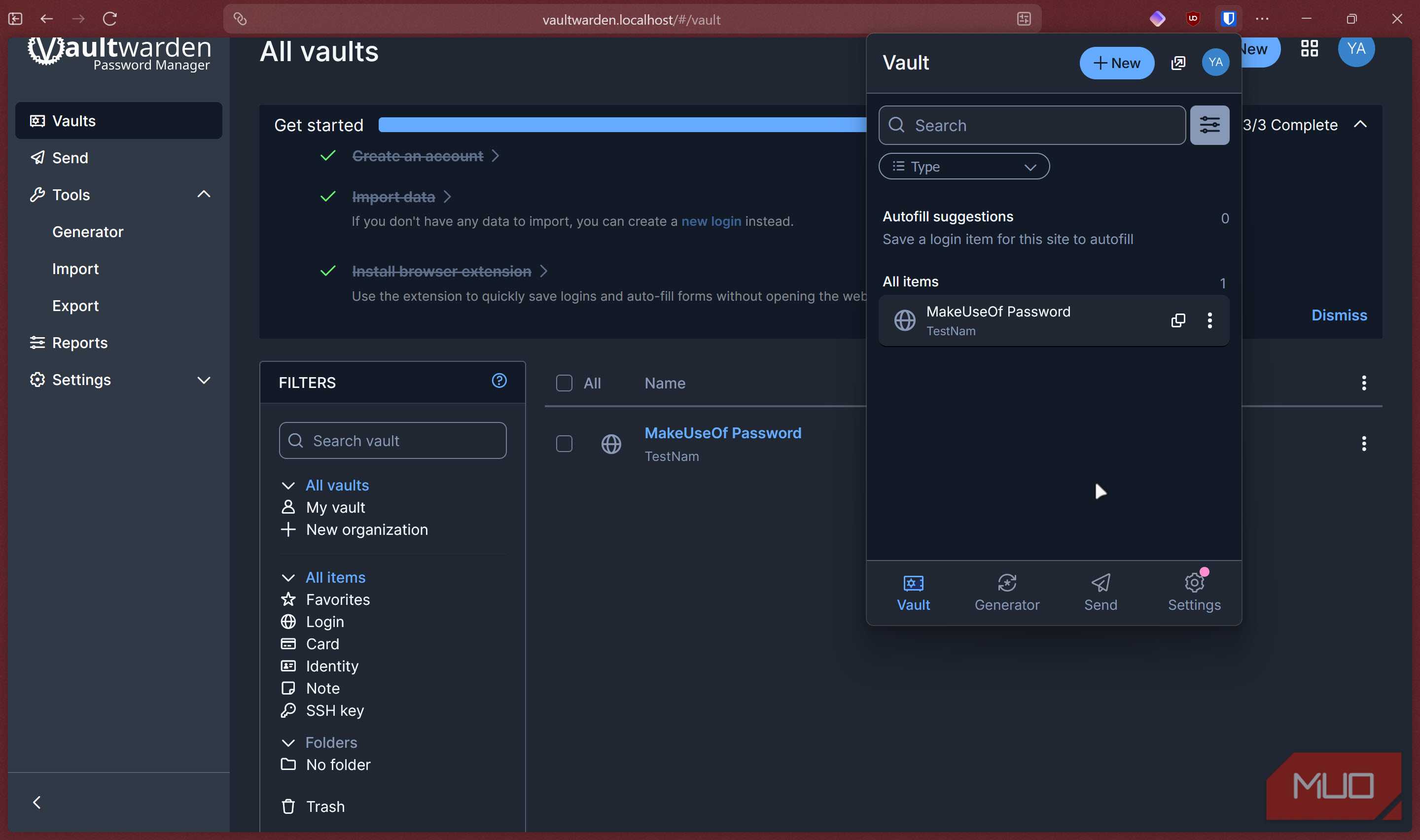
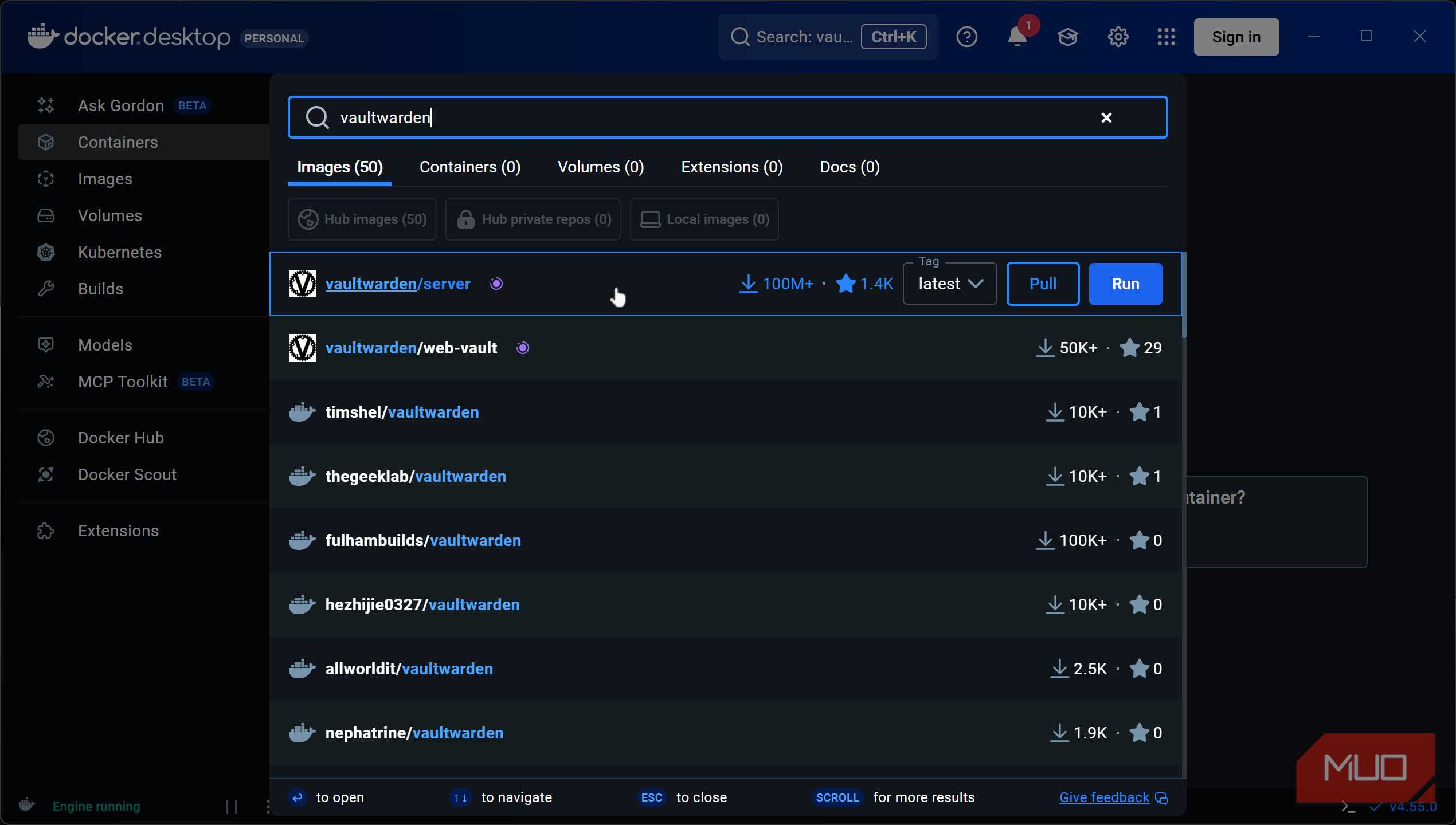
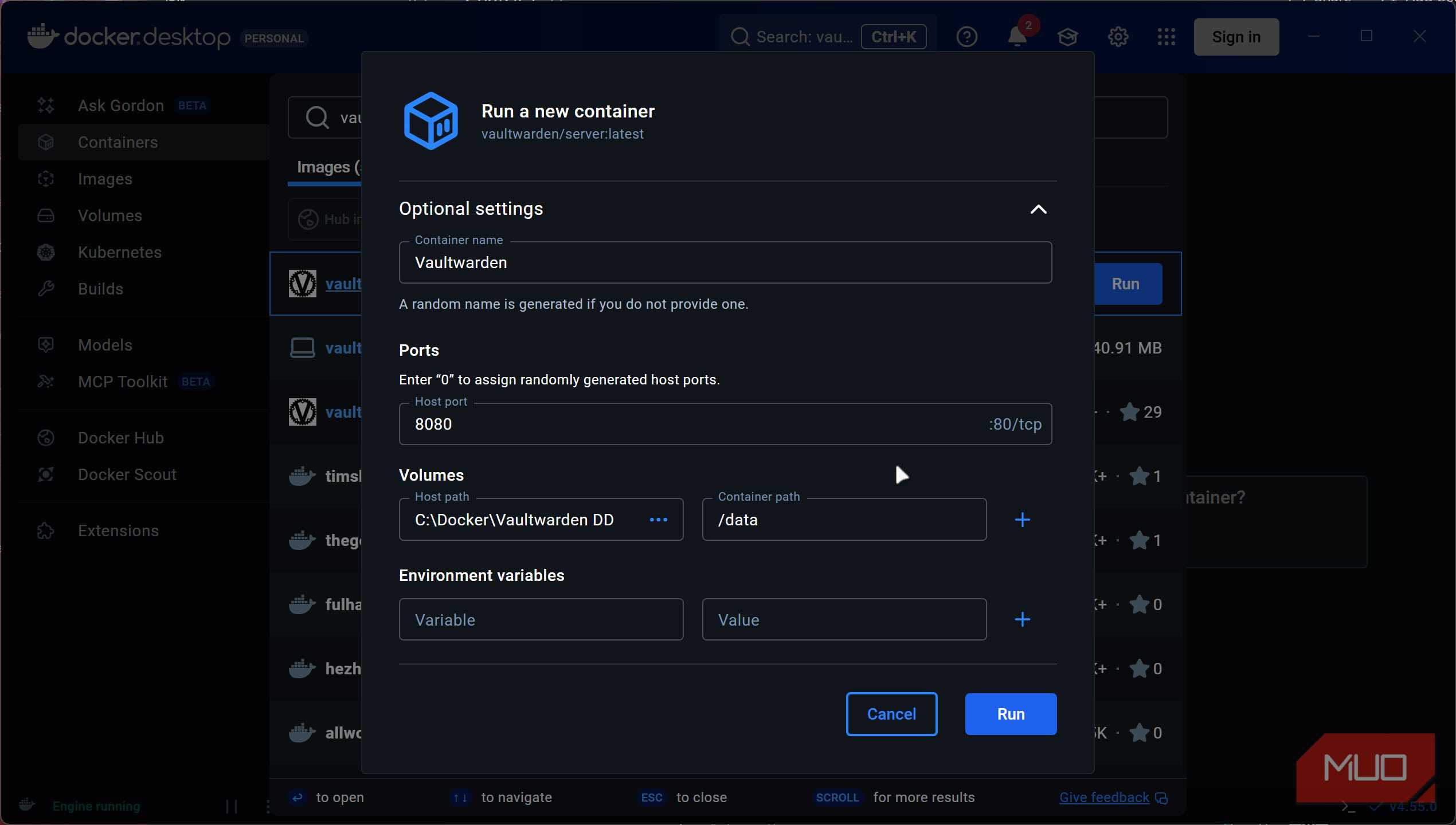
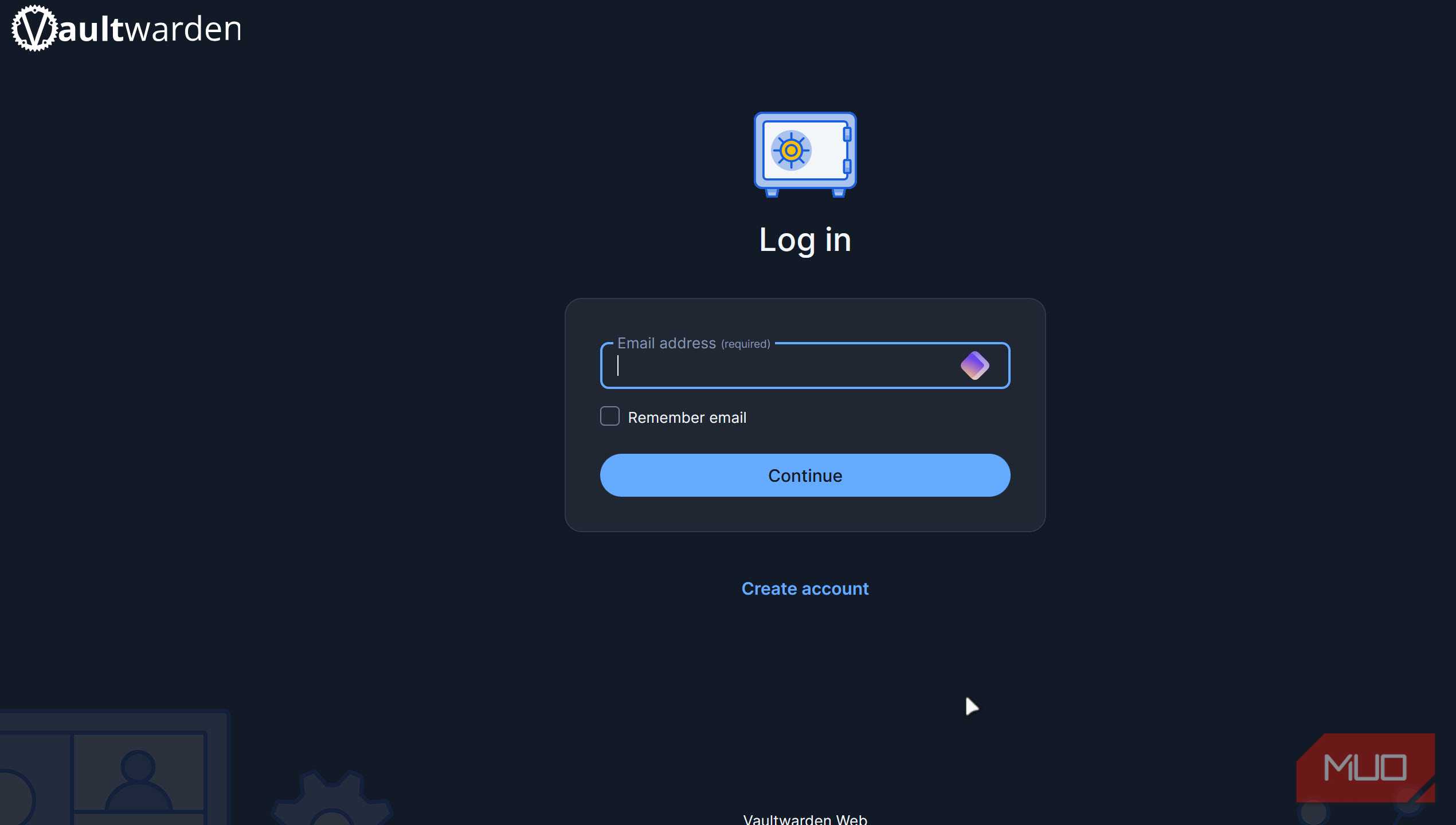


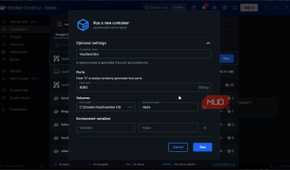

Another rather lightweight but useful app is Vaultwarden, an unofficial, open-source implementation of the Bitwarden server, written in Rust. It's fully compatible with every official Bitwarden client — the browser extensions, the Android and iOS apps, the desktop clients — so the experience for daily use is identical to the paid Bitwarden service, except everything lives on your Pi. The entire container is written in Rust for the best possible efficiency and speed, and the entire data source is a lightweight SQLite database.
One consideration you need to keep in mind is your storage medium. Vaultwarden will frequently access your storage, meaning running its directory off a microSD card long-term isn't ideal because of the write wear. A small USB SSD connected to the Pi solves this problem entirely. Once it's running, point your Biwarden client at your Pi's local IP address (or domain name if you've setup reverse proxy and want internet access), and you're good to go. No subscription, no cloud dependency, and no sensitive data sitting on someone else's server.

Vaultwarden
- Price model
- Free, Open-source
- Developer
- Daniel García
Vaultwarden is a lightweight, self-hosted password manager compatible with Bitwarden clients, designed to run efficiently on low-resource servers.
Know when your services go down
Uptime Kuma keeps watch over websites, servers, APIs, and smart home services with customizable alerts


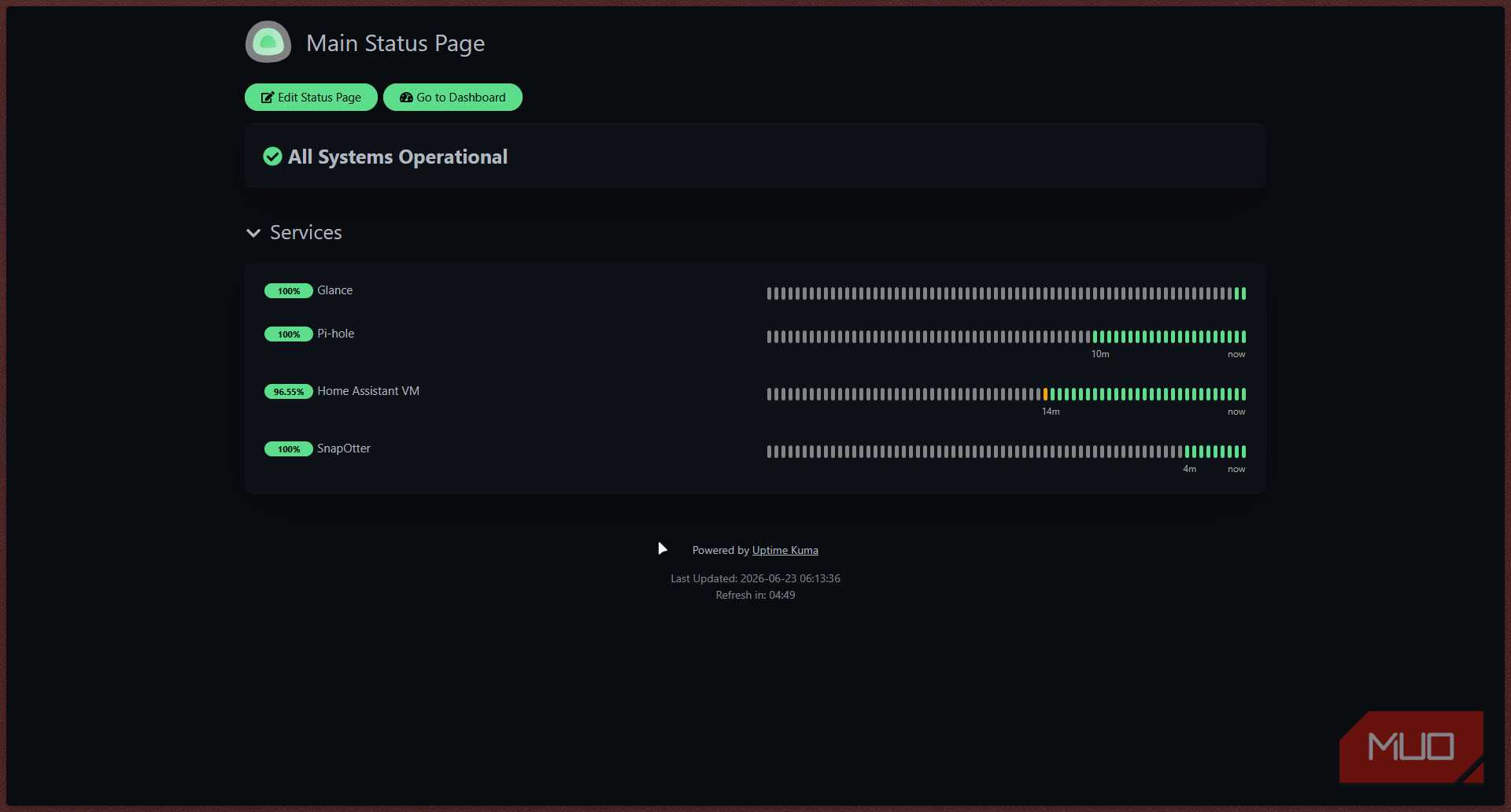
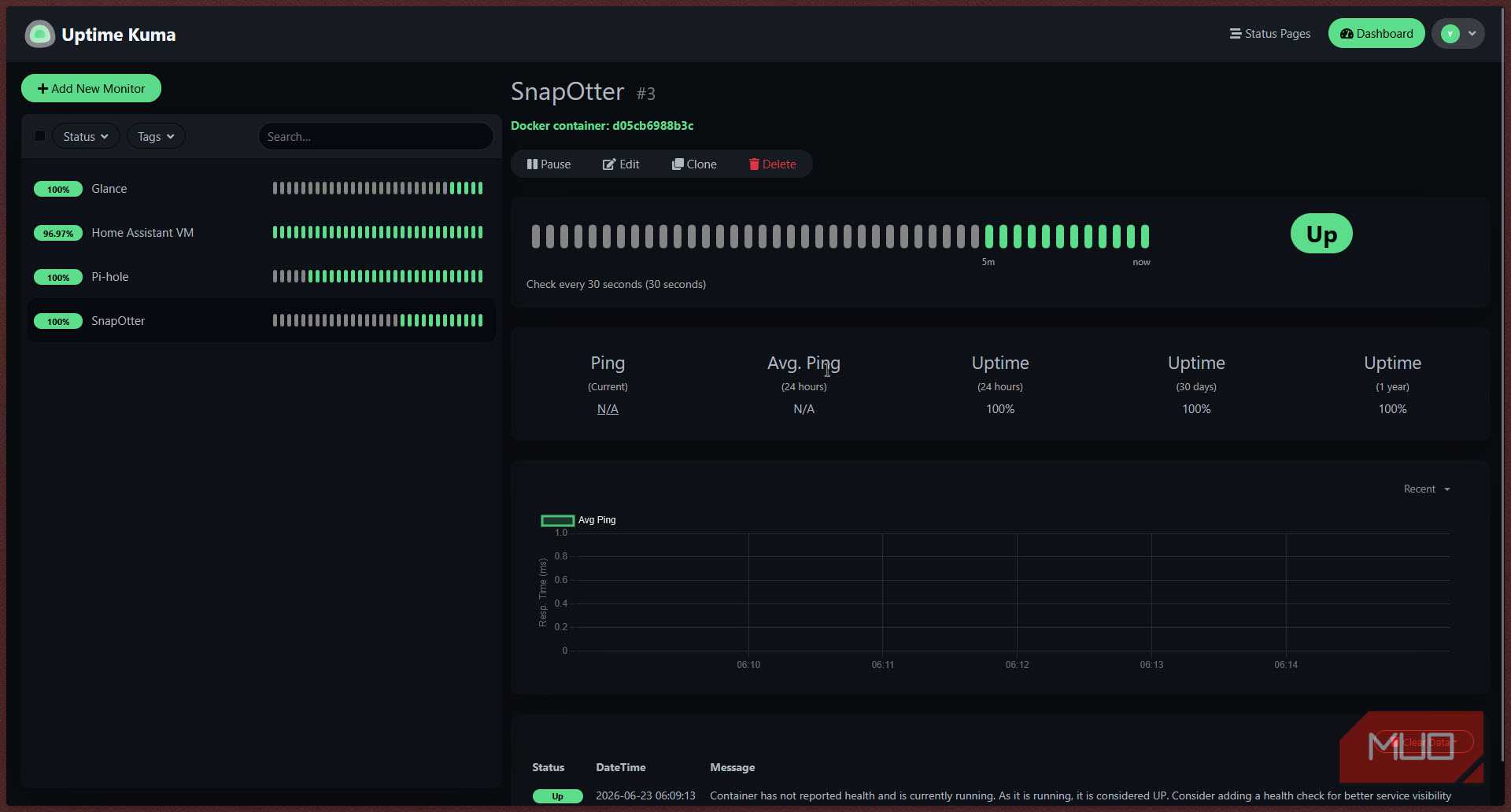
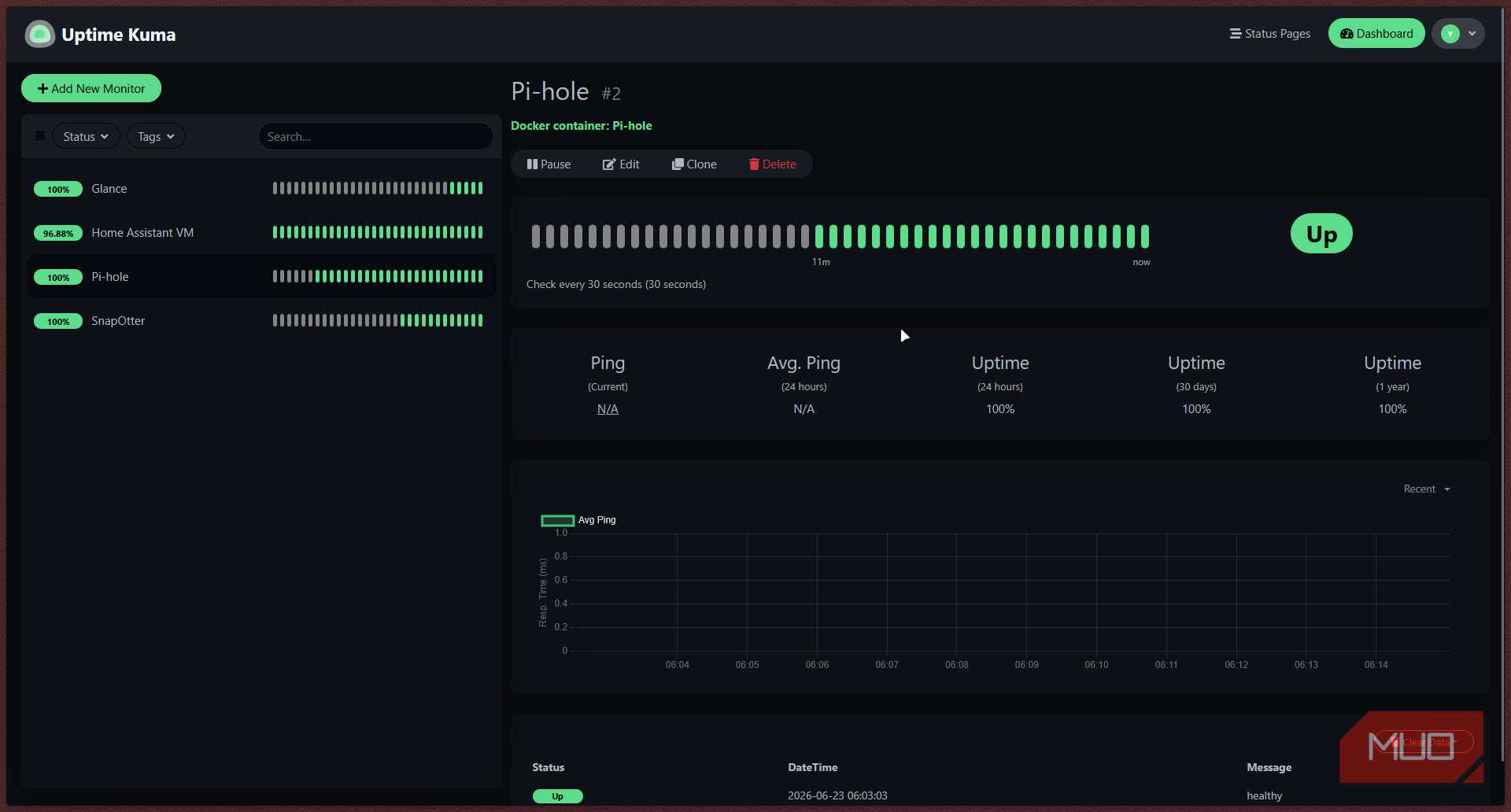
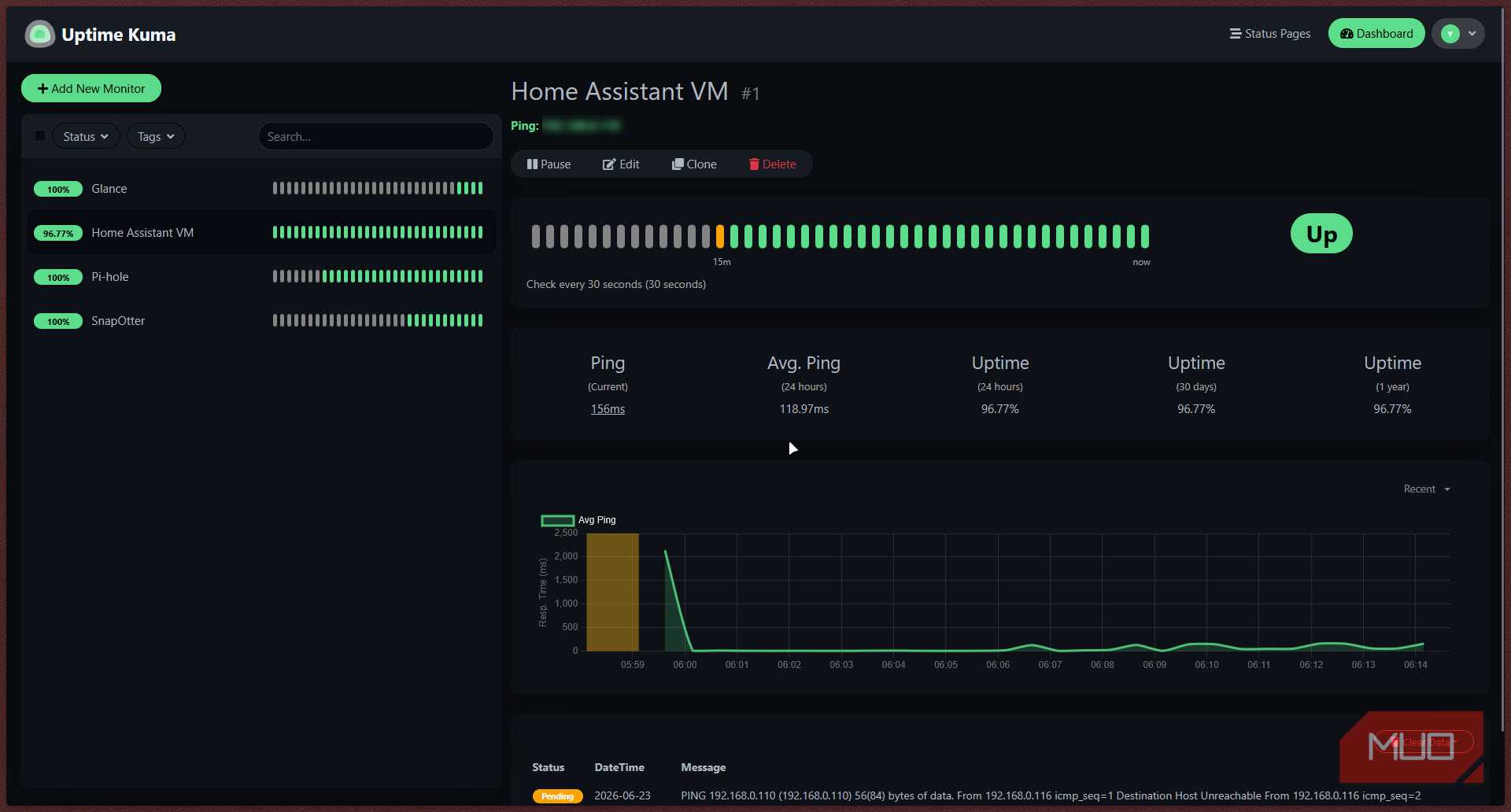
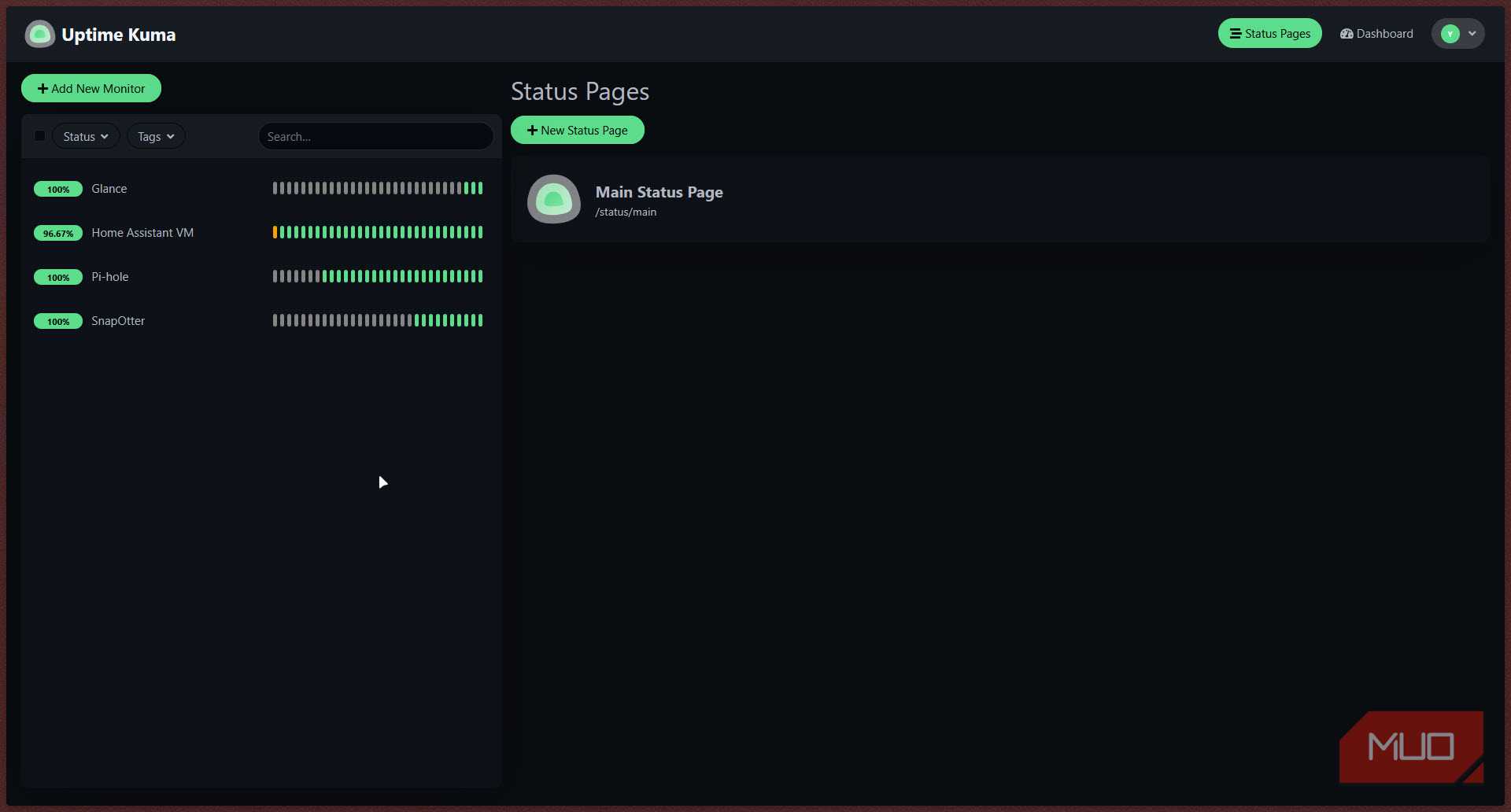
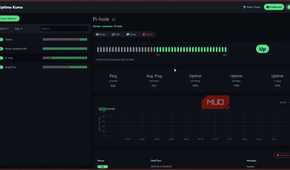
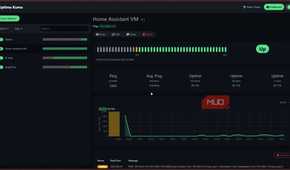
If you're running multiple self-hosted services or Docker containers on your local network, Uptime Kuma is one of the simplest tools you can use for network monitoring. It's a self-hosted monitoring tool similar to services like UptimeRobot. It gives you a clean, modern dashboard where you can add monitors for HTTP endpoints, TCP ports, ping targets, DNS queries, Docker containers, and more. When something goes down, it sends you a notification over whatever channel you prefer.
For a home server setup where there are multiple ESP32s, smart devices, VMs, Docker containers, and other endpoints running, you want to know immediately if any of them stop responding. Uptime Kuma monitors them all, and you can even give it the Docker socket to watch container health directly.

Uptime Kuma
- Price model
- Free, Open-source
- Developer
- Louis Lam
- OS
- Linux, Windows, Docker
Uptime Kuma is a lightweight, self-hosted monitoring tool that tracks websites, servers, and network services, sending alerts whenever something goes offline.
Make your home smarter, not cloudier
Home Assistant brings your smart devices together under one local-first automation platform with endless customization


If you've got a few smart plugs, bulbs, or sensors from different brands and don't want to be stuck using half a dozen apps to control your smart home, Home Assistant is the way to go. It's an open-source home automation platform that pulls in nearly every smart home ecosystem under one roof, letting you build automations that actually talk to each other.
Getting it up and running on a Raspberry Pi 4 or 5 is a simple matter of flashing your microSD card with the latest Home Assistant image using the Raspberry Pi Imager. Since it runs as an OS, it won't let you run other services on the same device (unless you run them through the Home Assistant interface), but you'd want that extra headroom in case you intend to add more than a couple of smart devices. Even a $50 Raspberry Pi 3B+ can replace your entire smart home hub with Home Assistant, although you will be limited on the number of devices, add-ons, and integrations you can add.

Home Assistant
- Price model
- Free, Open-source
- Developer
- Open Home Foundation
- OS
- Windows, macOS, Linux, Raspberry Pi
A self-hosted, open-source smart home platform that lets you control, automate, and unify all your devices locally without relying on the cloud.
Give your Pi an app store
CasaOS makes self-hosting approachable with a polished web interface and one-click installation for popular apps


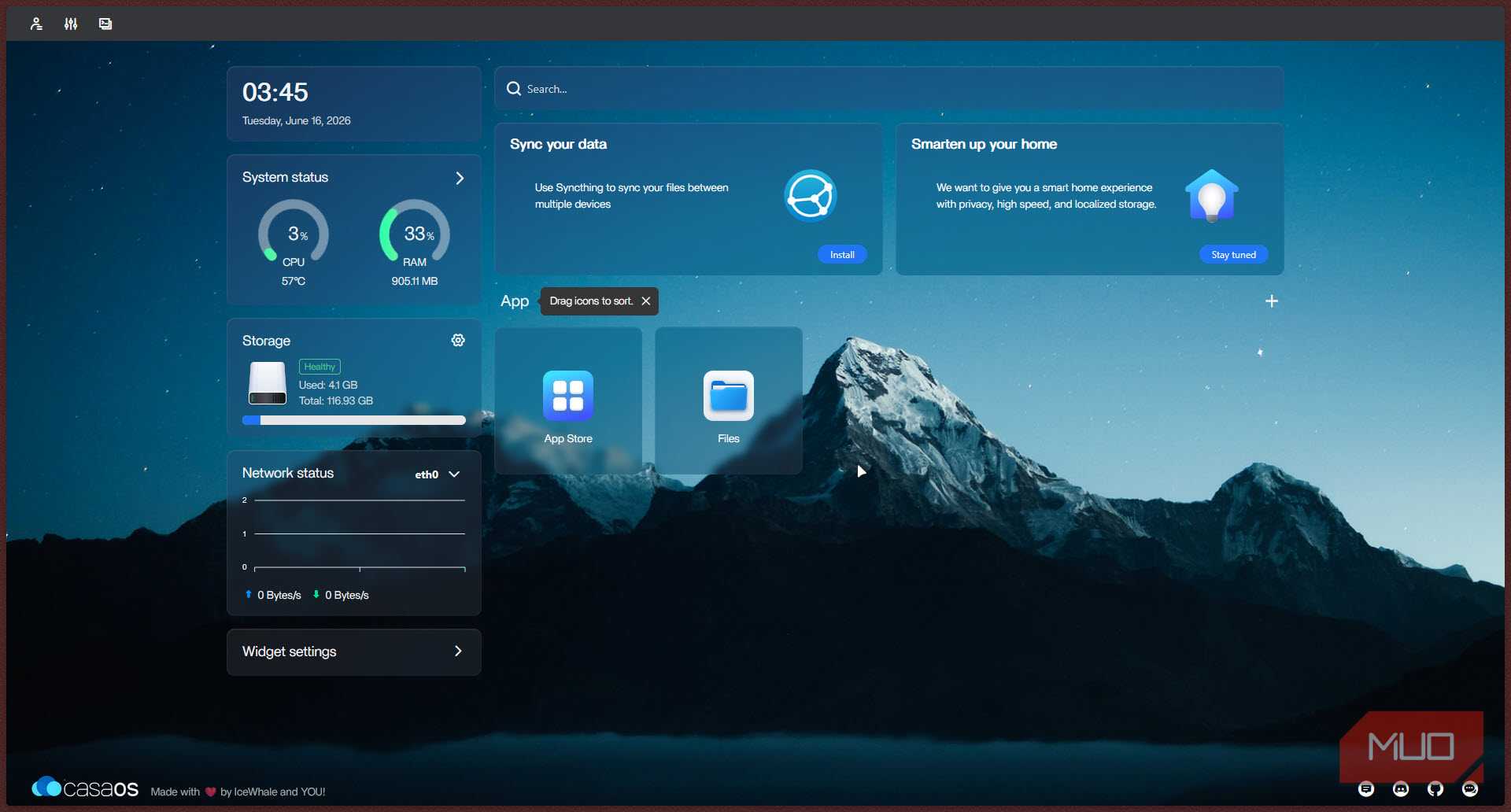
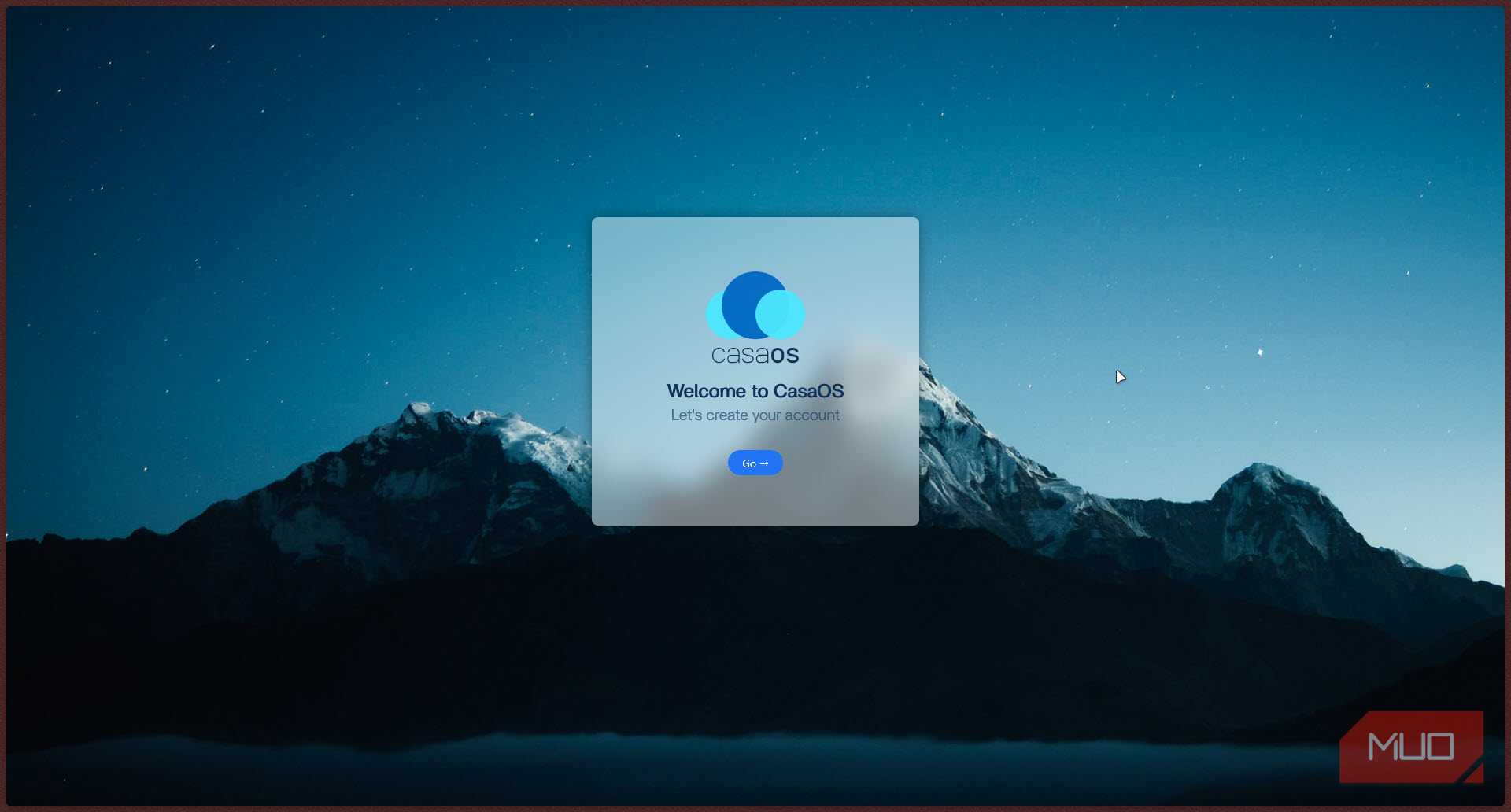
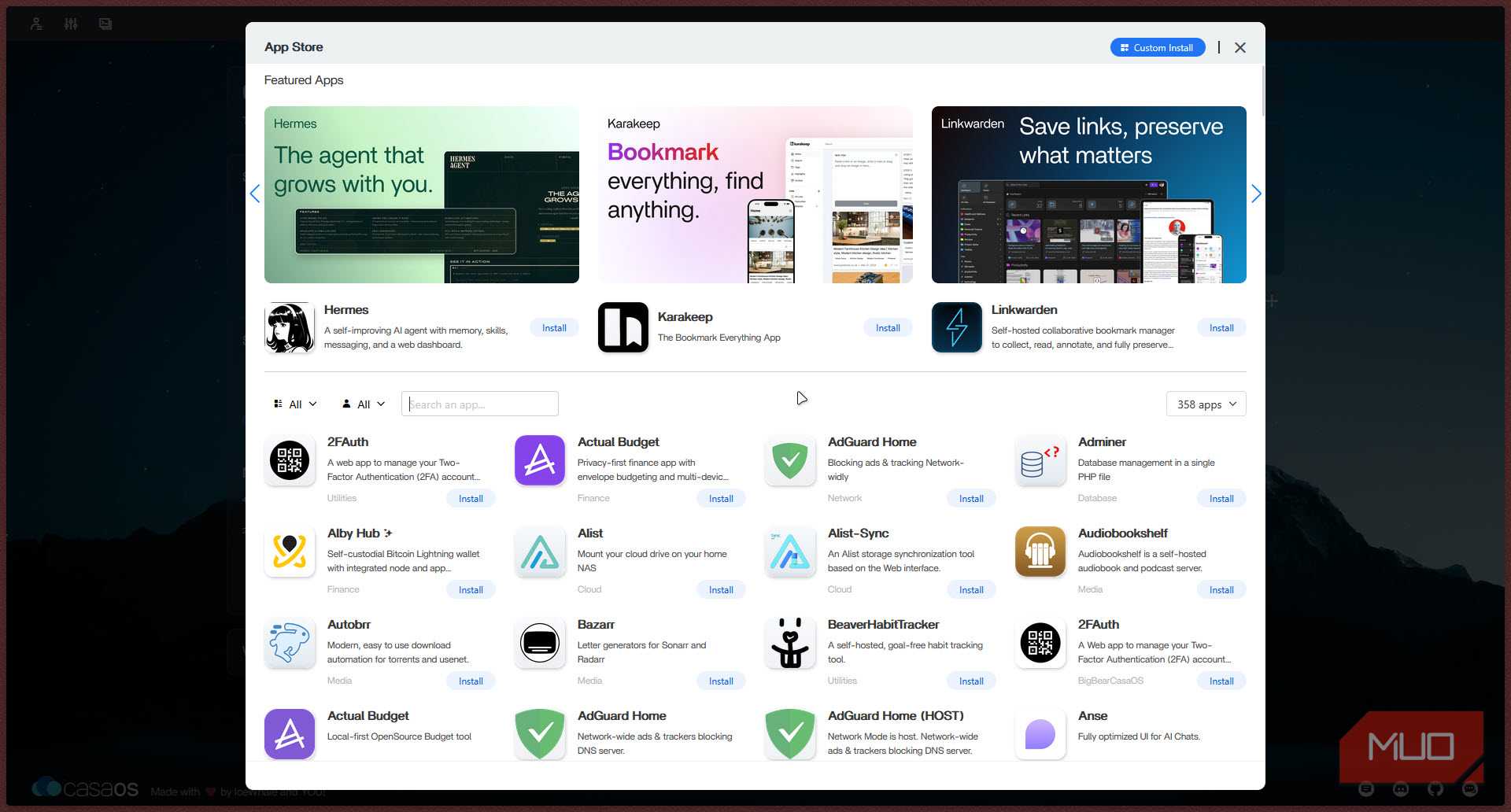
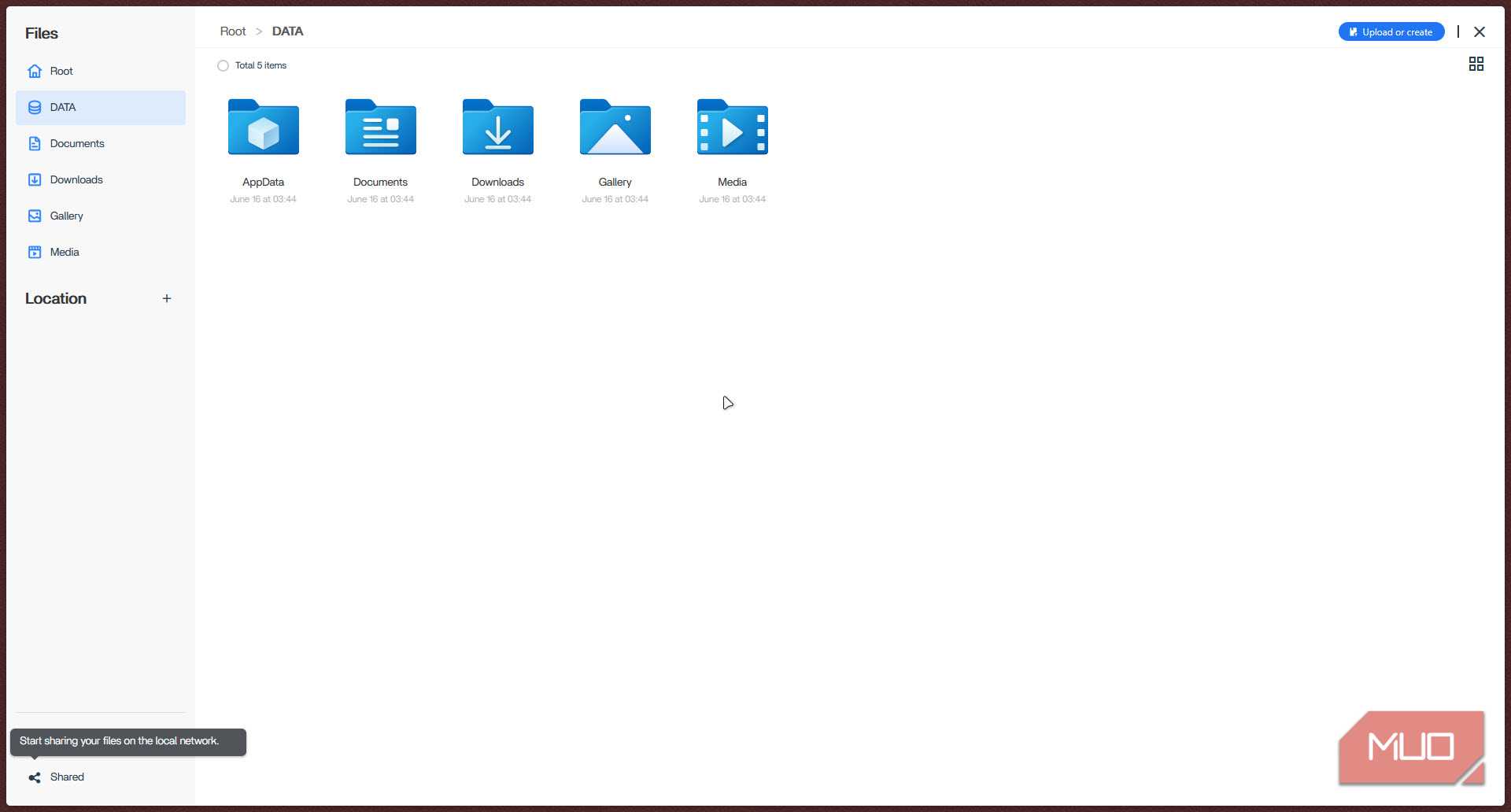
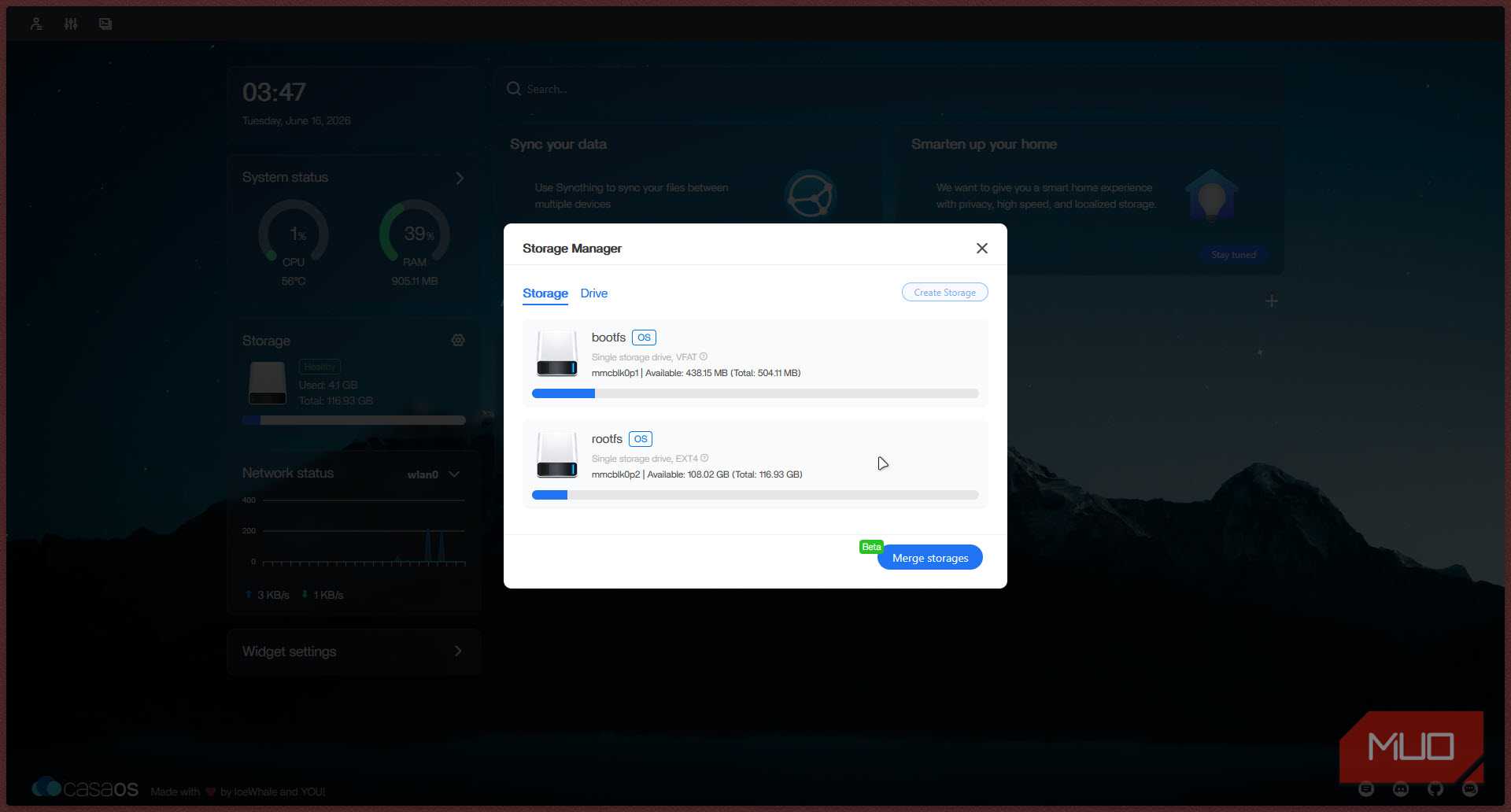
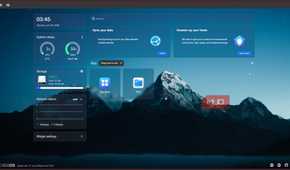


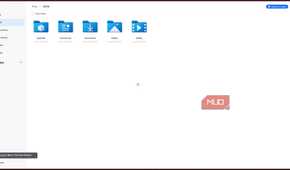

If you want to turn your Raspberry Pi into a full-blown home server, CasaOS is a great option that takes the otherwise command-line-centric experience of setting up a home server and gives it a slick user interface anyone can use. You can then add any services like Pi-hole, Home Assistant, and many more apps as Docker containers using a traditional-style app store.
Under the hood, every app you install runs in its own Docker container. But instead of writing Docker Compose files by hand or digging through environment variables, CasaOS handles all of that for you with a clean, user-friendly interface. You get real-time system stats including CPU, RAM, storage, and network, along with app tiles, a built-in file manager, SSH access to the base OS, and a storage manager that makes mounting drives as simple as plugging in a USB stick. It's the kind of UI that makes self-hosting accessible even to those who have never done it before.

CasaOS
- Price model
- Free, Open-source
- Developer
- IceWhale Technology.
- OS
- Linux
CasaOS is a user-friendly, open-source home server platform that simplifies self-hosting through a web-based app store and management dashboard.
Your Raspberry Pi deserves a real job
Buying a Raspberry Pi opens the doors to almost endless uses for just about any application you might need. The board has specialized hardware that'll serve you well if you've got a specific use case planned out, but in case you haven't, all it takes is an afternoon and a few free apps to make your brand new Raspberry Pi useful the day it arrives.
None of them cost anything, and you don't necessarily have to buy the latest Raspberry Pi for what is an eyewatering price at the moment. The older Raspberry Pi 3B+ or a Pi 4 work just fine. Start with something simpler like Pi-hole, and before you know, you'll have a mini home lab on your hands.