


Before the widespread adoption of Rich Communication Services (RCS) messaging, the Google Messages app lacked modern features. Snapchat popularized disappearing messages a decade earlier, and Google Messages still couldn't remotely delete messages as of last year. Back in 2024, the RCS Universal Profile v2.7 debuted with the handy ability to edit, recall, and delete sent messages for both the sender and recipient.
It took Google an extra year to add support for these RCS Universal Profile v2.7 features in the Messages app. Beta testing for message deletion in Google Messages began last spring, and the feature has been widely available since last summer. Now, when you delete an RCS chat, you'll have the option to delete the message for everyone. There are some limitations to keep in mind, but message deletion is a long-overdue addition that Google Messages users should try if they haven't already.
The delete button in Messages works differently now
It used to merely help clean up your inbox

Previously, deleting chats in the Google Messages app only removed them for yourself. The person on the other end of the conversation can still see them, so the Trash icon was more of an organizational tool than anything else. Anyone used to sending texts via the Short Message Service (SMS) or Multimedia Messaging Service (MMS) won't find this surprising. However, message recall features have become a staple of modern messaging apps and services, including iMessage, WhatsApp, and Telegram.
Google Messages was one of the few messaging apps without support for deleting chats for both the sender and the recipient. When you held down a message in a conversation, tapping the Delete button would remove it from the chat. As of March 2026, these deleted chats live in a trash folder for a 30-day period. This lets you view or recover the deleted messages as needed, but remember — they were never removed for the other person.
Personally, I didn't use the old deletion feature in Google Messages very much. When it was time to clean up my inbox, I'd archive entire conversations to simplify matters. The delete button didn't get much use because the archive gesture was a more efficient way of achieving a similar goal.
Some users might've tapped the trash icon in Google Messages expecting the deleted message to disappear for everyone, but that behavior only appeared recently. And, there are restrictions that dictate when and how a message can be deleted for everyone.
Deleting messages from both sides of a chat is easy
There's a new 'Delete for everyone' button that does the trick

Since the message deletion feature leverages the RCS Universal Profile v2.7 or newer, you need an updated version of the Google Messages app to use it. More specifically, both sides of the conversation must be using the latest version of the Google Messages app. That rules out RCS chats between iPhone and Android users, unfortunately. iMessage and Google Messages have their own message deletion features, but they're built on different protocols that don't play nice with each other.
If you try to delete a message in an iPhone-to-Android chat or an SMS/MMS conversation, it'll work exactly like it did before. The message will disappear for you, but it'll still appear for the recipient. The difference lies in RCS conversations between Google Messages users. In supported conversations, press and hold the message you want to delete. Then, tap the Trash icon near the top of the screen. The Google Messages app will present you with two options: Delete for me and Delete for everyone.
The choices are pretty self-explanatory — the former only removes the message from your Google Messages app, while the latter removes it from both sides of the conversation. You only have 24 hours to delete a message for everyone in Google Messages after it was originally sent. Of course, there's nothing stopping the recipient from viewing or screenshotting the original message before you delete it for everyone.
The feature works in both person-to-person chats and group chats, but everyone in the group must be using RCS and an updated Google Messages version.
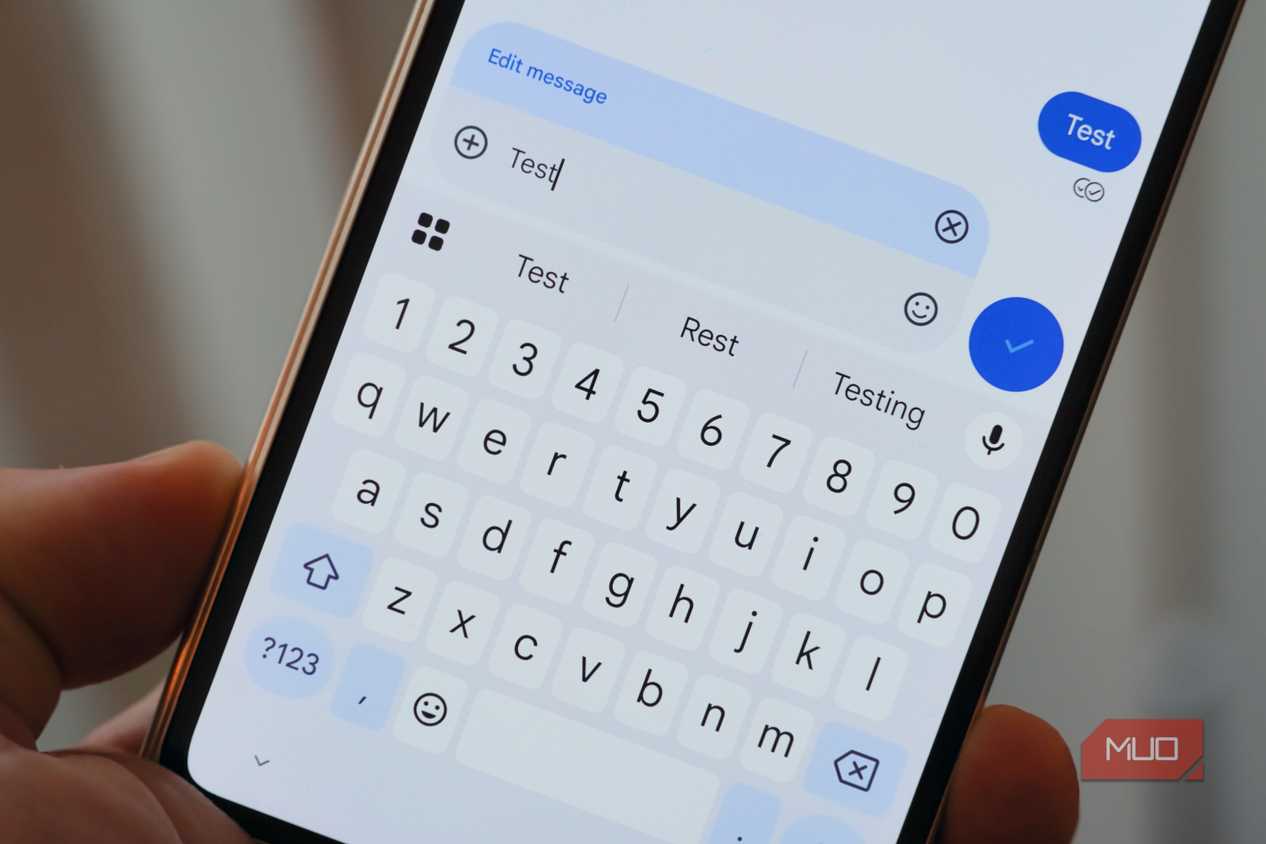
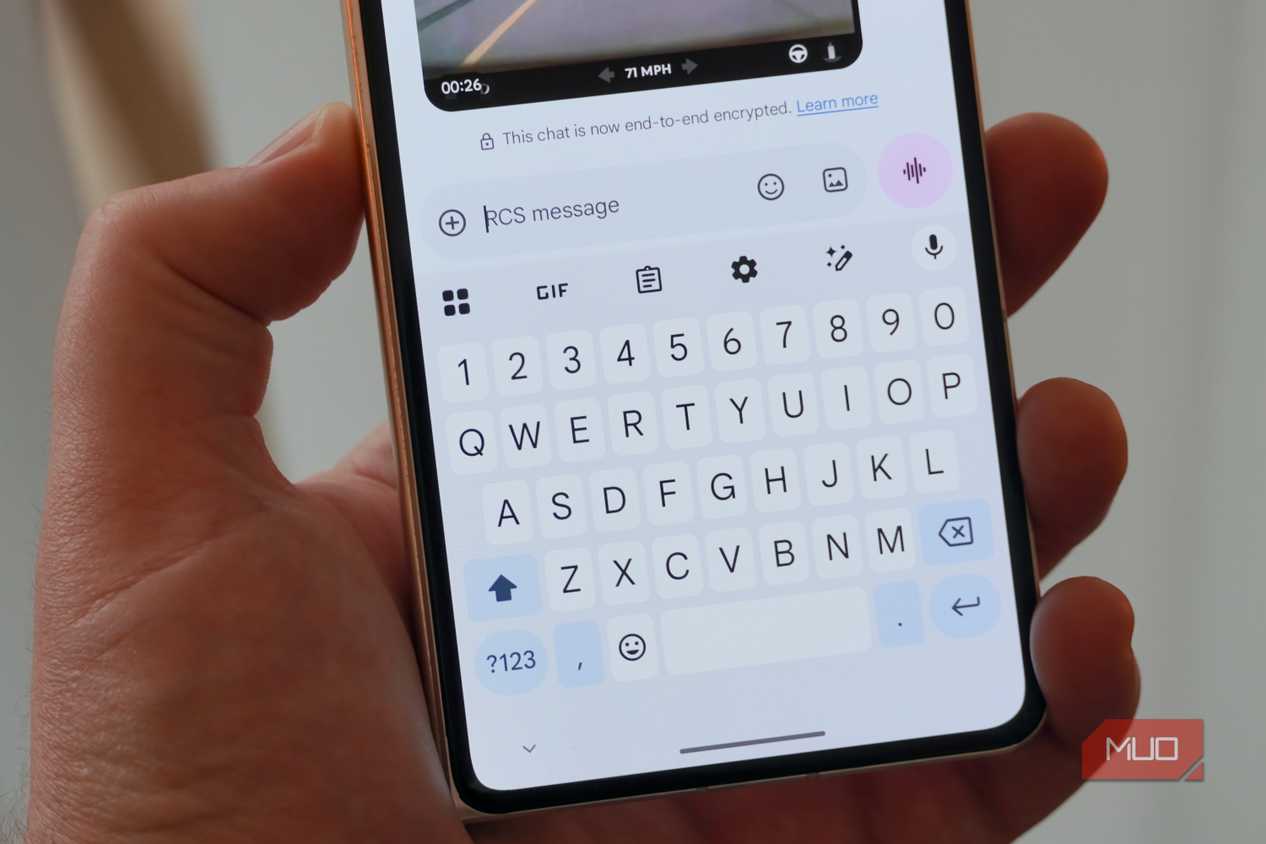
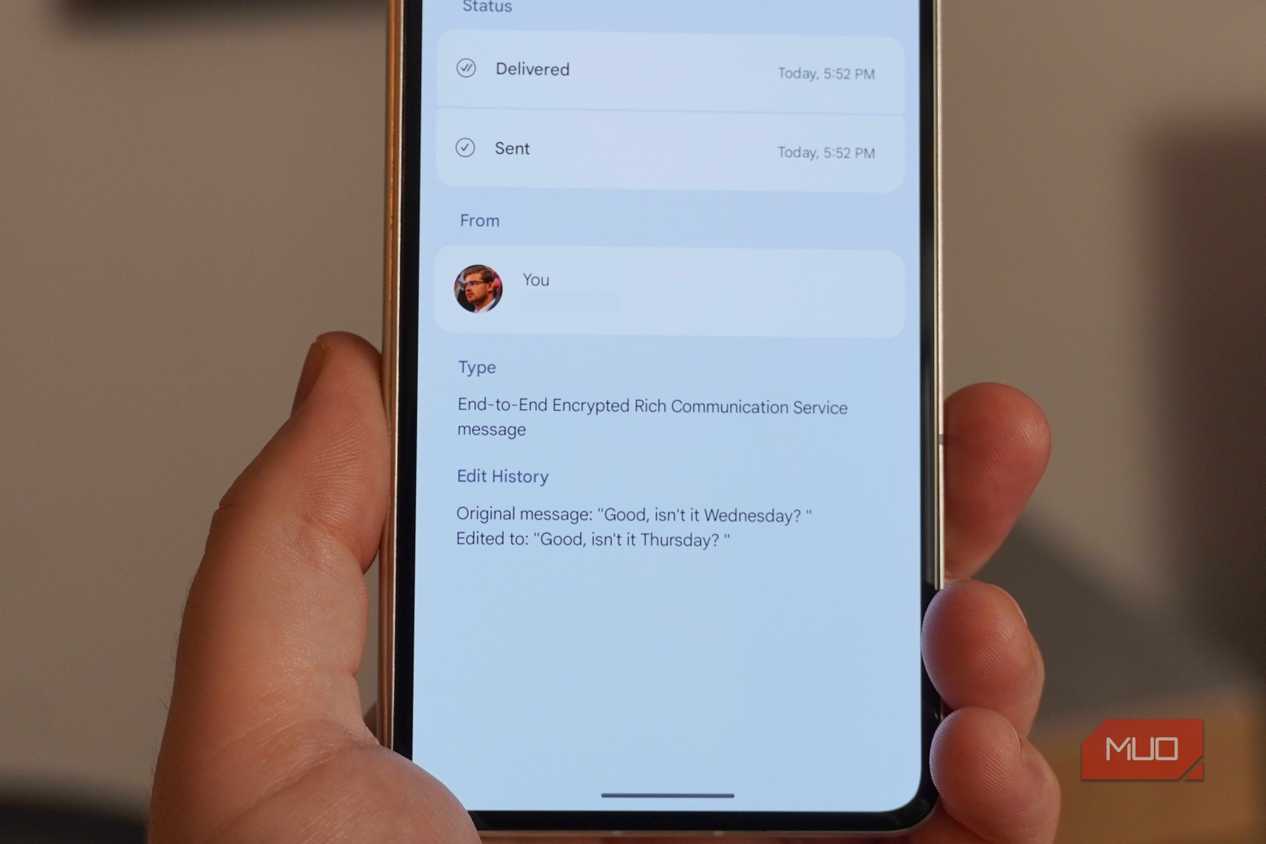
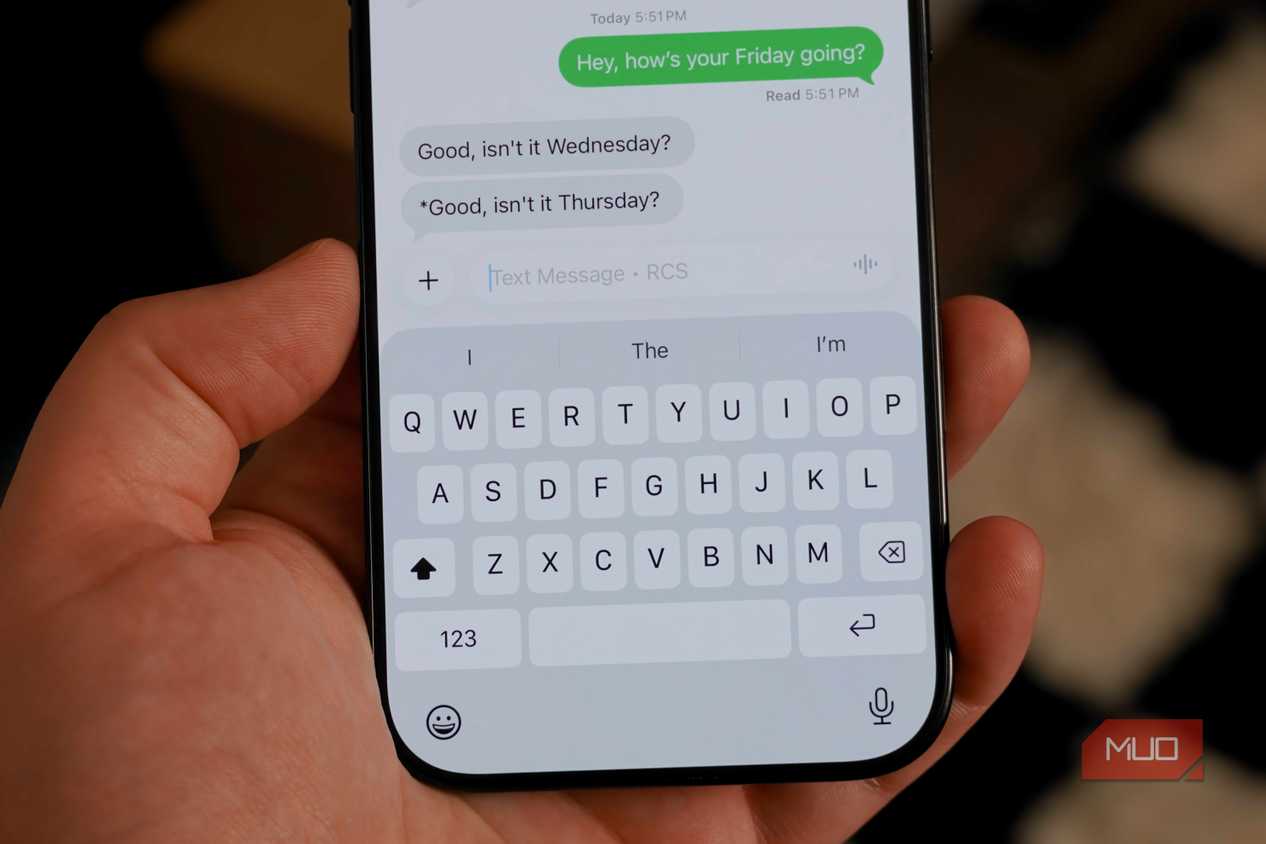
Deleting and editing messages might not always work
The best approach is to think twice before you send


 Credit: Brady Snyder / MakeUseOf
 Credit: Brady Snyder / MakeUseOf
 Credit: Brady Snyder / MakeUseOf
 Credit: Brady Snyder / MakeUseOf
 Credit: Brady Snyder / MakeUseOf

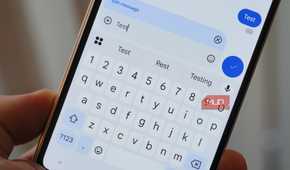
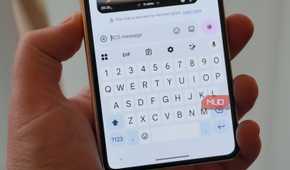
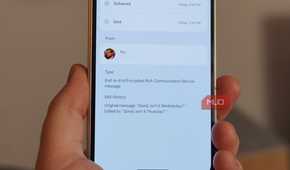
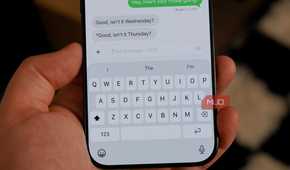
With message editing and deletion features now part of the RCS Universal Profile v2.7, the Google Messages app now matches the feature set of iMessage, WhatsApp, and Telegram in yet another way. However, it took a bit of time for Google to get up to speed — we're already on the RCS Universal Profile v4.0. The features have been widely available since last summer, but since everyone needs to update their Google Messages app for them to work, we haven't been able to count on them until now.
You still shouldn't put too much faith in the Delete for everyone button in Google Messages. Unless you're quick, there's a good chance the recipient had a chance to read or save your message before you pulled it back. Plus, it only works between Google Messages users on RCS that have an updated version of the app — and there's no way for you to know which version the person you're texting uses.
All that is to say, the delete button in Google Messages finally works how people expected it to, but you should still think twice before firing off that risky text. It's a neat feature, not a foolproof solution.