


Given how expensive NAND memory is, SSDs are out of reach for most, and HDDs are somehow making a comeback in the hardware market, despite their obsolescence. For bulk data storage and offloading content I don't use daily, or for building a NAS server, I'll always reach for mechanical drives because they retain data better and last longer than SSDs.
However, despite their strengths, HDDs require much more care than an SSD, and I'm not even talking about physical care, since there are moving parts involved. Instead, some HDD brands require more care than others, according to a study that tested over 400k HDDs in a data center environment.
Your HDD's age matters less than who made it
Brand affects how likely an old HDD is to fail
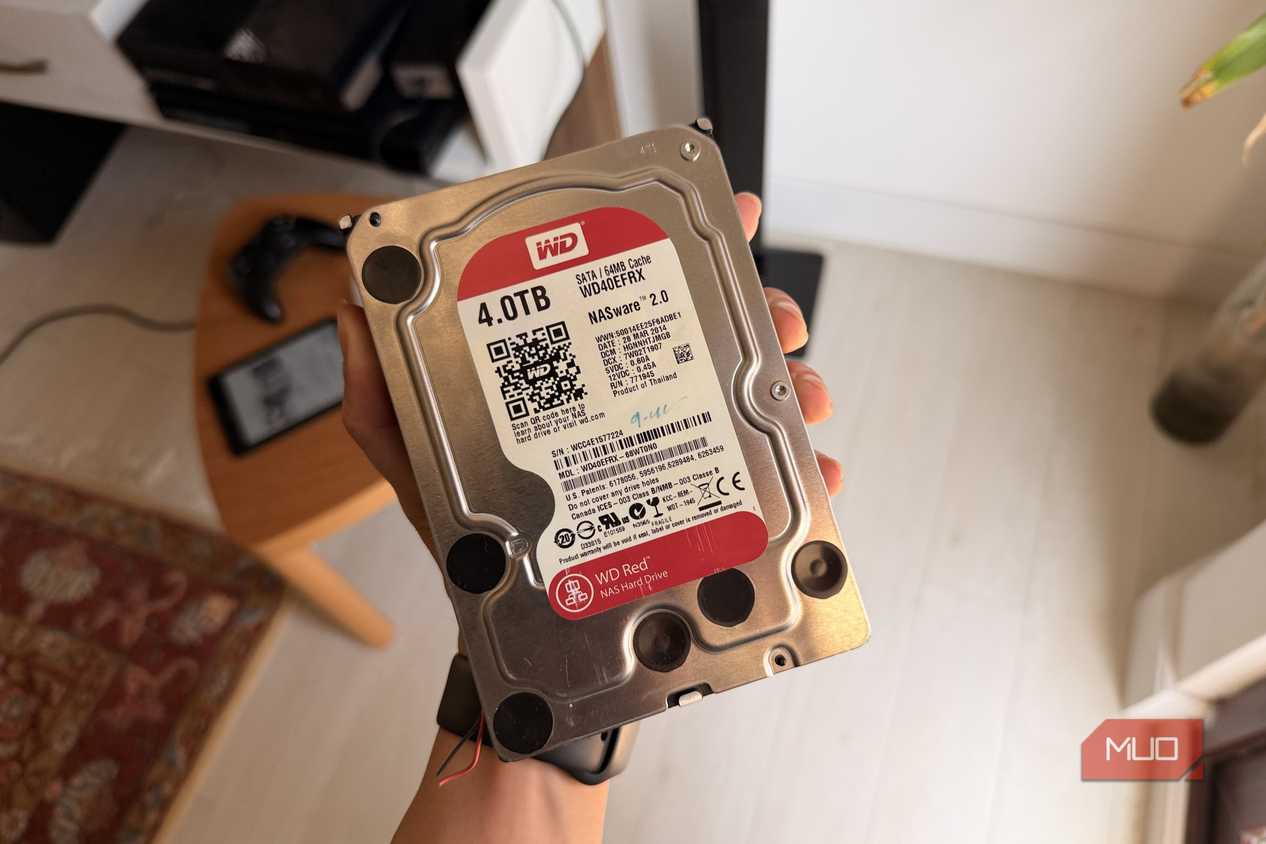
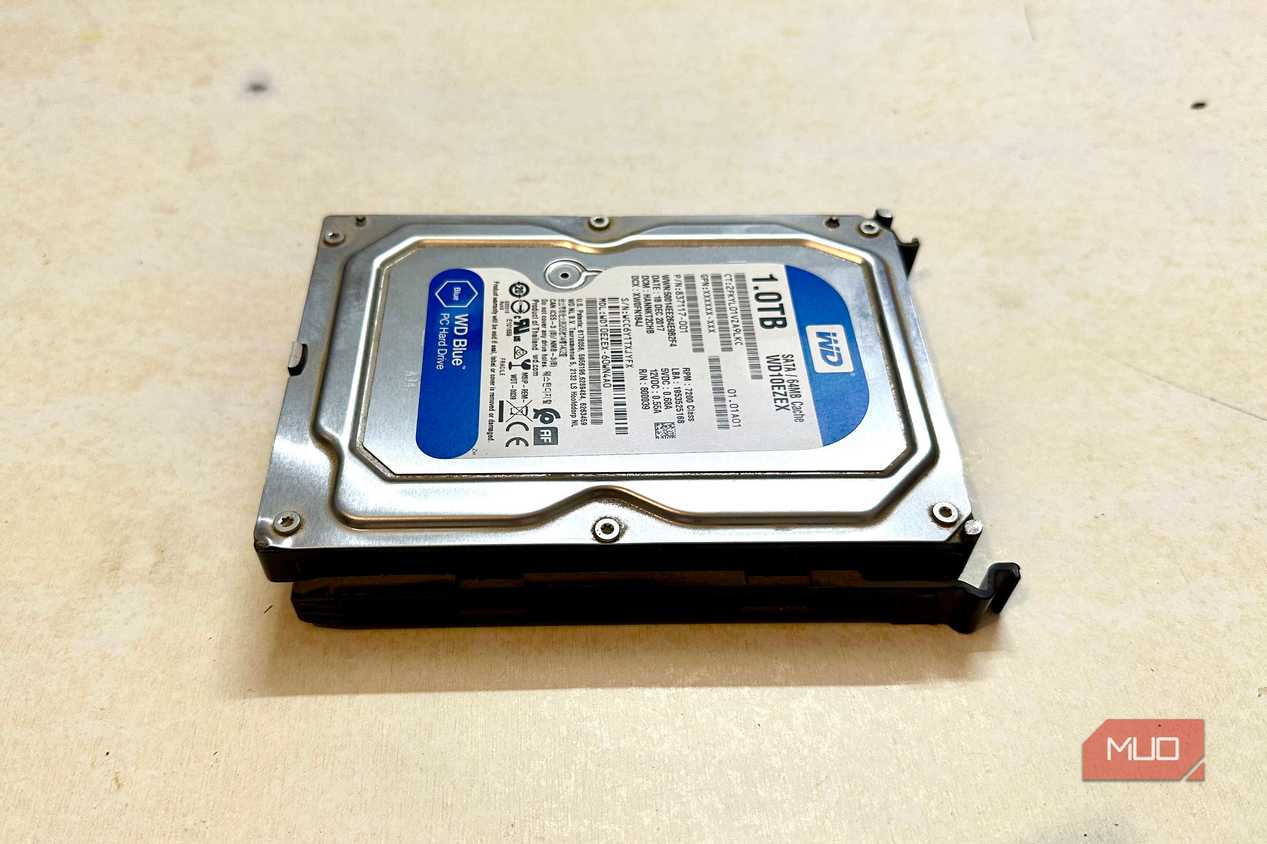




 Credit: Amir Bohlooli / MUO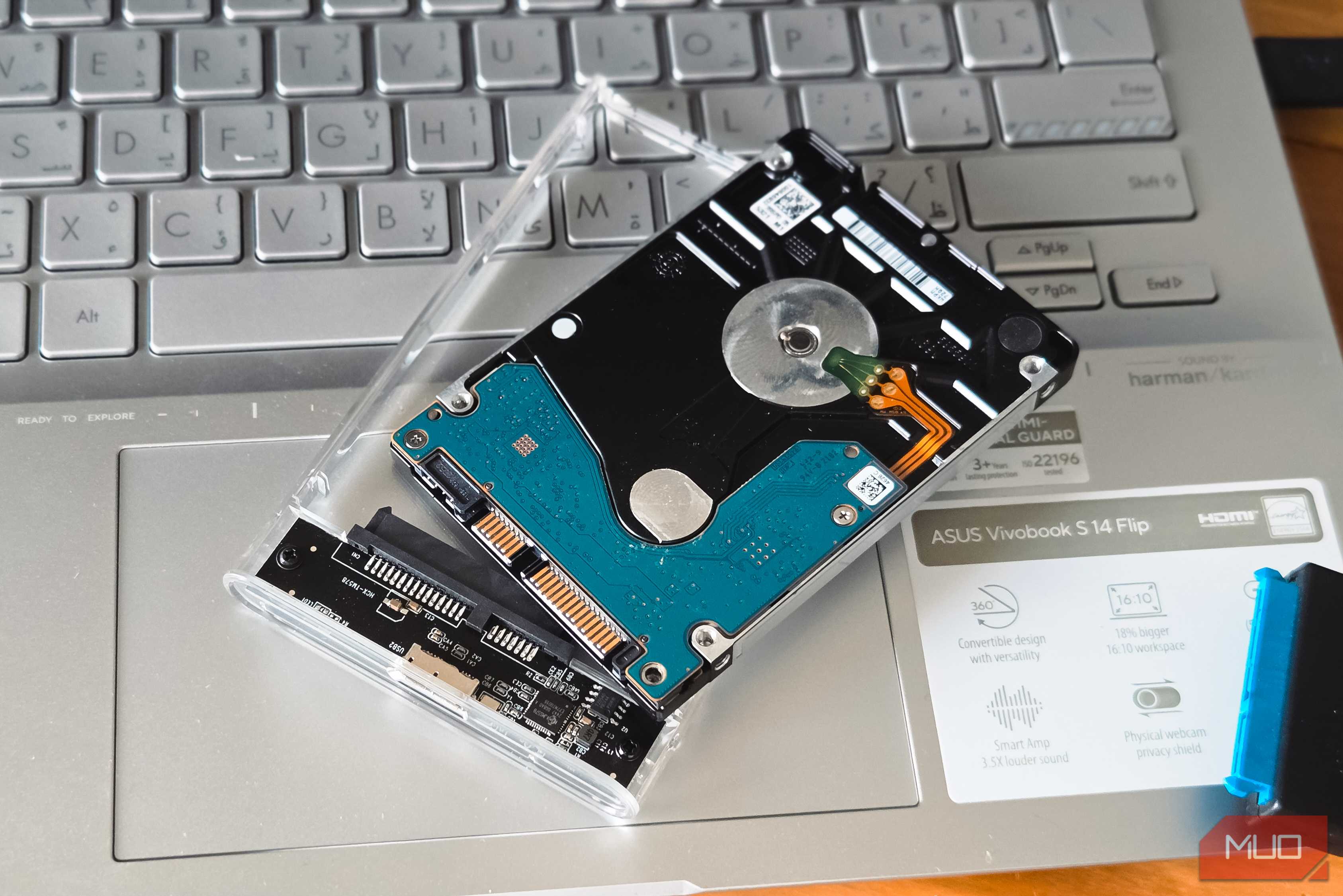
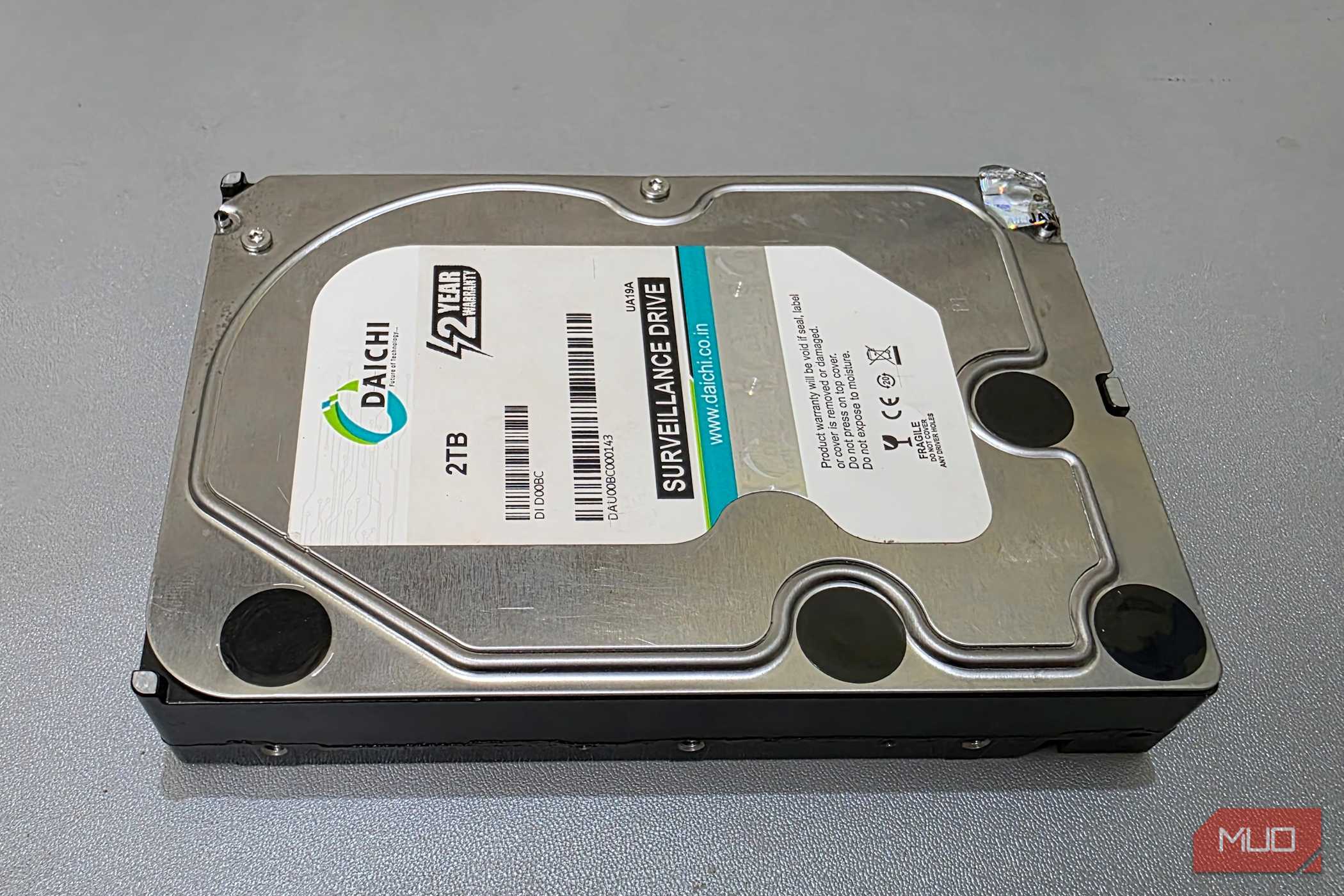
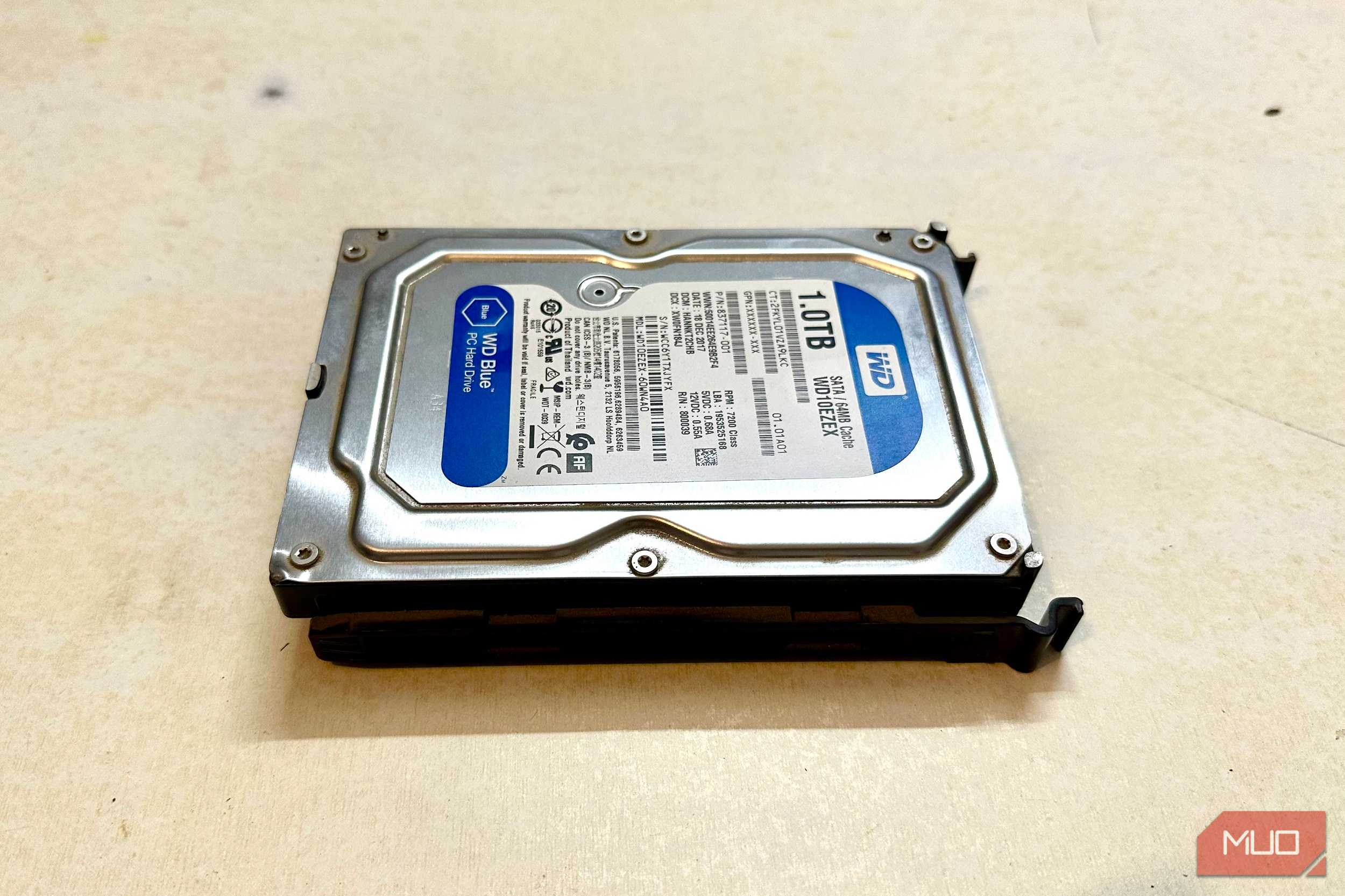
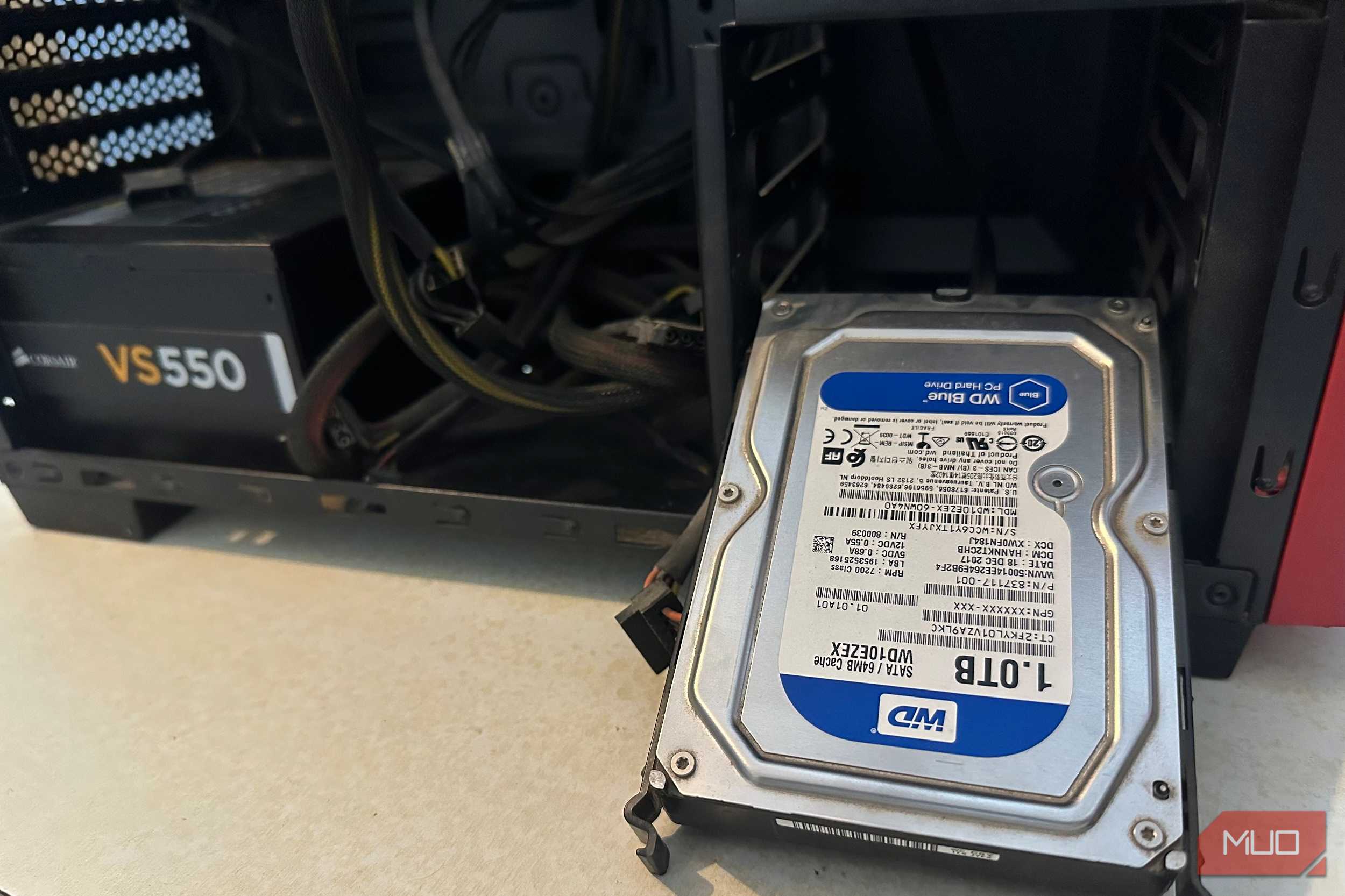
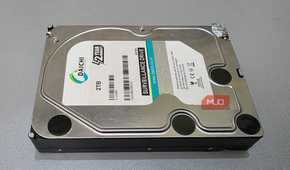
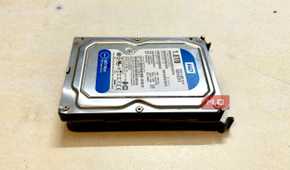
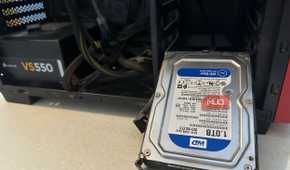
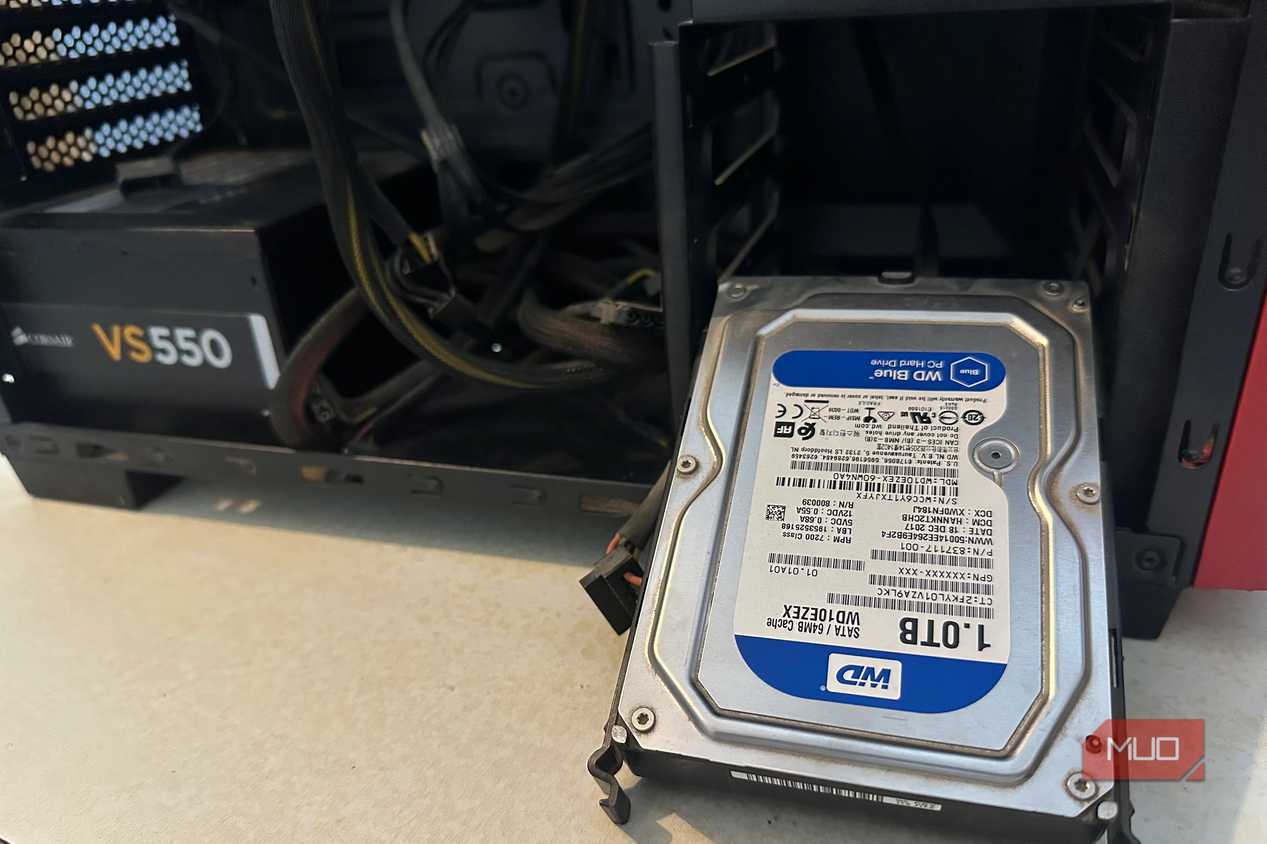
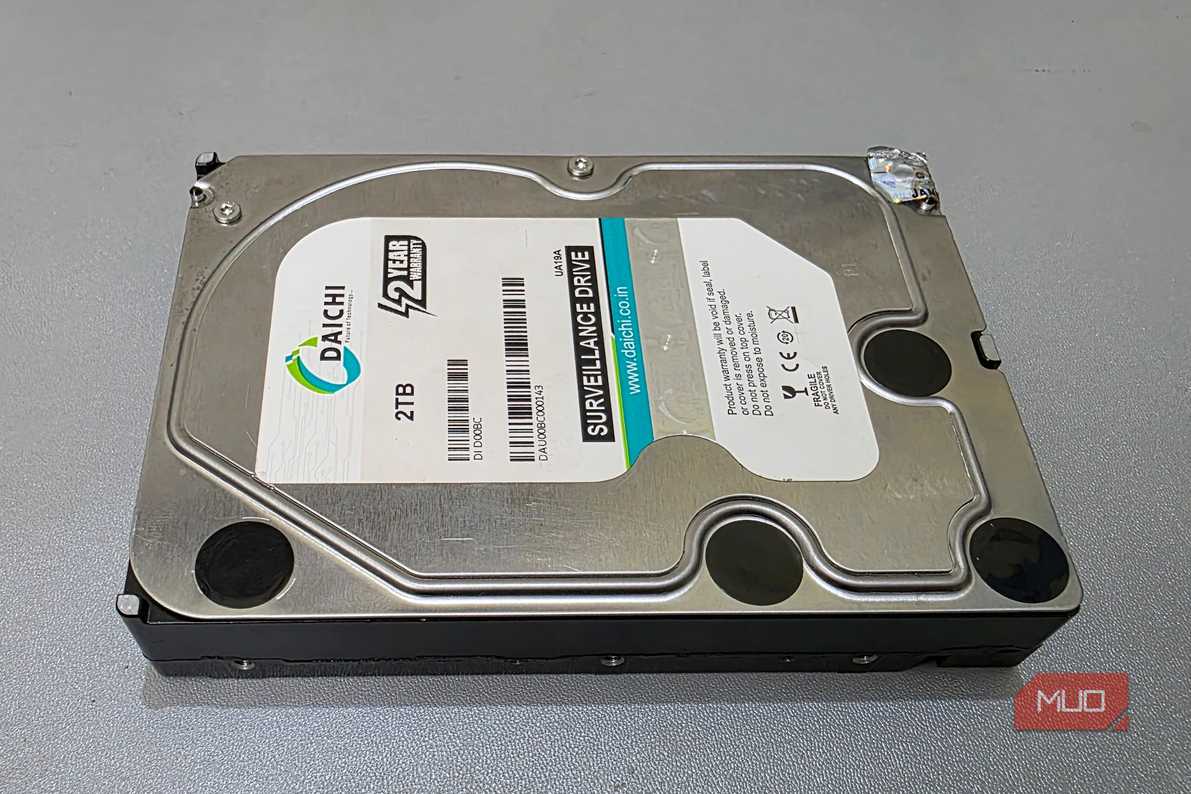
Based on a research paper in which two economists, Christoph Siemroth and Yeomyung Park, extensively analyzed 443,156 HDDs over 1.66 million drive-years from four manufacturers (via IEEE Xplore), we may finally know which HDDs live the longest and which die the earliest.
The brands tested were HGST, Seagate, Toshiba, and Western Digital.
Using Backblaze's HDD dataset, the economists studied which HDDs lasted the longest and which didn't. Some HDDs were newer, and others were older, so there wasn't a uniform way to tell which lasted longer.
That's why the researchers followed each drive from installation until it failed or got retired, and then compared it to other brands at the same drive age, adjusting for capacity, form factor, and operating temperature.
HGST and WD fail least, Toshiba most
Failure rates relative to Seagate, adjusted for age and capacity

For the methodology, the research paper sets Seagate's adjusted failure rate as the baseline (100% failure rate) and then expresses other brands' failure rates relative to Seagate's. Here are the exact results:
|
HDD Brand |
Relative Failure Rate |
|---|---|
|
Seagate |
100% (Baseline) |
|
Toshiba |
107% |
|
Western Digital |
51-52% |
|
HGST |
39-41% |
Toshiba HDDs had the highest failure rate of all, 7% more likely to fail than Seagate (the baseline), and were roughly twice as likely to fail as Western Digital and HGST. Western Digital drives were 48.6% less likely to fail than Seagate, and in comparison, HGST drives were 60.5% less likely to fail than Seagate.
To sum up, for every 100 failed Seagate HDDs, expect 40 from HGST, 52 from Western Digital, and 107 from Toshiba.
Age changes which brands to watch
Seagate's risk peaks early, Toshiba's after five years

Beyond the drive-failure statistics, the study found key details about each brand's failures; each showed a different pattern.
Seagate drives failed most often early in their lifecycles, while Toshiba had low failure rates early on; but after the 5-year mark, Toshiba's failure rates even exceeded Seagate's, the latter of which fail early but hold steady with age.
For both Western Digital and HGST, drive failure rates across all ages were minimal, but HGST HDDs lasted the longest.
While the study shows which HDDs are more reliable and which aren't, it still doesn't present a complete picture because of multiple factors. First, 146,943 drives, or roughly one-third, left the dataset because they were retired due to capacity or similar reasons.
Other than that, Backblaze used different batches of HDDs. Seagate and HGST drives date back to the last decade: 2014 for HGST and 2015–2020 for Seagate. However, the Western Digital and Toshiba drives were from a newer batch.
This also doesn't mean you should throw out or replace your Seagate drives. Other factors like heat can cause drive failures, so it is more important to make sure the HDD in your NAS or PC doesn't die prematurely.
HGST hasn't been sold as a separate brand since Western Digital acquired the company in 2012.
Heat raises failure risk on any brand
About 2% more risk per extra degree Celsius

For computer hardware, longevity depends on controlling component temperatures. The study supports this point: according to the dataset, for every 1°C increase, the risk of failure for every HDD rose by around 2%.
In data centers, the environment is already pretty hot, which helps explain the higher drive failure rate across all brands and the fact that they're constantly being loaded.
For HDDs, the optimal temperature range is around 40°C, while the maximum should be up to 50°C; beyond that, your HDD can start to get damaged because heat stresses bearings, lubricants, and electronics inside the drive.
I recommend ensuring the HDD in your PC or NAS server has proper ventilation and is dust-free, since dust can choke airflow and worsen temperatures. From there, it's just a matter of monitoring and making adjustments to ensure appropriate cooling if needed.
Data center results don't map neatly to home drives
The study statistics are based on commercial data center usage, and if you're still rocking HDDs, the failure rate percentage likely won't carry over to your use, but still keep temperatures in check to protect longevity.
If you use HDDs in NAS servers, check your drives' SMART health and monitor their temperatures, but even then, drives can still fail, so follow the 3-2-1 backup rule to avoid losing your data.