


Gmail can feel like a lot when all you want to do is check your email. The side panels offer useful features, but they can get in the way if you don't use them much. I’ve made some changes to how my Gmail inbox looks, and I wish I had done them sooner.
With the changes I’ve made, I can see more of my emails even when I’m using my laptop that doesn’t have as much space as my external monitor. Everything feels less crowded, although hiding the panels does come with a trade-off I had to consider.
My Gmail inbox finally becomes the main character
No more side-scrolling to try and make sense of an email


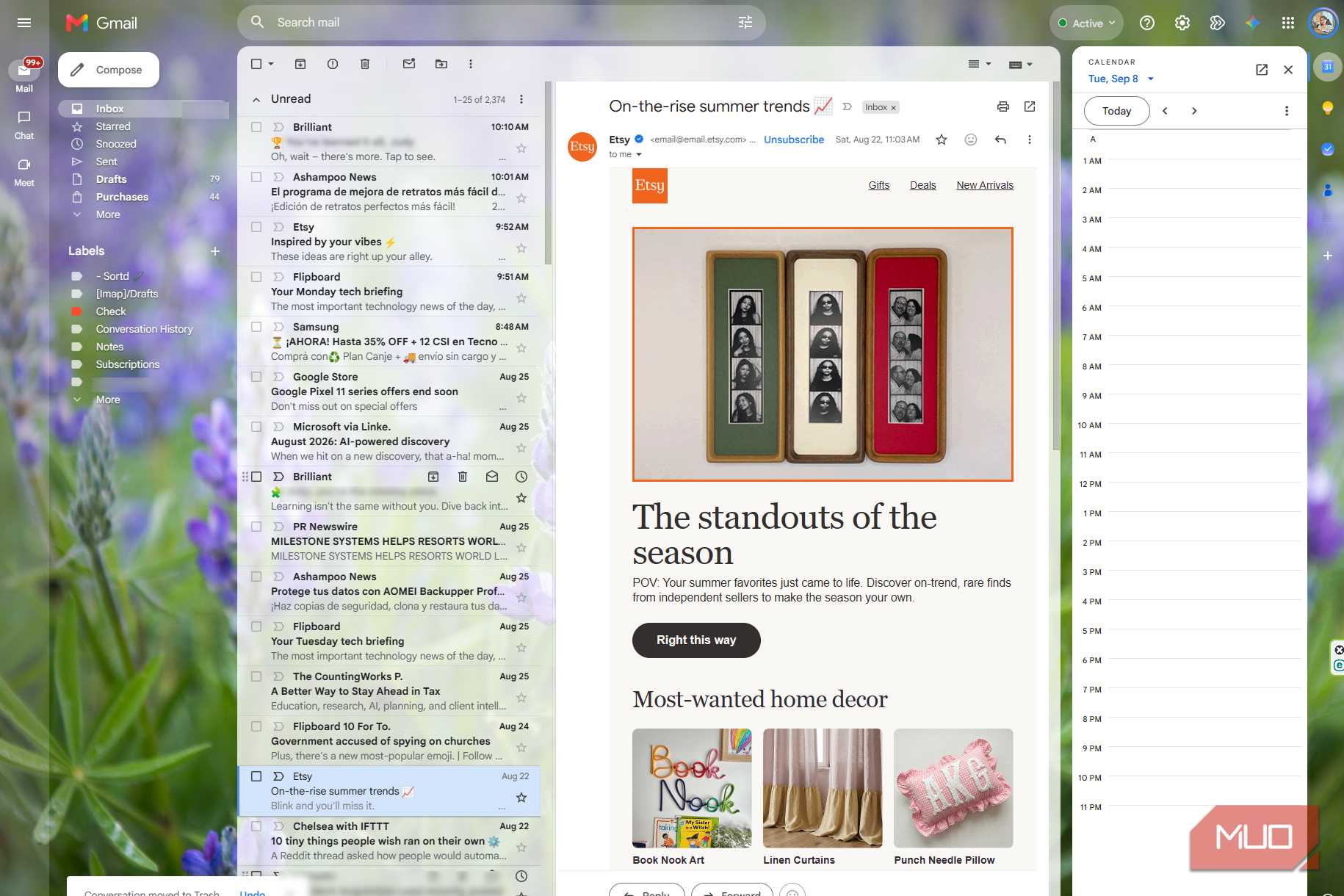
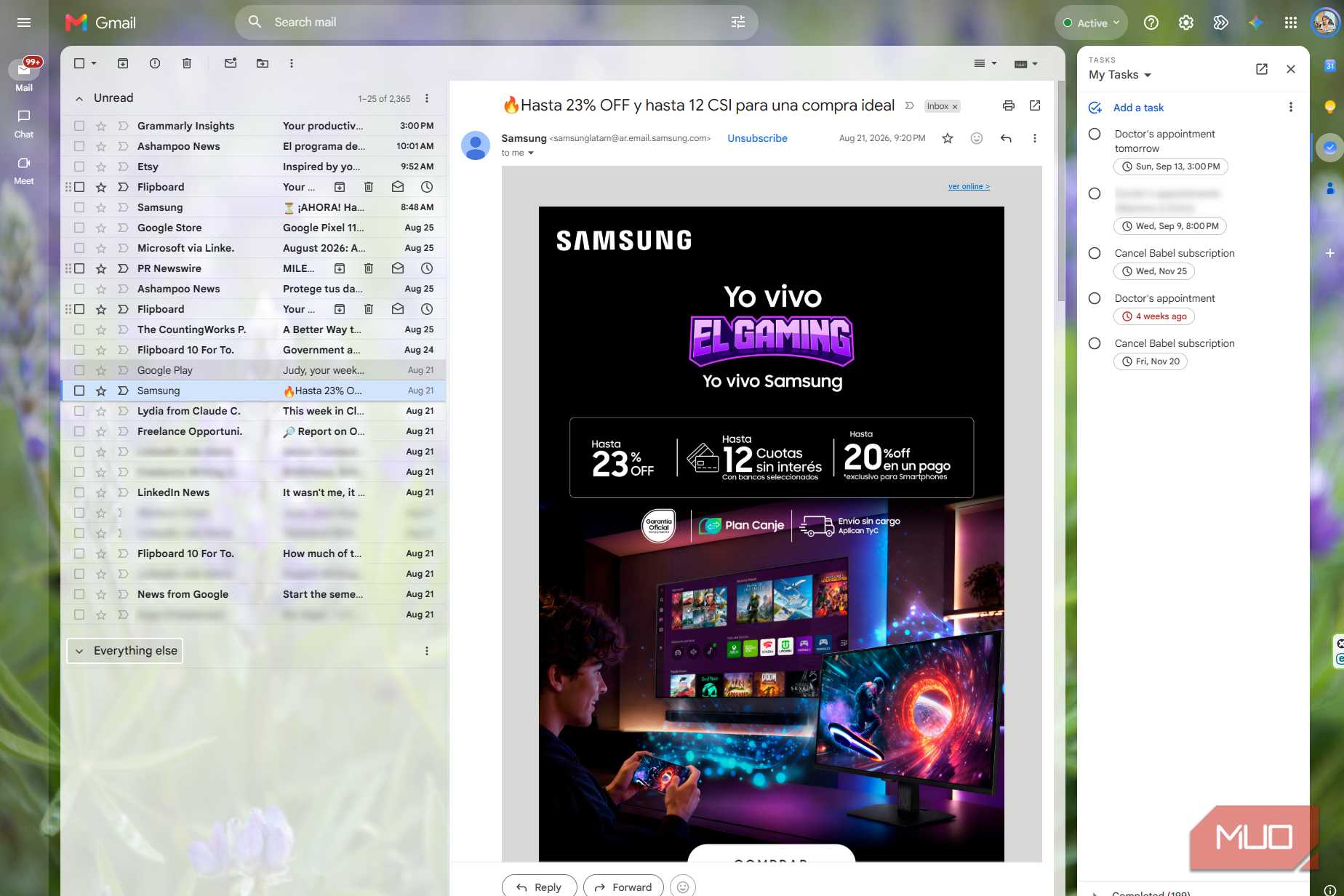
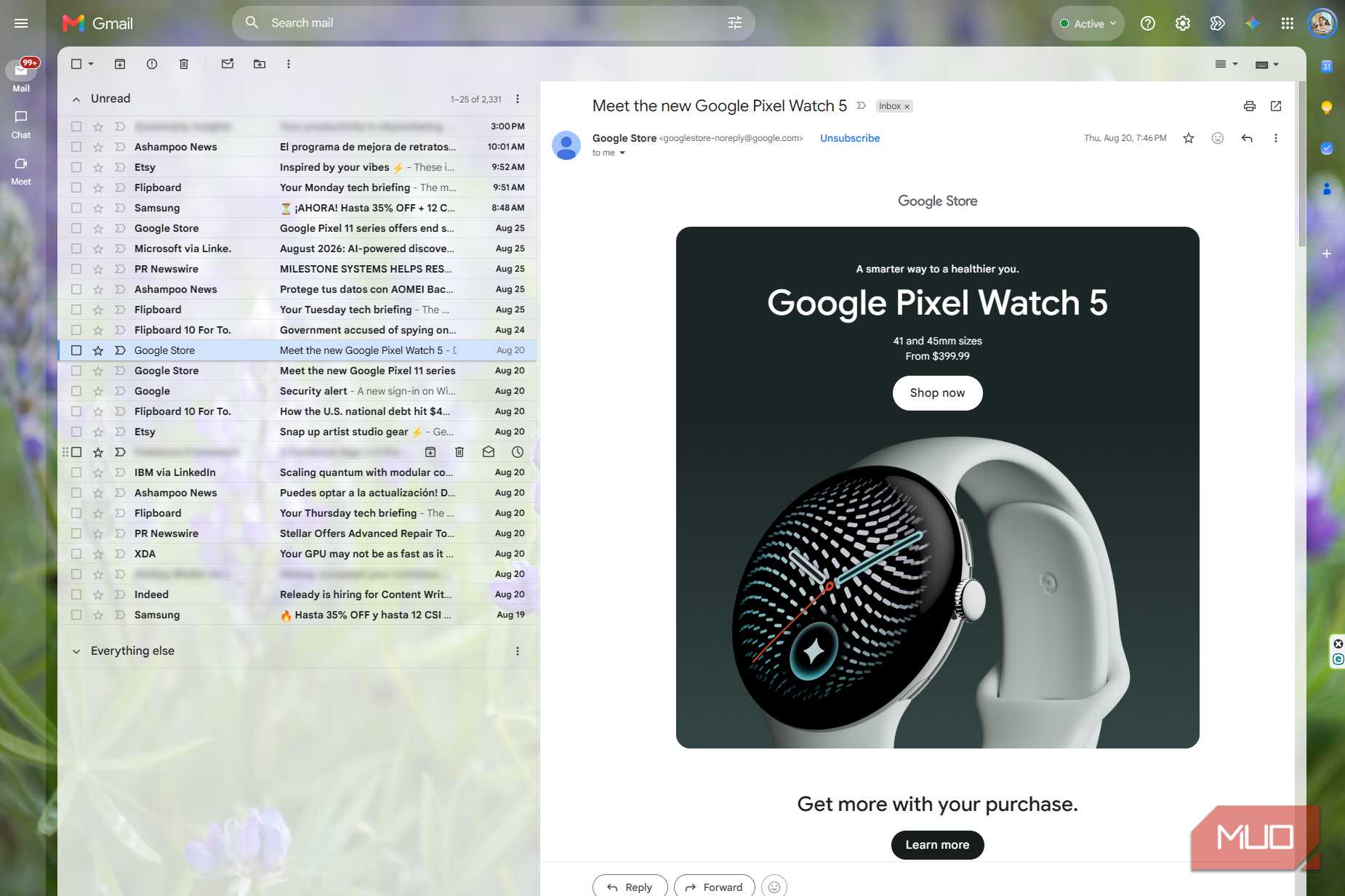
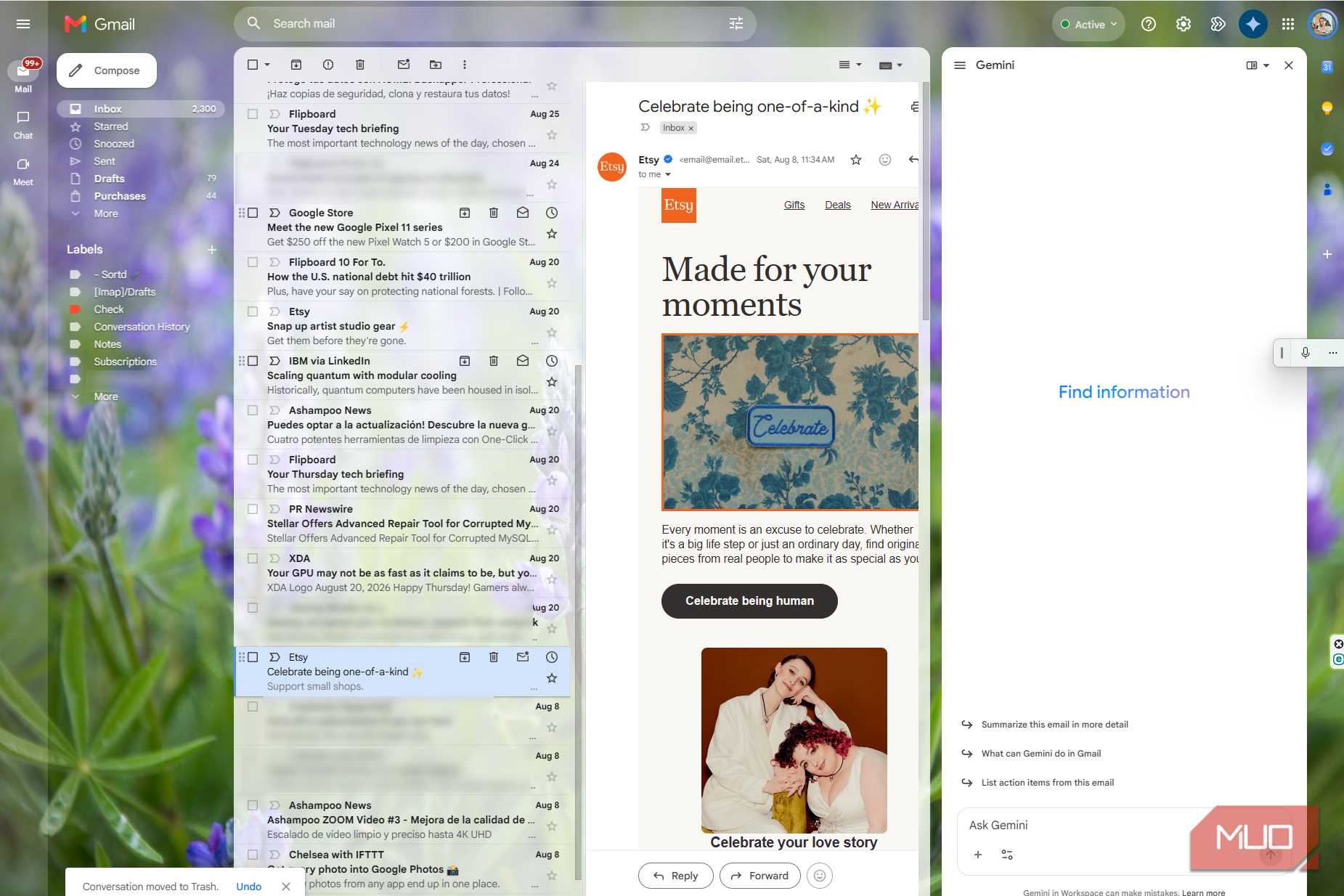
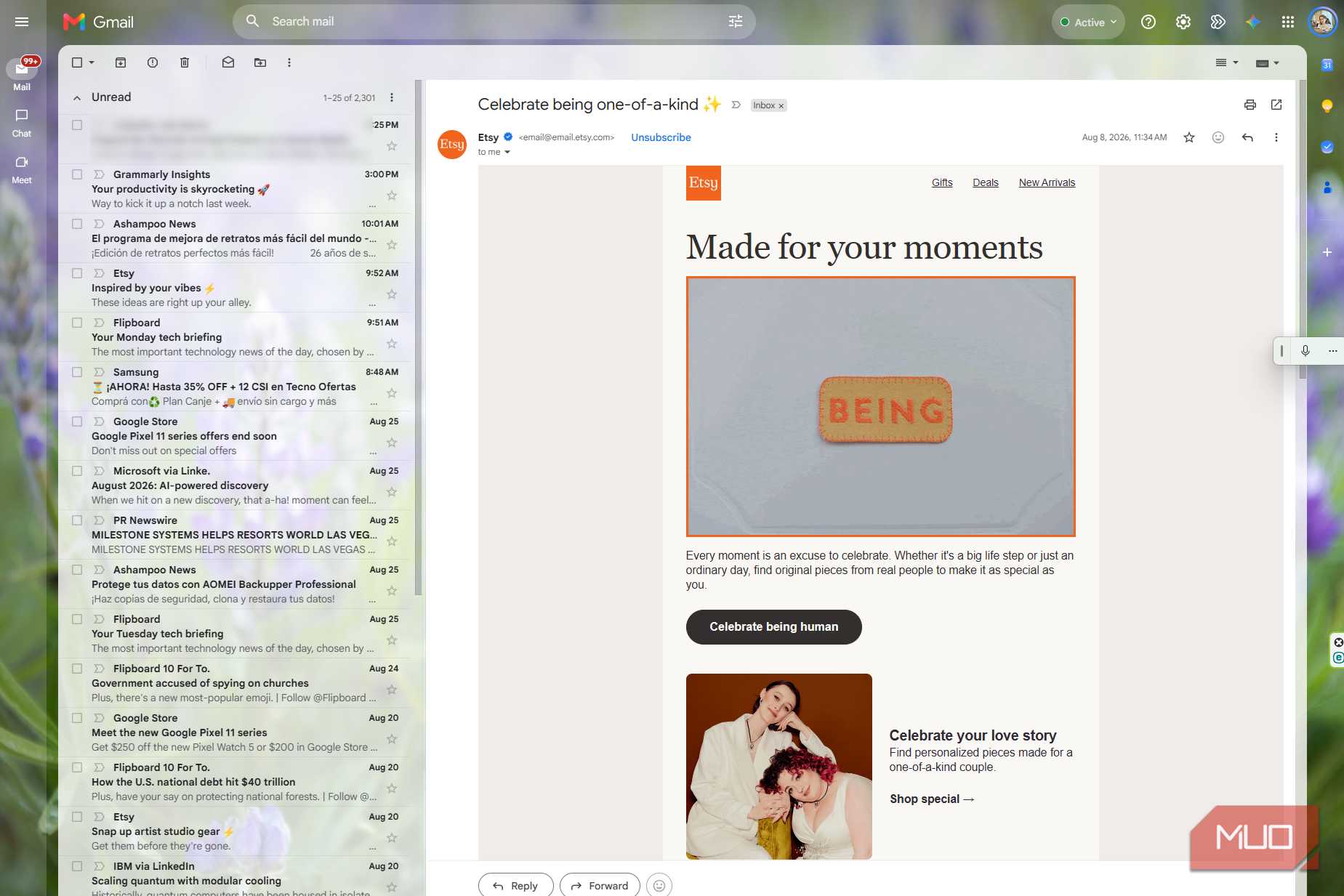
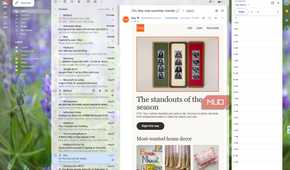
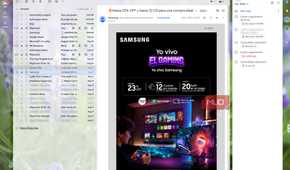
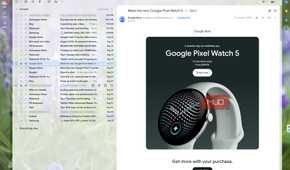
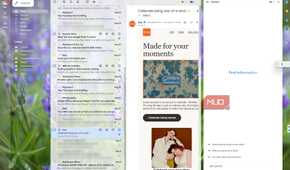
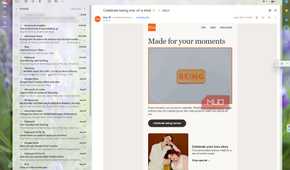
The two side panels I had visible in my inbox just cluttered everything up. I had less space to view my emails, which became increasingly frustrating with each one. Now that I've closed them, my messages are wider, easier to scan, and more comfortable to read. I even feel less stress when reading them.
When I had everything open, Gmail was just too cramped, with the left panel taking up too much room with:
- Inbox
- Starred
- Sent
- Drafts
- Labels
The right sidebar was also cluttered with Calendar, Keep, Contacts, Gemini, or whatever else I had open. That left the actual email squeezed into the middle.
This happened whenever I had to open a newsletter or an email with an attached image. Sometimes I had to use the horizontal scroll bar at the bottom just to see the whole thing. That gets annoying fast, especially on a laptop or smaller monitor. When I hid the panels, the problem mostly disappeared. My emails were finally easier to read without all the clutter getting in the way.
Gmail feels a lot less busy when I open it
All those shortcuts make it way too easy to get sidetracked

The biggest difference I noticed was that far fewer things were competing for my attention. I didn’t have to look past folders, labels, Calendar, and everything else sitting around the inbox when all I wanted to do was check my email.
I know that may not sound like much, but it changes how much I enjoy using Gmail. There’s usually some email I’m waiting for, important or not, and I’ll open Gmail specifically to check whether it arrived. However, when I see Gemini, I usually remember something I needed to research and lose the time I wanted to spend checking my email.
Hiding the side panels helps me concentrate on what I need to do. I like how much simpler Gmail looks before I even do anything, and there’s just less noise in front of me. I can check the email I came for, deal with it, and get out without something else unnecessarily eating up my time.
I can see more of my inbox at a glance
Longer subject lines and previews make looking through emails easier

One thing I noticed right away was that hiding the side panels let me see more of what was actually sitting in my inbox. More of the subject line and preview text fit on the screen, so I wasn’t looking at half a sentence and trying to figure out what an email was about.
That makes going through a bunch of messages much easier. Sometimes the subject line already tells me enough to know what emails I have to open right away and which ones can wait. Other times, the preview gives me enough context to decide whether I even want to open it right then.
When I have both panels open, that text gets cut off much sooner, so I end up clicking into emails mostly because the subject line and preview don’t give me quite enough to know if I need to open them right then.
When I hide the panels, I can look through the list and decide faster. I see more of the email without the back-and-forth.
Hiding the side panels makes Gmail feel less like a workspace
Those extra tools aren’t just sitting right there anymore

There is a downside to hiding everything. Gmail starts feeling much more like just an inbox instead of a place where I can get a few different things done without moving around too much. With the panels open, I can jump into Calendar, Keep, Gemini, etc. while still keeping an eye on my email, and my folders and labels are already there too.
Google's right-side panel can also give you access to Tasks, Contacts, Voice, Maps, and other Workspace add-ons. You can show or hide the whole panel in the bottom-right corner of Gmail.
That matters if Gmail stays open most of the day anyway. There is always a reason to keep Gmail open, since I’m always getting an email about something anyway. Hiding the panels definitely makes everything look cleaner, but it also takes away some of that workspace feeling. Sure, you get an inbox with less “noise”, but you give up some of the convenience of having everything sitting there ready to use.
I don’t need Gmail to feel like a workspace all the time
Those tools are still there when I actually need them

Most of the time, I just want Gmail to be an inbox. I usually just open Gmail to look at an email. If I want to access Calendar, for example, I’ll go to the full page, since seeing it only in the side panel doesn’t give me all the information and features I need to plan my day or week. That’s just how I do things. Seeing Calendar or any other app on the sidebar could be enough for others, but not for me.
Hiding the panels does make it feel less like a workspace, but I don’t really lose anything I need. Those tools are still there if I want them, and I usually prefer opening the full version anyway. I’d rather start with the cleaner inbox and pull those tools back out when I actually have something to do with them.