


I put real effort into my smart thermostat's schedules, every block tuned across three zones, weekends handled separately from weekdays. For most of the year, that work pays off. Then a Northern Indiana summer rolls in and the logic falls apart. The house would read 74°F on a muggy July evening and feel like a locker room. A dry 78°F afternoon felt fine. The problem wasn't temperature. It was moisture, and a schedule has no idea the air is damp. So I stopped telling my AC to run based on temperature only. The Amazon Smart Thermostats already on my walls report indoor humidity to Alexa, and that reading can trigger routines. Now humidity decides when the cooling runs.
Why my cooling schedule kept missing the point
Temperature setpoints ignore what makes a room feel bad


 Credit: Amazon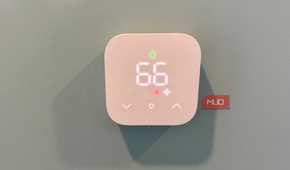
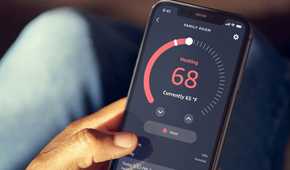
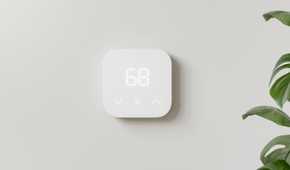
A thermostat checks the air temperature against a target number. Nothing else registers. So on a mild, damp day, mine would hit 74°F and shut everything down while the living room hung at 65% relative humidity, deep into clammy territory. Sweat evaporates slower in damp air, which is why a room sitting at your exact setpoint can feel several degrees warmer than the display claims.
Air conditioning does fix this, just not on purpose. Moisture condenses on the evaporator coil as a byproduct of cooling, so a short cycle on a mild day wrings out almost nothing. The EPA puts the ideal indoor range at 30% to 50%. Past 60%, mold and dust mites move in. None of it was visible to my schedule. It ran three zones by just temperature, and every one of them ignored the number that mattered most in July.
The humidity sensor was already on my wall
The Amazon Smart Thermostat reports moisture straight to Alexa

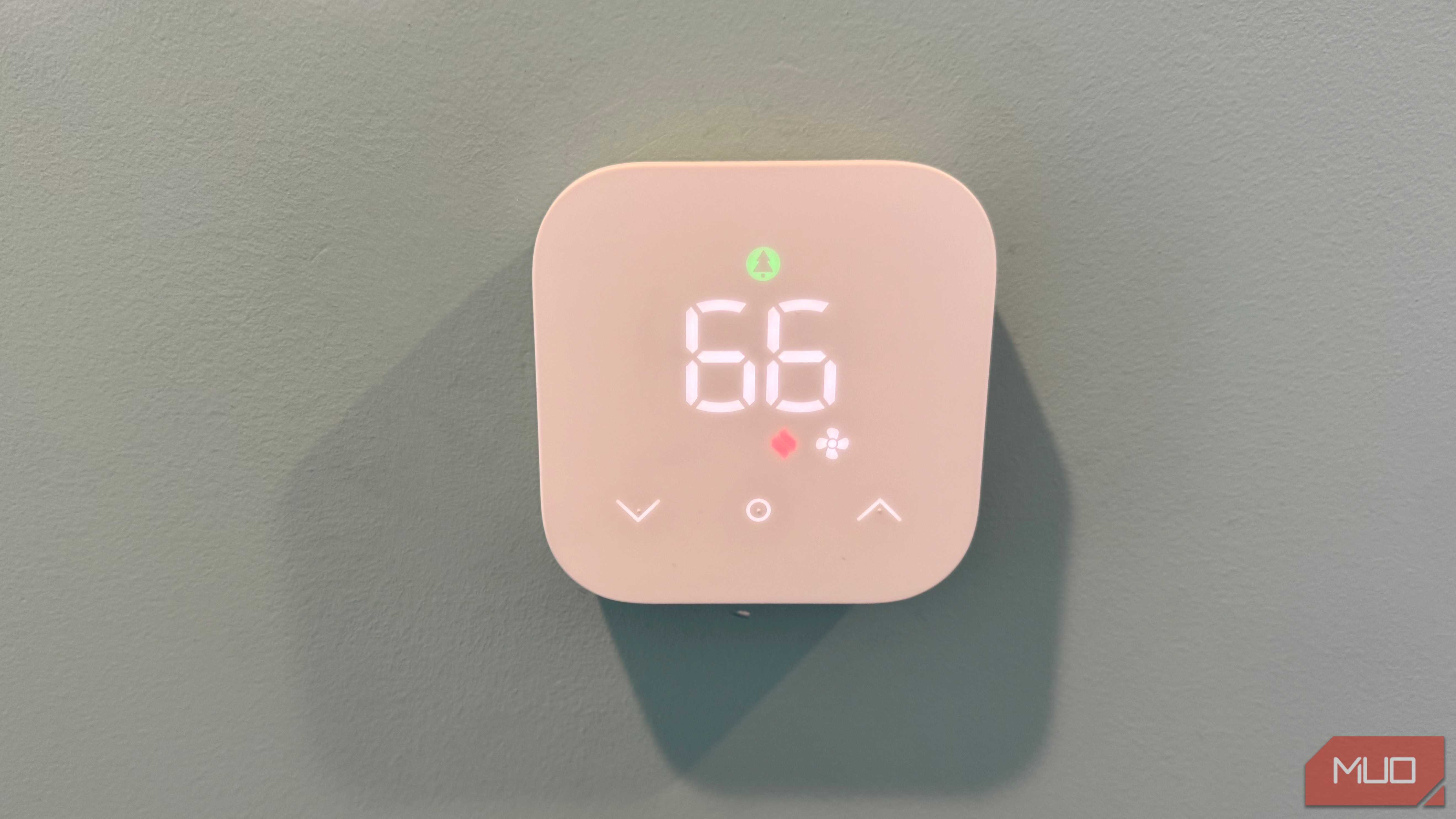
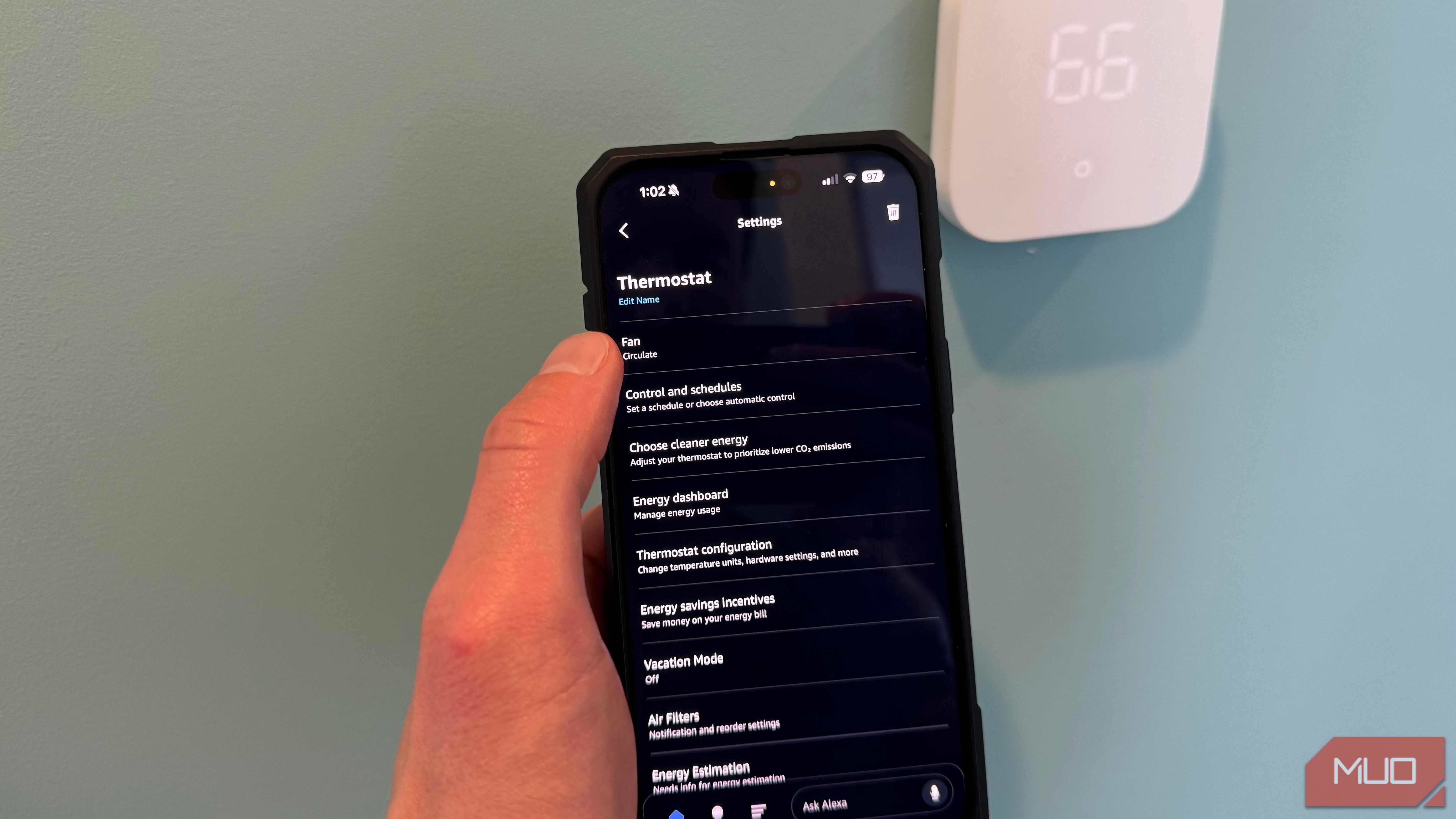
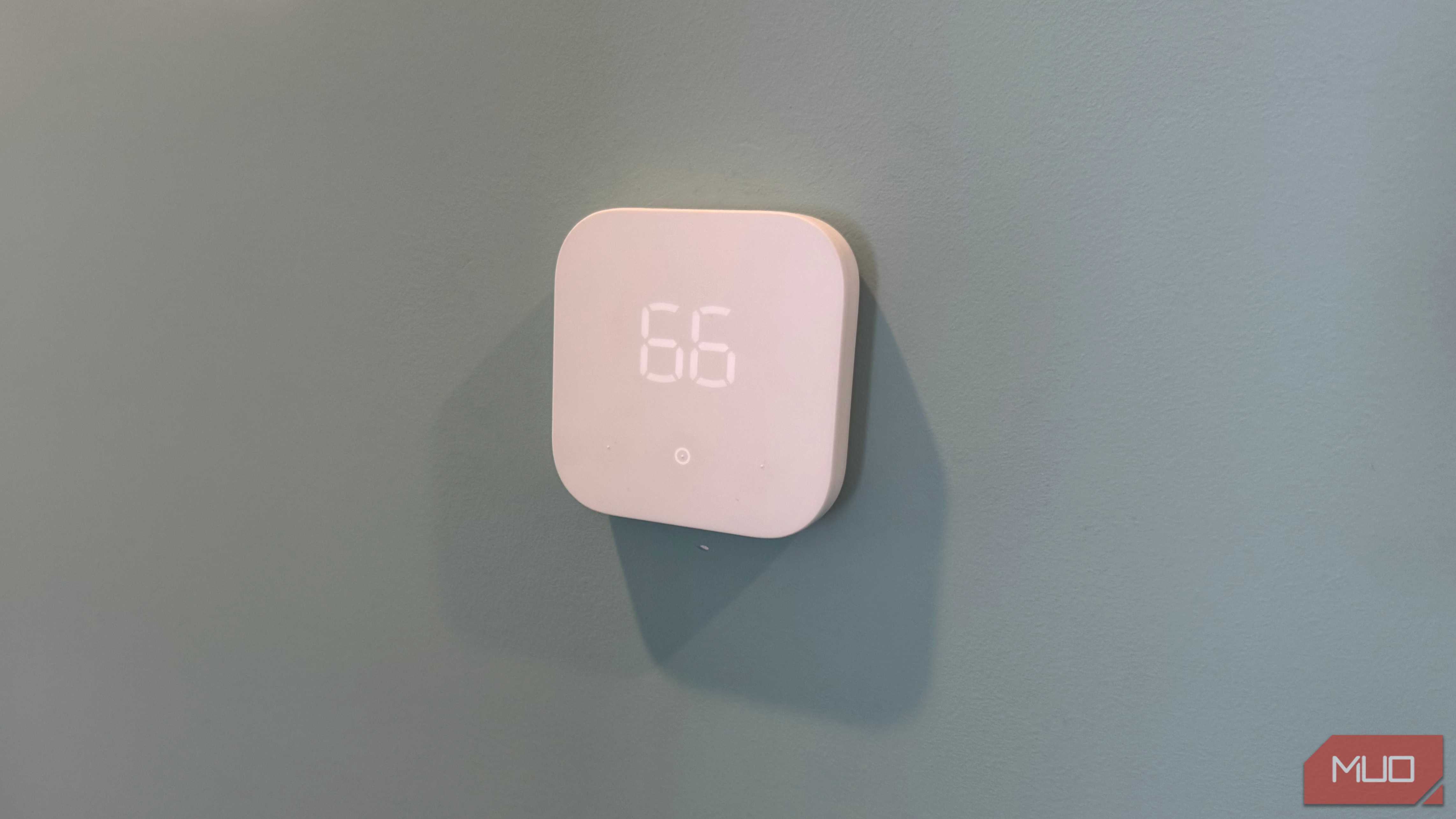
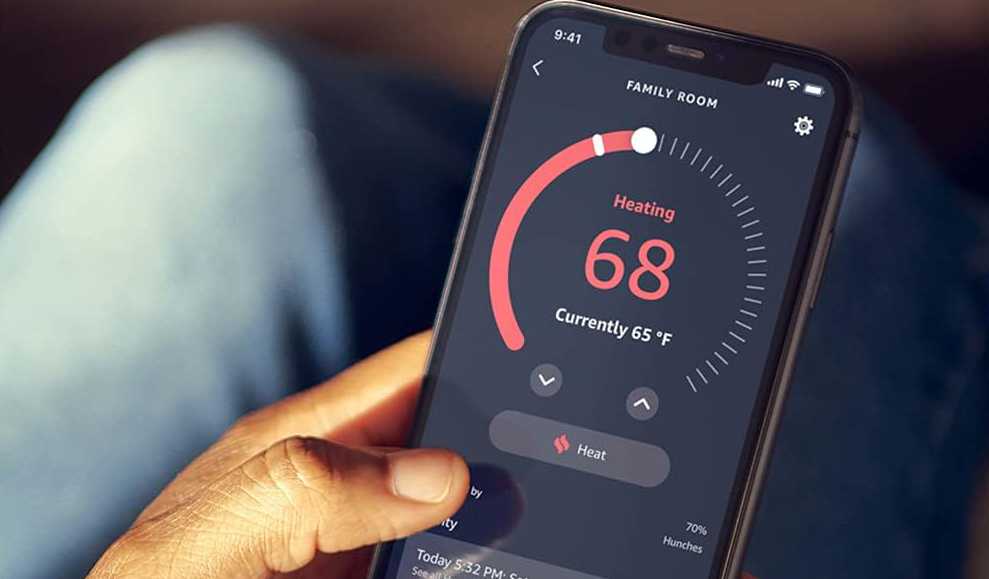
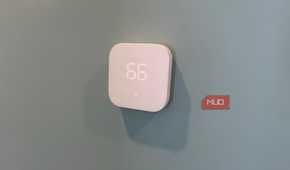
I expected this project to start with a shopping trip. Standalone humidity sensors exist, and plenty of them talk to Alexa. Turns out I didn't need one. Every Amazon Smart Thermostat has a humidity sensor built in. Open the device page in the Alexa app and the reading sits right there, a tap below the temperature. My house splits into three zones, a thermostat on each. That's three humidity readings that had been sitting in the app all along, each one reporting from the area it actually controls. My Echo Show puts the numbers on screen when I ask, one of the many jobs that display handles beyond kitchen timers. If you don't own one of these thermostats yet, they list at $79.99 and regularly drop under $60, and the humidity sensor comes along for free. The hardware question was settled before I spent a dime. Everything left was routine-building.
Building the humidity routines that replaced my schedule
Two routines per zone handle the whole cooling season


 Credit: Jonathon Jachura / MUO
 Credit: Jonathon Jachura / MUO
 Credit: Jonathon Jachura / MUO
 Credit: Jonathon Jachura / MUO


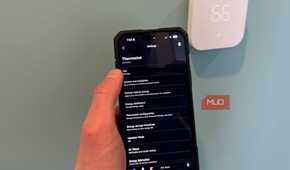
The Alexa app treats the thermostat's humidity reading like any other trigger. Start a new routine, pick the thermostat as the trigger device, and the humidity reading shows up as an option right beside temperature, with a threshold and direction you set yourself.
The main zone got a pair of routines. The first one waits for humidity to cross 60%, then switches the thermostat to Cool at 72°F instead of my usual 75°F. The second reverses it once the reading drops under 50%, putting the setpoint back where it belongs. I left a 10-point gap on purpose. Thresholds spaced too close make the system hunt back and forth over every wobble in the reading.
One requirement carries over from when I wired a window contact sensor to pause my AC: these routines run in Alexa's cloud, and the thermostat's native schedule outranks them. Mine now sits in manual mode with no schedule at all, which sounds drastic but is the entire point. Once the main zone behaved for a week, I copied the pair to the other two zones and nudged the thresholds to taste.
What changed after a month of humidity-first cooling
The AC runs when the house feels bad

The clearest change is what the AC no longer does. On dry days in the low 80s, it barely runs, where the old schedule would have cooled the house on principle every afternoon. On a muggy 71°F evening, the kind that never used to trip the thermostat, the system now comes on, runs one long cycle, and wrings the air down to 55% or so. Long cycles matter here. A coil only pulls water from the air while it stays cold, so a single 25-minute run out-dehumidifies three short bursts put together.
May and September are where the difference shows up most. Around here, the air can be soup one day and bone dry the next, and a fixed schedule was always wrong in one direction or the other. The wide threshold gap protects the equipment too, since a compressor that starts and stops in quick succession ages faster than one that runs steady. I've already learned there are plenty of ways to make an HVAC system's life harder without meaning to. I wasn't about to build a new one.

Comfort tracks moisture, not just temperature
My schedules weren't wrong so much as answering the wrong question. A cooling schedule knows nothing about a July evening that feels like a greenhouse at 74°F. The humidity reading was sitting in the Alexa app the whole time, attached to hardware I'd already installed, waiting for a routine to give it a job. The routines cost nothing to build, and the AC finally acts like it understands what summer here feels like. If your house runs on a cooling schedule but still turns sticky in the evenings, open the Alexa app before you buy anything. The sensor you need may have been screwed to the wall for years.