


Between WireGuard tunnels, OpenVPN configurations, and the occasional cursed SSH jump host, I had my remote access problems solved, or so I thought. The first time I had to SSH into my home server from a public Wi-Fi that blocked non-standard ports, my entire patchwork setup collapsed in real time, and I was back to square one.
Your VPN might not keep you safe on coffee shop Wi-Fi, but Tailscale's implementation can, and it does much more. I finally tried it to make remote access to my home server and self-hosted services simple, and I get the hype.
Traditional VPNs ask too much of most people
Port forwarding, certificates, and network configuration quickly become a headache

If you've ever set up WireGuard manually, you know the drill. Generate keys, configure the interface, poke holes in the firewall, figure out NAT traversal, and pray the dynamic IP doesn't change. It's rewarding in a rather masochistic way, until it isn't.
The real problem isn't complexity, it's the fact that traditional VPNs use a hub-and-spoke model where all traffic funnels through a central server. That server then becomes a bottleneck, a single point of failure, and a maintenance burden all at once. Add a second location, a cloud VM, or a remote friend you want to share access with, and suddenly you're managing routes, subnets, and firewall rules across multiple machines. It works, but it also makes you miserable.
If all you want is to be able to access your local network over the internet, you need something that handles the boring coordination layer that makes it all work. And that's exactly where Tailscale comes in.
Tailscale makes private networking feel effortless
WireGuard is only part of the story


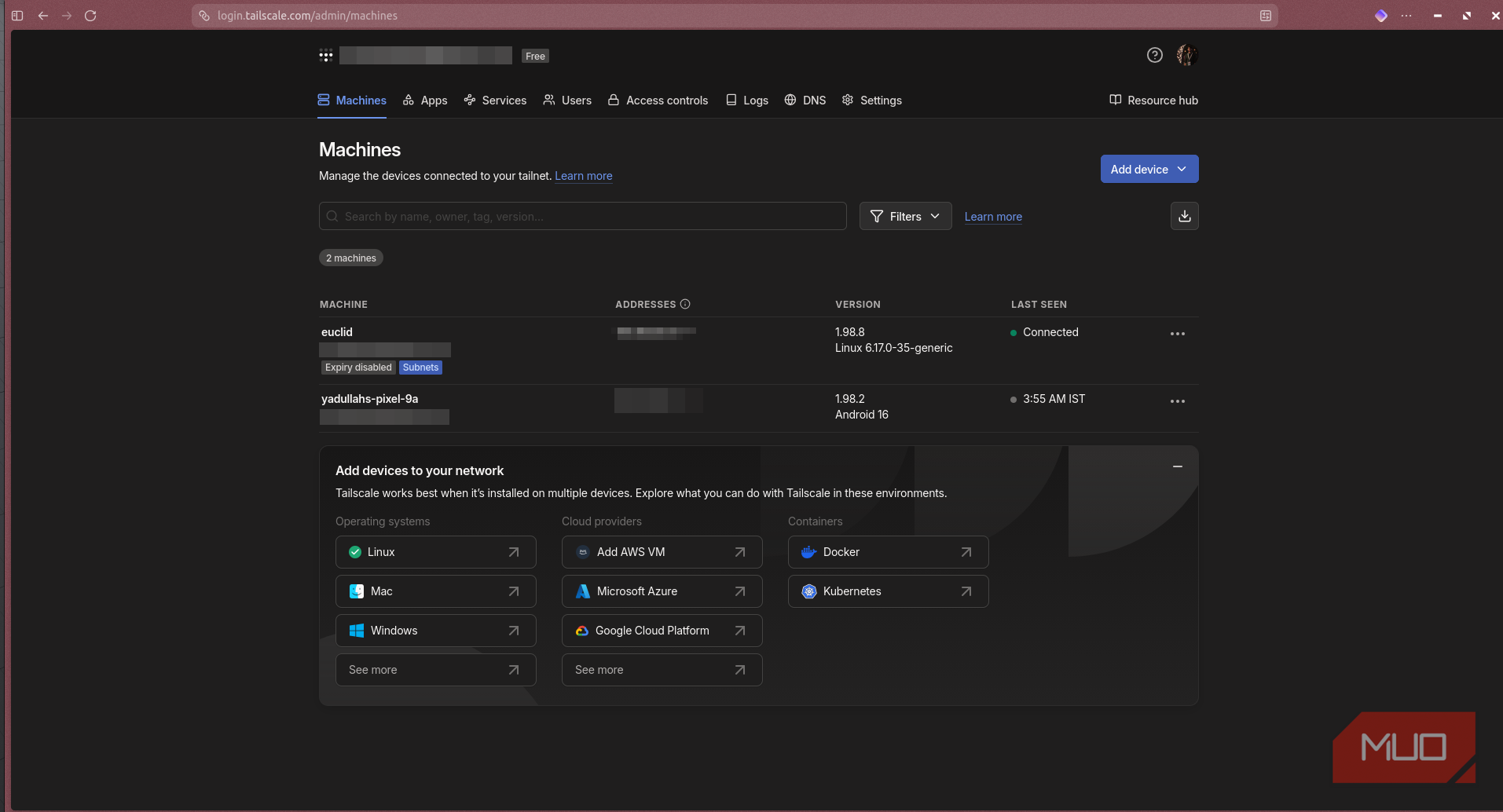
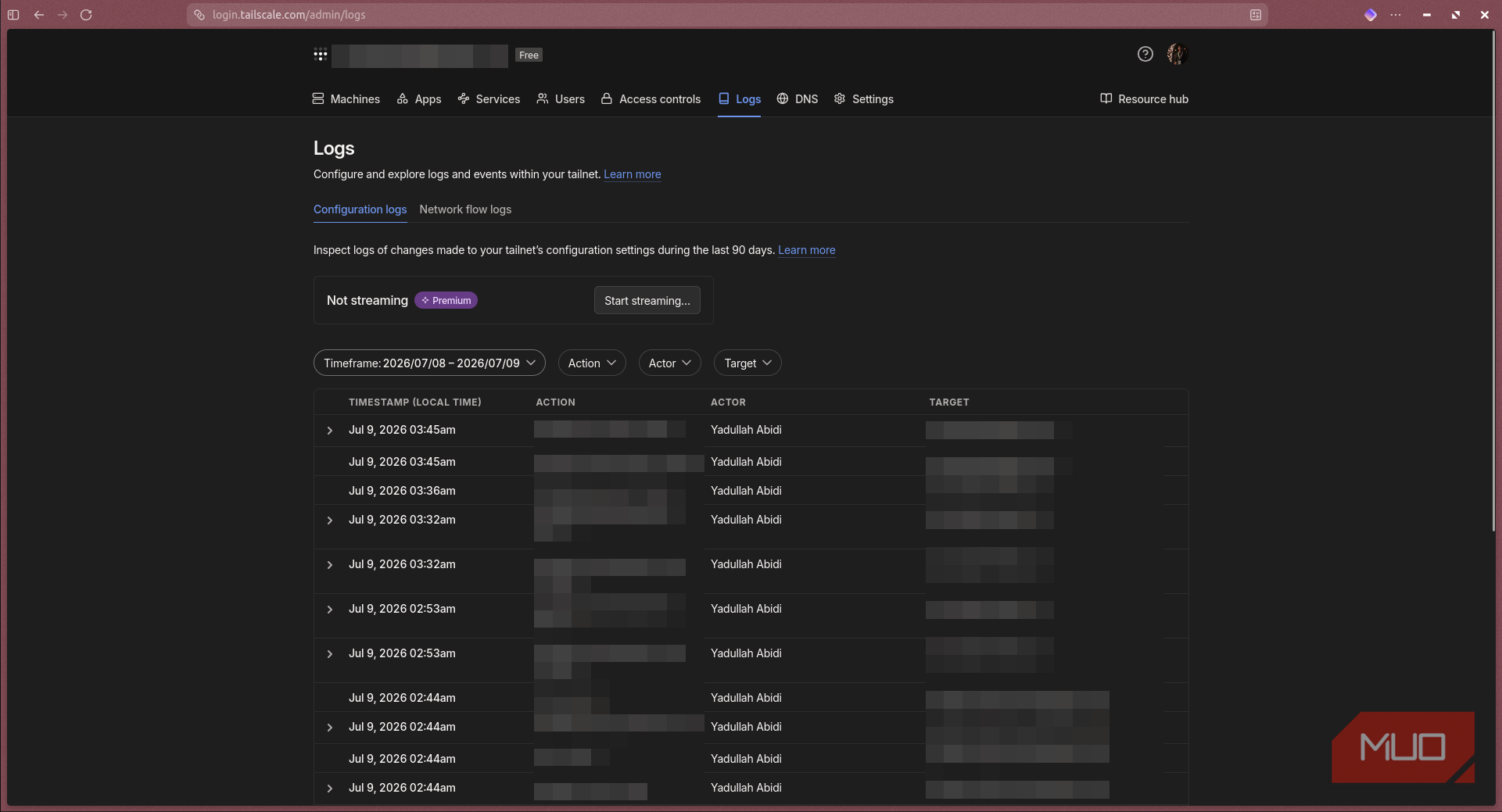
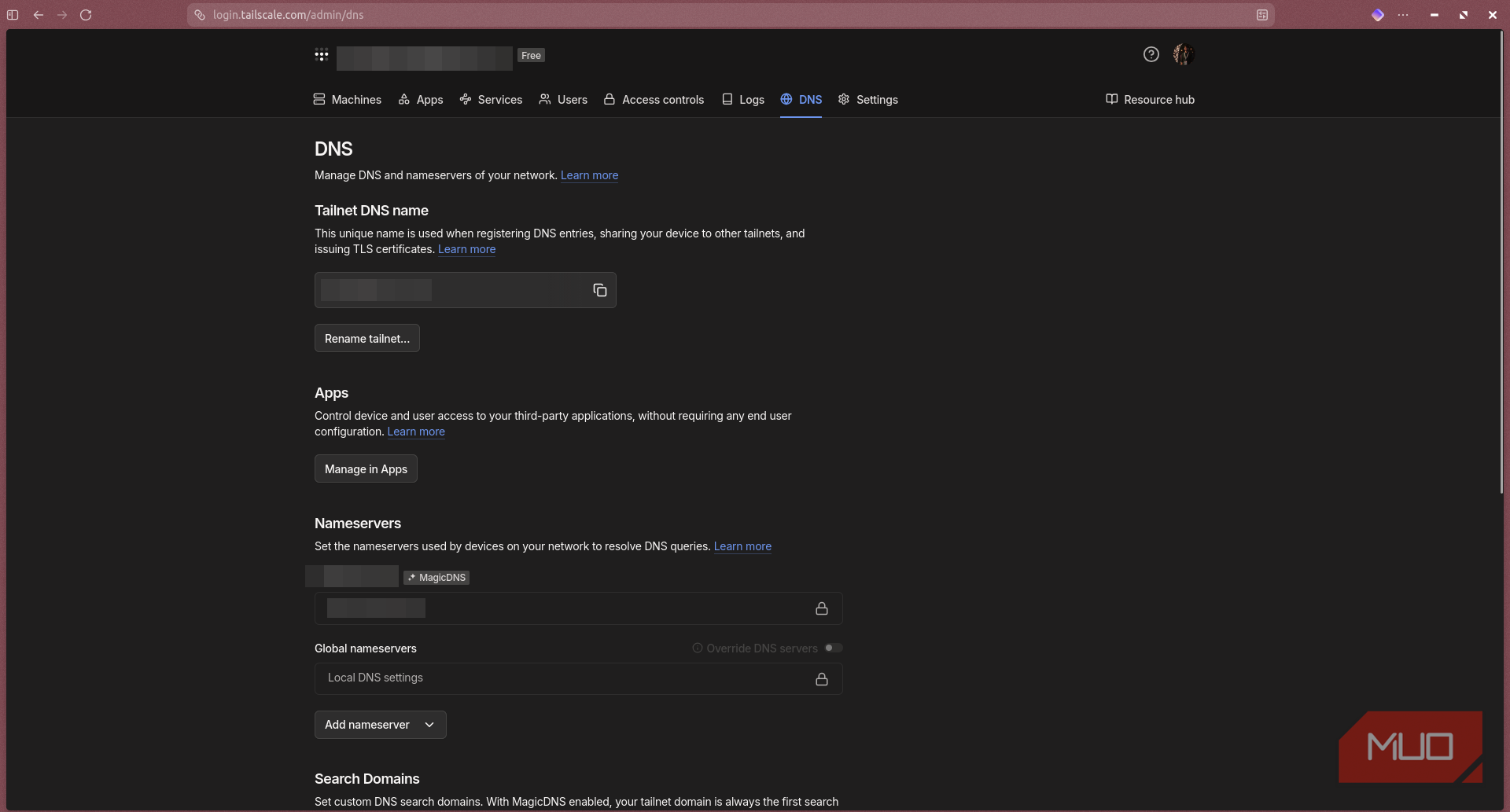
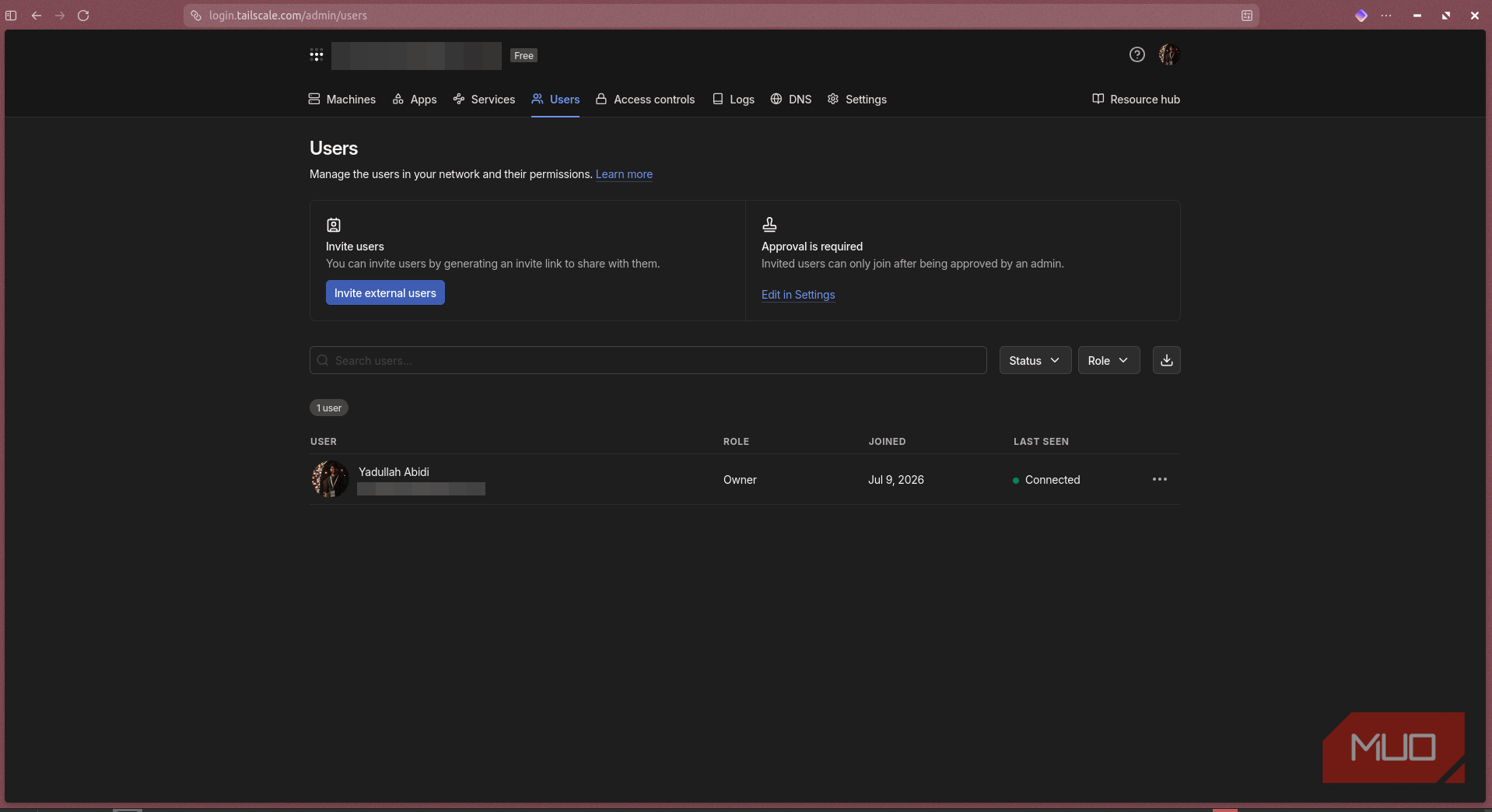
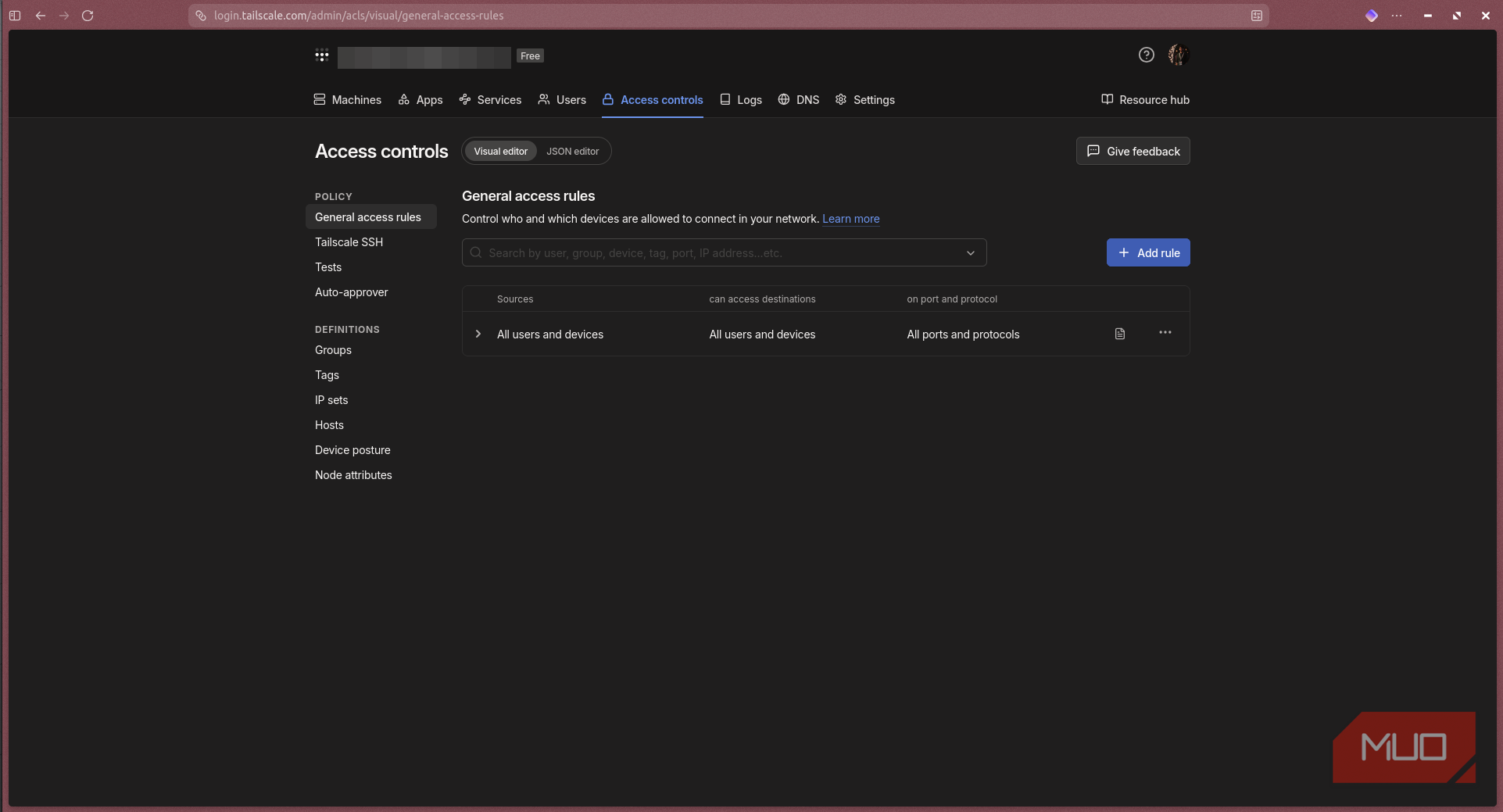
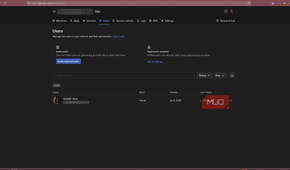
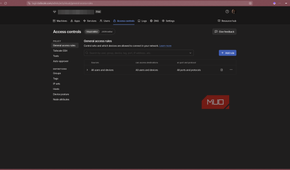
Tailscale is a mesh VPN built on top of WireGuard. The latter is already fast, minimal, and cryptographically modern. What Tailscale adds is the coordination layer — key exchange, device discover, NAT traversal, access policies, and DNS — all managed through an easy-to-use control panel that never touches your actual traffic. Your data flows directly between devices with end-to-end encryption.
Tailscale calls this a tailnet: a private network of your devices that behaves like they're all on the same LAN, regardless of where they physically are. Your home server, your phone on LTE, a Raspberry Pi you left plugged into the office, your laptop at a coffee shop, all can get stable 100.x.x.x IP addresses on your tailnet and can talk to each other directly. No central server handling your packets, no port forwarding, and no dynamic DNS gymnastics required.
The free personal tier supports up to three users and 100 devices, which is more than enough for most home lab purposes. And if you need more, paid plans start at $5 per month for families and $6 per member per month for teams and come with a lot more headroom. For a tool that works as effectively as Tailscale does, that's a great deal.

Tailscale
- Price model
- Free, paid plans available
- OS
- Windows, macOS, Linux, Android, iPhone
- Developer
- Tailscale
Tailscale is a zero-config, VPN-based remote access tool. It's based on the WireGuard protocol and creates peer-to-peer connections between devices, regardless of location.
Five minutes later, everything just worked
The setup experience that made me understand why so many people recommend it

Installation is also ridiculously simple. On Ubuntu or Debian, which is likely what your home server is running, all you need is to run a one-line curl script to add the official repository:
curl -fsSL https://tailscale.com/install.sh | sh
That's it. Once installed, type sudo tailscale up to start the app, authenticate through your Google or GitHub account and you're off to the races. Your machine is now on your tailnet. Repeat the process on every device you want connected to each other. Installation on Windows and macOS is similar to the aforementioned singular terminal commands, and you've got apps for Android, iPhone, and iPad to get all your devices connected.
But what if you don't want to install Tailscale on a dozen devices on your network? Or if you've got something like an ESP32 node that you can't install Tailscale on? Well, Tailscale fixes that by letting you use any Tailscale-connected device as a subnet router for your network. For example, you can install Tailscale once on your home server, and run the following command to expose your entire home LAN to your tailnet:
sudo tailscale up --advertise-routes=192.168.0.0/24
Using this command, I was able to remotely access my Home Assistant instance running on a VM on my internal network without having to install Tailscale on the HA machine itself. The same goes for all the ESP32 nodes I've got scattered around the house. I can hit them from my phone or laptop no matter where I am as long as my home server is online.
Tailscale also offers MagicDNS, so you don't have to remember IP addresses. It's enabled by default and turns every device's hostname into a domain name you can type in the URL address bar to access it instead of remembering the specific IP addresses. This is extremely handy if you're running multiple Docker services on your home server because you only need to remember the port number instead of the entire IP address and URL.
Alternatively, you can use Tailscale's Serve feature to map individual ports to specific domain names, so you can convert the entire numerical IP address and port number combination into a single domain name you can easily remember. My Home Assistant dashboard is finally as smart as my home, and now I can access it reliably from anywhere in the world.
Convenience doesn't come at the expense of security
End-to-end encryption to keep your network protected

One concern I had with Tailscale was the centralized control plane. Tailscale's coordination servers handle authentication and key exchange, meaning they know which devices are in your network and how to reach them. However, they never see your actual traffic. Data flows directly between your WireGuard endpoints, end-to-end encrypted with keys that Tailscale's servers don't have and never hold.
The company, too, is transparent about this distinction, clearly stating that its service is built for secure connectivity, not anonymity. If even that level of dependence on a third-party makes you uncomfortable, you can use Headscale — an open-source, self-hosted reimplementation of the Tailscale coordination server. You give up some of Tailscale's polish, but you own the entire stack in return. I haven't switched over yet, but knowing the option exists takes the edge off the vendor lock-in concern.
This changes how I access my home network
Tailscale is now one of the first tools I install on every new device
After a healthy amount of testing, what I like the most about Tailscale isn't any single feature; it's the fact that it completely disappears once you set it up. The network just works, connections stay up, devices are where I expect them to be, and I haven't touched a firewall entry in weeks.
For a tool that works with something as critical as remote access to my entire home infrastructure, this is the highest compliment I can give. My only regret is not investigating the tool sooner.