


When you click the purchase button on a digital storefront, it feels like you're adding a permanent item to your library. I used to think the books on my device belonged to me, but it turns out that buying them digitally isn't the same as buying them in a store. You are actually paying for a conditional license that the provider can change or revoke without warning. It's a service that makes it hard to claim it helps you at all, but there are ways to get around it.
I thought I owned my Kindle books, but I was wrong
All you're doing is renting a temporary pass

When you walk into a brick-and-mortar bookstore and buy a hardcover novel, that physical object is your personal property. This law gives the person who buys a physical book the unrestricted right to sell, lend, gift, or even destroy that particular copy. You own it entirely, and the publisher can't dictate what you do with your property once it enters the stream of commerce.
Unfortunately, the shift from physical books to digital ones changed the legal and economic relationship between you and the things you read. When you click 'Buy' or 'Purchase' on a digital storefront like the Amazon Kindle store, you aren't actually getting ownership of the e-book in the traditional sense.
Instead, digital platforms swap out the idea of you actually owning anything for a temporary license to access the content, usually hidden behind restrictive agreements and digital locks like Digital Rights Management (DRM).
You might think your digital library is safe, but you really should reconsider that. Instead of buying a product, you are entering into a very conditional digital licensing agreement. Under the law, since digital files don't degrade and transferring them requires you to make a new reproduction of the file rather than just distributing an existing physical artifact, the laws governing sale don't apply.
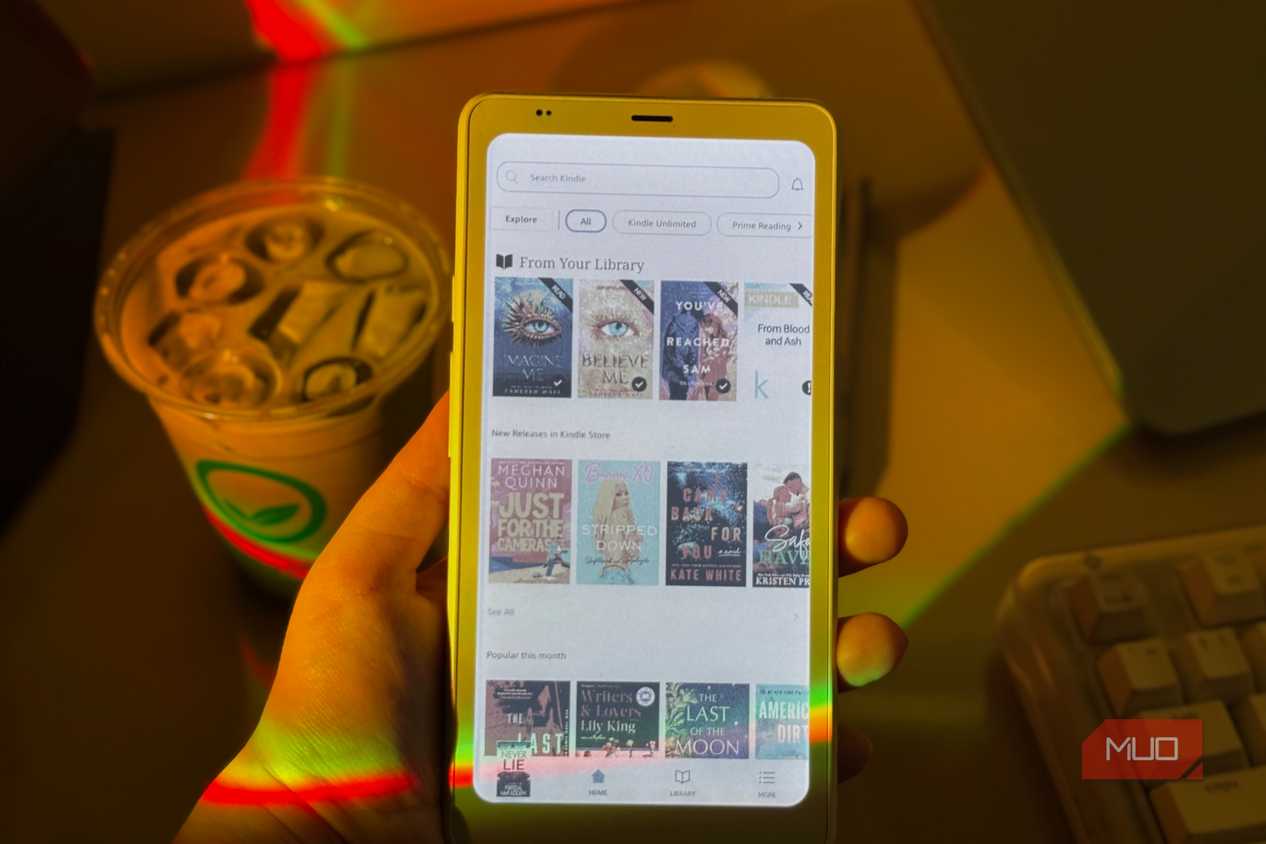
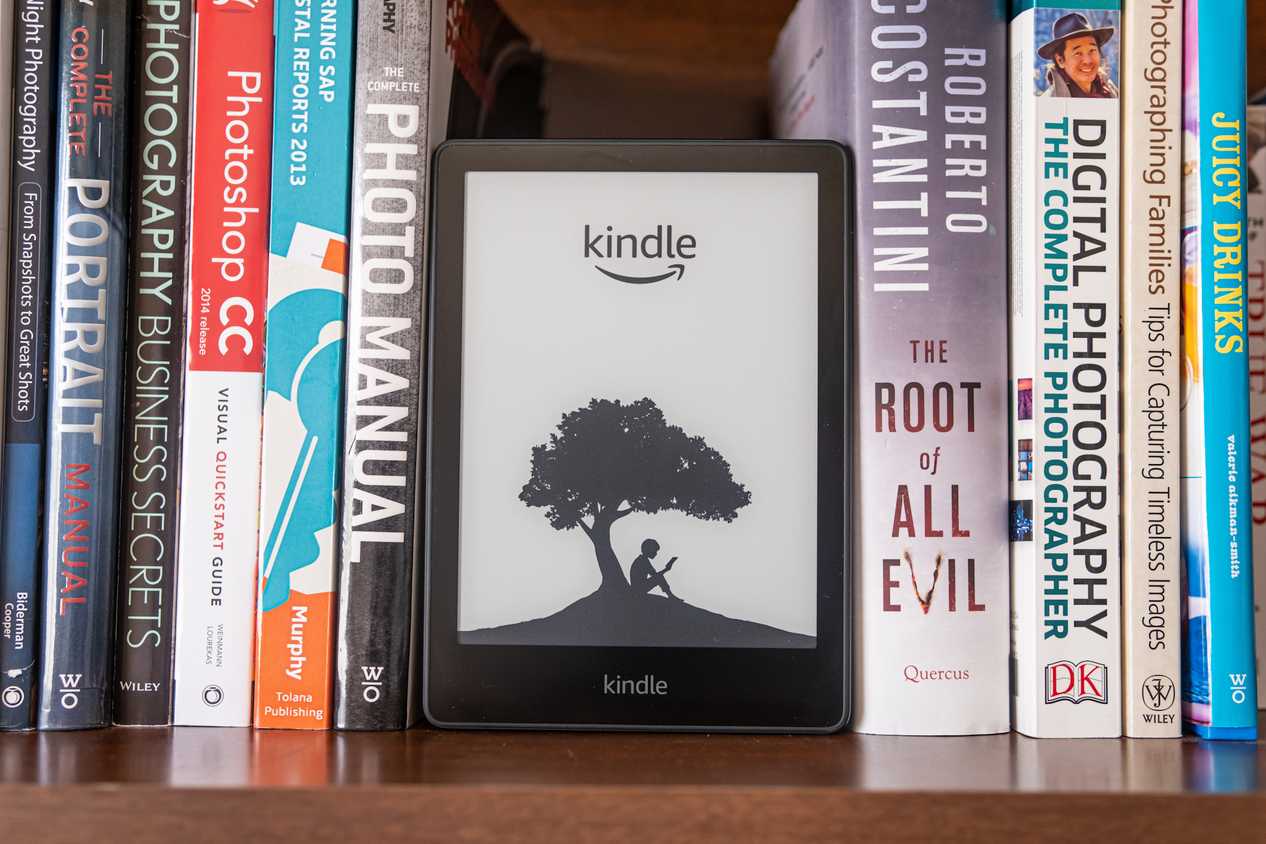
Because of this, the seller keeps the content firmly under its own control. For people who use Kindle, this means Amazon technically sells you a revocable license to view the e-book on its proprietary software and devices, instead of giving you permanent ownership of the file.
Since you're a licensee instead of an owner, your access to the digital media depends entirely on the terms of the contract, which often explicitly state that you can't sell, rent, lease, or distribute the content to any third party.
I've written a few books for Amazon that I am not proud of, and this kind of agreement doesn't really help the author at all. In fact, this kind of thing keeps you from reading only on a Kindle because it is hard to break DRM and transfer the ebook files to external devices.
You're also monitored the whole time, so Amazon can use your data to sell to advertisers to benefit its own platform. This really only benefits Amazon.
DRM has many risks
DRM is not as safe as companies want you to think

DRM is just invisible code and an encryption layer in your digital files, and it restricts how, when, and where you can access the content you thought you purchased. Massive platforms like Amazon enforce DRM, but authors do have a right to say no.
When I published, there was an option not to have it. So it is up to the author, but that's only really for a self-publishing author. Publishers tend to want DRM, and due to contracts, the author just has to accept whatever the publishing house decides.
One of the reasons a self-publishing author would want to deny it is because DRM lets retailers revoke your access to books at pretty much any time. What's bad is that you normally don't get a warning or financial recourse. This can happen when backend licensing agreements expire or when distribution rights shift between publishers and digital storefronts.
If a platform suddenly loses its legal right to host or distribute a specific title, the retailer can send a network command that wipes the DRM-locked content directly from your digital library. That is not fair to someone who paid for it, and it isn't helping anyone but the company that runs the storefront.
When these corporate agreements inevitably change, you inevitably lose out. It feels illogical sometimes to build a permanent personal library under these conditions.
Also, Amazon's relentless efforts to strengthen its DRM, such as quietly adding uncrackable KFX-ZIP encryption to older e-readers and removing workarounds like the Download & Transfer by USB option, show how aggressively companies will go to maintain total control over your media.
Take control of your library
You can bypass corporate restrictions by making your own library


 Credit: Primestock Photography/Shutterstock
 Credit: F01 PHOTO / Shutterstock
 Credit: dean bertoncelj / Shutterstock
 Credit: Primestock Photography/Shutterstock

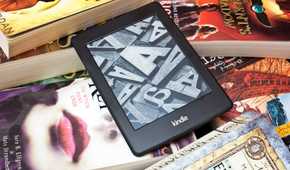
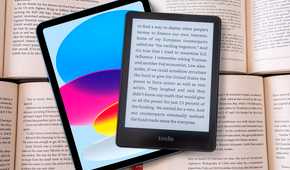
Cloud storage is the most convenient way to keep a library, but using these storefronts makes it hard to enjoy. To take back control of your media, you need to move from renting conditional access to truly owning your content by downloading your purchases and managing them on your personal drive, completely free from restricted platforms.
To make this process simpler, you should stop purchasing ebooks from Amazon and buy them directly from platforms that sell DRM-free files. That is a good change to make first, and trying to extract the books from ebooks is a real pain. So, make sure you first start by keeping your library as DRM-free as possible.
Buy from independent storefronts or publishers, like Smashwords, StoryBundle, and Baen Books. These sites let you download universal EPUB or PDF files without any of those DRM issues.
If you already have a large Amazon backlog that you want to recover, you should use automated, all-in-one paid apps like Epubor Ultimate or AnyEBook Converter. They handle the background decryption and format conversion automatically.
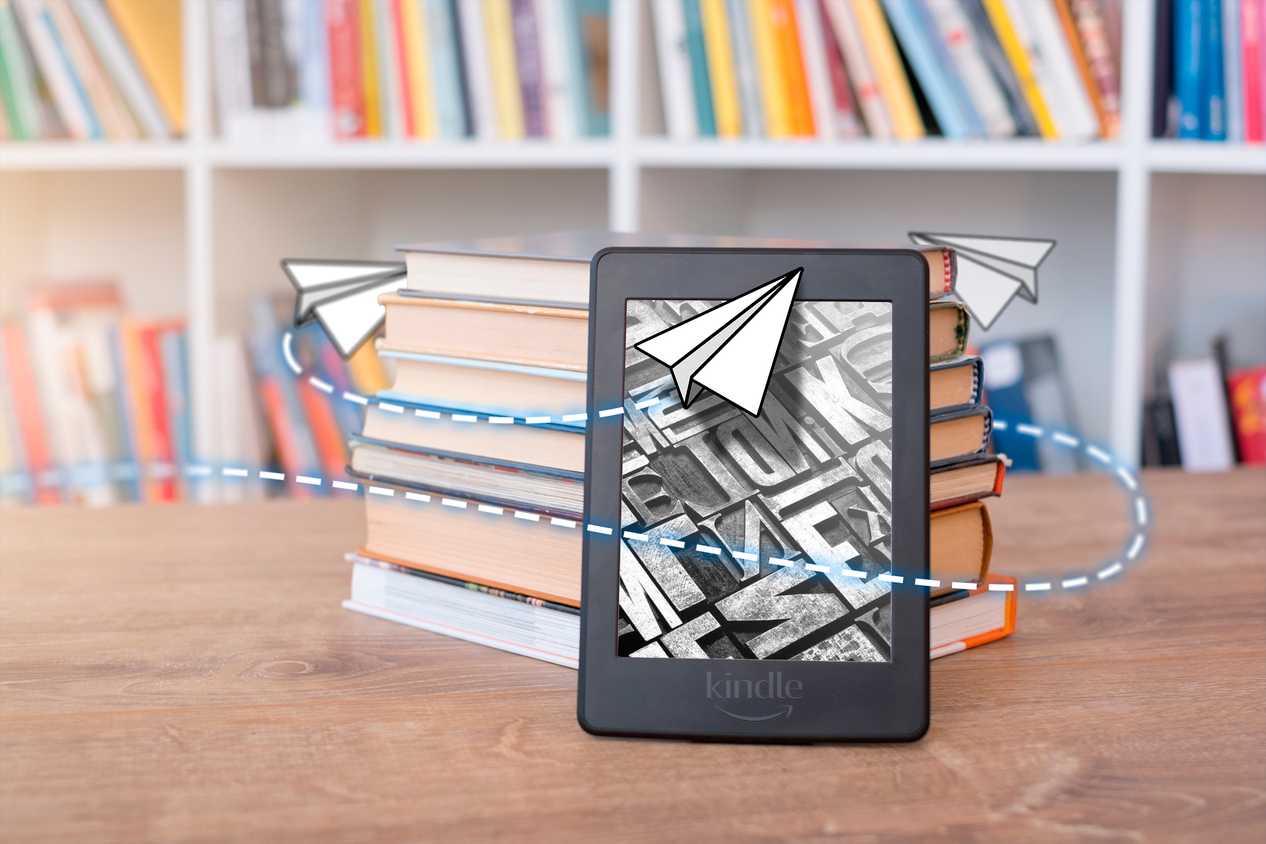
You can then just store them on a USB, a server, or on your Kindles themselves. This is a much better way to handle things, and I suggest you do it as soon as you can. As long as you're paying, the author is getting their money, so don't feel bad.
Managing a library can be a chore
Finding alternative retailers and managing your own backups requires extra steps and means you lose the immediate convenience of a single cloud account. If you prefer a hands-off experience where everything syncs automatically, sticking with the default ecosystem is a reasonable option. However, if you want to ensure your collection cannot be deleted by a corporate licensing shift, taking control of your files is the only way to do so.

Kindle for Kids (2022)
- Brand
- Amazon
- Screen
- 6-inch e-paper
- Resolution
- 1072x1448, 300ppi
- Storage
- 16GB
The Kindle for Kids is the same as a standard Amazon Kindle but has added features for children. It’s every bit as lightweight and slimline and has the same glare-free, 300ppi, high-resolution display. The 16GB of storage is also the same, which means your child or children can store over 1,000 books. It also sports the same new USB-C connection and, thankfully, a similar reasonable price tag. The differences? Well, these are what make the Kindle for Kids interesting. You get a choice of one of three attractive and colorful covers. On top of that, there’s a year’s subscription to Amazon Kids+; an extensive library of novels and audiobooks for children. Then, there’s the parent dashboard where you can set and manage content to encourage reading. You can also adjust filters and even set a bedtime announcement. There are no apps, videos, messaging, and definitely no games on this device. All it has is uninterrupted reading with lots of encouragement and learning. It’s a must for any parent that wants their children to read more.