


Wireless USB receivers are a must when I connect accessories to my PC or laptop. It’s way more stable when compared to something like Bluetooth, and has the added benefit of behaving exactly like a wired device — which means you can access the BIOS with it.
That said, keeping track of every dongle is a real problem, and Bluetooth's convenience feels much more appealing here. Still, there has been an effort to unify dongles, and I managed to get both my Logitech mouse and keyboard paired to the same receiver, making it perfect for my laptop, which has a single USB-A port.
Using Logitech’s Lightspeed receiver to pair a keyboard and mouse to the same dongle
Surprisingly simple, but you need G HUB


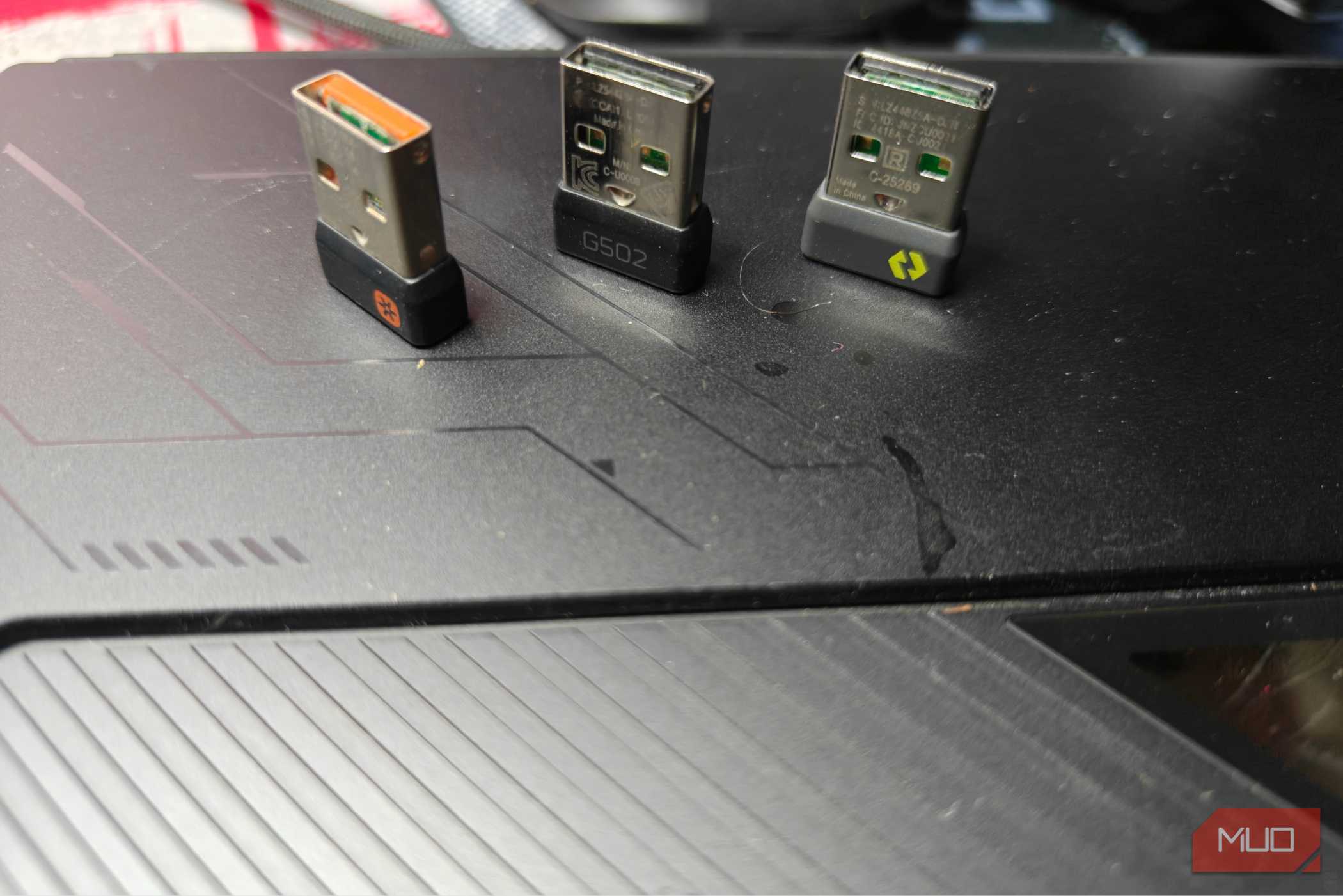
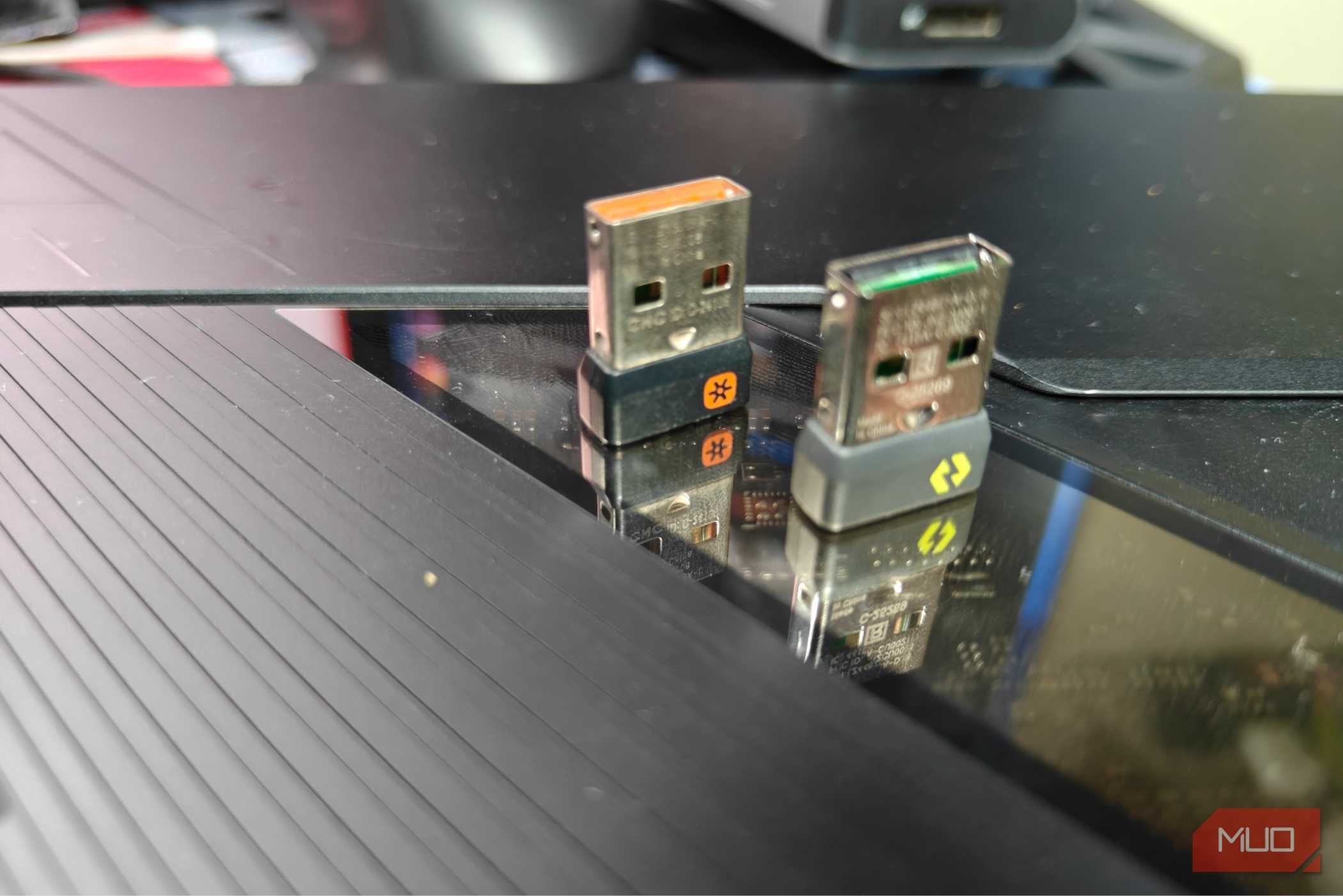
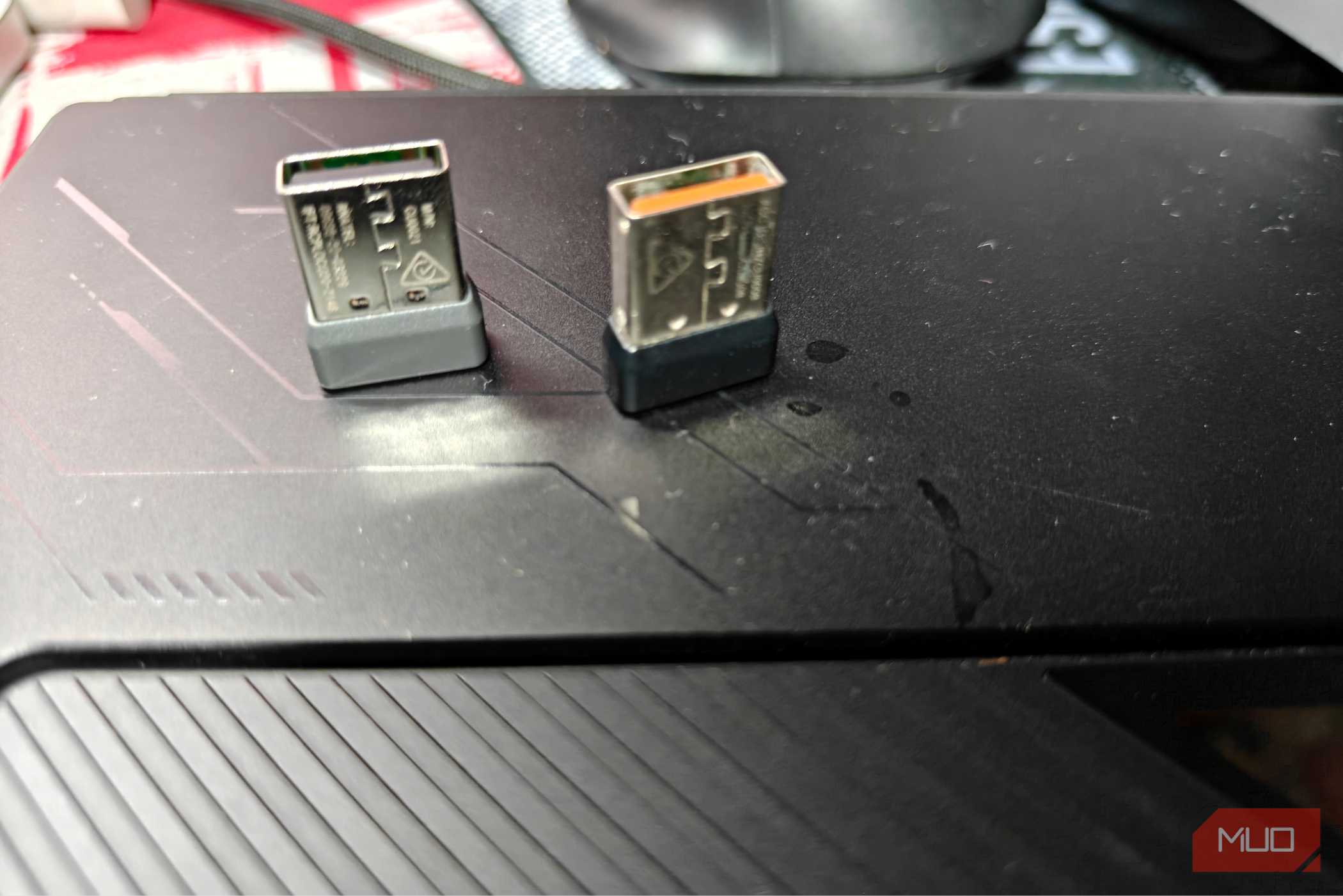
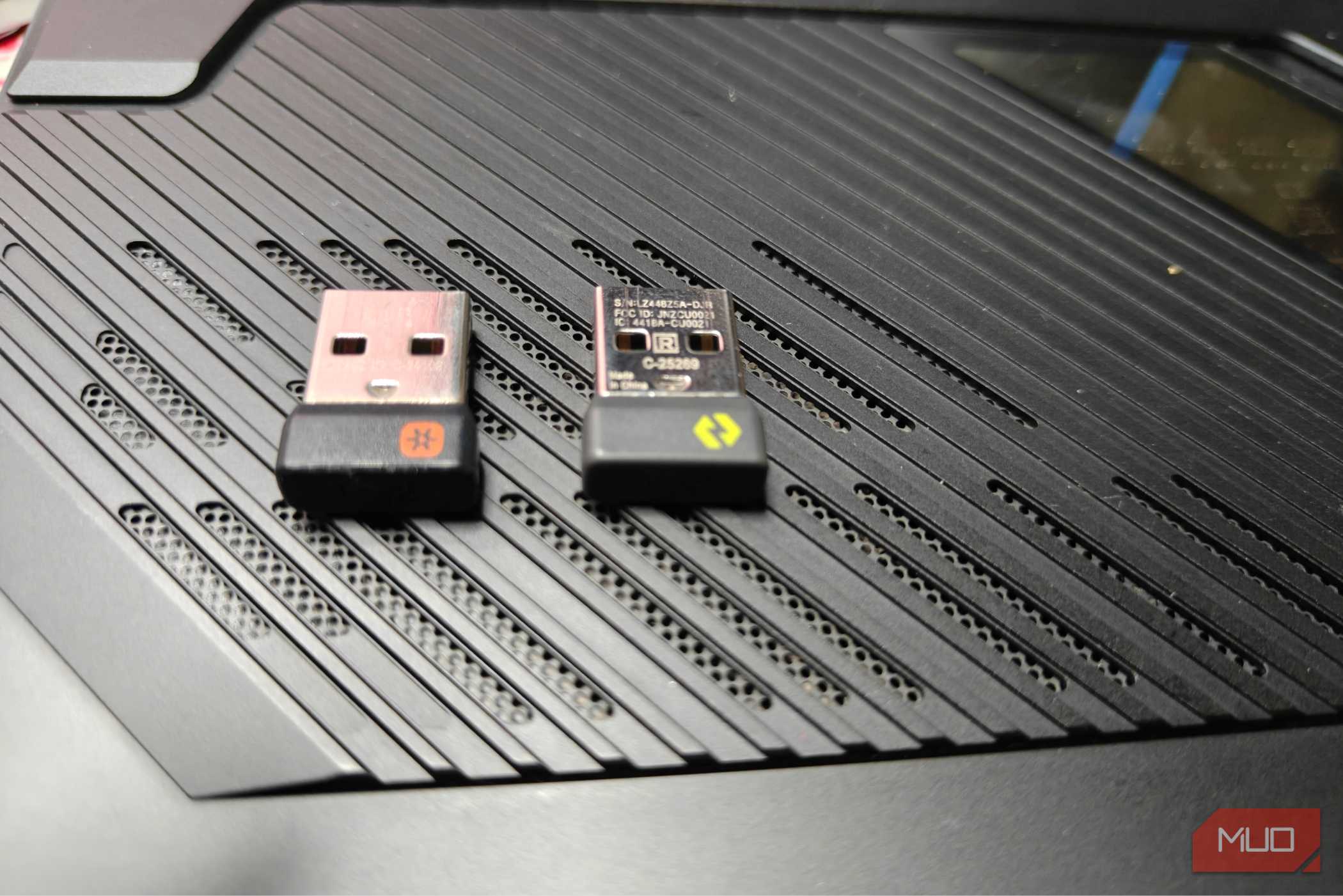
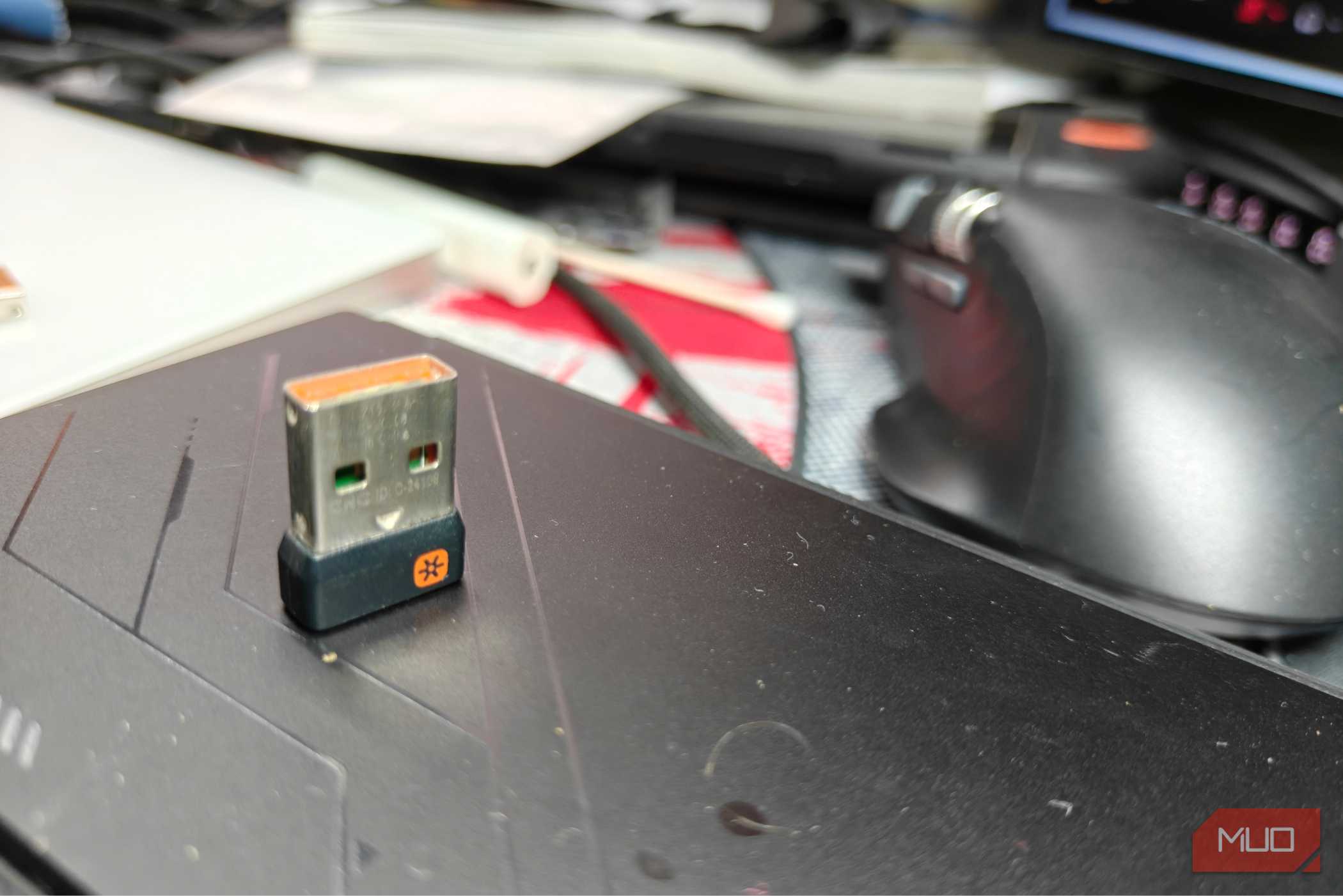
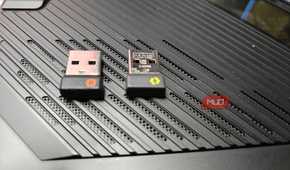
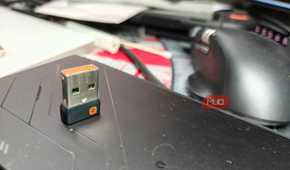
Lightspeed dongles have the capability to pair up to only two devices to maintain that low latency. I already had a Logitech G502 X Lightspeed Plus and a G515 Lightspeed TKL, so it made perfect sense to just pair the two together.
Unfortunately, this requires Logitech’s G HUB software, and it just doesn’t work on Linux. It does, however, work on macOS — and I could get things up and running in a few minutes.
It did require me to plug in both the keyboard and mouse dongles, which meant I needed to bring out a USB-C dock, and I cannot emphasize how much I hate the USB-C exclusive future we’re being pushed into.
Once the pairing process was completed, the G515 Lightspeed TKL’s dongle remained as the USB-A device that maintained a connection to both devices. Simply plugging in the keyboard’s USB dongle was enough at this point, and I could keep the mouse’s dongle tucked away elsewhere.
The setup lets me carry one dongle for both a keyboard and mouse
Quite helpful if you have only one USB-A port

The most obvious advantage is cutting down on USB-A dongles, which every peripheral seems to have its own version of. While it might not be as much of a problem on a desktop PC (which has a lot more ports), on a laptop it can be a real nightmare, especially with everything going USB-C.
On my Zenbook 14, there’s only one USB-A port on the left side, which makes connecting dongles a bit tricky. Logitech’s Lightspeed and Bolt pairing helps tons here, letting me use a single “set” of keyboard and mice together off one wireless receiver. I’d have to use another dock otherwise, which is nowhere near as convenient or pretty.
While Bluetooth exists, it’s not without its issues, and I particularly dislike how some of the internal Wi-Fi + Bluetooth chipsets in laptops behave. They’ve proven themselves to be notoriously unreliable, and even for something as basic as a keyboard, I’ve suffered through mis-inputs, mistypes, and just a general lack of snappiness. These issues do not exist with a USB receiver, even if it eats up a precious port.
There are other alternatives from brands like Razer
But you’ll be locked down to their own “ecosystem”

It’s not like Logitech is the only company that makes these kinds of products. There have been quite a few alternatives for a while now, and the most popular is probably Razer on the gaming side.
Razer also lets you pair multiple gaming peripherals to one dongle, which is, for all intents and purposes, functionally identical to Logitech’s own method. Unfortunately, almost every brand uses a proprietary connection method — which means you cannot mix and match accessories from different brands.
The pairing process is also ridiculously picky about what it can and cannot pair with. Very specific hardware combinations are needed to work, and with Logitech, that's gated by the kind of USB-A dongle you’re using. Lightspeed peripherals pair with Lightspeed adapters, Bolt adapters with Bolt accessories, and so on, locking down generations of hardware.
You’re very much going to be locked down to the “ecosystem” created by these companies as well, and that is a bit of a shame. There is no way to connect different brands together.
A standard I wish more companies would adopt and make universal
As it stands right now, there is no easy alternative to force multiple devices to pair across one dongle. Which really is quite unfortunate. You’re not always likely to have devices from the same brand (and in many cases, the same sub-category), which makes it a pain to get up and running. Not all devices are created equal, and sometimes you might want something from a different brand instead.
For me, I just wanted to pair my MX Anywhere 3S with my MX Keys S, but as far as I know, there is no way to do it. Both devices support very different USB transmitters (Unifying vs. Bolt), which makes them incompatible.
This is despite both of them being Logitech products. Again, I could use Bluetooth, but that has its own problems and won’t work pre-login.
It’s kind of baffling that there's no universal standard for this kind of connection, and I hope it gets addressed someday. Still, I wouldn’t get my hopes up too much — the process is likely to be difficult, especially since many of these dongles use some form of proprietary tech to work.