


Most believe that using an Incognito window in their favorite web browser protects their privacy, but this is far from the reality. Then, at the other extreme, we have people who choose something like Tor Browser, which uses Tor, a free, onion-routing-based overlay network for enabling anonymous communication. After trying both options, though, I've realized that I need a balanced middle ground for daily use, and Mullvad Browser may just be it.
A fingerprint test sent me past Incognito and past Tor
Private browsing, publicly identifiable

Even before I came across Mullvad Browser, I knew how pointless Incognito browsing was, despite what its name made others believe.
Sure, unlike regular browsing, Incognito browsing tabs/windows do not store your browsing history or web cookies. However, it doesn't offer absolute privacy by any means. Instead, Incognito browsing still reveals enough for websites/authorities to determine your identity. A simple browser fingerprinting test can show you how much data can reveal your identity.
Tor Browser, on the other hand, does its best to protect your privacy, thanks to the underlying Tor network. The problem? It's excruciatingly slow, and many websites and functions do not work as intended; you'd come across CAPTCHA walls and exit-node blocks as well. So, even as it passes browser fingerprinting tests, Tor Browser isn't a great pick for daily use.
Mullvad Browser, which comes from the same company behind Mullvad VPN, strikes a sweet balance between these poles, though. This Gecko-based web browser is made in collaboration with Mullvad VPN and the Tor Project, and it packs a number of features that protect your online identity without slowing you down. At its core, Mullvad Browser claims to combat third-party tracking and oppose fingerprinting.

Mullvad Browser
- OS
- Windows, macOS, and Linux
- Developer(s)
- Mullvad
- Engine
- Gecko
- Price model
- Free
Mullvad Browser is a privacy-focused, open-source web browser developed by Mullvad VPN and the Tor Project. It provides Tor-level anti-fingerprinting and tracking protection while using a standard network or VPN instead of Tor. It defaults to private mode, removes telemetry, and includes uBlock Origin for a secure, anonymous experience.
The shared fingerprint is the actual trick here
Everyone in this crowd looks the same


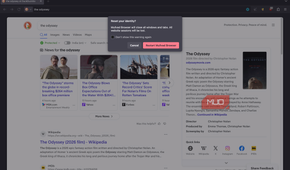
Browser fingerprinting is a serious privacy issue that allows websites to identify you even when you use a VPN — because your browser announces a few details about it whenever it connects to a webpage. Since this process creates an approximate fingerprint of your browser, changing your IP address has a limited impact. While other web browsers use randomized fingerprints to combat this issue, those fingerprints are also unique to the browsing session. Mullvad Browser, on the other hand, uses a shared fingerprint and just works.
Unlike a randomized fingerprint, a shared fingerprint results from browser-wide standardization. That is, Mullvad Browser uses a technology called letterboxing to ensure that the canvas, font, WebGL, and screen size are identical across all Mullvad Browser installs. This way, your Mullvad Browser install becomes indistinguishable from any other, because it blends into a known crowd. As a result, even without a VPN, Mullvad Browser protects you from browser fingerprinting.
Instead of building everything from scratch, Mullvad Browser has used the fingerprinting defenses that Tor Browser's hardening framework. This way, you get to enjoy Tor Browser's stronger defenses without being forced to use the Tor network. It keeps its privacy promises with additional features, though. For instance, forced HTTPS and one-click clearing of cookies/history are worth mentioning.
It ships without a VPN on purpose, and that's the point
Half a plan is still half a plan by design

When I first heard the name Mullvad Browser, I expected it to be bundled with Mullvad VPN. However, it wasn't, and Mullvad seems to make a point with that decision. For instance, none of the features on Mullvad Browser are expected to be better just because you use Mullvad VPN, either. More importantly, the security features that Mullvad Browser offers are not at all dependent on a VPN connection.
But the core idea is simpler. Even with a VPN, normal browsers do not protect your digital life from browser fingerprinting. To get that protection, you need something like Tor Browser, which offers the best level of protection but slows your browsing experience. The alternative, which should be convenient for most people, would be using a browser like Mullvad Browser.
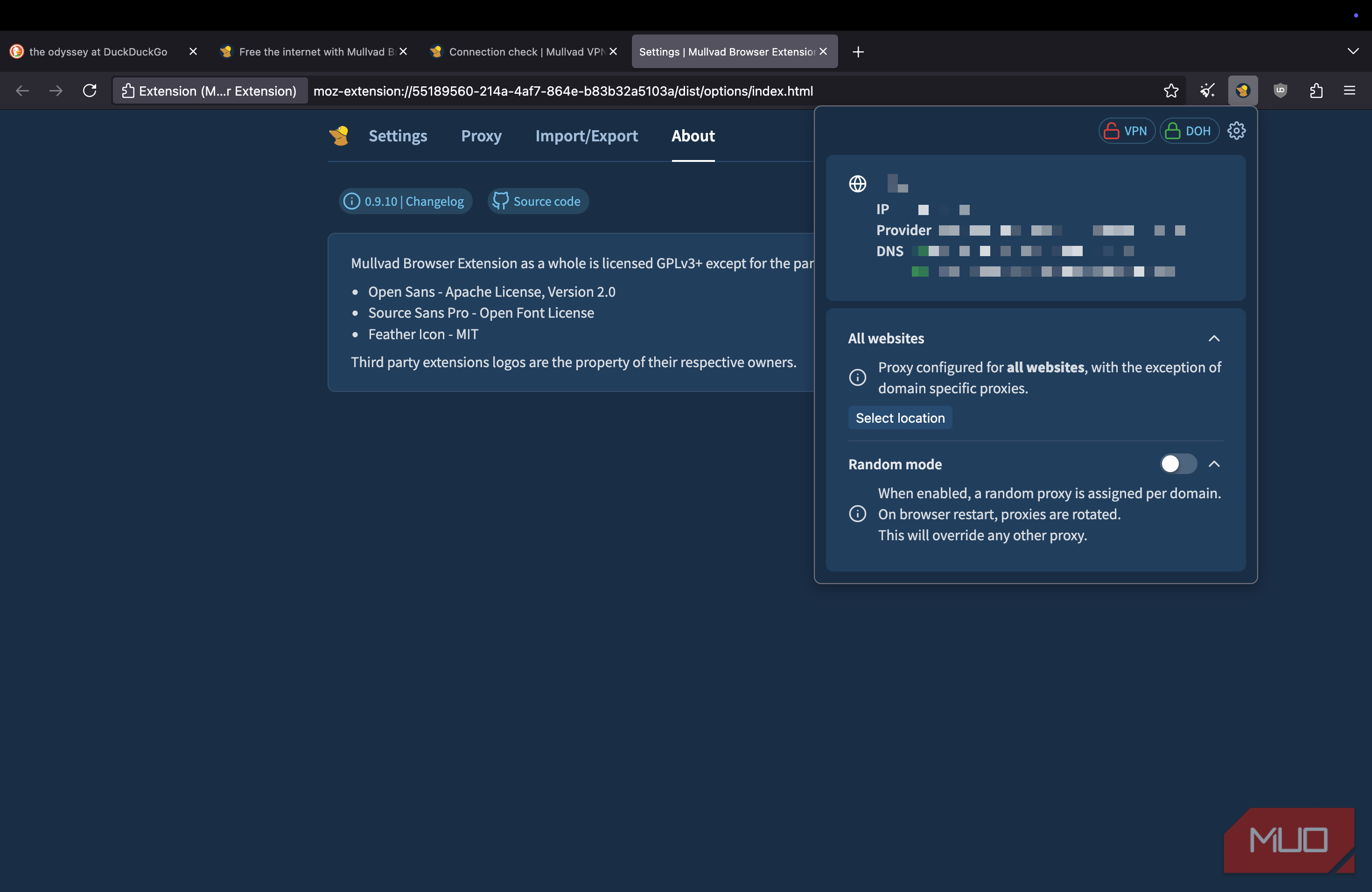
This design also means you need to use a VPN only if you want specific features, such as IP masking. Better yet, you can always bundle this privacy-friendly web browser with a no-logs VPN service to complement it. I tried the same browser fingerprinting tests with and without a VPN configured, and the only noticeable difference was in the IP address.
What Mullvad stripped out matters as much as what it added
Privacy by subtraction


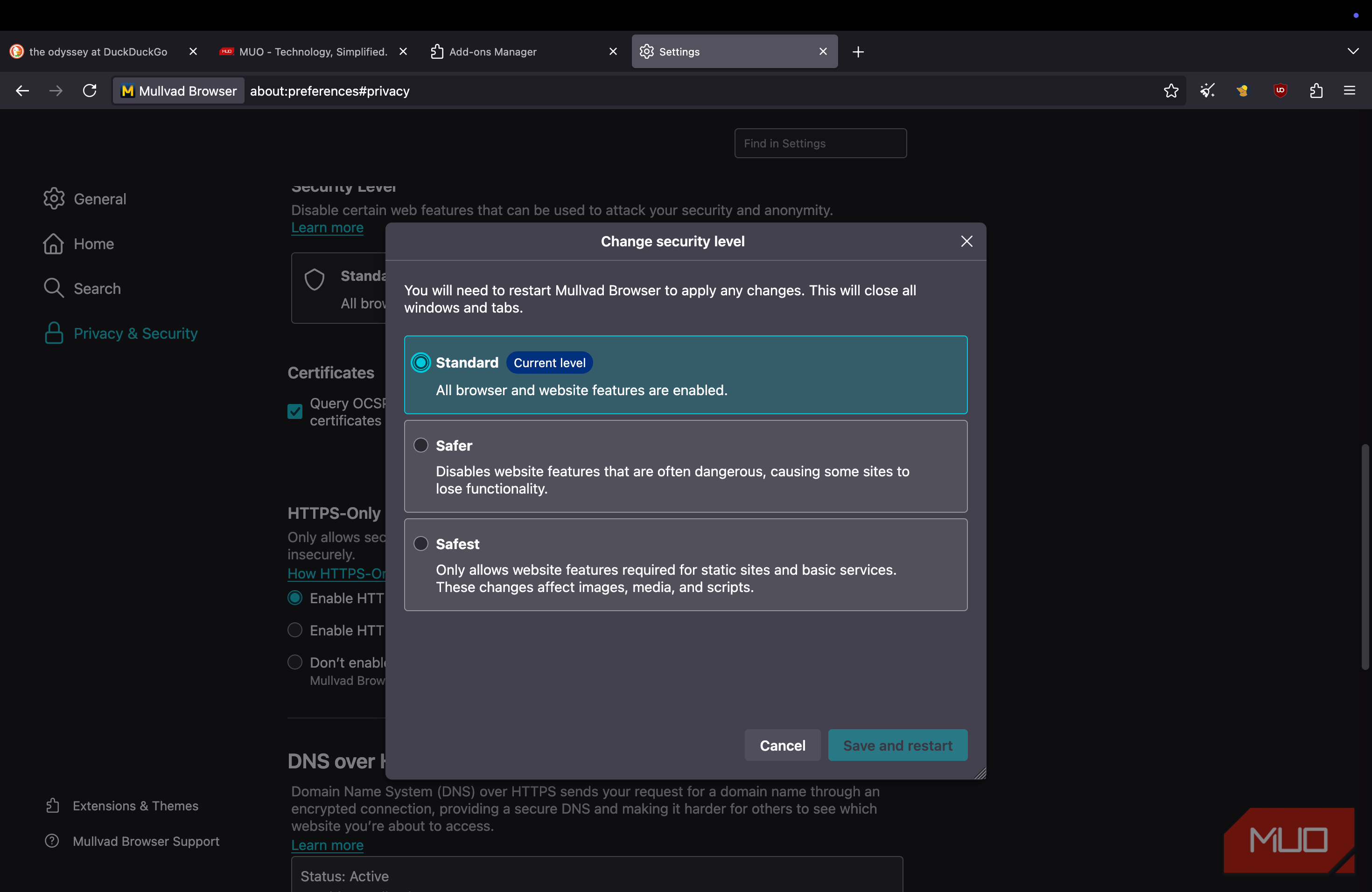
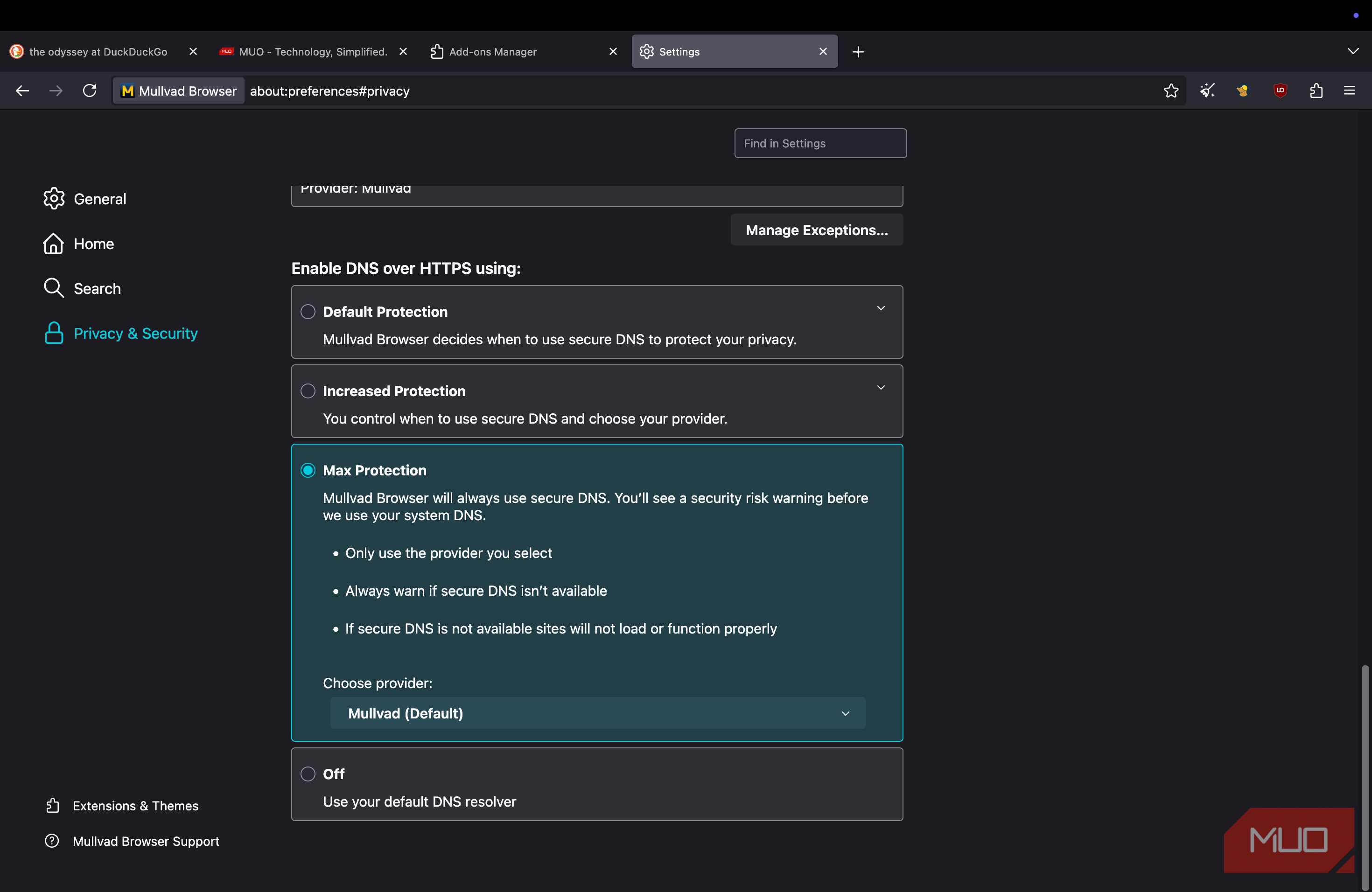
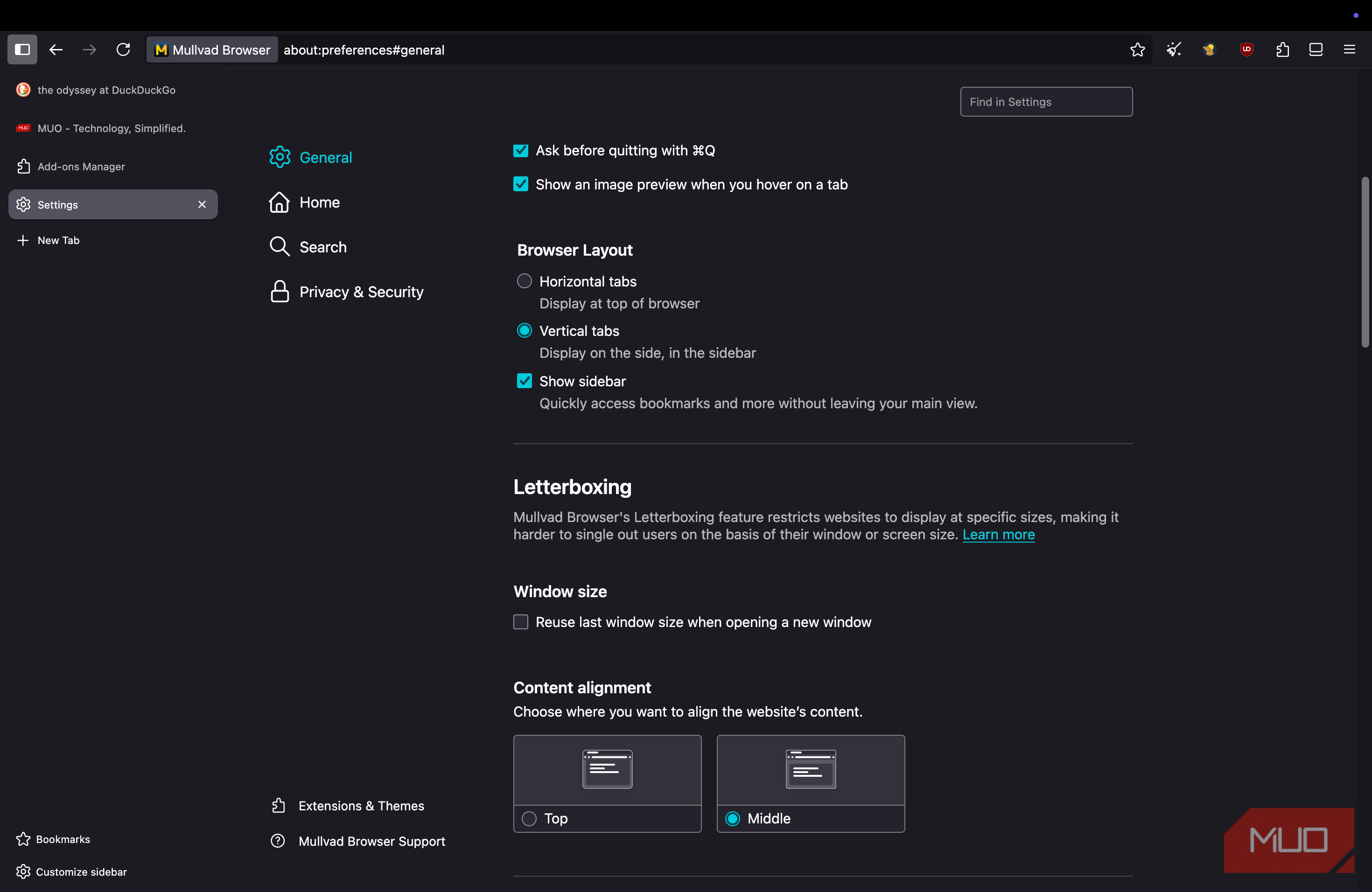
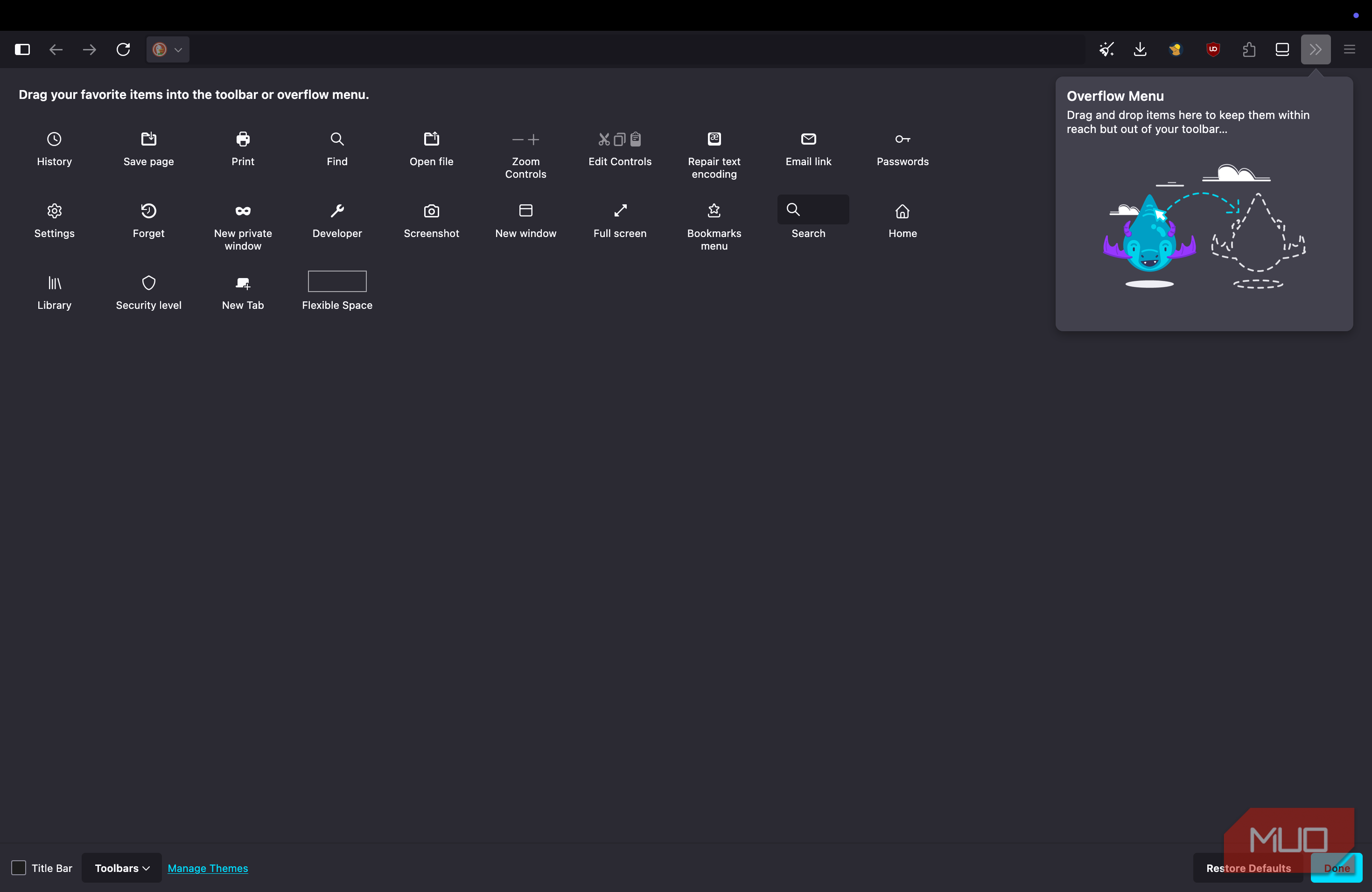
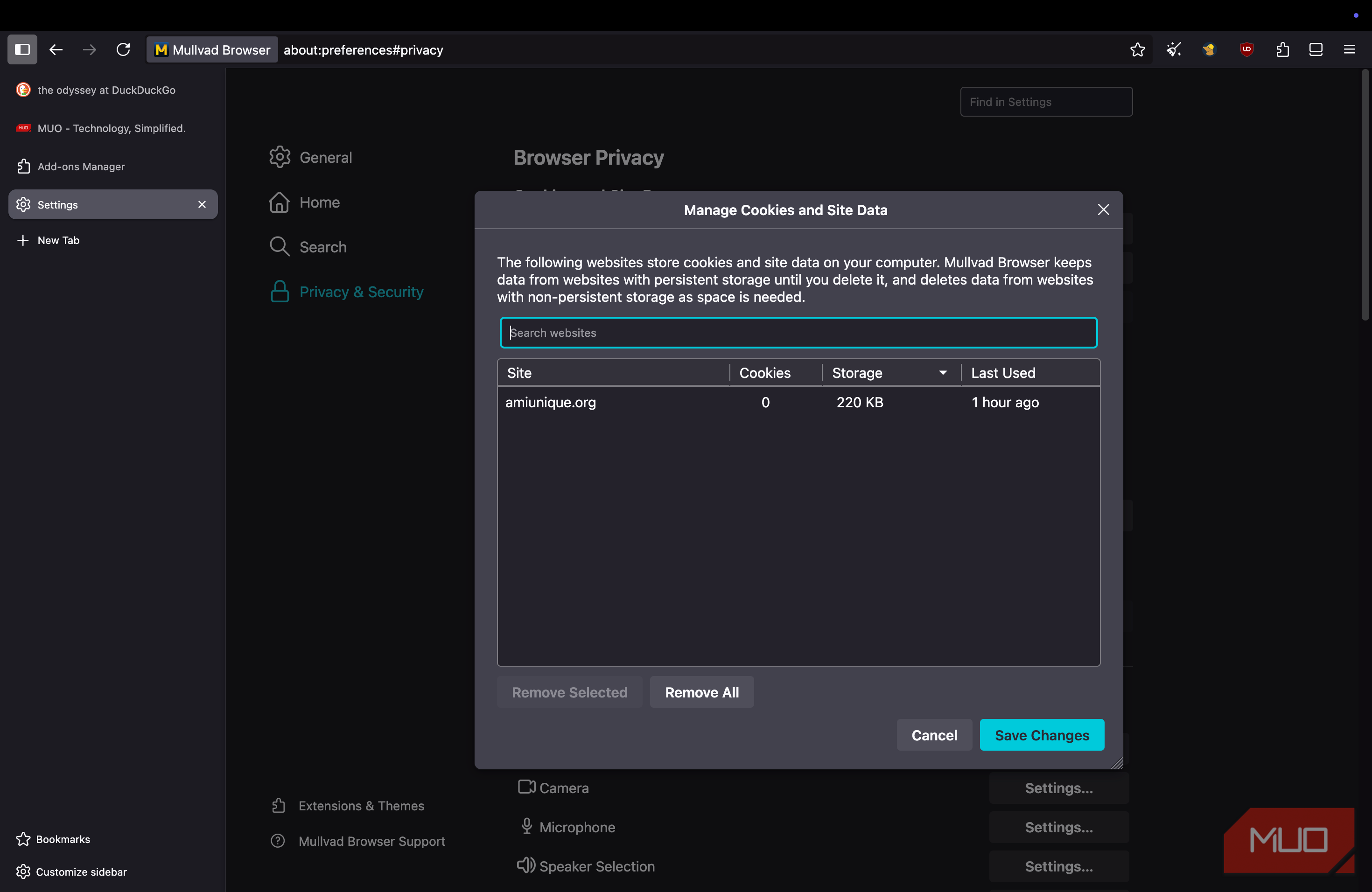
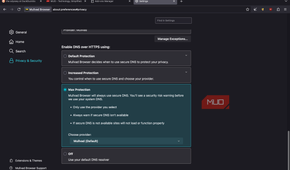
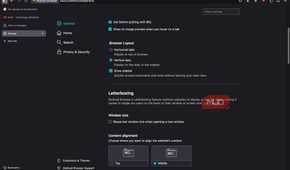
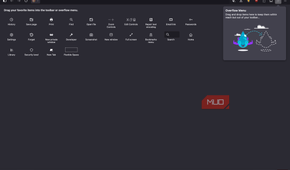
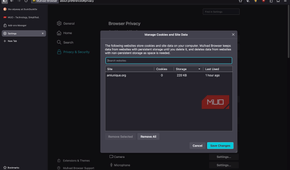
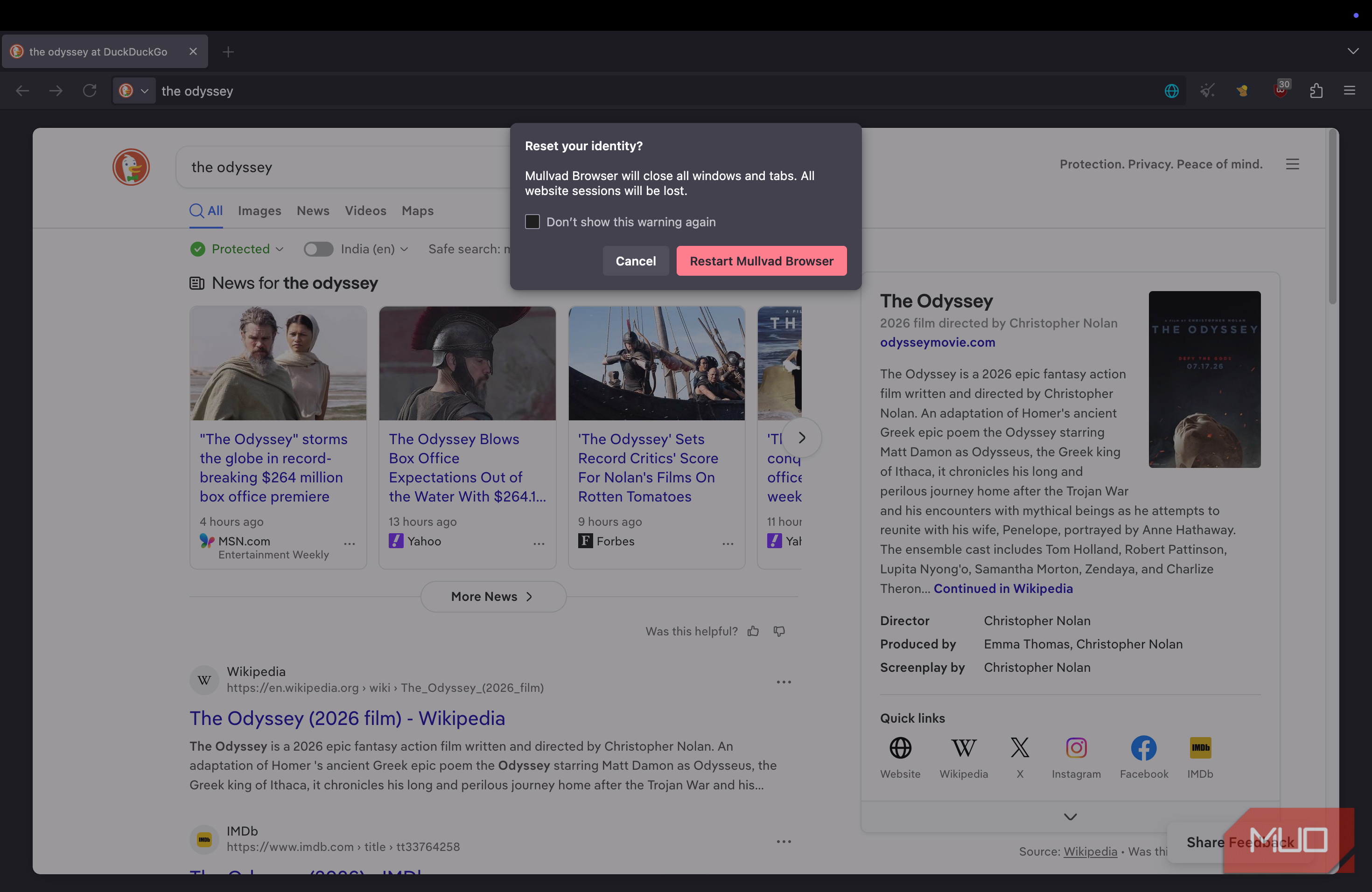
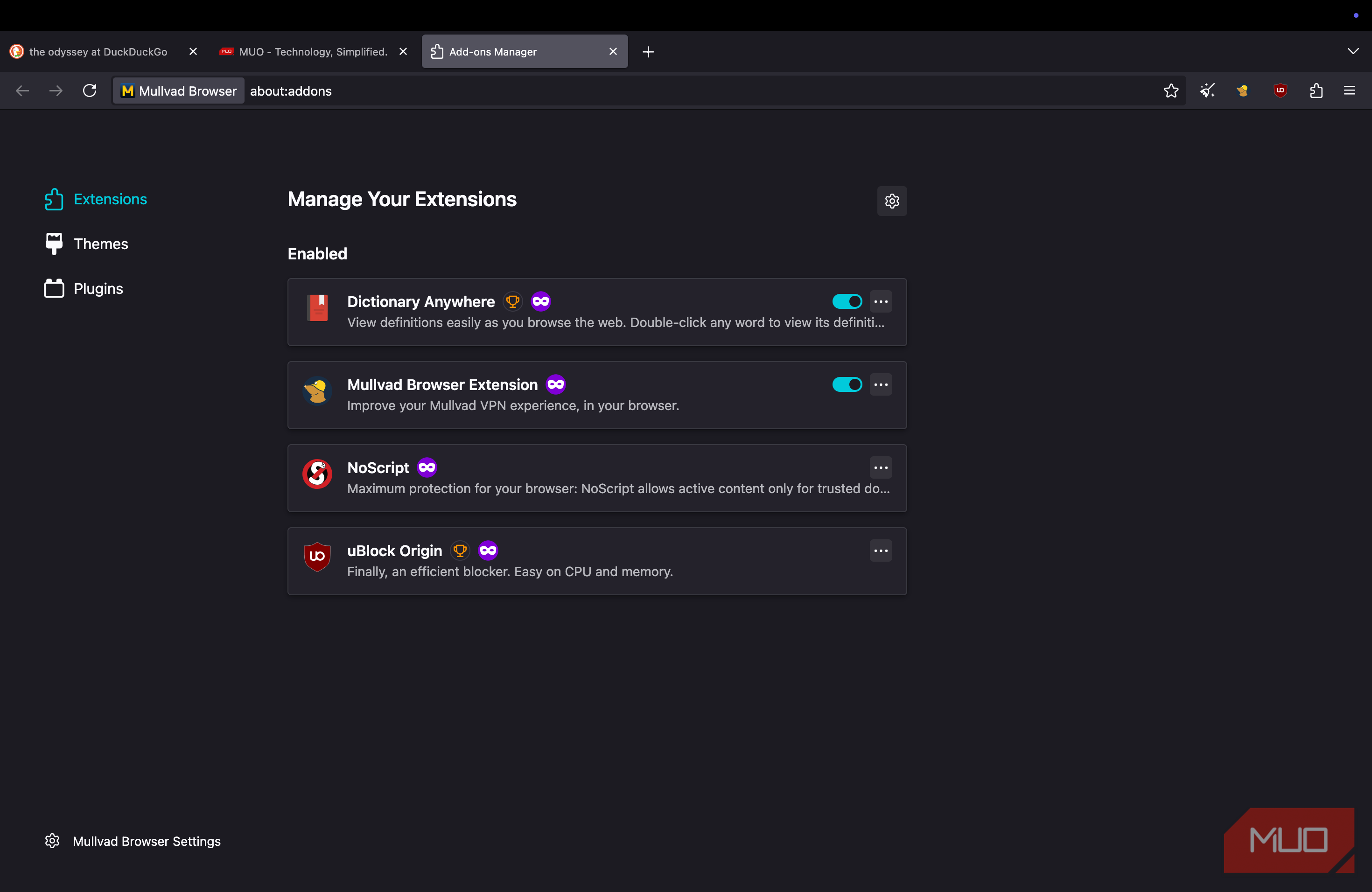
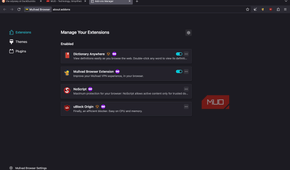
Mullvad Browser also packs a number of features that make anti-fingerprinting protection easier than ever before. I love the one-click identity reset option, which is like the New Identity function on Tor Browser. A single click removes browsing data so that you can start browsing afresh — without quitting the browser. You also benefit from features such as cookie isolation, DNS over HTTPS, no telemetry, and uBlock Origin included by default. Because Mullvad Browser relies on the ESR base of Firefox, there are no worries about stable updates, either.
However, instead of merely bombarding your browsing experience with features, Mullvad Browser strips out a few aspects, and this decision also matters.
As I mentioned, even though Mullvad Browser uses the Firefox base, it strips telemetry, meaning that, unlike Mozilla Firefox, it will not send data to developers. Similarly, even though it comes with a curated extension set (including uBlock Origin and NoScript), the developer asks users not to install too many extensions, as that would undermine the purpose of using a privacy-friendly extension in the first place. The browser also lets me choose among three security levels, each balancing features and security: Standard, Safer, and Safest.
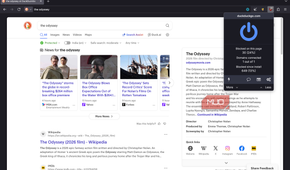
Overall, thanks to these features and some no-brainer options (like having DuckDuckGo as the default search engine), Mullvad Browser has become my go-to for most instances where I care about my privacy.
Where the hardening creates real friction
While I recommend Mullvad Browser over Tor and incognito mode, there are instances when the hardening creates significant friction.
For instance, you cannot install more than a specified number of extensions, which can be a problem if you are into productivity. Similarly, because the browser clears browsing data every time you close it, you can't get history-based suggestions. You also miss out on cross-platform sync and a few other convenience-oriented features.
Yet the decision also depends on how much you're willing to compromise your privacy for convenience. If staying truly private matters more than these slight inconveniences, I'm sure you'd love to have Mullvad Browser at your disposal.