


I recently bought the iPhone 18 Pro, and since it came with iOS 27 preinstalled, I’ve naturally spent a lot of time poking around and trying everything new. But one part of the update I was particularly excited to test was Apple CarPlay.
I’d already read about some of the upgrades Apple was bringing this year, so the first time I got into my car with the new iPhone, I knew exactly where I wanted to start. There’s plenty to play around with, too. CarPlay now gets audio scrubbing, a new mini player, better audio controls, improved reliability, and the revamped Siri experience. So, after spending adequate time with all the changes, there’s one CarPlay feature I’m much more excited about than the rest.
My music no longer gets in the way
A much better road trip companion




 Credit: Shimul Sood / MakeUseOf
 Credit: Shimul Sood / MakeUseOf
 Credit: Shimul Sood / MakeUseOf
 Credit: Shimul Sood / MakeUseOf
 Credit: Shimul Sood / MakeUseOf
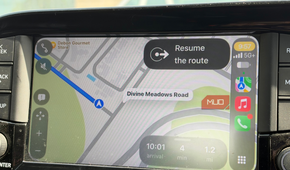
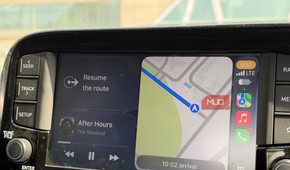
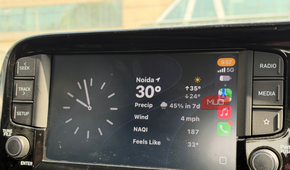
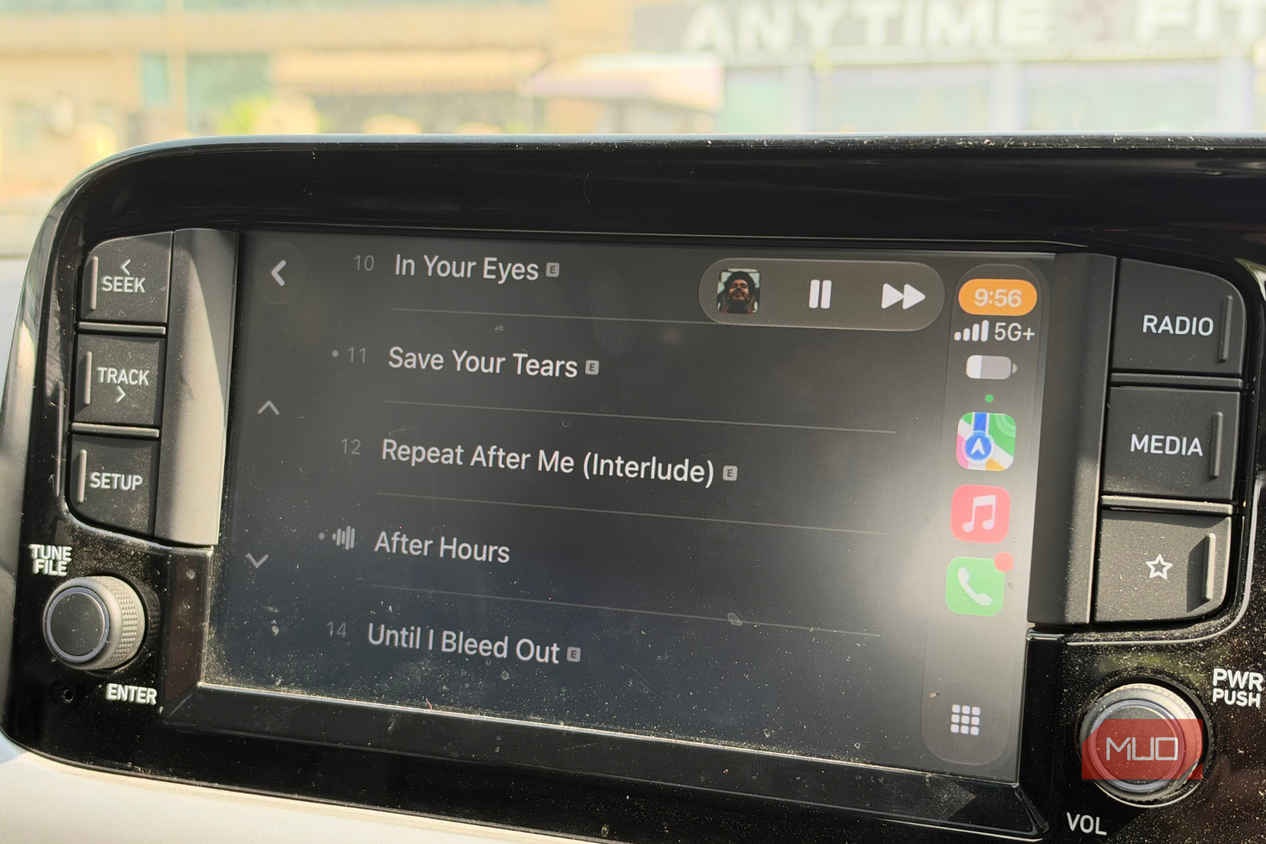
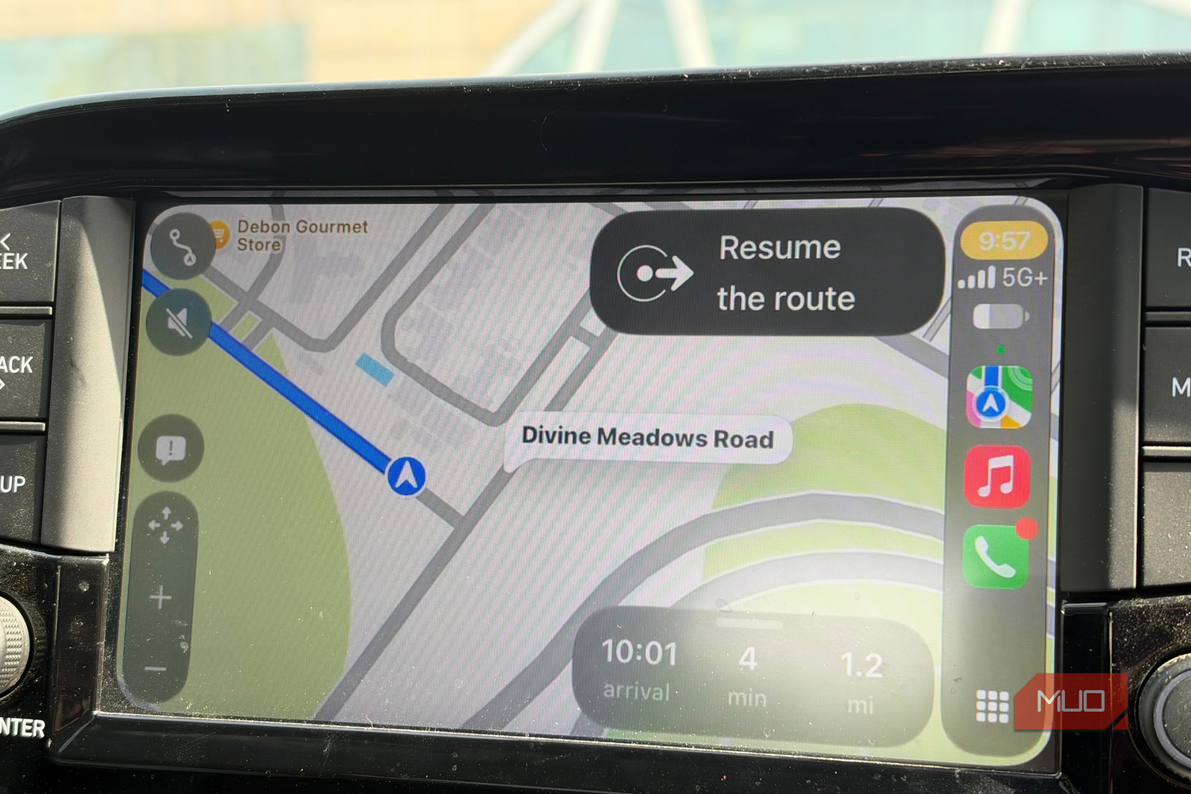
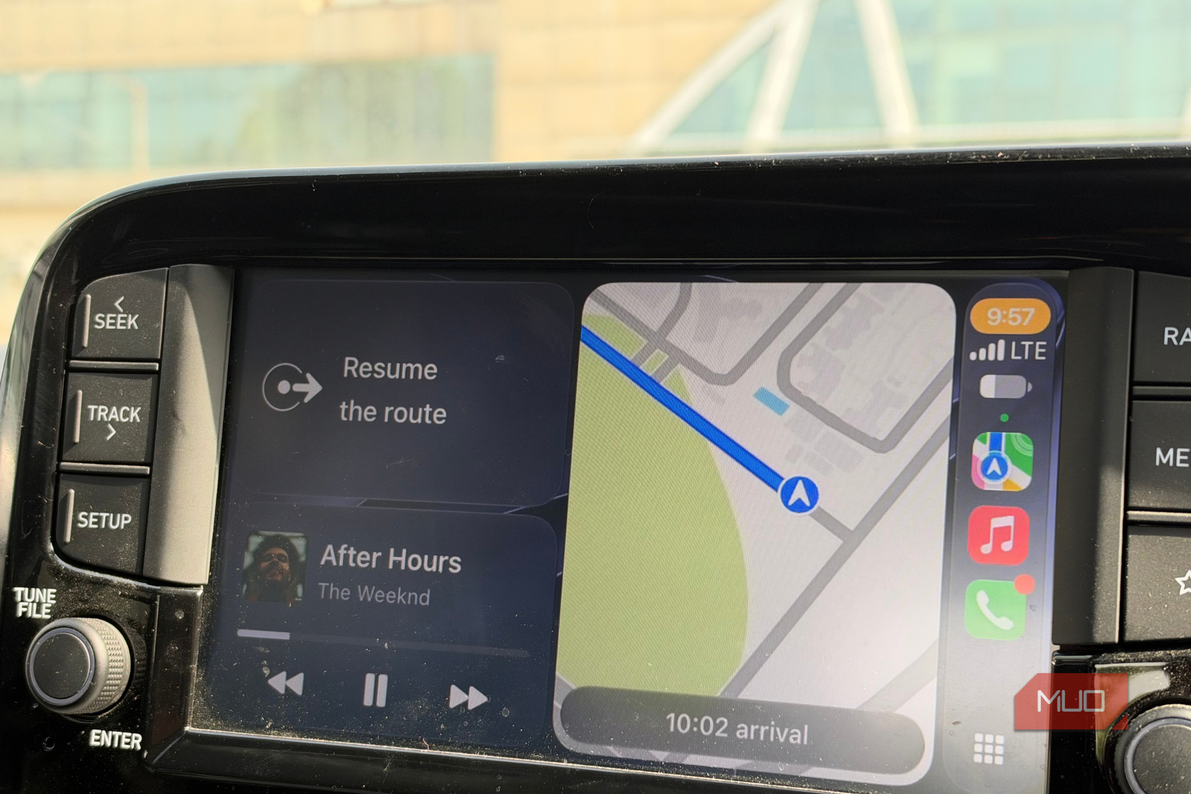
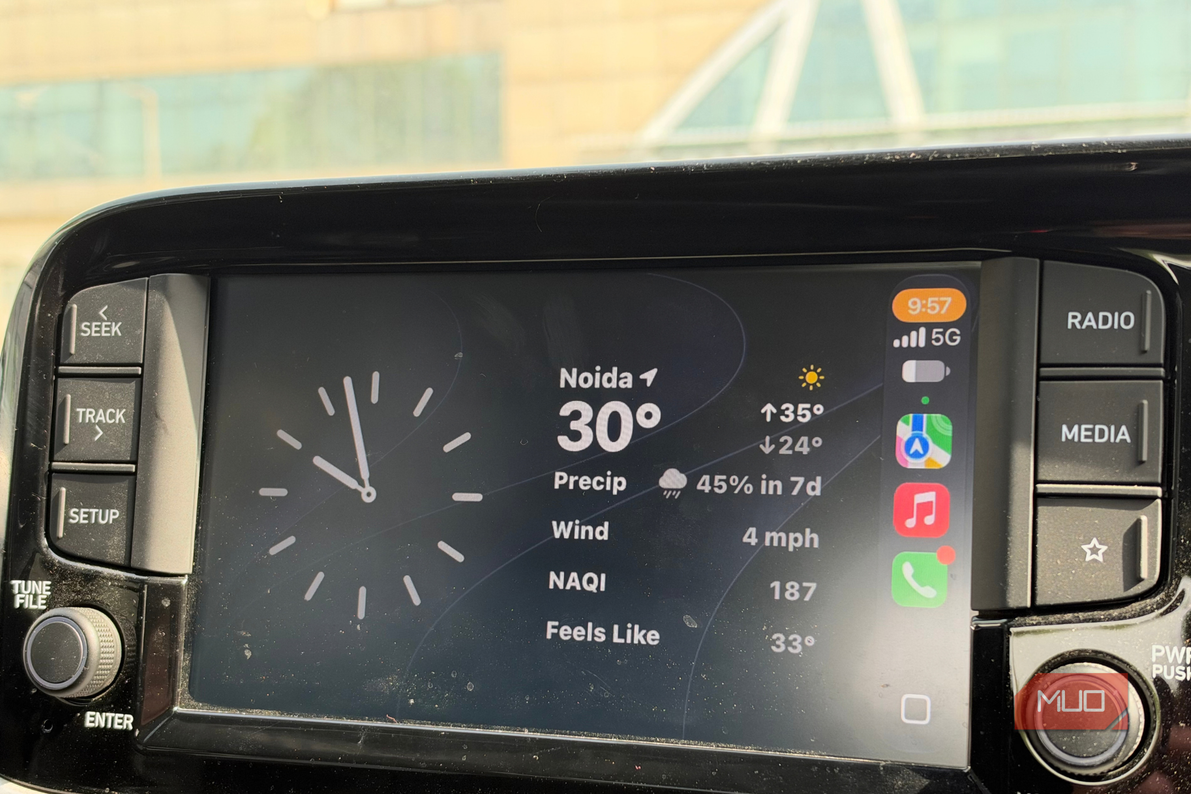
The new Mini Player is a small addition to CarPlay, but it’s one of those features that makes a lot more sense once you start using it. When I’m driving, I usually have two apps running almost the entire time. Maps helps me get where I need to go, and Apple Music or another audio app plays music or a podcast in the background. I’m sure a lot of people use CarPlay that way, too.
CarPlay used to have a waveform icon in the top-right corner that you could tap to jump to the Now Playing screen. So, if I was following directions and suddenly wanted to pause a podcast or skip a song, I’d have to leave what I was looking at, open Now Playing, make the change, and then go back.
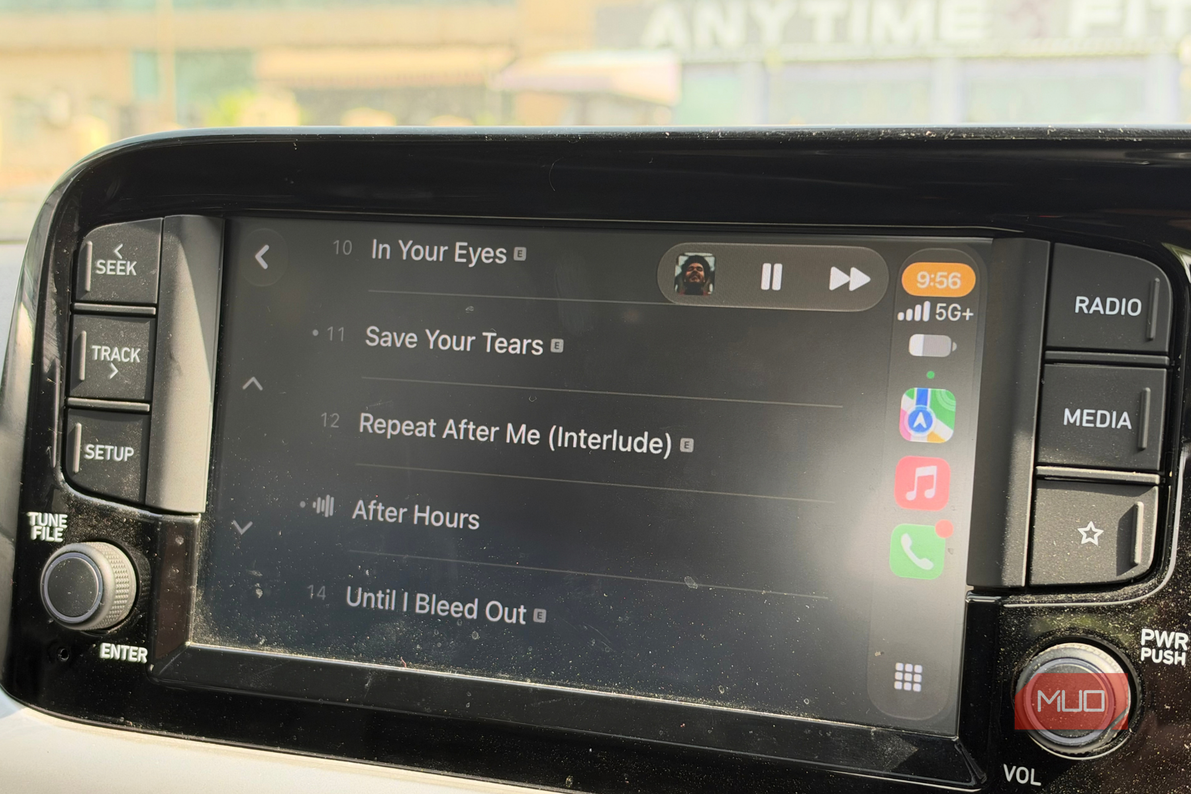
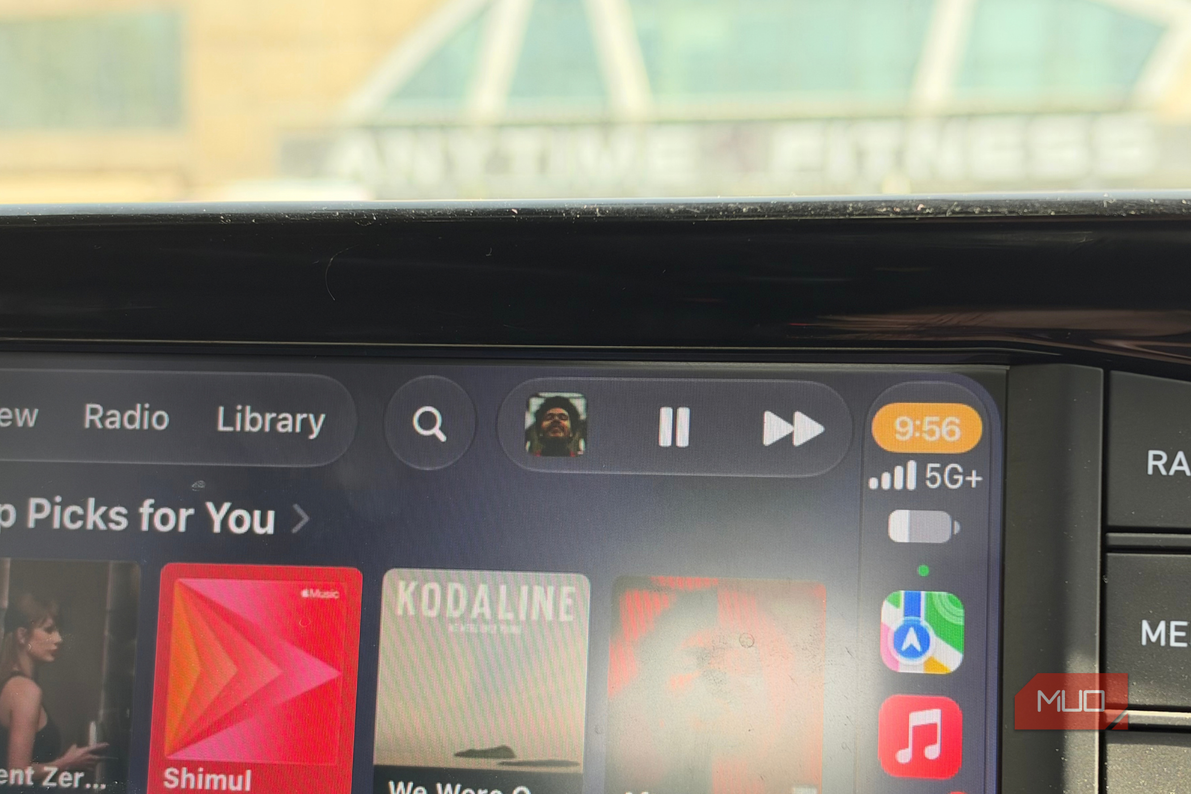
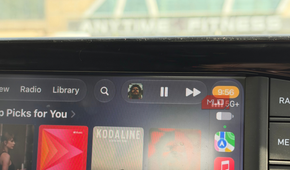
With iOS 27, Apple has replaced that waveform icon with a Mini Player, and I’ve quickly grown to like how much easier it makes controlling whatever I’m listening to. Instead of taking me to another screen, it shows what’s currently playing right there, along with the album artwork and quick controls to play, pause, or skip.
It really makes those interactions while driving much easier. If I don’t like the song that comes on, I can skip it quickly. If someone starts talking to me while I’m listening to a podcast, I can pause it without thinking too much about where the control is. And most importantly, I don’t have to keep jumping away from the screen I’m already using for something that simple.
Better yet, I can make those adjustments without taking my attention away from navigation, which is exactly how CarPlay should work.
Wireless CarPlay stopped leaving me stranded
One less thing to worry about
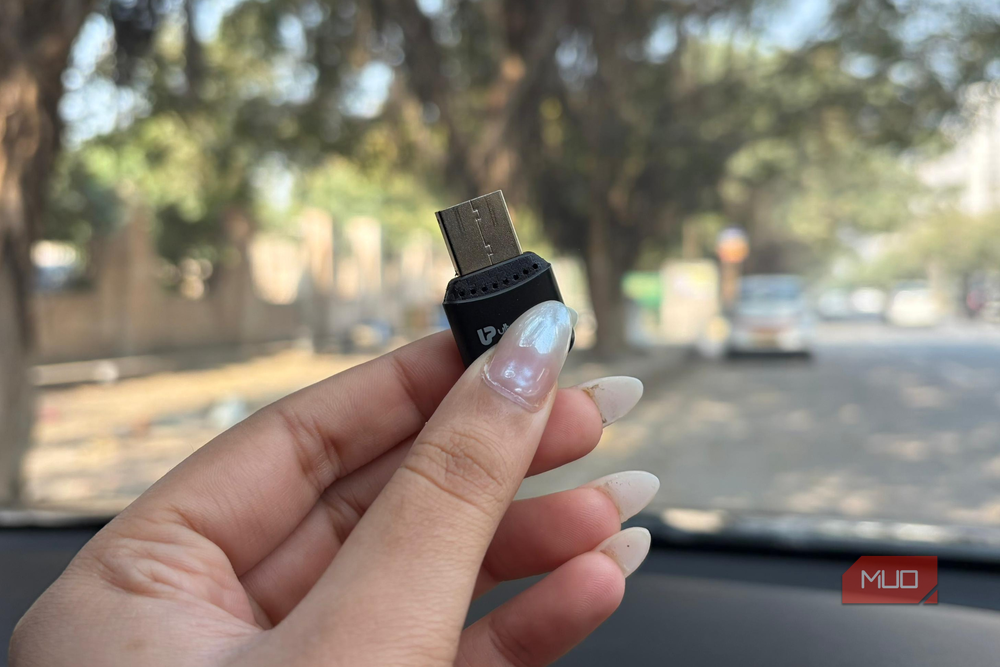
The other iOS 27 CarPlay upgrade I’ve really enjoyed is the improved reliability of the wireless connection. I’ve always preferred wired CarPlay in my car, even though dealing with a cable every time I get in isn’t particularly convenient. There’s obviously the added benefit of charging my iPhone at the same time, but the bigger reason has always been reliability. Wireless CarPlay hasn’t been consistent enough for me to trust it on every drive.
And I’ve noticed that in some pretty strange situations. For instance, going over a speed bump would sometimes be enough for the wireless CarPlay connection to drop. I’ve even had it disconnect when pressing the clutch with my left leg, almost as if the movement or vibration was enough to briefly interrupt the connection. It was especially frustrating when I was using Maps because my navigation would suddenly disappear.
Now you know why I was so interesting in iOS 27 improving CarPlay’s wireless reliability. I’ve always liked the idea of getting into my car and having CarPlay connect automatically without reaching for a cable.
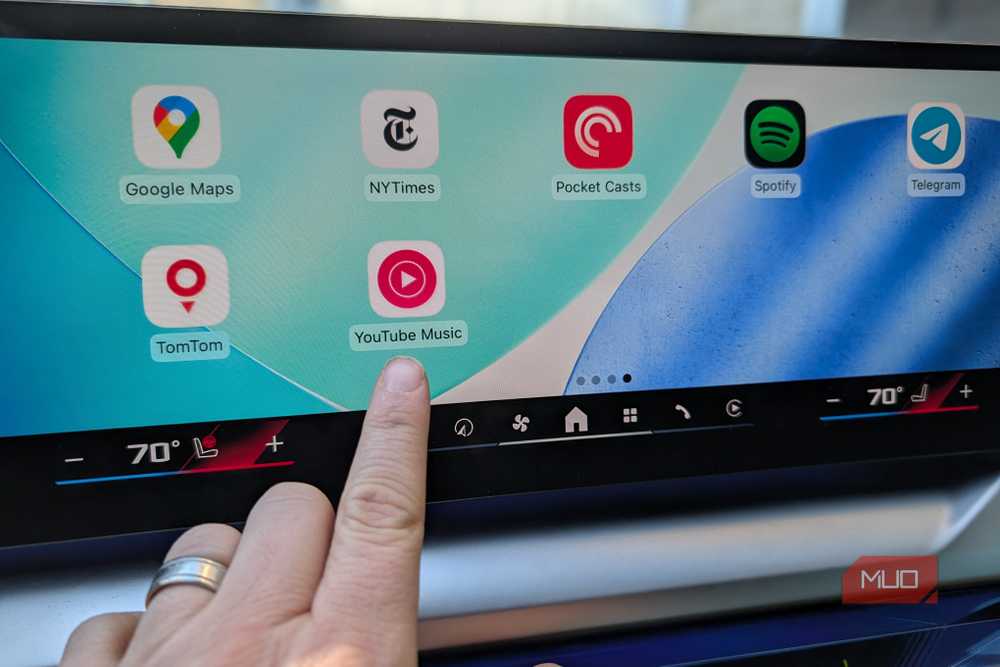
So far, it has been noticeably more reliable. I’ve driven over the same kinds of speed bumps, spent plenty of time working the clutch in traffic, and used Maps, Apple Music, and other apps throughout my drives without it randomly dropping the connection.
Apple finally fixed the little things
I think that’s what I like most about the CarPlay update — Apple hasn’t tried to completely change something I was already comfortable using. Instead, it has cleaned up some of the annoyances that would regularly get in the way once I started driving.
Honestly, I don’t want to think about what’s happening on the screen or whether everything will work as expected. I just want to start the car, put on some music, pull up directions, and get going. With iOS 27, CarPlay feels closer to doing exactly that.