


Most people typically only switch DNS for faster browsing, better privacy, ad blocking, or more security. I also switched to NextDNS initially for these things, and they’re all great. What I didn’t expect was getting hooked on a logs tab that shows me a live feed of everything happening on my home network. Every domain, every device, every background request my apps make when I’m not looking, these logs reveal it all.
NextDNS shows me everything my devices connect to
Nothing goes unnoticed

The obvious benefit of setting up a cloud-based DNS resolver like NextDNS is privacy. Instead of your ISP converting website names into IP addresses, NextDNS does it. That sounds like a simple swap, but it helps with a lot of other things like ad blocking, malware protection, and faster resolving. To be fair, this is true for almost every good DNS service, not just NextDNS.
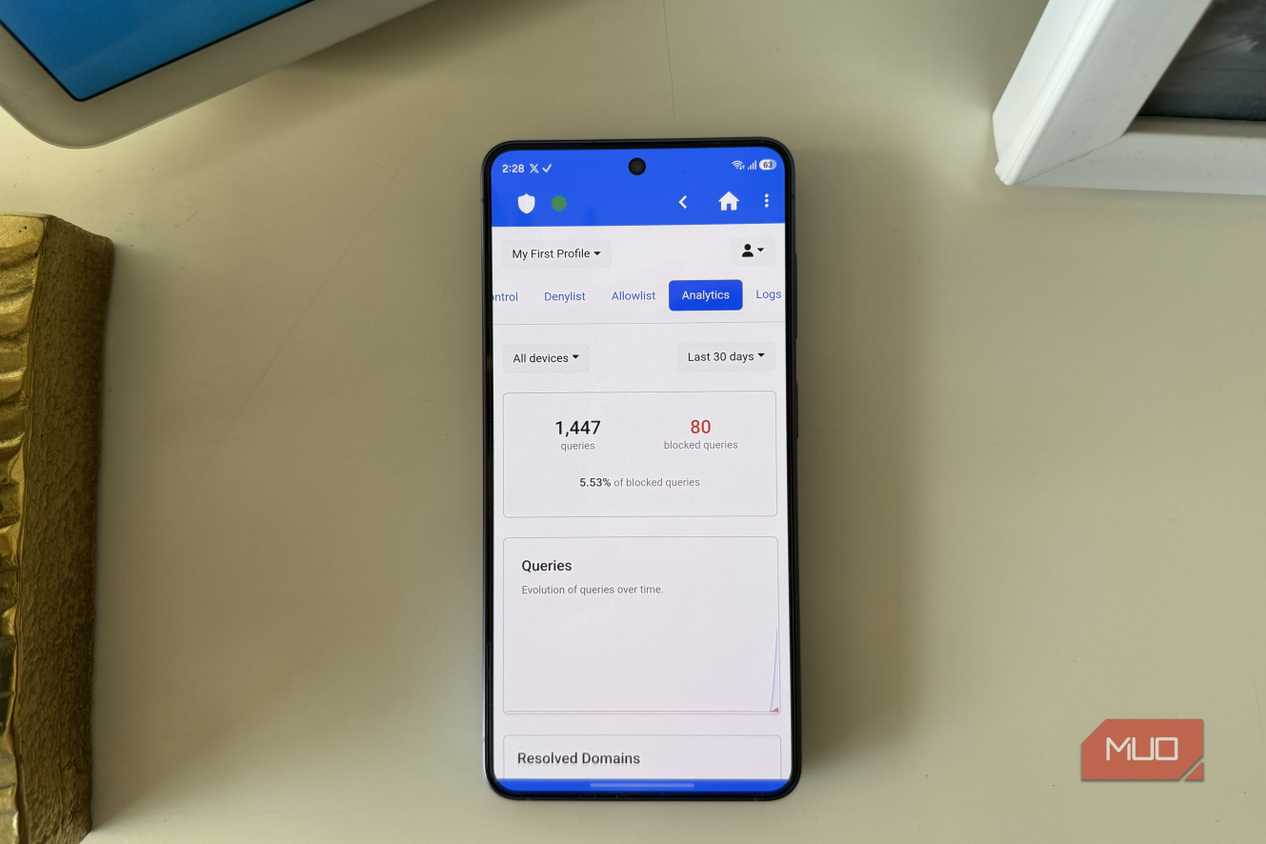
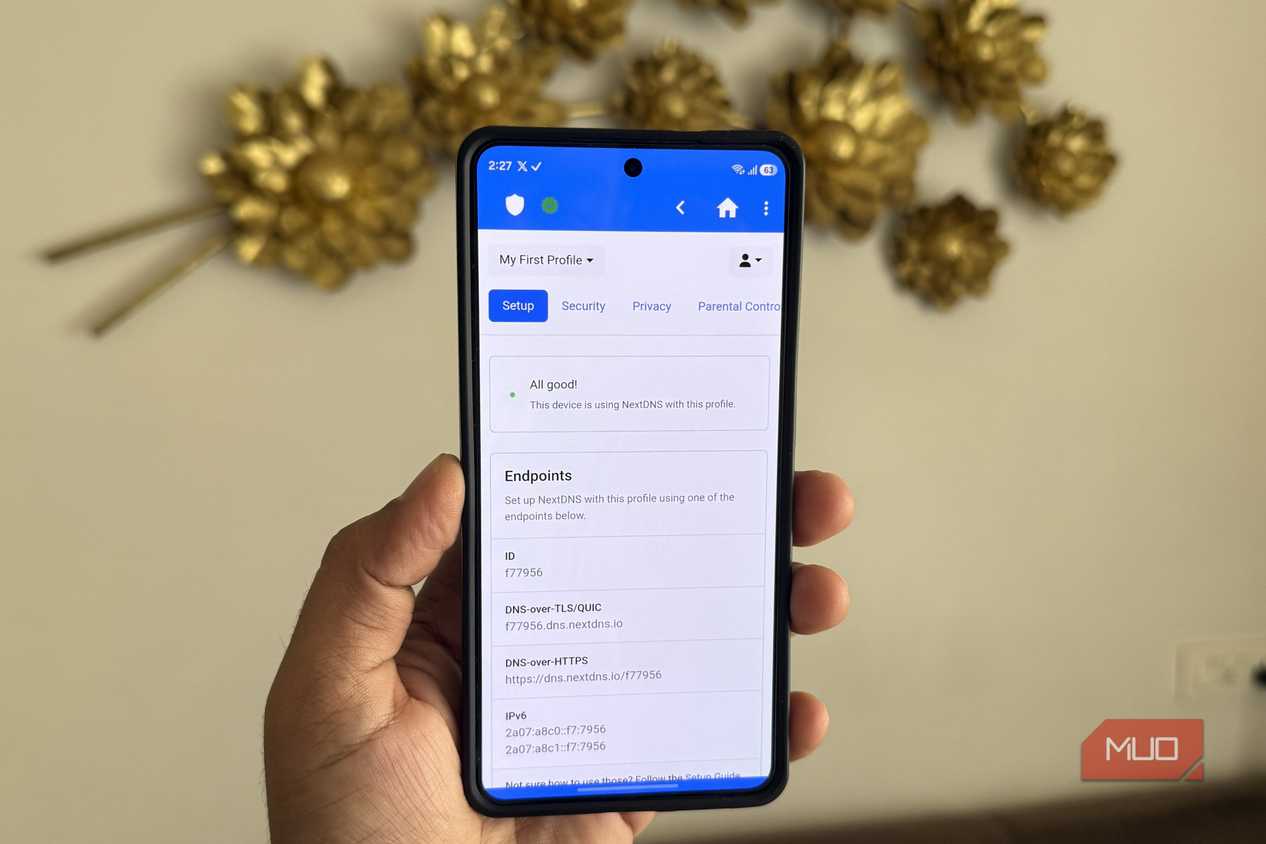
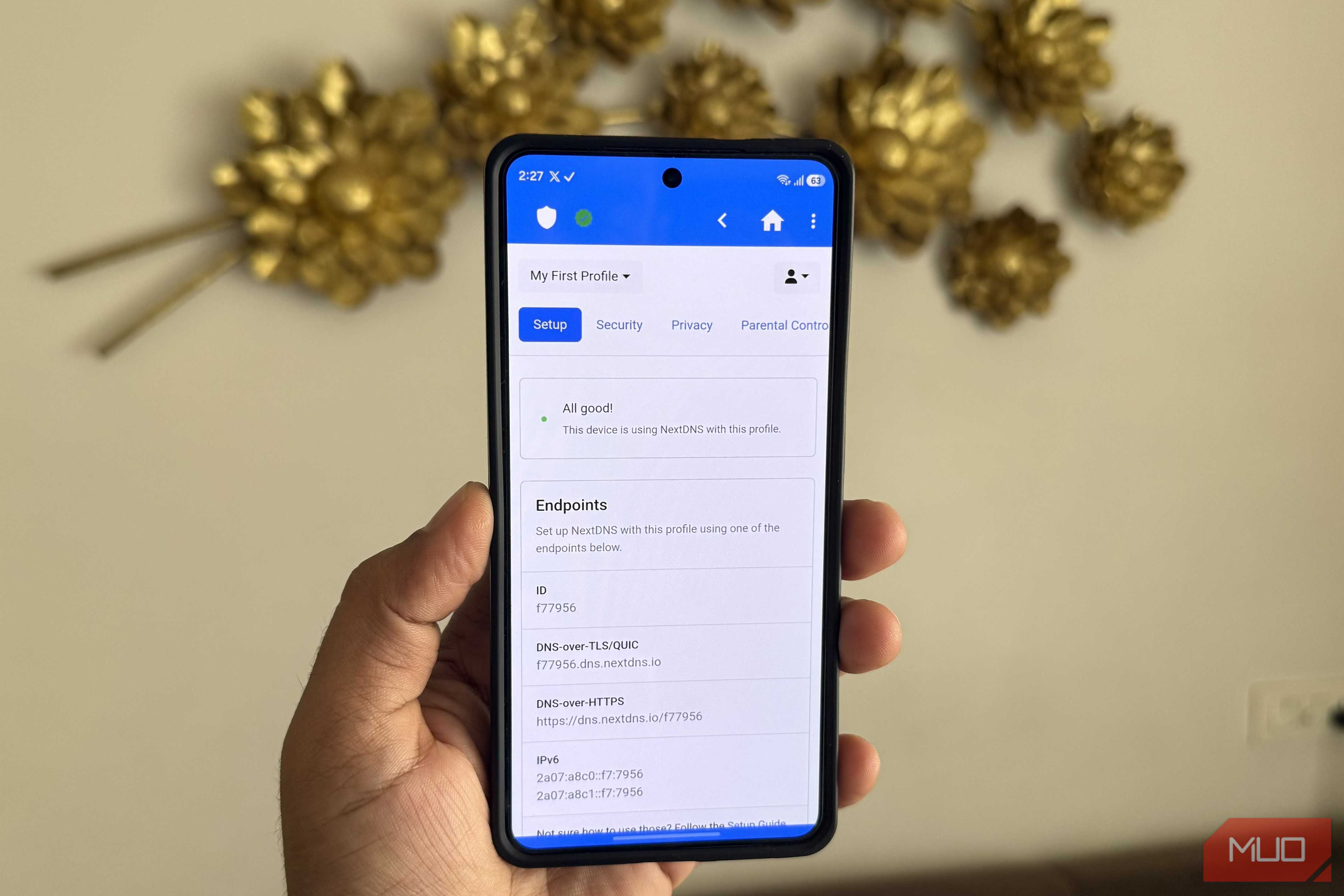
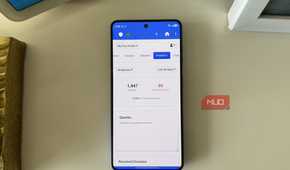
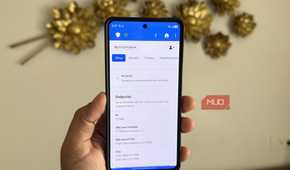
Where NextDNS wins for me is everything else it offers, especially the logs. I can check my NextDNS account on the web or on the phone to see a live feed of every single domain any device in my house has tried to reach. Of course, this is only possible if you’ve set up NextDNS on each of those devices, or at the router level. Once you have, you can head to the Logs tab any time to see what’s going on.
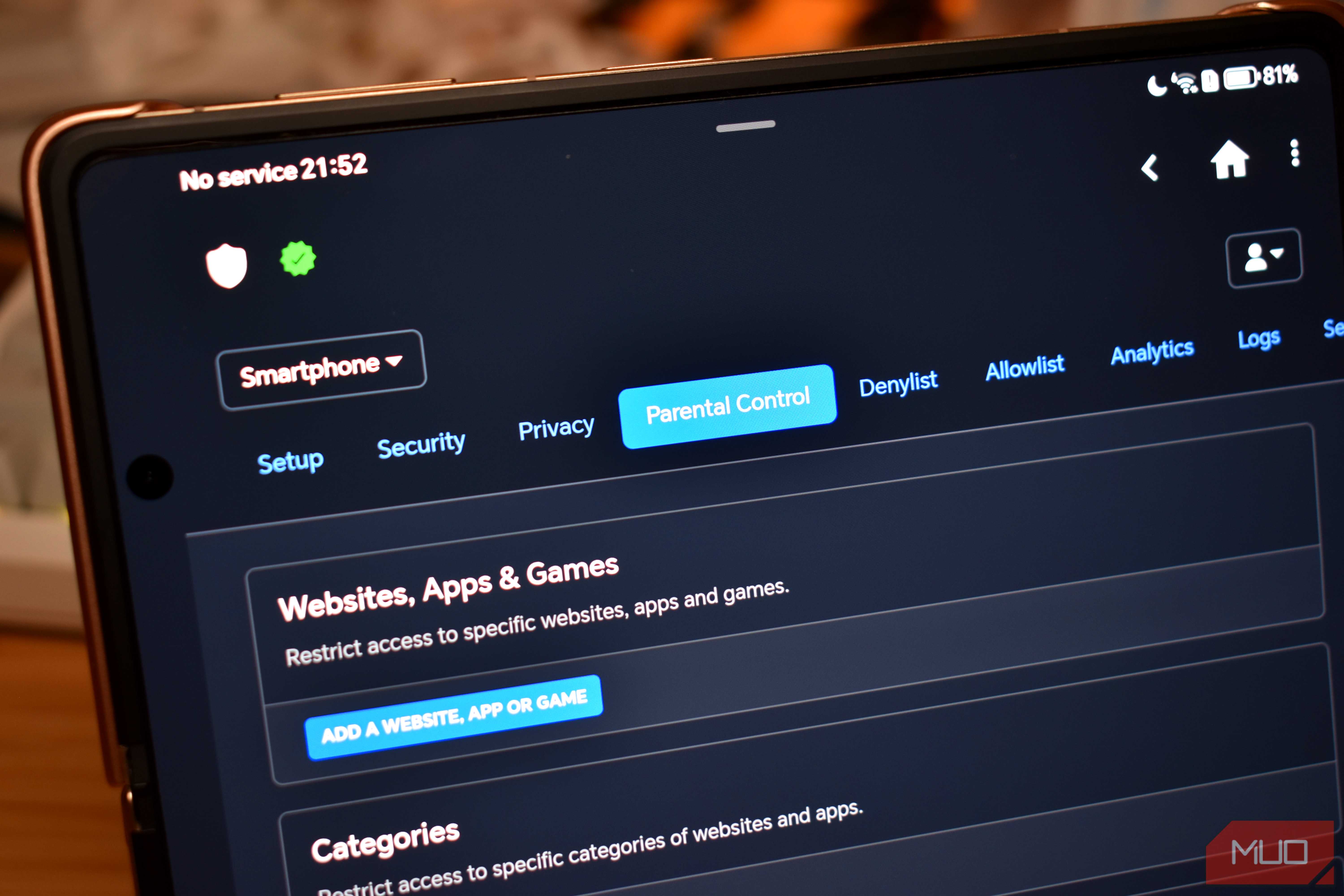
Each entry tells you the domain, the device name, and when exactly it happened. If you use the same profile across multiple devices, you can assign tags to each one. It even lets you filter browsing history by a specific device. The use cases are pretty obvious here. If you’re a parent, you can see exactly what your kids are trying to reach. And from the same Logs tab, you can even block specific domains using the three-dot menu.
Logs are useful even if you’re the only user
It’s not just for keeping tabs on others



 Credit: Pankil Shah / MakeUseOf
 Credit: Pankil Shah / MakeUseOf
 Credit: Pankil Shah / MakeUseOf
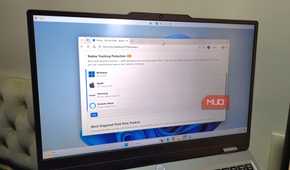

Logs aren't just useful for those who have kids. Even if it’s just you and your laptop, the logs will show you things you genuinely didn’t know were happening.
For instance, most of the apps and devices talk to way more places than you’d expect. A news app, for instance, doesn’t just pull articles. It also hits analytics servers, ad networks, telemetry endpoints, and sometimes third-party data brokers. All of this happens in the background while you’re reading. The same goes for devices like your smart TV, which might be hitting domains that have nothing to do with what you’re actually watching.
The logs can reveal all of it. They’re also handy when something feels off. If an app is making unnecessary requests in the background, you’ll see it right there. You can even filter to show only blocked domains to see which apps or devices are constantly trying to reach them. And if there’s an unknown device on the network, you’ll be able to spot it too. It’s another reason why setting up NextDNS at the router level beats doing it device by device. Of course, this won’t actually fix the problem, but at least you’ll know it’s there. You can use this information to see if the app is worth using at all or block unwanted domains it keeps hitting.
And if analyzing these logs sounds like a task, I don't blame you. There's a better option. You can download the CSV file and hand it off to an AI tool. You can then ask it to find anything worth paying attention to or spot patterns across devices. This is what I personally like to do, and it’s a huge time-saver than actually skimming through hundreds of entries manually.
Control what NextDNS logs and for how long
Decide what’s remembered

By default, NextDNS keeps logs for 3 months, but you can pull that down to as little as an hour or stretch the retention period up to 2 years. It’s pretty flexible in this case. If you want to keep the logs but are not comfortable with NextDNS storing them in a remote server you didn’t pick, you can change that too. You can pick whether they’re stored in the US, EU, or Switzerland.
And if you’re not comfortable with this kind of logging at all, NextDNS lets you turn them off entirely. There's also the option to disable client IP, which means NextDNS will still log all the traffic, but not the device that’s making the request. This means you’ll keep the domain-level visibility without tying anything to a specific address.
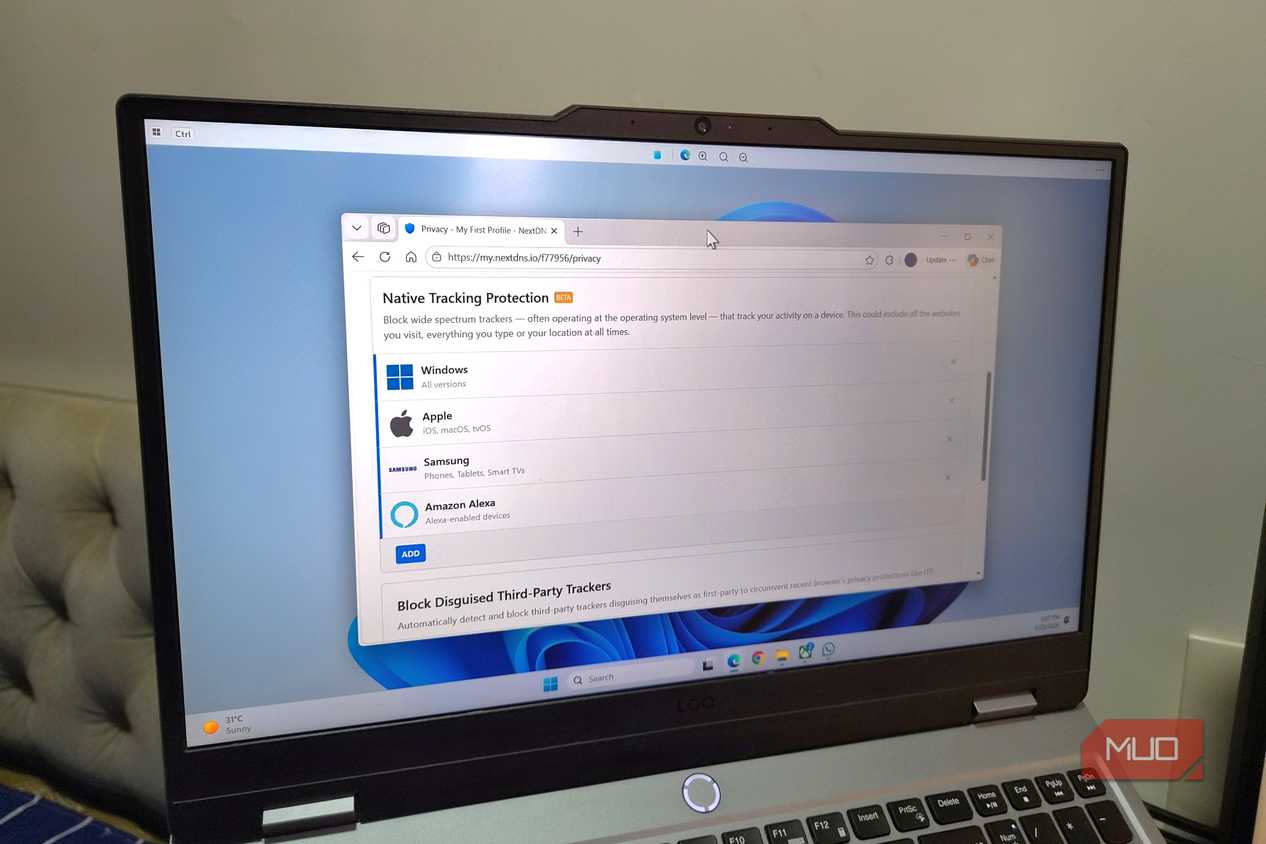
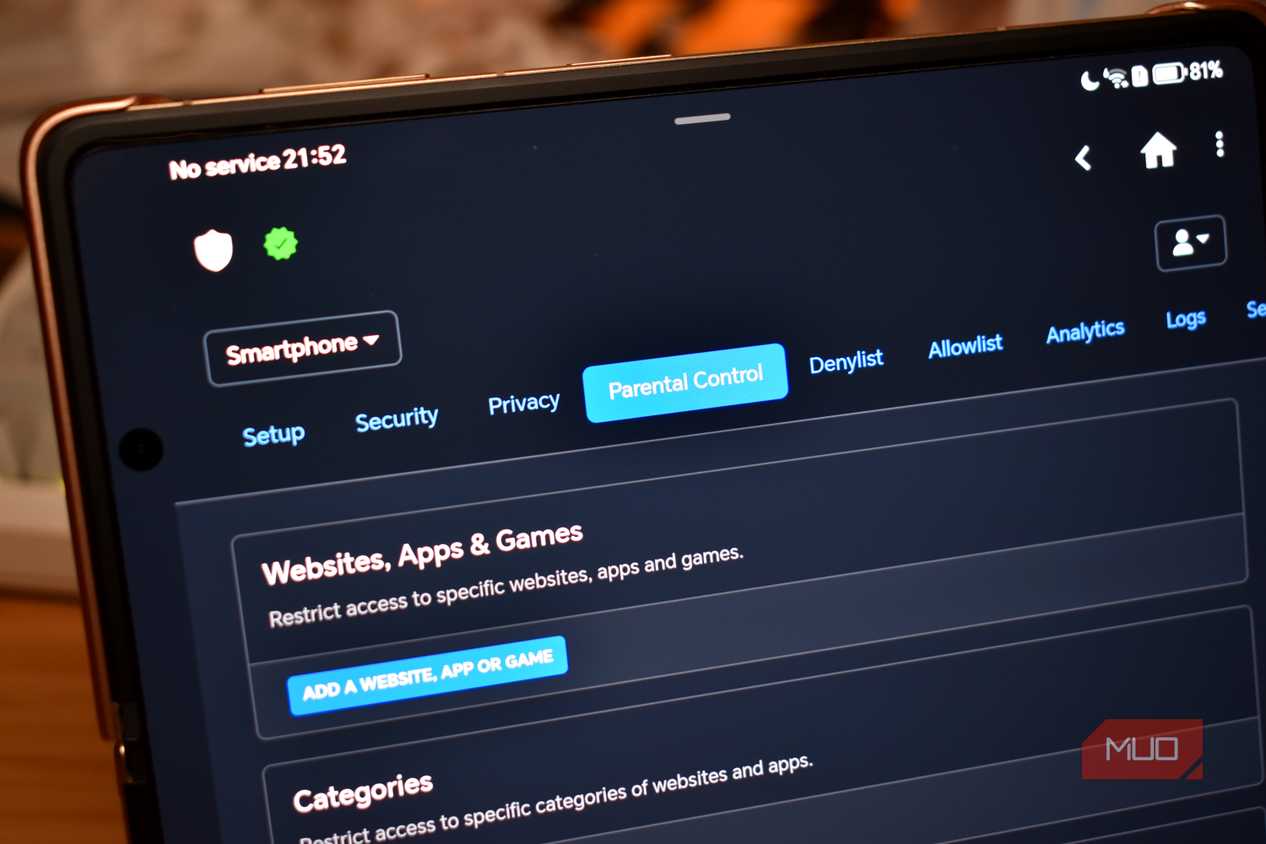
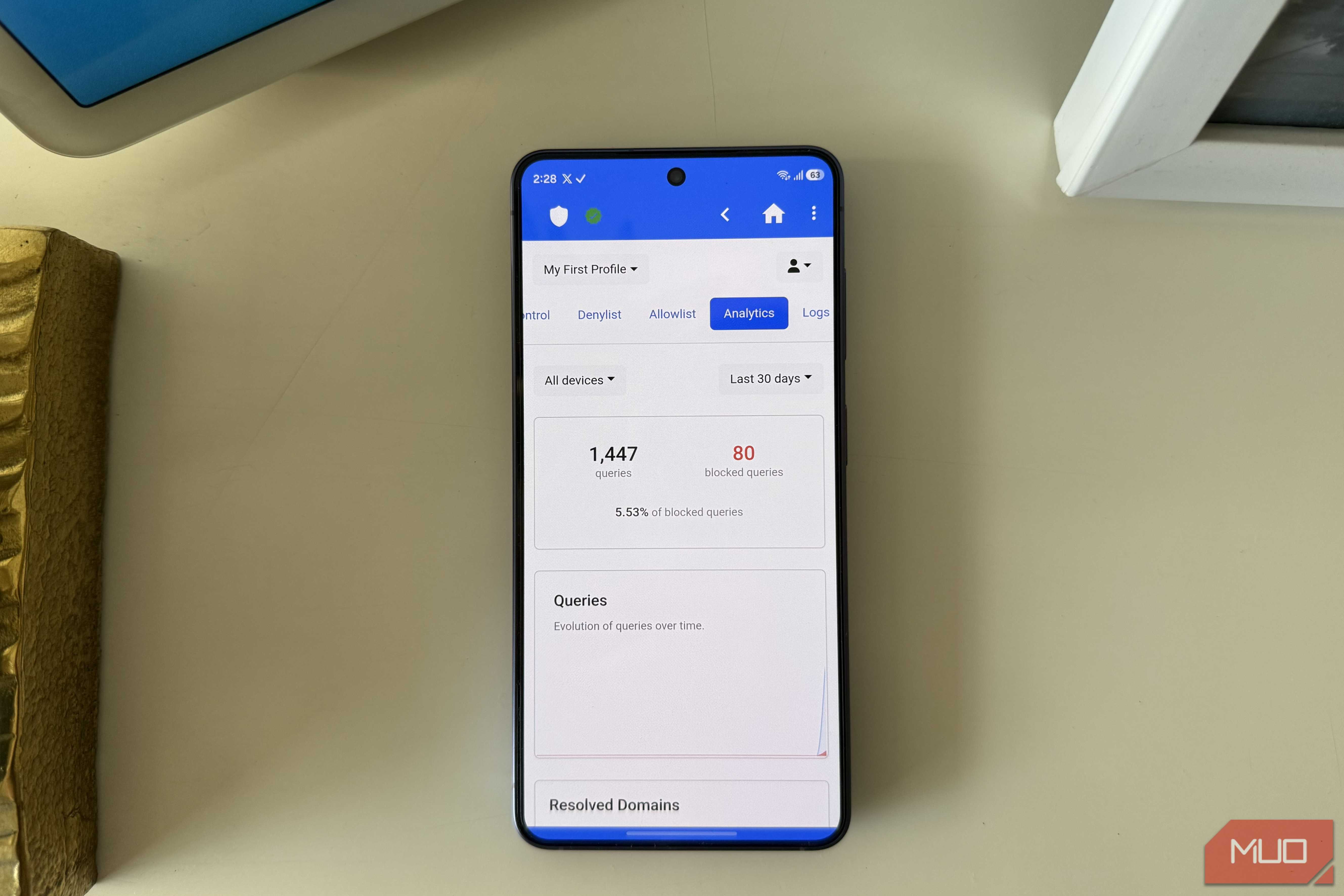
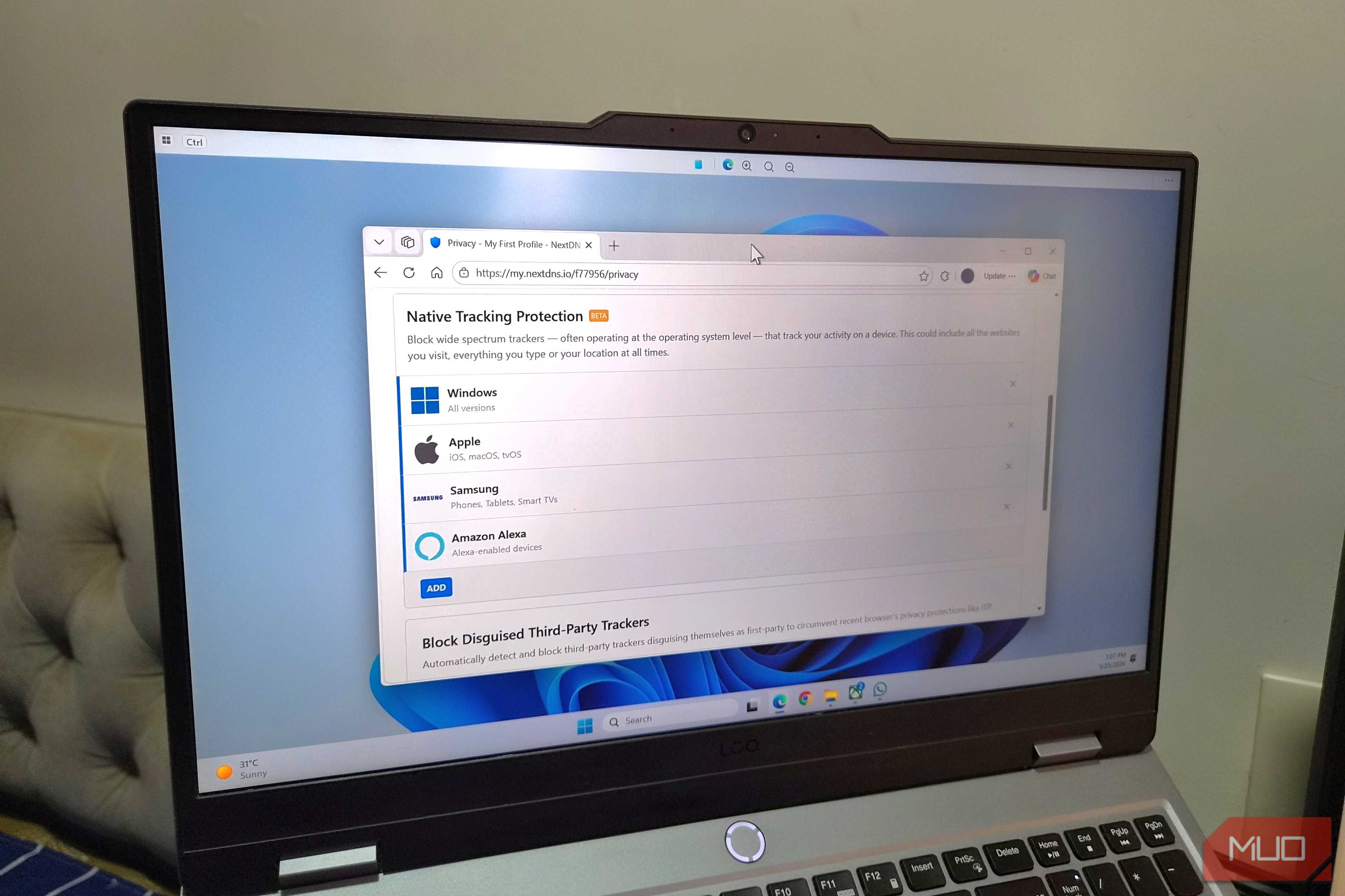
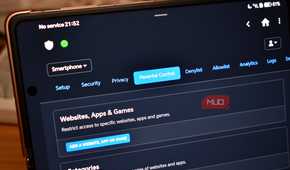
Beyond logs, NextDNS offers a lot more, like a dedicated dashboard, parental controls, detailed analytics, and security tools. The only catch is that NextDNS isn’t entirely free like Google DNS. There’s a free tier, but it’s only enough for trying the tool. You need to subscribe to its $1.99 a month plan to enjoy the benefits.