


QWERTY feels permanent because it is printed on almost every keyboard I touch. My laptop has it. My phone assumes it. Every office keyboard, BIOS password prompt, borrowed PC, and helpdesk walkthrough expects my fingers to know it.
That permanence is not proof of superiority but proof of momentum. QWERTY survived a specific mix of business decisions, training systems, and standardization battles in the late 1800s and early 1900s. If you ever feel like your keyboard layout makes no sense, the five layouts below each make the same argument: QWERTY's dominance was inherited rather than earned, and the alternatives that failed to replace it mostly lost to inertia, not to a clean fight on engineering merit.
How QWERTY got there


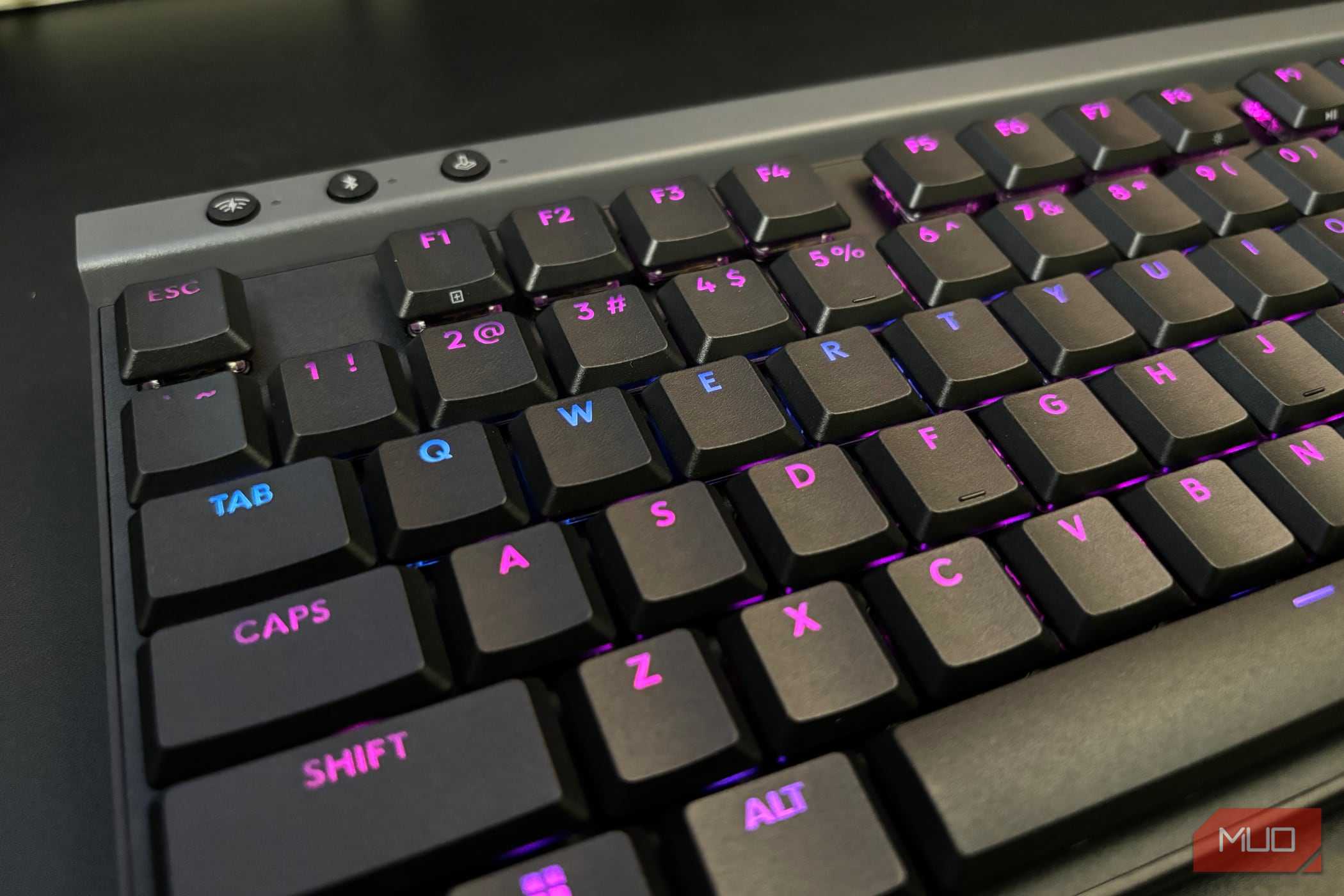
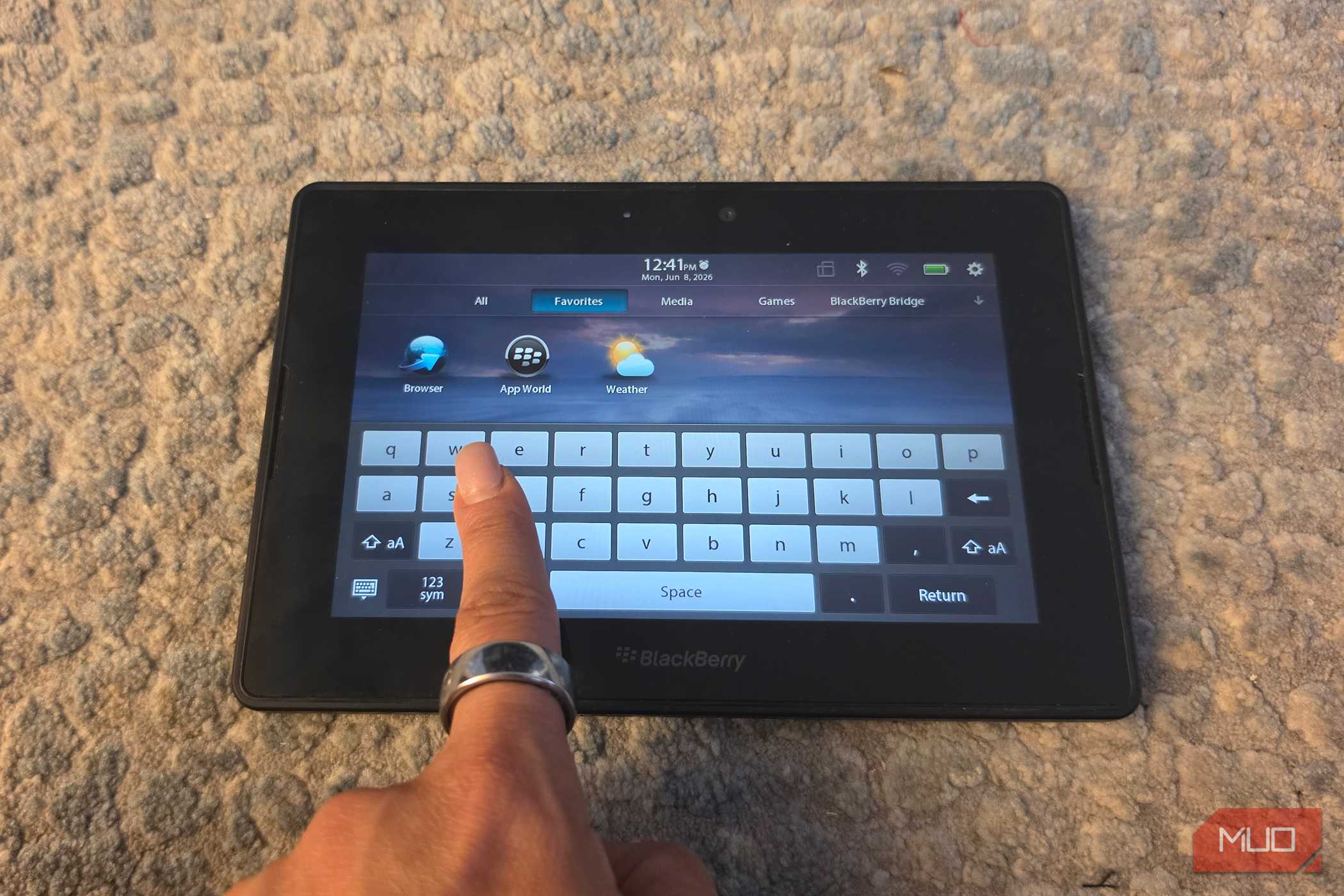
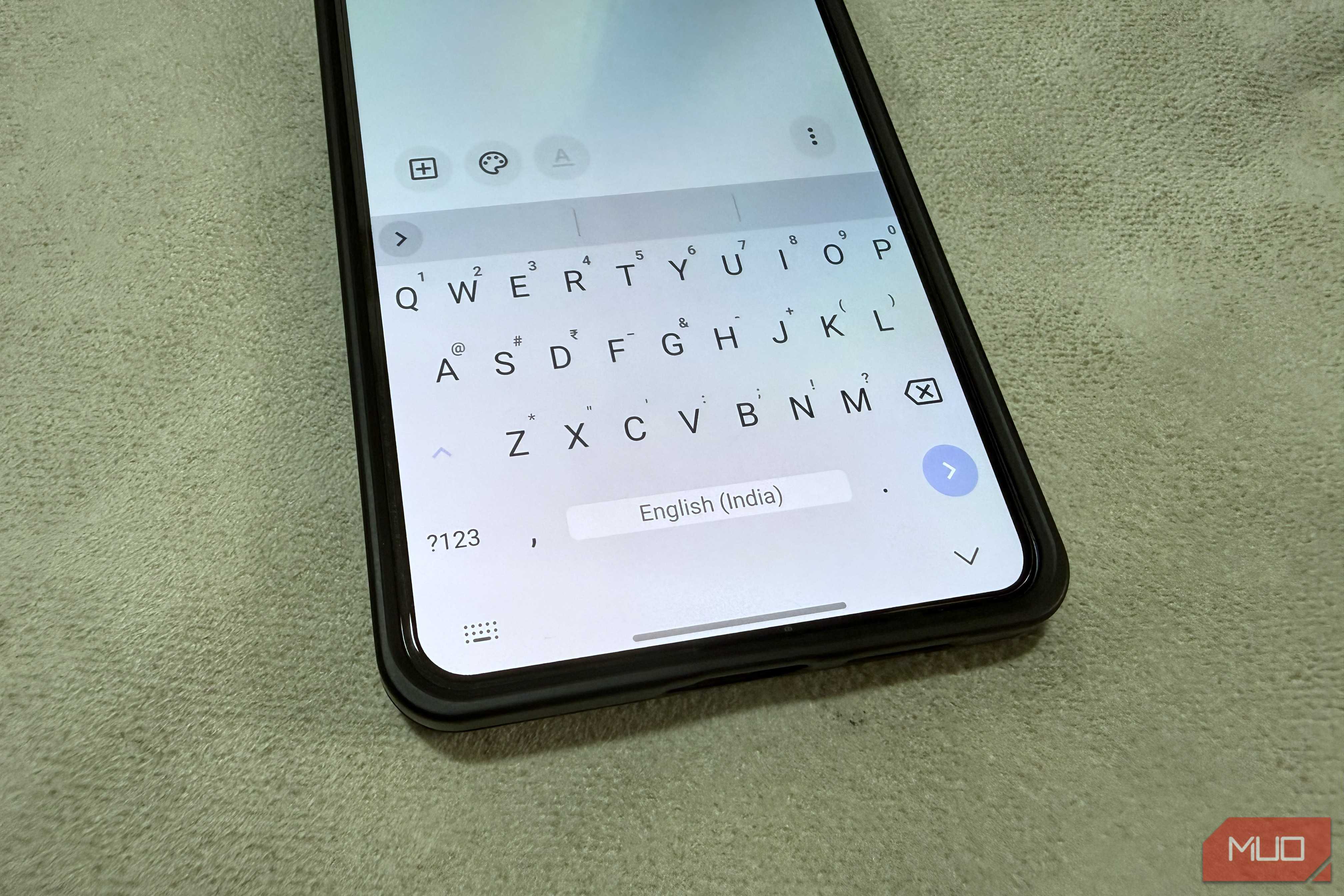

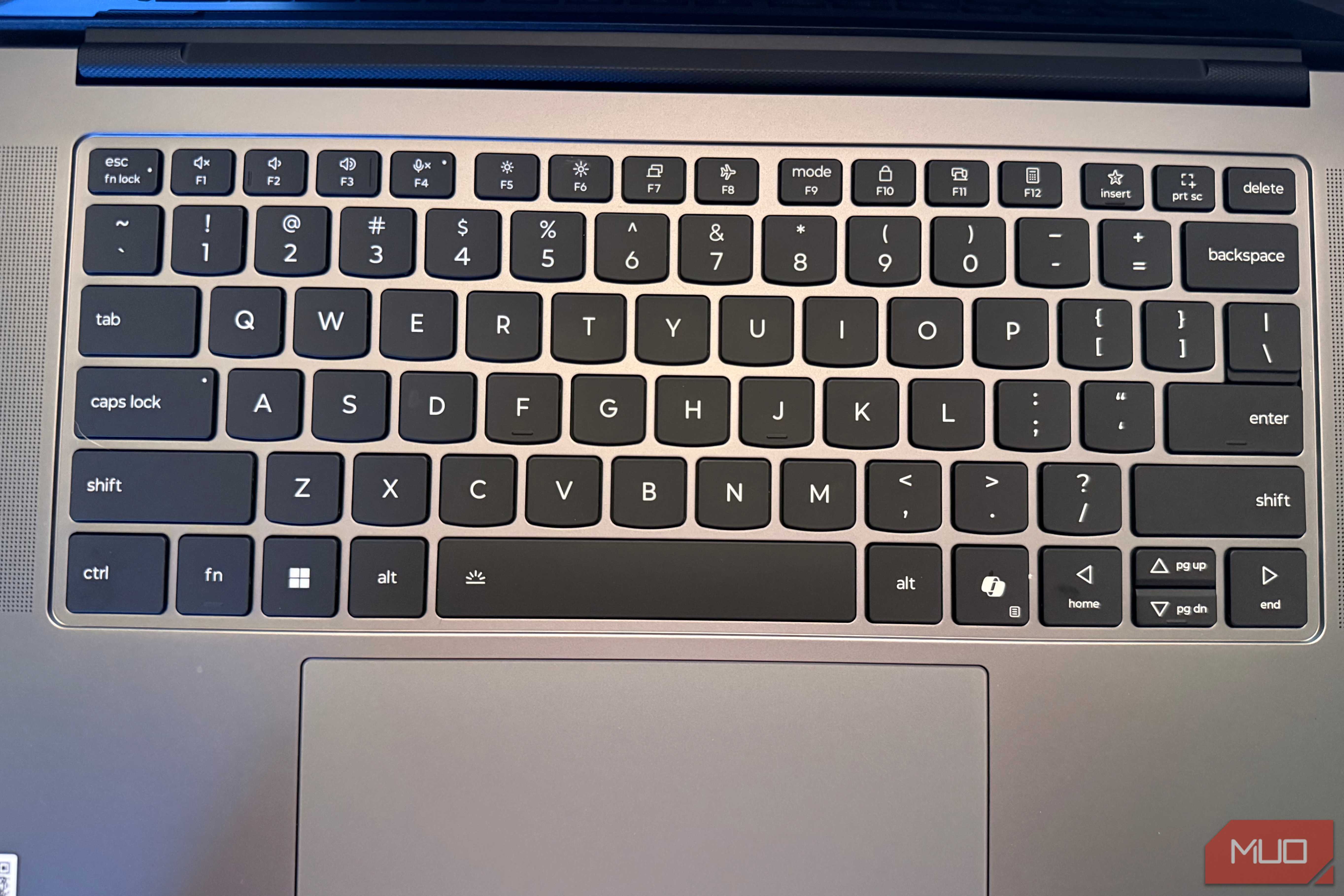
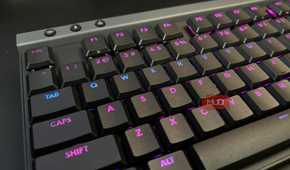



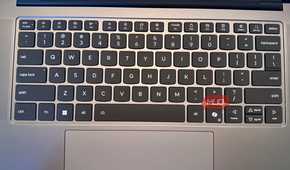
Christopher Latham Sholes' early typewriters used a layout closer to alphabetical order and frequently jammed under fast typing. Sholes and his partners reorganized the keys — though exactly why is more contested than the standard story suggests. The jamming-reduction explanation is the most commonly repeated, but historians, including Koichi Yasuoka, have argued that telegraph operator training needs and sales strategy played at least as large a role. The stronger myth — that QWERTY was deliberately designed to slow typists down — is even less reliable, and I would treat it as folklore rather than history.
What is not contested is how the layout locked in. Remington began selling its typewriters in 1874. By 1891, the company claimed more than 100,000 QWERTY machines were already in use. Then, in 1893, several major manufacturers merged to form the Union Typewriter Company and adopted QWERTY as the shared industry standard. At that point, the layout stopped competing and started inheriting. Every typist trained on it made the next typist's retraining more expensive. Every machine sold narrowed the window for anything else to enter. The lock-in was not the result of QWERTY being demonstrably the best. Rather, it was the result of QWERTY arriving early and staying long enough to become the default.
Dvorak
It puts your fingers where the work actually is

August Dvorak and William Dealey approached the keyboard without inheriting its assumptions. They studied English letter frequency and hand physiology before patenting their layout in 1936. The goal was to place the most common letters where fingers rest naturally and reduce the total distance fingers have to travel over a day of typing.
The result was a home row built around letters that actually do most of the work in English. Depending on the source, around 70 percent of keystrokes on a Dvorak keyboard land on the home row, compared with roughly a third on a QWERTY keyboard. That represents a significant reduction in the cumulative finger travel that happens across thousands of words.
Dvorak never broke through commercially, and the reason tells you a lot about how standards work. By the time it was patented, there were hundreds of thousands of QWERTY-trained typists in offices across the country. Retraining them was a substantial cost. Replacing machines was a substantial cost. The efficiency gains Dvorak offered were significant, but they were future gains that required present investment from organizations that had already sunk that investment into QWERTY.
Today, Dvorak is still available as a layout you can add and change in Windows 11, macOS, and Linux. It is just rarely selected.
Colemak
It fixes QWERTY without burning the house down

Shai Coleman released Colemak in 2006, and it makes almost the opposite argument from Dvorak. Instead of rebuilding the keyboard from first principles, it asks a more practical question: how much can you improve comfort while changing as little as possible?
Colemak moves only 17 keys from their QWERTY positions, leaving the rest alone, including Z, X, C, and V in their familiar spots. That might sound like a small concession until you think about what it actually protects. Ctrl + Z, Ctrl + X, Ctrl + C, and Ctrl + V are the undo, cut, copy, and paste keys, whose reflexes are baked into muscle memory through years of daily computer use. By leaving them where they live, Colemak lets you improve your typing experience without dismantling your shortcut habits.
This is why Colemak reaches people who would never seriously consider Dvorak. The comfort gains are undeniable, and the switching cost is lower. It ships natively on macOS and several Linux distributions, with a downloadable installer available for Windows, and it has built a persistent community around it.
It is still a rounding error relative to QWERTY's installed base, but it demonstrates that a layout need not be radical to be meaningfully better. It just has to be good enough to justify switching, and QWERTY's ubiquity has raised that bar so high that even improved designs struggle to clear it.
Colemak-DH
It admits that ergonomics is not just a frequency chart

Colemak's home row places D and H in the two center columns, which are the positions your index fingers reach by stretching inward. That placement makes sense on a letter-frequency chart. Those are common letters, and the home row is where you want common letters. The problem is that reaching inward is not a natural motion. It is a lateral stretch that exerts a mild but cumulative strain on the fingers, which becomes noticeable over a long session.
Colemak-DH emerged from people who loved Colemak's logic but found that particular friction real enough to fix. It is a community-developed variant, not a corporate product, and it solves the problem by moving D and H to positions reached by curling the index fingers downward instead of stretching them inward. It also incorporates an Angle Mod, which shifts the bottom-left key cluster so that the left wrist can rest at a more natural angle on a standard staggered keyboard.
The net effect is a layout that keeps Colemak's frequency-driven design while correcting for what pure frequency analysis misses: that two positions can be equally close on paper and feel very different under actual hands.
That distinction goes beyond Colemak-DH itself. QWERTY was designed for a mechanical typewriter in the 1870s. It was not designed around how human hands actually move. The fact that a community of enthusiasts had to spend decades iterating on existing alternatives to approximate what a hand-aware design might have looked like from the start is its own kind of evidence.
Workman
It cares about awkward movement, not just pretty statistics

OJ Bucao created Workman in 2010 after spending time with Colemak and encountering the center-column problem from a slightly different angle. His concern was not with frequency-based optimization in principle, but with what gets lost when frequency is treated as the whole story. A key can look ideal on a chart and still be irritating under your fingers if reaching it forces a lateral movement your hand does not want to make.
Workman addresses this by deprioritizing the center columns more aggressively than Colemak does. By Bucao's own measurements, middle-column keystrokes account for roughly five percent of typing on Workman, compared with around 12 percent on Colemak. Rather than chasing the highest possible home-row percentage, Workman redistributes load toward the keys your fingers can reach with natural curling motions, keeping the wrists in a steadier rhythm throughout.
The community around Workman is smaller than that around Colemak, and switching to it still involves a learning curve. But I find what it proves quite useful. "More letters on the home row" and "more comfortable to type on every day" are related ideas, not interchangeable ones. A layout can score well on frequency metrics while still building in subtle physical costs that add up over time. QWERTY does not score well on frequency metrics either, which makes the comparison even less flattering for the incumbent.
Maltron
It shows the keyboard shape was part of the trap, too

Every layout discussed so far still accepts the same inherited premise that a keyboard is a flat rectangle, because that is what typewriters were. Apparently, we agreed to keep treating it as a law of nature. Lillian Malt and engineer Stephen Hobday were not interested in that premise when they developed the Maltron keyboard in 1977.
Malt's layout, by the company's own account, placed around 90 percent of the letters from the 100 most common English words on the home row — including E under the left thumb, which traditional keyboards had largely wasted on spacebar duty or left underused. The hardware was as radical as the arrangement. Rather than forcing both hands onto a flat slab, the Maltron used a curved, contoured shell with separate key wells for each hand, designed so the keyboard conformed to the body rather than the other way around.
That idea turned out to have staying power. It echoed through the Kinesis contoured keyboard in the early 1990s. If you look at the benefits of using a split keyboard, you can still see its influence in modern ergonomic and columnar-stagger mechanical boards that run open-source firmware like ZMK or QMK (Quantum Mechanical Keyboard). Maltron never found a mass market, but the reason is familiar by now. The mass market had already standardized on flat rectangles because typewriters were flat rectangles, and the manufacturing constraints of the 1870s made flat rectangles practical. Ergonomic insight arrived too late to matter commercially, and ubiquity did the rest.
QWERTY's real trick was never design
QWERTY's superpower is not that it is well-designed. It is that it is everywhere, and ubiquity is a remarkably durable lock-in strategy. Each layout above offered something QWERTY does not: a more efficient home row, a lower switching cost, a more honest account of how fingers actually move, a shape that works with the hand rather than against it. None of them broke through, not because they lost a design competition, but because QWERTY had already won a distribution competition before most of them existed.