


Spotify and YouTube Music have reached the point where opening them feels like entering an entire entertainment platform, when all I wanted was one album already on my phone. Recommendations, mixes, podcasts, discovery pages, accounts, subscriptions, and an effectively bottomless catalog are useful when I need them. Plenty of the time, I don't.
That's why Auxio caught me off guard. It's a local Android music player with a limited ambition: find the music on my phone, organize it, and be out of my way while I listen.
Setting up Auxio takes about as much effort as it should
Point it at your music and let it get on with it

Auxio is available through F-Droid rather than the Google Play Store, so anyone who has never installed an app outside Google's store has one small extra hoop to jump through. Once F-Droid is installed and allowed to install apps, though, getting Auxio itself is straightforward.
The first launch is bare. Until Auxio knows where my music is, the library pages are empty, and the main Songs view points me toward Music Sources. That's where the app's whole philosophy starts to make sense.
Auxio can find music using either its own file picker or Android's built-in file picker. The app describes the file picker approach as slower but more reliable, and you can choose exactly which folders it should scan. More settings also let you exclude folders containing recordings, video files, downloads, or anything else you don't want to appear alongside your albums.
You can also decide whether to include hidden files and tweak how Auxio explores storage. Most people probably won't need to spend much time here. Point it at the folder containing your music, let it scan, and your collection starts filling the previously empty Songs, Albums, Artists, and Genres pages.
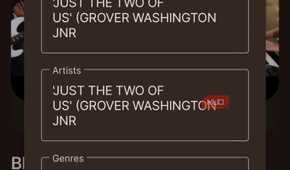
That process also reminded me of one unavoidable reality of local music libraries: Auxio can only organize the information your files give it. Properly tagged music drops neatly into the right album and artist pages with artwork intact, while badly tagged files can end up under unknown artists or genres. Other local music players can put library organization back in your hands with built-in metadata editing. In contrast, a dedicated music tag editor can clean up incorrect album, artist, and track metadata before Auxio scans the files. Streaming services normally hide that housekeeping from you. With local files, you're the librarian again.
The best part is how little Auxio puts between me and my music
Everything I need is roughly where my thumb expects it


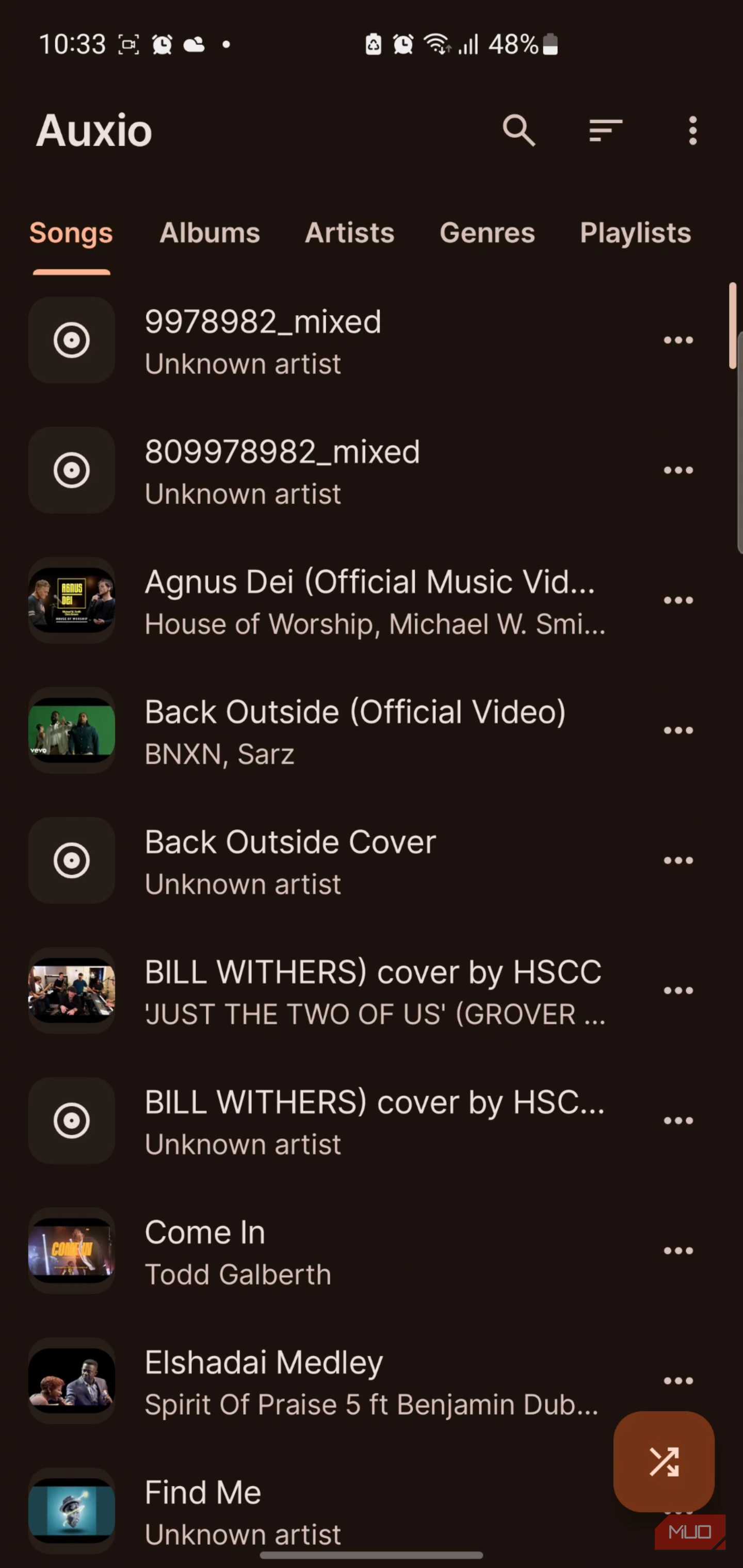
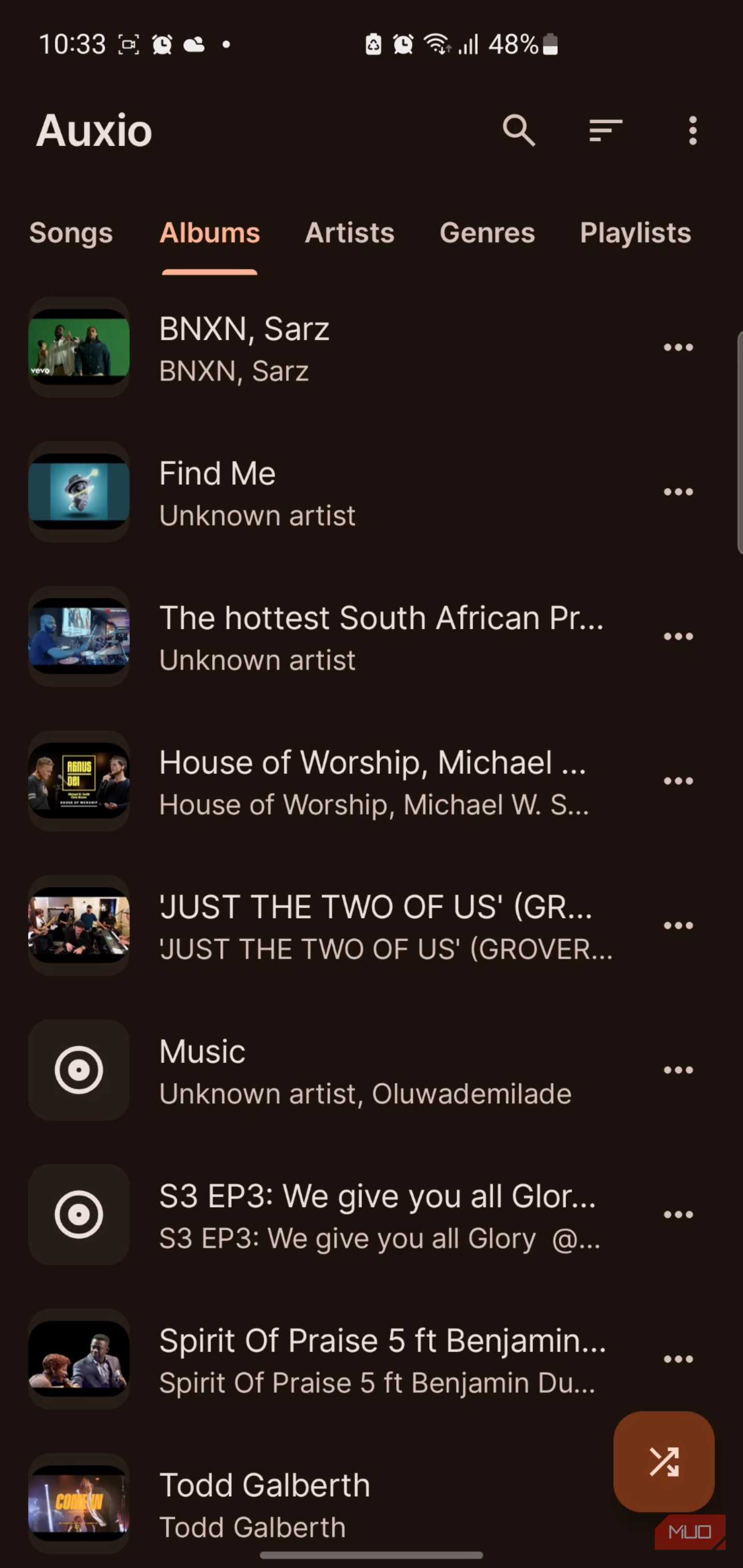

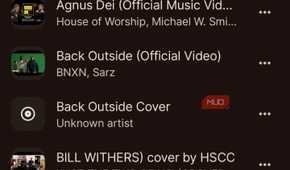


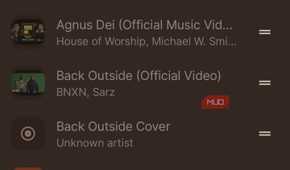
Once my library was populated, I stopped thinking about the setup almost immediately. Auxio opens into my collection, and the main navigation is exactly what I'd expect from a music player: Songs, Albums, Artists, Genres, and Playlists. Search and sorting controls are easy to reach without taking over the screen.
That sounds basic because it is, and I've grown quite fond of that. If I open Spotify or YouTube Music, I'm entering a service trying to help me discover, resume, explore, browse, or otherwise do several things beyond playing the files I already know I want. Auxio starts from a much smaller assumption. My music is already here, so the only useful thing it can do is make that library easy to navigate.
Albums lean heavily on their artwork, while the Songs and Artists views are denser and quicker to skim. If you start playing a track, a mini-player stays pinned at the bottom, showing the track, artwork, progress, and basic playback controls without covering much of the library.
Tapping that opens the full Now Playing screen. Auxio's current Material 3 Expressive design gives the album art plenty of space, with the progress bar and the usual previous, play/pause, next, repeat, and shuffle controls grouped underneath. Auxio isn't the only example showing that open-source local music players can still deliver polished Material Design interfaces. Here, the interface has some personality, particularly the animated-looking progress treatment and oversized playback buttons. But it never feels like the design is trying to be the main event.
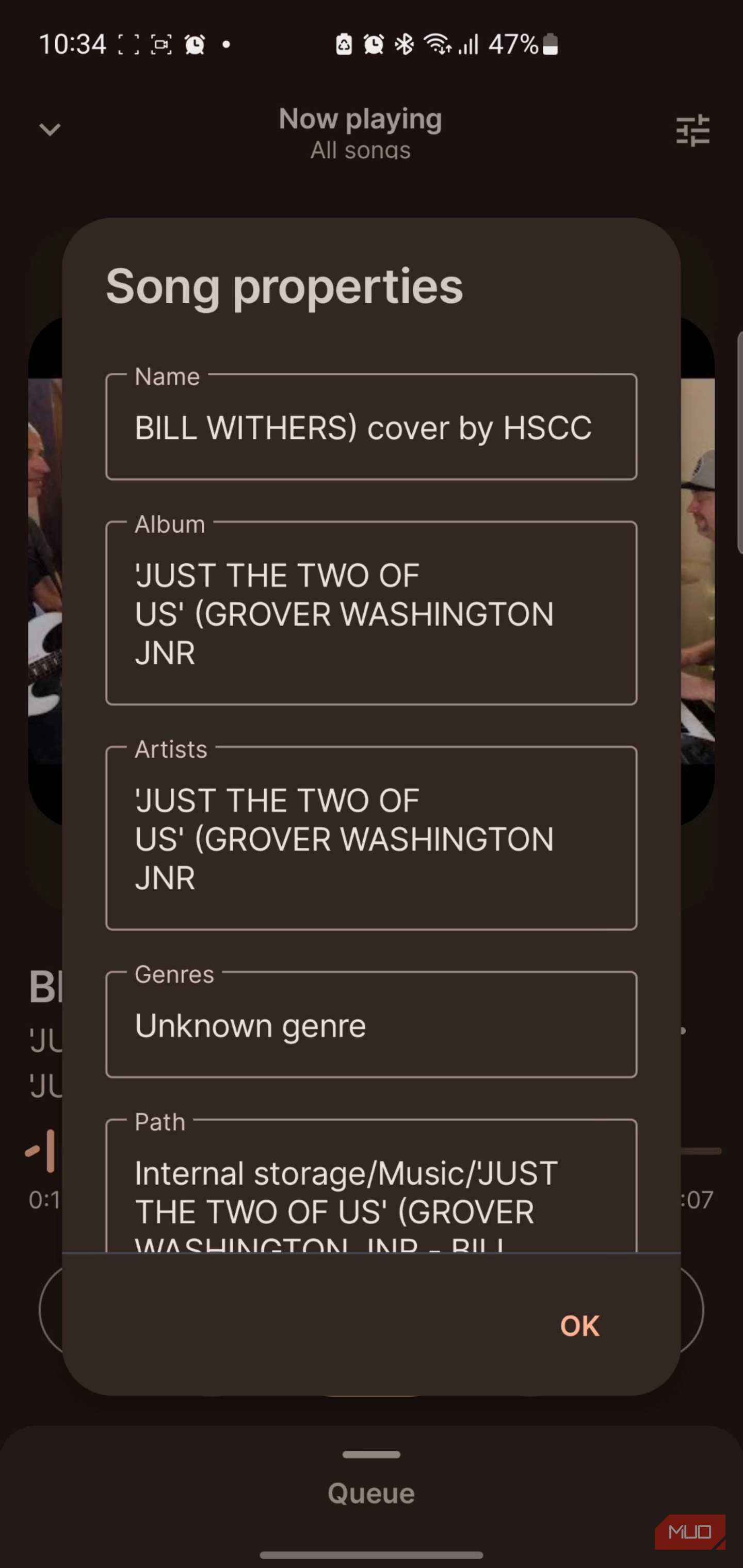
The menus go deeper when I need them. From a track, I can jump to its artist or album, add it to a playlist, share it, or inspect its properties. That last option is handy if you're particular about your local library because Auxio can expose details such as the file location, format, bitrate, sample rate, duration, and file size. If those fields look like alphabet soup, the differences between common audio formats such as MP3, AAC, FLAC, and OGG explain a lot about what those files actually contain without requiring a separate audio utility.
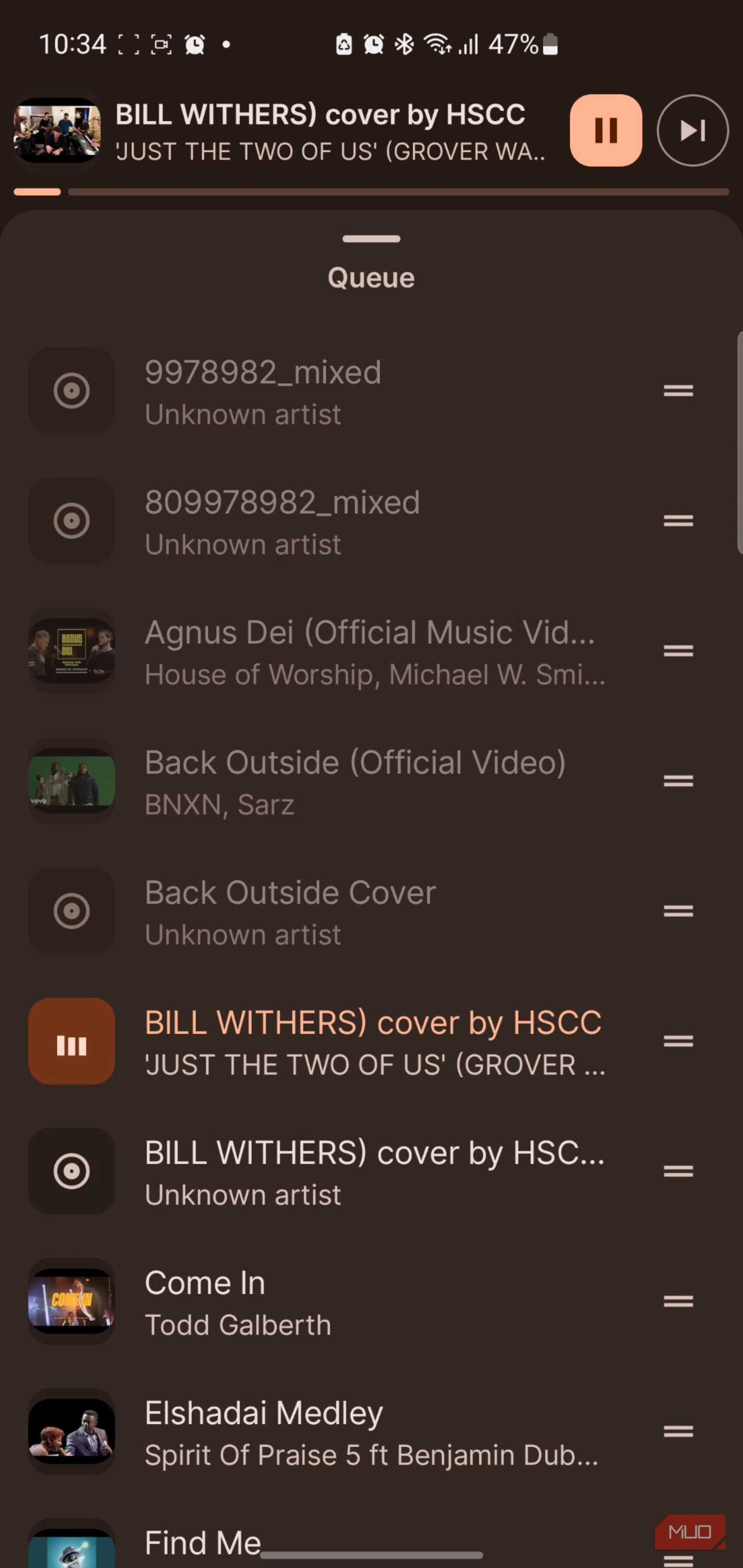
The queue is equally straightforward. Opening it gives me the upcoming tracks in a scrollable list, and drag handles let me rearrange the order directly. Playlists don't overcomplicate things either. You can create one from the Playlists tab, add songs as you browse, or work with imported playlists.
None of these are exotic features. That's partly why the app works so well for me. I don't spend much time wondering where Auxio has hidden a basic music player function, because most of them live exactly where I'd expect them to.
Local music still asks me to do some of the work
You do have to bring your own music to this party

Auxio's focus comes with an obvious trade-off. It plays the audio files stored on my device, so it doesn't hand me millions of songs the way Spotify or YouTube Music can. If almost everything you listen to is available through a streaming subscription, moving to Auxio means you have to obtain and manage those files yourself. One route is to buy downloadable music files so you have a library you actually own, rather than relying entirely on a streaming catalog.
I've found that worthwhile for music I already own or deliberately keep on my phone. Auxio works offline, doesn't need an account, and its developer describes it as a completely private player. It's also open source and uses ExoPlayer from Android Media3 for playback.
There's a different rhythm to using it. I decide what belongs in my library before I open the app. Auxio's job begins after that, and I've come to appreciate software that knows where its responsibilities end.
I still use streaming when I'm looking for a song I don't have or want to wander through recommendations. Once the music is already on my phone, though, opening a gigantic streaming service now feels oddly roundabout.
I apparently wanted my music player to do less
Auxio has made me realize how much I missed having a music app with practically no ambition beyond my own collection. I open it, and the first thing competing for my attention is the music I chose to put there. No detour through whatever a service thinks I might enjoy today.
For a supposedly smarter era of music apps, I've ended up preferring the one that mostly leaves the decisions to me.