


I've spent a lot of time optimizing my Linux desktop environment, but somehow neglected the terminal — one part of Linux that hasn't evolved much in years. It wasn't until I started using Warp that I realized how much friction my command-line setup was causing.
Warp did more than run commands. It became a natural replacement for text editors and snippet managers. It also became my default history search tool, with a unified, keyboard-driven workspace. It's an absolute gem that strips away the cumbersome aspects of administrative tasks.
My terminal setup had a problem
It just didn't look like one


Typical workdays for me include up to five terminal tabs open, a few browser tabs running, my local AI for quick references for commands I only half remembered, and my notes file containing years' worth of snippets. Each of these has become integral to my workflow, and they all seem irreplaceable.
However, one afternoon I had an experience that made me question my entire setup. I needed the exact flags, including volume mounts and environment variables, of a docker run command I had used some days earlier. Ctrl + R and fzf did not help, and even after grepping through my snippets, I had no luck. After several minutes of searching, I gave up and reran it from scratch.
That said, none of this was unusual; it's a workflow whose limitations I'd patched around for years. To make it work, I'd bumped HISTSIZE to 50000, wired up fzf across sessions, and kept a tidy snippets directory. They felt like an acceptable cost for terminal work.
You can check how many commands your shell is retaining by running echo $HISTSIZE. Bash defaults to 500, though many distros override this in .bashrc.
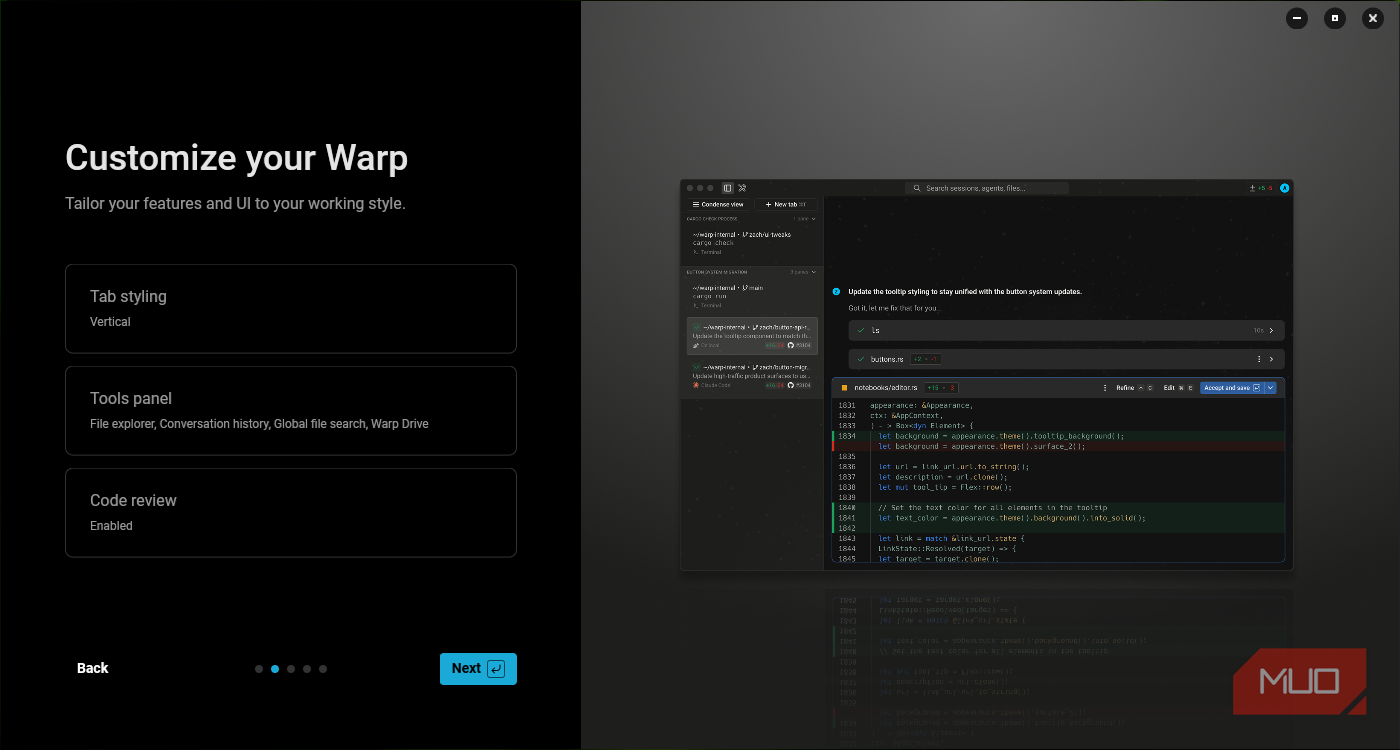
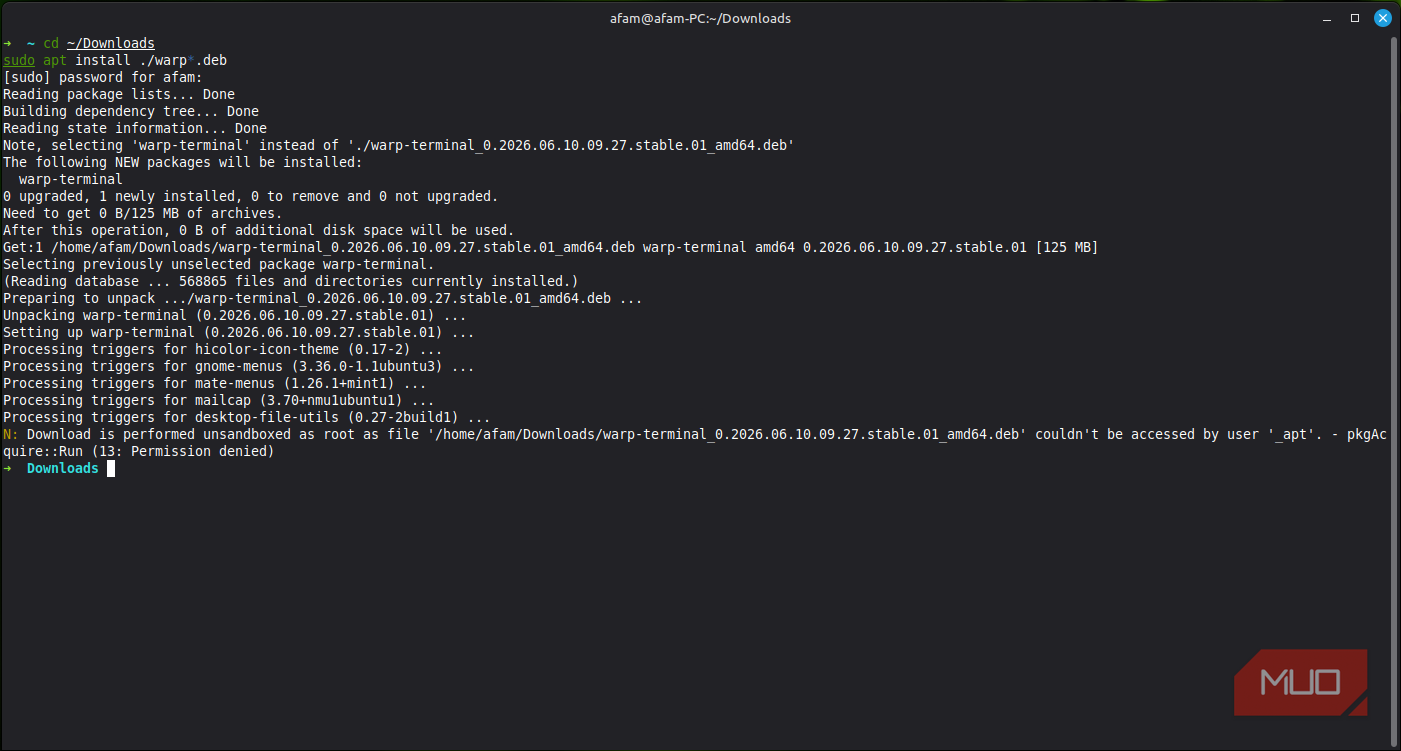
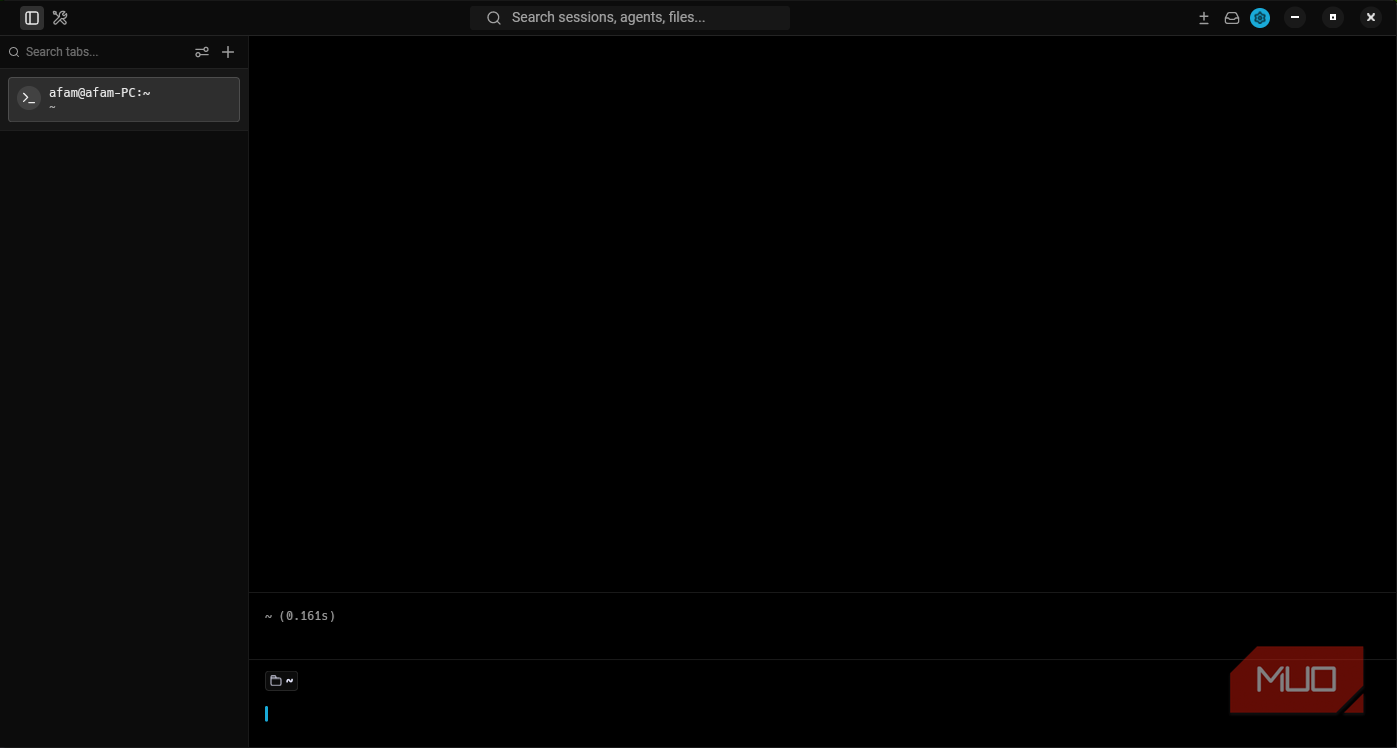
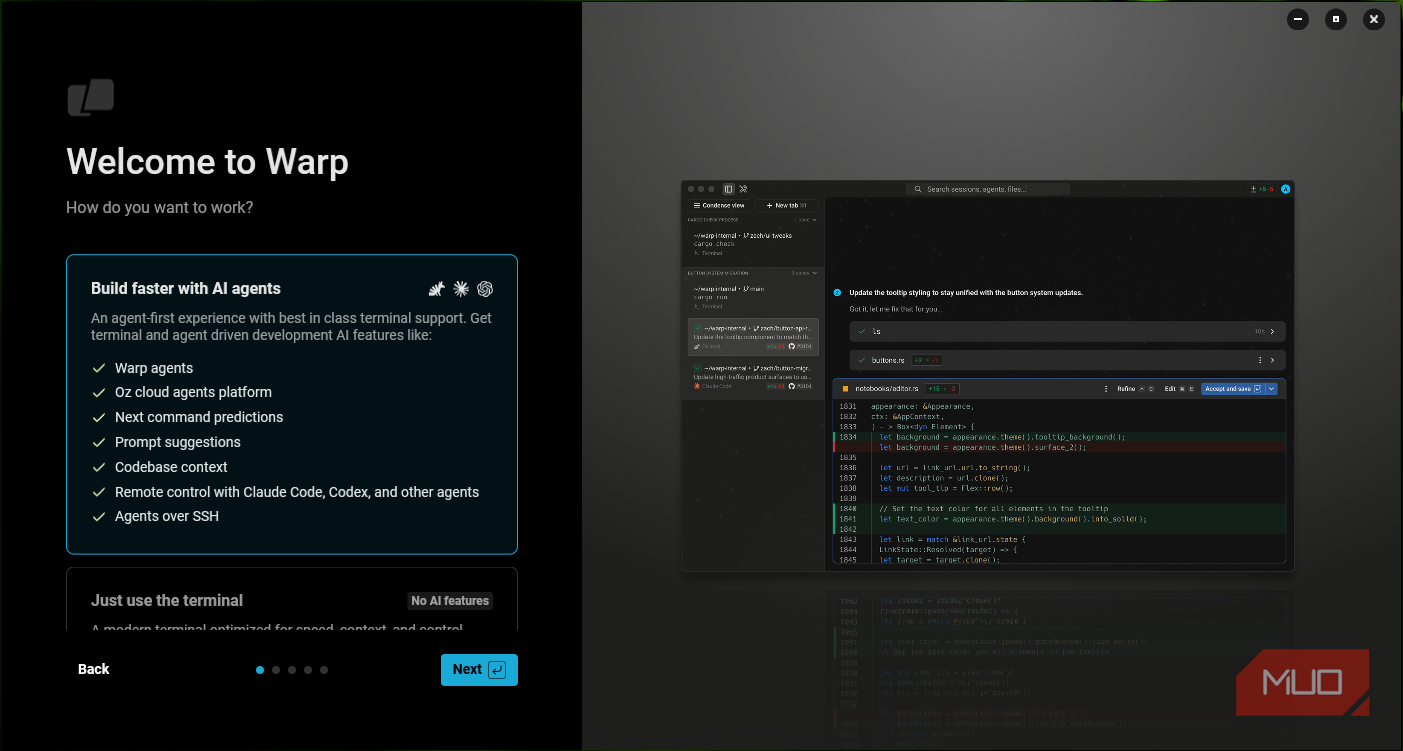
Still, when I first came across Warp, it was with much skepticism, mainly because it required an account at the time. Although the client was open-source, some features were behind paid tiers. Still, after installing it, I saw a lot of my workarounds disappear.

Warp
- OS
- Linux, Windows, macOS
- Price
- Free, Build ($18/month), Max ($180/month)
Warp is a modern, GPU-accelerated terminal emulator that functions like a streamlined code editor.
Command blocks changed everything
Not the AI — the structure

What I read a lot about was Warp's AI assistant, and when I installed it, I believed it would be one of the most useful features. But after months of using it, there are features that I would miss far more if I stopped using it today.
Standard terminals make everything flow into one continuous stream. So, for instance, you get output from running systemctl status nginx, but it's quickly buried after you run the next command. Of course, if you scroll back far enough, you'd find it, but this entails keeping a lot in your memory and guessing context.
Warp makes all commands and outputs visually distinct, individually selectable, and directly searchable by separating them into self-contained blocks. I can search for a docker ps result from an earlier part of my session and find exactly what it returned, with no surrounding noise. This works perfectly for commands like journalctl, where the output can be as important as the command.
Warp also allows cleaner copying without embedding or attaching stray command characters, and you don't accidentally copy a line from above or below. Blocks typically include details that would traditionally disappear into the stream, such as an exit code and the time the command took. None of these have anything to do with its AI features, just structural design that is useful every single day.
Warp blocks are also shareable; you can generate a permalink to any single block and send it to a teammate without screenshots or copy-pasted walls of text.
The tools that quietly disappeared
One by one, not all at once

It happened gradually, and only in retrospect did I realize that Warp had replaced my toolkit.
My snippet files seemed to be the first things to go. I save parameterized workflows directly inside my terminal using Warp Drive. Those workflows are named, searchable, and run instantly with pre-filled arguments. This is where I now house rsync templates, Docker run commands, and SSH shortcuts. I don't remember the last time I opened my notes directly.
Another thing Warp replaced was history search, even though I had spent real time configuring fzf so that it worked seamlessly across my sessions. The difference with Warp is that it doesn't require configuration to do the things that I needed to configure fzf for. What makes it an even better replacement is that I can see exactly what a command from three weeks ago returned, not just what I typed.
It also replaced my little AI tab that I kept open when I needed to find flags I half-remembered. The terminal now handles this correctly, displaying it next to the command I'm working on. It also helped me cut out inline documentation, as I needed fewer man page tab switches and fewer browser searches mid-session.
I stopped using these tools not because they had suddenly become worse, but because I had less reason to reach for them. The real value of Warp isn't just the fact that it reduces dependence on multiple tools, but the fact that it reduces the clutter of daily work.
The real cost of using Warp
However, in 2026, Warp client went open-source, but Warp AI and cloud orchestration remain proprietary, and some features require connectivity. This will be a deal-breaker if you prioritize local control on Linux. AI features are also capped at 75–150 credits per month on the free plan, but there are no limits on the terminal itself.
To stretch free-tier AI credits, lean on Warp's autocomplete and history search first; the AI is most valuable for errors and unfamiliar syntax, not commands you've run before.
Still, Warp is the far more efficient option for my workflow, making the trade-off worth it. The individual features may not be remarkable, but together they replace certain critical elements of my toolkit.