


One of the more common myths floating around is that Linux is somehow more secure than Windows or macOS, which is simply not true. The truth is, Linux has had a ton of vulnerabilities and exploits; it’s just that these get patched out quickly compared to other systems.
Still, there is a nonzero chance that you might end up grabbing malware from the internet, and this is the exact conundrum facing many Arch Linux users, with a sizable number of AUR packagesinfected.
A massive number of AUR packages were compromised
Over 1,500 packages

The AUR (also known as the Arch User Repository) was hijacked by malicious actors in a large-scale attack between June 11 and June 12, 2026. Arch being compromised in one way or another has, unfortunately, become something we’ve come to expect of late.
Arch has been subject to multiple DDoS attacks and service outages, but the most recent one was a bit different. Instead of targeting Arch Linux servers, the attackers opted to take control of orphaned AUR packages, hijacking their PKGBUILDs and infecting users with malware in the process.
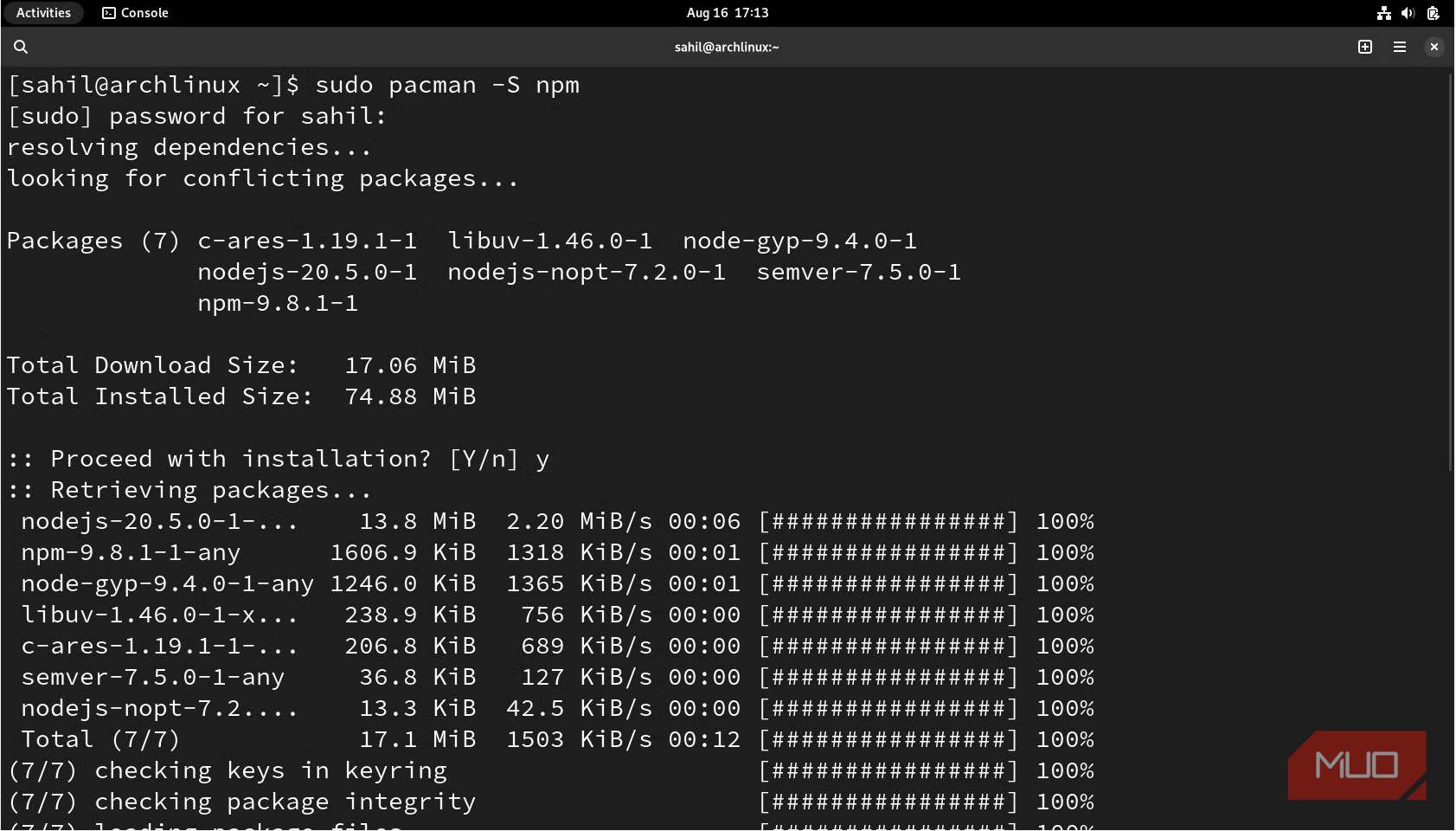
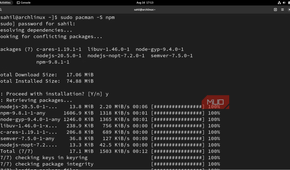
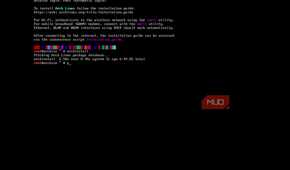
Of course, most users who read through the PKGBUILDs (or avoided these orphaned packages entirely in the first place) should be mostly fine. Infected packages had their PKGBUILD files appended with various post-install hooks that ran multiple malicious programs via npm, and, by the looks of it, quite a few users were infected.
Over 1,500 packages had been identified as being compromised, and this is a good example of why malware is never restricted to any one operating system.
POLL
What's the best Linux distro?
Malware doesn’t restrict itself to one operating system
Once something gets popular, bad actors will follow


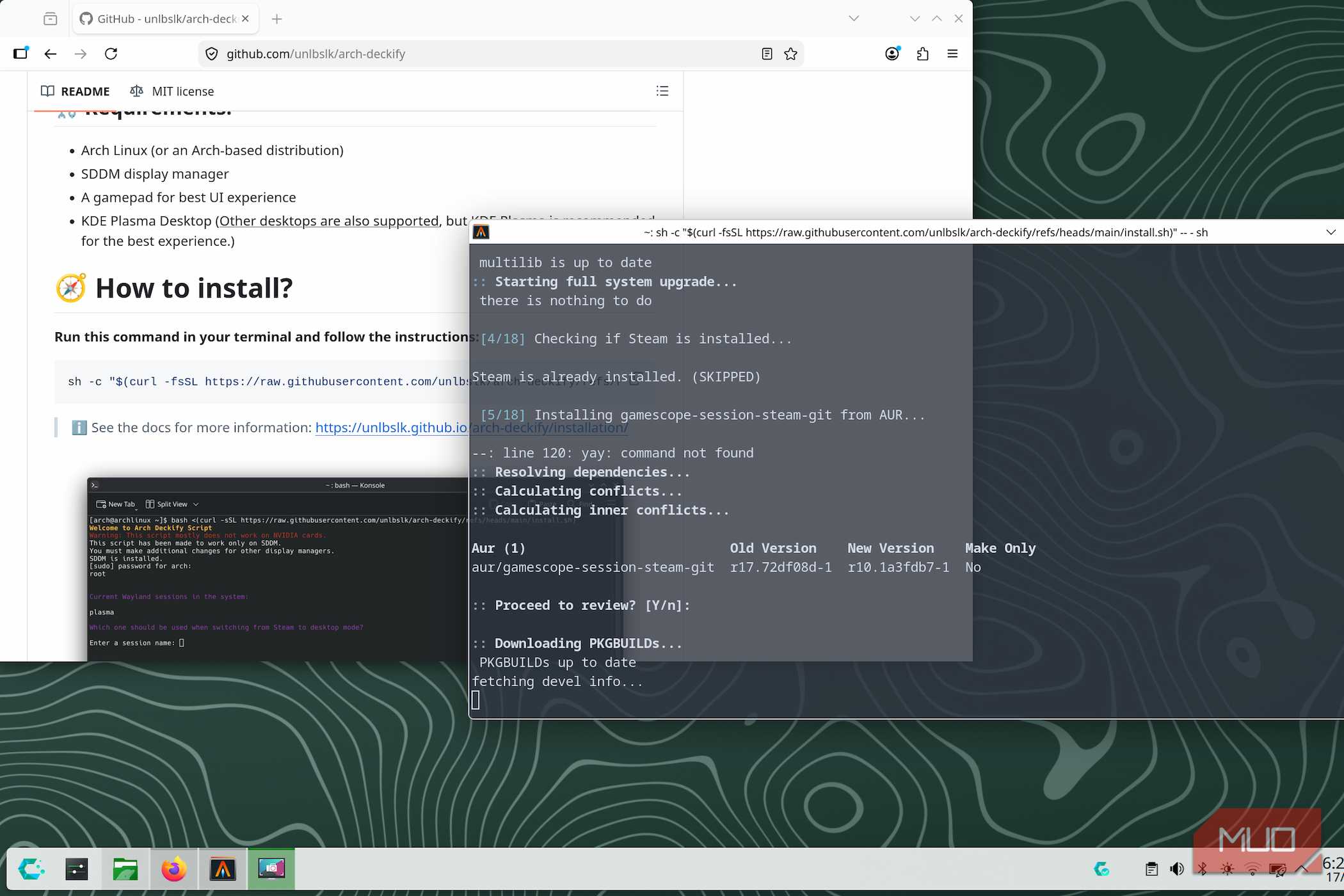
To say that Linux is “malware-proof” would be a complete and total lie. There have always been malicious programs out in the wild targeting Linux users, but far fewer than on a more popular OS like Windows.
There’s some really nasty Linux malware out there, and in the age of automated installs and minimal user intervention, it is easier than ever to get infected.
Still, Windows has always had a reputation for being a lot more “unsafe”, and part of that is true. Malware and ransomware often target as many users as possible at once, and historically, Windows has been an easier target due to its popularity.
Still, Linux’s sudden rise cannot be ignored, and there is a healthy chunk of users either dual-booting or only running Linux on their hardware. Linux also comes in a bunch of flavors, and Arch-based options have become quite popular as well (thanks to, well, the AUR itself — and the vast number of packages it offers).
Which in turn explains why the AUR was targeted in the first place. Most folks do not read through the PKGBUILDs for erroneous or malicious code, and there is a lot to be said about how Arch handles packages in general.
The AUR is essentially unmoderated, and almost anyone can submit code and take over orphaned packages as a new maintainer, which is exactly what happened here. The AUR has a ton of discarded, out-of-date packages, which turned out to be an easy entry point.
Expect tighter security protocols for the AUR in the future. The Arch Linux team has already identified and flagged these compromised packages, and the situation does appear to be normalized — for now.
It’s about time the AUR got tighter restrictions to better secure things.
How to realistically protect yourself
The nuclear option is often the only way forward

Assuming you’ve managed to (unluckily) find yourself at the mercy of a malware attack, the first thing to do is not panic. Shut down your computer and unplug it from the internet.
In most cases, there isn’t much to salvage from an infected system, and you will have to go for a full wipe followed by a reinstallation. The damage done is probably too severe at this point, and no amount of tinkering will get the system “clean”.
Still, prevention is better than a cure, and you’ll want to remain extra vigilant moving forward. For those on Arch-based systems, it is always recommended to manually review the PKGBUILD and look for anything suspicious, such as an npm installer post-script.
It is tedious, but a bit of effort goes a long way.
A little common sense goes a long way
Never execute random scripts from the internet on your install, at least not without verifying them first. Just like you’d never run a random executable on your Windows PC, applying a bit of precaution and common sense goes a long way in protecting yourself from threats online.
Other than that, make sure to stay up to date with news about the same (and Linux in general) so that you can remain vigilant. Still, it is not reasonable to expect everyone to be this cautious, and it really is unfortunate that a small group of hostile individuals is making this harder than it needs to be for most folks out there.

Arch Linux is a GNU/Linux distribution that hands over complete control of a system to the user. It's almost akin to building a desktop from scratch, choosing each component.