


Whenever you get any new piece of technology, it can be tempting to run it with every feature turned on and everything running at maximum performance. But with your new router, that might actually be a mistake. While it may seem logical that moving the router's transmit power slider all the way to the right will speed up your connection, the reality can be very different.
In fact, setting your router to use maximum transmit power can make your Wi-Fi connection slower and less stable than it would otherwise be. Turning the router's transmit power down, not up, is often the best way to go for a more reliable experience.
Bigger isn't always better
The Asymmetric power problem


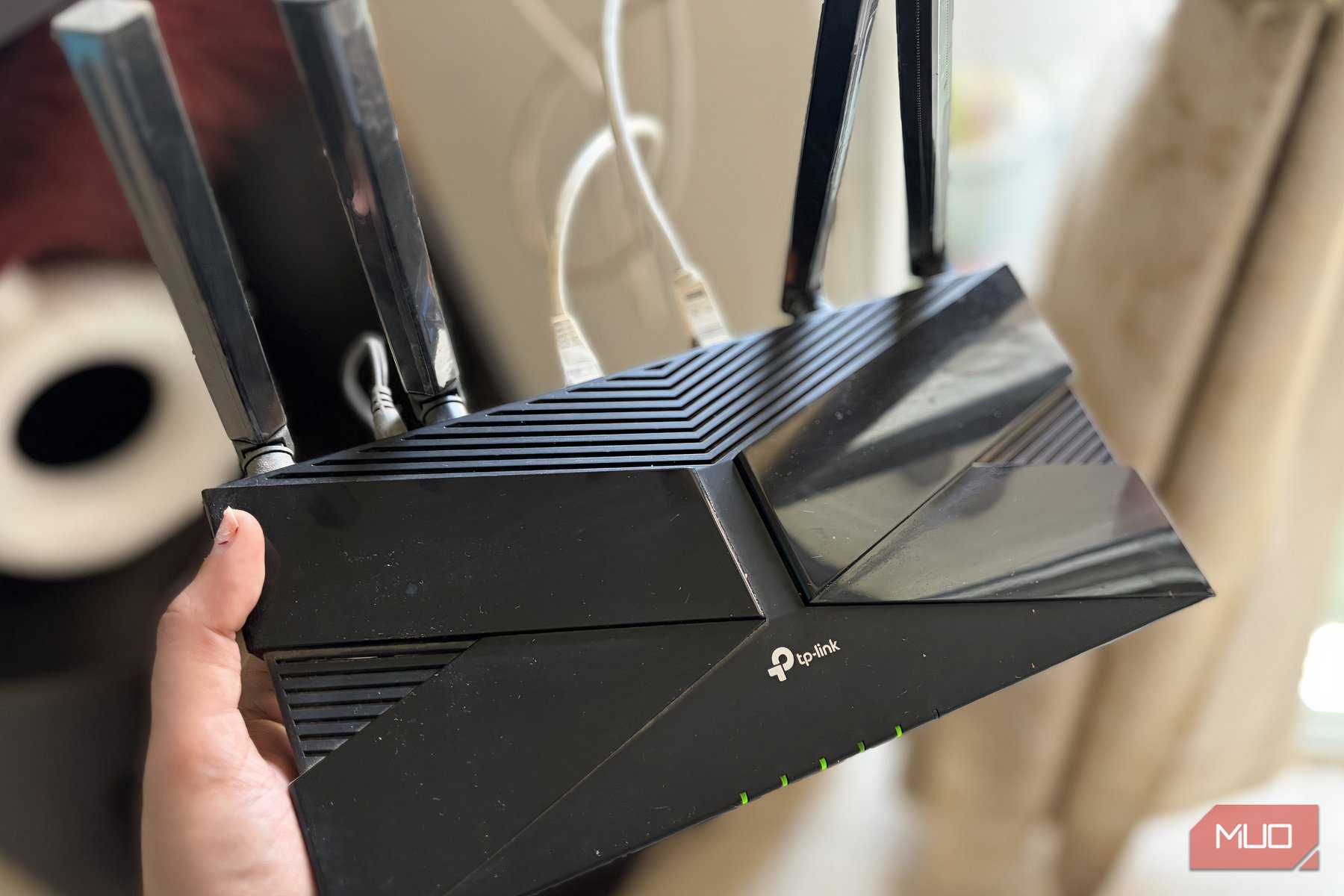
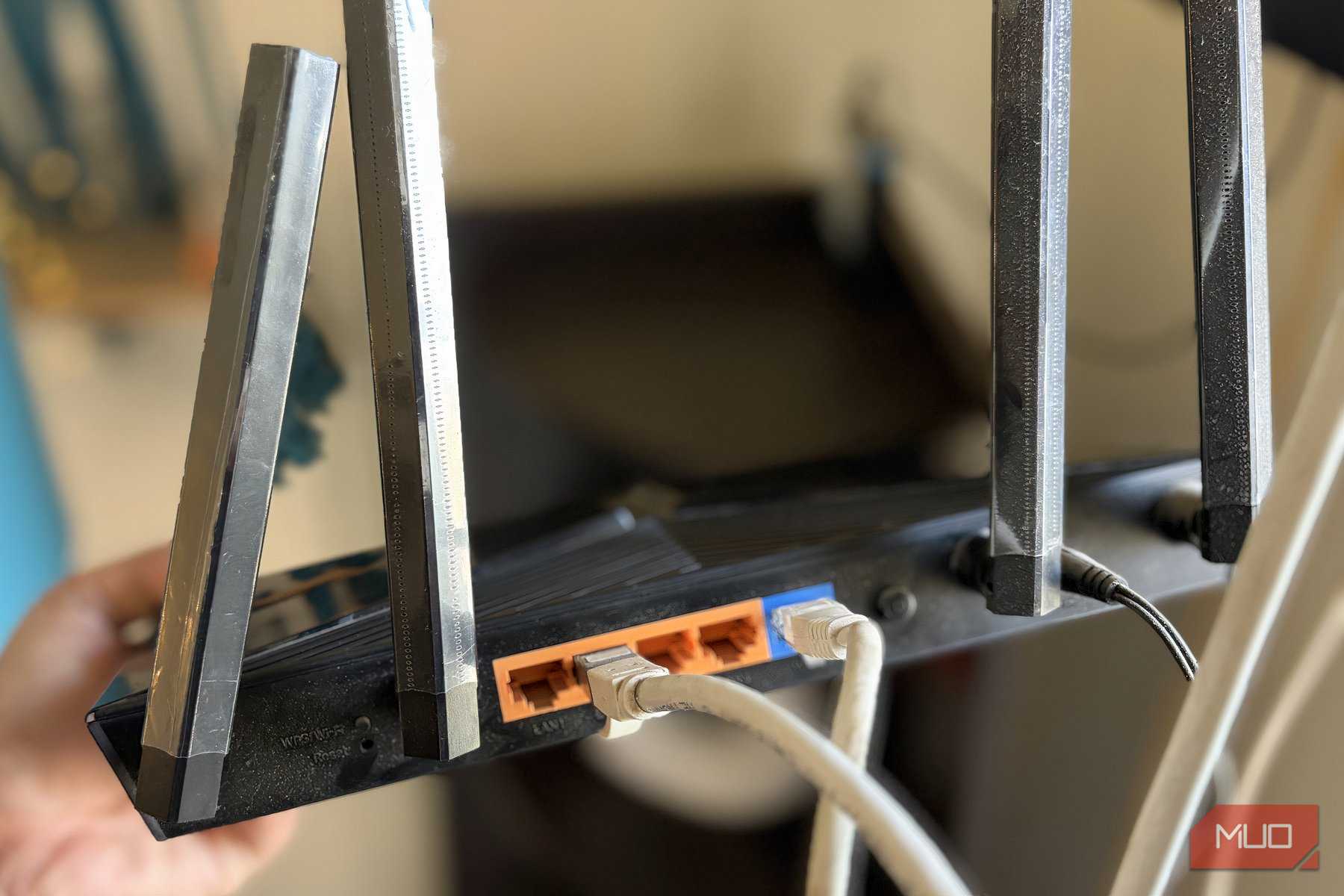
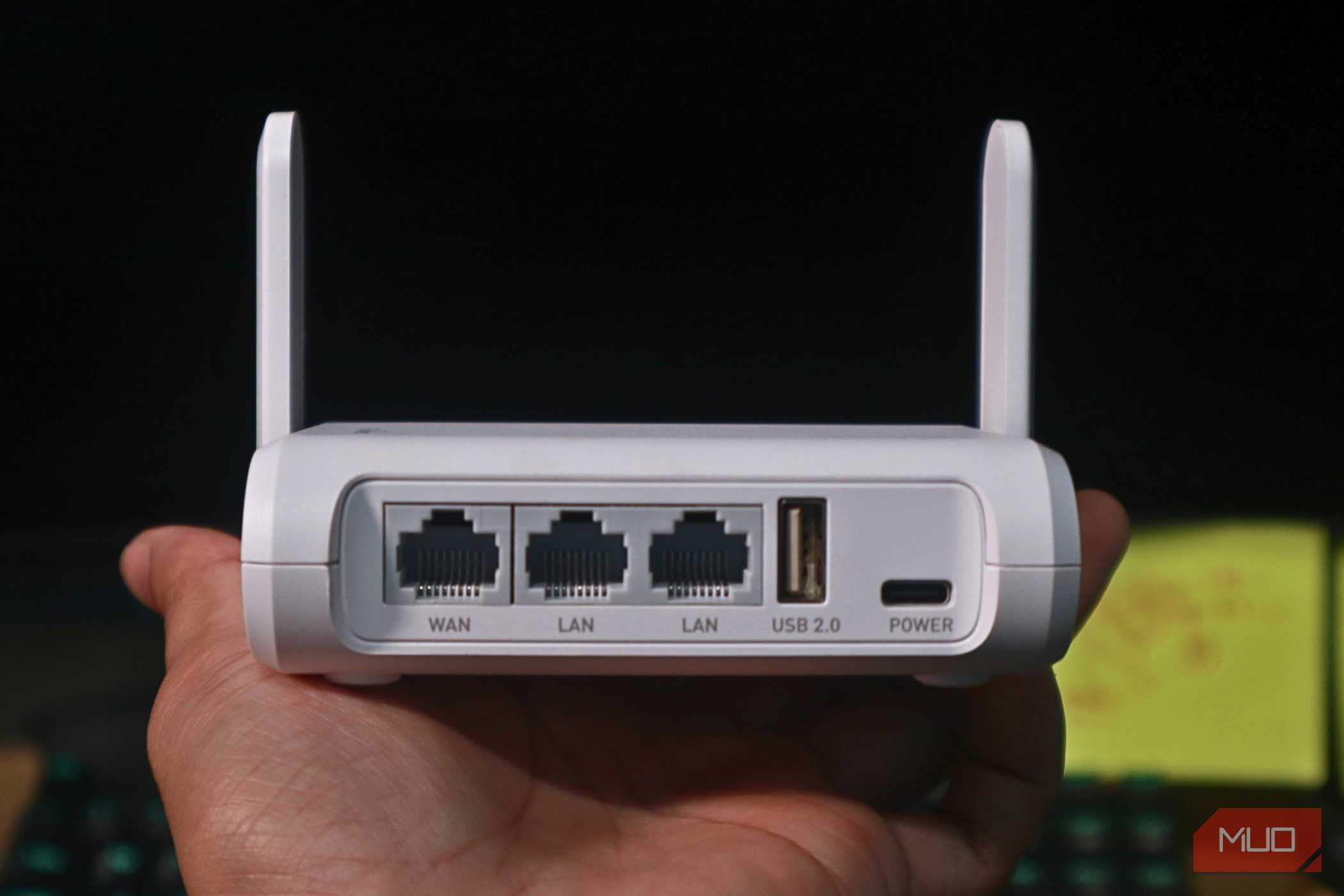

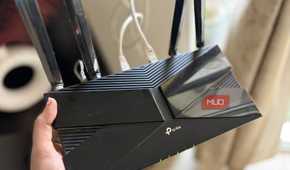
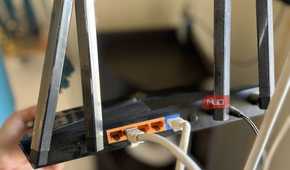

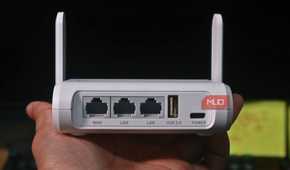

To understand why blasting your router's Wi-Fi signal at maximum power can hinder, not help, your connection, first understand that wireless communication isn't a one-way street. The router is only half of the equation, and your phone, laptop, and other devices make up the other half.
While your router is often a big piece of hardware with high-powered internal and external antennas designed to push a signal through the thickest walls, the same isn't true of your other devices. Smartphones, in particular, have small antennas and are designed for battery life rather than pure signal strength. Smart home devices often have similarly small antennas. They simply can't compete with the brute force of a router shouting over them.
That's essentially what happens when you set your router's transmit power to 100%. You're effectively giving your router a megaphone while your phone and other devices whisper.
The result? Your router starts to drop packets because it can't properly receive a signal from the device it's trying to communicate with. But if you lower your router's transmit power, you even out the conversation and your whole Wi-Fi network recovers.
The hidden cost of too much power
Signal bleed and co-channel interference

Overpowered transmission power doesn't just create asymmetric connections within your Wi-Fi network. It also pollutes the wireless airwaves all around your home, generating noise that can affect all networks within the area.
Most modern Wi-Fi routers operate across the 2.4GHz, 5GHz, and 6GHz spectrums, which are then divided into frequency channels. But a router that transmits at maximum power doesn't always stay within the boundaries of your home as strictly as it should. They bounce around and bleed into neighboring homes. They can even bounce back into the router's own antennas, which should be listening for connections from other devices.
This issue creates three new problems for your network to contend with:
- Self-interference: High-power signals bounce off hard surfaces throughout your own home, creating duplicate signals with delayed echoes. This affects your router's ability to receive the signals it needs.
- Neighborhood Congestion: Because your own router is running at full power, the routers of your neighbors then have to compete with it. This results in Co-Channel Interference (CCI), which causes networks to pause in an attempt to allow each other to finish their transmissions.
- Over-Aggressive Roaming: Home networks with multiple access points, like mesh systems, experience unbalanced load. Devices try to connect to the router with the strongest signal, and setting your router to maximum means devices won't switch to other access points as they should.
Dropping your router's transmit power to a lower setting is usually enough to bring your network back under control.
Check your own router's settings
A simple change to make

Thankfully, adjusting your router's transmit power is usually relatively easy. The process will differ slightly depending on your router and the company that made it, though.
Log into your router's management system via its IP address, usually 192.168.0.1 or 10.0.0.1. Look for "Advanced Wireless Settings," or something similar, and locate the "Transmit Power Control" feature.
I recommend setting the transmit power to a medium value, whether that's an actual "Medium" setting or around the 50% mark. Different routers use different nomenclature.
Once done, restart your router and give everything a little while to settle back down. You should have a reliable connection, even for the lowest-powered devices.
Quality over quantity
Make the right choice

When it comes to your home Wi-Fi network, performance is always desired. But stability is arguably even more important. Connections that work will trump faster connections that you can't rely on at any given moment.
That's why I strongly recommend resisting the temptation to increase your router's transmit power setting in an attempt to strengthen your connection. It might make sense on the surface, but it could open the door to a world of instability and mesh network issues.
Instead, choose a more conservative setting and enjoy a more usable network for all.