


Beyond the regular productivity tools, one AI tool that has stuck with me is NotebookLM. I've paired it with Obsidian, and it's been excellent at offering insights into my notes. However, in the last few months, I've used NotebookLM for more than just research and found it to be more than a one-trick pony.
I've had it translate a PDF I couldn't read a word of, turn a rambling voice memo into clean notes, and tell me what to cook from whatever was left in my fridge. The first time it nailed an answer I never expected from a notebook app, I realized I'd been underusing it for months. From meal planning to making sense of my Air Fryer manual, I've found better use cases for NotebookLM than just research.
Creating riddles and reading images
Studying with puzzles instead of summaries

The first time I asked NotebookLM for something other than a summary, I told it to turn my research notes into riddles. Instead of a tidy recap, I got a set of clues I had to think through to answer. It sounds like a gimmick, but it works well as a study tool. When you read a summary, you nod along and forget it. When you have to solve a puzzle built from the same material, you have to recall the idea to get there.
This is handy if you're a student revising for exams or prepping for an interview. I feed in my notes, ask for ten puzzles ranging from easy to hard, and quiz myself instead of rereading. A good prompt does most of the work, and there are plenty of prompt ideas worth borrowing if you're not sure where to start.
The same image-reading skill that powers this surprised me elsewhere. NotebookLM can pull text and context out of pictures, so a screenshot of a slide or a photo of a printed page becomes a usable source. I've dropped photos of handwritten notes into the Sources panel and had it read them back as clean text, which is closer to OCR than I expected, and those images then become fair game for riddles too.
Transcribing audio into text
Turning recordings into something searchable


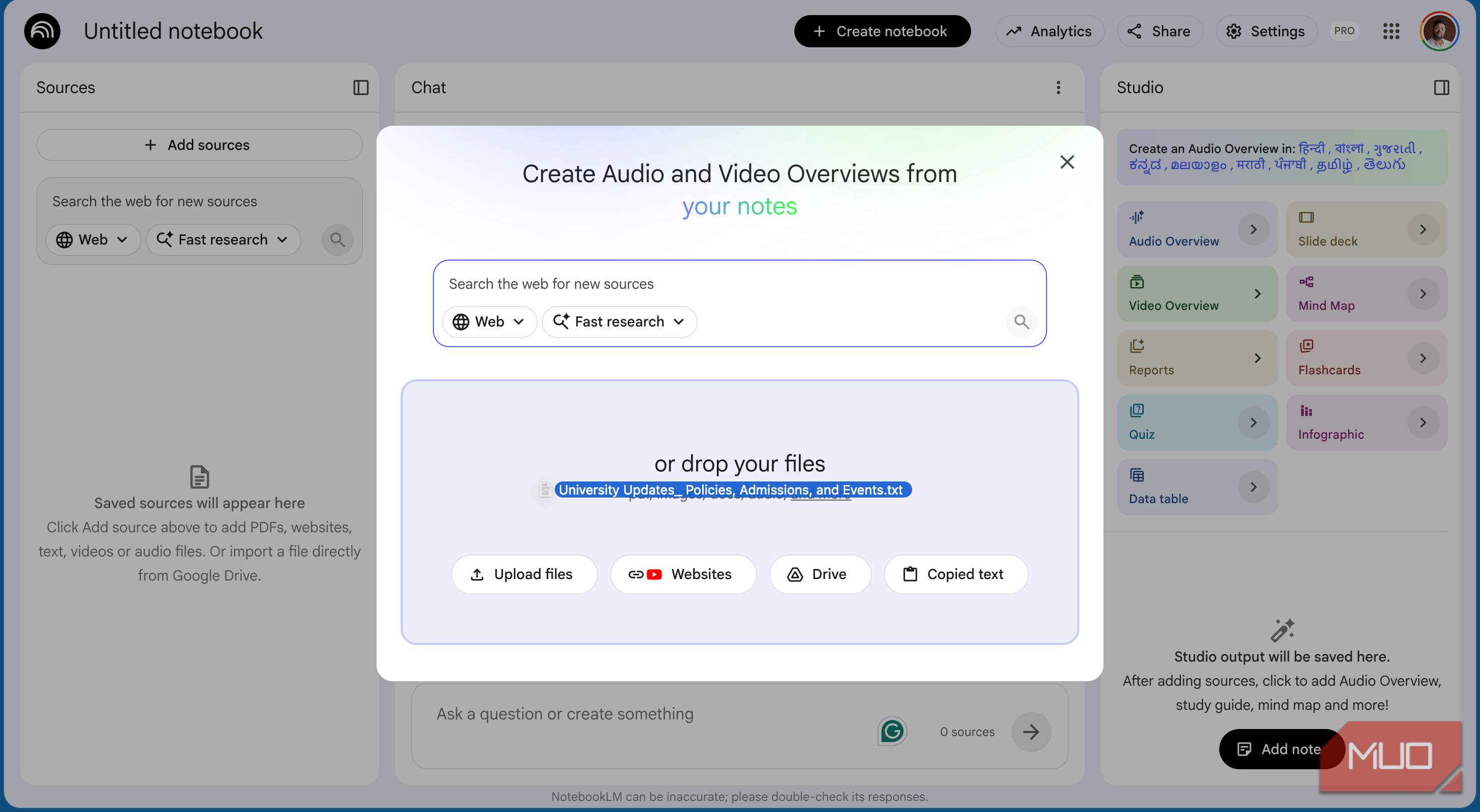
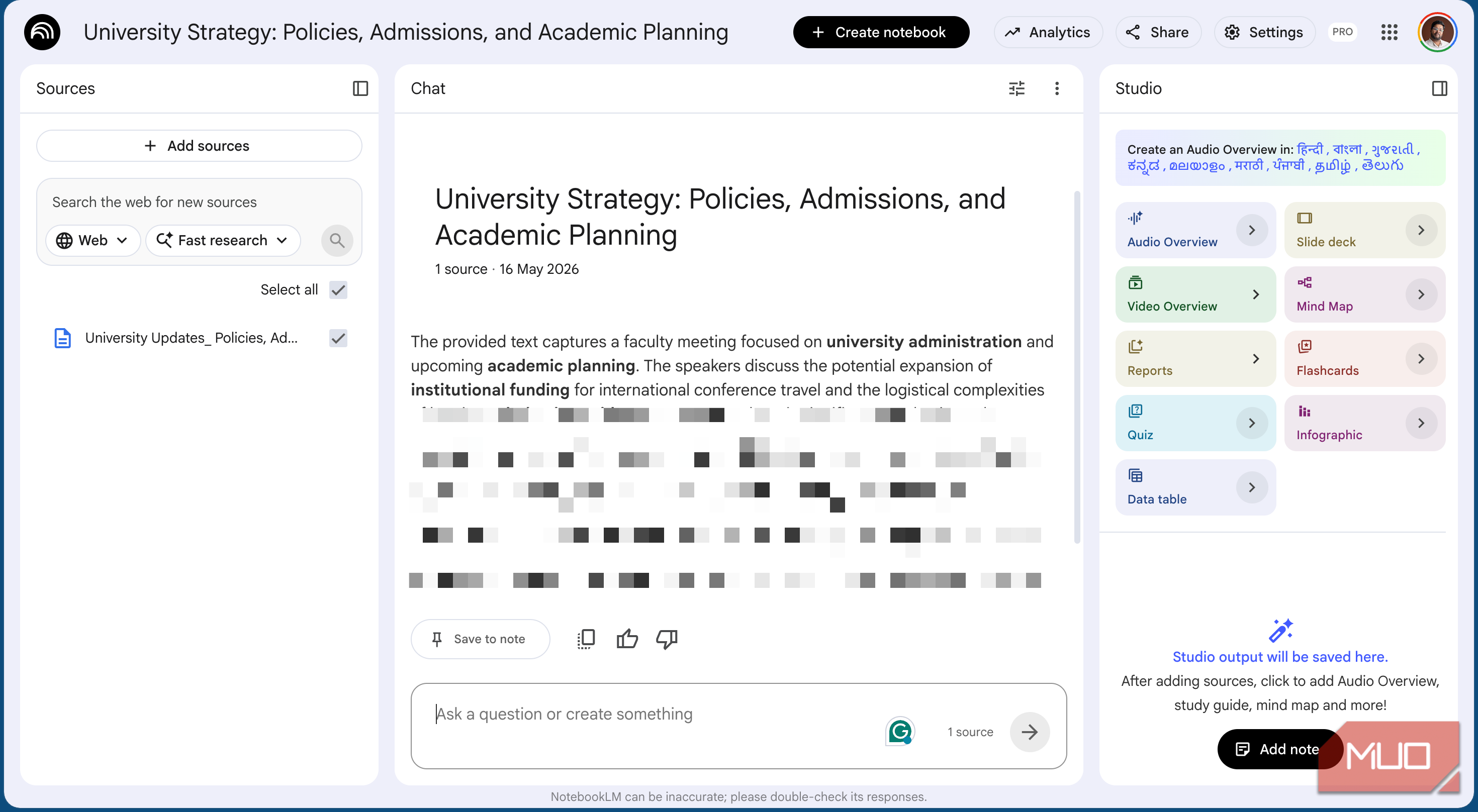
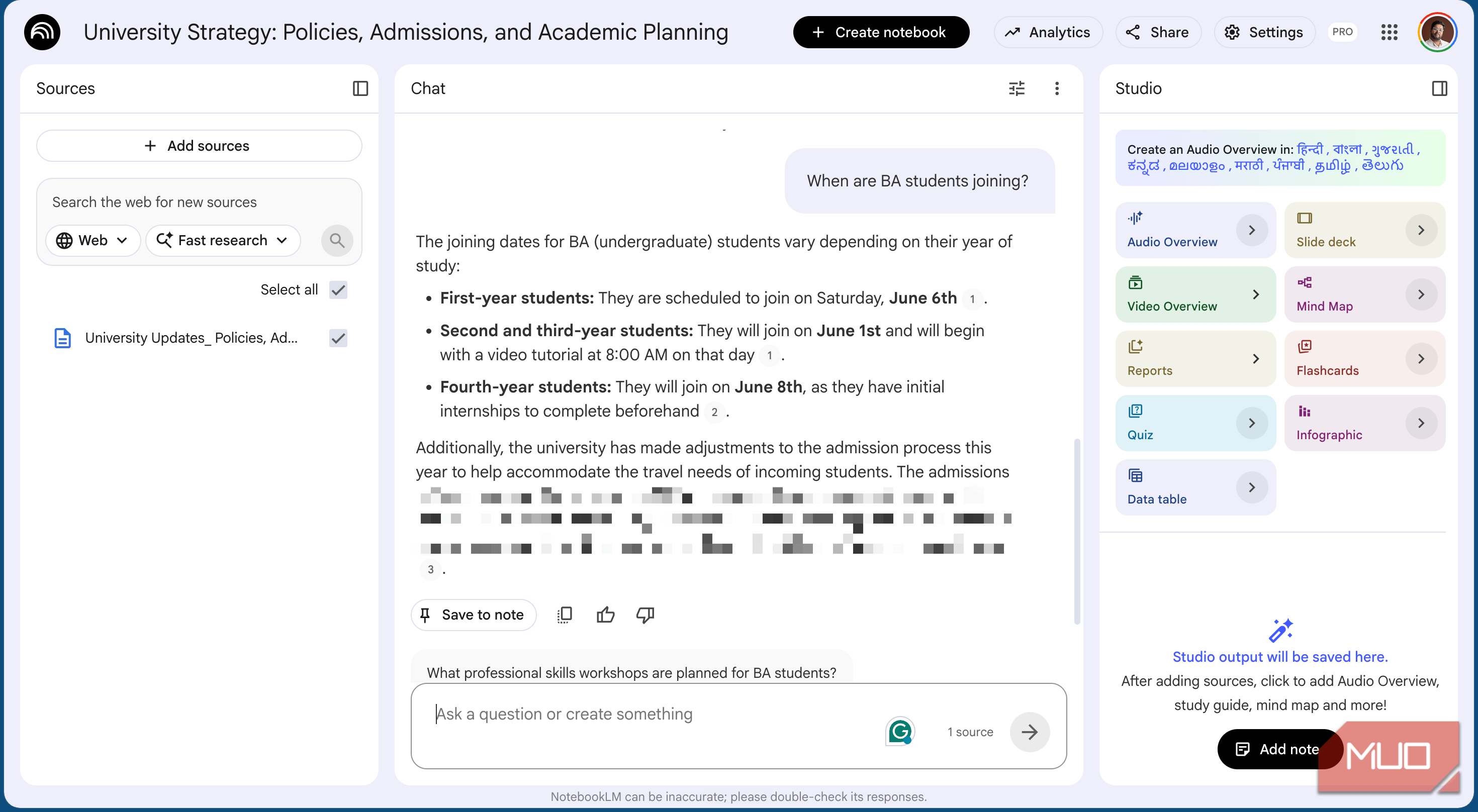
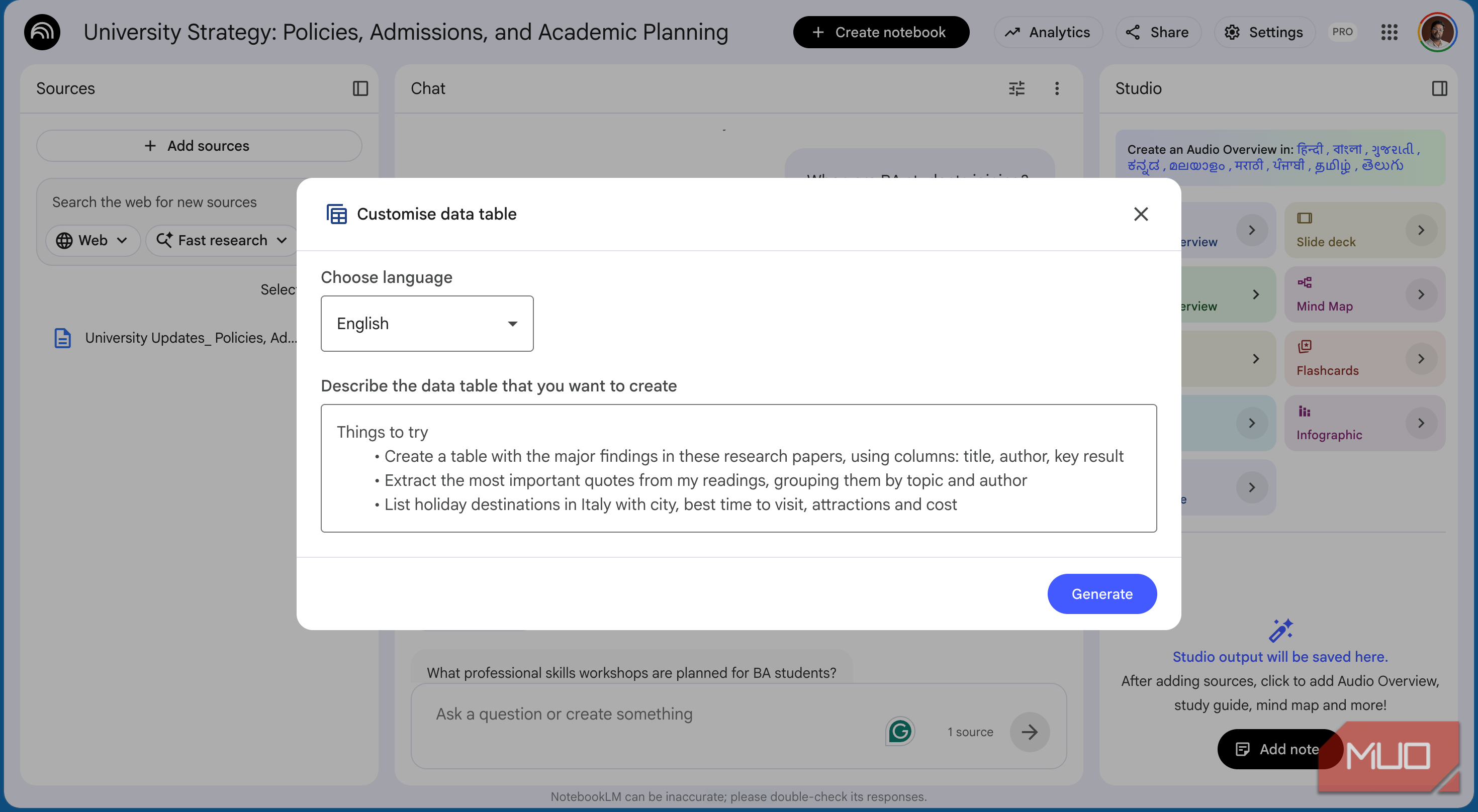
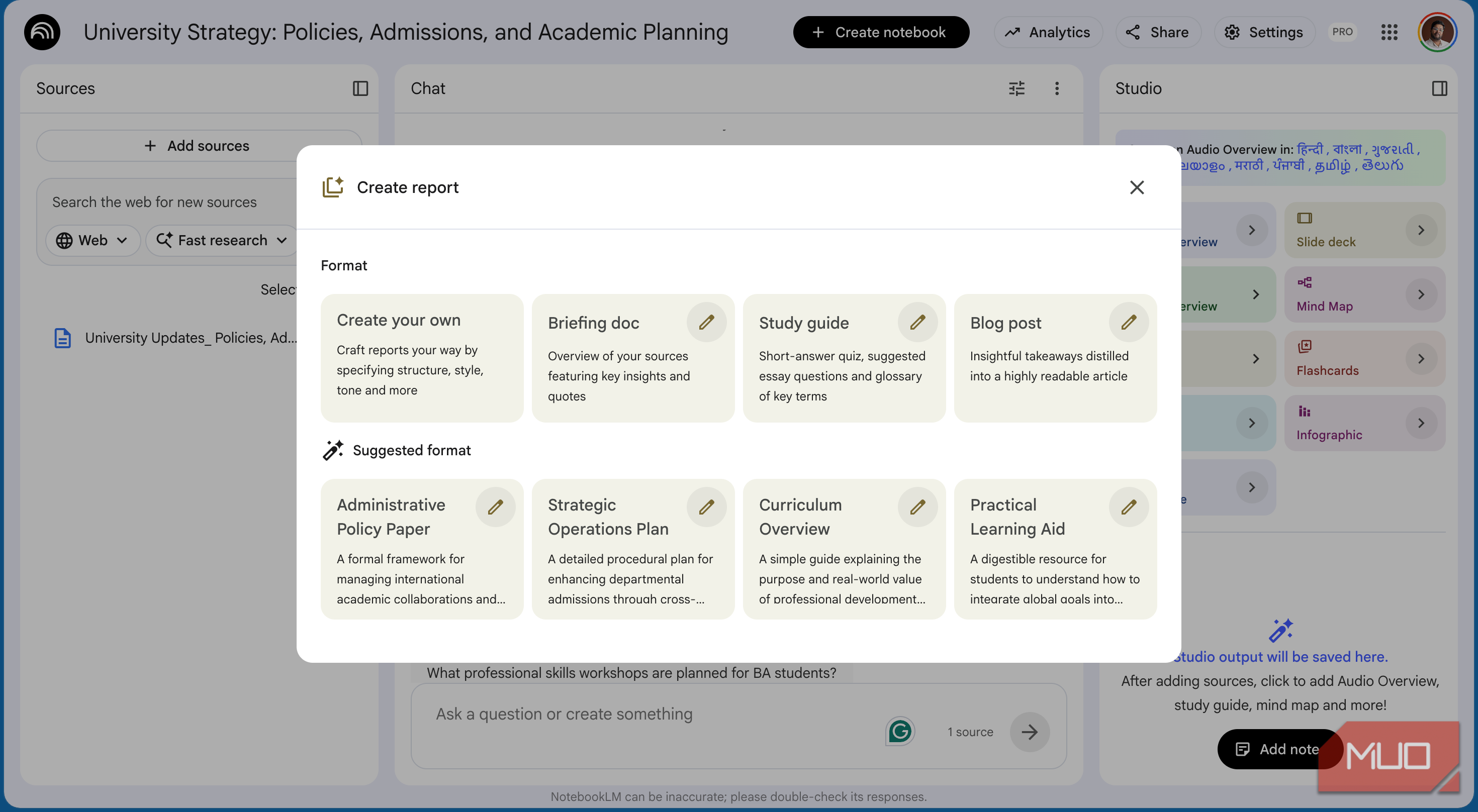
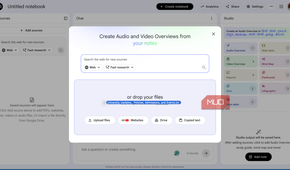
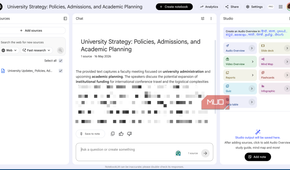
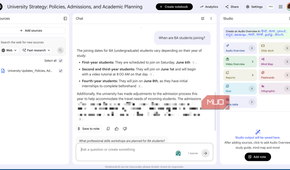
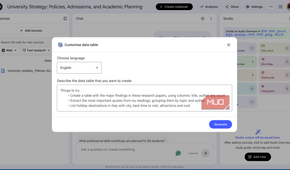
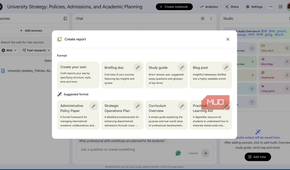
Some of my better ideas show up when I'm away from the keyboard, usually while trying to sleep. Instead of typing them out, I often make voice notes, as it's much easier to blabber into a voice recorder than type my thoughts with proper formatting. The problem is that nobody wants to sit through their own rambling later. NotebookLM fixes that. I upload the recording as a source and ask for a clean transcript, and it hands back readable text along with a short summary and the recurring themes it noticed.
It's just as useful for longer audio. A two-hour recording that would take forever to type out gets transcribed in a few minutes, and I only have to fix the odd mistake. I've used it on lectures and meeting recordings, and once on a podcast in a language I'm still learning, so I could read the parts my ear missed.
It even works on NotebookLM's own Audio Overview podcasts. All you have to do is download the overview, re-upload it as a source, and you get the full transcript instead of only listening to it.
It can translate, and it's good at it
Making sense of documents in other languages

I speak a handful of languages, but there are plenty more I can't read at all. My younger sibling once had a school trip, and the school sent the entire itinerary in the regional language without bothering to translate it. Rather than copy-paste it into a translation tool a paragraph at a time, I uploaded the PDF to NotebookLM and asked it to explain the plan in plain English.
It didn't just translate the words, but walked me through the whole itinerary, day by day, and answered my follow-up questions about timings and what to pack. That was my first translation use case, and it stuck.
Since then, I've used it whenever something runs longer than a few pages and a quick machine translation won't cut it. Because it keeps the full document as context, the translation reads naturally, and I can ask it to clarify a confusing line instead of guessing. It isn't flawless with names and local terms, but for understanding a long document fast, it's hard to beat.
Using it as a meal planner
Letting it pick recipes from what I have

I originally uploaded my recipe notes from Obsidian so I could generate prep infographics. Somewhere along the way, the same notebook turned into my meal planner as well. On the days I have no idea what to cook, I ask it to suggest something easy from my own collection, and it picks one in seconds.
The better trick is asking it to work backward from what's in my kitchen. I list whatever I have on hand, and it finds a recipe from my notes that fits, or tells me what I'm missing. It has saved me from scrolling endlessly through my own recipe files looking for something low-effort on a lazy evening.
Because it only pulls from sources I uploaded, the suggestions stay within recipes I like, instead of sending me to some random blog. I still need to cook my meals, which I hope can be automated someday, but as a way to answer the daily what's-for-dinner question, it has quietly become one of my favorite uses.
Reading my user manuals so I don't have to
Getting straight answers from the manual

Nobody reads the user manual until something goes wrong, and then you're flipping through eighty pages to find one setting. Instead, I've started uploading manuals to NotebookLM the moment I get a new device. My car, my motorbike, and most recently the booklet for a new air fryer all live in their own notebooks now.
When I need something specific, I just ask. What temperature does the air fryer recommend for frozen fries? What does that warning light on the dashboard mean? NotebookLM finds the answer buried in the document and gives it to me straight, usually with the section it pulled from.
It's faster and more thorough than I'd ever be skimming the pages myself, and it doesn't miss a detail hiding in a footnote. The one catch is that it can only answer what's actually written in the manual, so a vague booklet still gives vague answers. For anything well-documented, though, it has replaced the frustrating hunt through a PDF index.

- OS
- Android, iOS, Web-based app
- Developer
NotebookLM is Google’s AI-powered research notebook that reads what you upload and helps you transform it into structured summaries, explanations, and visuals.
Worth more than a research tab
NotebookLM is a research tool at heart, and it's still the best one I've found for that job. But because it reads whatever you give it and answers plainly, it can bend into a study coach, a translator, a meal planner, and a manual reader without much effort.
The catch is the same for all of them: everything you upload is processed in the cloud, so your notes and recordings leave your device. I keep anything sensitive out of it for that reason. For everything else, treating NotebookLM as more than a research tab has made it one of the few AI tools I open almost every day.