


My house has an Echo in almost every room. It started with a single Echo Dot. Over a few years, it grew into a small fleet of Dots, Echo Shows, and Echo Hubs tied to Ring sensors, myQ garage doors, Hue lights, and three thermostat zones. I've stuck with Alexa for reasons I've laid out before, mostly because it works with nearly everything I plug in.
Living with that many Echos taught me something the product pages never mention. Some of them do real work every day, while one type spends most of its life displaying the time. If I were starting over in an empty house, I'd skip that one and put the money toward more of the three below.
Echo Dot (5th gen)
The cheapest Echo in my house does the most work



 Credit: Brandon Miniman / MakeUseOf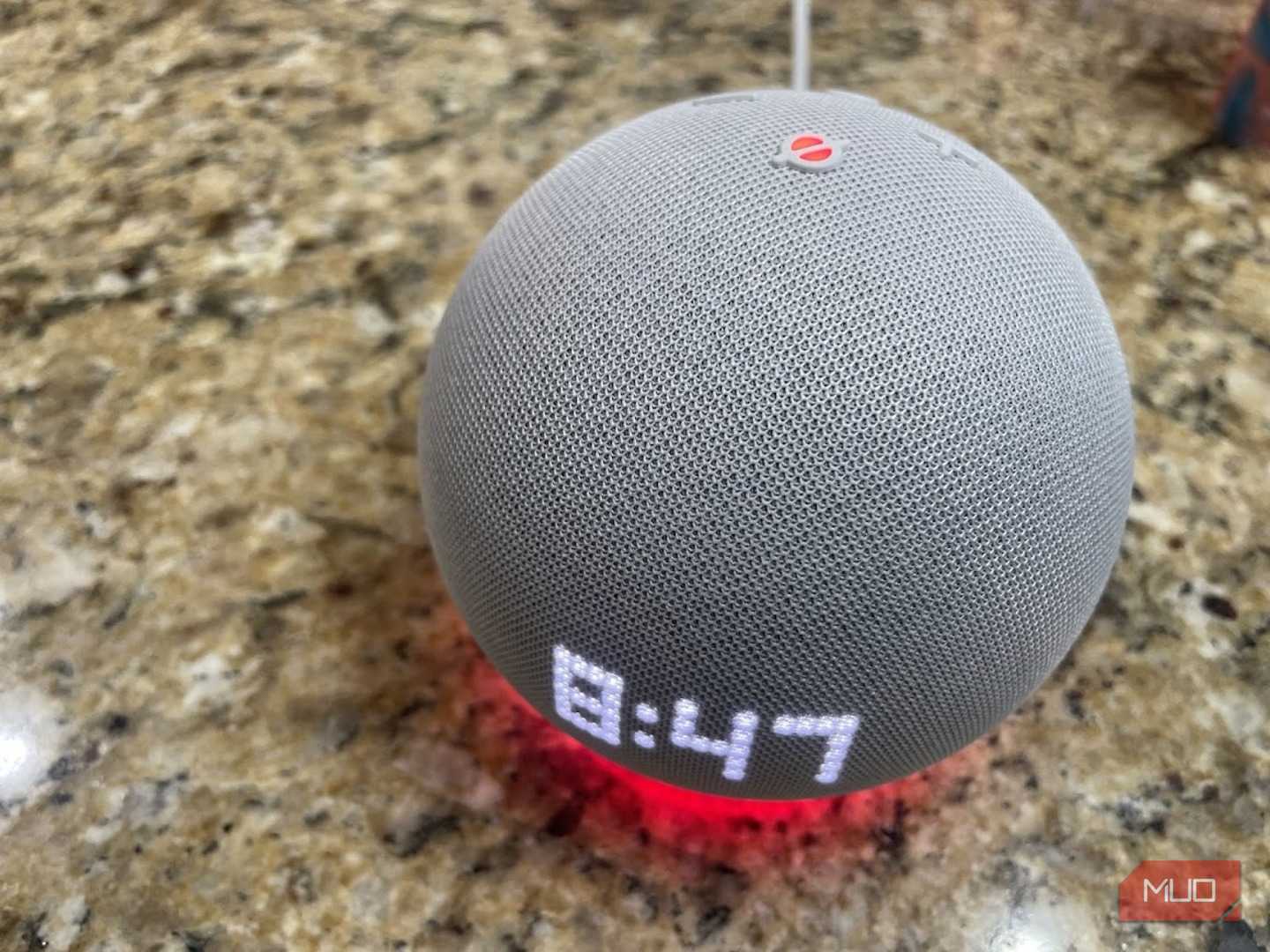
 Credit: Hannah Stryker / MakeUseOf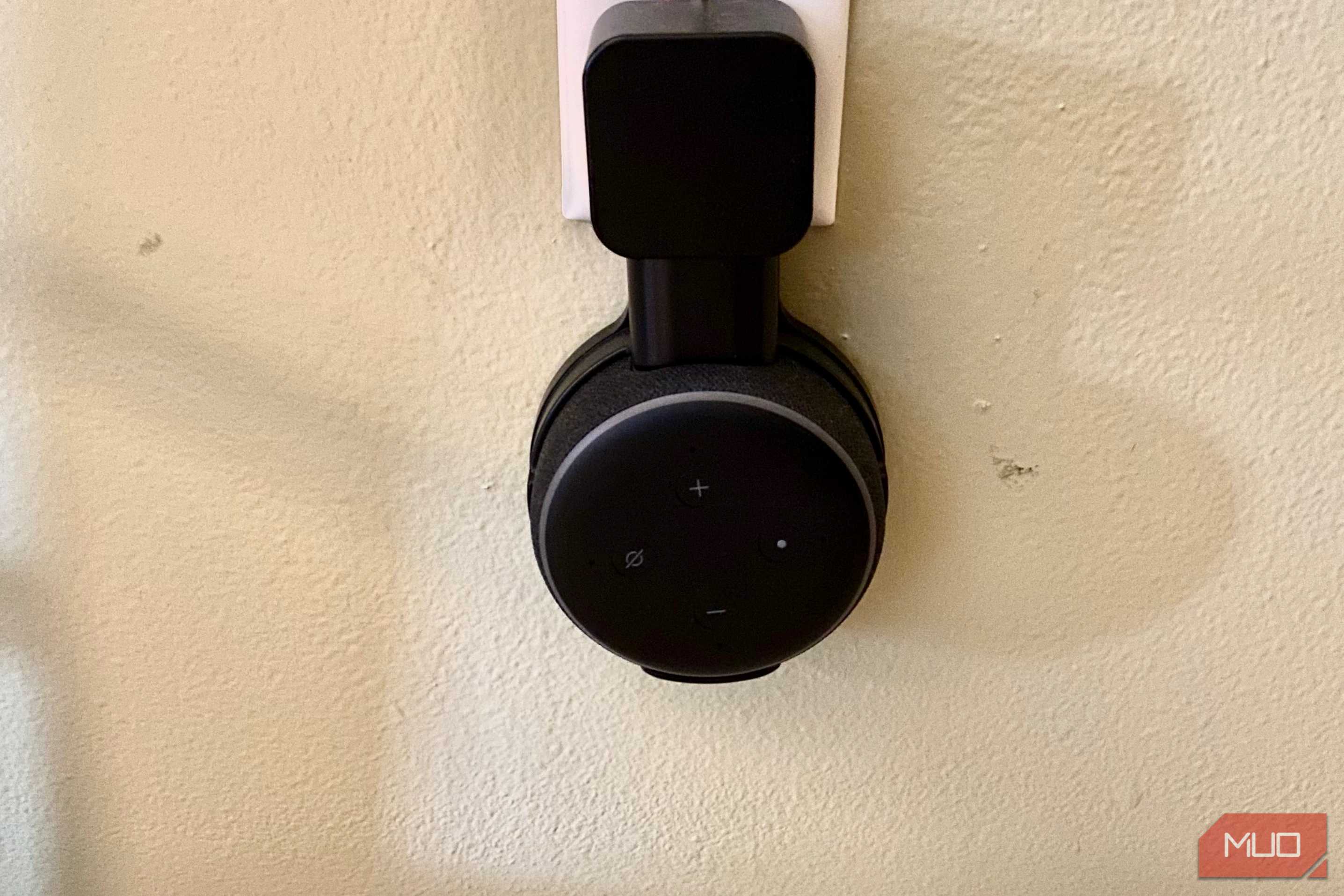



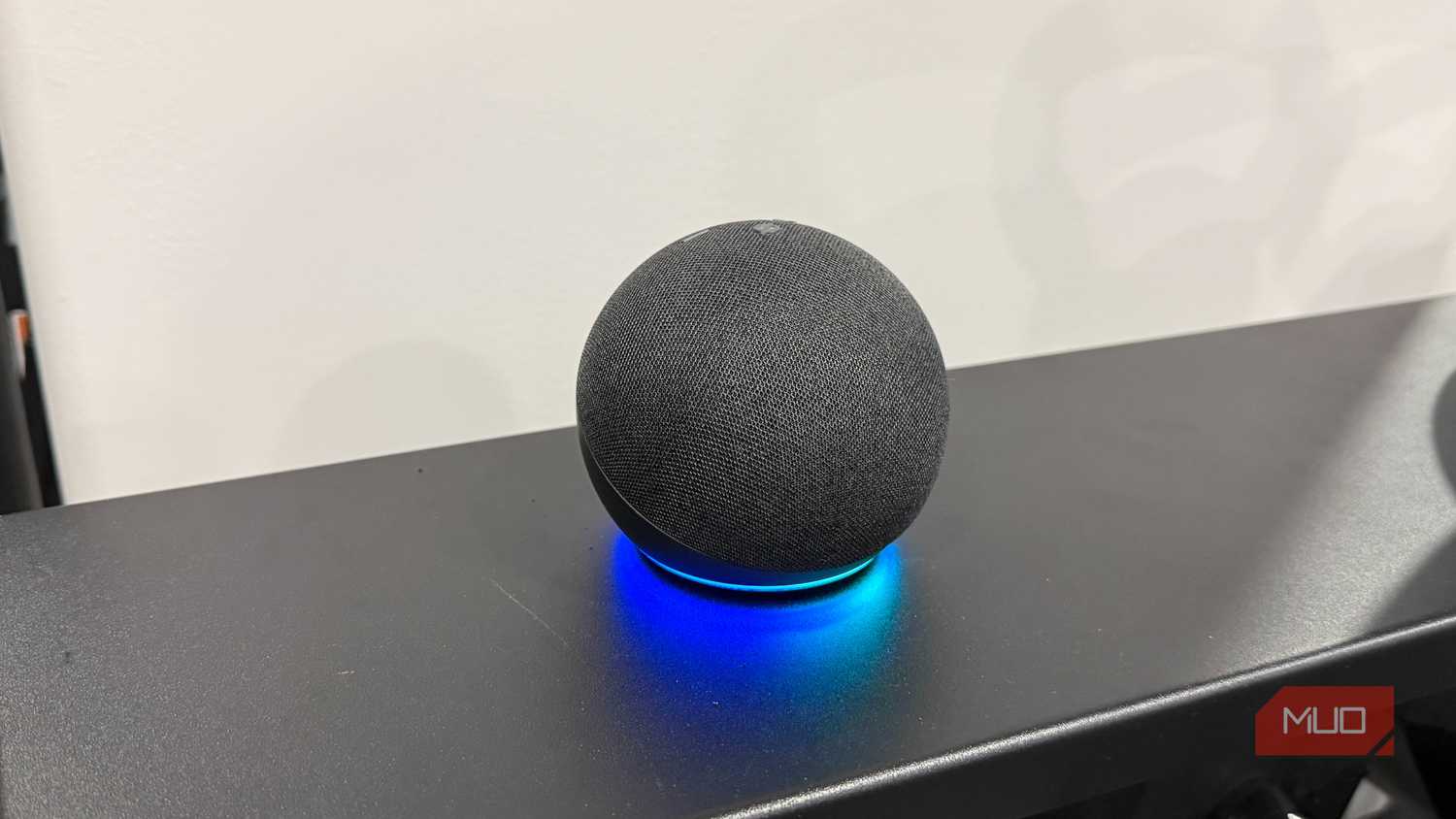
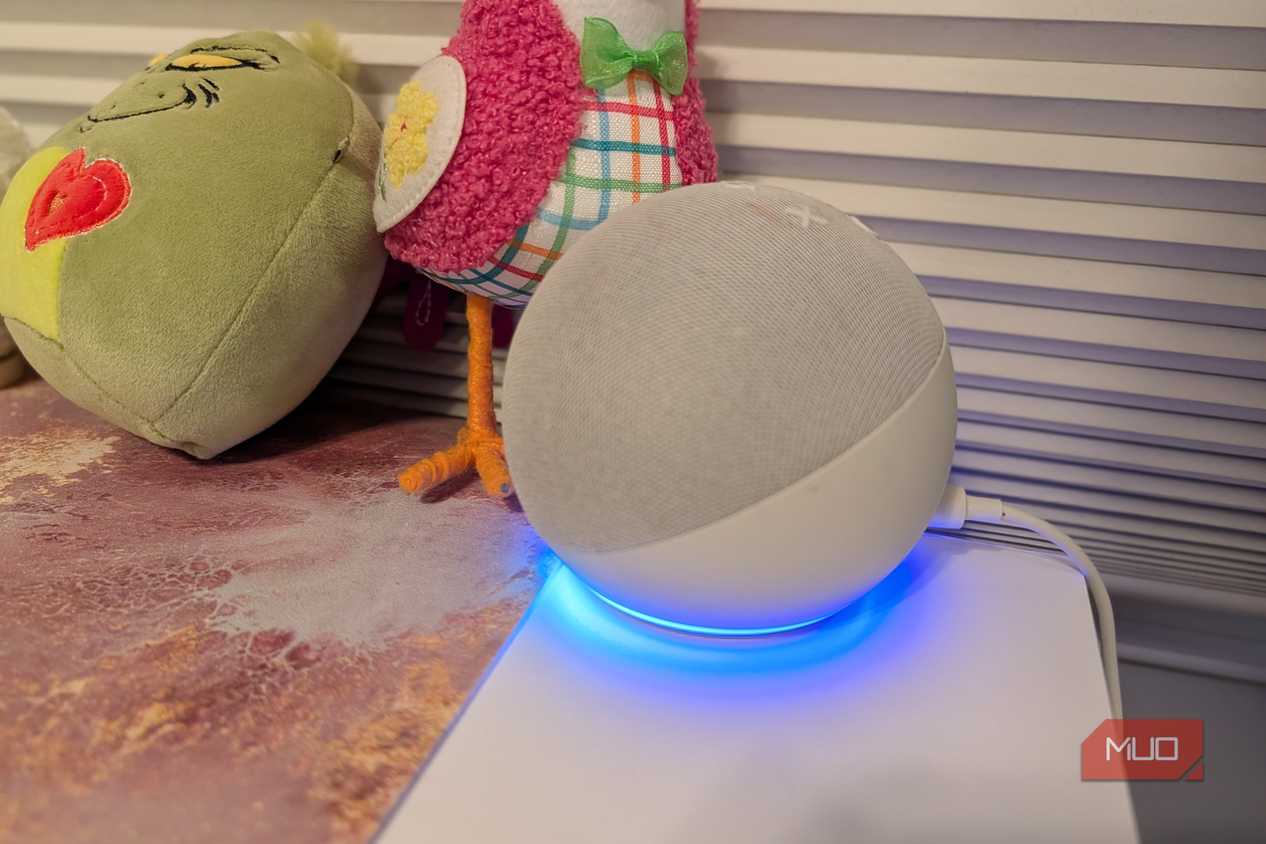
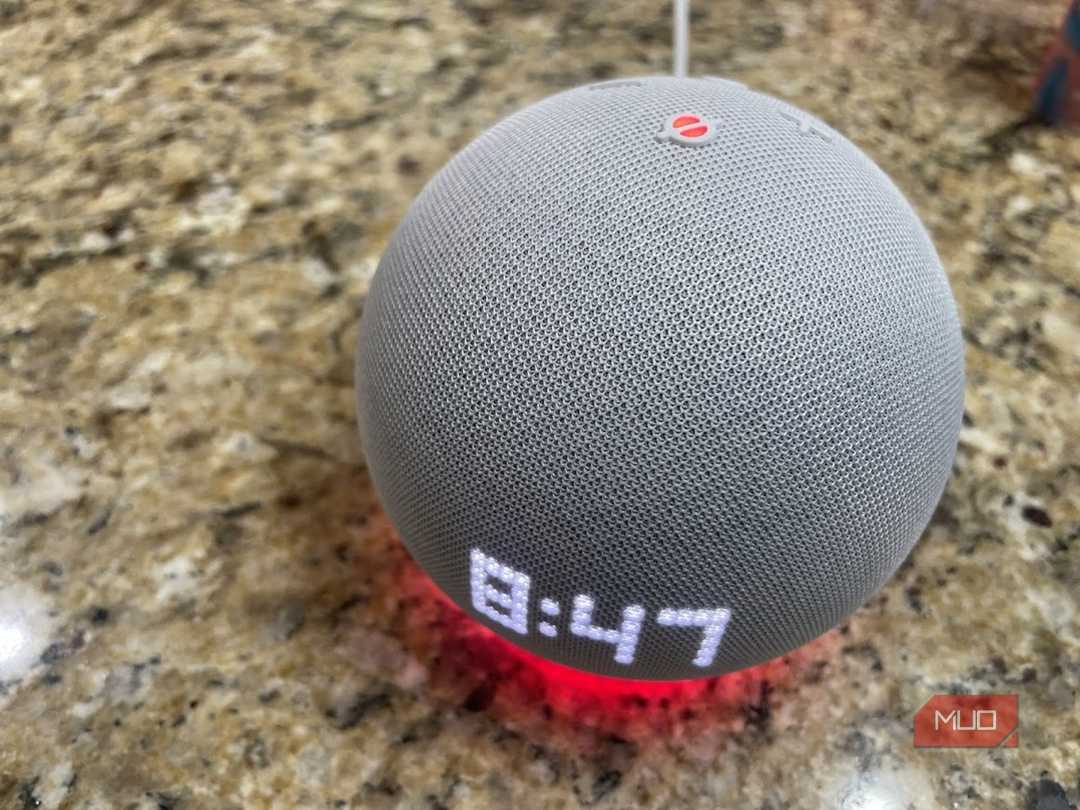
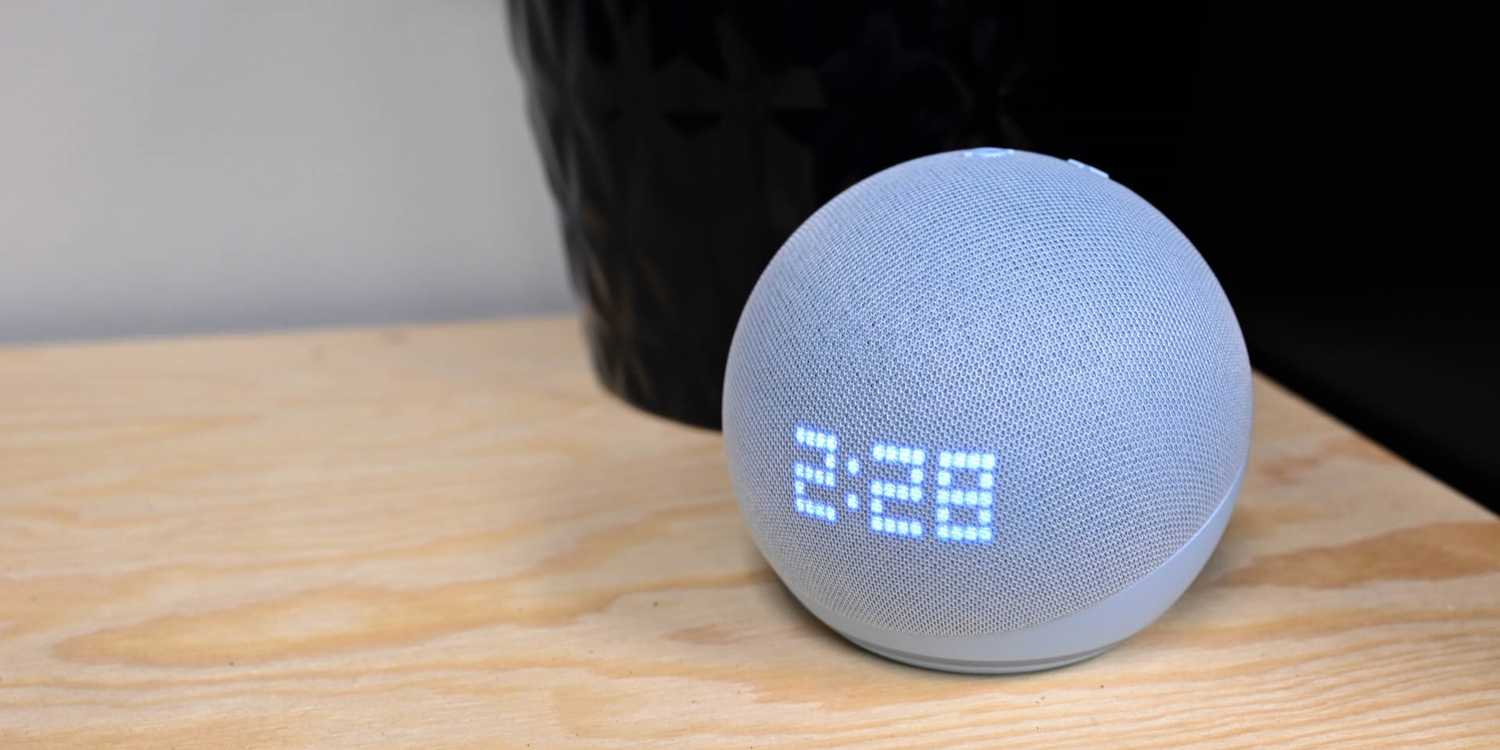
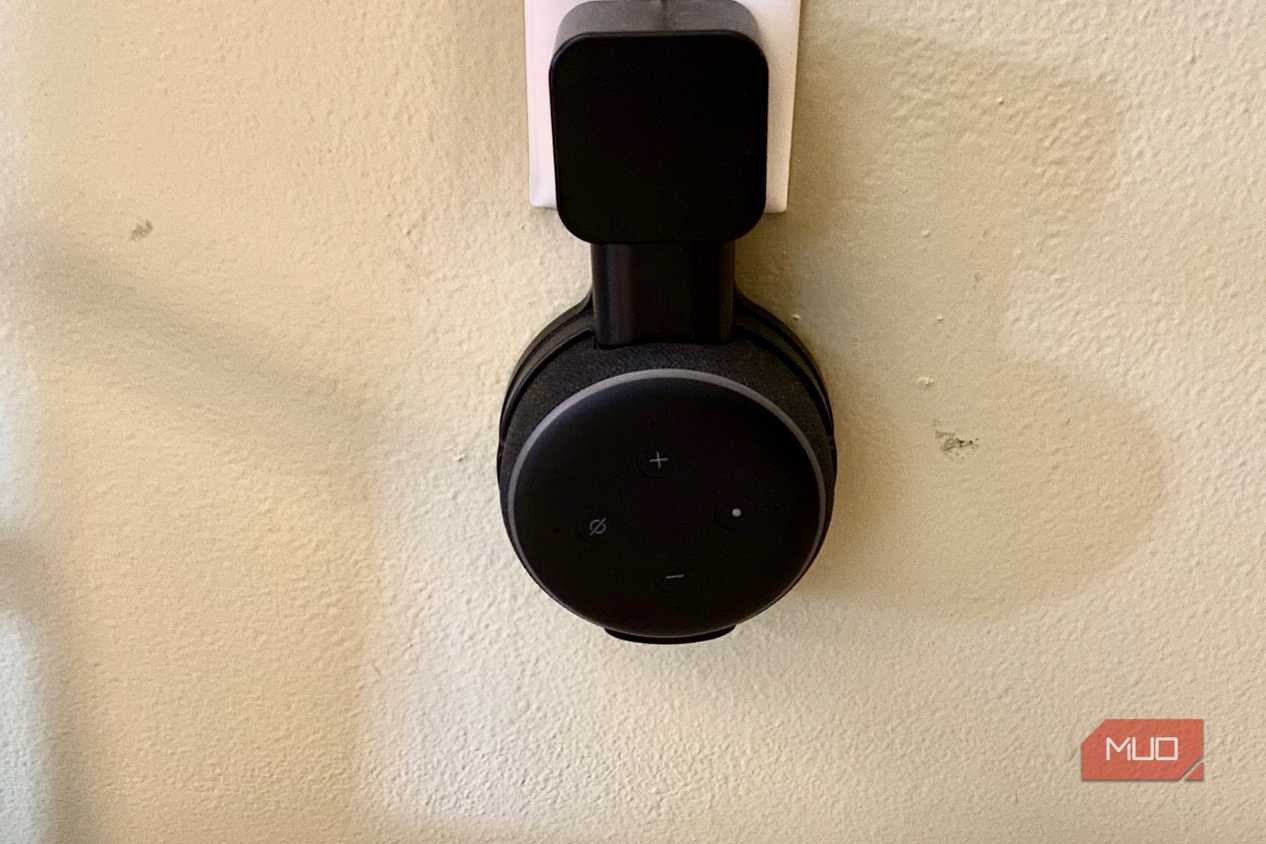
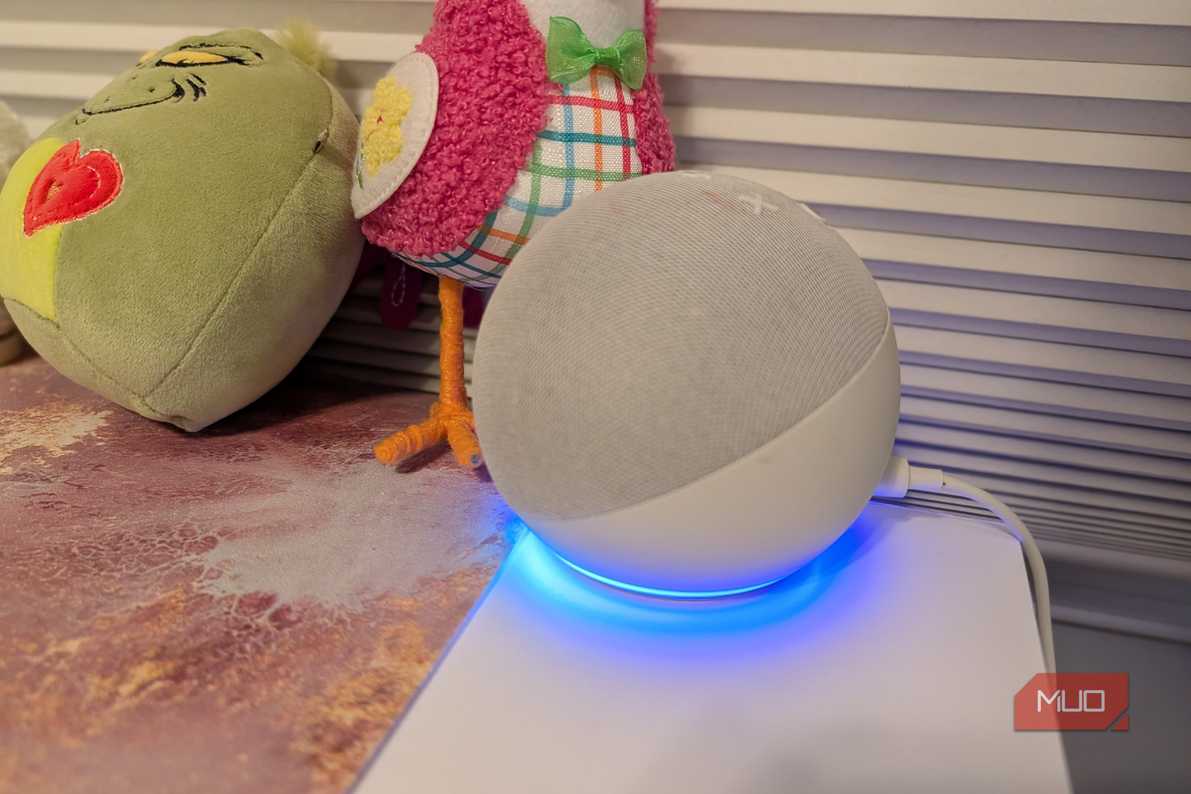
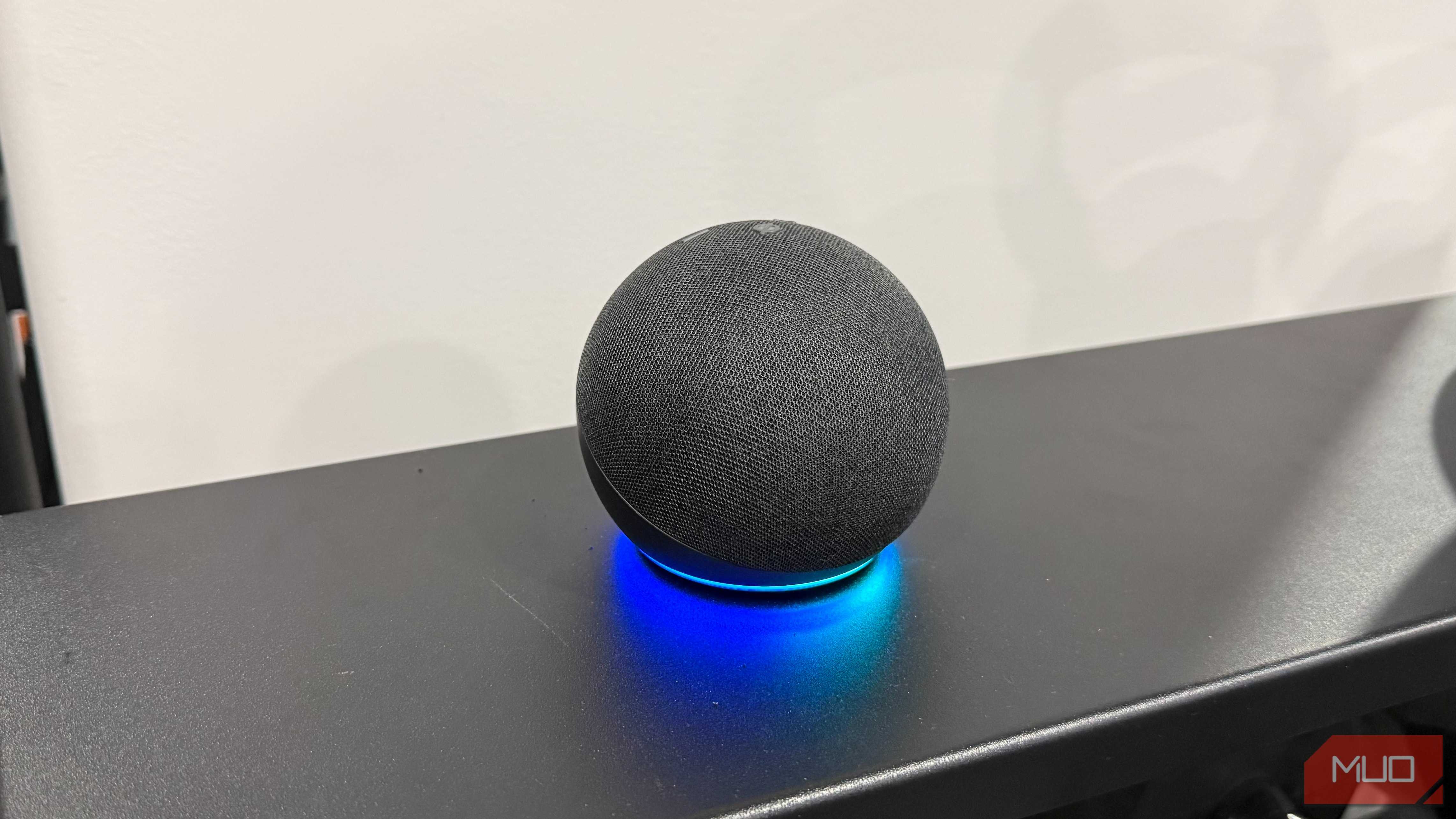
An Echo Dot costs around $40, and it often drops lower during Prime sales. That price is why I was comfortable putting one in nearly every room. Voice control was the original reason I bought them. The temperature sensor Amazon added to the 5th-gen model is why I kept buying more.
My home runs three HVAC zones on Amazon Smart Thermostats, and a thermostat on a hallway wall only knows how warm the hallway is. Pairing Dots in the bedrooms, basement, and great room with those thermostats gives each zone readings from the rooms people actually occupy. I covered how that fixed a stubborn hot room with Echo's built-in temperature sensors. Each Dot also works as a room-level trigger for routines, so a command spoken in one room affects that room.
The weak spot is audio. Podcasts, timers, and weather updates sound fine, but music comes across thin. If you want fuller sound in a similar footprint, the newer Echo Dot Max (about $100) adds a second driver. I haven't used one myself.
Echo Hub
A wall-mounted control panel beats talking to a speaker




 Credit: Jonathon Jachura / MUO
 Credit: Jonathon Jachura / MUO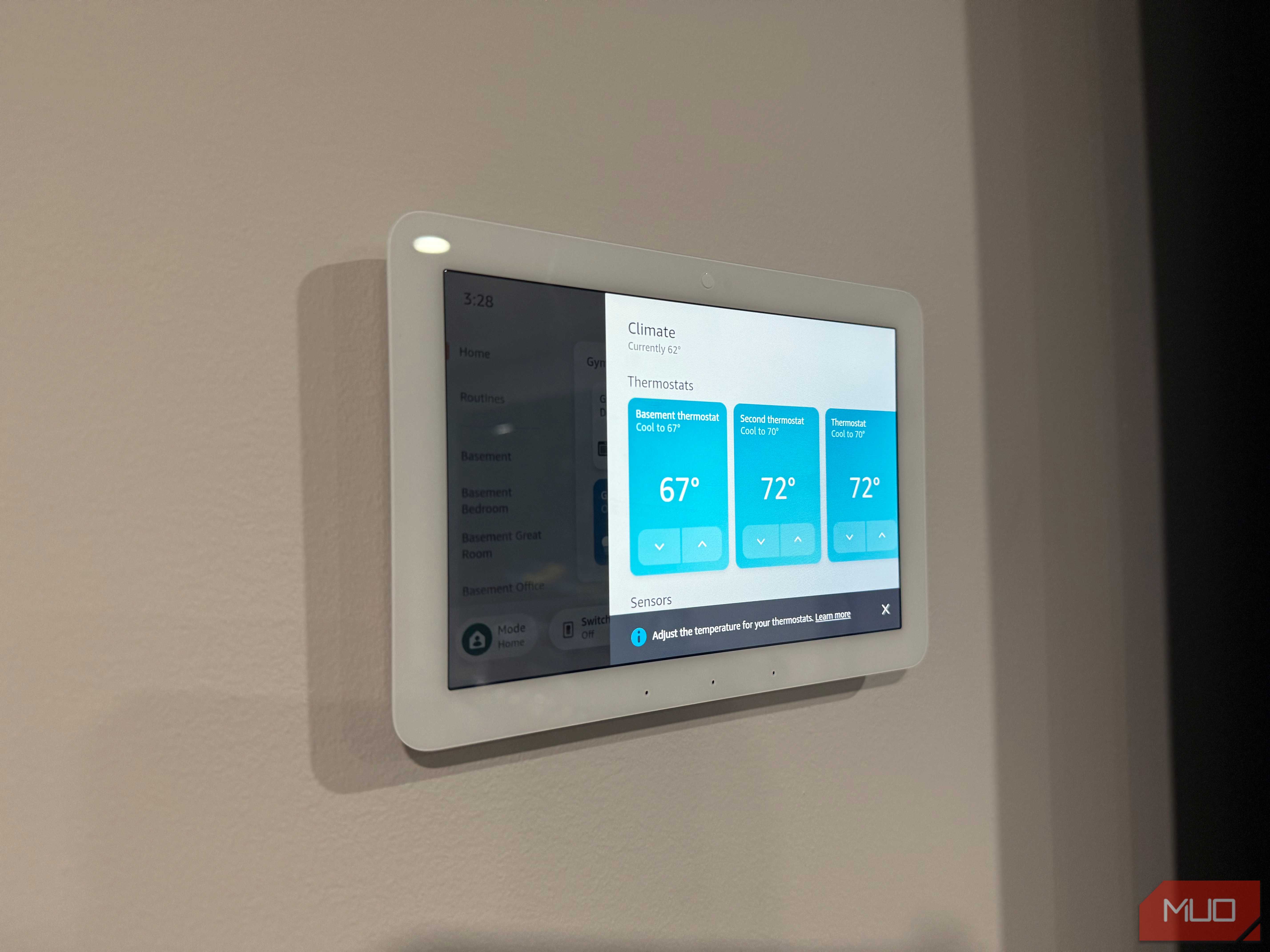
 Credit: Jonathon Jachura / MUO

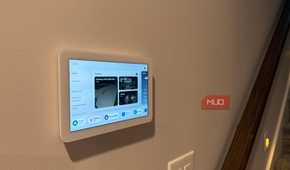

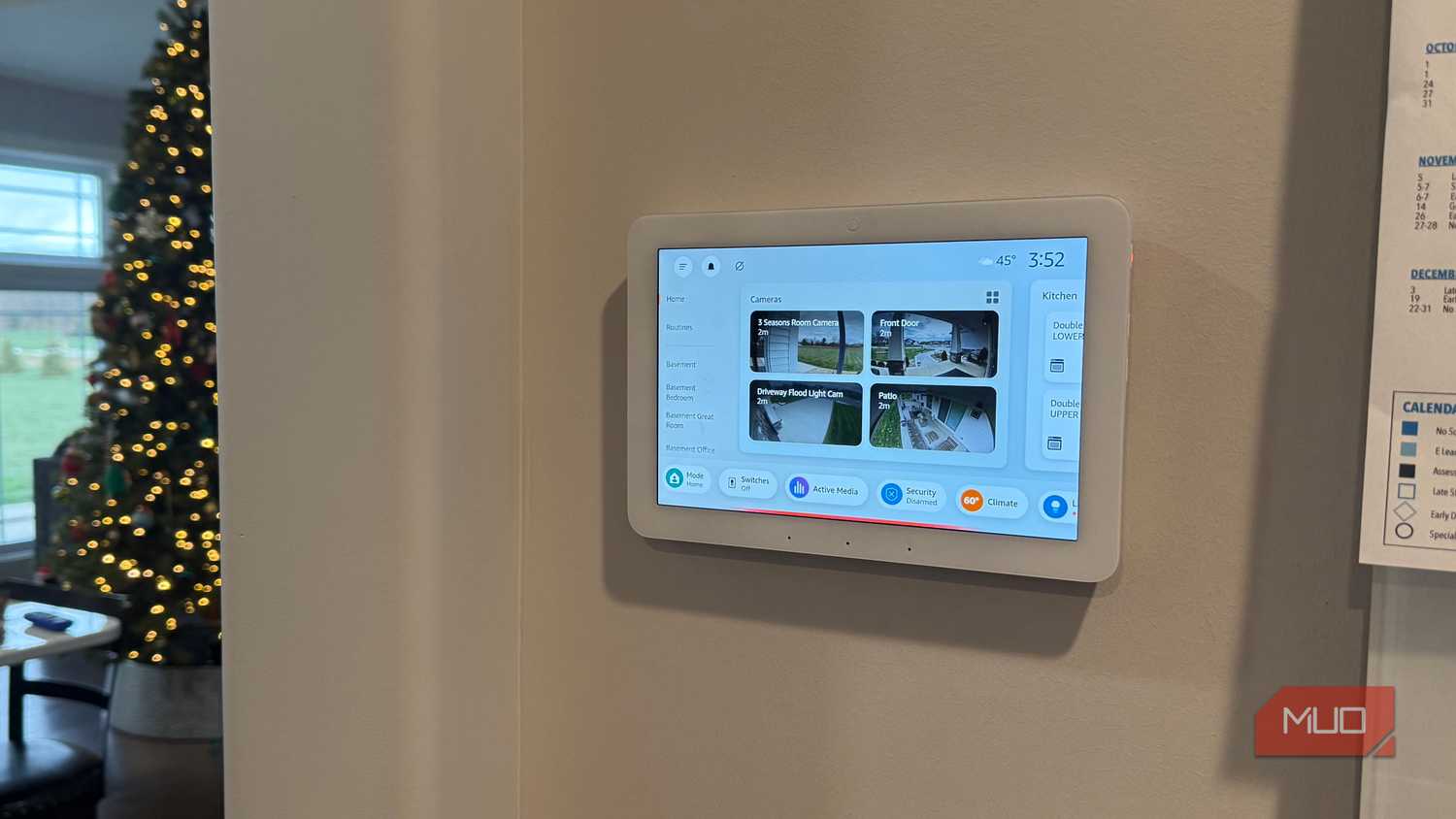
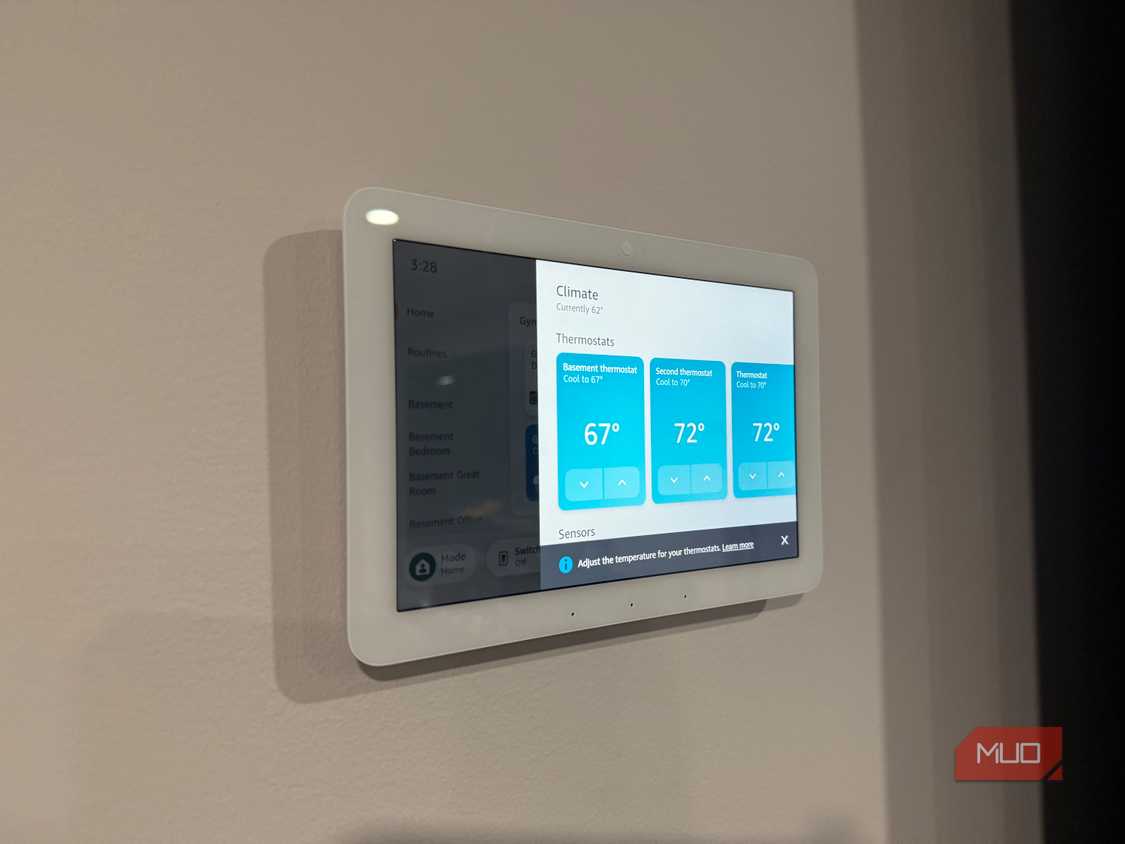
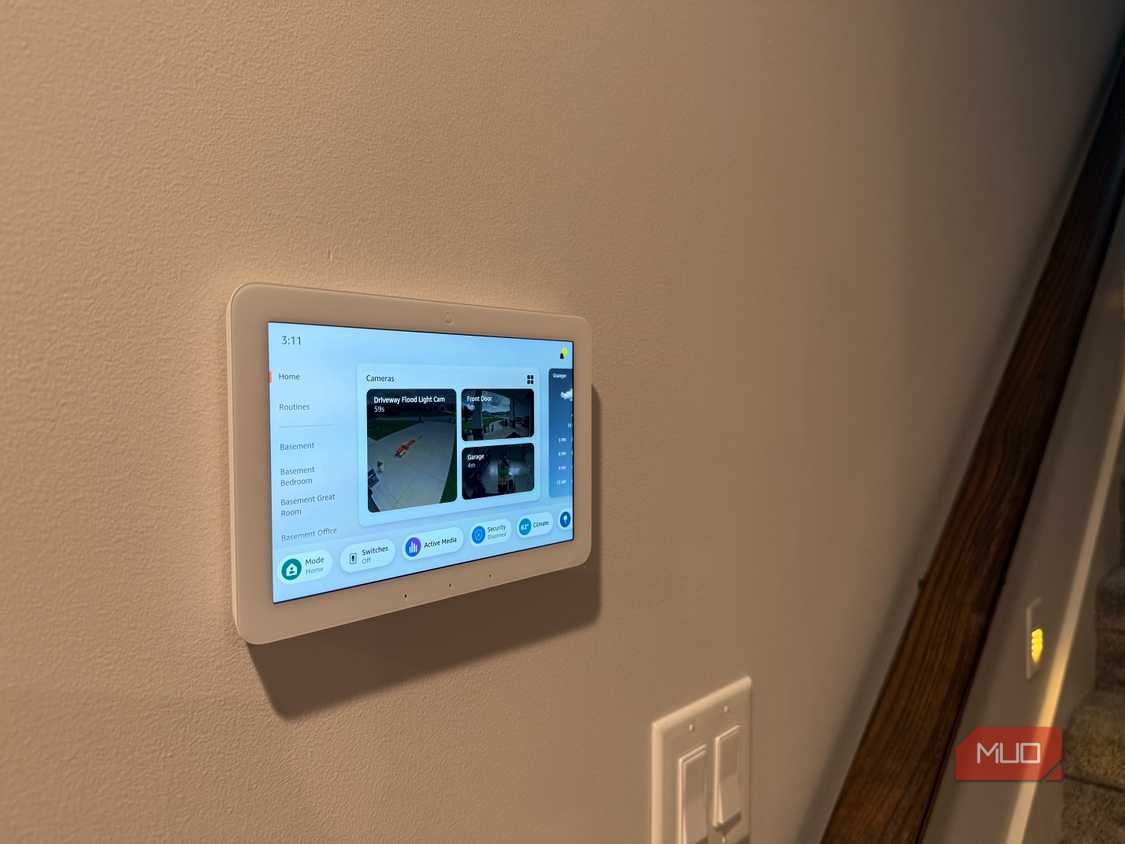
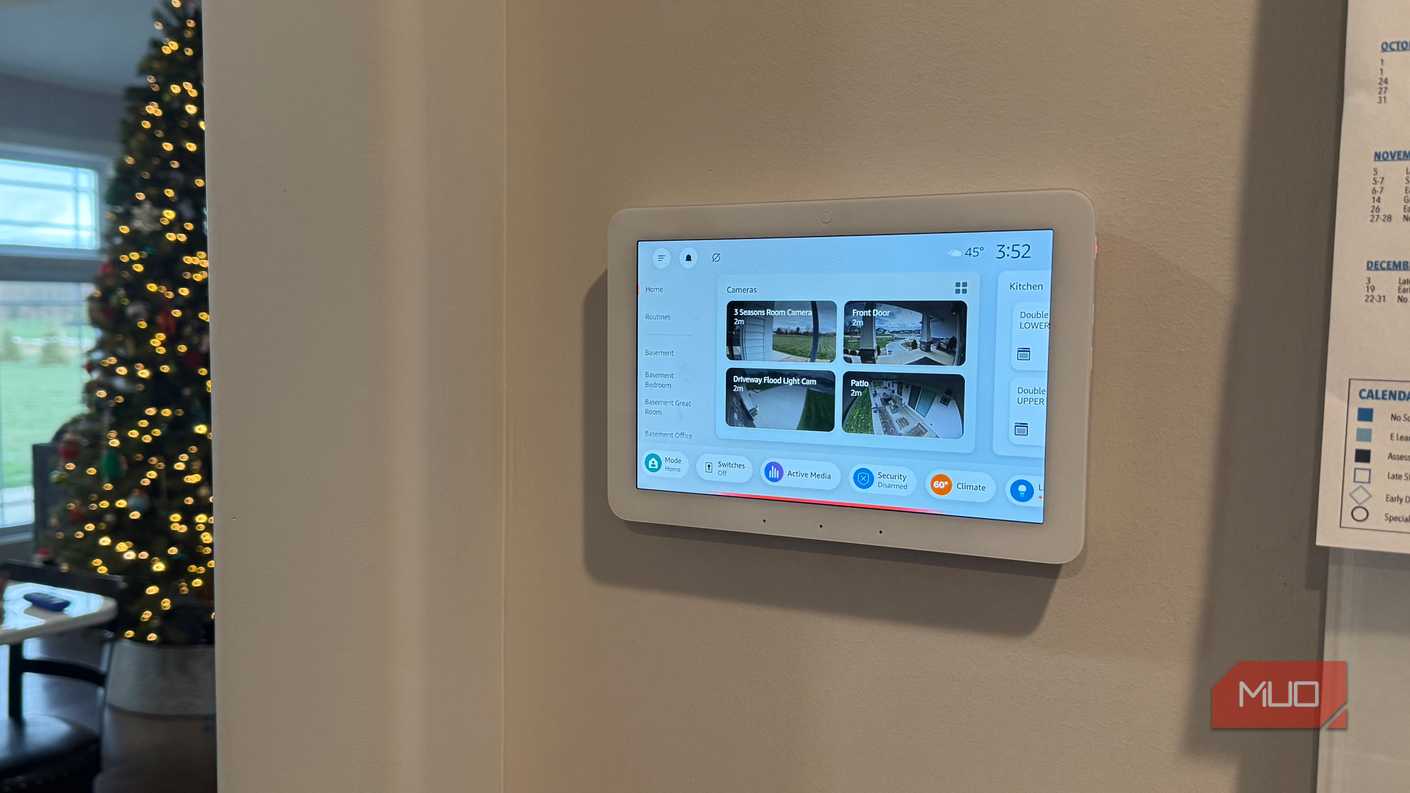
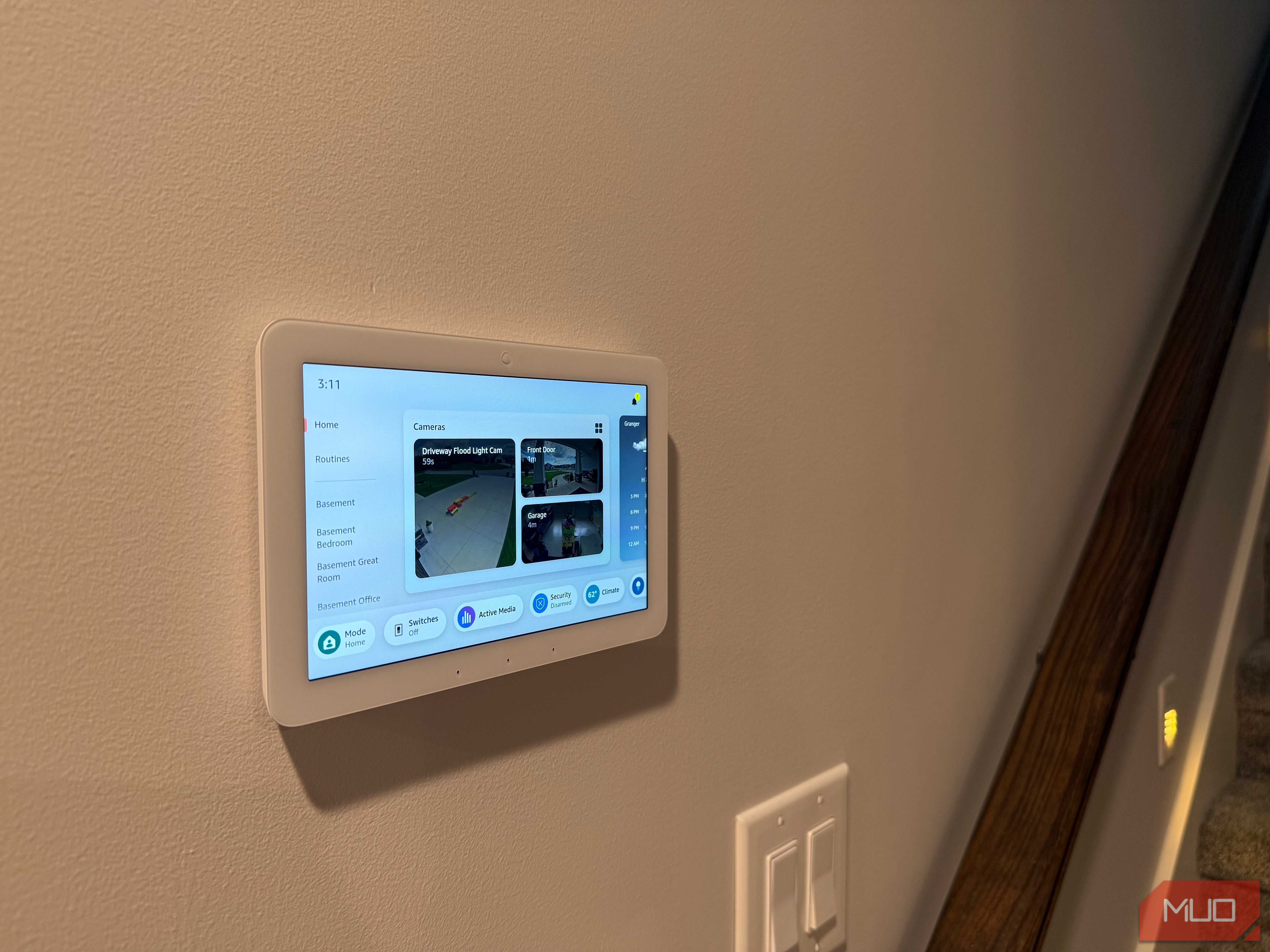
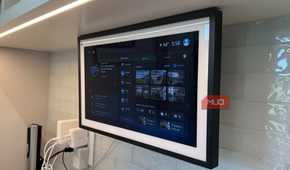
I own four Echo Hubs, and they changed how everyone else in my house uses the smart home. Voice commands work well for me because I remember what I named every light group. Guests and family members don't. The Hub gives them an 8-inch touchscreen with room-by-room controls, camera feeds, and device tiles, so turning off the patio lights no longer depends on guessing the right phrase.
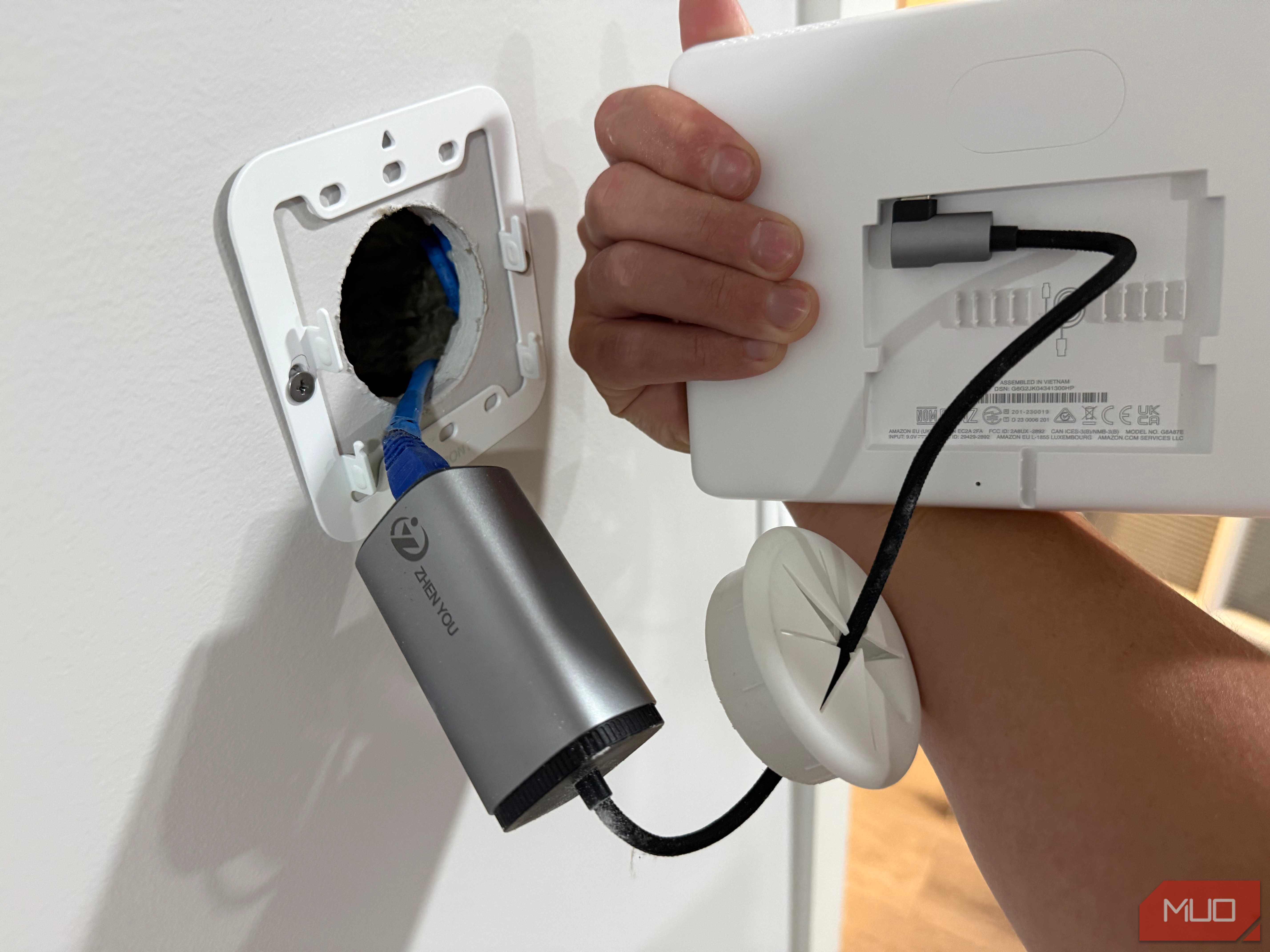
It also doubles as a Zigbee, Thread, and Matter hub. That saved me from buying separate bridges for several sensors. Mounting matters more than most buyers expect. I powered two of mine over Ethernet, so a single cable inside the wall handles power and nothing dangles below the screen. If you already have network runs in your walls, the extra effort pays off.
The speaker is small, so don't count on it for music. Treat the Hub like a light switch with a screen, and at roughly $180, it's one of the best values Amazon sells.
Echo Show 15
A big screen in the kitchen justifies the price


 Credit: Brent Dirks / MakeUseOf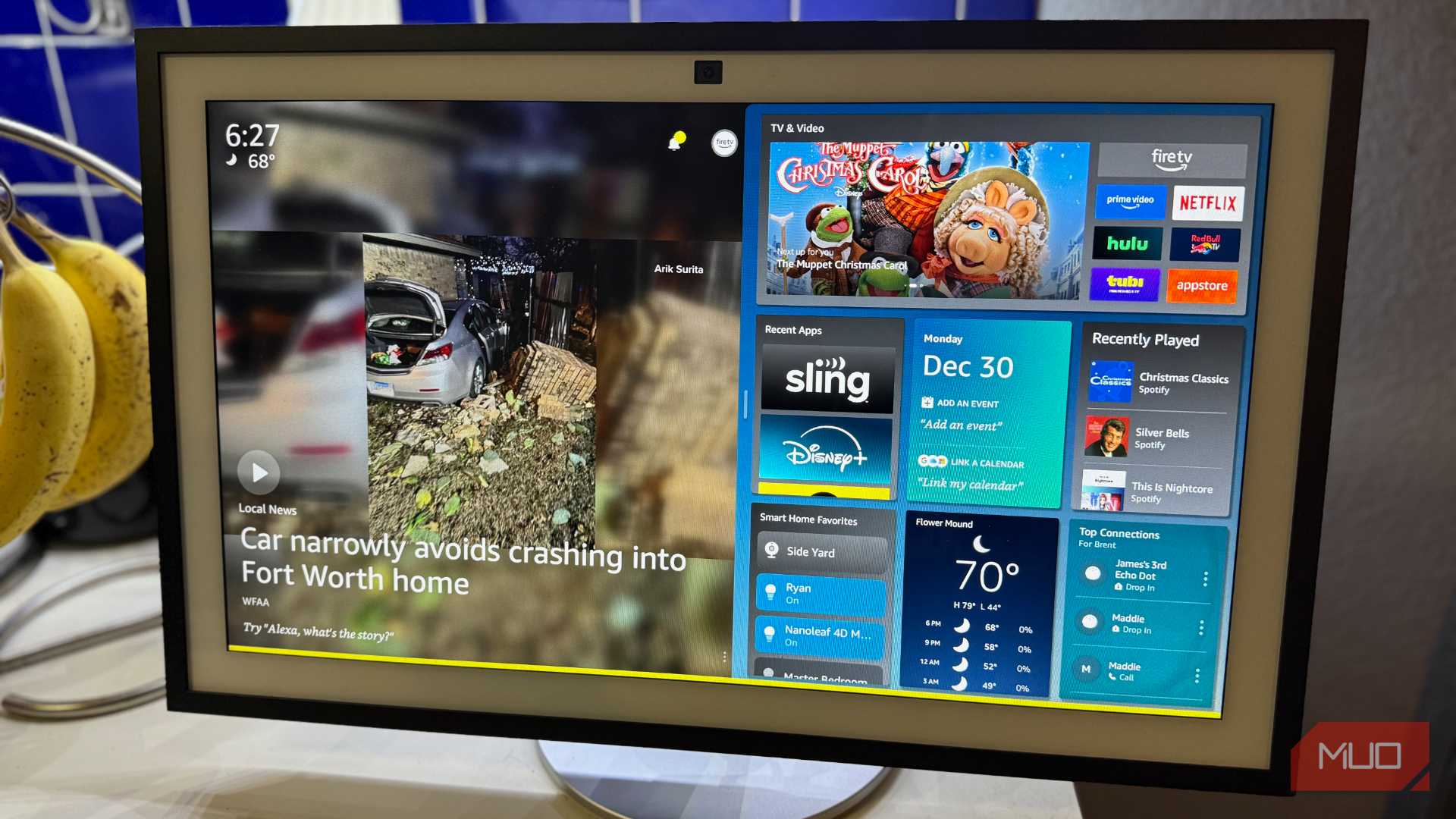


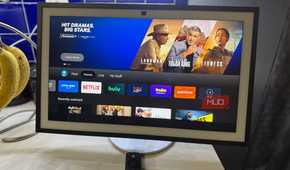
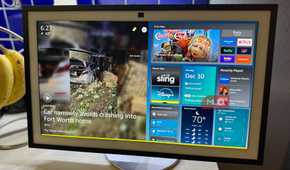
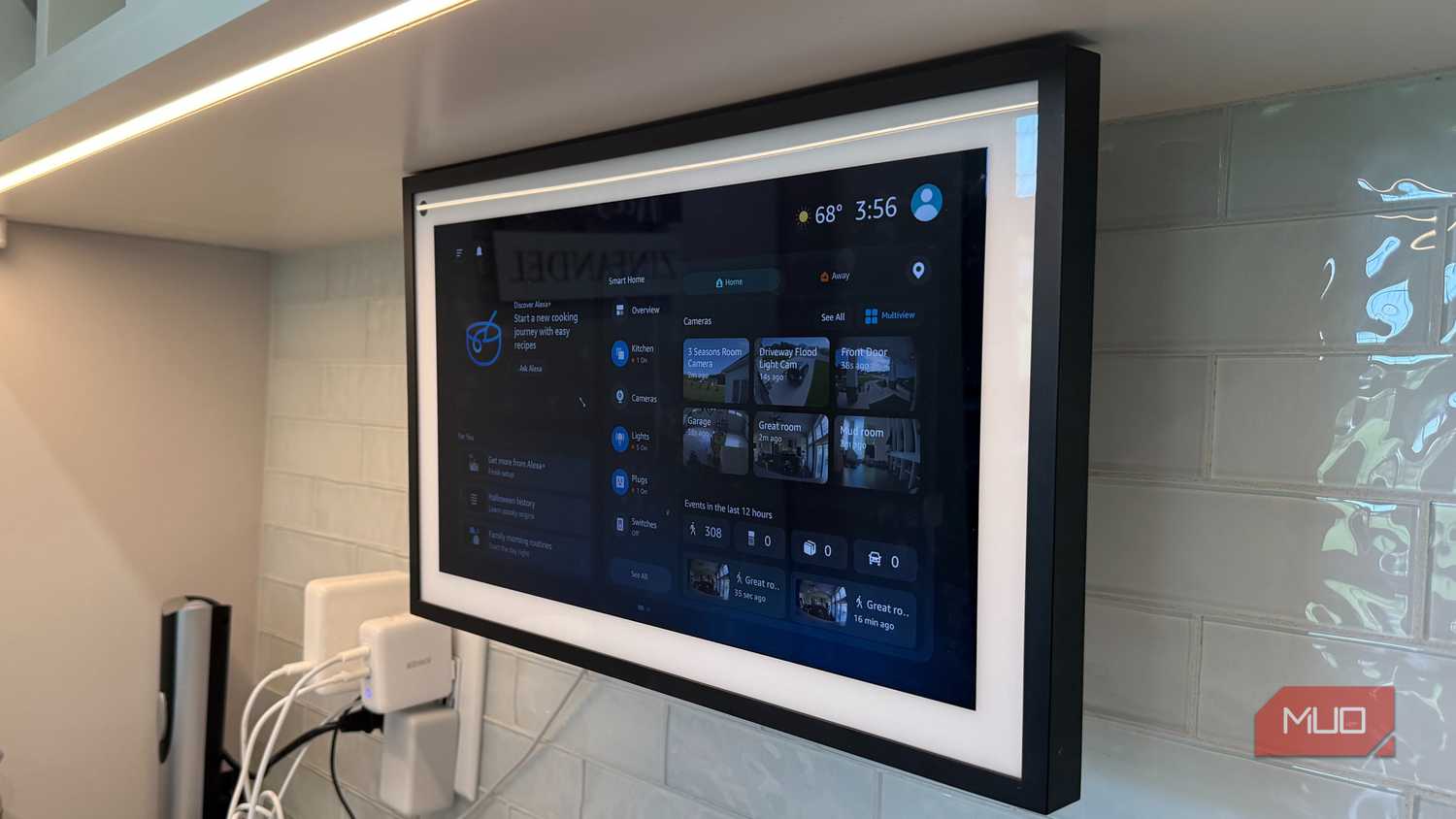
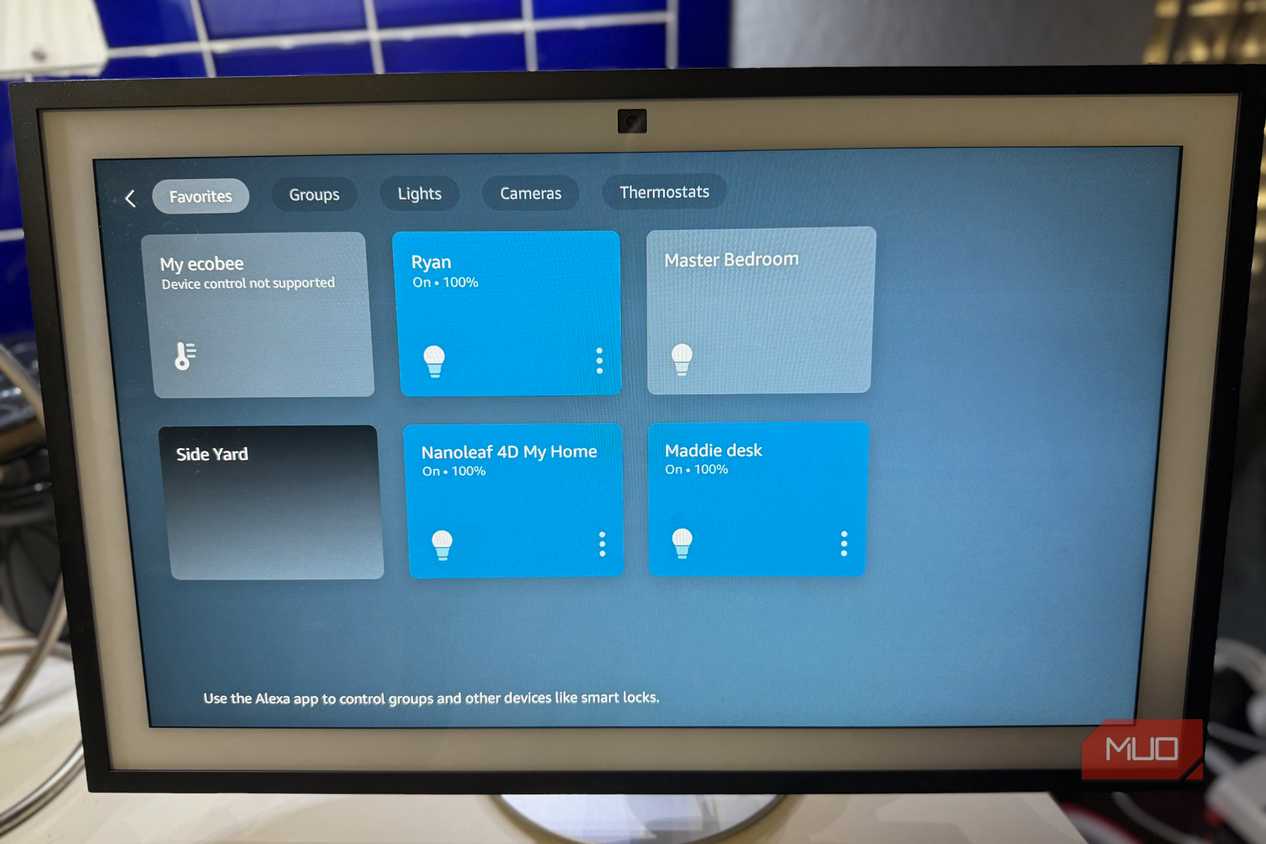
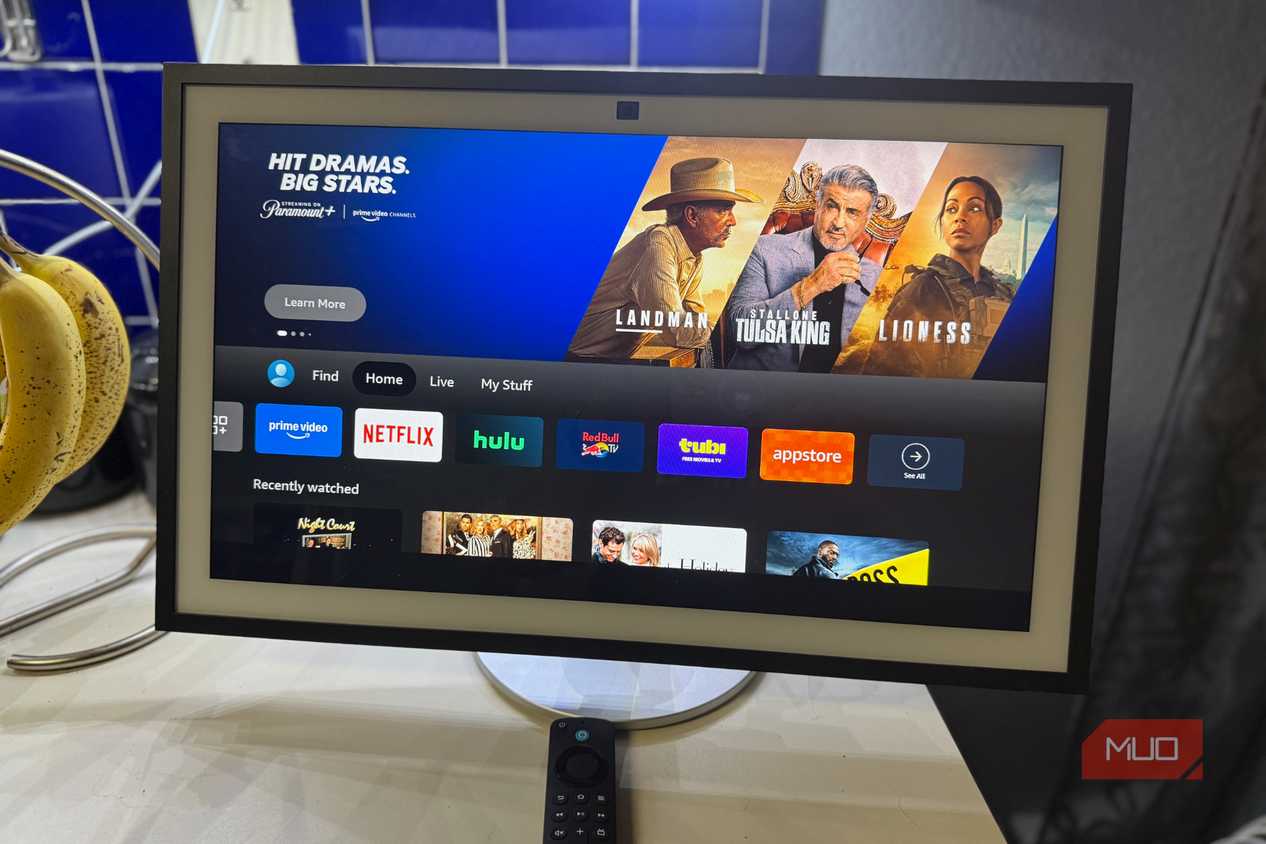
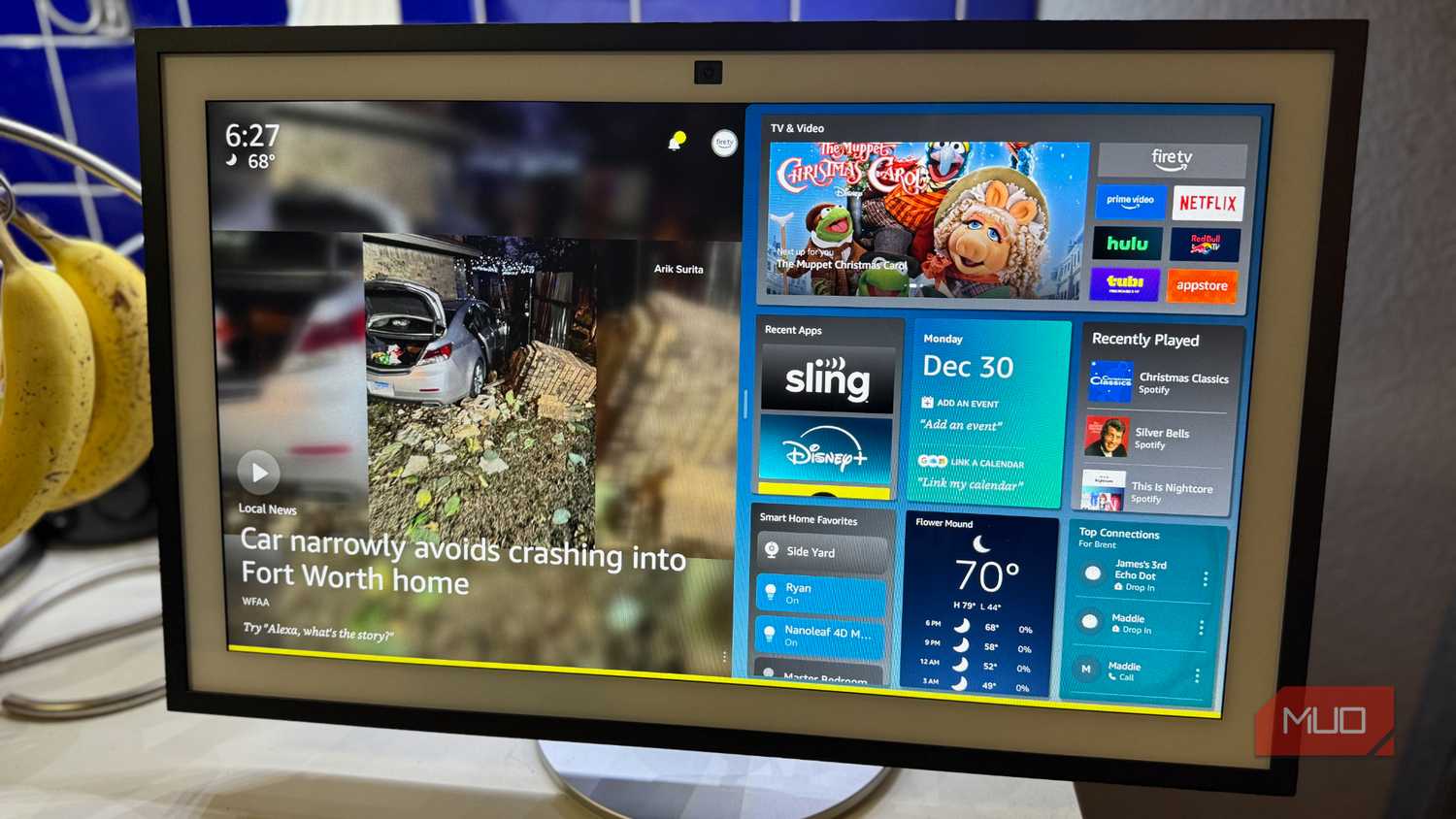
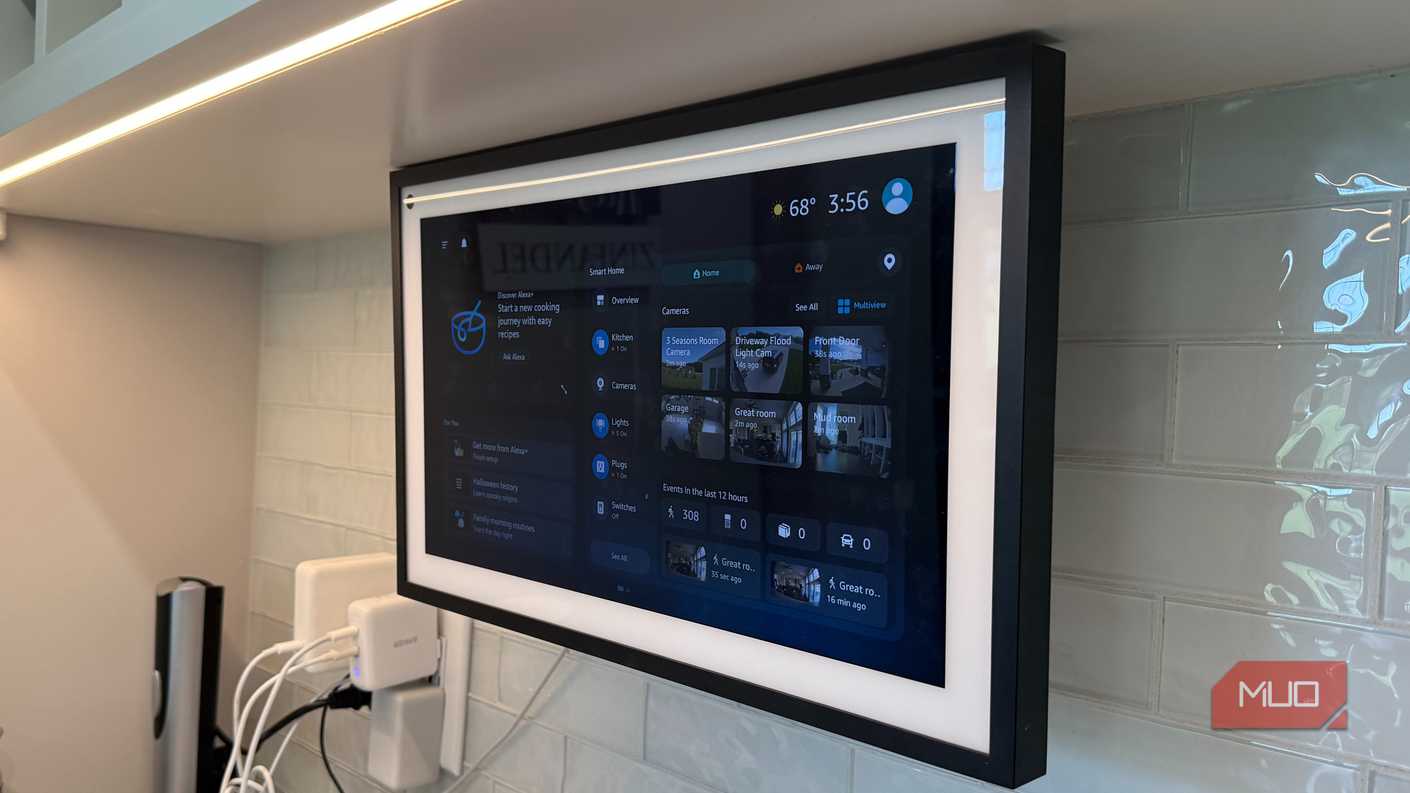
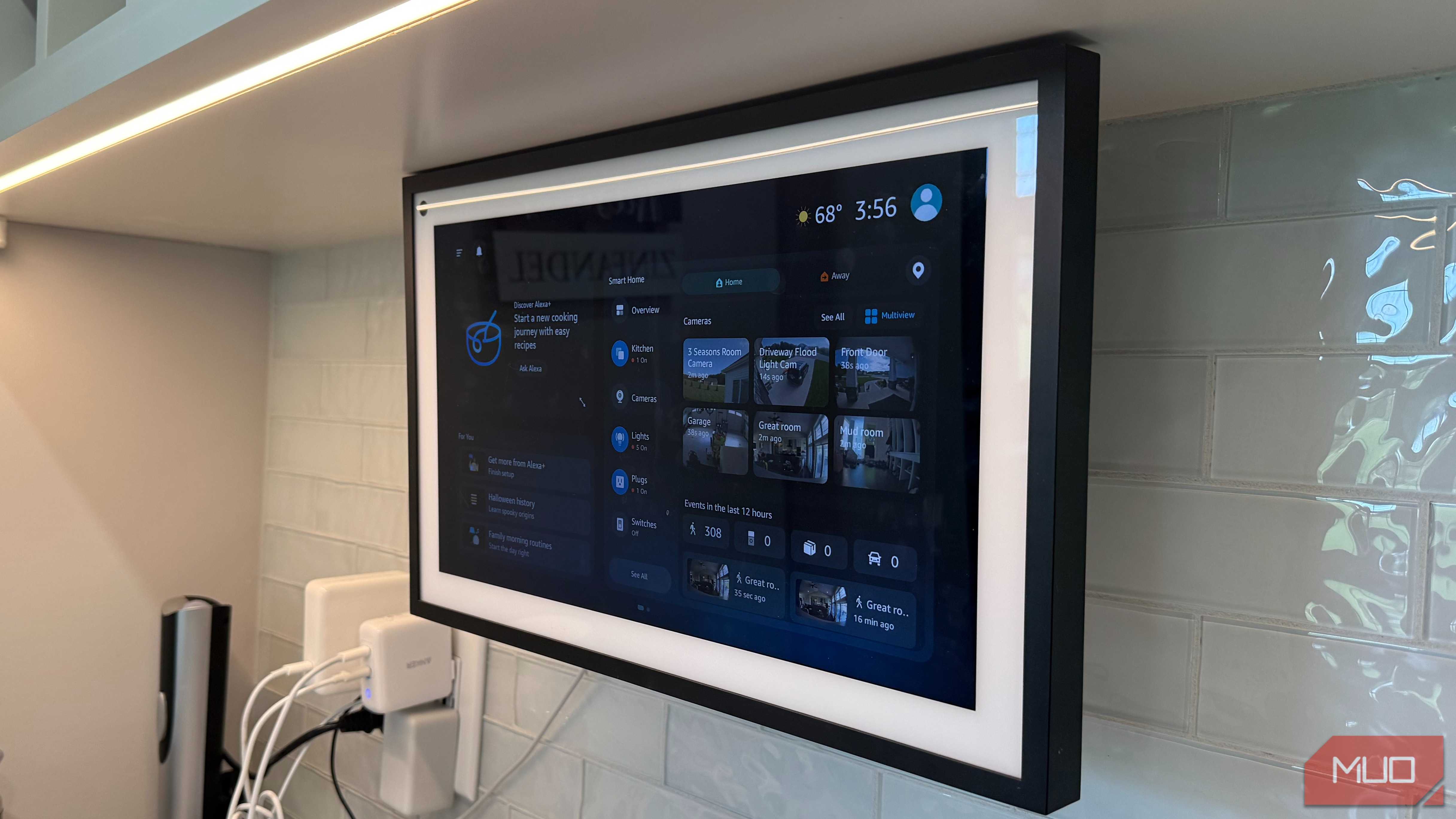
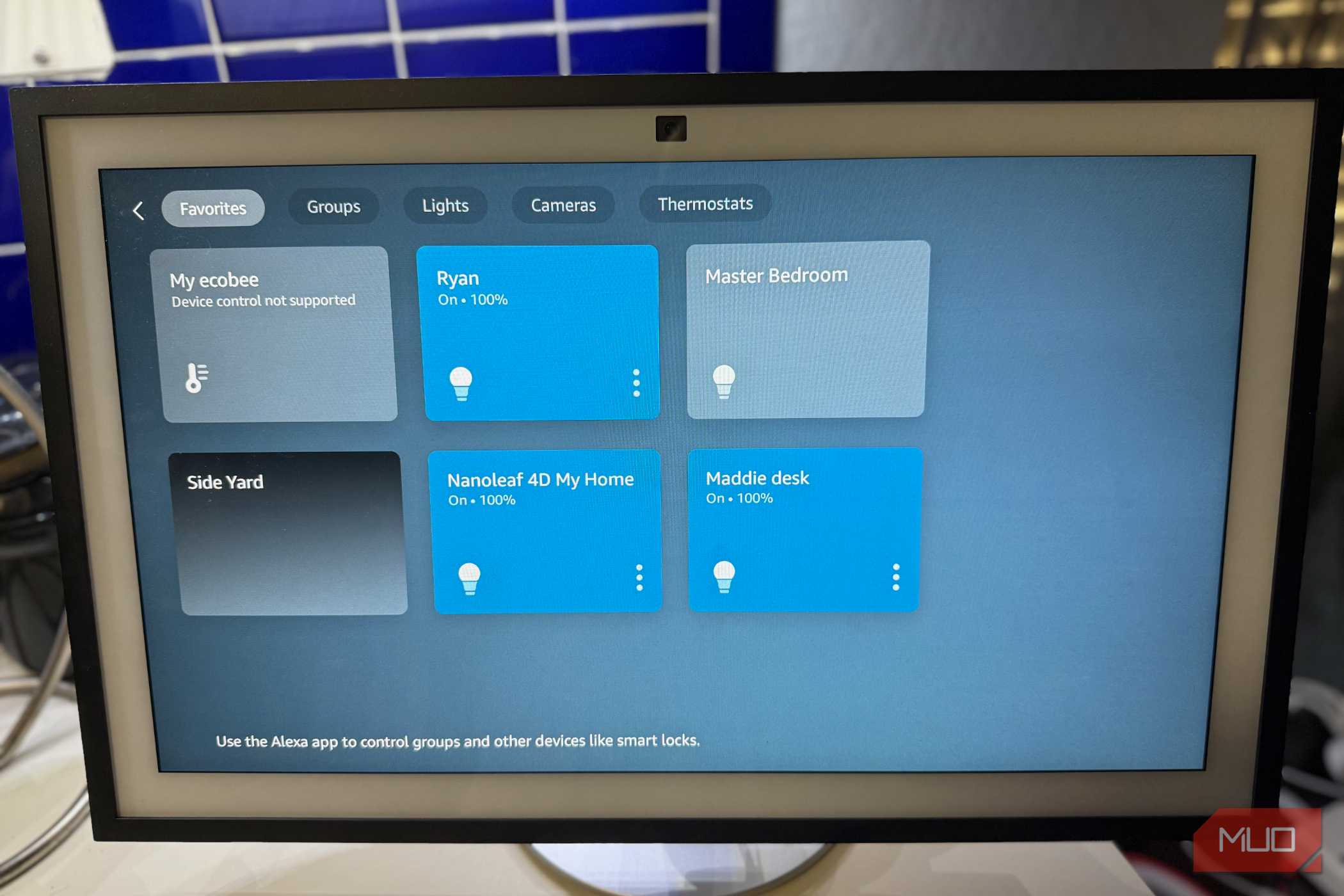
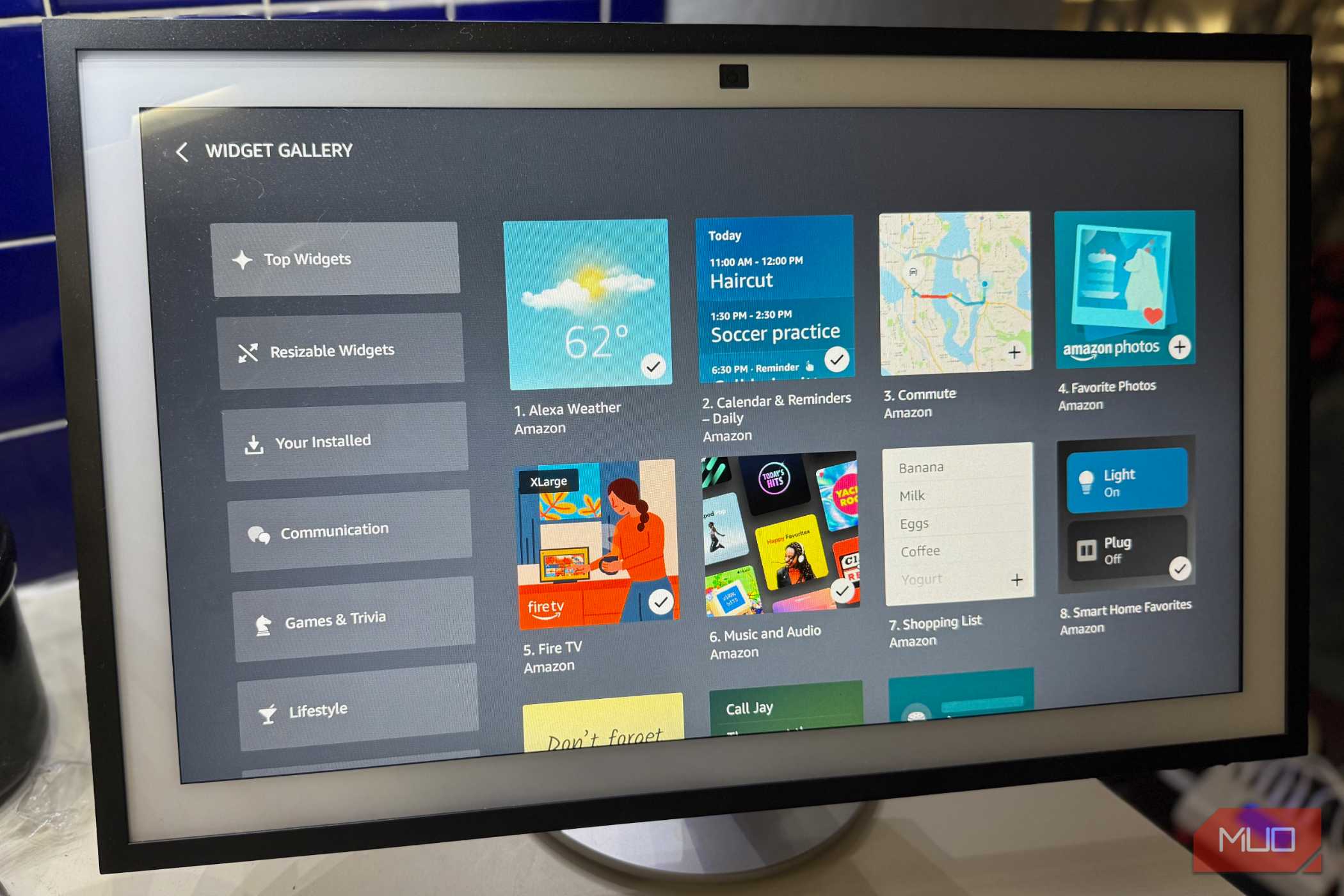
I own two Echo Show 15s, and the one on my kitchen counter gets more use than any other Echo in the house. Its 15.6-inch display is readable from across the room, which is the entire point. Our shared calendar, the shopping list, and the Ring doorbell feed live on the home screen, so nobody needs to unlock a phone to check who's at the door or what's happening tonight.
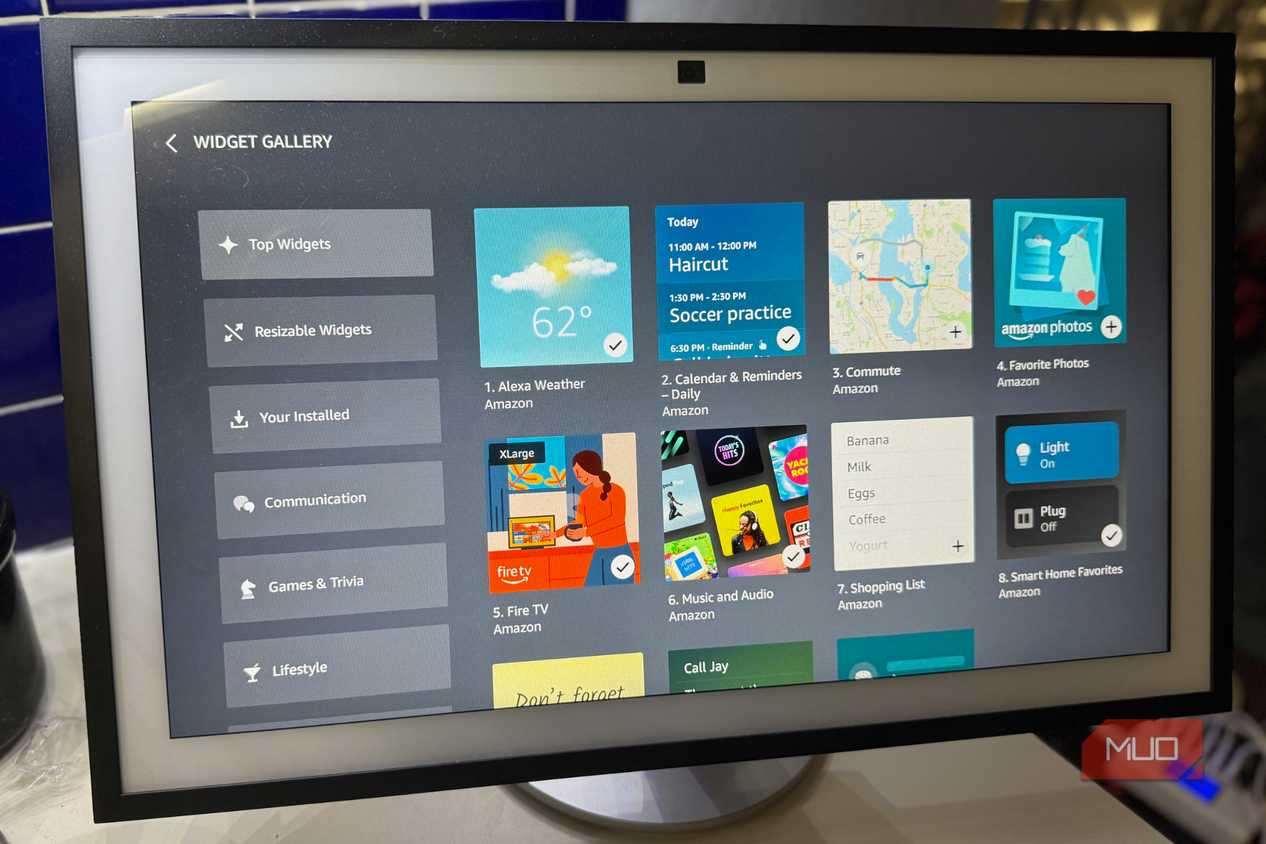
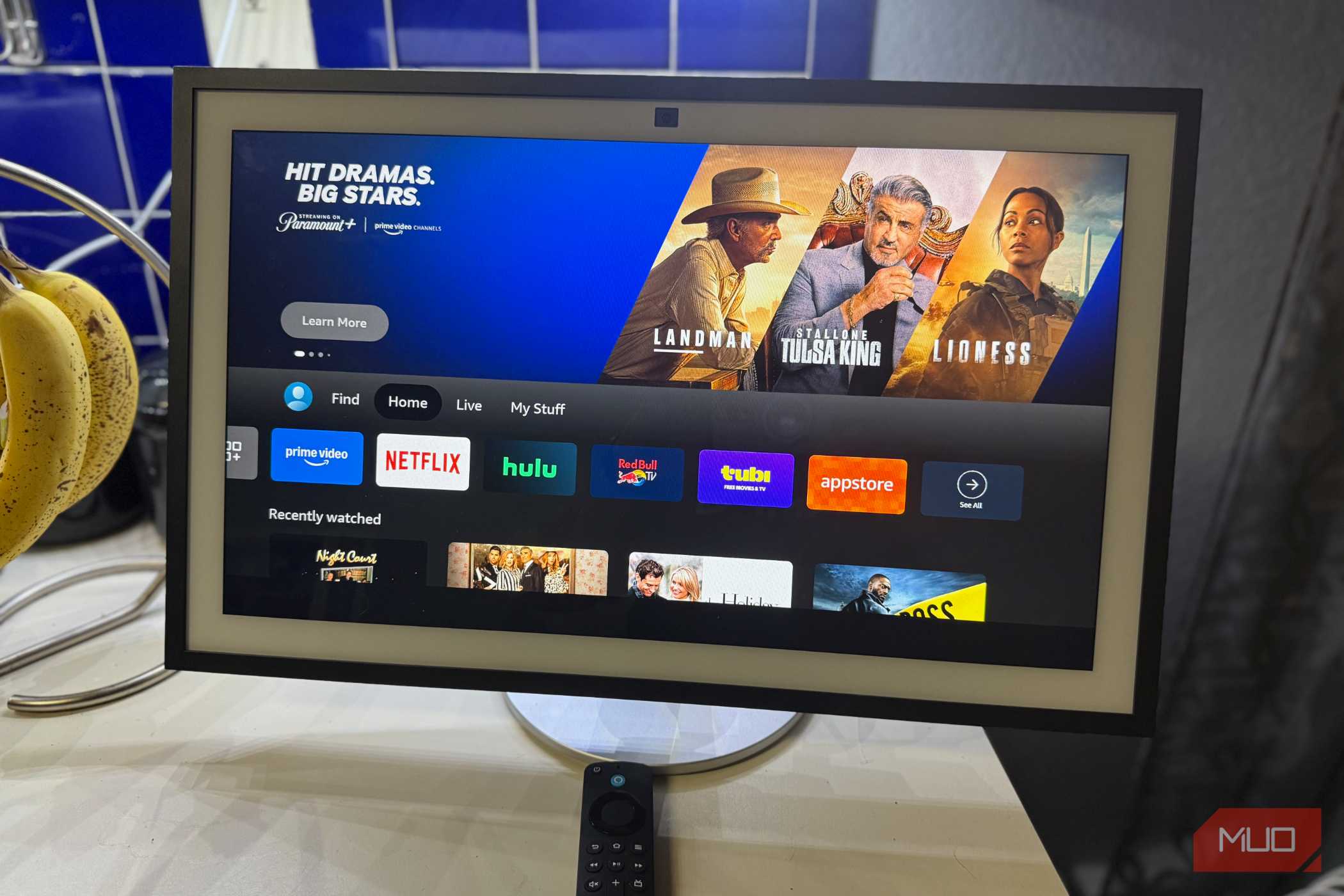
Alexa+ made it better. The redesigned interface supports oversized widgets and separate layouts, and follow-up questions no longer require repeating the wake word. Built-in Fire TV lets me put on a show while I cook, too.
At about $300 for the current model, it isn't an impulse purchase. Put it in the room with the most foot traffic, then spend an evening setting it up properly. Most owners barely scratch the surface of what the Show's screen can do, and that setup time is what separates a family command center from an overpriced photo frame.
Smaller Echo Shows
Stuck between a Dot and a Hub

The third Show in my house is a smaller Echo Show 8, and it's the one I wouldn't buy again. It isn't a bad device. It simply has no job that my other Echos don't already handle better.
For voice commands, music, and timers, a Dot does the same work for less money. For touch controls, the Hub's interface is built entirely around the smart home, while the smaller Show's screen splits attention among sponsored content, recipes, and rotating suggestions. Mine ends up showing the time for most of the day. The camera adds another tradeoff. I don't make video calls on it, so the lens brings privacy concerns without a matching benefit, especially in a bedroom.
If you truly want a mid-size display, the 2025 Echo Show 8 and Echo Show 11 run on Amazon's newer AZ3 Pro chip and ship ready for Alexa+. For most rooms, though, a Dot saves you the difference.


Match each Echo to a job before you buy it
After years of adding Echos one room at a time, my buying rule is simple. Dots belong anywhere you want voice control and temperature data. Hubs go on the walls where people already reach for light switches. One large Show belongs in the kitchen or wherever your household gathers. Anything that doesn't fill one of those roles tends to become an expensive clock. Start with a single Dot, connect it to your thermostat and a routine or two, and expand from there once you see which rooms need more.