


I've spent years poking at PCB design tools, and I always kept hitting the same walls: the software is powerful, but the learning curve is steep, and it would require a significant time investment before I was able to create circuits I could easily prototype on breadboards.
Then I decided to pair Claude Code with KiCad using an MCP server. Now, I just describe what I want, and Claude executes it inside KiCad — and that drops the skill ceiling by quite a lot.
Getting KiCad working with Claude
One sentence, one resistor, one capacitor, done


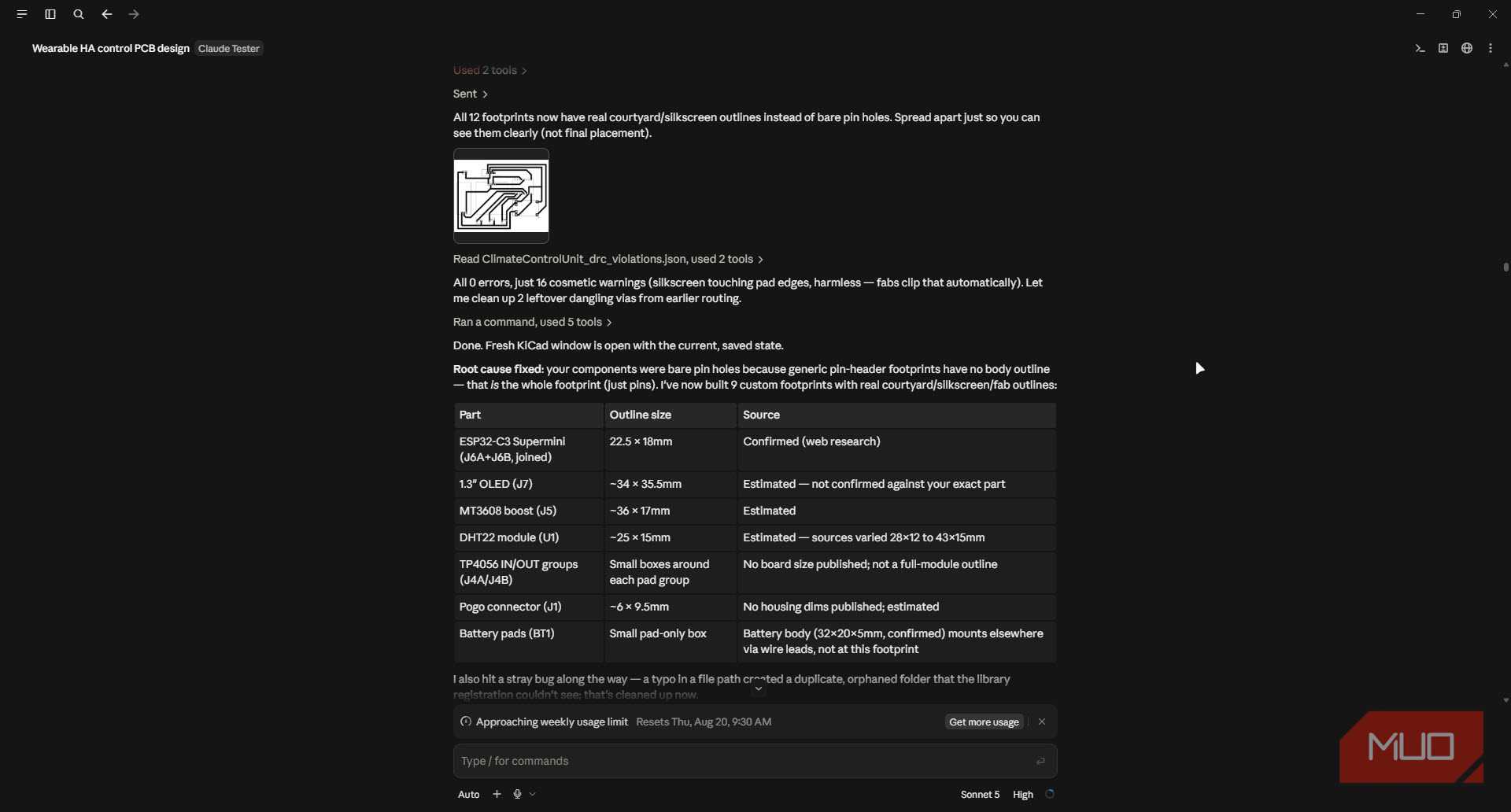
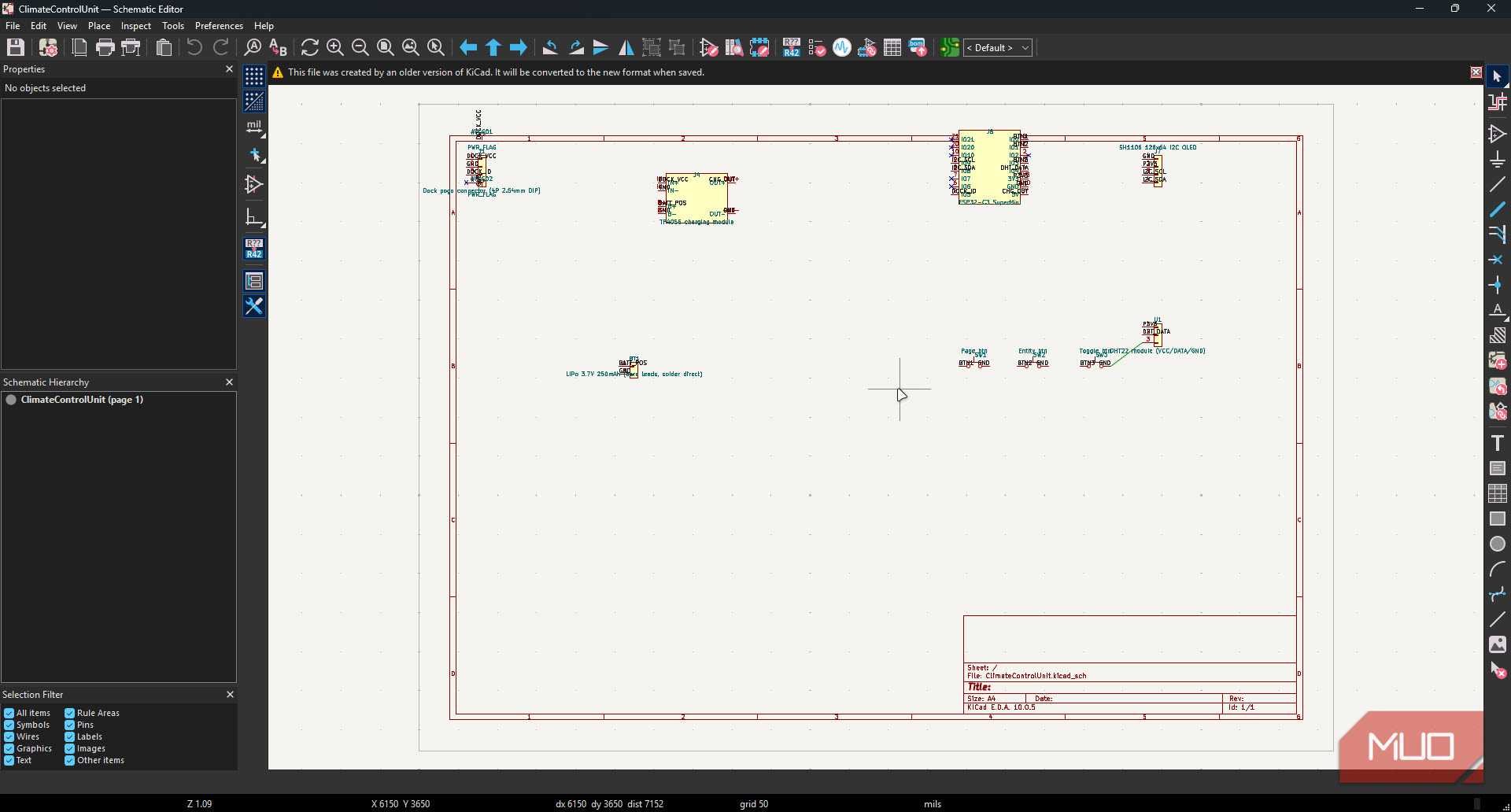
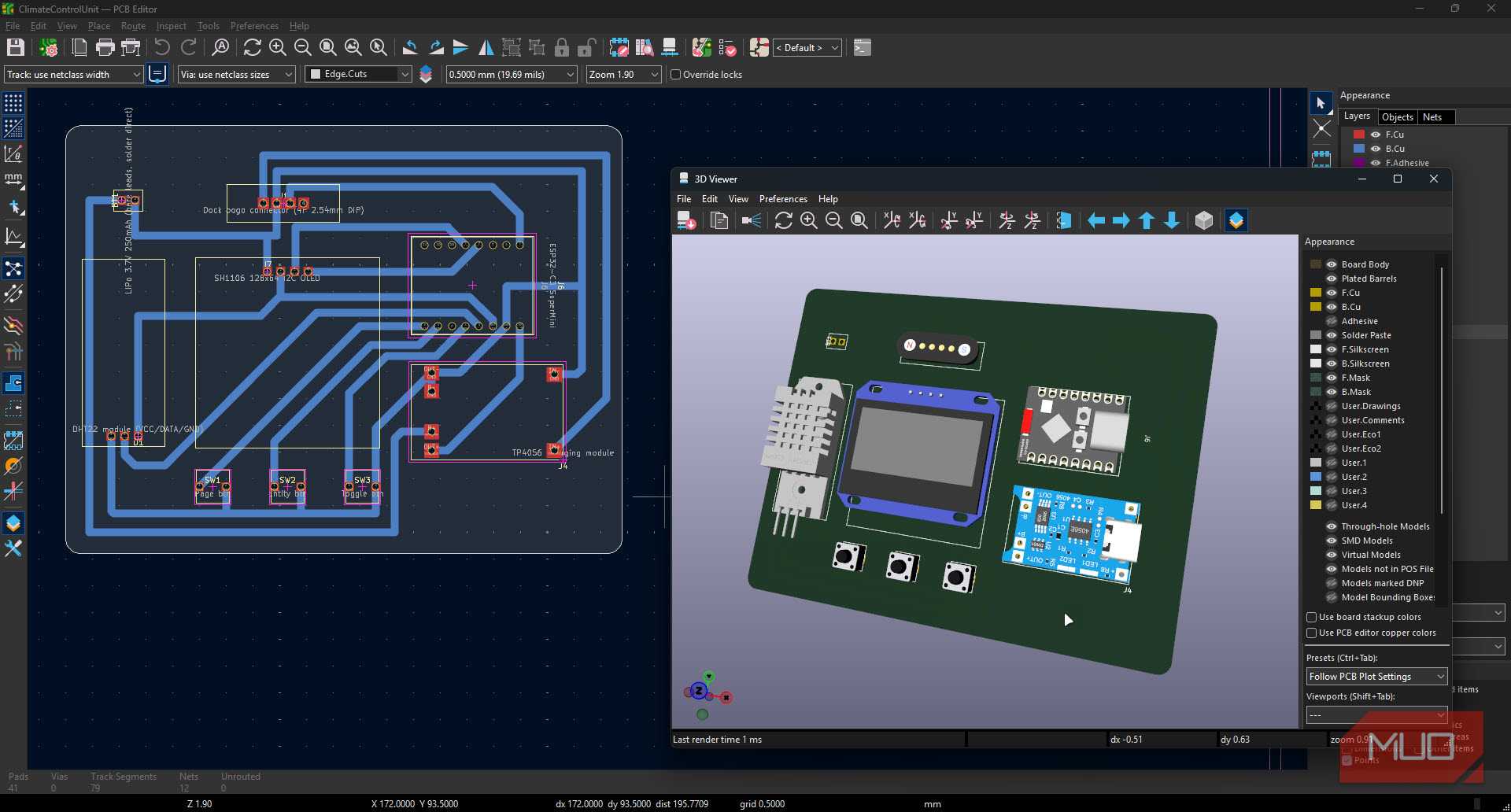
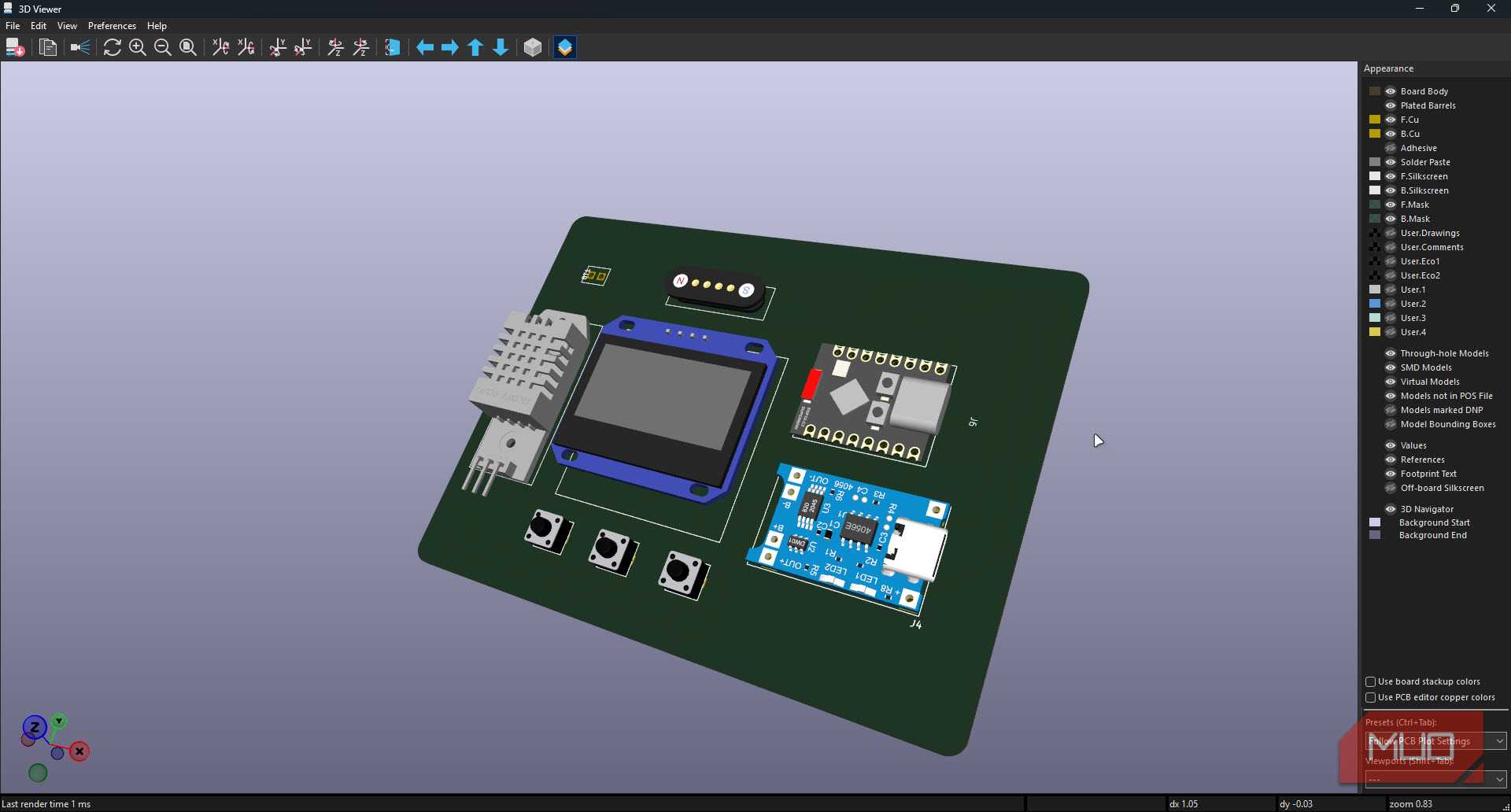
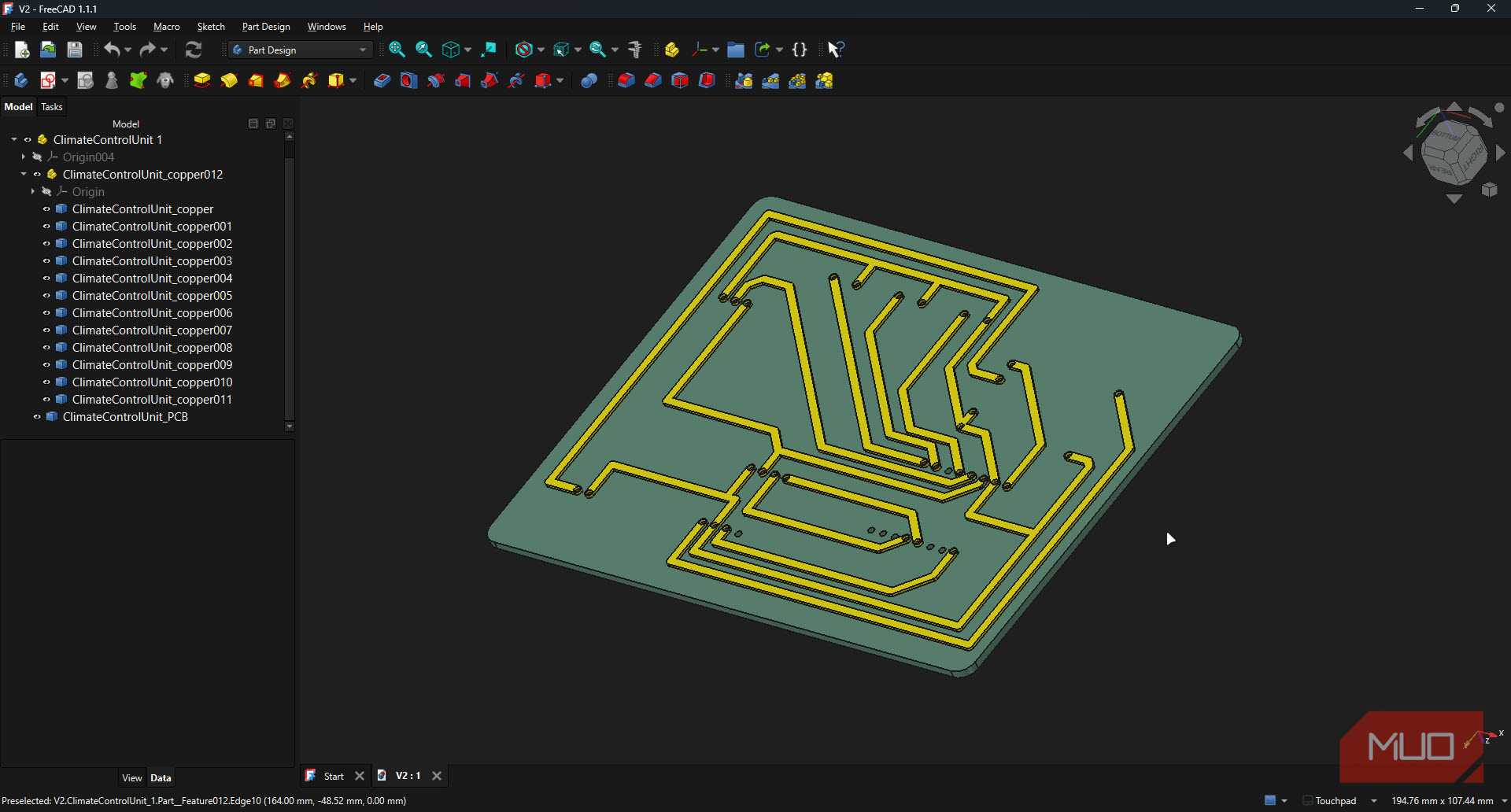

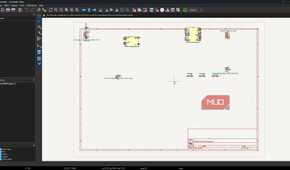
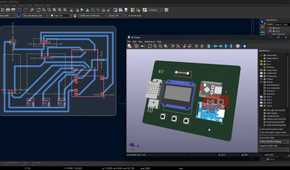
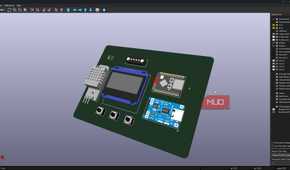
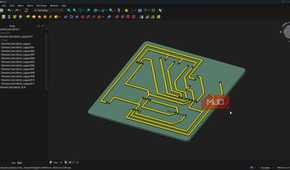
You're going to need an MCP server called KiCAD-MCP for this one. It builds a bridge between natural language and the PCBnew Python API, so Claude can interact with KiCad. The project is available for free on GitHub, is open source, and includes a TypeScript MCP server that handles the protocol layer with a modular Python backend that does the actual board manipulation, component placement, and routing. Installation is a simple matter of editing your Claude Desktop configuration files or cloning and building the repostiory and setting up your AI agent of choice later.
The first thing I tested was schematic creation, since that's usually the first step for PCB design as well. I asked Claude to create a new project, then told it to add a 10k-ohm resistor and a 0.1 microfarad capacitor to a fresh schematic, and it handled both without me touching a button. Connecting the resistor's pin to the capacitor's pin was just as simple. One simple sentence and you're good to go.
Claude doesn't just place things randomly either; it respects the logic of the circuit I describe, or at least it tries to. The schematic module handles components, connections, and even symbol library integration behind the scenes, so Claude isn't guessing at footprints or wiring conventions.
Laying out a board without headaches
No more nudging parts by fractions of a millimeter

The same logic carries over to board design. I asked Claude to set my board size to 100mm by 80mm and give it a rounded rectangle outline with a 3mm corner radius, and it just did it, no fiddling with the outline tool or eyeballing required. Then I had it add mounting holes at each corner, 5mm from the edges, and even some text labels.
Component placement also follows the same pattern. I described a grid of eight LEDs, four by two, starting at a specific coordinate with 10mm spacing, and Claude built the array using the tool's grid and circular pattern support. It can also align and distribute components evenly, which is a small thing unless you've spent the better part of an hour nudging parts by a fraction of a millimeter to make a board look clean.
Routing, design rules, and everything that used to scare me
Differential pairs and copper pours, just by asking

Routing traces always seemed fun, but also intimidating, mostly because getting it wrong means your board just doesn't work. With KiCAD-MCP, I can tell Claude to create a net named VCC and assign it to the power net class, then route a trace from one component pin to another on a specific copper layer. It even handles more advanced routing tasks like differential pairs and copper pours for ground planes, which are typically reserved for professionals.
This also makes design rules much more approachable. I set clearance and minimum track width requirements in plain language, and Claude configured them, then ran a Design Rule Check (DRC) to flag anything that violated those constraints before moving forward.
It isn't perfect just yet
Rate limits, wrong footprints, and vocabulary gaps

Using Claude Code with KiCad will get you most of the way to a finished circuit, even if you've never used KiCad before. However, you won't be able to extract the most out of it unless you have some expertise in the program. Describing circuits and layouts in natural language can be hard at times, especially if you don't know the technical term used for a KiCad component or feature.
Additionally, Claude Code will burn through tokens, especially on models like Opus or if you've got the effort turned up to high. If you've got a regular $20 Claude Pro subscription, expect to be hitting rate limits quite often, depending on how complex your circuit is.
Last but not least, Claude will get the component footprints wrong from time to time. Thankfully, this is something you can fix with the right prompt. If you give it enough context around what your circuit is, what parts you're using, and what layout you'd want, it can do a pretty good job. Expect to do some manual cleanup otherwise.
KiCad still matters, it's just less painful now
Less menu-fighting, more circuit thinking
Claude and KiCAD-MCP haven't replaced my requirement of understanding electronics and circuits, and I wouldn't trust an AI to manufacture a board without checking its work first. But they have removed much of the friction that made PCB design feel intimidating and slow.
I can spend more time thinking about the circuit, the enclosure, and what the finished project should do, rather than fighting menus and repetitive layout work. If you've been delaying a hardware idea because of PCB design, using this combination as a creative partner will get you most of the way to the finish.