


Switching your default mobile browser feels like a small decision until you actually try. The performance difference is real, and once you see how each browser handles memory and rendering under the hood, it's hard to go back. But getting there means trading a few things, especially if you're ditching Chrome on your phone due to how bad it is.
Chrome is heavy, but Samsung is fast
Samsung changed how it works to save resources


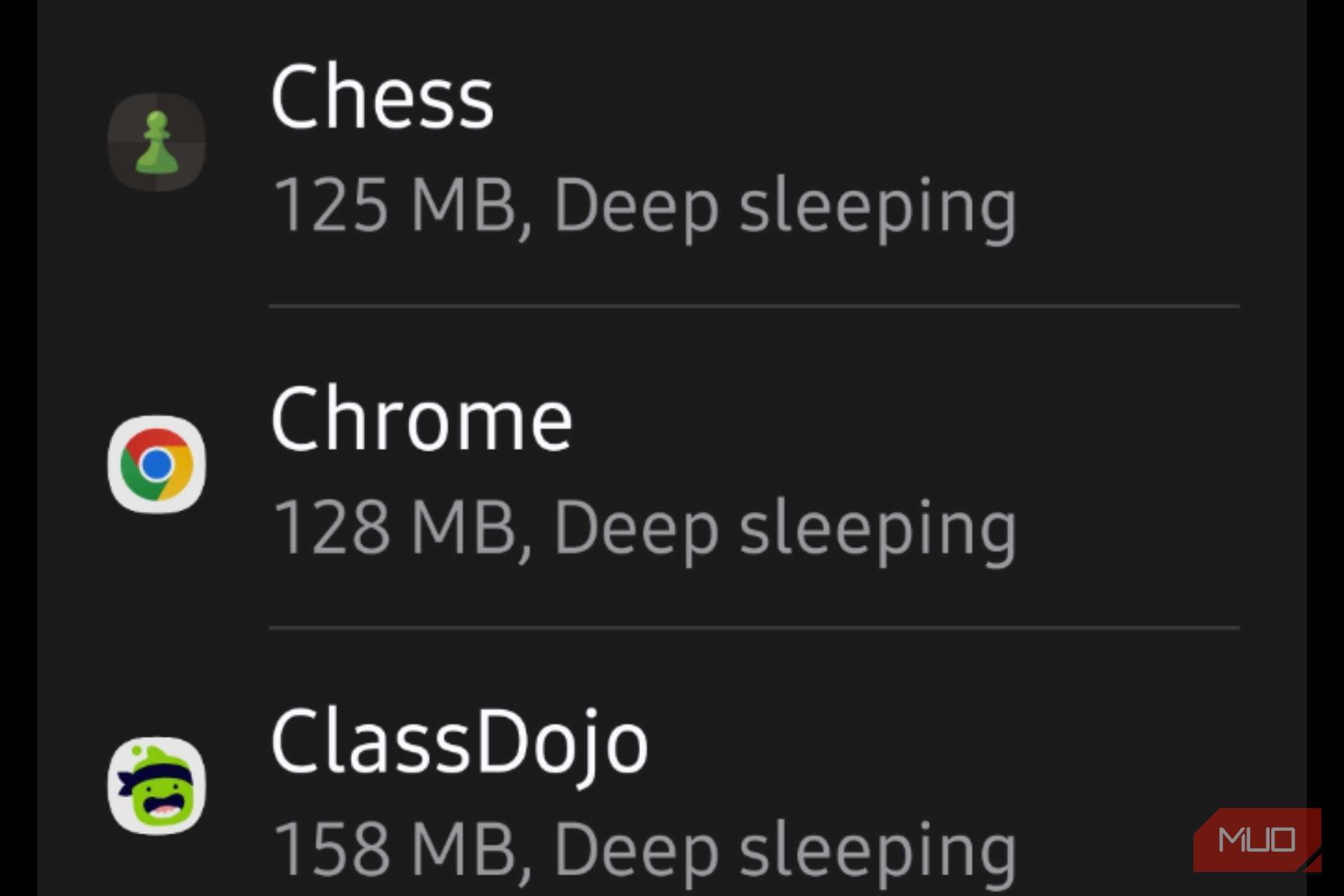



Chrome dominates on mobile, but it's a bit of a hog. It eats up RAM and chews through background processing power, which is why you end up with lag, stuttering, and janky animations more often than you'd like. I like Samsung Browser better, but that shouldn't be the case.
Chrome and Samsung Internet are actually built on the same Chromium base, using the same Blink rendering engine and V8 JavaScript engine under the hood. However, they're put together differently. Chrome is a direct pipeline from the Chromium project, and it's compiled using techniques like Profile-Guided Optimization that aim to work reasonably well across a wide range of generic hardware.
Samsung Internet is a lighter browser that just uses fewer resources from the start. Samsung engineers changed how their web browser works to make it scroll and animate much faster. So scrolling, zooming, and transitions stay in sync with your phone's actual display hardware, so you don't get the dropped frames that Chrome is known for.
Samsung used that same idea to trim the fat in memory and network handling, too. Chrome runs its own heavily customized networking stack, which adds a fair amount of overhead in the browser. Samsung just hands DNS lookups and networking tasks off to Android itself, letting the OS fold browser activity into its normal power-saving routines.
In practical terms, that means Samsung Internet tends to use less memory overall, which is why I like it, since it helps keep it from running hot. Samsung also has a built-in 'Optimize memory use' feature that quietly shuts down idle background tabs while letting you protect the ones you actually want to keep alive.
Chrome's way of discarding tabs is awful on mobile; it makes me wait for a page to reload. The web itself is also better. Tracking scripts and bloated ad networks are everywhere these days, and Chrome doesn't have built-in ad blocking on Android, so it ends up running every script it finds. Samsung Browser uses a Content Blocker API that blocks connections to known tracking servers before they are even loaded.
In other words, it feels faster because it actually is.
You can disable Chrome if you want to switch
The settings menu lets you turn it off completely

Samsung Browser is the default on your phone if you own a Samsung. But Google Chrome is something you cannot easily get rid of. Since Chrome comes built into Android as a core system app, you can't fully uninstall it from your Samsung phone unless you root the device.
That said, disabling it gets you the exact same outcome. It will stop all background processes, free up storage, and completely remove the icon from your home screen and app drawer. The easiest way to do this is to find the Chrome icon, press and hold it until a menu pops up, then tap Disable.
You'll get a quick confirmation asking if you're sure, so just tap Disable app again, and it'll vanish right away. You can also do this through your phone's settings instead.
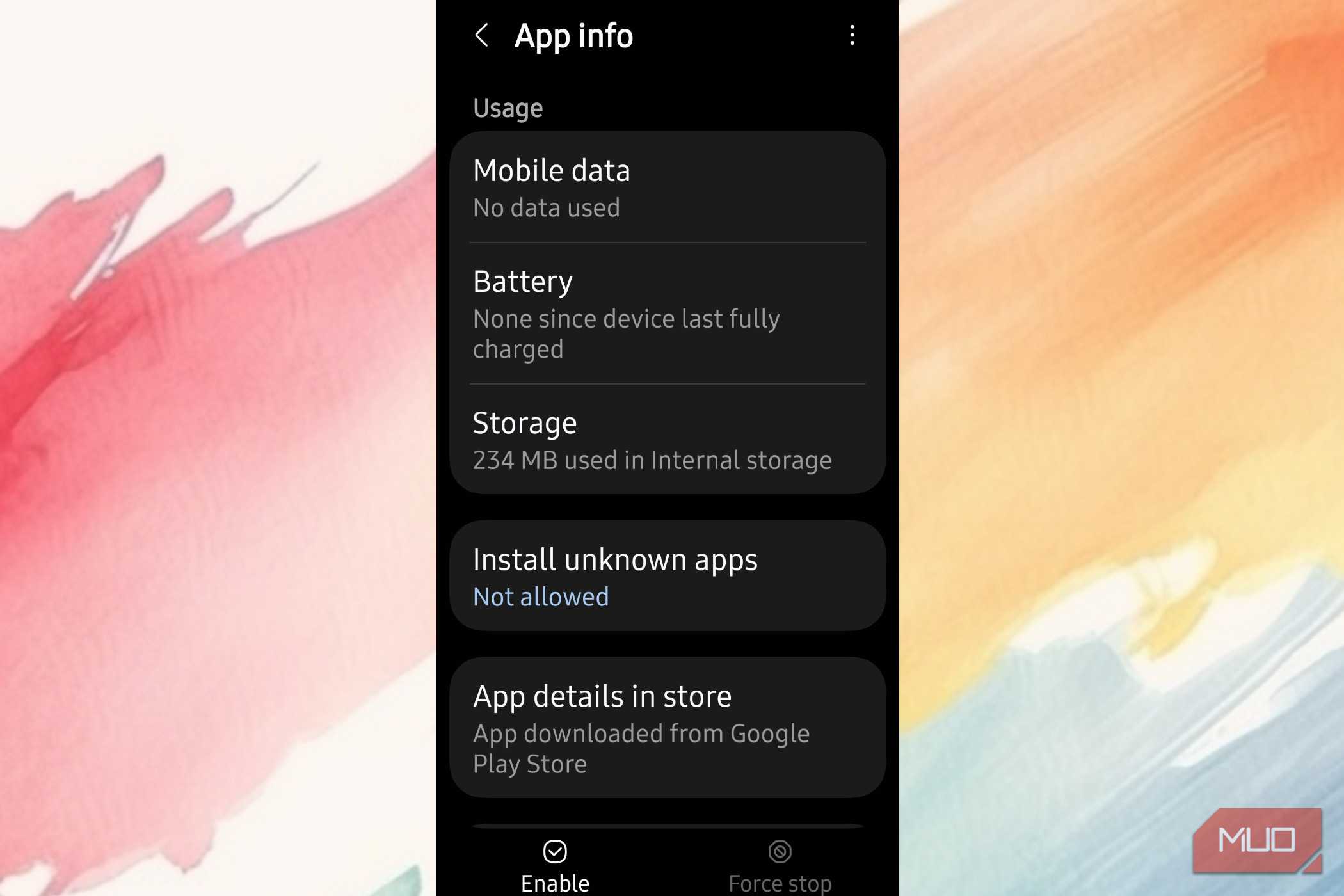
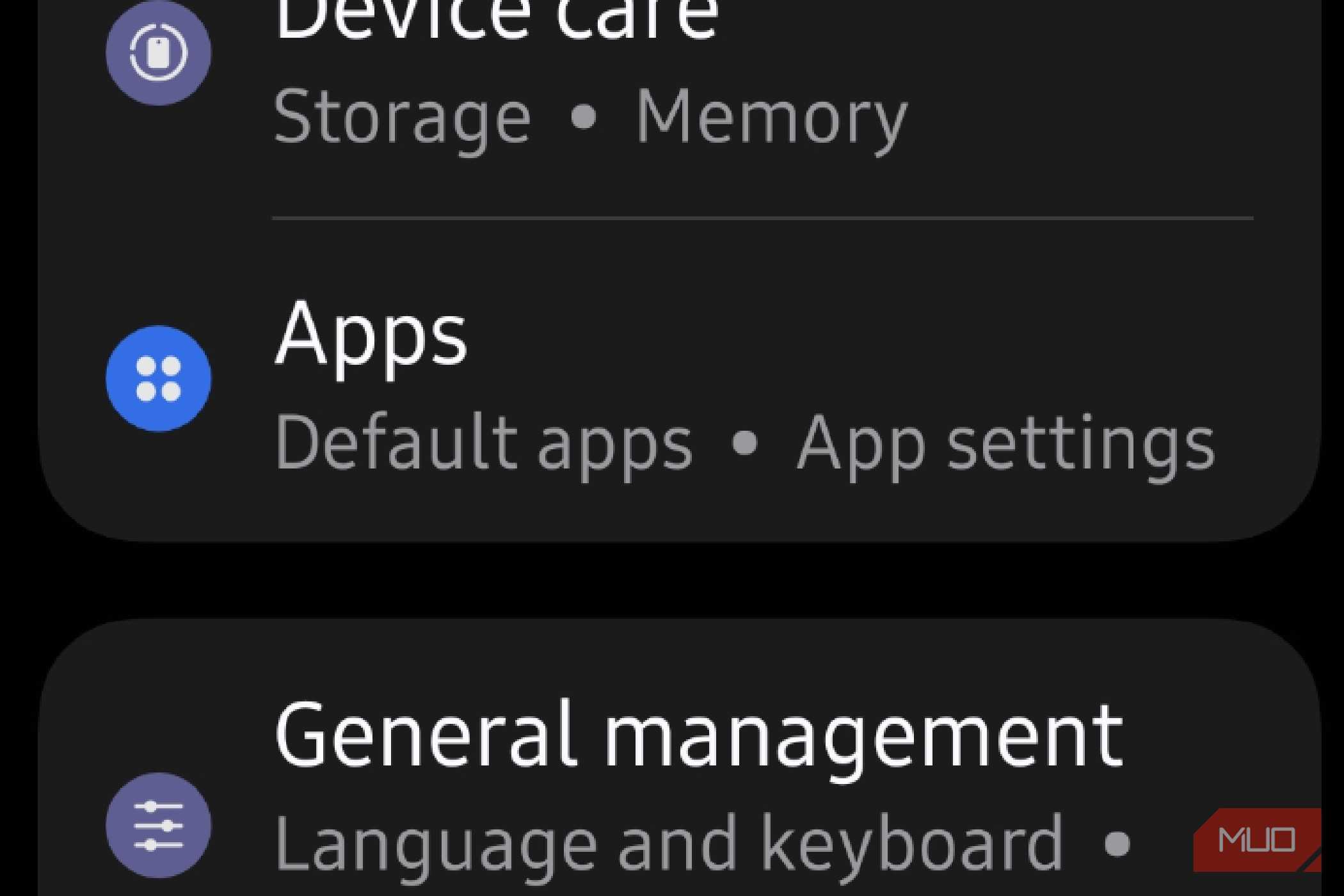
Open Settings, scroll to Apps, and tap in. Either scroll through your apps to find Chrome or just use the search icon at the top to jump straight to it. Tap Chrome to open its App Info page, then look near the bottom (or the middle, depending on your phone) for the Disable button.
Once you tap it and confirm, the system will remove any updates Chrome has installed, clear its cache, and put it into a dormant state where it's completely switched off.
Leaving Chrome means you lose your easy sync
Moving your data over is a giant headache

The biggest downside of leaving Chrome is that you have to redo all your passwords. Google's browser has syncing across all your devices, and it works very well. Chrome's whole selling point for years has been how well it ties into Google Cloud. It keeps your bookmarks, saved passwords, browsing history, and opens tabs the same across your phone, tablet, laptop, whatever you're using, all through one Google account.
Once you drop Chrome, and if your computer isn't a Samsung machine, keeping your browser data in sync stops being automatic and starts being a chore. That's especially annoying if you're someone who bounces between your phone and a desktop a lot, since you lose the ability to pick up the same tab you were reading on your phone on your laptop.
Samsung has tried to fix this with a Windows app and some browser extensions, but the syncing you get on devices that aren't Samsung is pretty limited. I tried it for a while, but there are so many issues.
Moving your data over in the first place is a headache in itself. Samsung Pass won't pull your info directly from other password managers, so you're stuck doing it the manual way. So you export your Chrome passwords as a CSV file, which sits there unencrypted and a little exposed while you're moving it. Then you import it into the Samsung Wallet.
Once your passwords are in there, you're kind of stuck, since Samsung only lets you export them in their own .spass format, which most other password managers can't read.
I use OnePassword to get past all that. If you use something cross-platform like Bitwarden, you should be fine.
Samsung is better, but you may still like Chrome
None of this makes Samsung Internet the clear winner for everyone. If your life runs through a Windows laptop and a Google account, breaking that sync costs you more than the speed gain is worth. I ran into that limitation myself and used OnePassword to work around it instead of fighting with Samsung's export format. If you're already mostly on Samsung hardware, the switch pays off fast.

Samsung Internet
- OS
- Windows, Android
- Price model
- Free
The default internet browser for Samsung phones, also now found on Windows as an app.