


The latest tech gadgets like smartphones and smartwatches are adding impressive features leveraging AI that make your days easier, your photos better, and the user experience more fluid overall. But there are also advanced safety features that are often ignored in favor of the flashier upgrades. And some of these Pixel features can literally save your life.
While it isn't new, first introduced in the Google Pixel 4a, the new Google Pixel 11 continues the trend of including features like Car Crash Detection. It does exactly what you think and more. Most importantly, you need to turn it on before it will actually work. And it's one of the first things you should do when you take the phone out of the box and during setup.
Let's turn this on, stat
It takes just a few easy steps


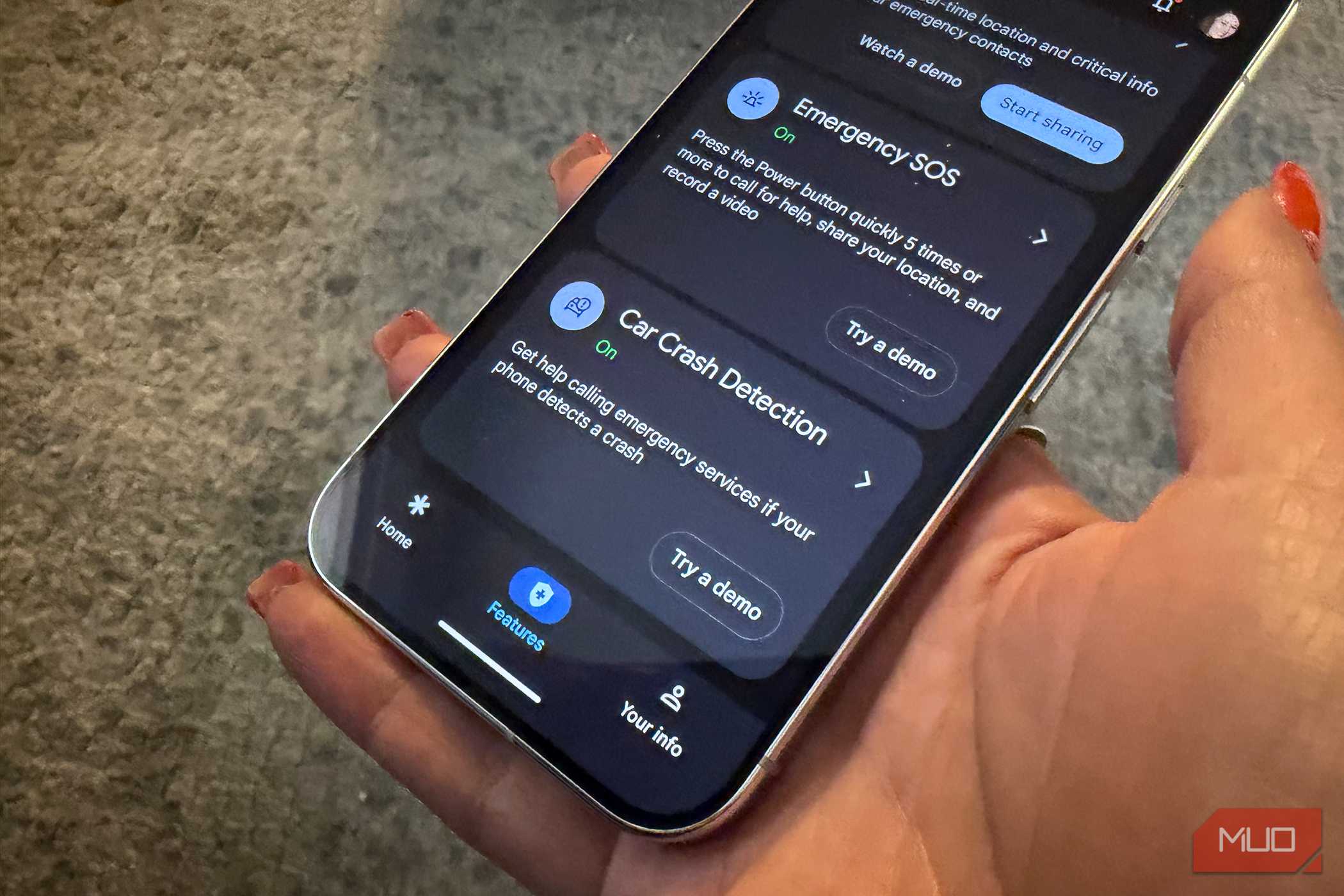
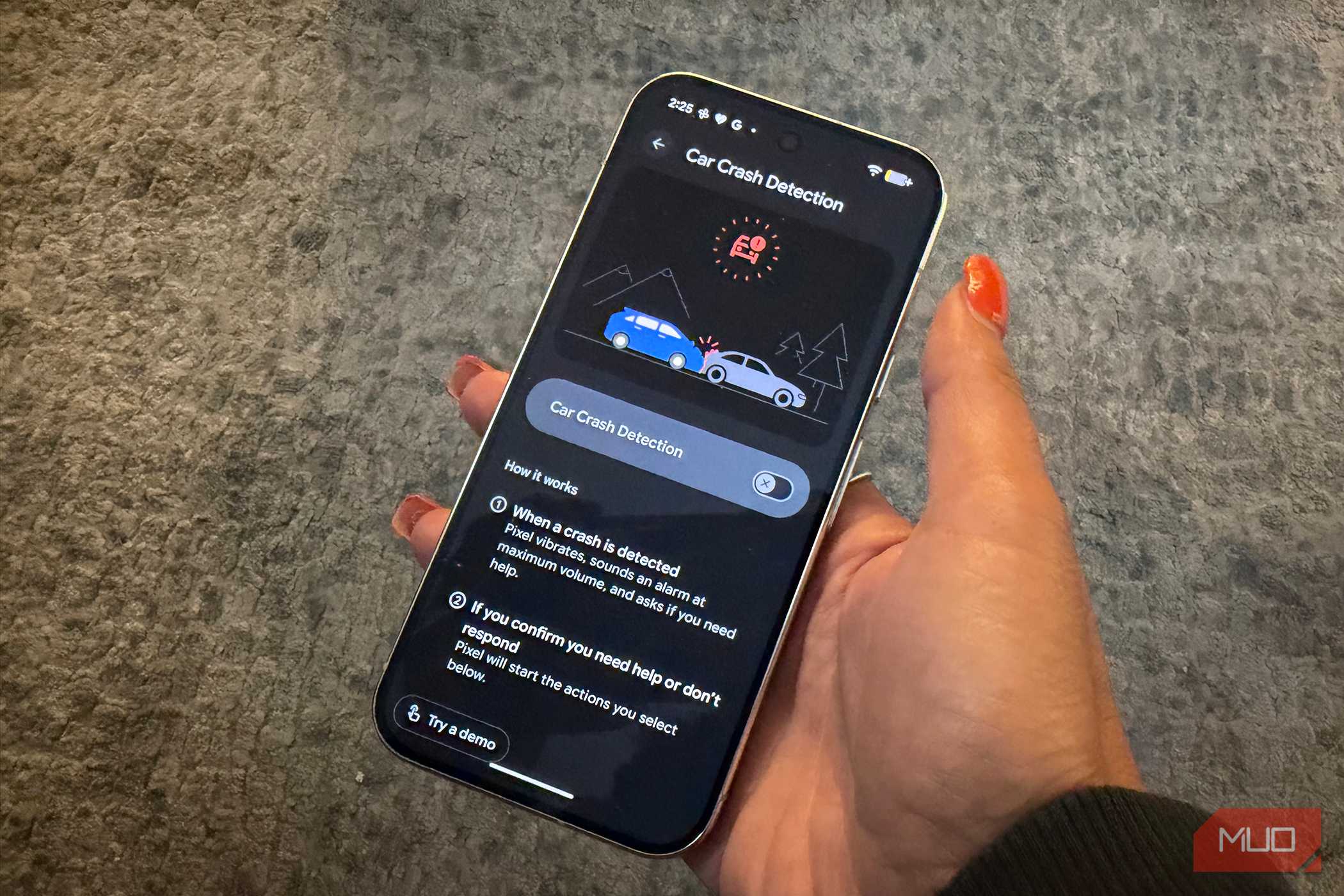
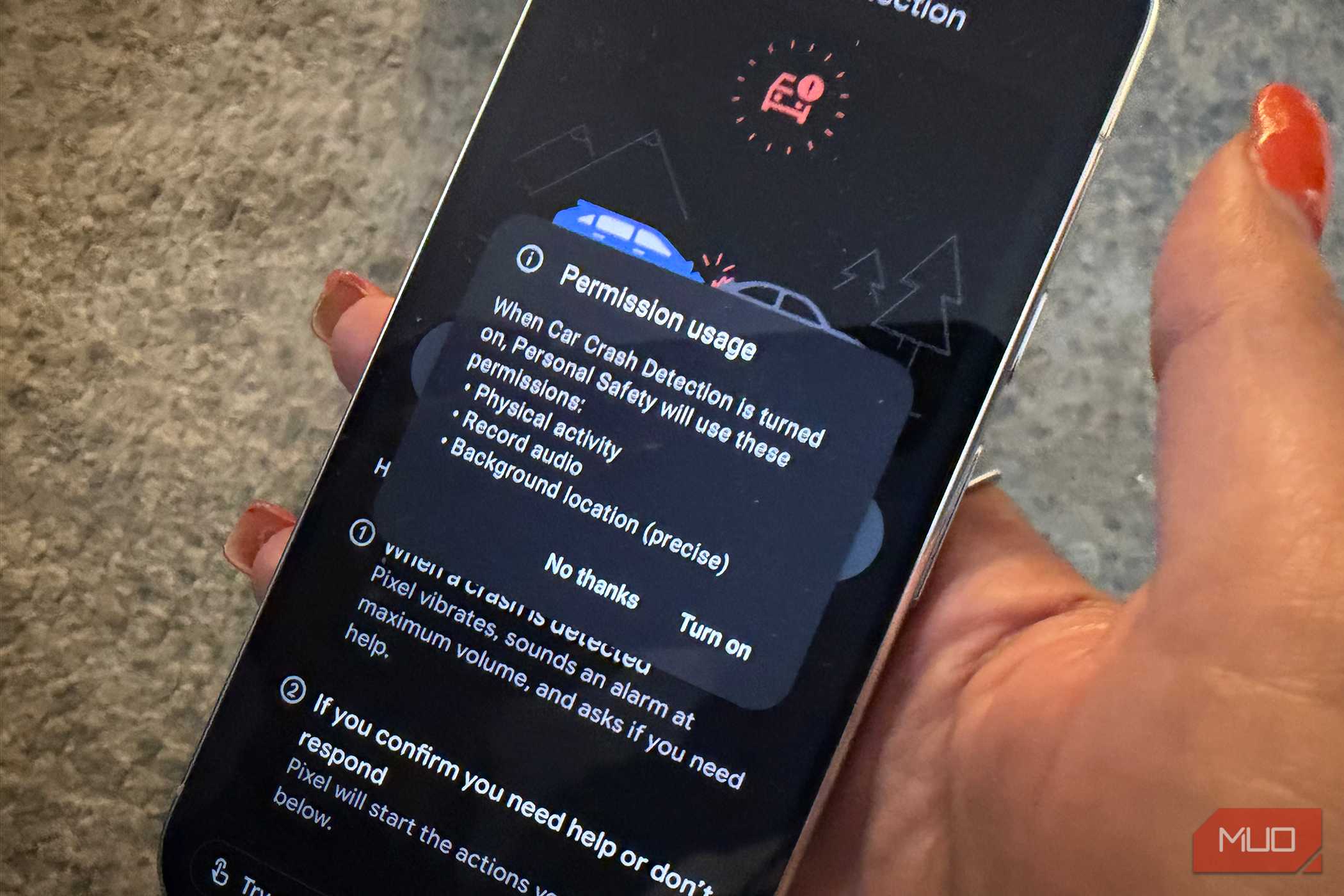
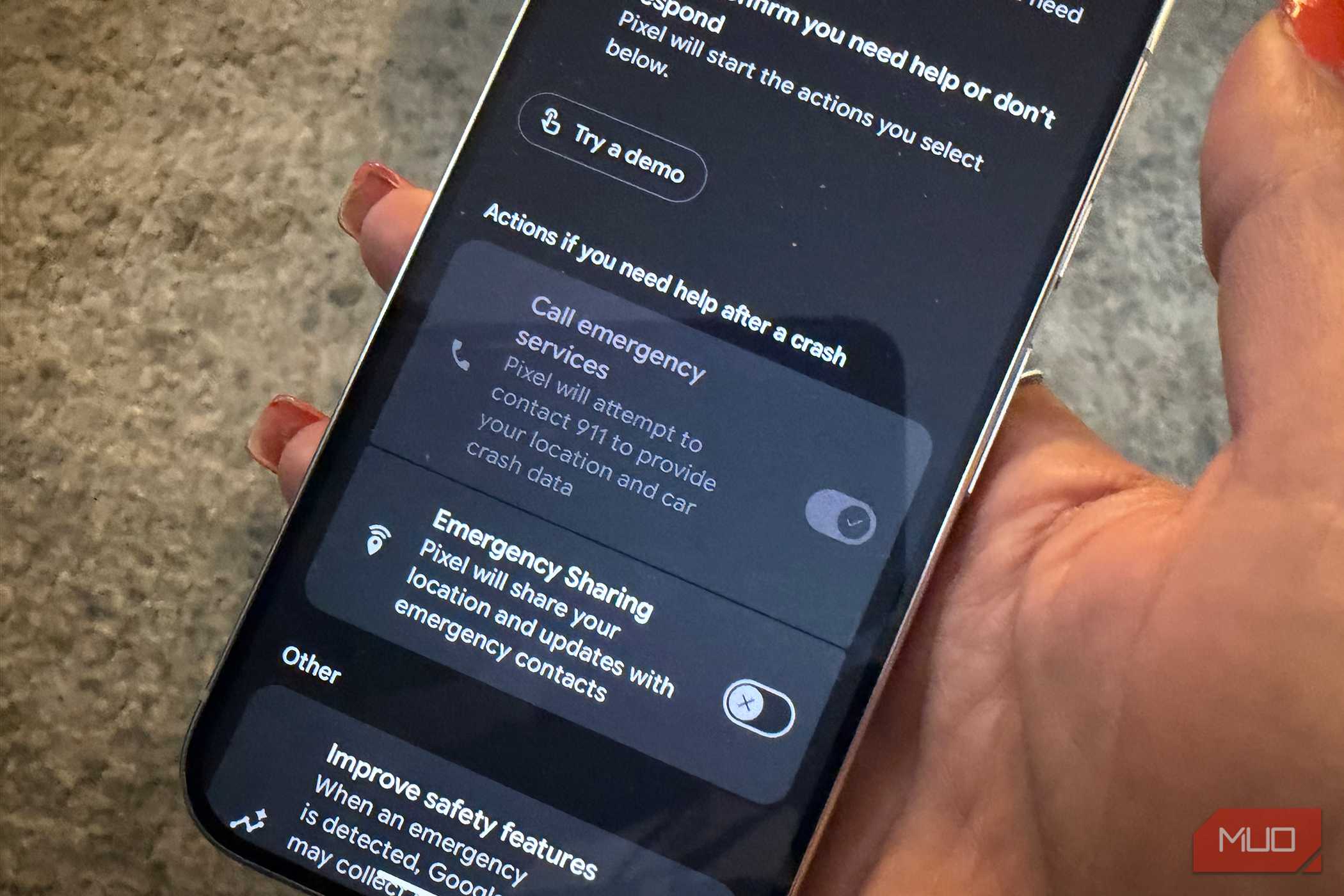
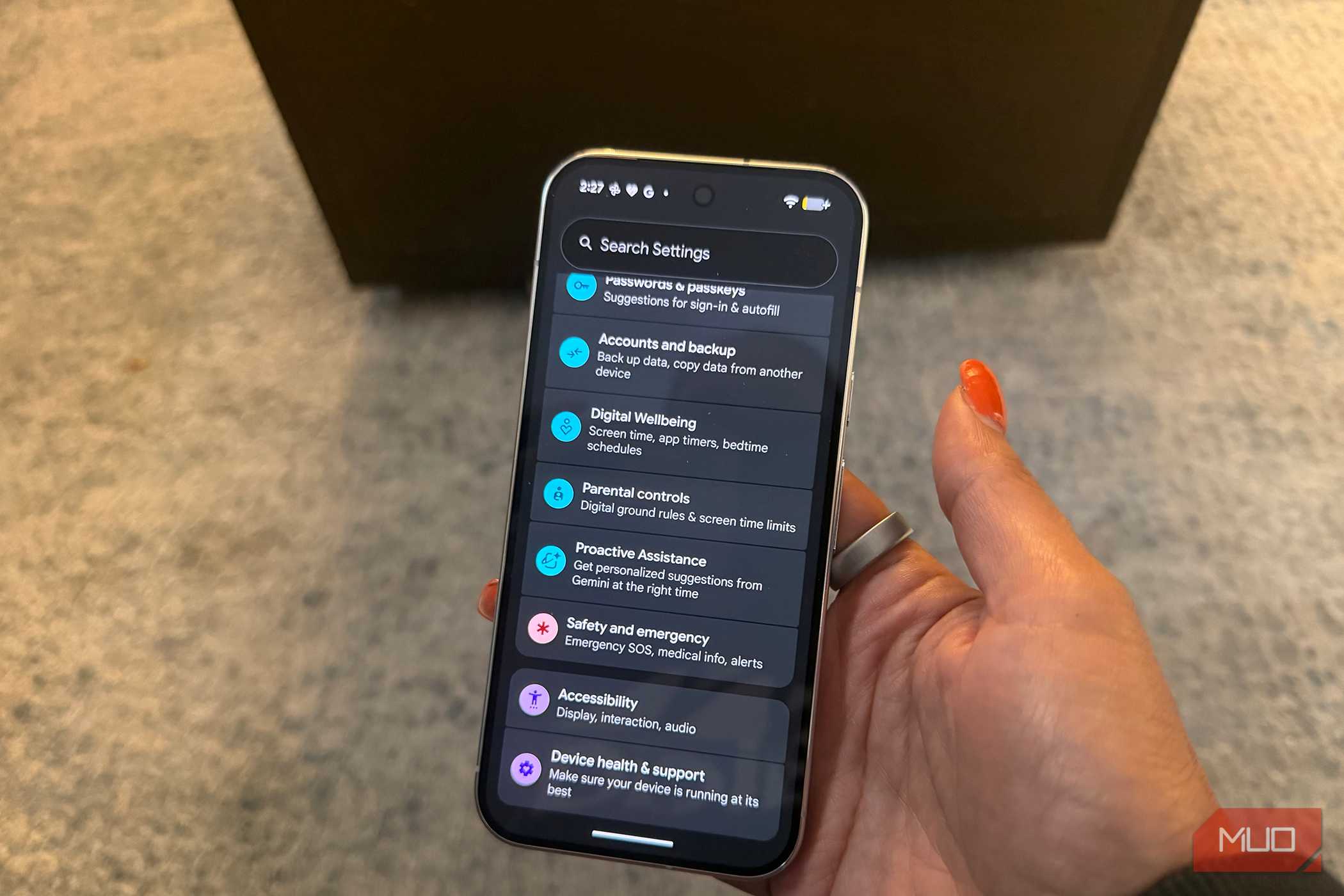

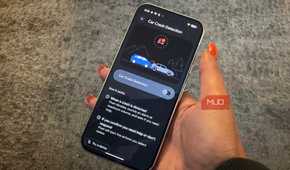
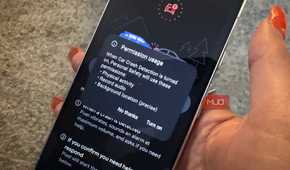
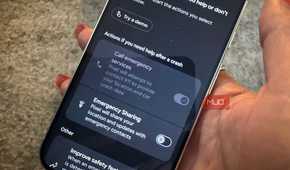
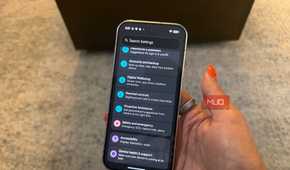
It's quick and simple to turn Car Crash Detection on with the Google Pixel 11, as well as all Pixel phones dating back to the Pixel 4a.
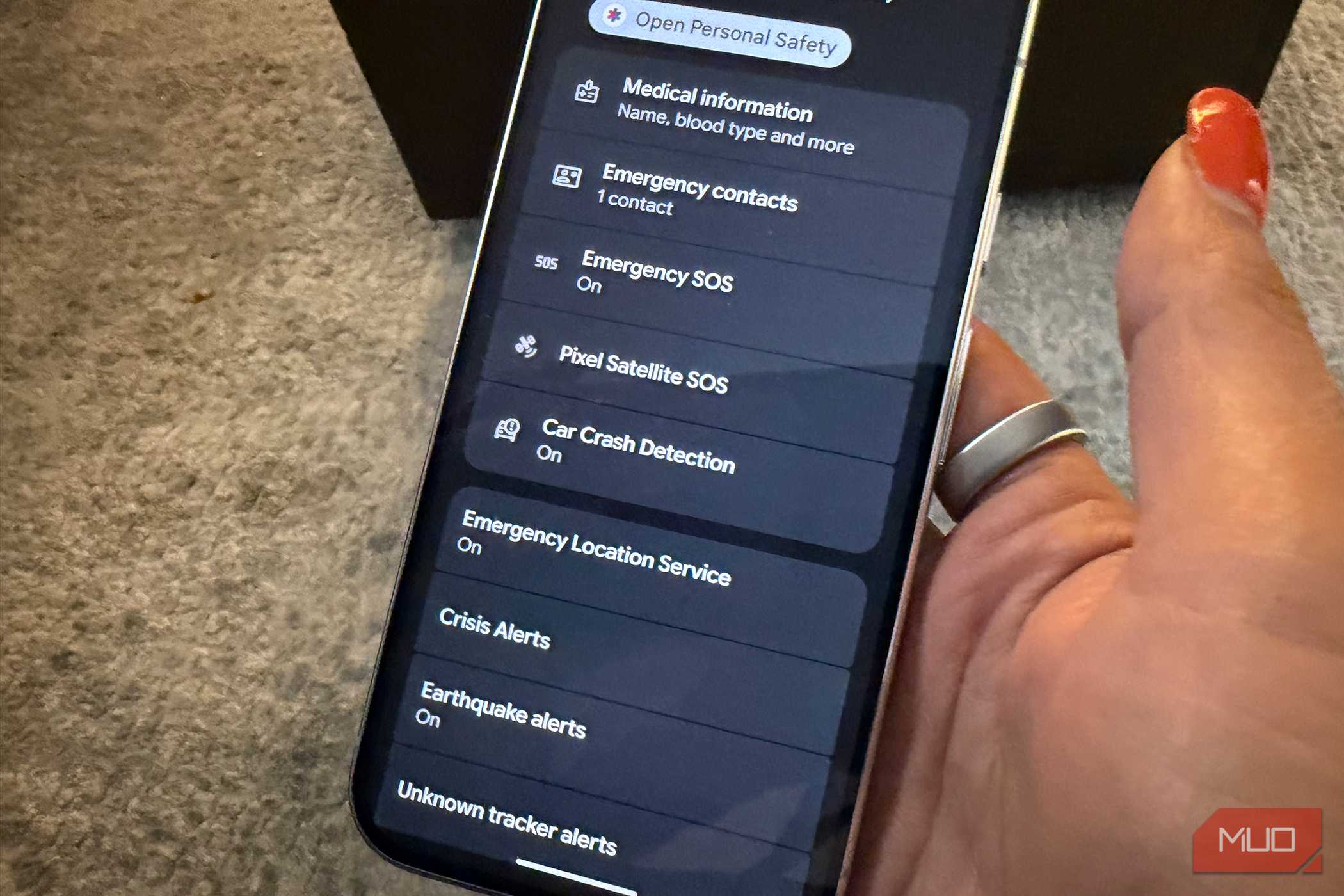
Open the Personal Safety app on the phone. You'll find the pre-installed app under Safety: it looks like a blue medical cross symbol with a red arrow on the left side facing right. Alternatively, go to Settings, Safety & emergency, and select Open Personal Safety.
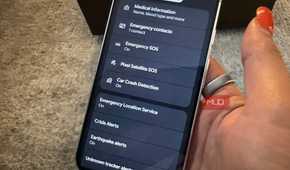
Select the Features tab from the bottom menu and scroll down to Car Crash Detection. If you chose to turn this on when setting up the phone (you might not recall having done so), it might already be on. If not, select it and tap the slider to the right to turn it on. You'll see a checkmark to confirm, and you may need to enable location services and Allow for sharing your microphone and physical activity. Both need to be permitted for the feature to work.
Once it's turned on, you need to choose the actions you want to occur after a potential crash.
In this same menu under Actions if you need help in a crash, you have two options. You can choose to Call emergency services, and the phone will attempt to contact 911 to provide car crash data and your location. Or you can choose Emergency Sharing, which shares your location and updates with whoever you set up as an emergency contact. It's up to that person to then contact first responders as needed or try to verify if you're OK first.
How Car Crash Detection works
You hope you never need it


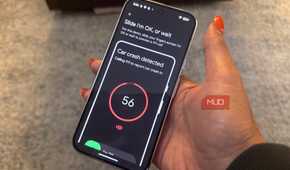
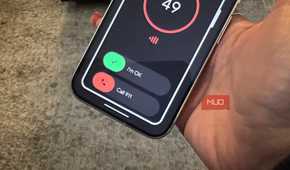
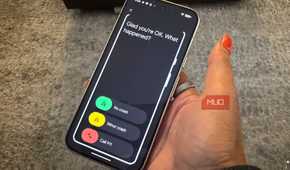
Similar to how many smartwatches, including new ones like the Google Pixel Watch 5, sense a fall with Fall Detection, Crash Detection senses motion and ambient audio to determine if you have been in a car crash. This occurs even if you are not using the phone. It just needs to be with you, have an active SIM card, and you must be logged into your Google account with the feature turned on.
You should also turn on Emergency Location Services, which can be useful in other emergency situations. But Car Crash Detection will work even if you have this feature off. If you have a companion Pixel Watch, it works in tandem with this feature so you can use the watch screen to confirm if you do or don't need help as well.
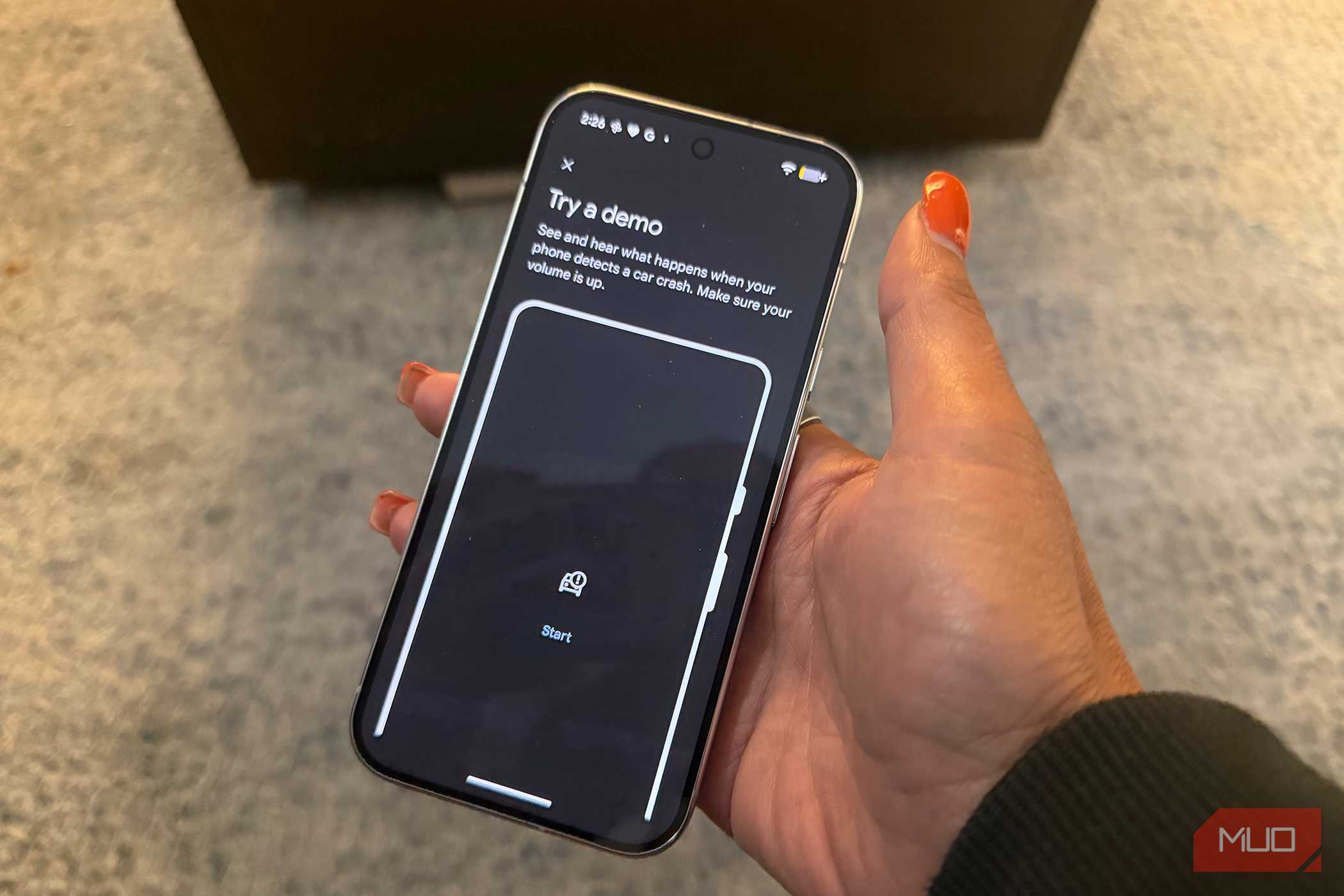
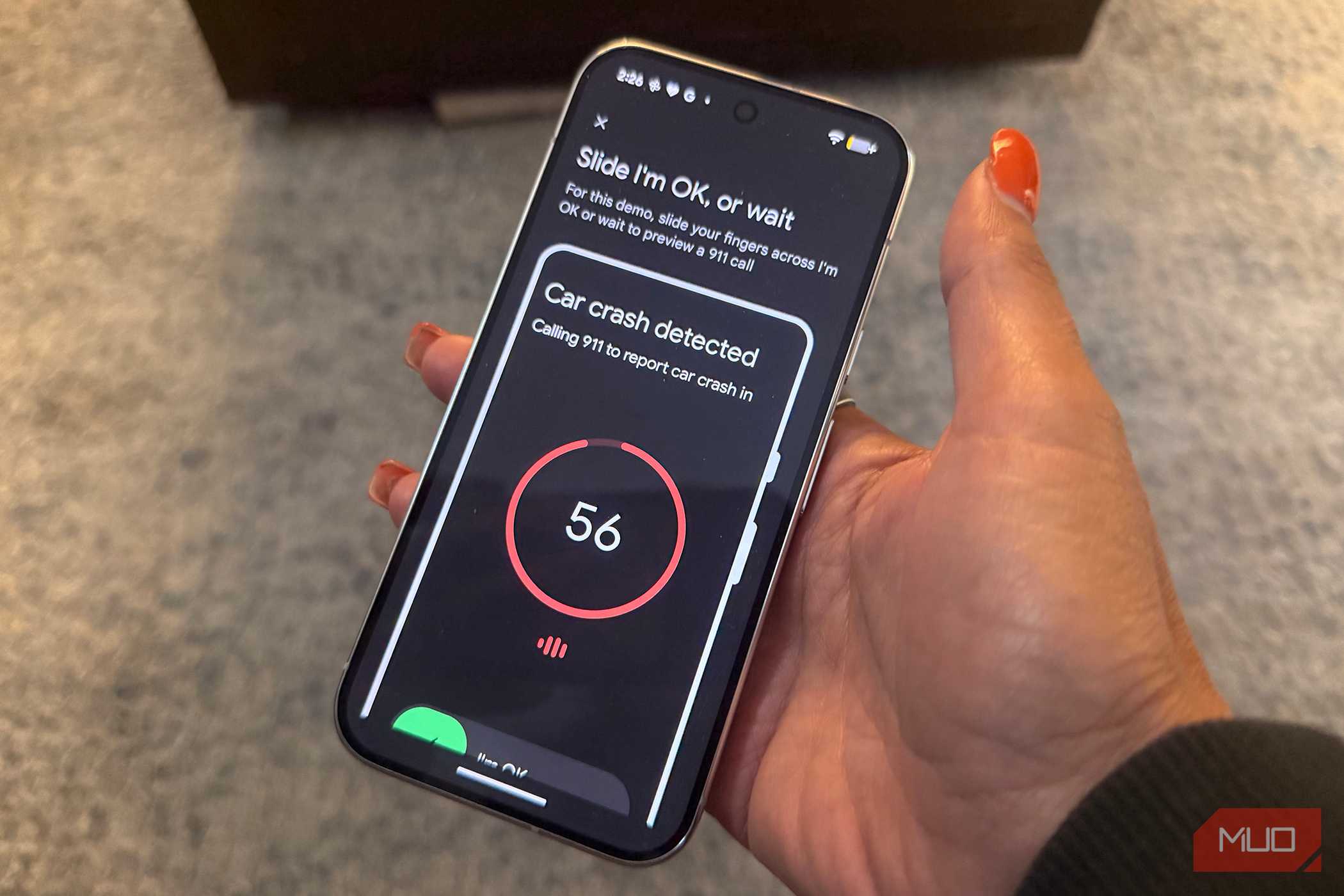
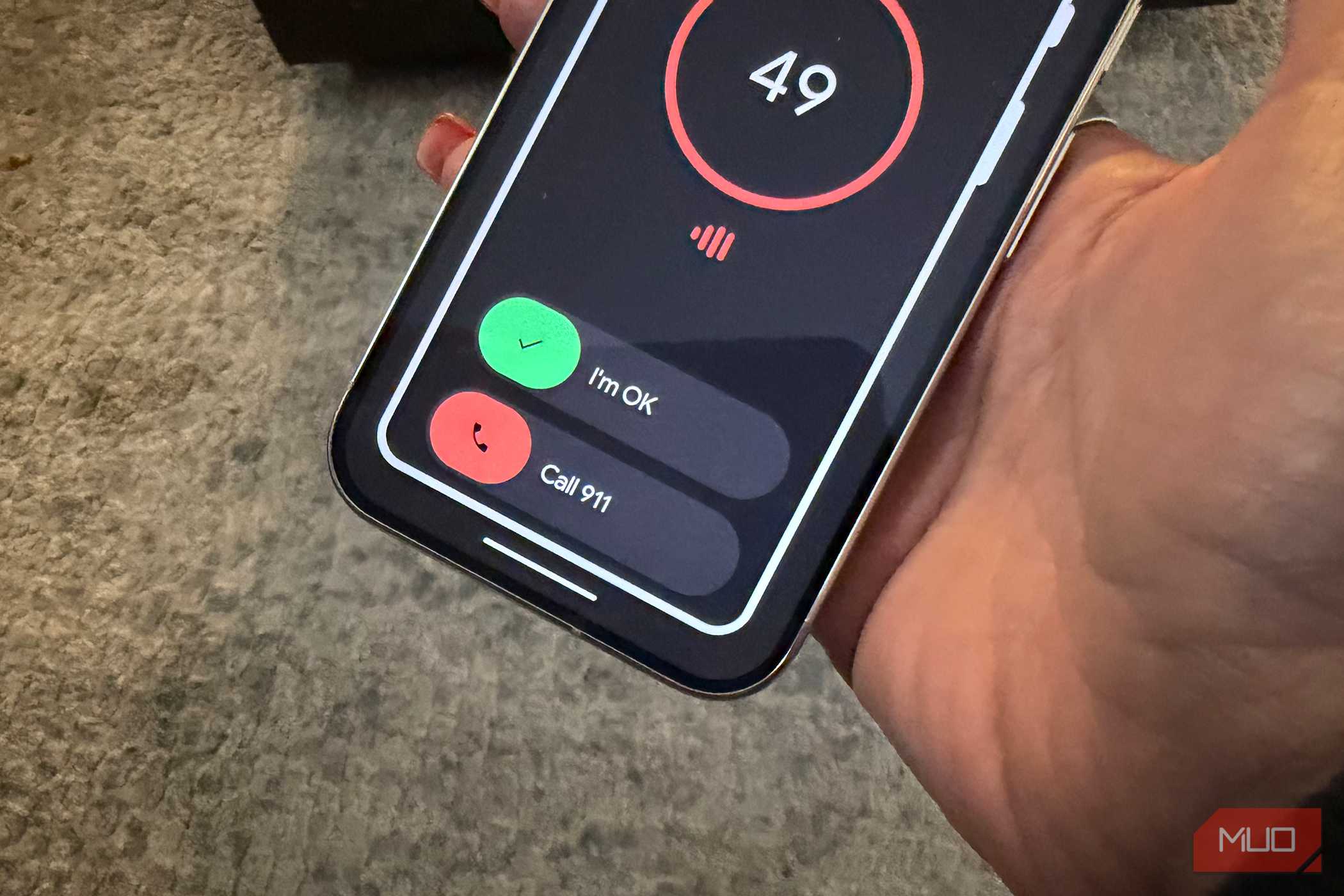
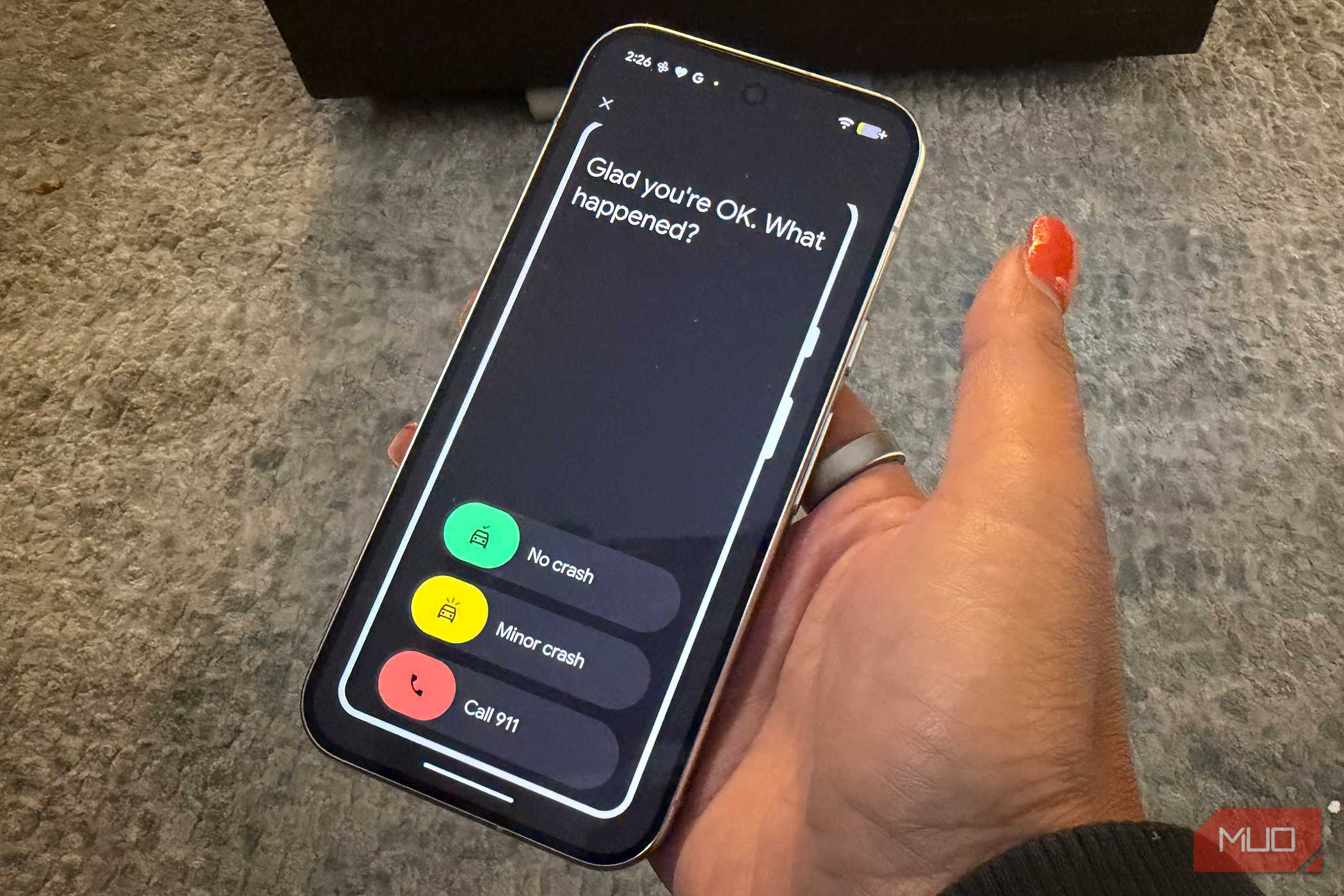
If a crash is detected, the Pixel 11 will vibrate and sound an alarm at maximum volume. It will also ask if you require help. If you're injured and unable to get to the phone, or the phone has flown somewhere inside (or outside) the vehicle, and you can't reach it, it will initiate the desired action you have chosen once it hasn't heard from you within 60 seconds. It will also do this if you are able to get to the phone and indicate that yes, you need help. It's a good idea to run a demo to see exactly how this works so you're familiar with the experience in case you ever encounter it.
It could save your life
It's a no-brainer to turn this one

While there's always the risk that another high-impact activity could accidentally trigger car crash detection, you can reply immediately and note that you're OK to avoid contacting emergency services when you don't need them. And the small risk of this happening by accident is well worth it for having this hidden emergency feature enabled if you ever do need it.
There are limitations, of course. If you're somewhere with a weak mobile signal, or you were on an active call when the accident happened, it might not dial out to emergency services. Car Crash Detection works in 21 countries, including the U.S., Canada, France, Germany, Japan, and the U.K., but it's not available everywhere. If the phone is severely damaged in a crash, it may not work either.
Note that in the same Settings menu, you can choose to share motion sensor data with Google in the event of a crash. The purpose is to help Google improve its safety features and detection. It's not a bad idea to do this since the more accurate the feature is, the better chance it is of helping even those who have been in minor crashes but have still suffered serious injuries. The feature isn't foolproof and may not detect a crash in every instance. Nonetheless, the benefits of turning on Crash Detection outweigh the drawbacks of leaving it off. It's one of the best features of Google Pixel phones like the Pixel 11 — which you hope you never need to use.

Google Pixel 11
- Brand
- SoC
- Google Tensor G6
- Display
- 6.3-inch Actua display
- RAM
- 12GB
- Storage
- 256 or 512GB
- Battery
- 4985 mAh
The Google Pixel 11 is a solid Android smartphone for a decent price that gives you access to AI-powered features for photography, productivity, usability, and more. With safety features part of the mix, too, you should visit settings and make sure they're turned on.