


Postgres is one of the best databases in the world, but it has never been welcoming for newcomers. Like every other reliable, powerful, and flexible tool, the first interaction generally involves a terminal window, a connection string, and SQL syntax you need to look up every five minutes.
Supabase changes that. It gives you a clean, spreadsheet-style interface where you can browse, edit, and structure data without feeling like you're running a server. And better yet, the core experience is free.
Postgres was always powerful, never approachable
A terminal window was the only way in


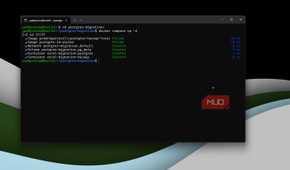
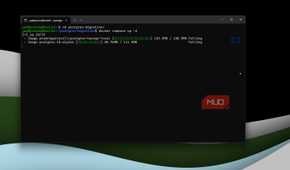
Postgres has always had a bit of an image problem. Developers love it because it can handle relational data, JSON documents, transactions, extensions, full-text search, and a long list of other serious workloads. But these strengths also make it complicated to use. If you wanted to inspect a table, add a column, or even do something as simple as fix a type, you're going to have to reach for either SQL or a separate database client.
If you're like me and live in a terminal, that's not really a problem. But it is added friction for anyone else. It also creates a rather odd divide: spreadsheets are easy to explore because the data is right in front of you, while databases feel more complicated because you're working through queries in a terminal.
And that's exactly the gap Supabase's Table Editor closes. It presents your Postgres tables as the familiar grid of rows and columns we all know, and then lets you work directly with that data in your browser.
Rows and columns, with real Postgres underneath
The grid is the view, not the whole story


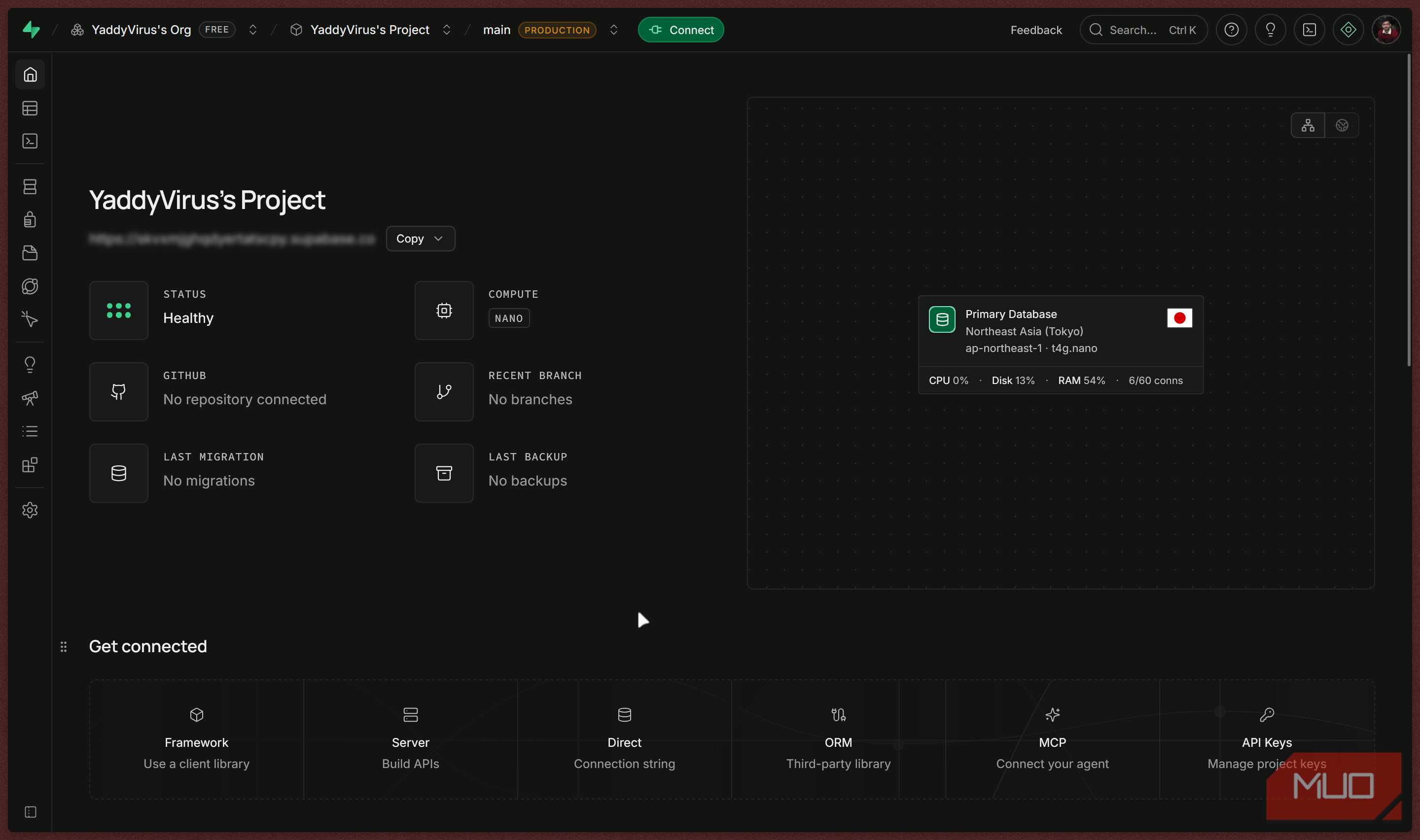
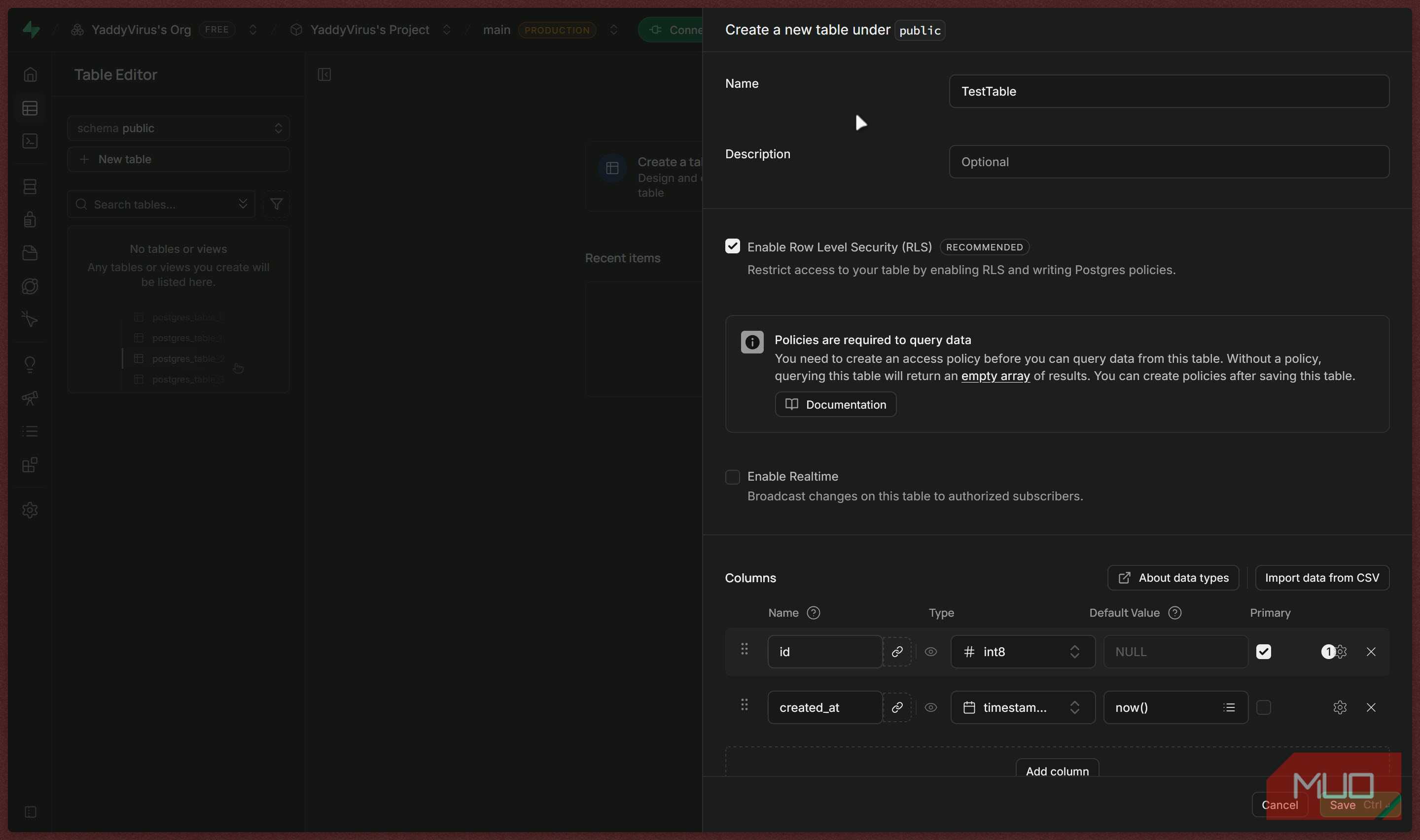
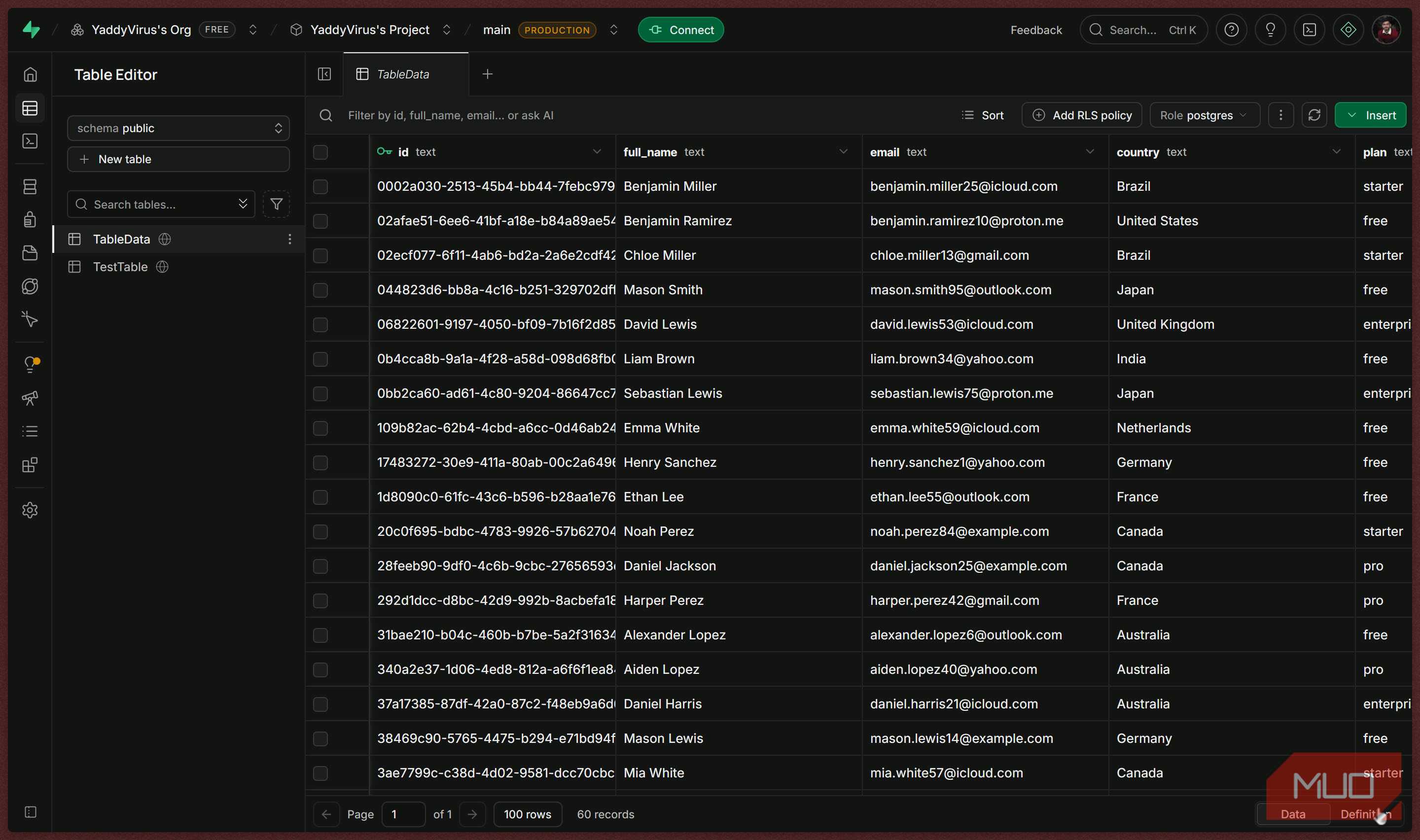
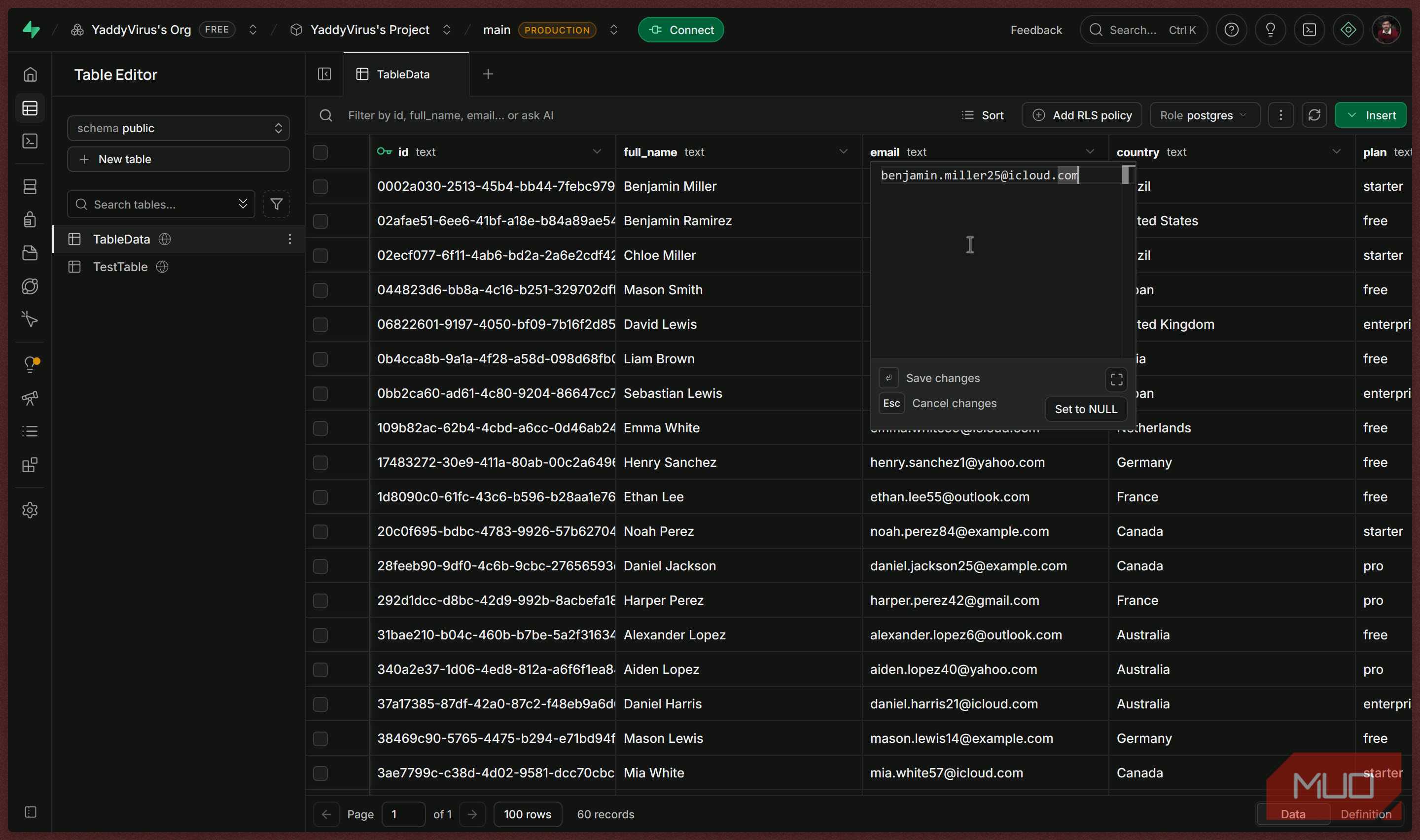


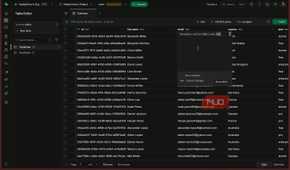
If you've ever used Google Sheets, Excel, Airtable, or even the data grid inside Home Assistant, you'll feel right at home in Supabase's Table Editor. You select a table from the sidebar, see its rows in a grid, click into a cell to make an edit, and add records without first writing an INSERT statement. You can filter data, sort columns, hide fields you don't need, and move around the database without constantly switching tools.
However, that doesn't mean Supabase is converting your database to a spreadsheet. The spreadsheet is only how the data is presented to you. Behind the scenes, everything is running on standard PostgreSQL, with typed columns, constraints, indexes, relationships, and transactions still doing the heavy lifting. So while you can do things like create text, integer, timestamp, boolean, JSON, and UUID fields, define default values, mark columns as required, and set up foreign-key relationships through the dashboard, every action is run in PostgreSQL on the backend.
For smaller projects, this makes setup far less intimidating. Let's say you're building a small, self-hosted inventory app for your 3D printer filaments. You can create a filaments table with fields for brand, material, color, remaining weight, storage, last used date, and so on. Then you can add another prints table and map each print to a specific filament spool. The interface makes that visual, but the structure underneath remains a proper relational model rather than a loose collection of spreadsheet tabs.
SQL is still there when you actually need it
Point-and-click until the task calls for SQL

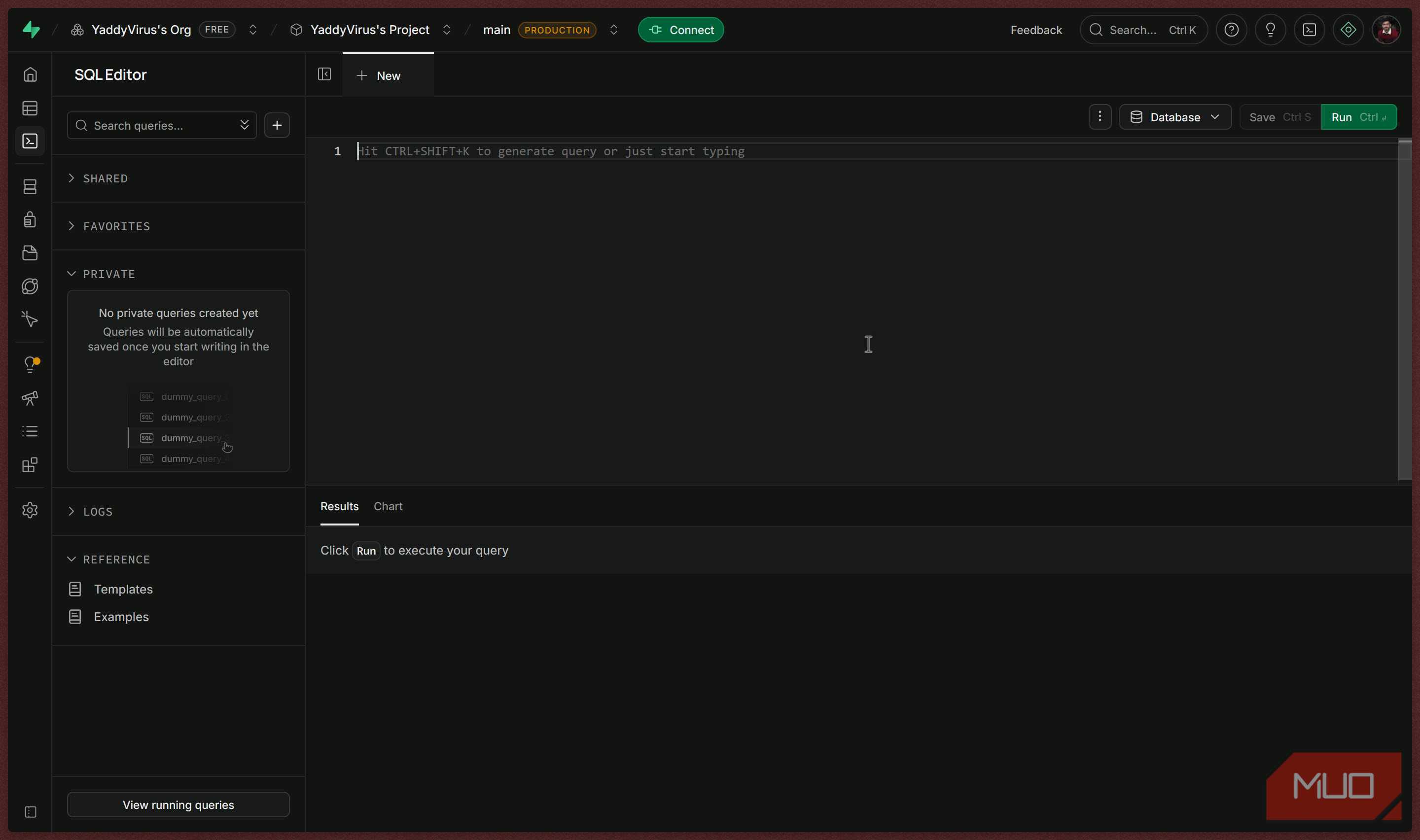
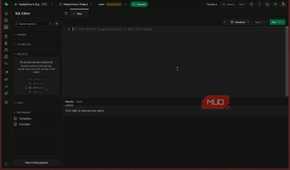
One of the best things about Supabase is that it doesn't hide the SQL from you; it just lets you choose when you want the visual editor versus when SQL is necessary. The platform includes an SQL Editor alongside the Table Editor, so you can start with point-and-click schema changes and move to handwritten queries when the task calls for it. You can inspect data visually, but then jump into SQL for complex operations like JOINs, migrations, stored functions, or performance reviews.
This flexibility matters more than you think because simple interfaces tend to become frustrating once a project scales. Supabase avoids that problem by exposing the underlying Postgres database rather than locking you into a limited visual builder. Your data remains portable, meaning if you later move your database, let's say to a self-hosted Postgres instance, you're taking standard Postgres tables and SQL with you, not translating a proprietary data model.
Another trick up Supabase's sleeve is that it can turn tables into usable backend building blocks. It can generate APIs from your database schema, provide authentication and authorization tooling, handle file storage, stream real-time database changes, run server-side Edge Functions, and support vector embeddings through Postgres extensions. Instead of assembling multiple hosted services and trying to make them work, you can run one coherent stack working on the same database.
The free tier isn't a trap, just a taste
500MB, two projects, and no credit card required

Supabase does have a free plan, and it's substantial enough to be useful, not just a trial designed to force you to pay for a subscription the moment you want to use it in a real project. The free tier includes a dedicated Postgres database with 500 MB of database storage, 1 GB of file storage, 5GB of egress, unlimited API requests, and up to 50,000 monthly active users. It also includes two active projects — more than enough space for a production-worthy side project and a separate test environment.
There are, however, limits you should know about. Free projects pause after a week without activity, so it is not the right choice for a public service that needs to stay online continuously. Database backups and advanced production features also belong to paid plans. Regardless, if you just want to learn Postgres or are working on a prototype web app or internal tool, the free tier gives you access to the part that matters most: an actual managed Postgres database with a polished management interface.
Why a spreadsheet skin on Postgres actually matters
Editing a cell shouldn't require writing a query
Supabase's spreadsheet-like interface isn't valuable because it looks nicer than pgAdmin or a terminal window. It makes a rather sophisticated open-source database feel available to people who might otherwise settle for a spreadsheet, a no-code table, or an otherwise less-capable backend. You can start by editing data in a grid, then gradually take advantage of relationships, Row Level Security, APIs, real-time subscriptions, and SQL as your needs scale.
For experienced developers, it's also simply more convenient than the alternative. There's no need to write a query to correct one value in a test table when a quick edit in a browser will work just fine. The Table Editor speeds up such mundane tasks while leaving the powerful work intact. That is a much better trade than choosing between developer-grade infrastructure and an easy-to-use interface.