


I've been using Obsidian for the last two years, and it's been an amazing note-taking app so far. Apart from writing articles for various publications, I also use Obsidian to write for my personal blog. So, it only makes sense that I try to publish directly from my vault instead of doing it the conventional way, which is what Obsidian Publish offers, at $8 a month, which honestly feels a bit steep, especially for someone with a decade of experience hosting websites.
So, I went looking for a community plugin that could extend Obsidian and replace Obsidian Publish, minus the subscription cost, and found Digital Garden, an open-source and free Obsidian plugin that turns your vault into a website.
Obsidian Digital Garden is a free alternative to Obsidian Publish
What it does, and what it keeps private

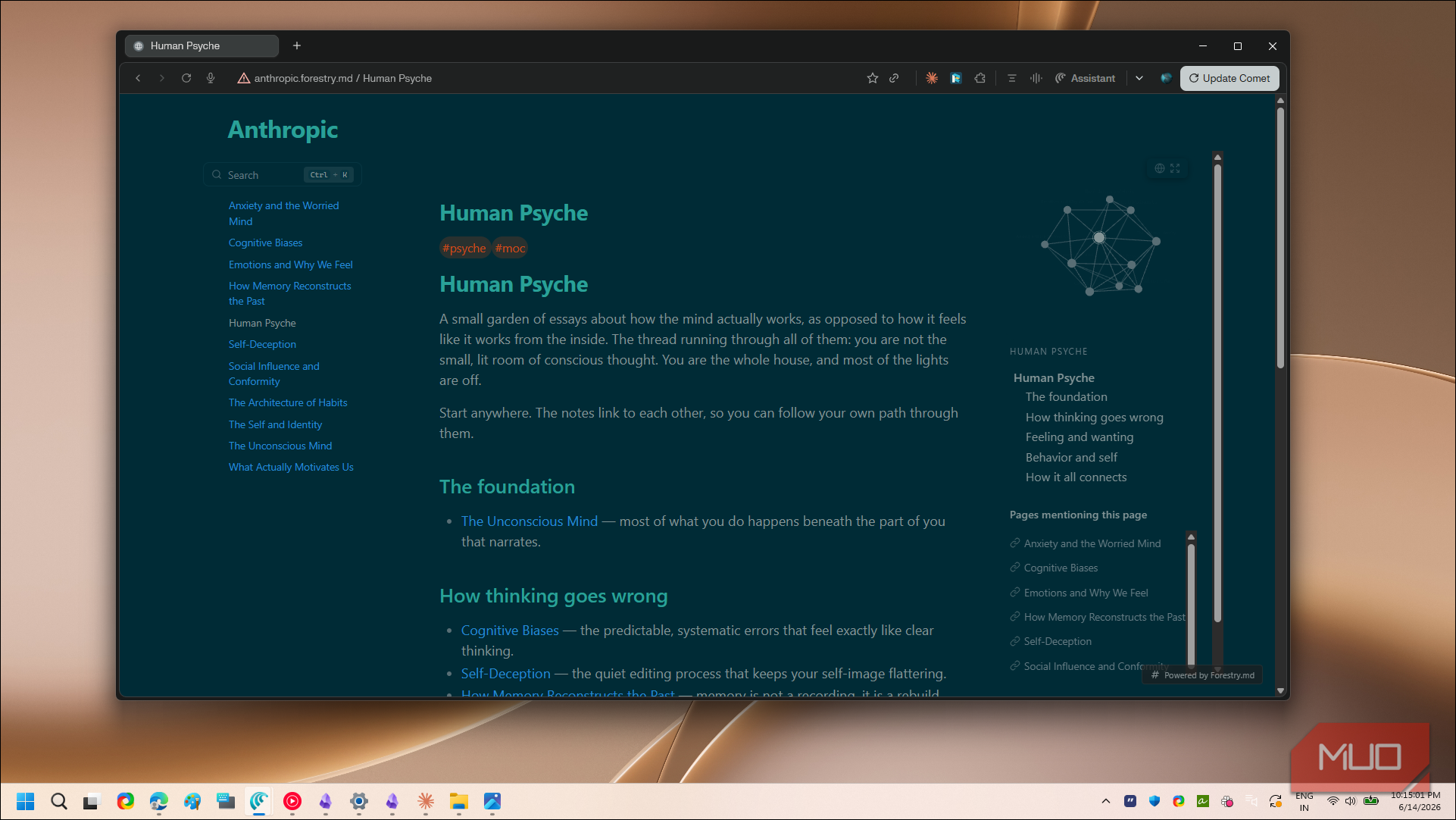
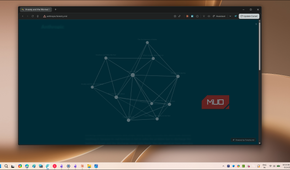
Digital Garden is free and open-source, built by the same developer who runs the Forestry.md hosting service I'll get to in a minute. It does one thing well: it takes the notes you pick and turns them into static web pages. You install it from Obsidian's community plugins, set it up once, and publish straight from the app. The live site looks like a tidy version of your vault, with working links between notes and your Markdown formatting left intact.
The part I like most is that it does not publish everything. Only notes you specifically tag with a dg-publish property ever leave your vault, so the half-finished drafts and private research I keep in the vault I've spent two years organizing stay exactly where they are.
There are two ways to use the plugin. The easy route is Forestry.md, the creator's own hosting service. It gives you a free subdomain like yourblog.forestry.md and handles the setup for you. The catch is that a custom domain, removing the Forestry footer, and the draft preview feature all need the Pro plan, which costs $10 a month (or $8 if you pay yearly) and lets you host up to five sites.
The other route is self-hosting with GitHub and Netlify or Vercel. It takes more work, but you get full control over the site and can use your own domain for free. A subdomain isn't the most attractive option when you're getting started, but it works, and it's completely free, so I went with the Forestry.md free plan. The steps below cover that route.
Turning your vault into a website
Installing the plugin and connecting Forestry.md


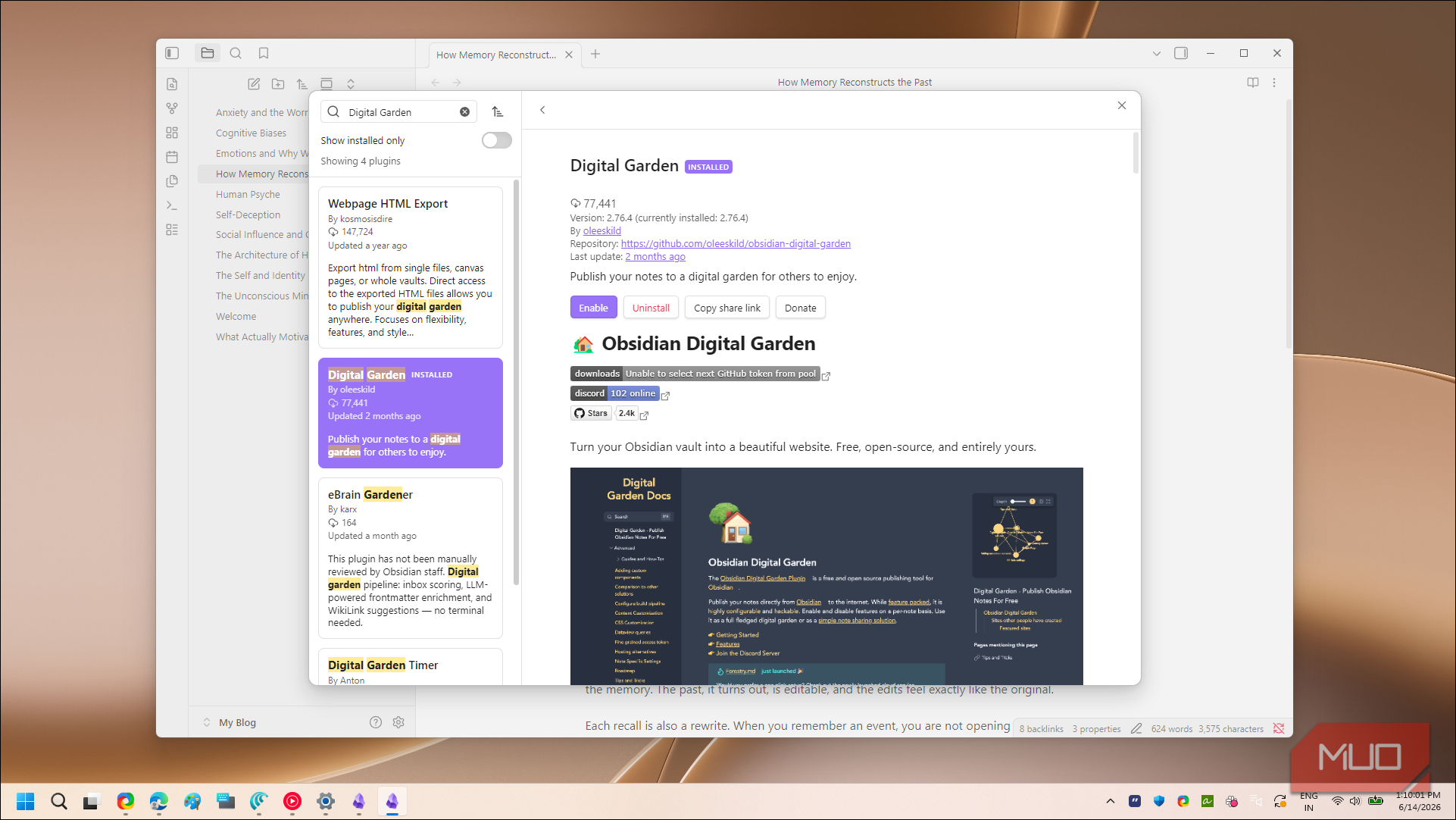
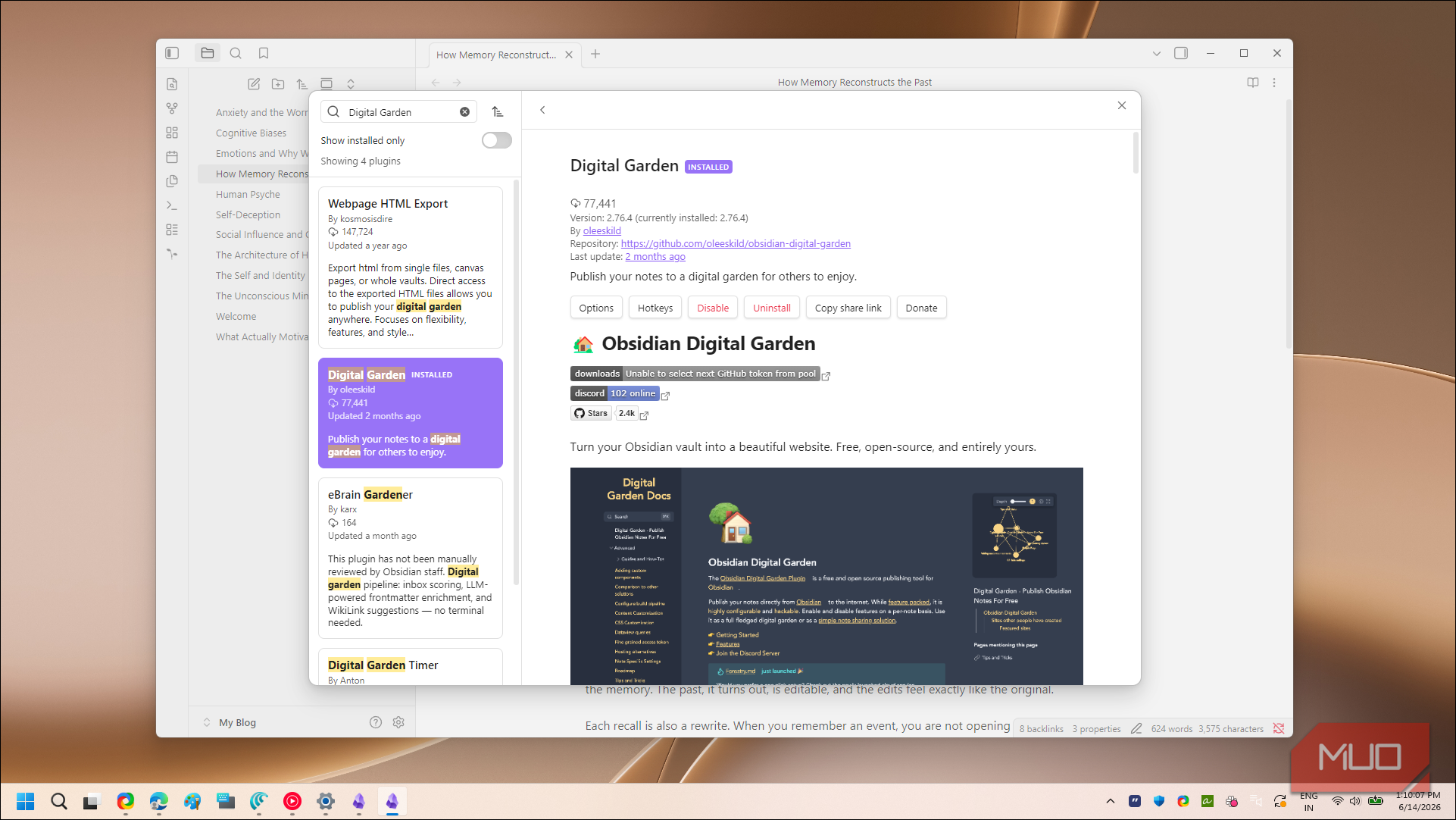
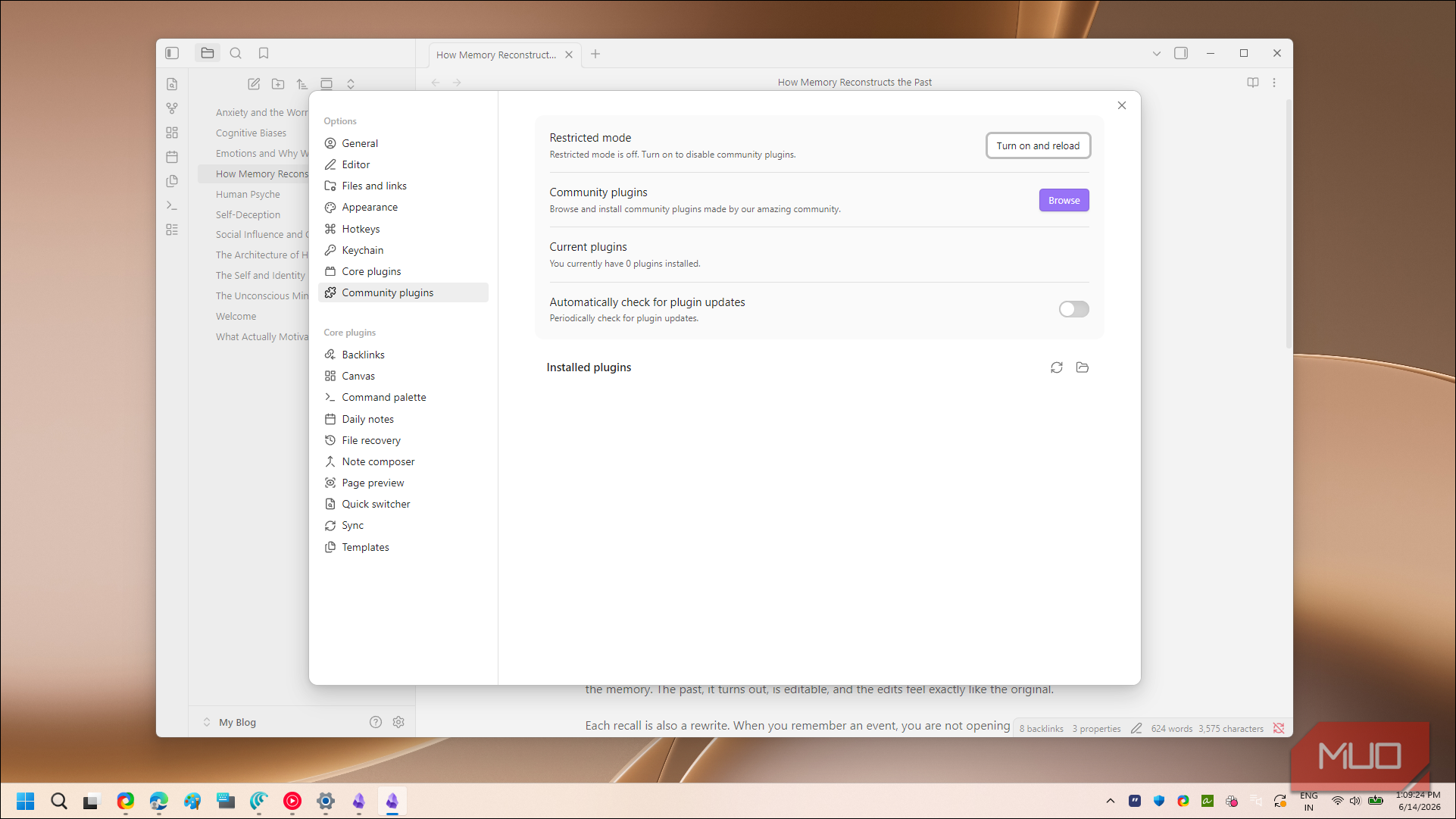
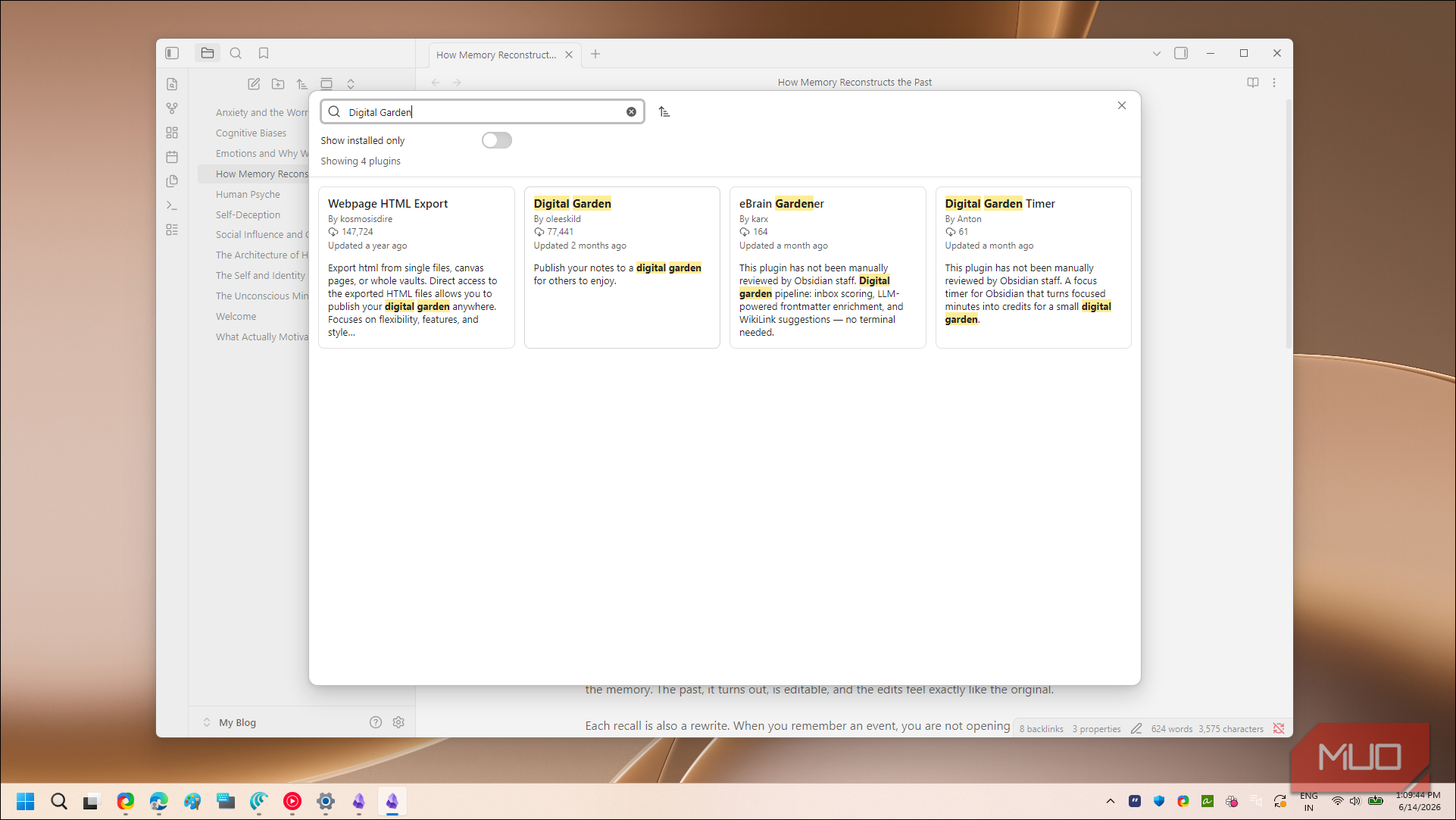
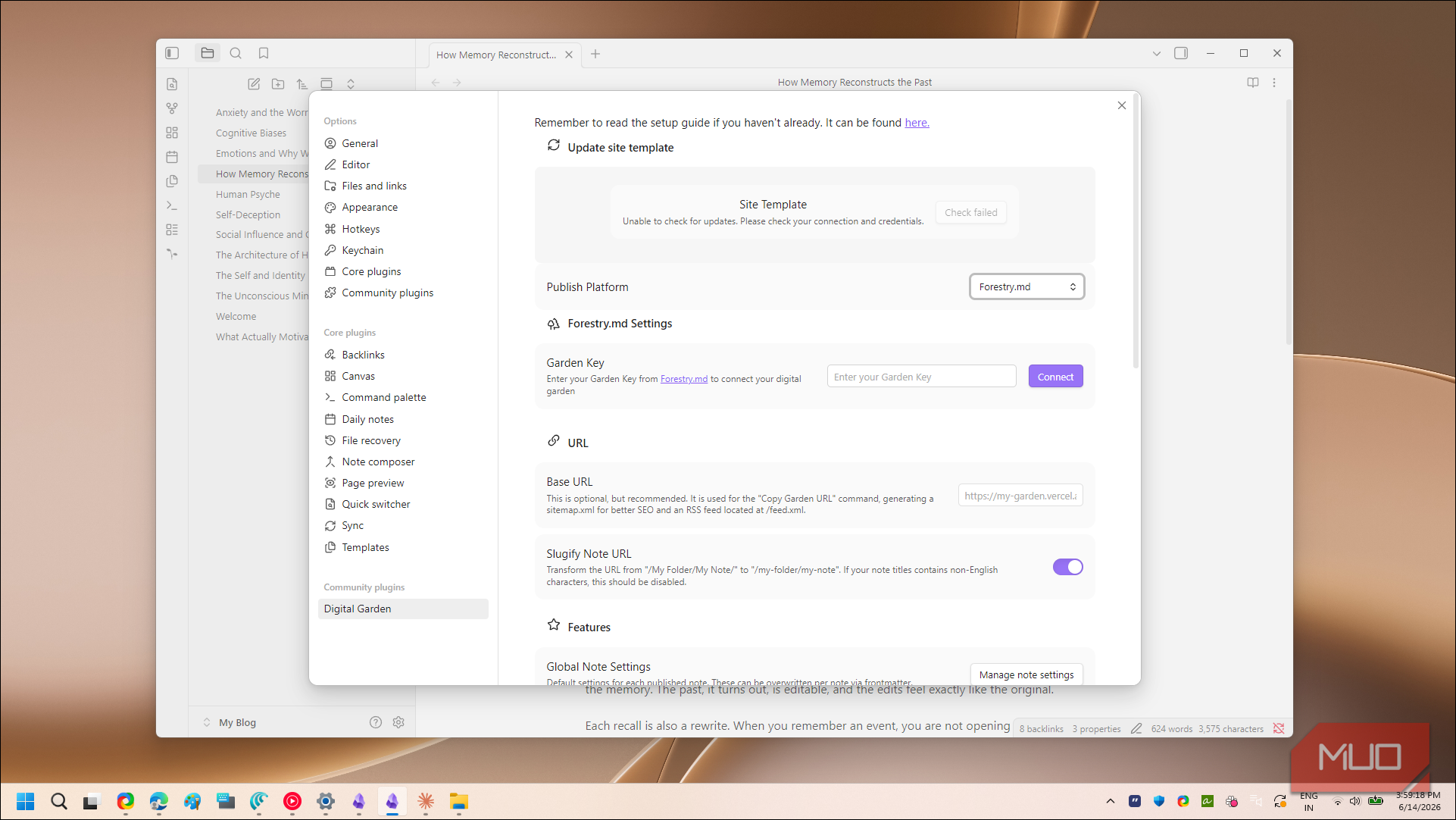
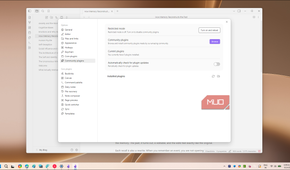
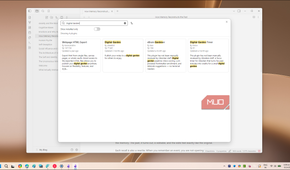
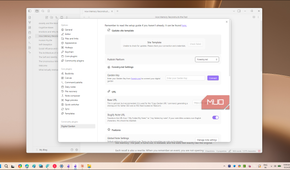
Setup took me less than ten minutes. In Obsidian, open Settings, go to Community plugins, turn off Restricted mode if you haven't already, then search for Digital Garden and install it. Enable the plugin, and you'll see a new Digital Garden tab appear in your settings.
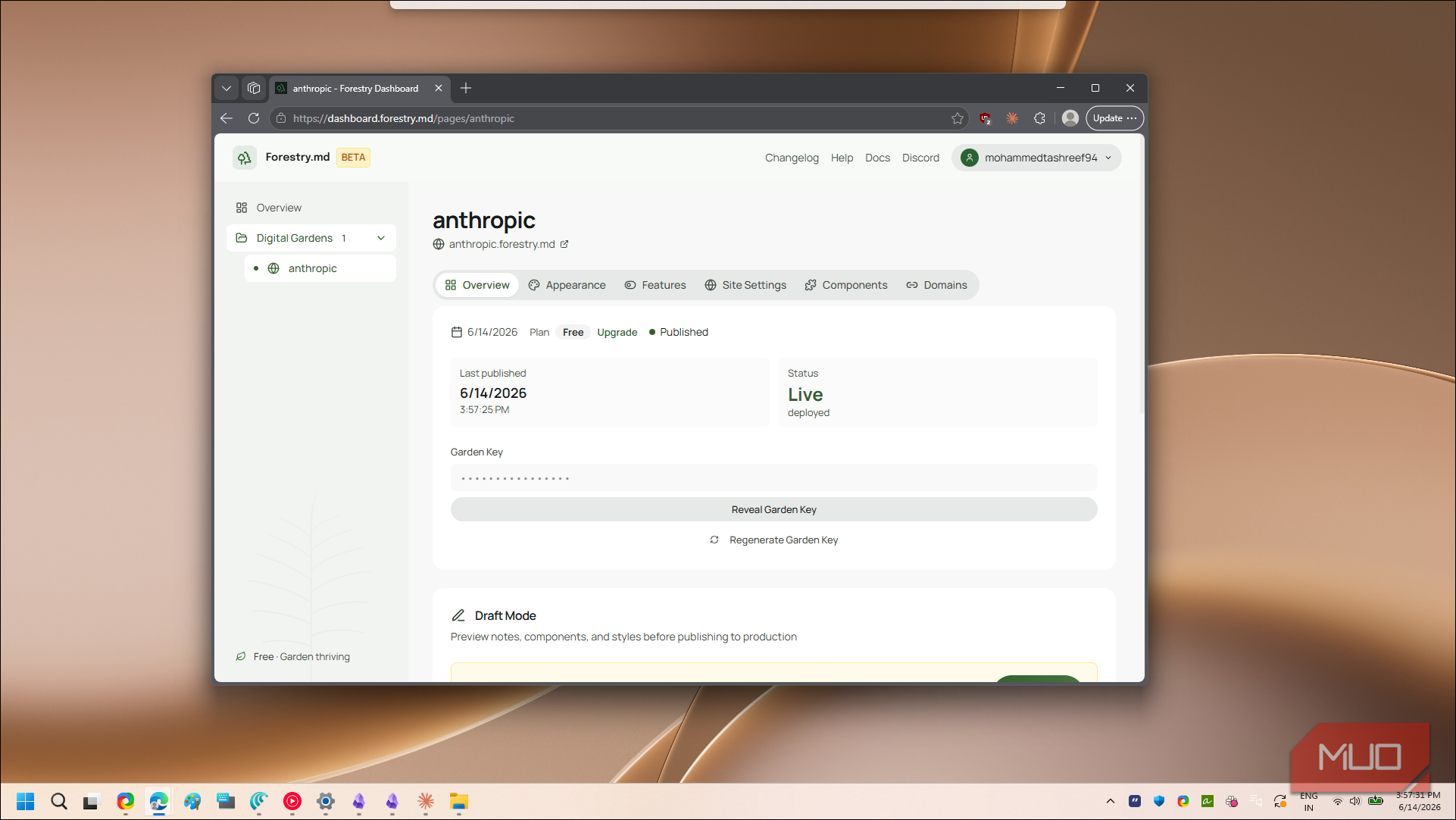
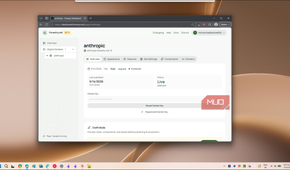
Before you can publish anywhere, you need to tell the plugin where your site lives. Head to Forestry.md, sign up for a free account, and pick a name for your garden. The dashboard gives you a Garden Key, which is just a long random string that ties your account to the plugin.
Back in Obsidian, open the Digital Garden settings, switch the publish platform to Forestry.md, and paste that key into the field it asks for. That single step is what connects your vault to your live site. Once the key is accepted, the plugin shows a base URL, which is the public address where your notes will appear.
I'd suggest doing one small thing on the Forestry.md dashboard before you publish anything. Under the Site Settings tab, rename your site, because if you skip it, the title defaults to a generic "Digital Garden." You can also pick from a few hundred free themes here, so your site doesn't look like everyone else's.
That is the whole connection process. There are no build pipelines to babysit and no access tokens to generate, which is the main reason I picked this route over self-hosting. The trade-off is the subdomain and the free-tier limits, but for a site I was setting up in an afternoon, that felt fair.
Making your notes live
Publishing notes with a single property


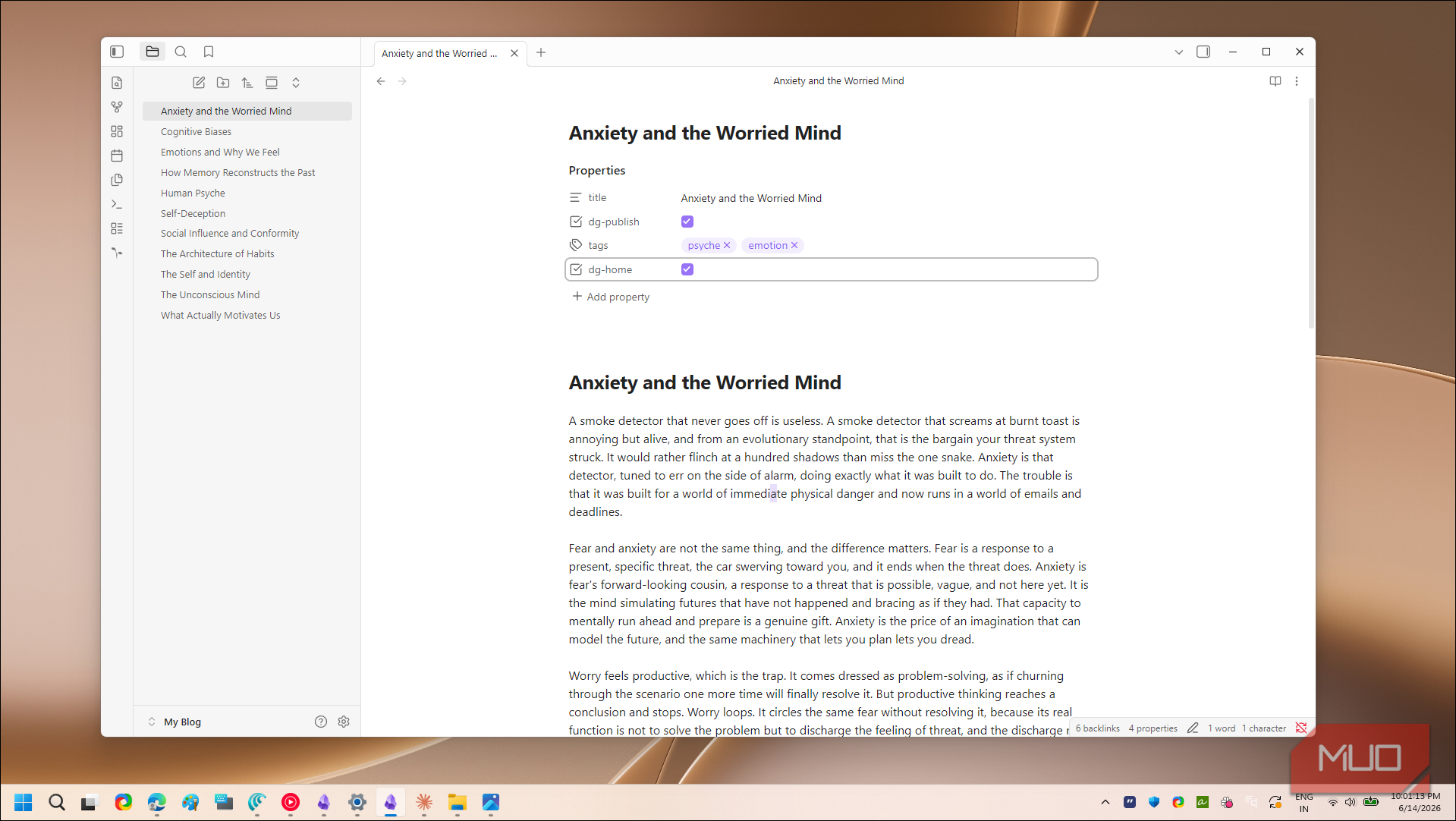
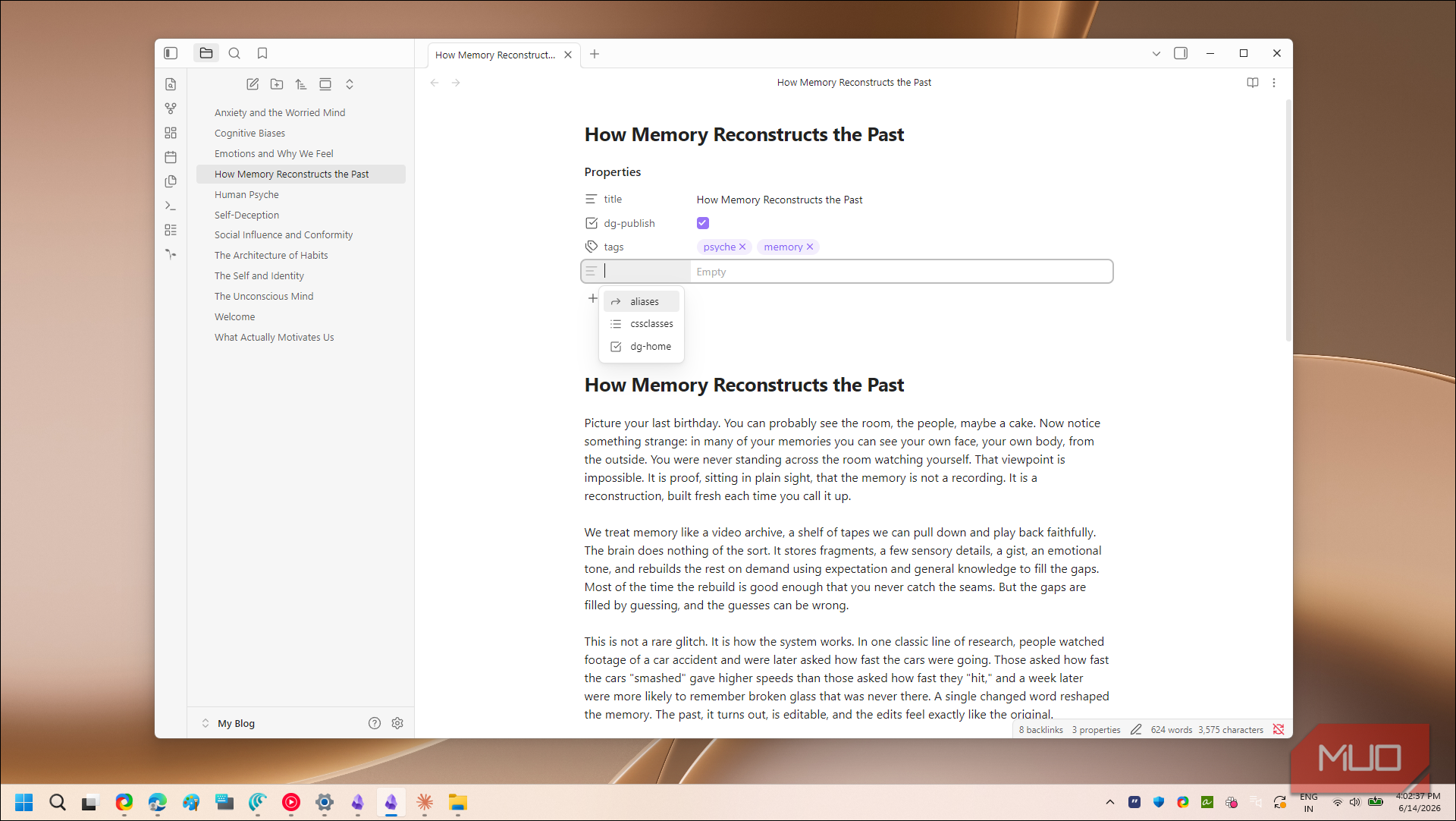
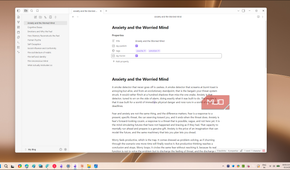
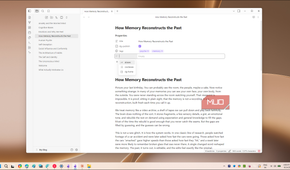
With the connection in place, publishing a note comes down to one property. Open any note you want online and add dg-publish to its frontmatter with the value set to true. If you're comfortable with YAML, that looks like this at the very top of the file:
---
dg-publish: true---
If you'd rather not type the dashes by hand, Obsidian can add them for you. Use the Add file property action or the property shortcut, set the key to dg-publish, and toggle it to true. Either way, the plugin reads the same thing.
Your homepage needs one extra property. Pick a single note to act as your landing page and give it both dg-home and dg-publish set to true. Only tag one note this way, because the plugin treats just one note as the homepage and quietly ignores the rest.
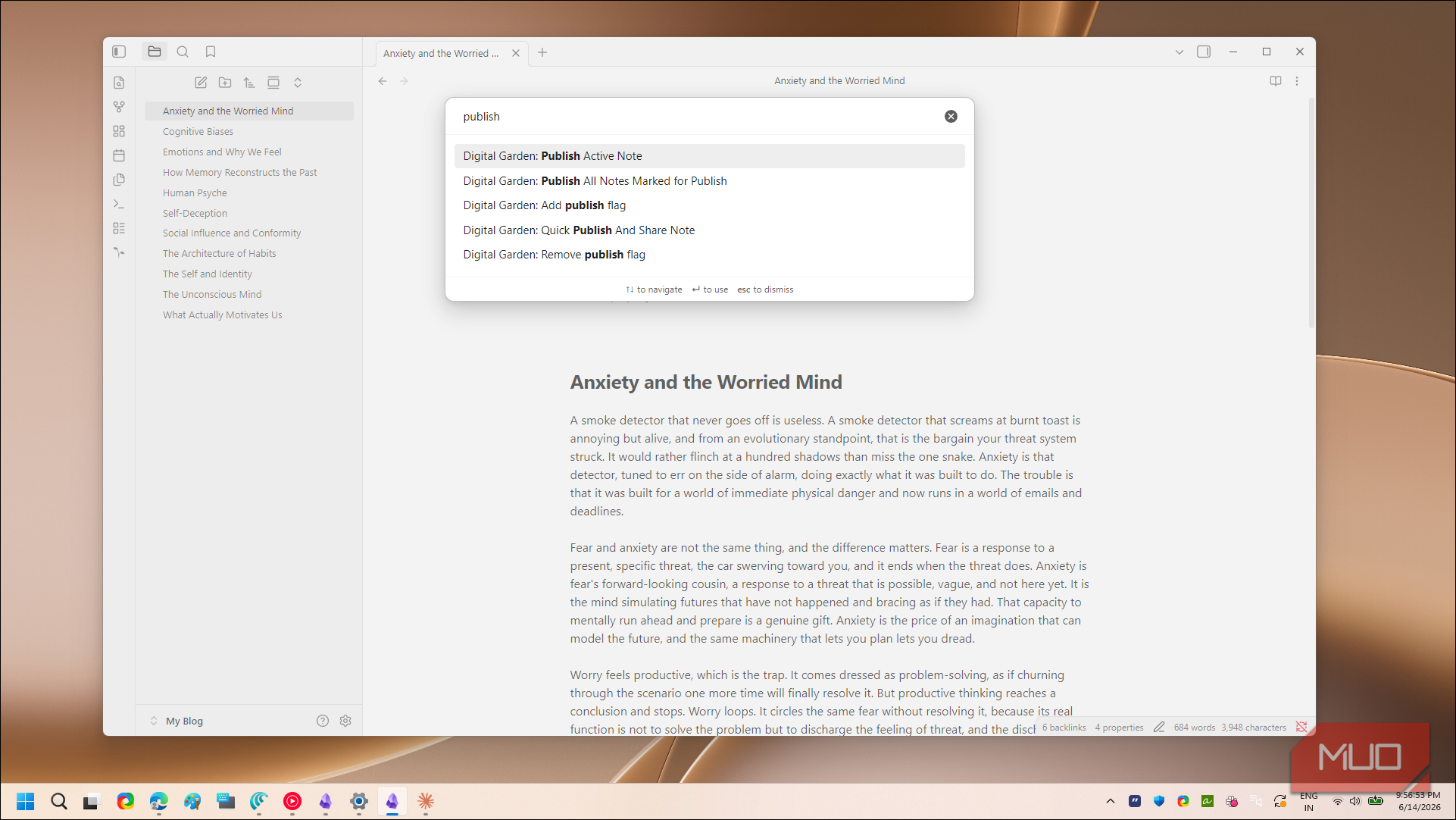
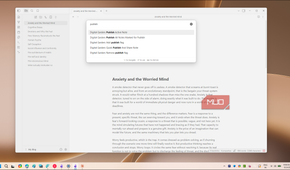
To push everything live, you can click the publish button in the sidebar or open the command palette and run Digital Garden: Publish All Notes. For the very first publish, I'd use the publish-all command so your homepage and every tagged note go up together. After that, you can publish single notes as you edit them instead of re-uploading the whole site each time.
Links behave the way you'd expect. A link between two published notes becomes a real link on the site, the same way Obsidian connects related notes inside your vault. Links pointing to notes you haven't published simply won't resolve on the public site, so nothing private leaks out through a stray connection.

- OS
- Windows, macOS, Linux, Android, iOS, iPadOS
- Developer
- Dynalist Inc.
Obsidian is a local-first, Markdown-based note-taking application that stores your notes as plain text files and lets you build interlinked “vaults” of knowledge. It supports plug-ins, graph visualisations, and full control of your data rather than locking you into a proprietary format.
A subdomain isn't pretty, but it's a fine place to start
The free plan is not without limits. The forestry.md subdomain will never look as clean as a custom domain, the footer sticks around until you pay, and 100 MB of storage fills up faster than you'd think once your notes lean on images. If any of that bothers you, the self-hosted GitHub route removes those ceilings, at the cost of an afternoon of extra setup and a build pipeline you maintain yourself.
For me, though, the math was simple. I replaced an $8 monthly bill with a site that went live in under an hour and cost nothing. I'll probably move to a custom domain once the garden grows, but starting free lets me publish first and worry about polish later. It is still the note-taking setup I stopped switching away from, only now a part of it lives on the open web.