


It's common knowledge that Windows 11 steers you towards a Microsoft account. Most people explain this as data collection or lock-in, and that explanation feels tidy. But what happens when you give in or keep refusing to sign in doesn't always match this narrative. More importantly, you should be asking why Microsoft made the account so central in the first place. The explanation isn't as dramatic as you may expect, but it's also more practical than the conspiracy versions.
Windows Backup gives the game away
Your Windows experience isn't only stored on your PC anymore

Windows Backup stores a specific set of items to the Microsoft account signed in on that device. This information includes selected folders through OneDrive, settings, personalization (wallpaper, colors, themes), Wi-Fi networks and passwords, language preferences, and a list of installed apps.
Windows Backup doesn't keep a full system image, as a device's complete state stays on the machine itself. So it backs up only a supported slice of the entire Windows experience.
By Microsoft's own description, the Microsoft account is the account associated with Windows, Microsoft 365, OneDrive, Xbox, and more. This simple definition does a lot. Your Microsoft account is an identity sitting above Windows, and not merely an account that logs you into a computer. Because certain parts of your Windows experience now live within this identity rather than a single machine, the experience can now exist even outside a single PC.
The PC is the part you can replace
The account is what stays put

When you reinstall Windows or set up a new computer, signing in with the same Microsoft account lets Windows find the backup associated with it. At that point, Windows checks for a previous backup, and once it finds one, it offers you an option to restore the bits it recognizes.
OneDrive plays a related role for folder backups. When you enable OneDrive folder backup, those folders are synchronized with OneDrive, making their contents available on another device signed in to the same account. So if a file was in one of the folders you backed up with OneDrive, it can appear on the new device without you manually copying it across.
This is a short but visible sequence:

This is a process that you can watch happen. Once you sign in with your Microsoft account on a different device, Windows surfaces a backup, and you choose whether to restore it.
|
Old model |
New model |
|---|---|
|
Windows lives on this PC |
You > Microsoft account > Windows state > OneDrive + services |
Your Microsoft Store purchases are also tied to the same account. With that account consolidating many associations, it becomes a ready-made place for the Store to include your data.
A few things like the hardware and the installation may change. However, the identity that connects the two doesn't change. This new model makes the installation more disposable while the identity becomes more permanent.
Telemetry isn't the smoking gun
Data collection is real — it's just a separate story


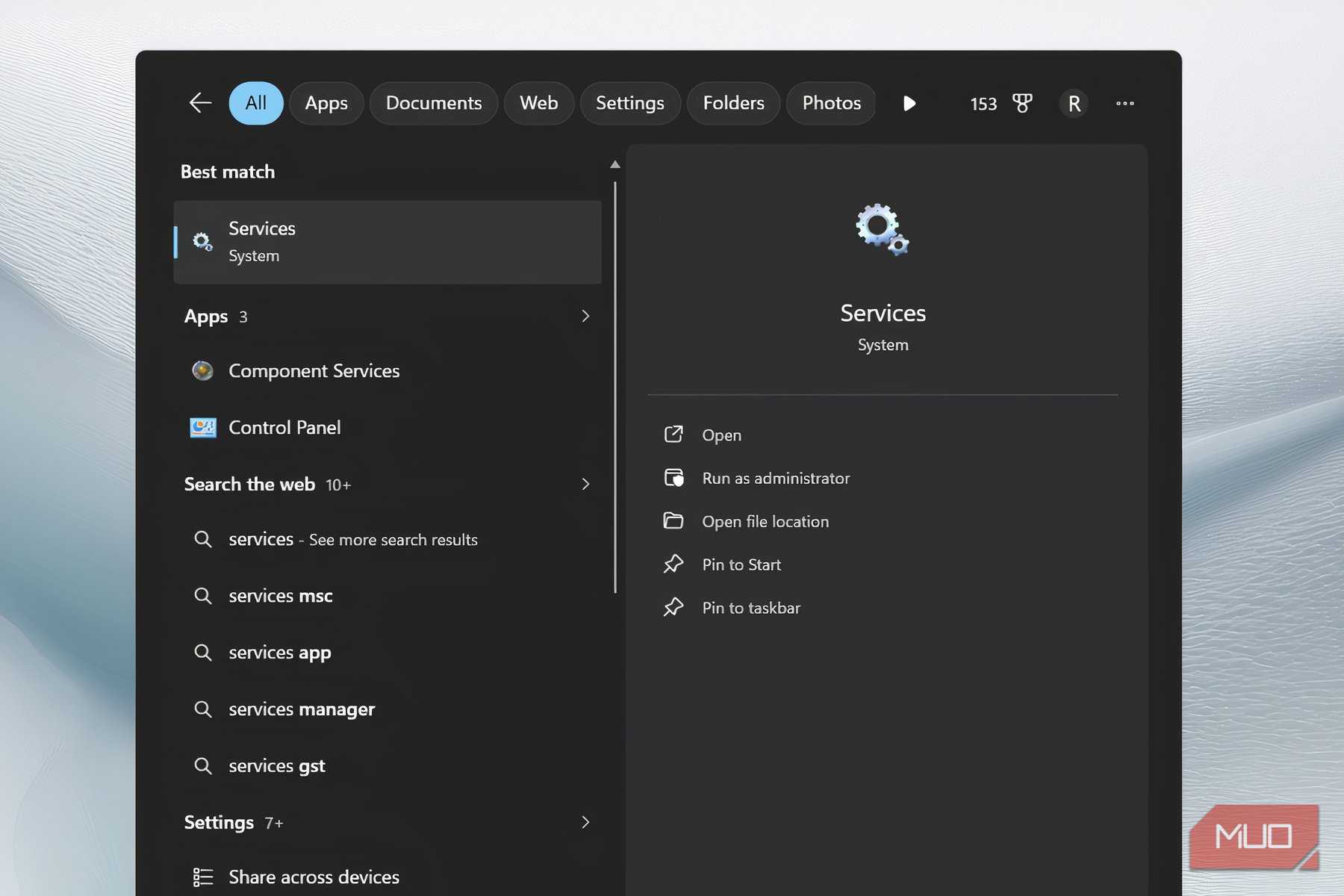
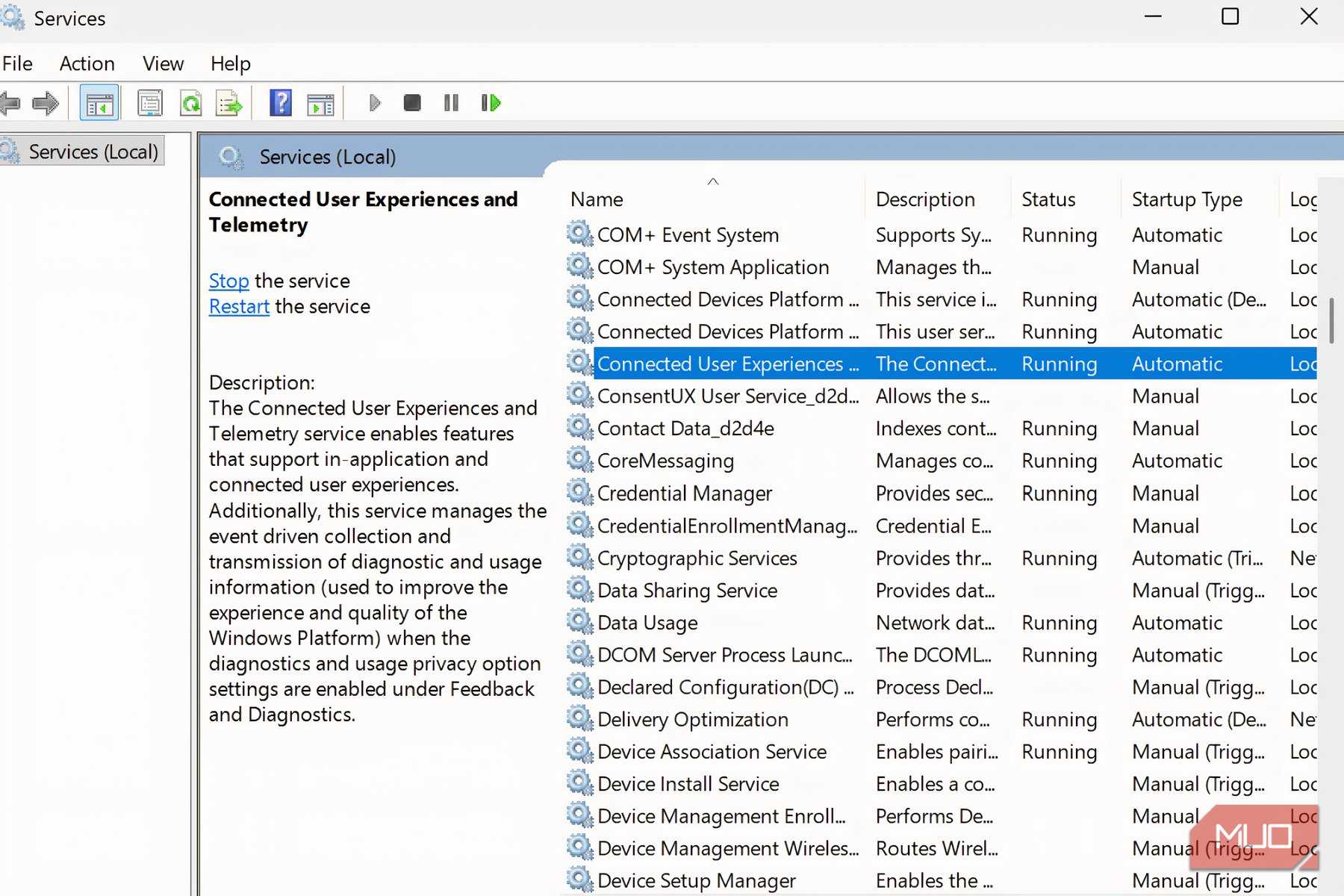
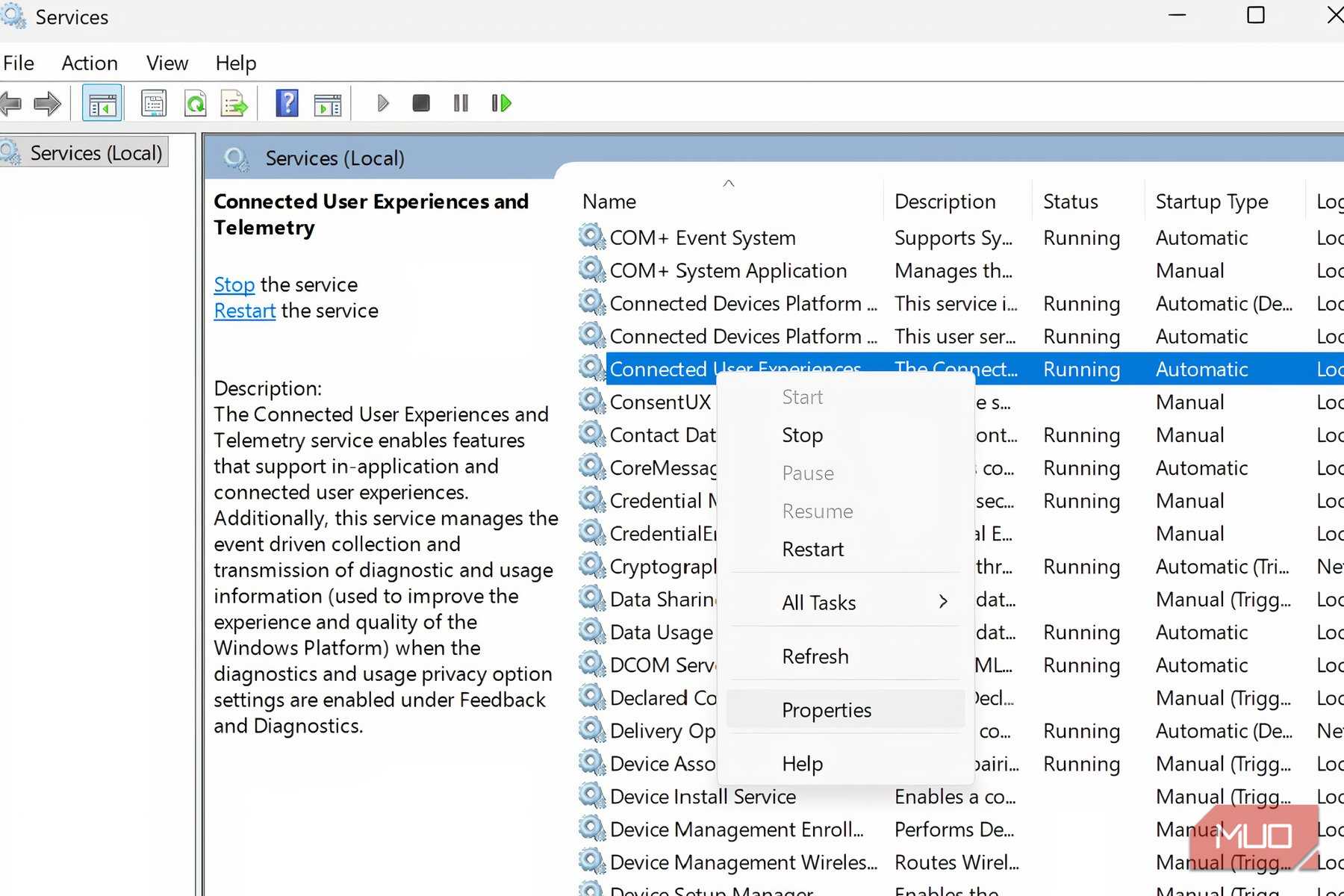
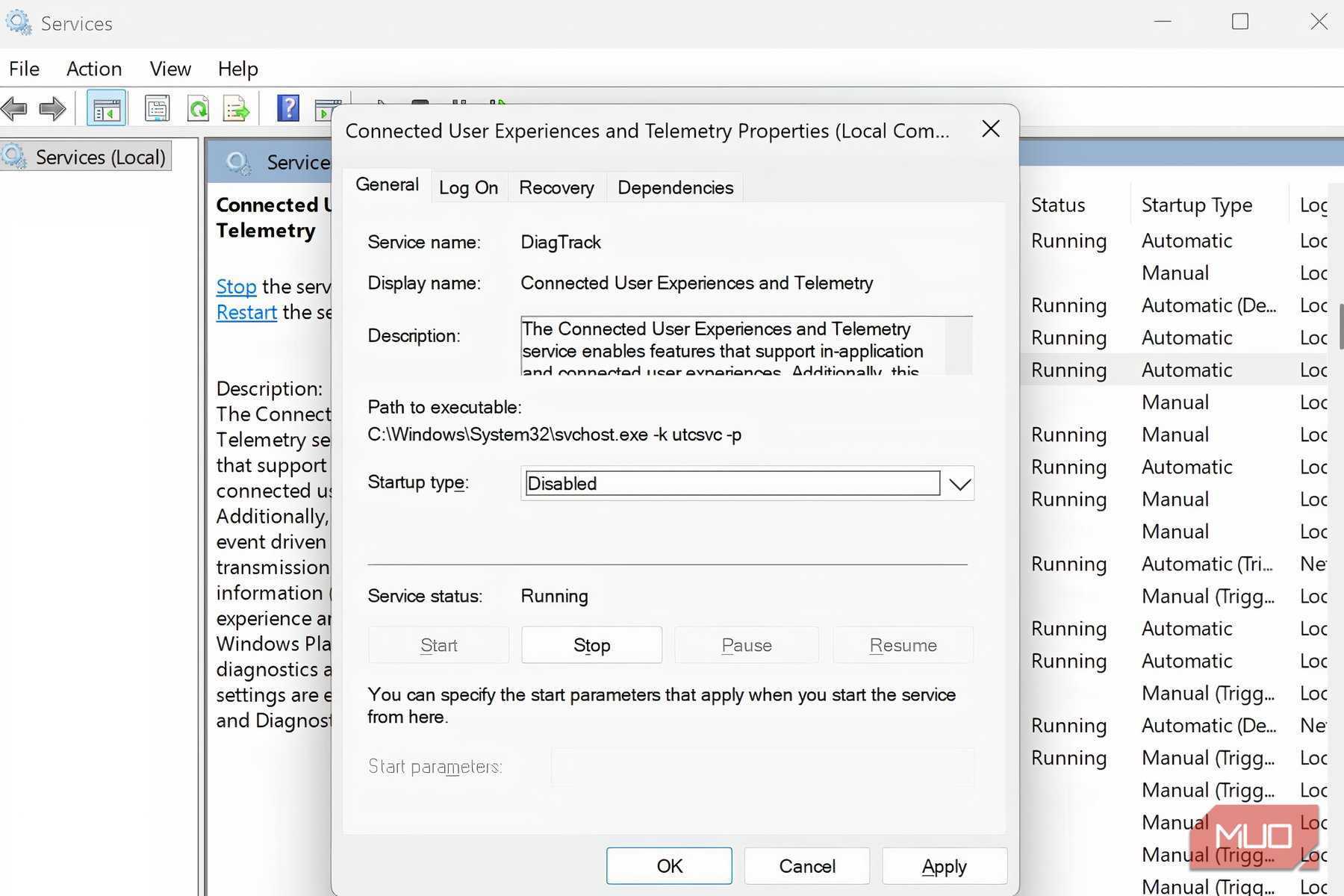
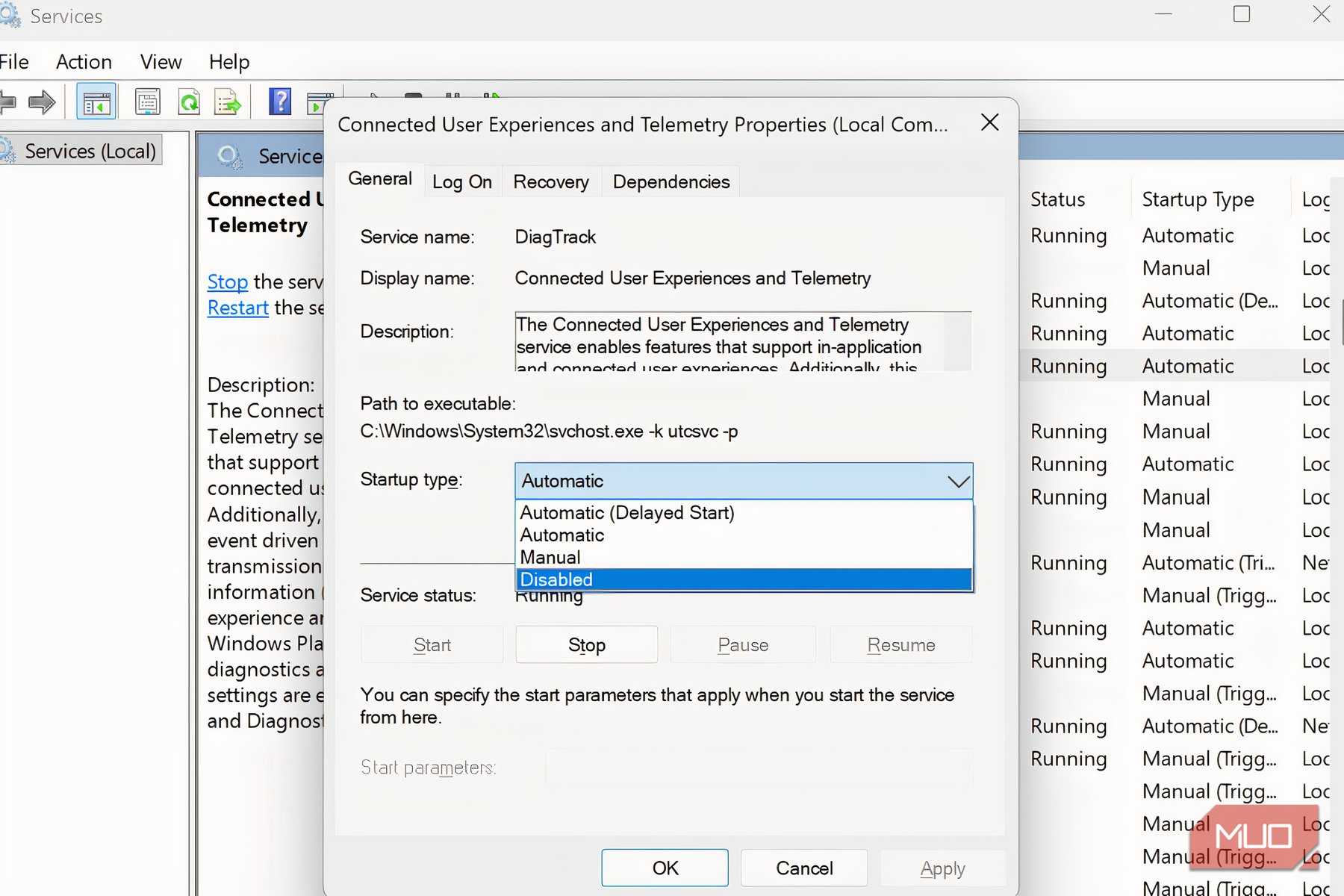
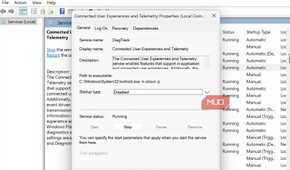
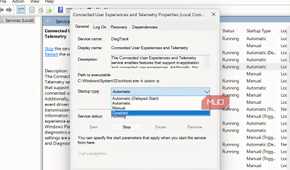
Windows collects data. Diagnostic data is a common example. It also collects required data for security, updates, and troubleshooting. Optional data often includes broader details about performance and usage. These are openly documented by Microsoft.
However, Microsoft describes this data collection separately from the account and backup system. Even without signing in to a Microsoft account, Windows still uses required and optional diagnostic frameworks. While they may both live in the same services niche, they aren't the same mechanism.
This is the important categorization:
- Fact: Windows collects diagnostic data.
- Fact: Using a single identity, your Microsoft account associates supported backup data and cloud services.
- Inference: The broader ecosystem can more easily attach to a single person when the identity is centralized.
- Not established: Microsoft requires accounts specifically to collect diagnostic data.
It's easier to connect activities to a single person when there are account-linked services. That's an architectural consequence. However, that doesn't prove that that's why the account was designed. There is simply not enough evidence to conclude that Microsoft's account requirements exist specifically so it can collect diagnostic data.
Windows is designed to be replaceable; the account persists
That identity, with Windows Backup, OneDrive, and the replaceable PC all pointing back to it, is the practical center of the design.
Microsoft manages several services, including recovering settings after a reinstallation, keeping selected folders reachable across machines, attaching Store purchases and subscriptions to a person, and making a new PC feel familiar without starting from scratch. A shared account gives Microsoft one identity through which these services can work instead of making each experience feel like a separate product.
You may understand why Microsoft designed Windows this way and still prefer not to tie your installation to an account. However, it explains Microsoft's practical reasons for centralizing the account.