


AI inside your phone isn't exactly a surprise at this point. Your keyboard, camera, gallery, and most other apps have some AI features baked in now. But even if you manage to ignore all of that, there’s another problem. Some of those features rely on local AI models on your phone, which can take several gigabytes of storage. I don’t blame you for not knowing, though, since Google doesn’t make it obvious. And the same goes for iPhones and Apple too.
The good news here is that you can get that storage back. I removed these AI models off both my Galaxy S26 and the iPhone 16 Pro and managed to free up more than 6GB of storage on each.
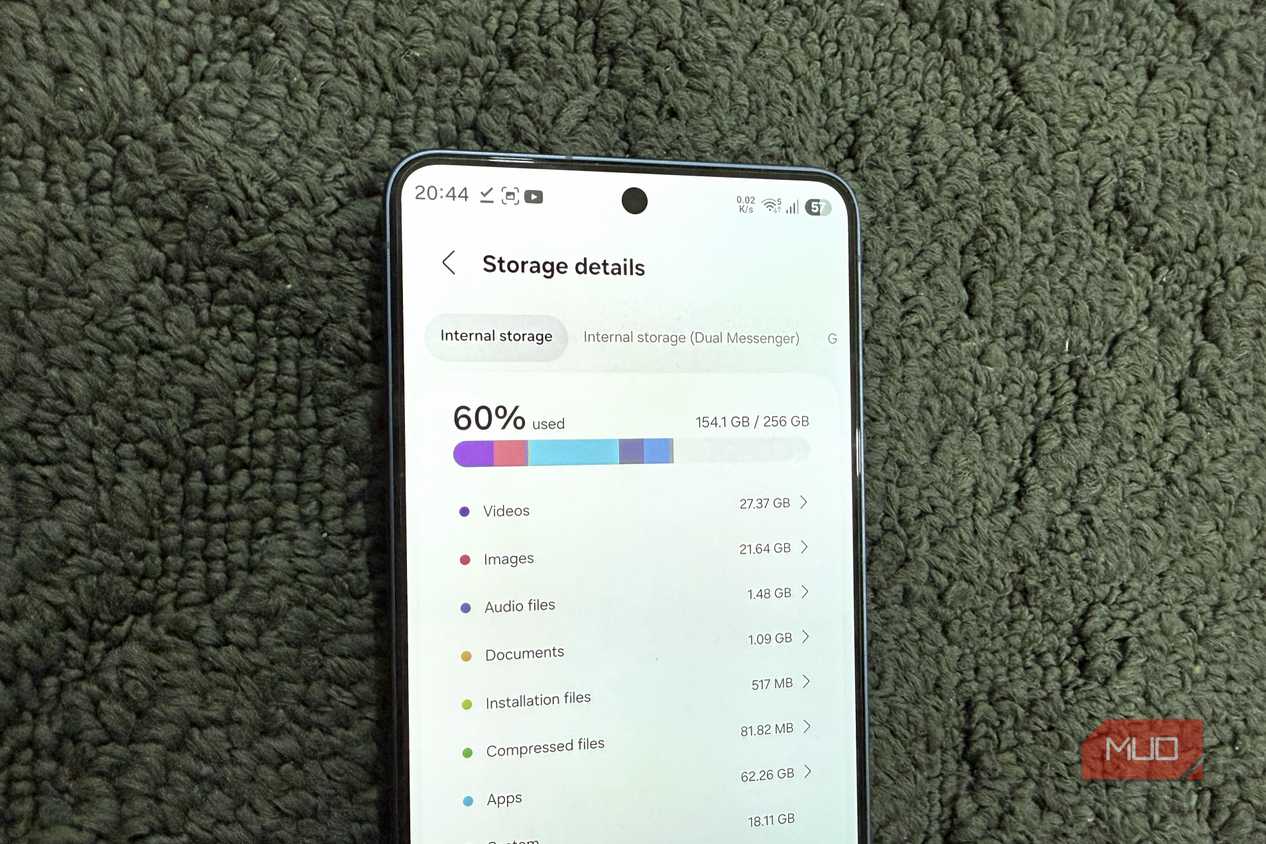
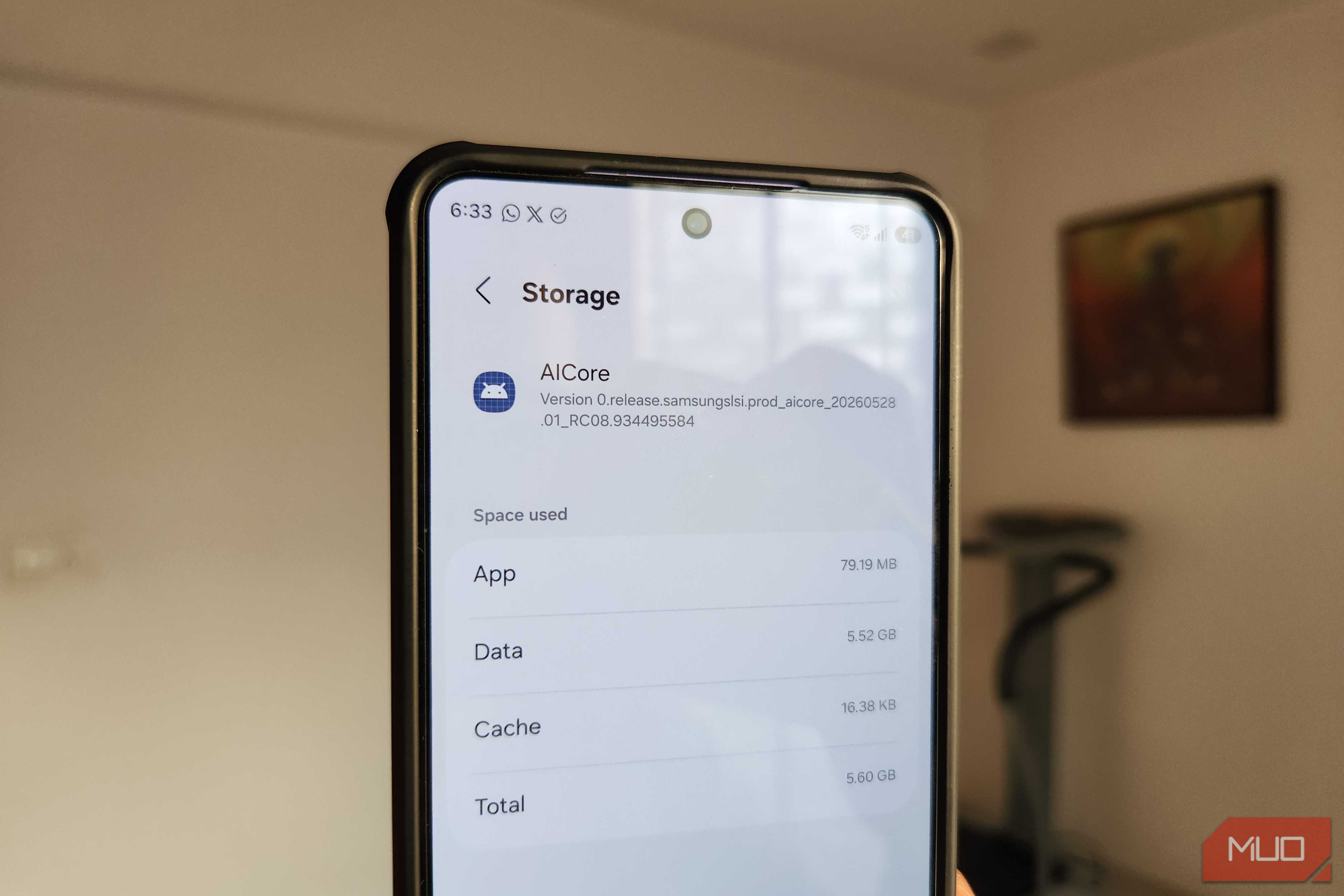
AICore was hogging 6GB for features I didn’t even need
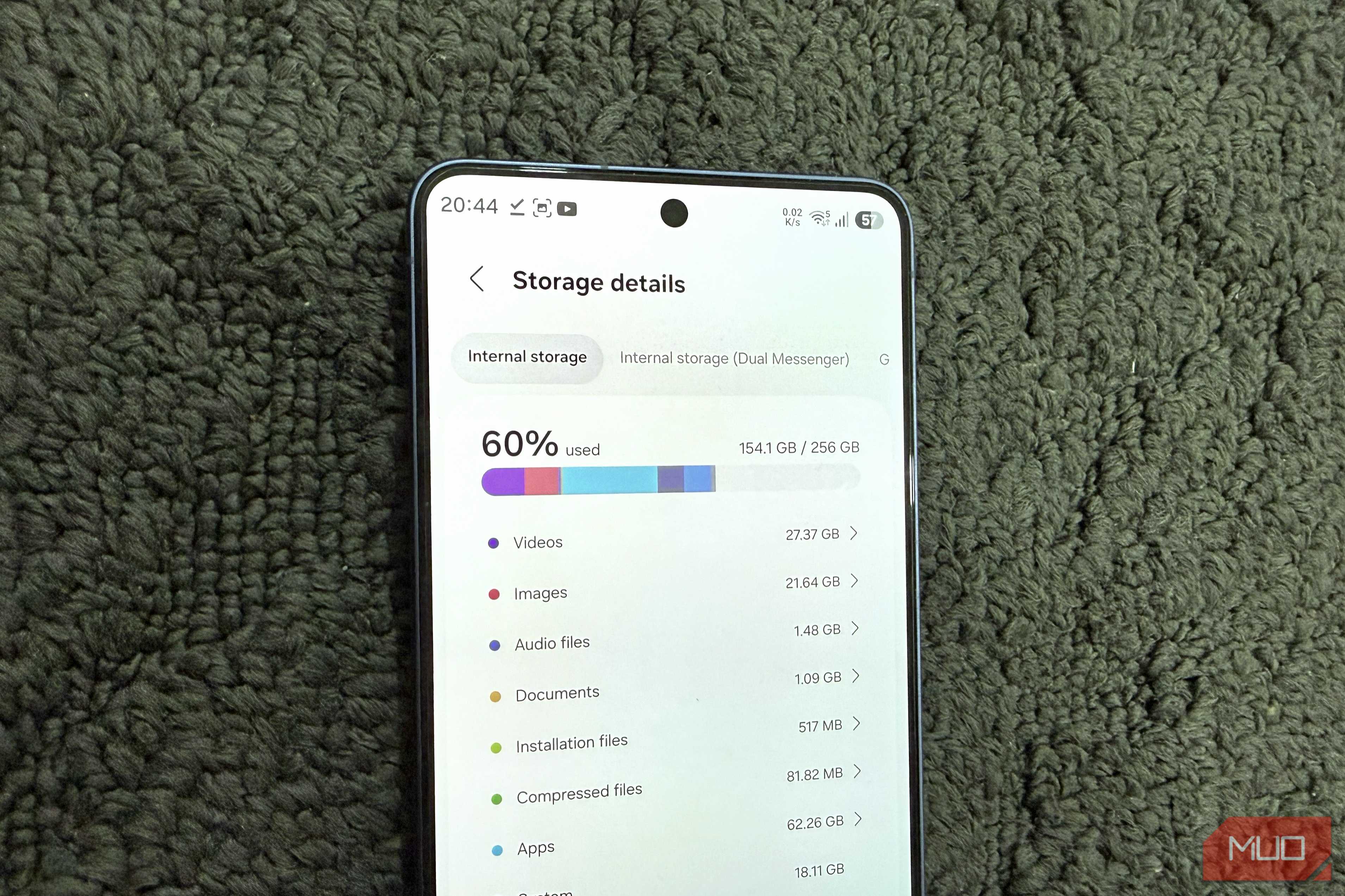
My phone feels much lighter now


 Credit: Brandon / MakeUseOf
 Credit: Pankil Shah / MakeUseOf
 Credit: Pankil Shah / MakeUseOf
 Credit: Brandon / MakeUseOf
 Credit: Pankil Shah / MakeUseOf





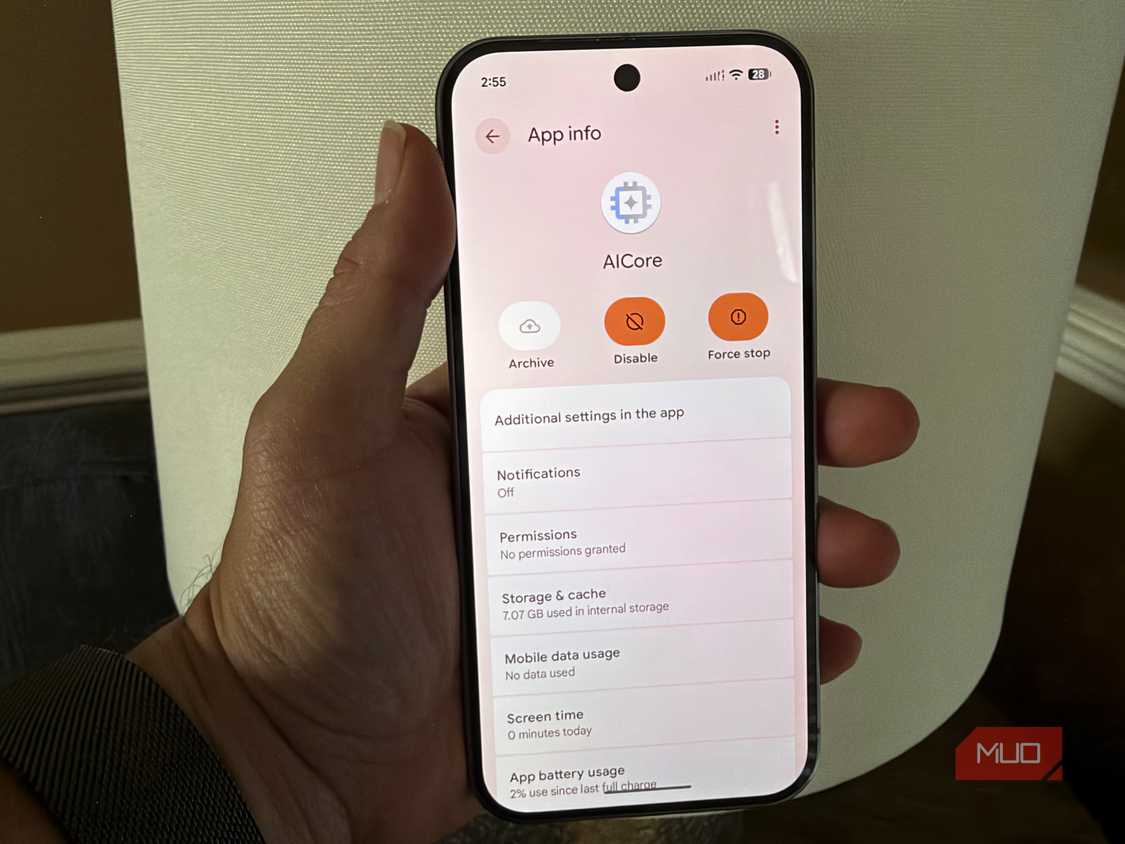
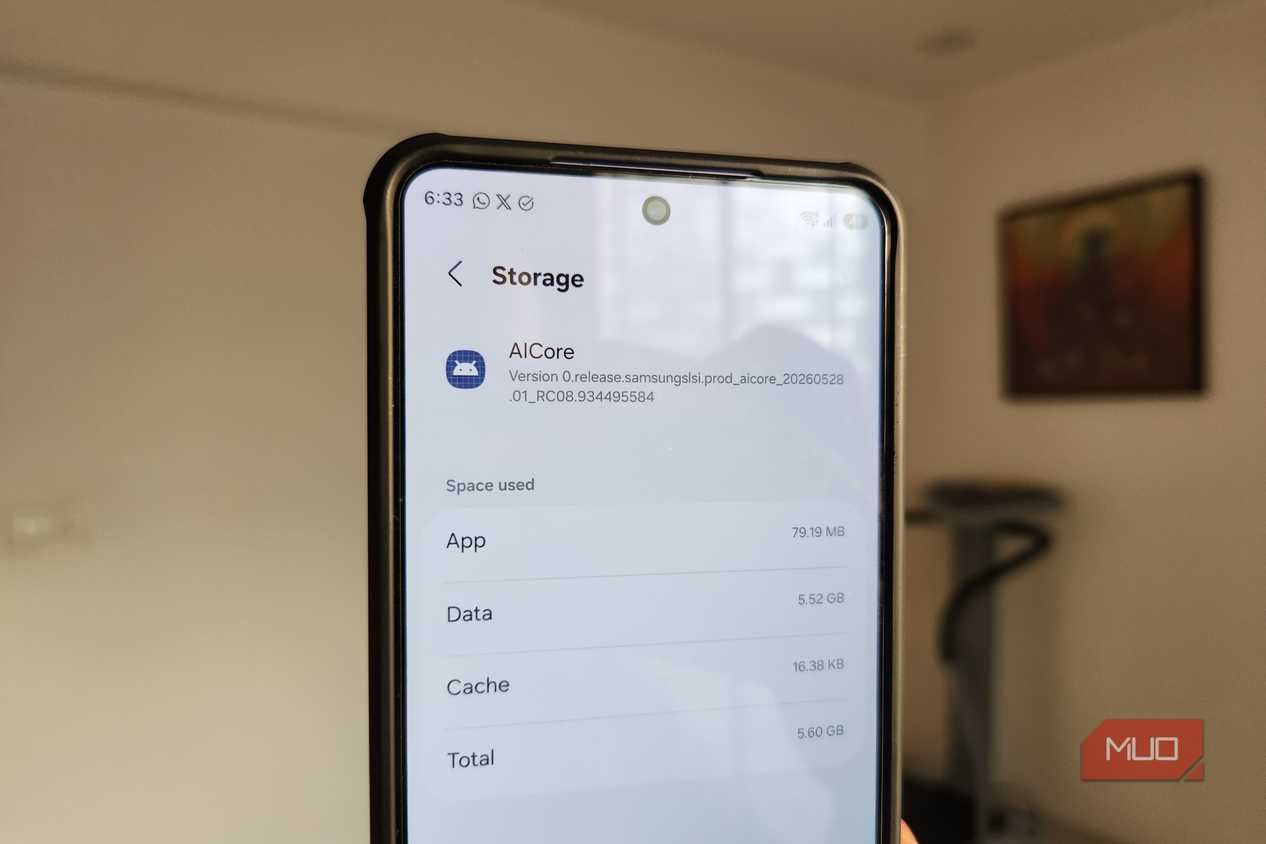
If your phone is running Android 14 or above, there’s a decent chance it has an app called AICore. You won’t find it in the app drawer or Play Store’s “My apps” section. But if you go to Settings > Apps, tap the filter and sort icon, and enable Show system apps, you’ll notice AICore on the list. Not every Android phone has it at this point, but most Pixel and Galaxy phones do. On my Galaxy S26, it was taking close to 6GB of storage, but on yours, it might be more or less, depending on which AI features your phone supports.
The big question is, why does AICore take so much space? AICore is Google’s Gemini Nano model that runs AI locally on your phone. It powers several features like grammar correction, scam detection, smart replies, note summarization, and translation. Instead of sending your data to a remote server every time you use one of these features, AICore processes it locally on your phone.
There are two obvious benefits of this. The first is that your personal data never leaves your phone. The second is the processing happens much faster since it’s all happening locally. The only problem here is that not everyone uses these AI features on their phone and even for those who do, 6GB is a steep price. And the worst part is, Google doesn’t exactly ask before installing this model, so most users don’t have any idea it exists.
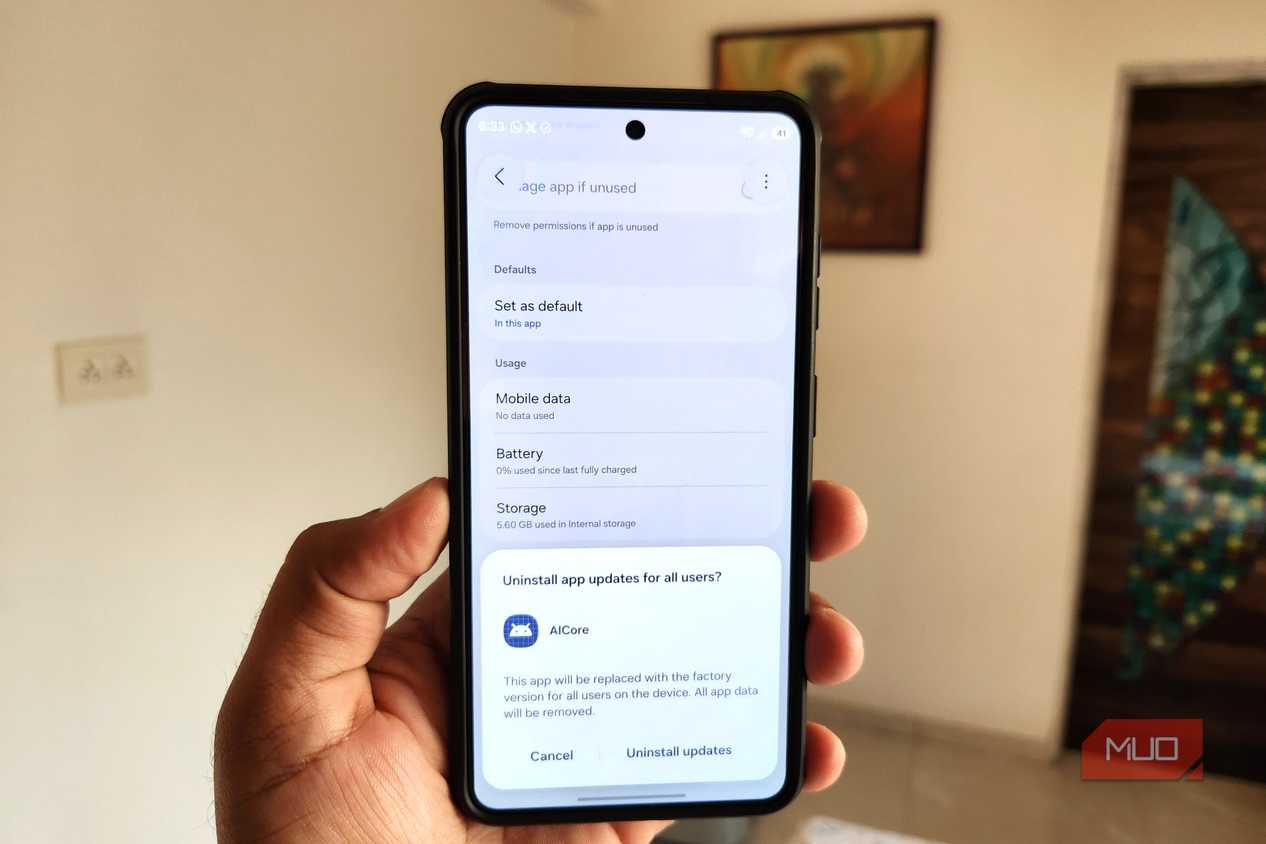
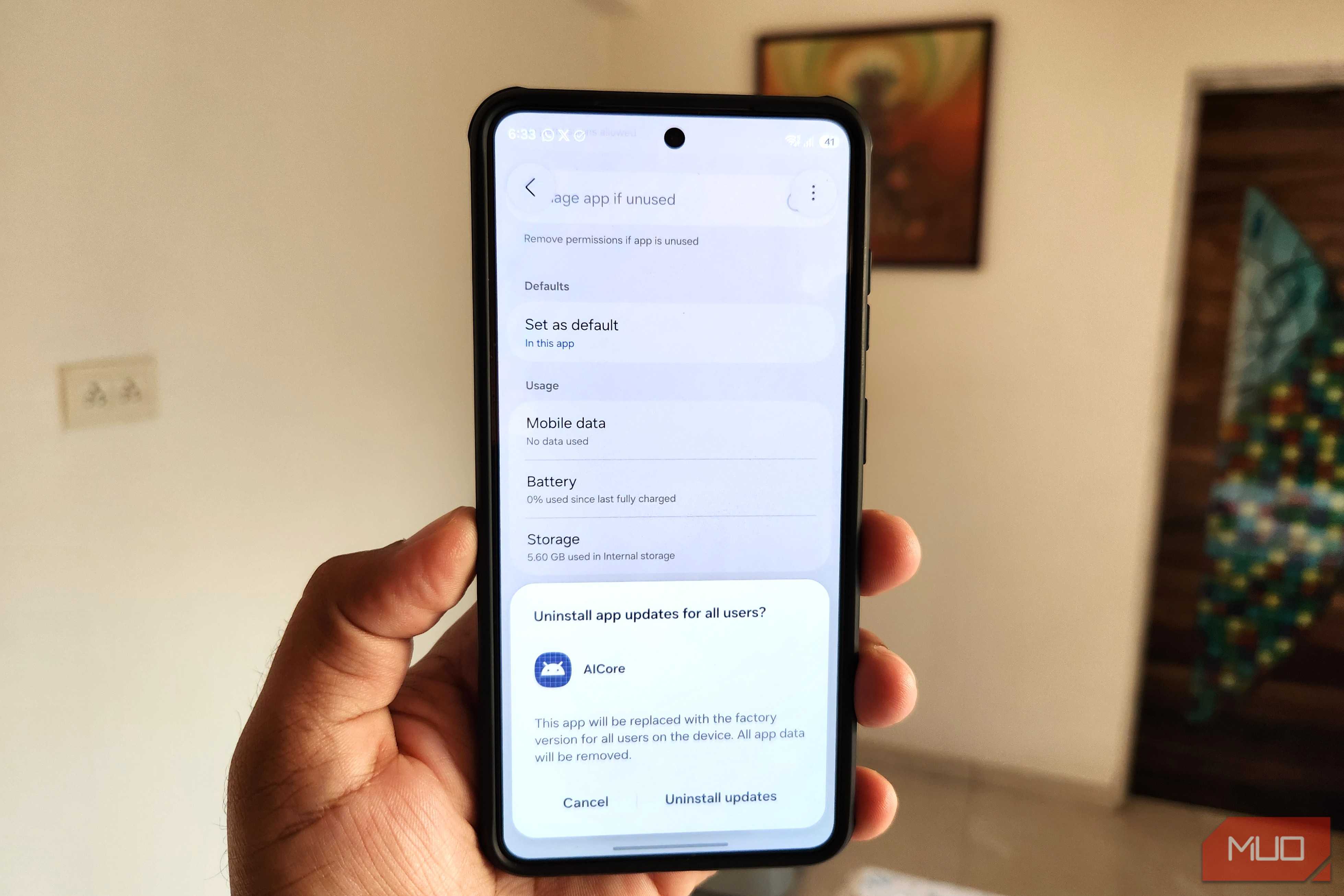
While you can’t uninstall AICore entirely, you can still disable it to free up 6GB of storage on your phone. Head to Apps menu again, tap AICore on the list, tap Disable > Disable app. Tap the three-dot icon at the top right and choose Uninstall updates.
A future update from Google can automatically re-enable AICore without asking, so it’s worth checking every once in a while.
iPhone users can use a similar storage-saving trick
Apple Intelligence eats up even more storage

It’s not just Android users that have local AI models running on their phones. If you have an iPhone that supports Apple Intelligence, you likely have the same problem. Much like AICore, Apple Intelligence runs its models on-device to power features like Writing Tools, Siri, Live Translation, and Notification Summaries. The catch is the same too — processing requires storing AI models locally on your iPhone.
You can check exactly how much by heading to Settings > General > iPhone Storage > iOS. On my iPhone 16 Pro, it was sitting at 7.58GB. For a 128GB model, and for someone who barely touches these AI features day to day, that’s a lot.
The good thing is that Apple does let you disable Apple Intelligence and free up storage space. For that, head to Settings > Apple Intelligence & Siri and turn off the Apple Intelligence toggle. Restart your iPhone and give it a bit. The storage should free up on its own. I say "should" because, in my experience, it doesn't always happen right away. Sometimes, iOS can hold onto the data until your phone actually starts running low on space.
If you don’t want to wait, though, there’s a workaround. Apple Intelligence only works when your iPhone's system language and Siri's language match. Change Siri's language to something different from your phone's, and the storage should free up automatically.
You probably won’t miss them
AICore and Apple Intelligence aren’t bloatware in the traditional sense. For anyone who loves using AI and doesn’t care about storage, they’re surely worth keeping. And there’s a real privacy upside too. But yes, if you barely use any of the features, or are just tight on storage, then disabling them is a no-brainer.
It’s not just about storage either. Once these models are gone, you'll also notice fewer AI prompts popping up across your apps nudging you to summarize this or rewrite that. Some people have reported slightly better battery life too, since there's no background model sitting around ready to run.