


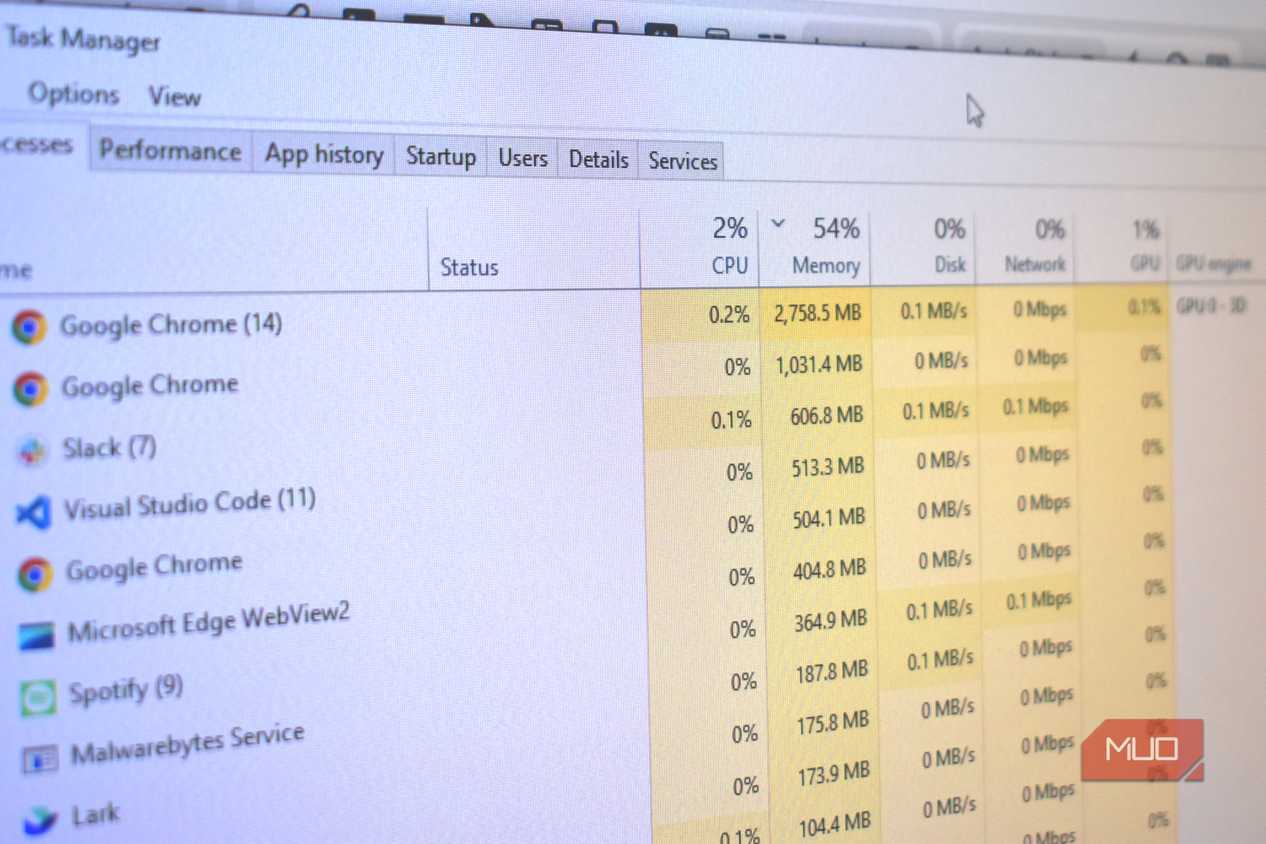
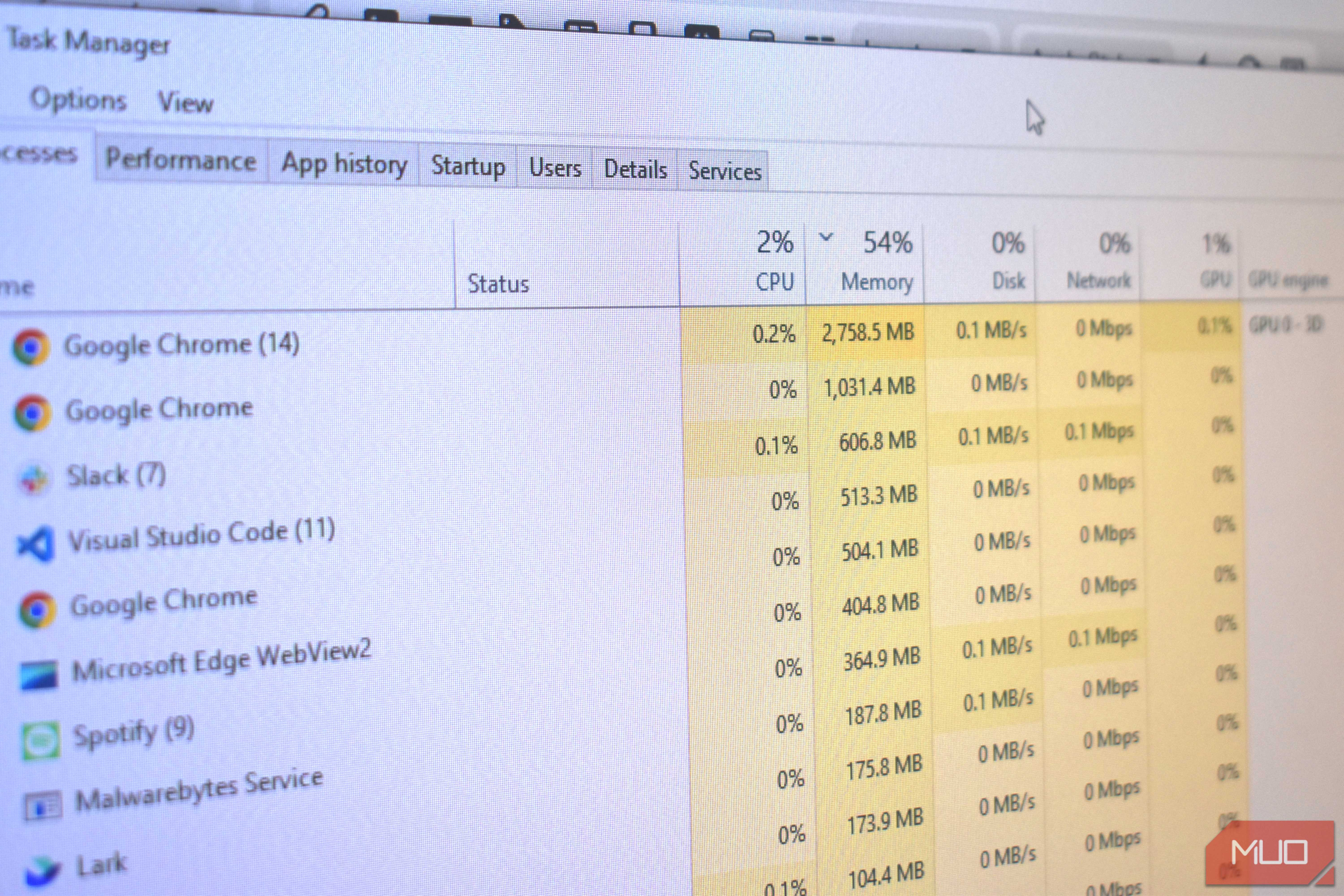
Most of my work happens inside a browser, so it’s not exactly a surprise that it tops the RAM and CPU charts. But a lot of it also comes down to how efficient the browser itself is — and Chrome is not that. That inefficiency was slowing down all my other apps and my laptop in general.
This forced me to look for an alternative. Don’t worry, I didn’t go with Edge, although it’s a solid option, especially for Windows users. I went with Brave instead, and I’m not going back anytime soon.
Chrome was too heavy for my laptop
It’s just built that way


 Credit: Gavin Phillips / MakeUseOf





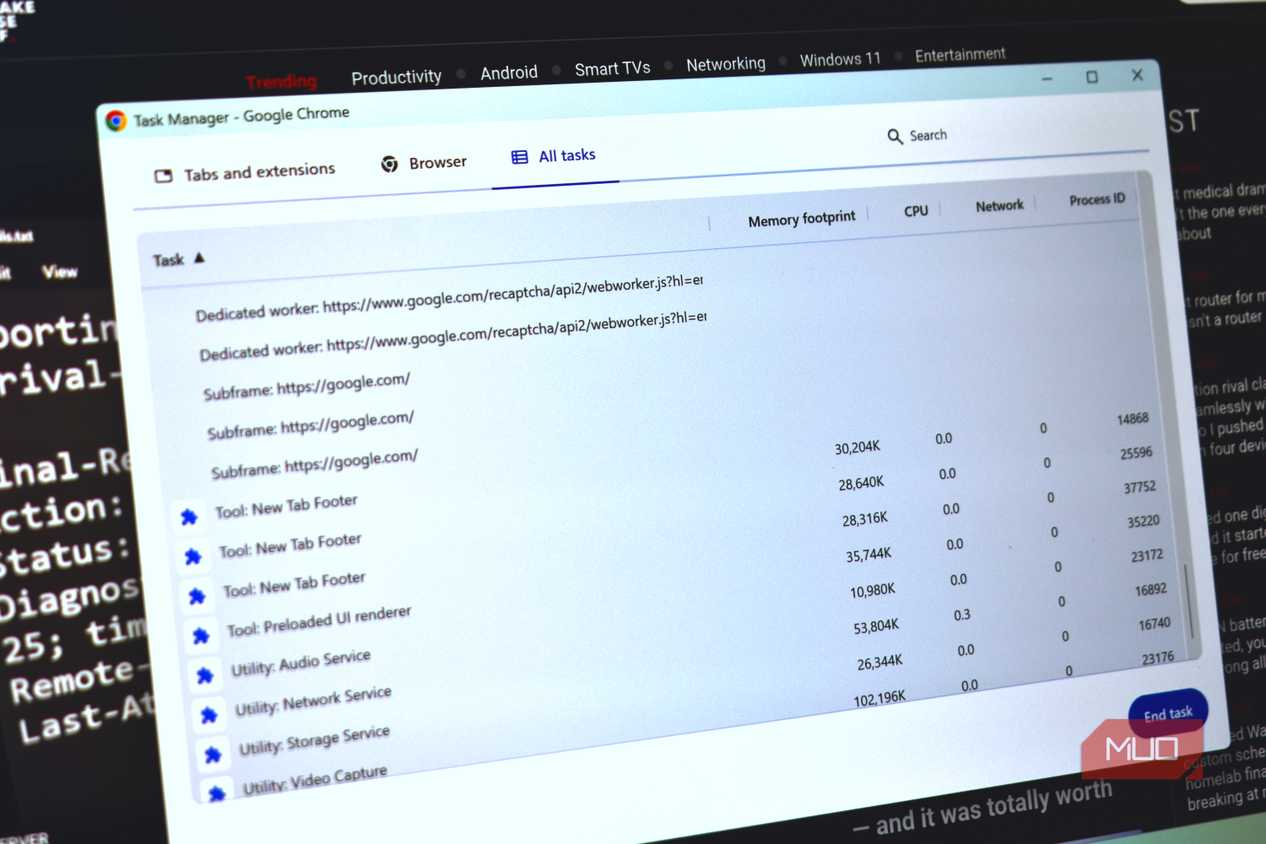
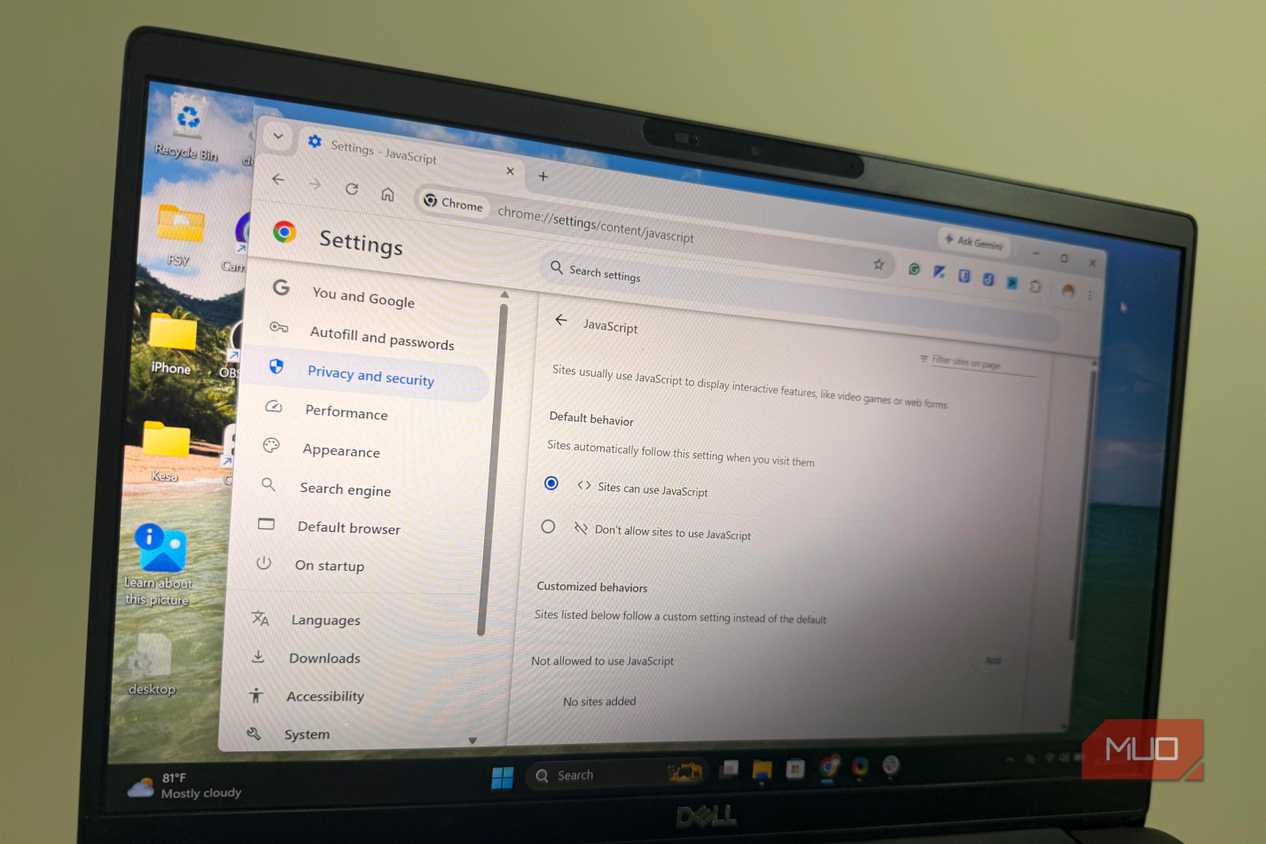
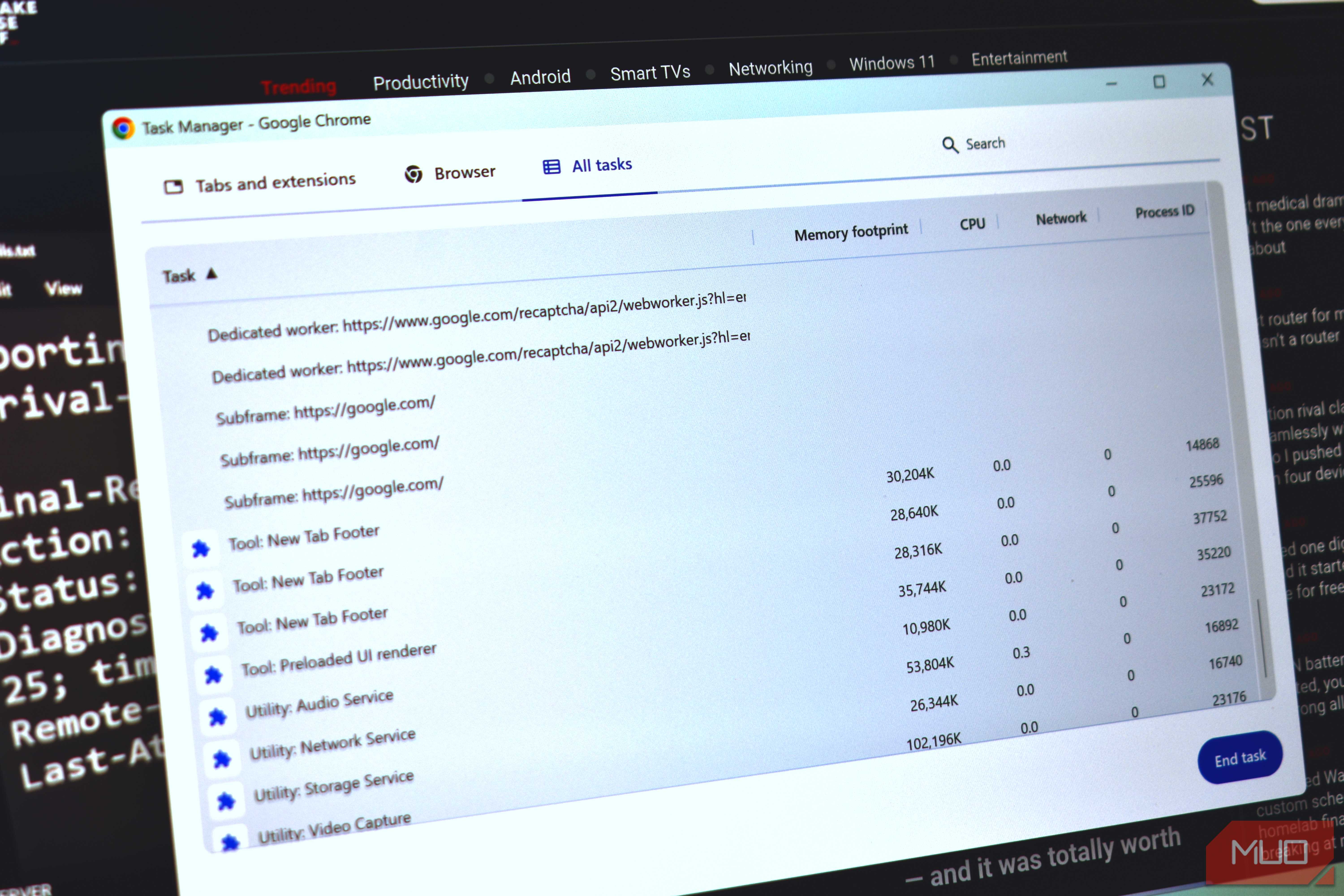
Chrome’s reputation for being a memory hog isn’t unfair. It mainly comes down to how it operates. The browser runs every tab as its own isolated process, which is actually a security feature so that one rogue tab can’t crash everything else. But that also means each process needs its own memory allocation, so the more tabs you open, the heavier things get.
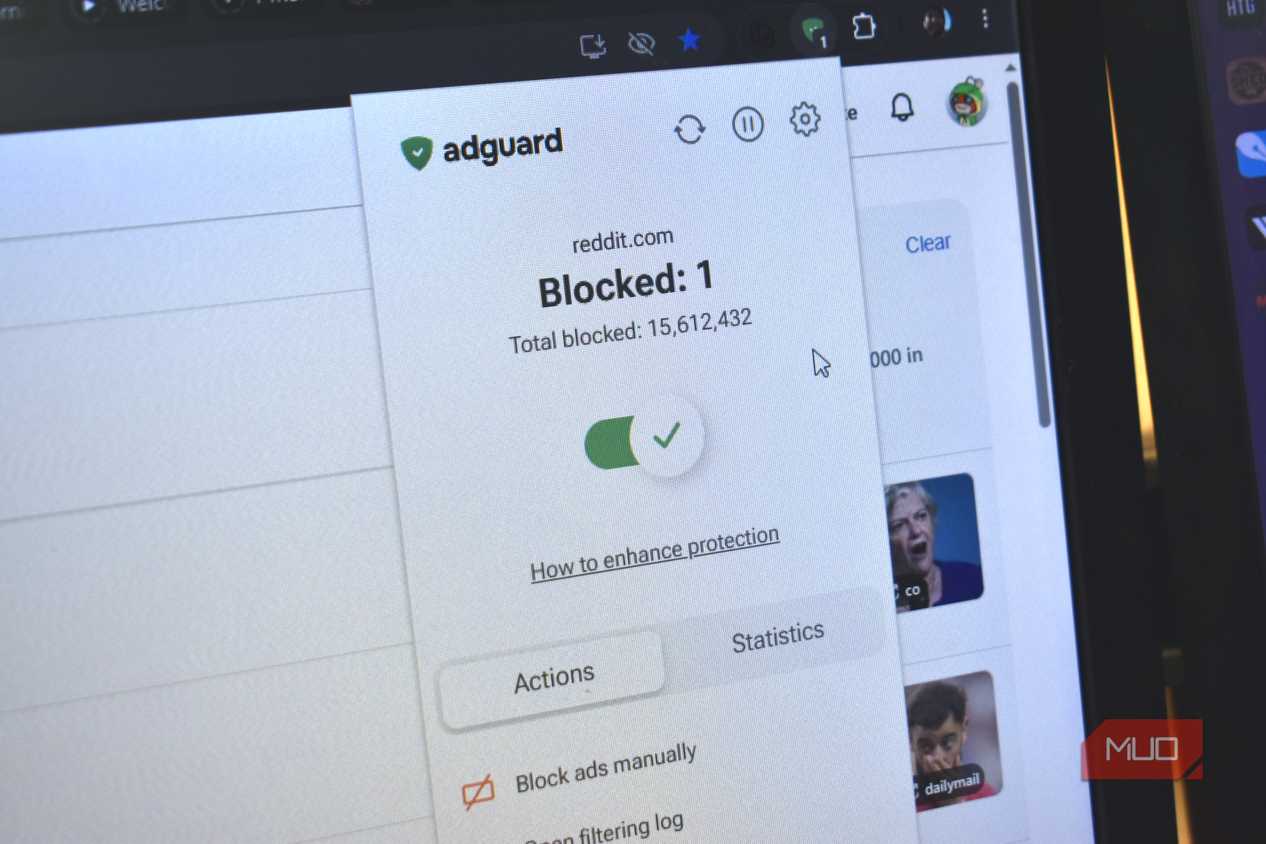
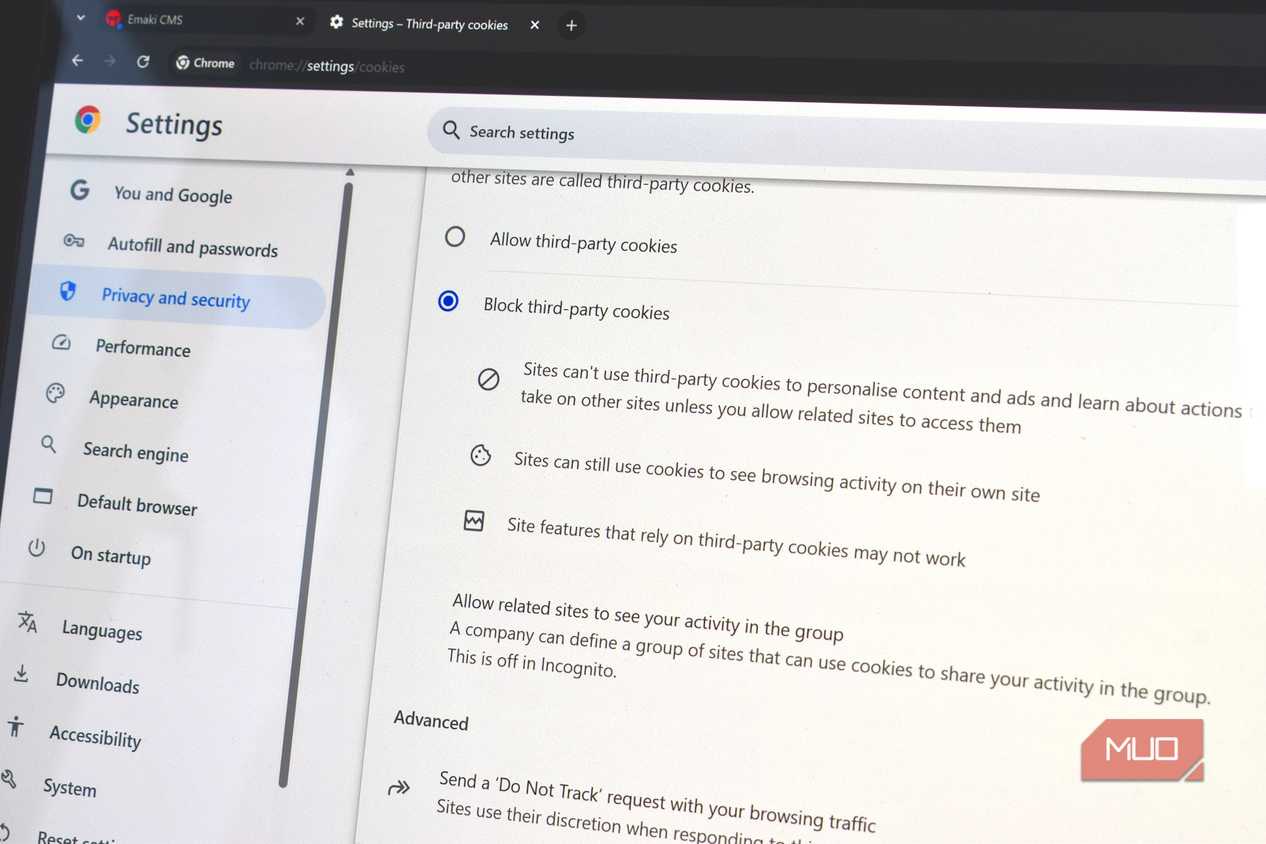
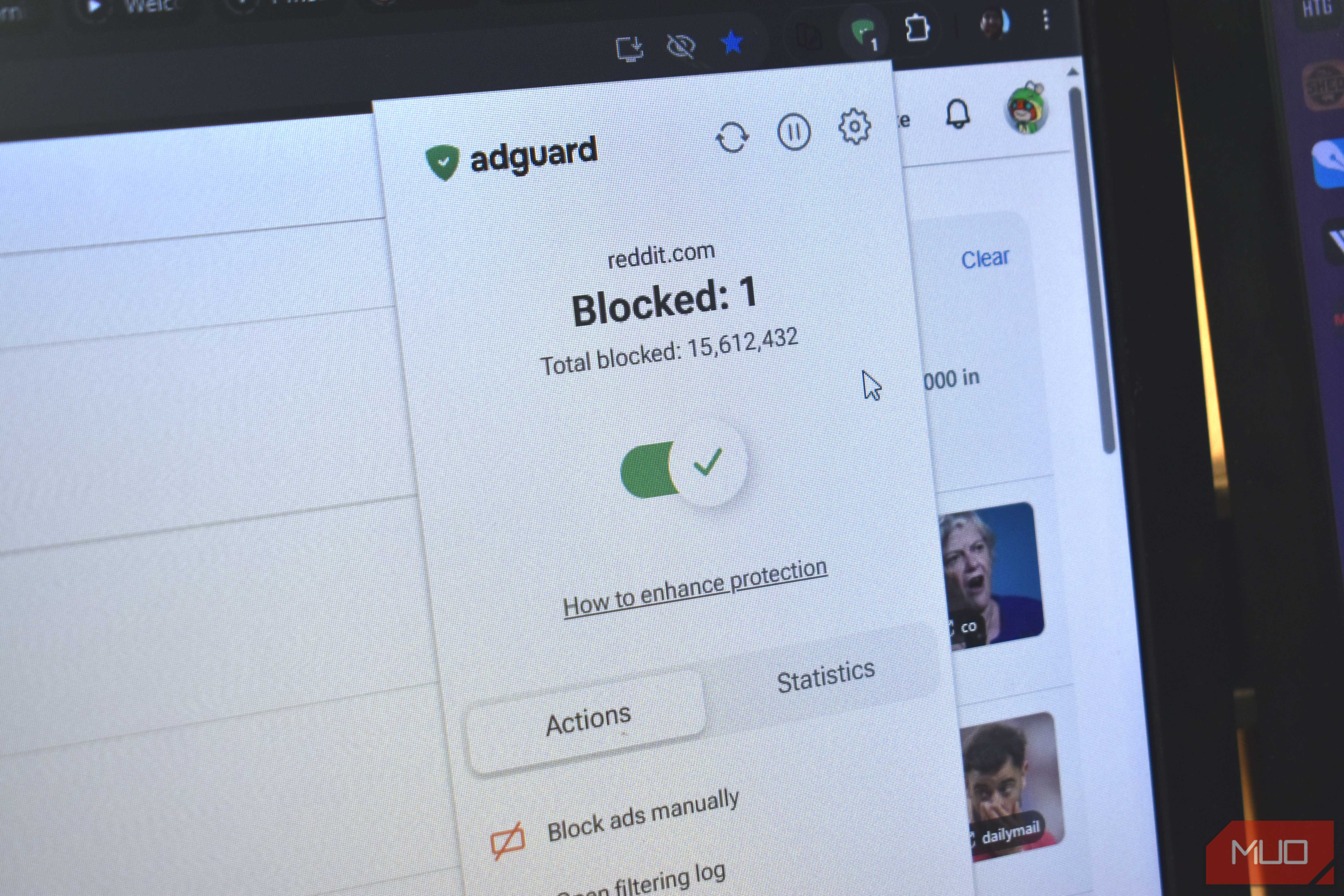
Then there are extensions. Since Chrome is pretty barebones out of the box, you typically need extra add-ons for blocking ads, cookie-consent banners, and everything in between. Each extension runs its own background process, which spikes CPU and RAM usage even further. And these add-ons usually keep running even when you aren’t using these extensions.
We’ve run several tests recently measuring RAM usage across different browsers, and Chrome has consistently been a disappointment. The one browser that hasn’t been, though, is Brave. So that’s what I went with.
Brave uses fewer resources without feeling limited
It blocks more, so your PC does less

Brave is built on the same Chromium engine as Chrome, so switching to it isn’t as jarring as it sounds. What’s different is how it runs. Brave’s biggest efficiency gain comes from what it skips by default. Since it blocks ads and annoying pop-ups out the box, pages naturally load faster and with fewer background elements. On Chrome, that usually means using a third-party ad blocker, which works, but adds its own process overhead. Brave handles this natively, so there’s not as much extra weight.
Brave also strips out Google-specific background activity that Chrome runs constantly. Since it doesn’t collect, monetize, or sell data, there’s less CPU churn than Chrome. That’s great for privacy, of course, but it also means more free resources for everything else on your PC. Open the same 10 tabs in both browsers, and Brave will always come out lighter.
In my case, switching to Brave meant my laptop ran smoother even when I had dozens of tabs open — which, for me, is almost all the time. Apps that used to struggle a bit when Chrome was running had more breathing room. Of course, the difference is much more easily noticeable on older, underpowered machines.
Most importantly, Brave isn’t some lightweight Chrome alternative that cuts corners on important features. You still get Chrome’s extension library, the same tab management options, and a UI that looks and feels familiar. If anything, Brave packs in more, which is one of the reasons I stayed with it after switching.
Brave has a lot going for it
It's just better than Chrome in every way

Switching to Brave for performance reasons is easy to justify, but that’s not the only reason to stay. Brave offers a lot that Chrome doesn’t — and you’ll only realize once you actually try it.
Brave Shields, for instance, blocks ads, trackers, and fingerprinting attempts on every site you visit. You can click the Shields icon on any page to get a quick overview of everything that was blocked. And that's not all. There’s even an option to block specific site elements manually. I find this handy for getting rid of Gemini in Google Docs and Gmail.
Brave also has a Tor private window for when you want to keep your browsing activity truly private. It basically prevents Brave from connecting to a site directly and uses a chain of three different computers on the Tor network. That means no one really knows what you’re browsing. Brave even has a built-in VPN, though it’s not free. Its Brave's Firewall + VPN subscription costs $9.99 a month or $99.99 for a year.
The final nail in the coffin is the mobile app. It carries over almost everything the desktop version does well — Shields, security features, and a clean UI. Brave doesn’t support extensions on Android, but it almost makes up for that with built-in features. The built-in ad blocker is handy, and it even works on YouTube. So yes, Brave for Android doesn’t feel like an afterthought by any means.

- OS
- Windows, macOS, Linux, Android, iOS
- Developer(s)
- Brave
- Price model
- Free
- iOS compatible
- Yes
Brave is an open-source web browser focused on privacy, speed, and user control. Its standout features include Shields, which block ads, trackers, cookies, fingerprinting, and more by default, giving users granular privacy protection without the need for extensions.