


Google Drive is undeniably convenient, but that convenience also has a price tag once you cross the 15GB mark. The bigger issue is that it only increases over time as your data grows, and you also don’t have control over what plans Google decides to offer next year.
So instead of being at the mercy of whatever pricing Google or any other cloud storage provider decides, I self-hosted my own cloud storage.
Why I wanted to move away from Google Drive
It wasn’t just about the subscription

Let's start with the obvious reason, which is the recurring cost. I was on Google One's 5TB plan, which meant I was shelling out around $20 every month. The frustrating part was that I was only using 20% of the full 5TB. The next cheapest tier down is $5 a month for 400GB, with nothing in between to match what I actually needed.
My wife had the same problem, just on the other side of the fence. She was on iCloud, and her storage was around the 250GB mark. But Apple's tiers didn't do her any favors either. The next plan up from 200GB is 2TB for roughly $10 a month, so she was stuck paying more than triple what she needed just because there was no plan that suited her.
And the thing with storage subscriptions is that they never get cheaper with time, not unless you’re fine with deleting old data. I started on Google's 100GB tier, and it took just a couple of years to climb all the way to 5TB. Now that I have a one-year-old whose every milestone I want to capture, I know exactly where that trend is headed for me.
The other reason is a little more complicated. Google Drive’s AI features are useful, but I’m not exactly a fan of AI scanning through my personal files in the cloud, even if it makes my life a little easier. After all, I was storing just about everything from photos and personal documents to even tax papers. Self-hosting felt like the obvious fix to all of it.
Nextcloud is the best alternative I could find for self-hosting
You don't need to think twice about this
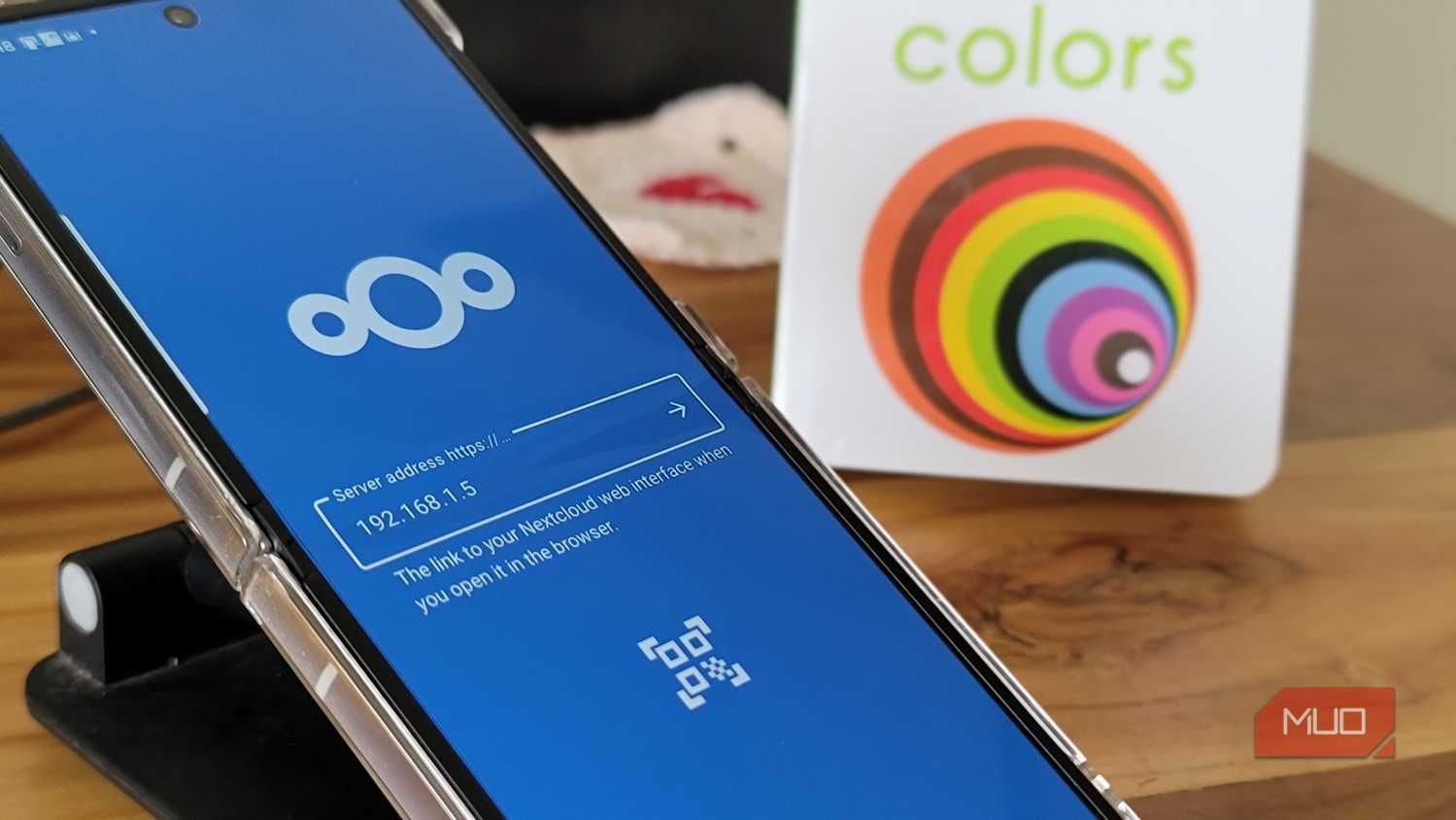
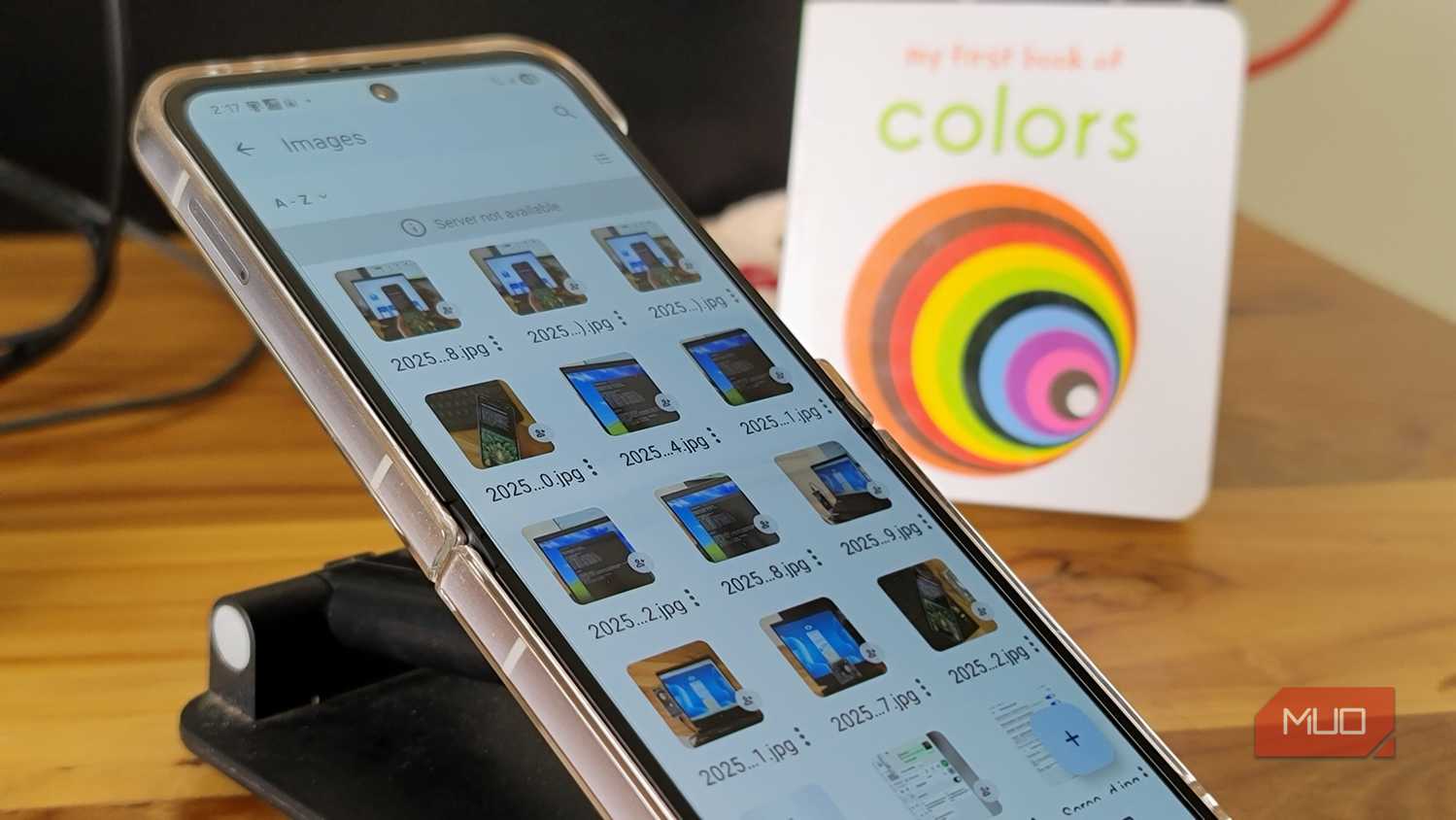
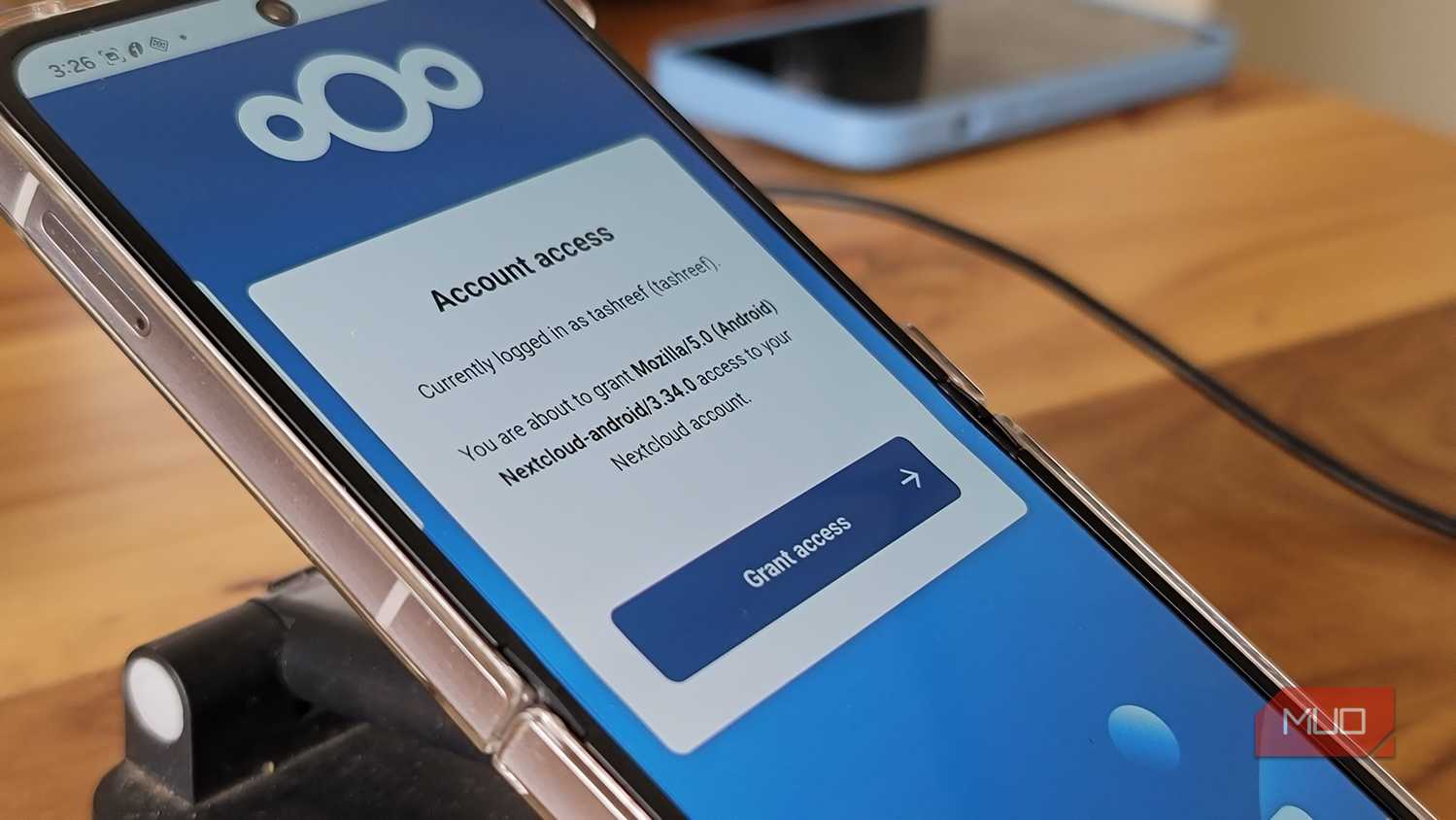
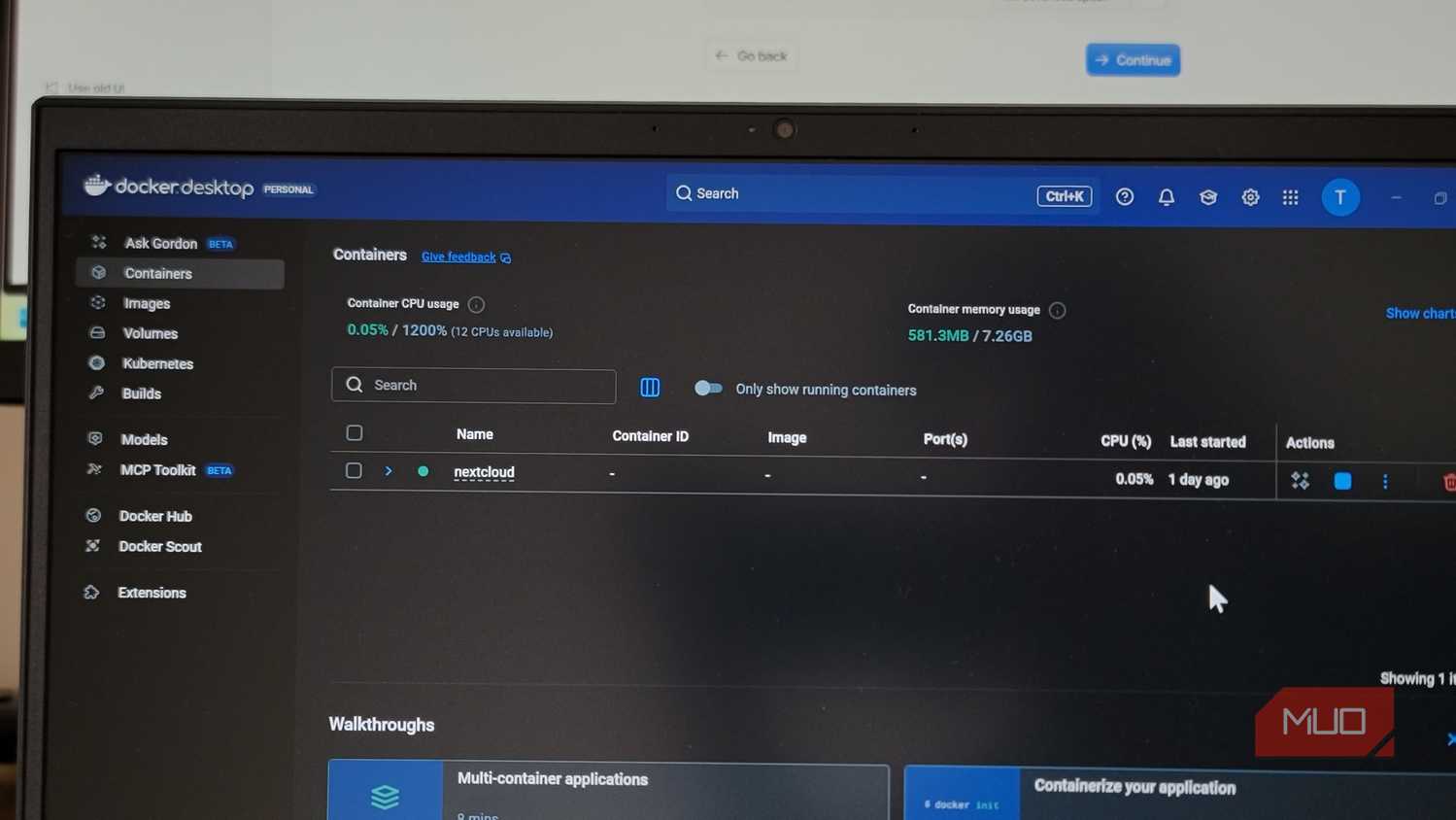
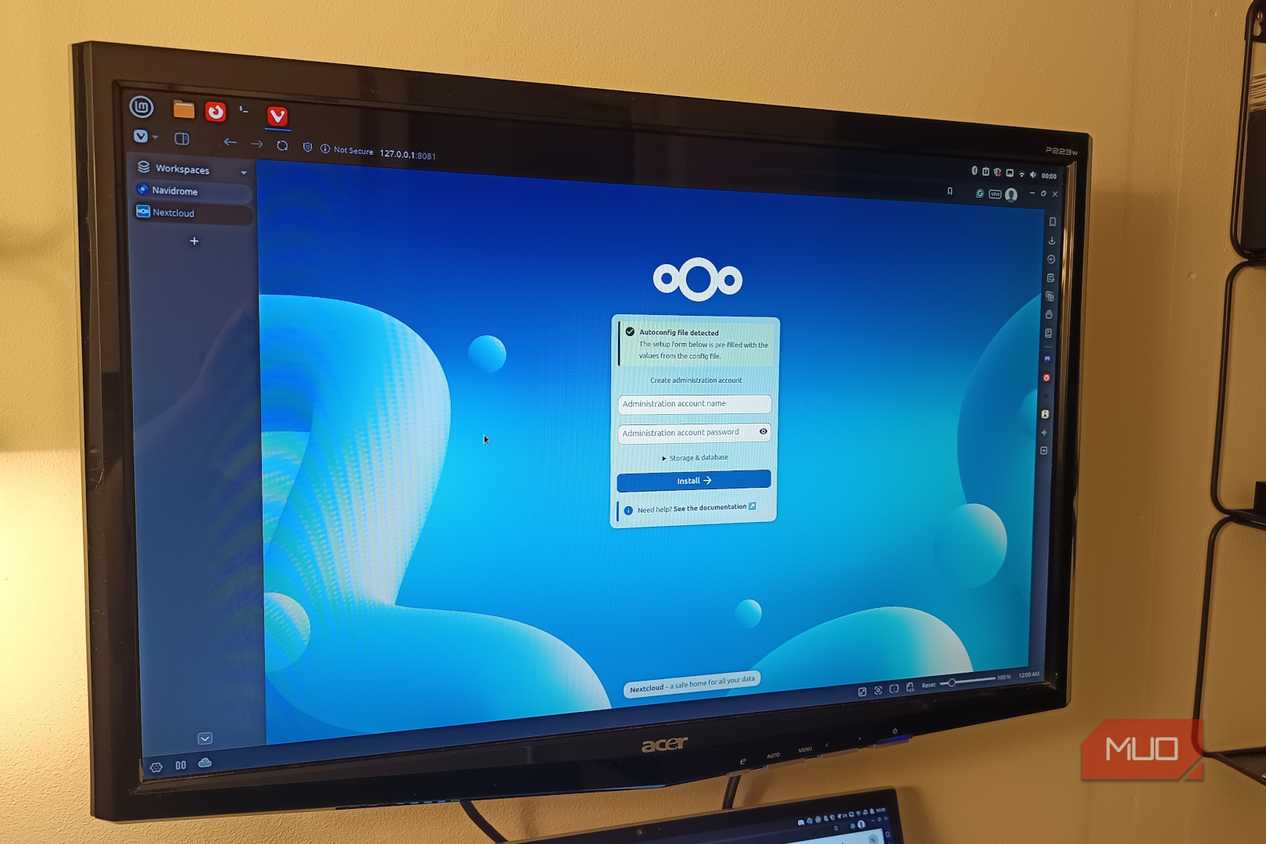


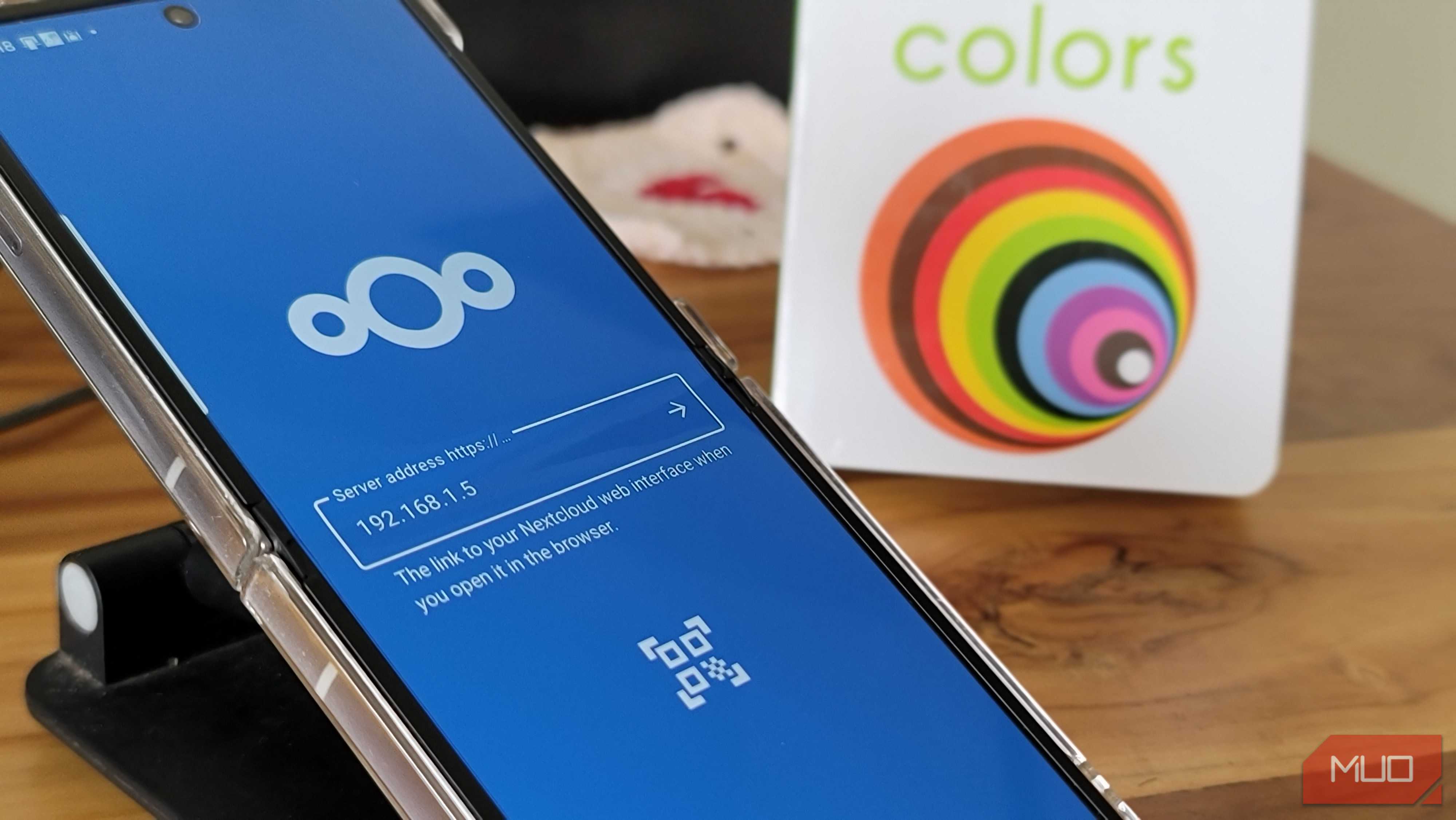
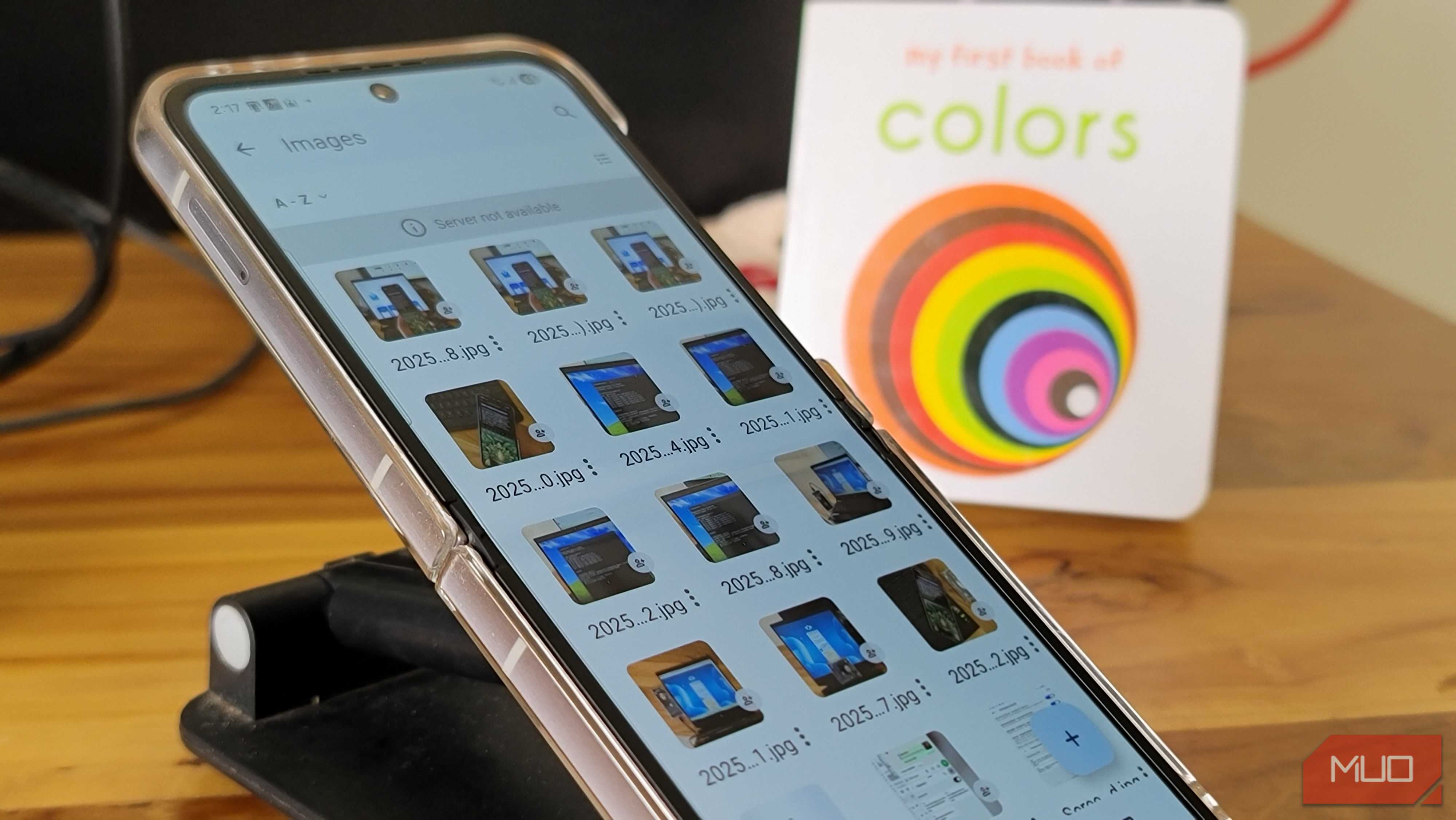
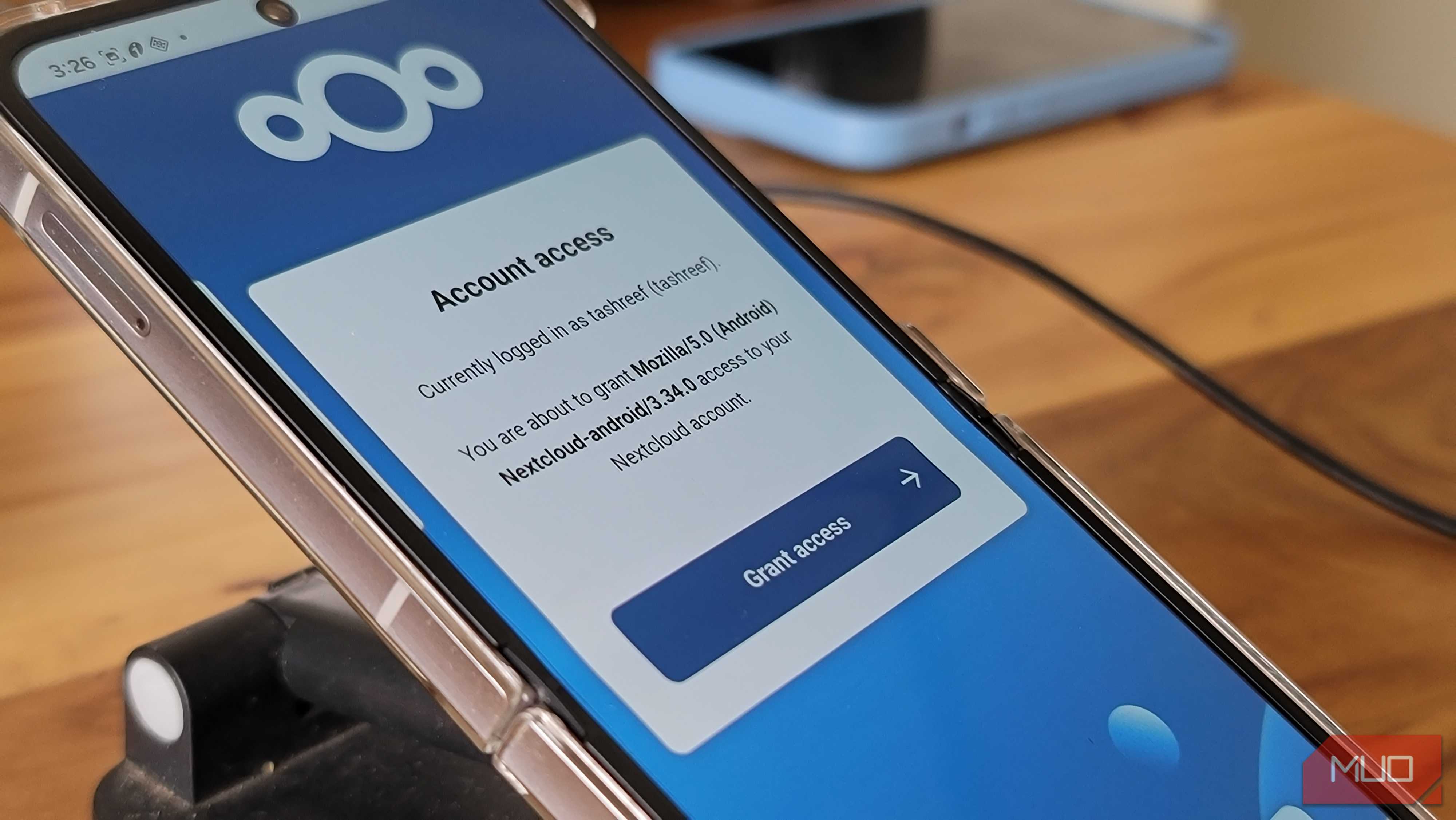
 Credit: Roine Bertelson/MUO
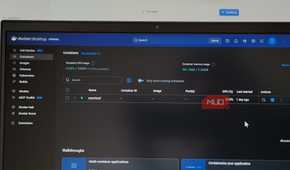
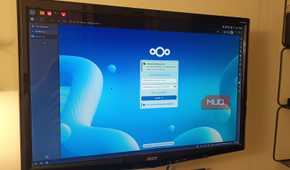
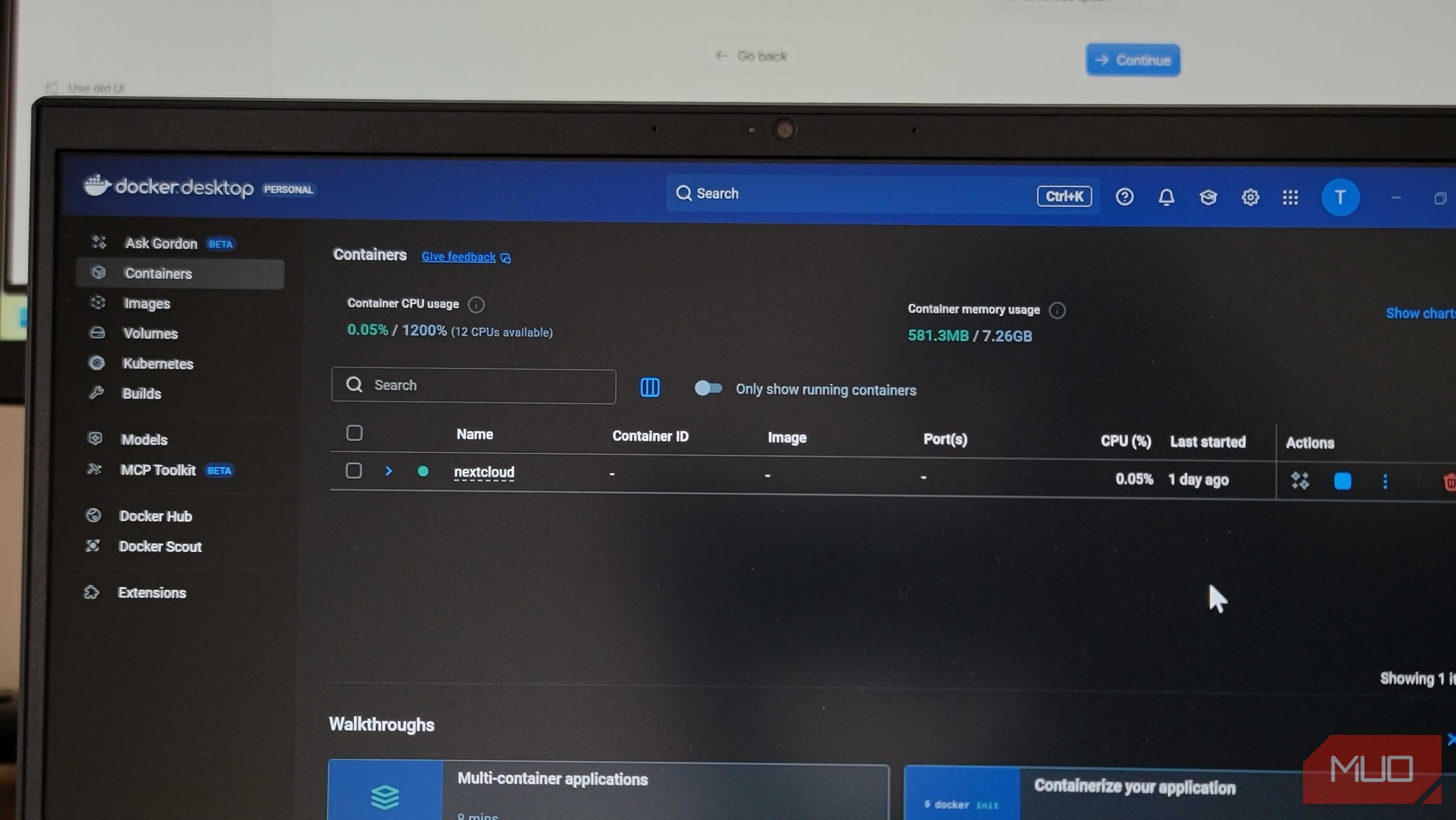
Once I decided to self-host my own cloud, I went down the self-hosting rabbit hole. Nextcloud was the one name that kept popping up everywhere, and after using it for a week, I can see why. It's a free, open-source cloud platform that you can self-host to store data. It's available on Windows, Mac, Linux, Android, and iOS, so you can access it on just about any device you want.
The core experience is exactly what you get from the likes of Google Drive or iCloud. You get the usual files-and-folders structure, drag-and-drop uploads, easy file sharing, and even the option to password-protect specific files and folders.
But Nextcloud isn’t just a folder in the cloud you access. It’s a full replacement for Google’s ecosystem. Besides cloud storage, you get a calendar, contacts, notes, office suite, and even a Photos app with albums and facial recognition. That means you’re not replacing Google Drive with some basic cloud storage.
What surprised me the most about Nextcloud is how good its mobile apps were on both Android and iPhone. My wife installed it on her iPhone and I didn’t have to teach her anything. Most importantly, Nextcloud isn’t some obscure hobbyist project. It’s been around for over a decade, and it’s actually used by companies and governments that want full control over their data. That gave me the confidence I needed to back up thousands of personal files.
It’s not plug and play, but it’s worth it
Self-hosting your own cloud storage sounds like a great plan, but I also have to be honest about what it involves. The whole setup part can feel intimidating, especially if you've never self-hosted anything before.
First, you need some kind of always-on hardware to run it. That could be an old laptop, a Raspberry Pi, or a proper NAS box. You also need actual storage drives to store your data. I already had an old SSD, so this wasn’t an issue for me. But if you don’t, buying a new one can be a significant dent upfront, especially now that storage has become so expensive. Finally, you also need to figure out remote access, unless you’re fine with accessing your files at home. Of course, none of this feels difficult once you’ve done it, but it does take some effort initially.
There are some other downsides too. The biggest one is that your uptime is now your own responsibility. If the power goes out or something breaks, you need to fix everything yourself. Also, the physical storage you’re using is bound to fail at some point, so you still need to follow the classic 3-2-1 backup rule. You’re not off the hook just because it’s your hardware.