


For someone who has been building PCs for nearly two decades, most of my rigs have been built from used components, so I know a thing or two about buying used hardware. For every used PC or laptop I buy, I run it through these steps to ensure I'm making a foolproof purchase.
I never really preferred working on a laptop over a desktop PC, but I will admit that they've caught up in recent times. Nevertheless, for used models, I have always opted for an enterprise laptop over a consumer model because they're cheaper second-hand and offer far better performance. My most recent purchase was a Dell Latitude 7440 for just $133 — given its price-to-performance, it was practically a giveaway compared to what good hardware costs in 2026.
Most companies retire laptops after 3–4 years, not because they fail
Warranty expiration makes replacement a headache for the company

The industry standard for most commercial laptops is that they last only 3–4 years in a workspace environment before being phased out. Now, it would seem odd to an average user as to why these laptops are retired so early, even though they can last for years on end.
The first reason is that these machines typically have a 3-year warranty. Once a system completes its tenure, replacement becomes the company's responsibility instead of the manufacturer's. A dead machine requires immediate replacement, which costs time and hurts productivity. Moreover, the IT department will have to constantly monitor the health of these older PCs, which will add to the workload and effort.
Other reasons may include outdated hardware, depending on whether a company needs state-of-the-art machines to keep up with modern technology, security standards, and more. So phasing out these still-relatively-new laptops in favor of new machines is a cost companies are willing to pay to avoid a catastrophic failure.
Companies typically donate these laptops to schools/nonprofit organizations, or sometimes sell them to employees at a discounted price to recoup whatever cost they can — my brother received one the same way, and it was through his firm that I was able to get a Dell Latitude 7440 at such a low price.
Enterprise laptops use better materials and components than consumer models
Built to last, not impress

In times like these, even an average consumer laptop with mid-range specs would put you in the thousand-dollar range. Even then, these mid-range laptops like the HP Victus 16 have cheap build quality; they creak at the hinges, and their plastic bodies flex and look like they would break with just a little pressure.
In comparison, enterprise laptops are durable and sturdy machines. The difference in build quality is immediately apparent, as business laptops use magnesium alloy or aluminum for their chassis and internal metal framing, which doesn't break easily. The best part about an enterprise laptop is the hardened-steel hinges, which are much tougher and feel much more rigid when opening or closing the lid.
That said, business laptops aren't just built to be sturdy; they're also solid performers. Typically, they're equipped with high-end hardware, including powerful processors, ample RAM, and decent storage.
My $133 Dell Latitude 7440 does everything I need
Specs that punch above their weight


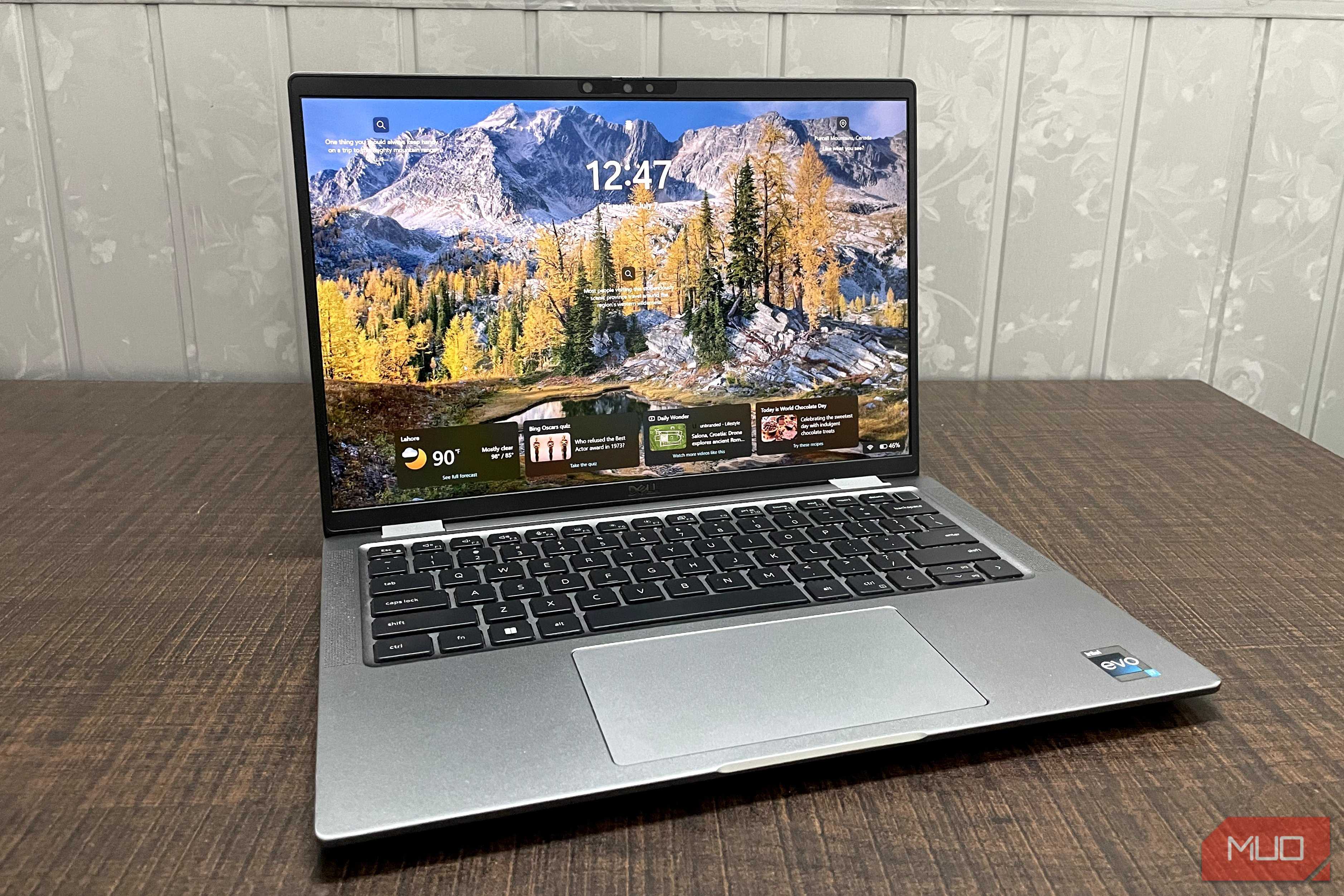
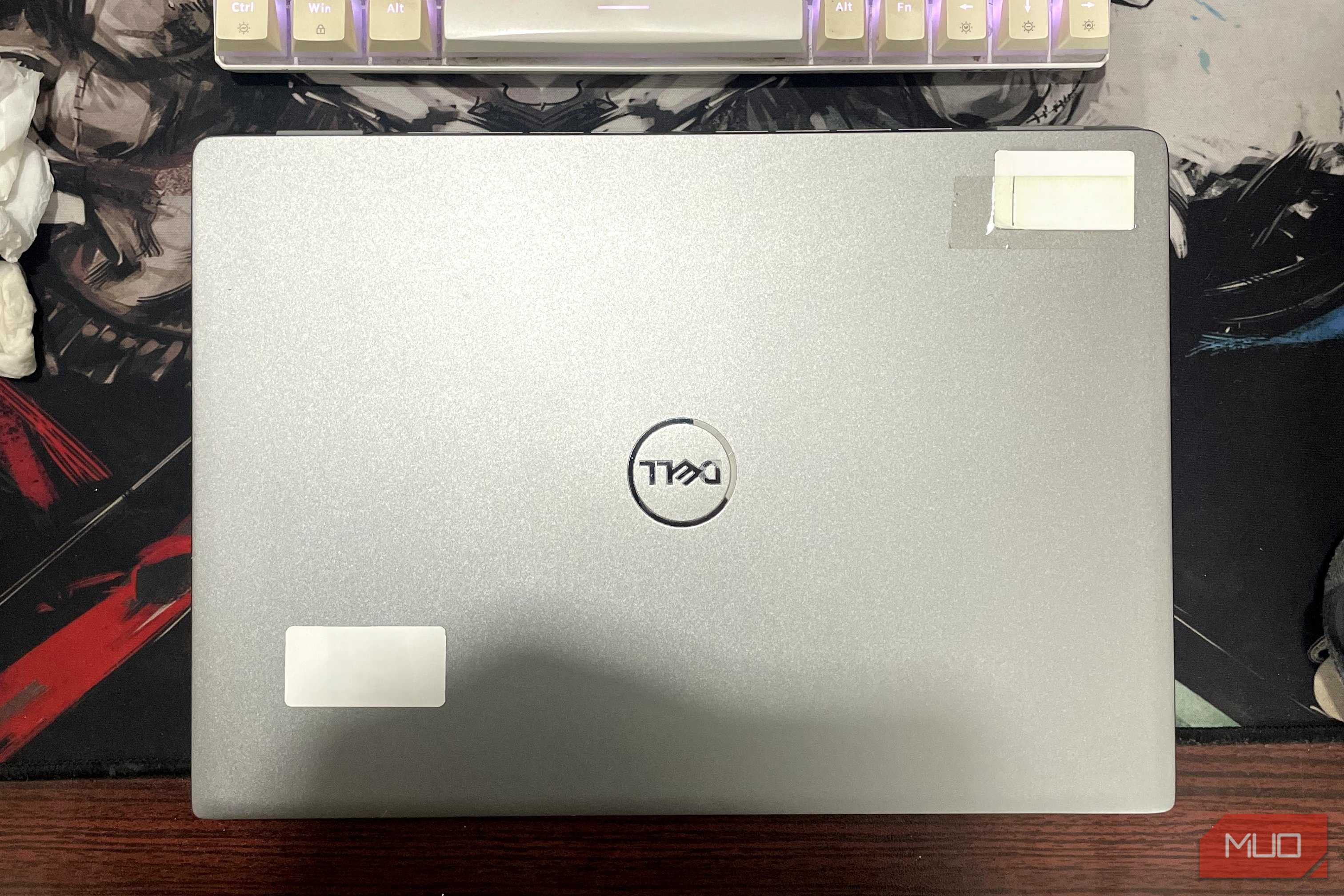
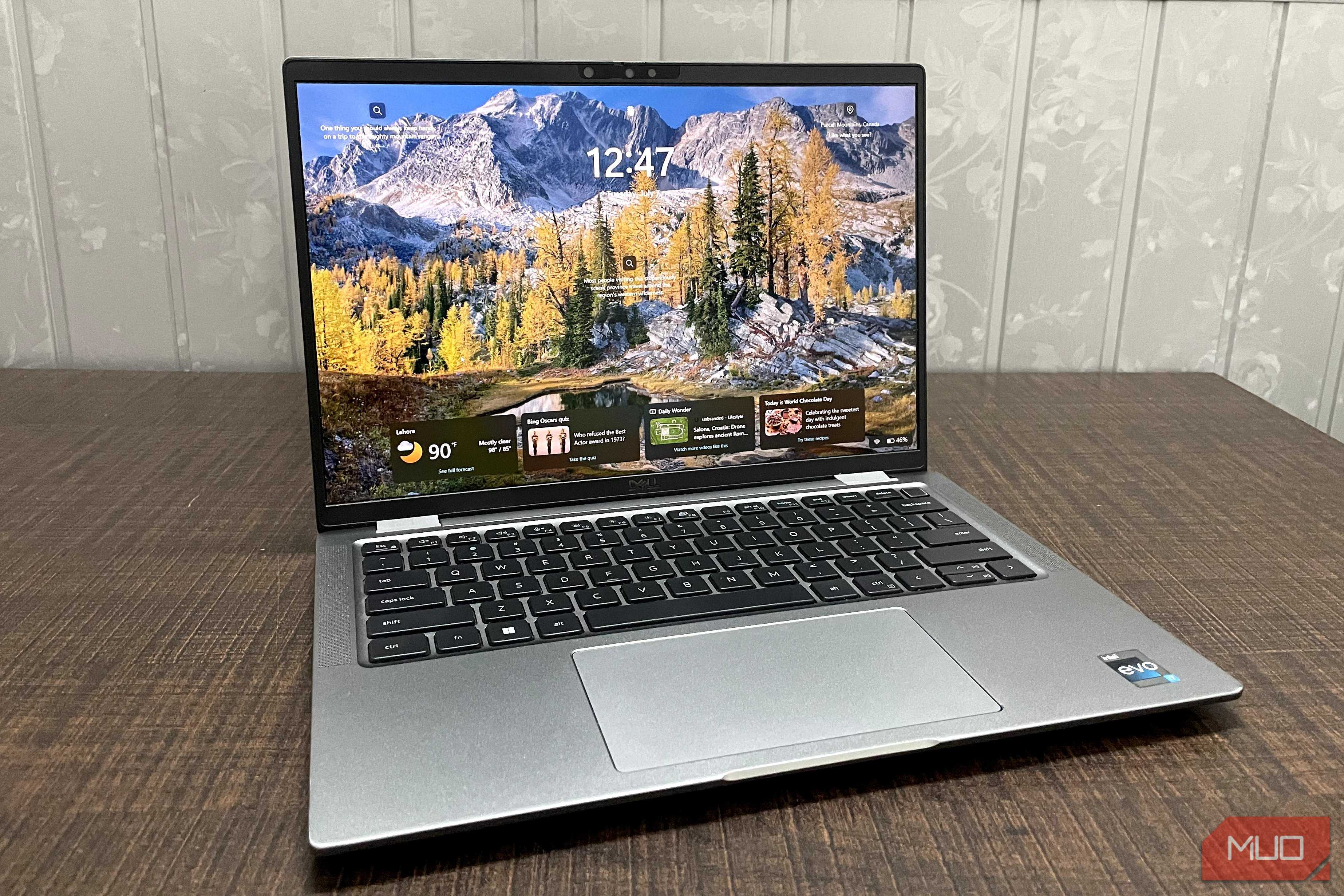
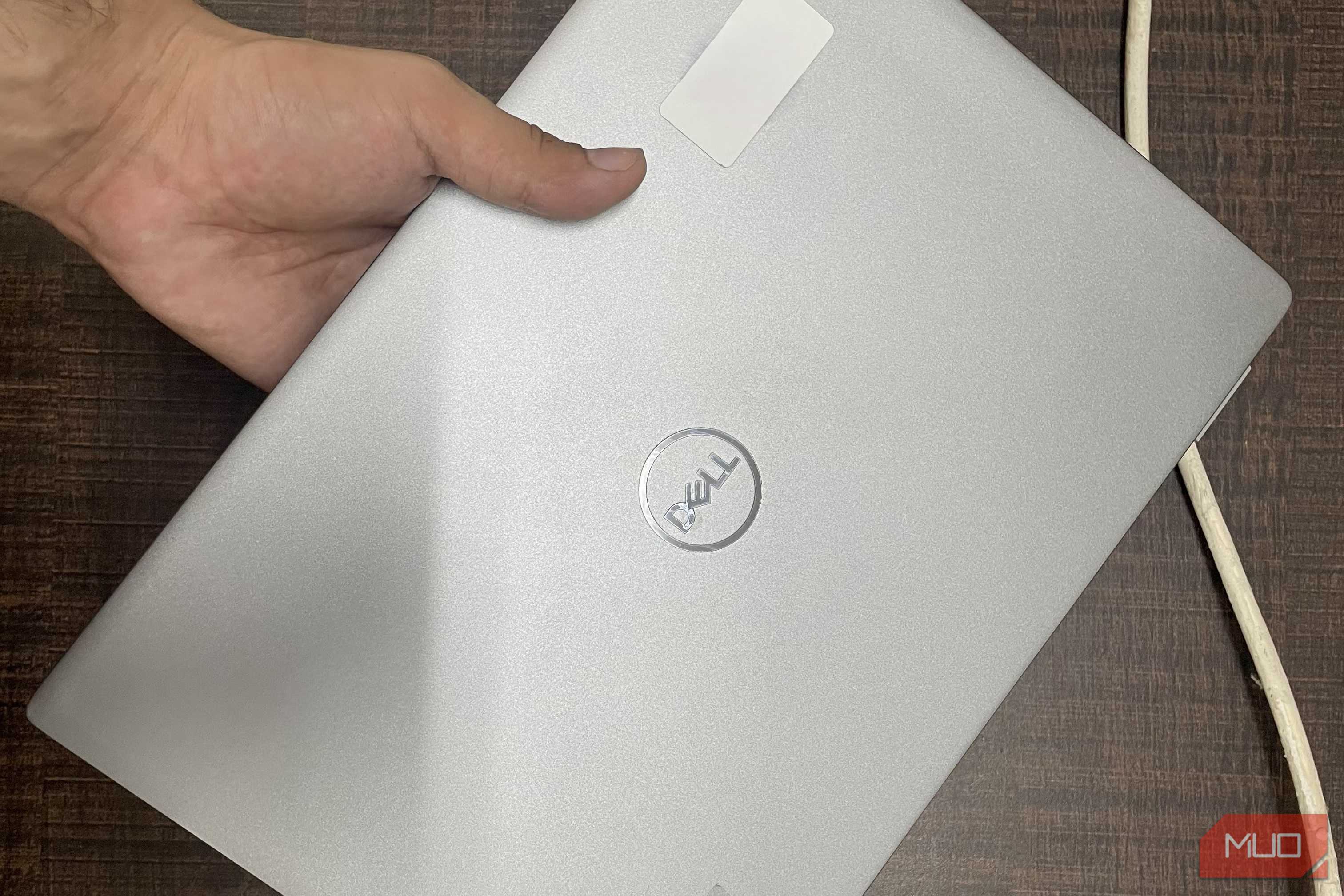
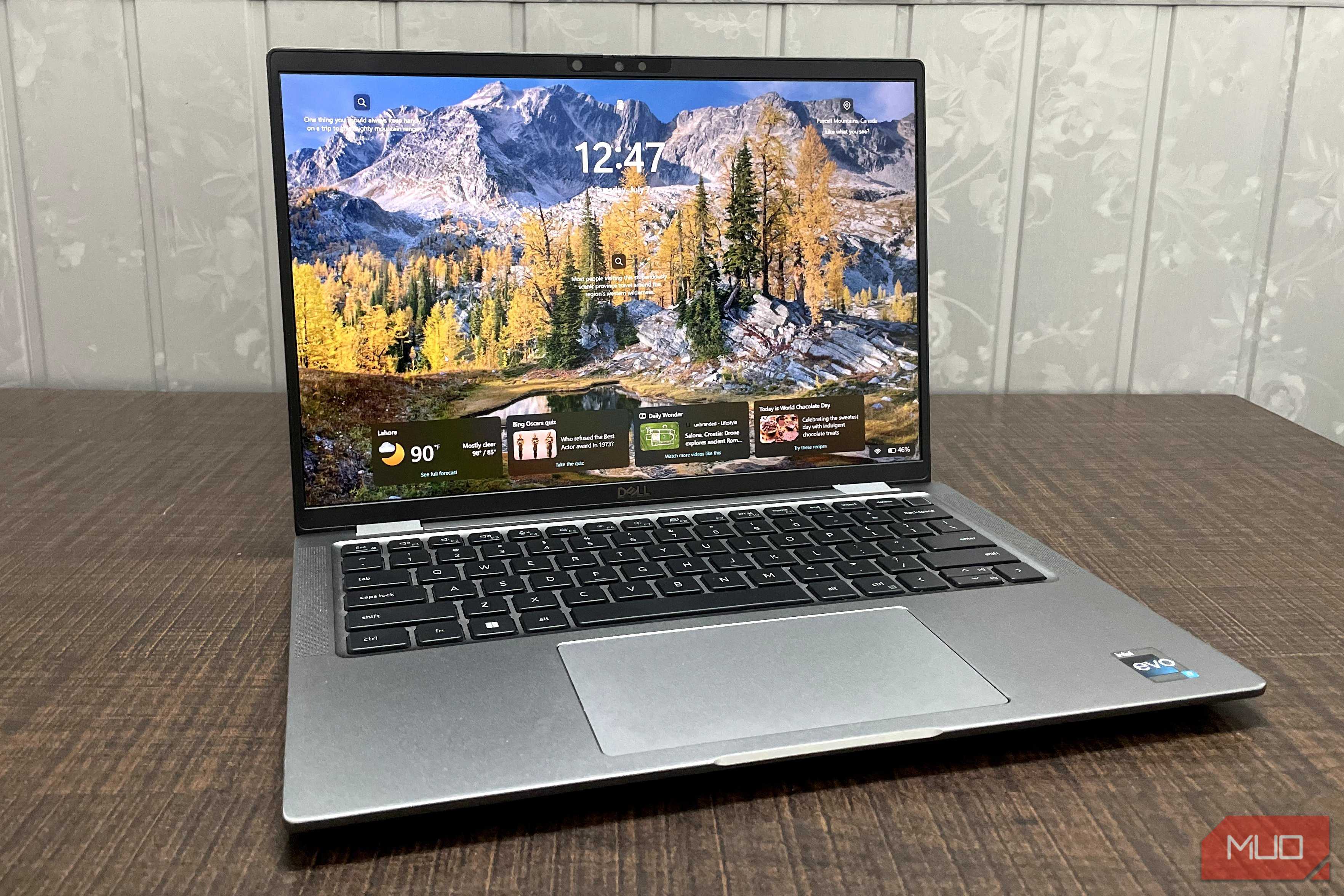

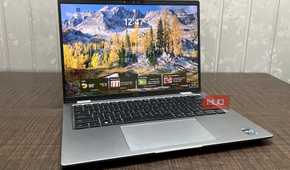
In terms of appearance, the Dell Latitude 7440 isn't a flashy laptop but rather built around practicality, which is what you would expect from an enterprise machine. The Dell Latitude 7440 comes equipped with a 13th-generation i7-1365U, a 10-core processor with boost speeds up to 5.2 GHz with integrated Intel Iris Xe Graphics, 32GB of LPDDR5 RAM at 4800 MT/s, and a 512GB NVMe SSD.
The display is a 1080p IPS LCD, and you also get a full HD webcam with an IR sensor for face recognition. If you don't want to use face recognition, the power button has a built-in fingerprint sensor that you can use instead. However, the standout feature of the laptop is its connectivity, with 2 USB-C ports, 2 USB-A ports, an HDMI 2.0 port, and a 3.5 mm audio jack.
Even with all these specs, the laptop is compact and lightweight at just 1.33kg (2.93lbs). The Dell Latitude 7440 is a capable machine, though I use it mainly for writing, attending meetings, and some lightweight photo editing. For gaming, this laptop can easily handle mid-end titles like Fortnite, Dota 2, Counter-Strike 2, and older single-player games on medium-to-low graphics settings.
Even a 3-year-old enterprise laptop holds up surprisingly well
My Dell Latitude 7440 goes toe-to-toe against laptops like the Dell XPS 13, HP Pavilion 14, and others

The specifications the laptop offers put it head-to-head with other consumer laptops in the $1500 range, such as the Lenovo ThinkBook 14 and the HP Pavilion 14. However, the Dell XPS 13 Plus (9320), with 32GB RAM and an Intel Core i7-1360P, is one of its closest comparisons, offering a slight edge in raw CPU performance. However, considering I got the Dell Latitude 7440 for $133, that’s less than 10% of the XPS 13’s price, and even if it’s a used model, that’s still a great deal.
The Dell Latitude 7440 is just an example of what you can expect from an enterprise laptop. Nearly all business laptops feature high-generation CPUs, decent RAM, good storage, and actual connectivity, which is rare on modern consumer laptops.
However, one of the most underrated features is that enterprise laptops are fortified for better security, since they're used in enterprise environments. You can expect hardware-level encryption on the drives, and some models also have cellular connectivity and NFC chips.
Used laptop pitfalls worth knowing about
Even after replacing certain parts, they're still a good deal

The deal I was able to snag was good because the laptop had been in my brother's use for the past three years, and just like me, he respects hardware well enough that I barely saw any defects, whether it was a degraded battery or cosmetic damage (aside from the roughed-up trackpad).
Now, getting a business laptop directly through a company won't be possible for everyone. If not through a company, you can snag these laptops at your local electronics recycler, but don't expect a newer one every time, since often they're stocked with older enterprise laptops that can be used as home servers. Still, beware of reduced battery health and worn-out drives in these systems — although considering how much they cost, it's still a good deal, and most of these components can be replaced.
Although business laptops often have underwhelming displays that don't match the rest of the specifications, the point still stands: you'd need to pay more than 10X this price to get a used consumer-grade laptop that matches these specifications, so a complaint here doesn't really make sense.
I'm keeping my used enterprise laptop instead of buying new
With hardware prices having soared due to the AI-driven memory shortage, I don't see myself buying new hardware anytime soon. I don't really need a multi-thousand-dollar laptop for my work — I already have a capable enough PC for that. But when I can get a reliable business laptop with decent specs for just $133 that I can take on trips or use while working from a café, I don’t see why anyone would pass up this offer.

Dell Latitude 7440
- CPU
- i7-1365U
- RAM
- 32GB
- Storage
- 512GB
- Display (Size, Resolution)
- 14-inch 1080 IPS LCD
The Dell Latitude 7440 is a strong commercial-grade laptop that features a 10-core i7-1365U, 32GB of RAM, and a 512GB SSD. With the power it packs, it is a perfect carry option for professionals of all sorts.